 GrandpaCAD
Tools
- AI Modeling
- 3D Model Tools
- Calculators
- Browse all tools →
- Learn
- Pricing
Need a custom part?
Describe it in plain English and get a printable 3D model in seconds.
How to save:
M92 E93.00 then M500 to save to EEPROM.rotation_distance in printer.cfg under [extruder], then restart."E-Steps" stands for Extruder Steps. It is a setting in your 3D printer's firmware that defines how many steps the stepper motor needs to turn to feed exactly 1 millimeter of filament.
Think of it as the "steps per millimeter" for your extruder. If this value is incorrect, your printer acts blindly:
Preheat your nozzle to your standard printing temperature (e.g., 200°C for PLA). This ensures the plastic melts correctly and flows without excessive resistance.
Measure exactly 120mm from the entrance of your extruder (where the filament goes in) and make a clear mark on the filament with a sharpie.
Tell your printer to extrude 100mm of filament. You can do this via the printer's screen menu (often under "Move Axis" > "Extruder") or using a G-code command like G1 E100 F100.
Measure the distance from the extruder entrance to the mark you made. Ideally, if it extruded perfectly, you should have 20mm left (120mm - 100mm). Enter your measurement in the calculator above.
For the most accurate result, disconnect the Bowden tube from the extruder. This removes nozzle back-pressure from the equation, measuring only the extruder's raw movement. Keep the hotend heated and extrude slowly into free air.
Before calibrating, ensure your extruder gears are clean of plastic dust and the tension arm isn't cracked (a very common issue on plastic Ender 3 extruders).
If you are within 0.5% of your target, you are likely close enough for most hobbyist prints. Further tuning should be done via "Flow Rate" (extrusion multiplier) in your slicer for specific filaments.
Don't forget to save! On Marlin, use M500. On Klipper, use SAVE_CONFIG. If you just turn off the printer, your new E-Steps might be lost.
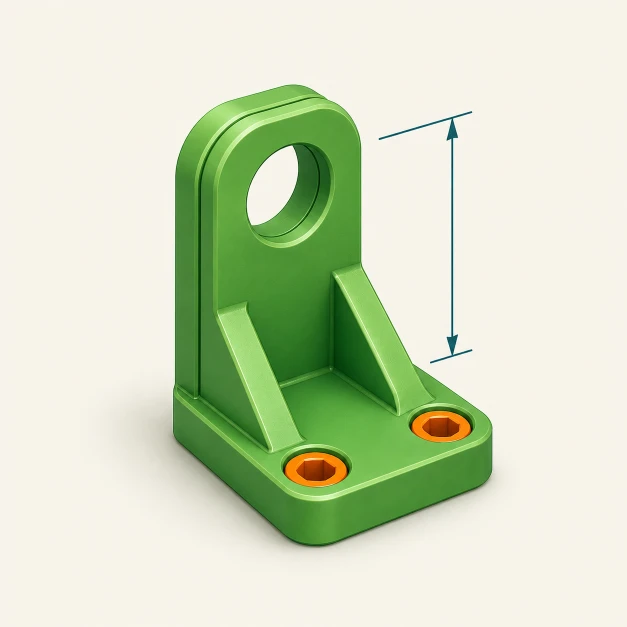
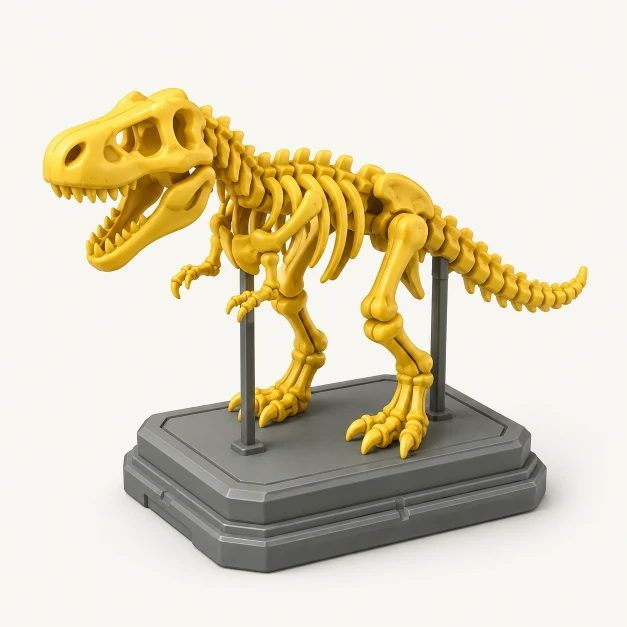
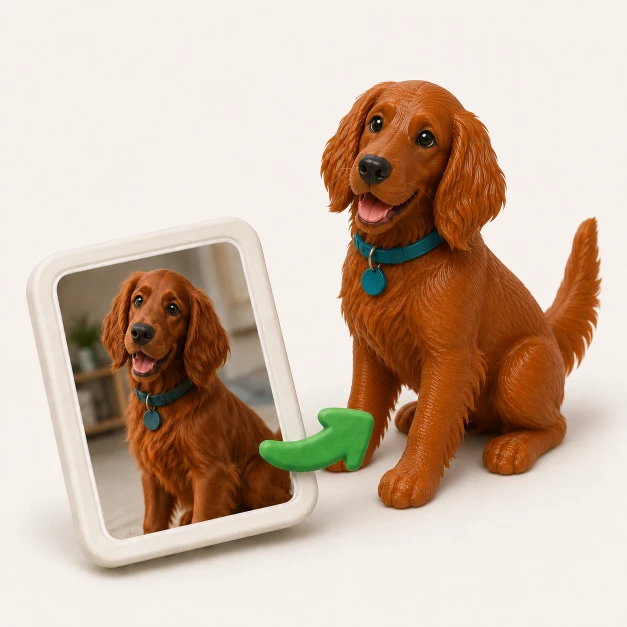
GrandpaCAD turns a text prompt into a ready-to-print 3D model. Functional parts, organic shapes, multi-color prints. No CAD skills needed.
"Phone stand with cable slot, 70mm wide, 15 degree angle"