Get 30% OFF your first purchase with code GCAD30
Available for the first 100 people only

Describe the Part.
Get a Printable File.
Tell it what you're building, with the dimensions and hardware you need. You get a .3mf you can slice and print, tolerances and all.
Start Free - No Credit Card Required




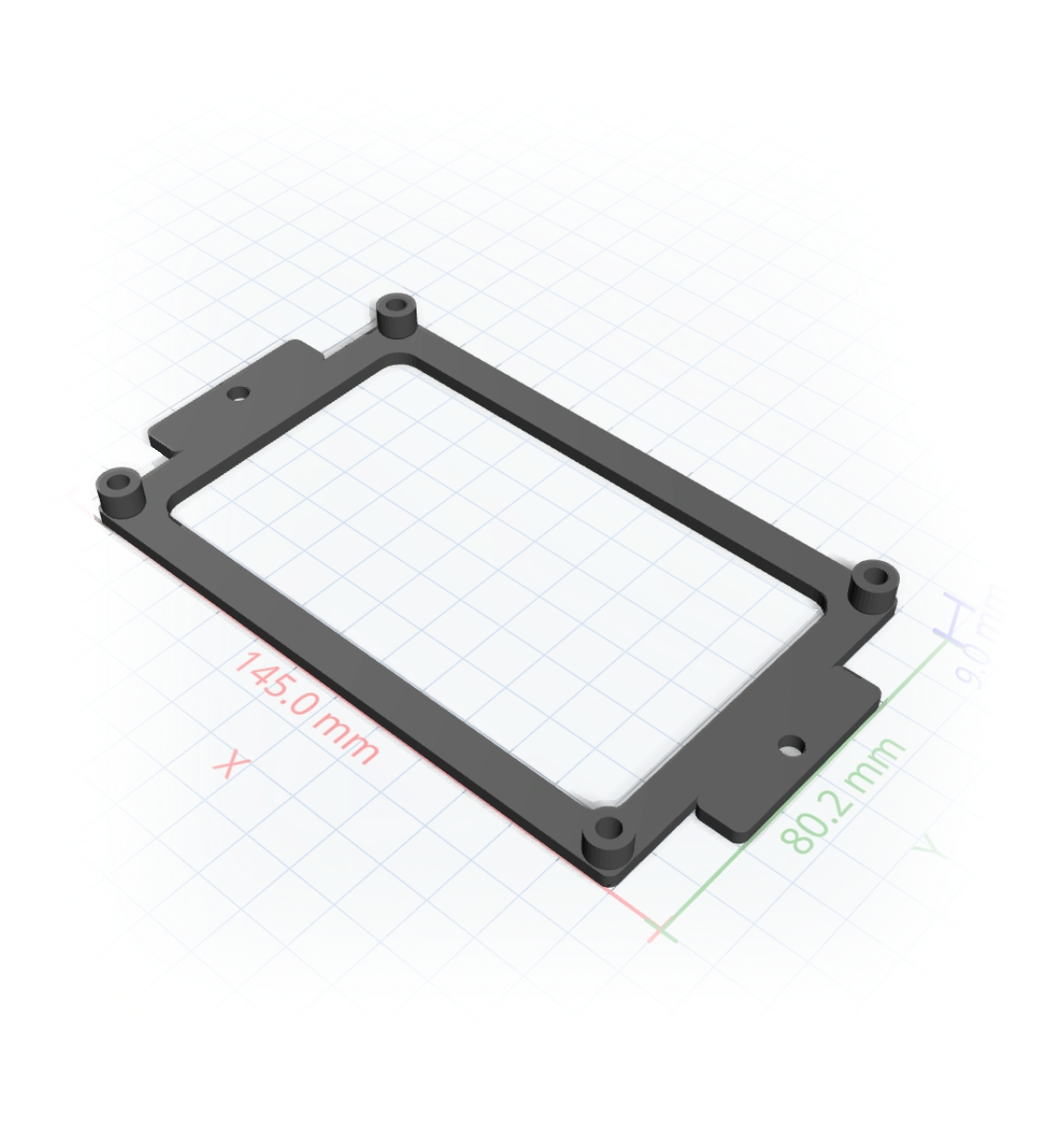
Thinking...
You already know what you need.
CAD is just in the way.
NEMA 17 mounting bracket
You need 4x M3 holes on a 31mm pattern. You shouldn't need to learn Fusion 360 for that.
ESP32 snap-fit case
You know the board dimensions. You just need a box with standoffs and a lid that clicks.
M12 cable gland adapter
A threaded adapter with known specs. 20 minutes in CAD, or 20 seconds describing it.
What's different here
It knows real part dimensions
Say 'NEMA 17' or 'M3 bolt' and it looks up the actual dimensions. Holes end up where they should be.
Tolerances that actually work
You can specify clearances and press-fit requirements. The geometry accounts for them, so stuff fits on the first print.
Easy to change
Want thicker walls or a bigger hole? Just say so. It rebuilds the model instead of making you start over.
Ready for your slicer
You get a clean .3mf with no mesh errors. Download it, slice it, print it.
How it works
You describe the part
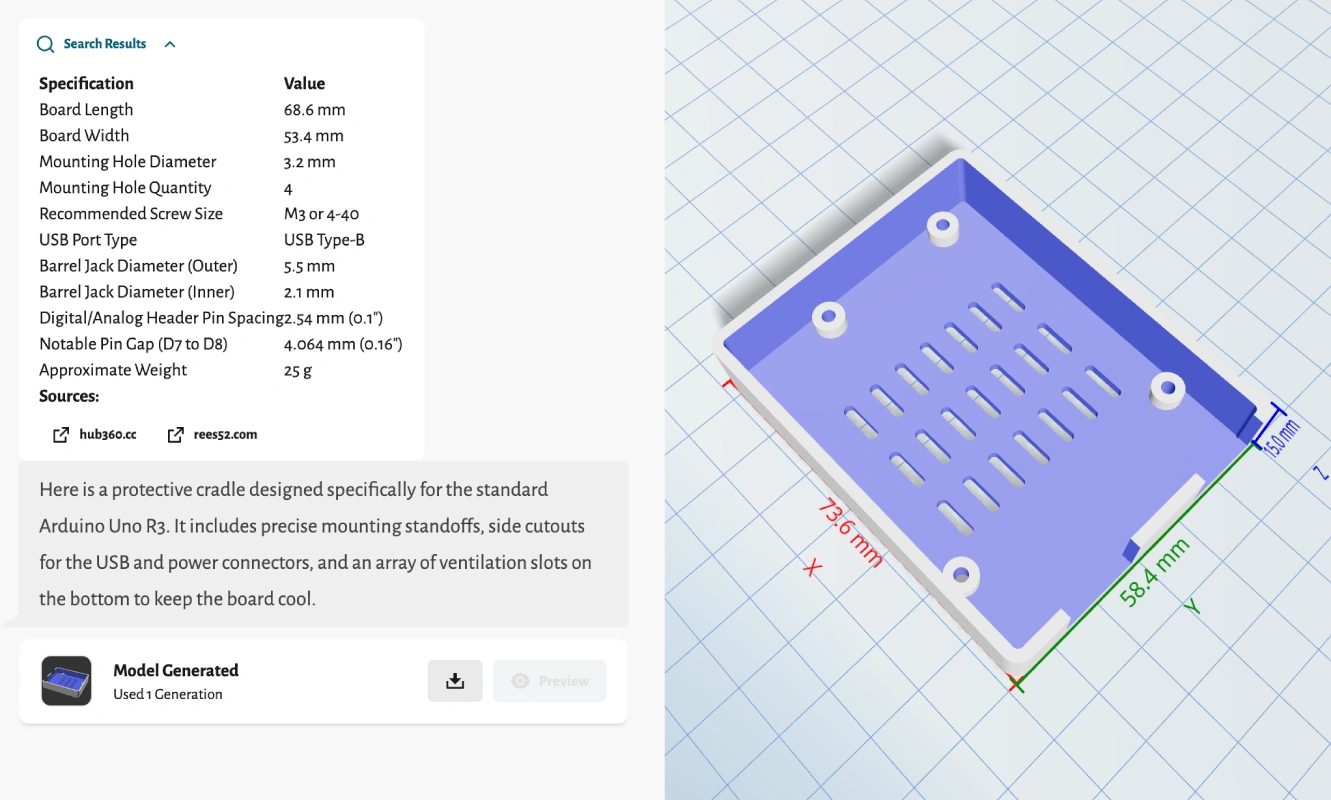
"Protective cradle for Arduino Uno with screw standoffs, USB port cutout, and ventilation slots"
It looks up real dimensions
68.6 mm x 53.4 mm Four mounting holes, technical drawings available for precise locations. USB Type-B connector, located on one of the shorter sides of the board.
Builds the 3D model
Correct clearances, wall thickness,
and mounting pattern all accounted for
in the geometry.
You get a .3mf
Download it, slice it, print it.
If something's off, just say what
to change and it rebuilds.
Not quite right? Just say so.
Parts rarely come out perfect on the first try. Just describe what to change and it rebuilds. No sketches, no constraint trees, none of that.
Add fillets to all outside edges, 1.5mm radius.
Done. Added 1.5mm fillets to all the outside edges. Here's your updated .3mf.
Make the walls 4mm instead of 3mm and add a slot for the ribbon cable on the left.
Walls are 4mm now. I added a 16x2mm slot for the ribbon cable on the left side, 5mm from the top.
Actually move that slot 2mm lower.
Moved it down. It's 7mm from the top edge now.