Get 30% OFF your first purchase with code GCAD30
Available for the first 100 people only

Describe a character.
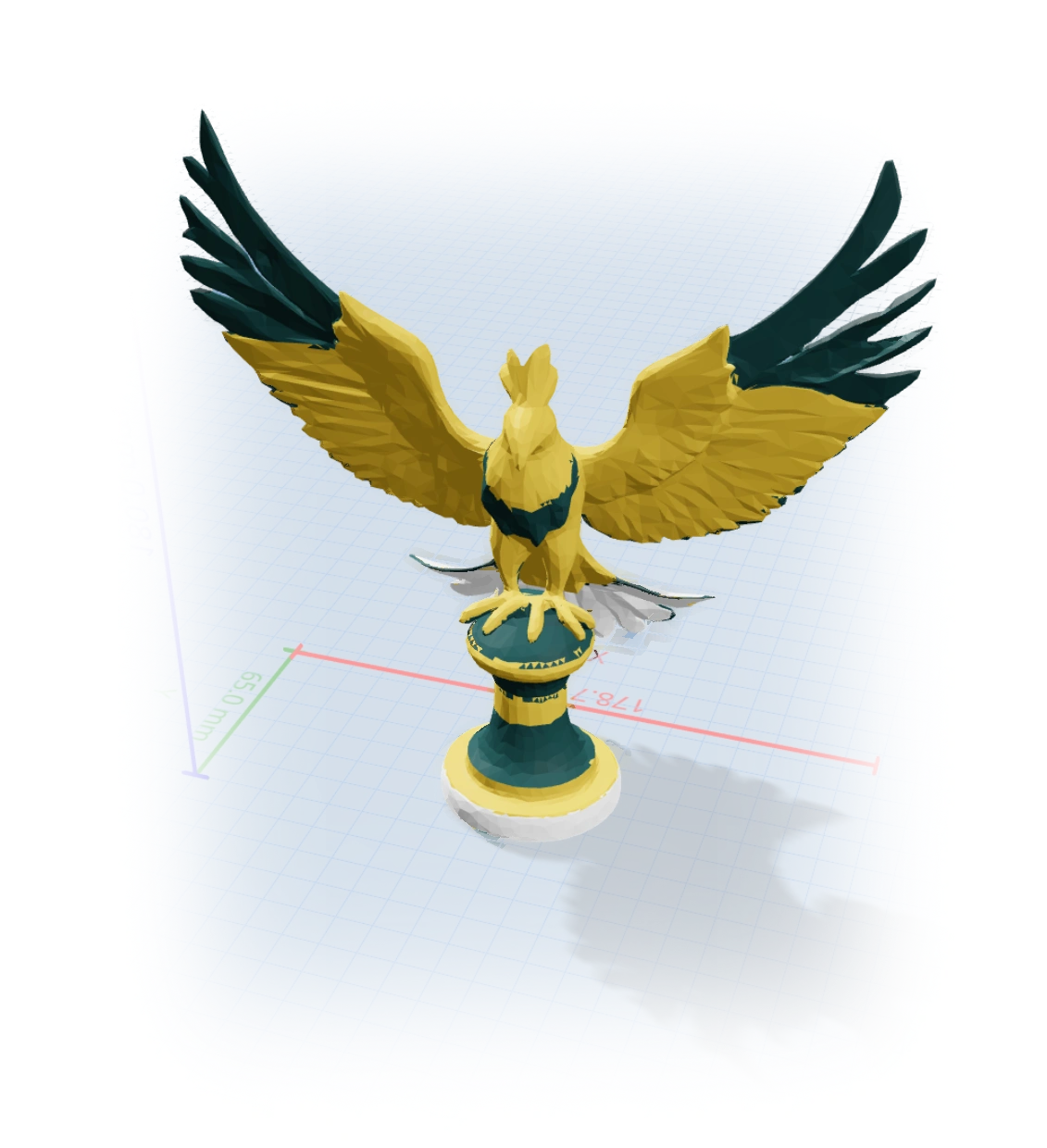
Print it in color.
You don't need to learn ZBrush or Blender. Describe what you want, and you get a .3mf with each color already split into its own shell. Load it in your slicer, assign filaments, print.
Start Free - No Credit Card Required
Thinking...
You've got the printer.
You just need the models.
Sculpting is hard
ZBrush and Blender have a brutal learning curve. You want a dragon figurine, not a degree in digital sculpting.
Manual color painting
Assigning colors per-face in a slicer takes forever. And the boundaries always bleed between layers.
Generic models
Thingiverse and Printables have thousands of benchy boats. They don't have the specific character you're imagining.
How it works
Describe the character
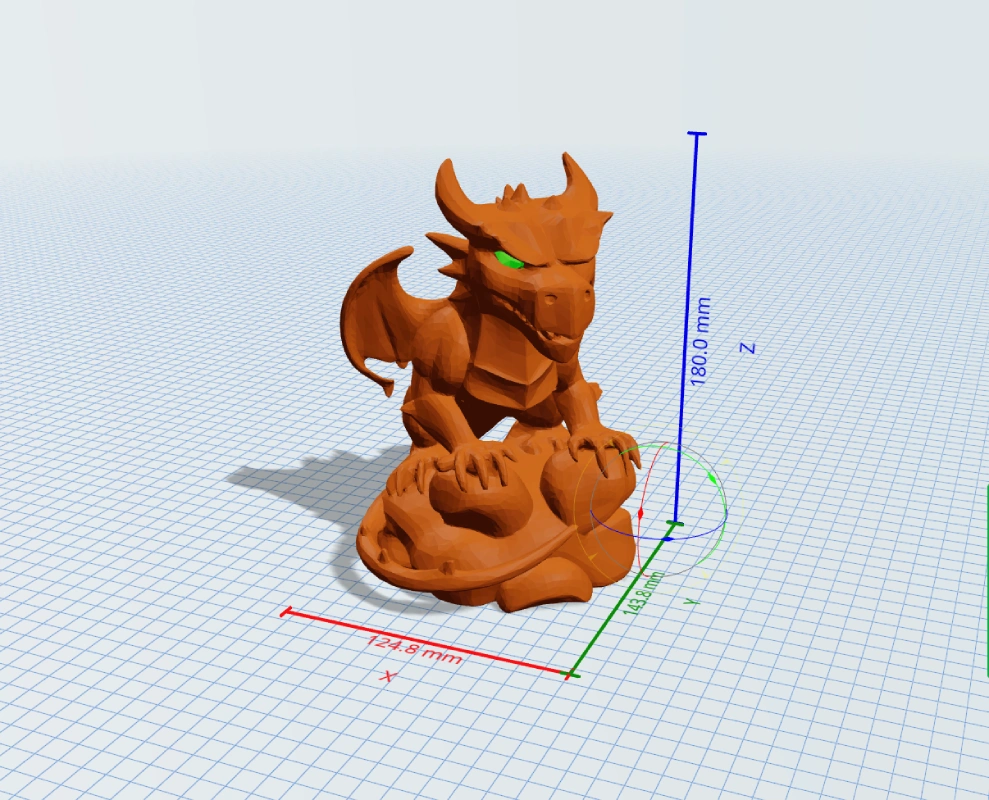
"A mean dragon sitting on a rock.
Brown scales, green eyes. 2 colors only"
AI sculpts a manifold mesh
Generates a watertight 3D model from your description.
No manual modeling involved.
Auto-segments by color
Splits the mesh into separate colors:
Eyes and scales. Each vertice, correctly painted.
You get a multi-color .3mf
Download it, open in your slicer,
assign filaments to each color, print.
If something's off, just describe
what to change.
Make Anything
Start from scratch or experiment with any model from our public library - just say what you want to change.