




Običajno orodje umetne inteligence za 3D
- Ustvarite osnovno mrežo20 kreditov
- Dodajte barvo in teksturo10 kreditov
- Počistite mrežo5 kreditov
En dokončan model$0,70 do $0,84
Poleg tega je kredit v vsakem paketu vreden drugačen znesek.
Fusion 360 and OpenSCAD take weeks before your first usable part. Describe what you need instead and get a print-ready 3D file with real dimensions and tolerances.
Začnite brezplačno - Brez kreditne kartice
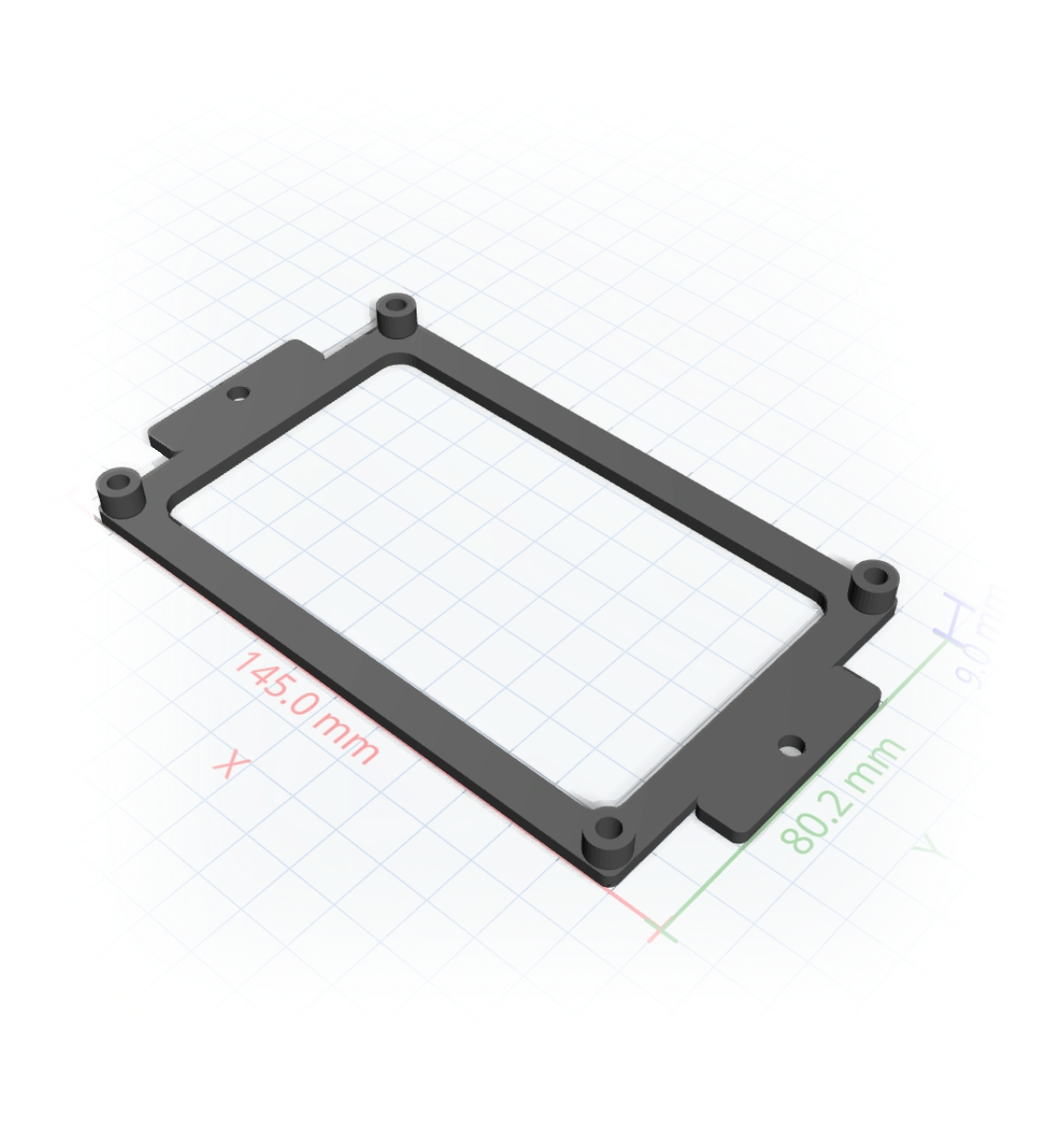
Razmišljanje...
The learning curve
You need a bracket with the right hole spacing, an enclosure that fits a known board, a replacement clip. The geometry is trivial, but sketches, constraints, extrudes, and fillets stand between you and a printable file. Most makers give up before the first print.
So we removed the software. You describe the part. The AI compiles it, to real millimetres.
How it works
Say what it is, the dimensions, the hardware it must fit.
Every measurement becomes a slider, and tweaking is free.
A slicer-ready 3MF or STL, 1:1 in Bambu Studio or Prusa.
Real measurements
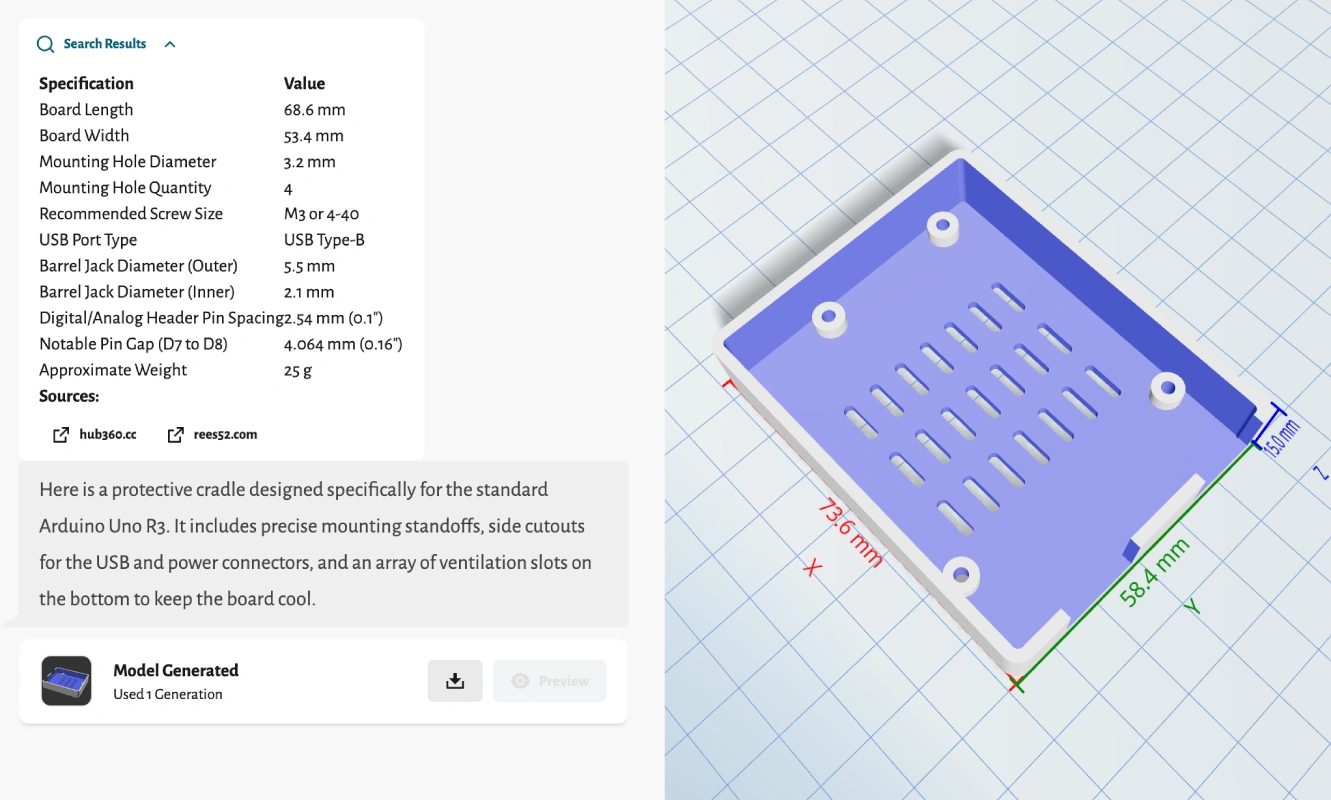
Ask for a case that fits a specific board and it looks up the spec, lays out mounting standoffs and connector cutouts, and shows the dimensions right on the model before you download.
One tool, the whole job
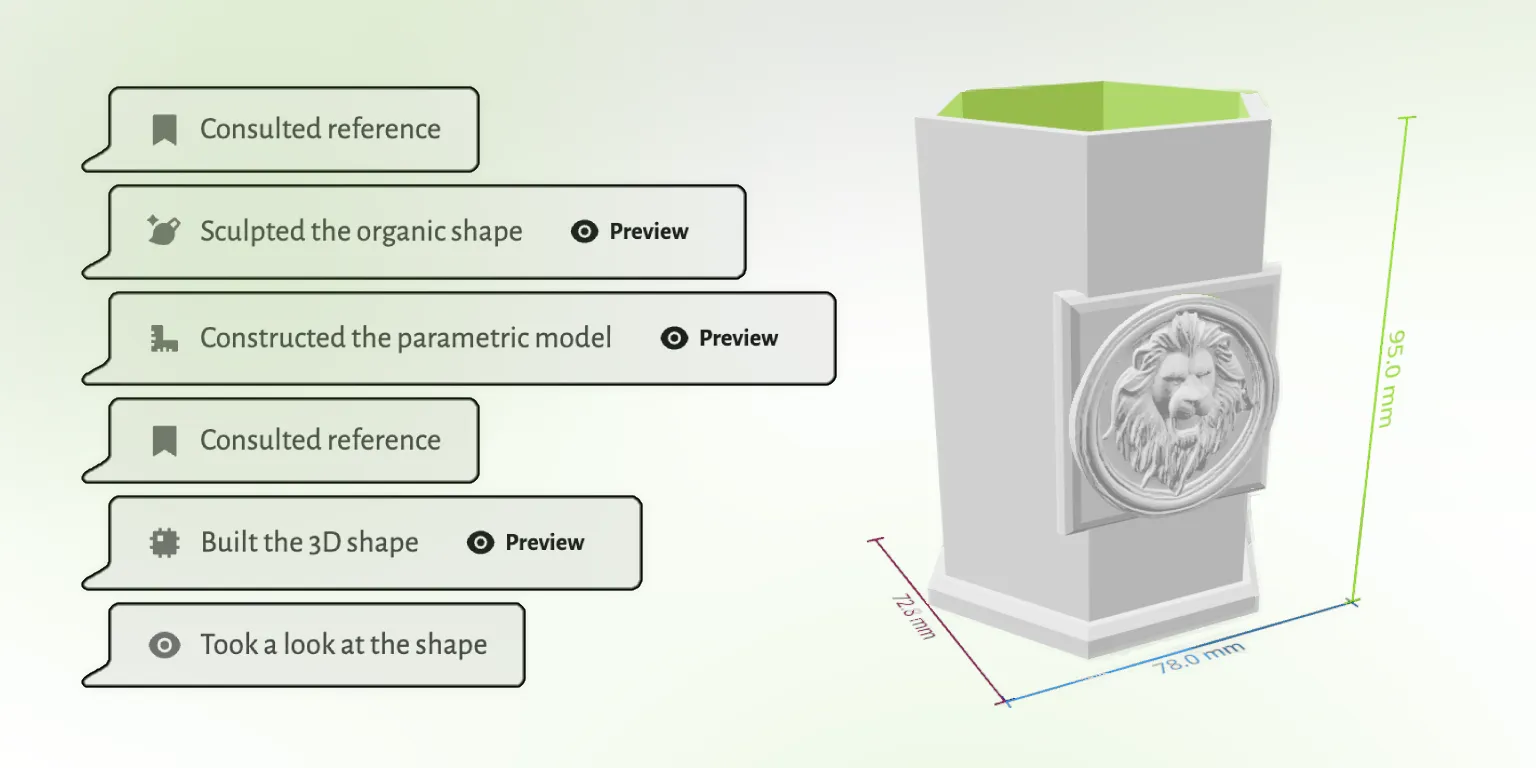
Modeling, editing, mesh repair, and export usually mean three or four programs. GrandpaCAD does the whole job in one chat, and checks its own work before it hands you the file.
Traditional CAD software is powerful and worth learning if you'll use it every week. If you just need the part, there's a faster road.
 GrandpaCAD GrandpaCAD | Fusion 360 | Tinkercad | OpenSCAD | |
|---|---|---|---|---|
| Time to first part | 60 seconds | 40+ hours to learn | A few hours | Learn to code |
| Precise dimensions | Yes, to the mm | Yes | Rough | Yes |
| Organic shapes | Yes | Hard | No | Very hard |
| Cost | From $0.34/part | $60+/mo | Free | Free |
Open any model in the public library and tell the AI what to change. No account needed to look around.
Všeč ustvarjalcem
Neurejene povratne informacije iz poziva za oceno v aplikaciji. Prikazujemo le državo, da ohranimo anonimnost ustvarjalcev.
"generated a printable design on the first try!"
"Fast easy and good quality"
"It's working good. Grandpa!"
"yay so fun"
Povzeto iz resničnih odgovorov na anketo CSAT v aplikaciji GrandpaCAD.
To orodje je bilo ustvarjeno za mojega dedka, ki obožuje 3D tiskanje, vendar ima težave s kompleksnimi programi za modeliranje. Ne govori angleško, zaradi česar je večina orodij za 3D oblikovanje zanj nedostopnih.
Kljub tem izzivom je navdušen nad ustvarjanjem 3D tiskanih modelov za našo družino. Uporablja svoj BambuLab A1 tiskalnik in zdaj lahko preprosto ustvarja prilagojene modele z enostavnim opisovanjem tega, kar želi.
Preberite njegovo zgodbo
Ena generacija, ena cena
Druga orodja umetne inteligence zaračunavajo kredite, zato en model postane niz plačil po ceni, ki se spreminja glede na paket. Mi preprosto štejemo cele modele, prilagajanje pa je brezplačno.
Poleg tega je kredit v vsakem paketu vreden drugačen znesek.
GrandpaCADV paketu. Približno $0,48 pri enkratnem paketu. Brez računanja kreditov.
V vsakem paketu nastanejo enaki modeli enake kakovosti. Razlika je v tem, koliko jih ustvarite in koliko nadzora želite. Prilagajanje dokončanega modela z drsniki se nikoli ne šteje kot generacija.
Samo da dobite občutek. Izpis je enake kakovosti kot pri vsakem plačljivem paketu.
Za en sam projekt. Določeno število generacij, brez ponavljajočega se plačila.
Za zahtevne uporabnike, ki želijo celotno platformo in več generacij, kot jih bodo realno porabili.
For most makers, the easiest CAD is no CAD: describe the part in a chat and let the AI model it. Tinkercad is the easiest traditional option but tops out quickly on precision. Fusion 360 and OpenSCAD are powerful, and both take weeks to get productive in.
Yes. Tinkercad, OpenSCAD, and FreeCAD are free, and Fusion 360 has a hobbyist license. GrandpaCAD gives you 3 free generations with no credit card, so you can compare the describe-it route against learning a tool before spending anything.
Yes. Give dimensions in your message and they land in the model as real millimetres. The AI also looks up specs for known hardware (boards, screws, bearings) and applies FDM-friendly tolerances so printed holes and fits come out true.
A 3MF or STL that loads 1:1 in Bambu Studio, PrusaSlicer, and Orca. OBJ, GLB, and GLTF exports are there too if you need them.
You iterate in the same chat: point out what's off and it regenerates. Every dimension is also exposed as a slider, and slider tweaks never cost a generation.
3 free models, no credit card. GrandpaCAD models it while Fusion is still installing.