




A typical AI 3D tool
- Generate the base mesh20 credits
- Add color and texture10 credits
- Clean up the mesh5 credits
One finished model$0.70 to $0.84
And a credit is worth a different amount on every plan.
Fusion 360 and OpenSCAD take weeks before your first usable part. Describe what you need instead and get a print-ready 3D file with real dimensions and tolerances.
Start Free - No Credit Card Required
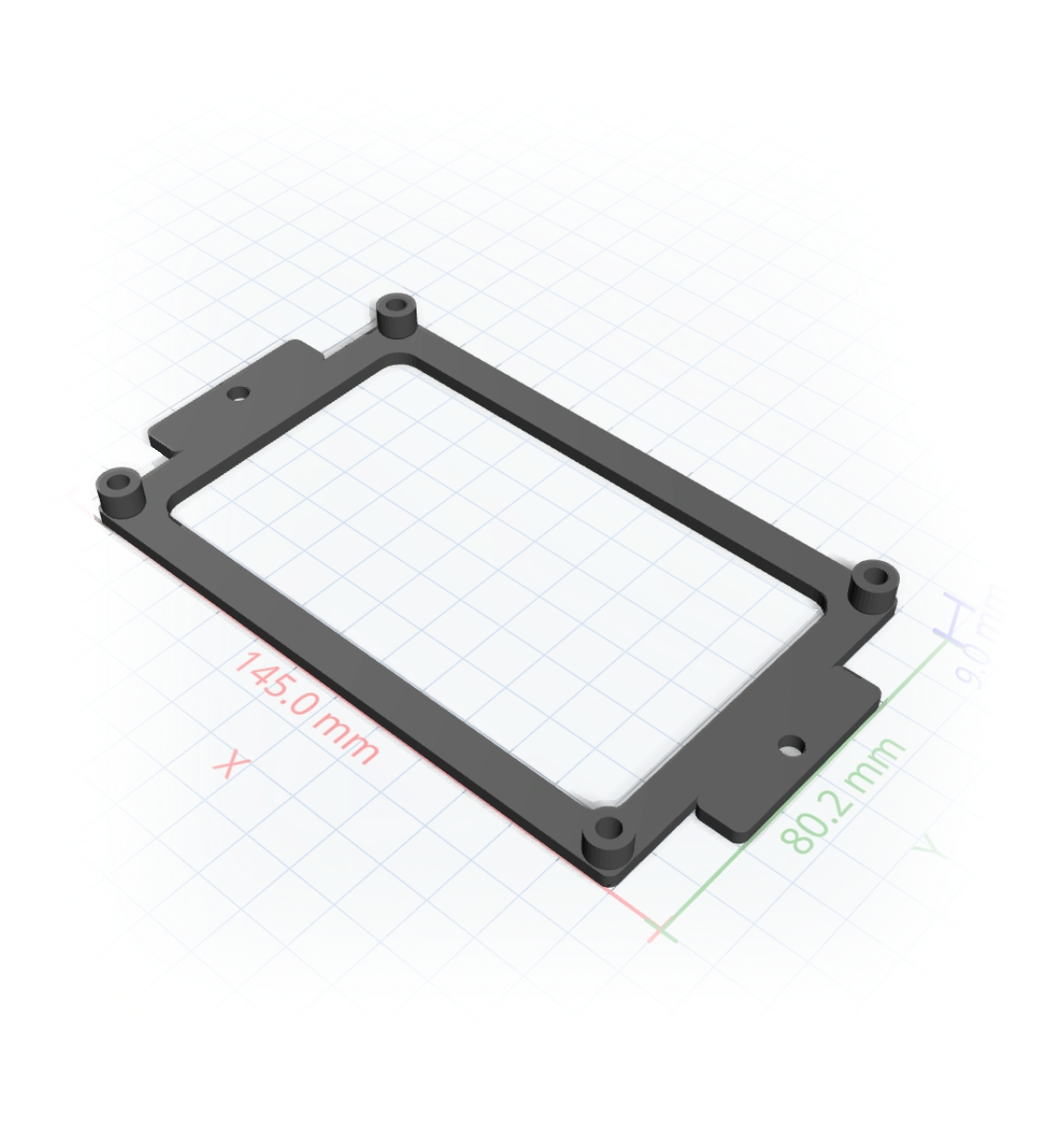
Thinking...
The learning curve
You need a bracket with the right hole spacing, an enclosure that fits a known board, a replacement clip. The geometry is trivial, but sketches, constraints, extrudes, and fillets stand between you and a printable file. Most makers give up before the first print.
So we removed the software. You describe the part. The AI compiles it, to real millimetres.
How it works
Say what it is, the dimensions, the hardware it must fit.
Every measurement becomes a slider, and tweaking is free.
A slicer-ready 3MF or STL, 1:1 in Bambu Studio or Prusa.
Real measurements
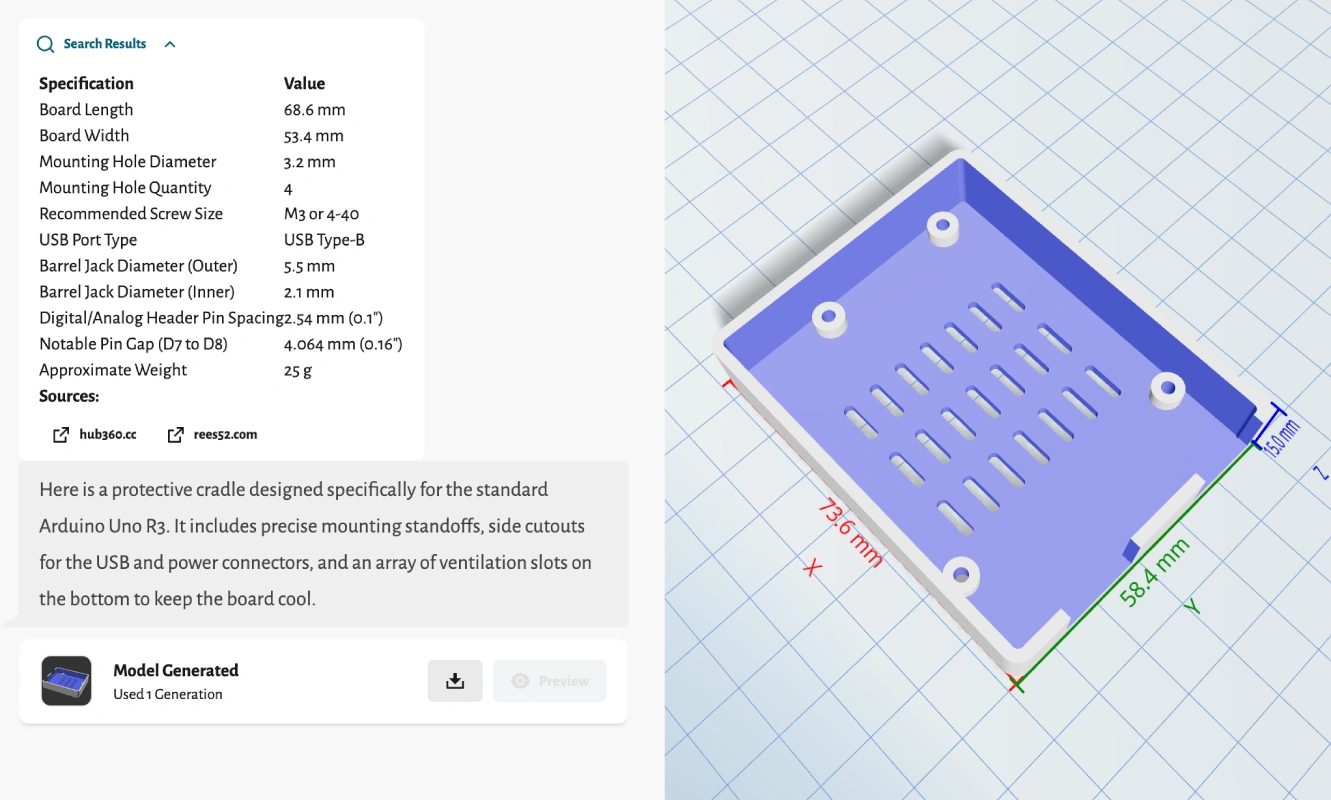
Ask for a case that fits a specific board and it looks up the spec, lays out mounting standoffs and connector cutouts, and shows the dimensions right on the model before you download.
One tool, the whole job
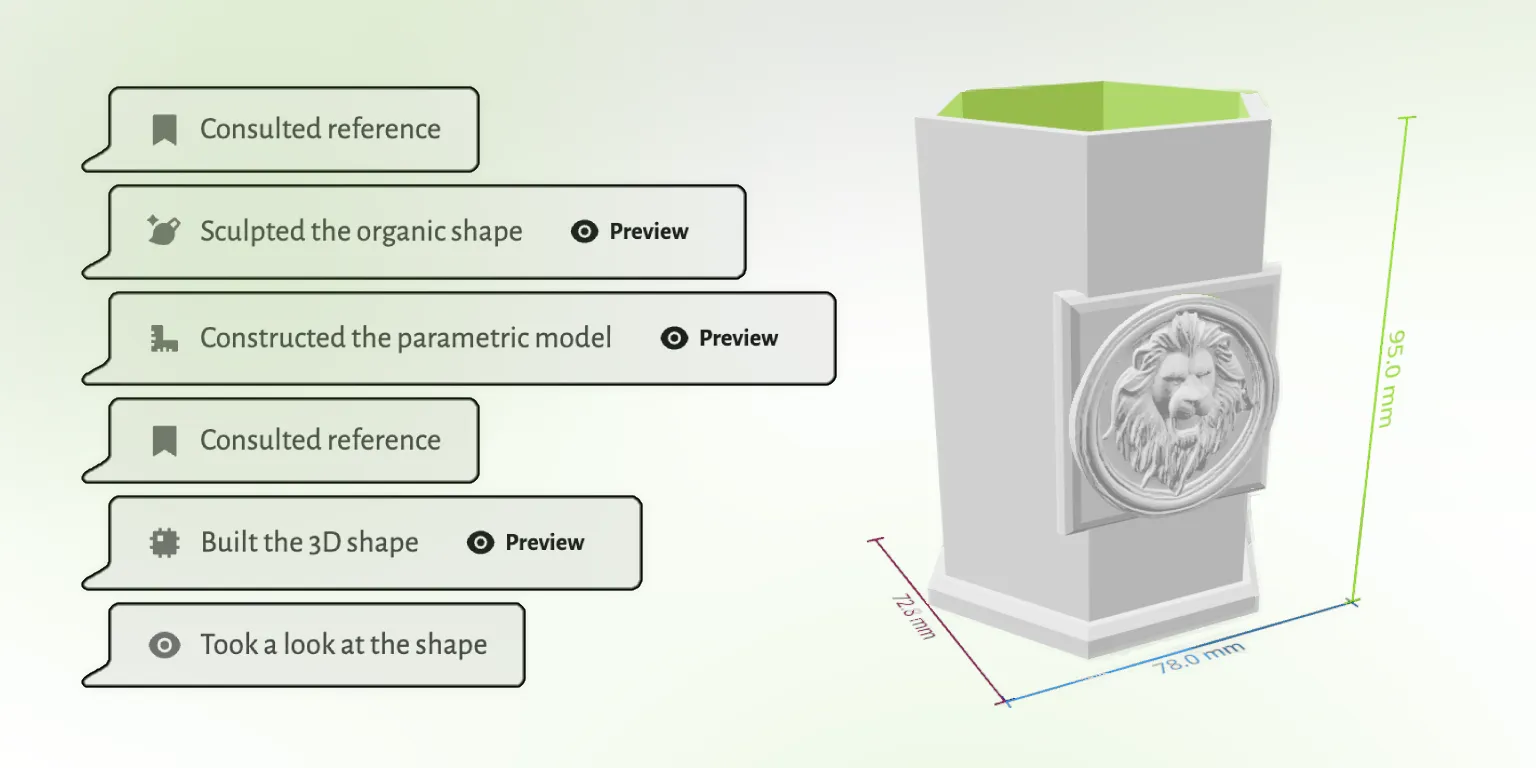
Modeling, editing, mesh repair, and export usually mean three or four programs. GrandpaCAD does the whole job in one chat, and checks its own work before it hands you the file.
Traditional CAD software is powerful and worth learning if you'll use it every week. If you just need the part, there's a faster road.
 GrandpaCAD GrandpaCAD | Fusion 360 | Tinkercad | OpenSCAD | |
|---|---|---|---|---|
| Time to first part | 60 seconds | 40+ hours to learn | A few hours | Learn to code |
| Precise dimensions | Yes, to the mm | Yes | Rough | Yes |
| Organic shapes | Yes | Hard | No | Very hard |
| Cost | From $0.34/part | $60+/mo | Free | Free |
Open any model in the public library and tell the AI what to change. No account needed to look around.
Loved by makers
Unedited feedback from the in-app rating prompt. We only show country to keep makers anonymous.
"generated a printable design on the first try!"
"Fast easy and good quality"
"It's working good. Grandpa!"
"yay so fun"
Pulled from real CSAT survey responses inside the GrandpaCAD app.
This tool was created for my grandfather who loves 3D printing but struggles with complex modeling software. He doesn't speak English, which makes most 3D design tools inaccessible to him.
Despite these challenges, he's passionate about creating 3D prints for our family. He uses his BambuLab A1 printer and now can easily create custom models by simply describing what he wants.
Read His Story
One generation, one price
Other AI tools bill in credits, so one model becomes a stack of charges at a rate that shifts per plan. We just count whole models, and tweaking is free.
And a credit is worth a different amount on every plan.
GrandpaCADOn a plan. Around $0.48 on a one-off pack. No credit math.
Every plan generates the same models at the same quality. The difference is how much you generate and how much control you want. Tweaking a finished model with the sliders never counts as a generation.
Just to get a feel for it. The output is the same quality as every paid plan.
For a single project. A fixed number of generations, no recurring charge.
For power users who want the full platform and more generations than they will realistically use.
For most makers, the easiest CAD is no CAD: describe the part in a chat and let the AI model it. Tinkercad is the easiest traditional option but tops out quickly on precision. Fusion 360 and OpenSCAD are powerful, and both take weeks to get productive in.
Yes. Tinkercad, OpenSCAD, and FreeCAD are free, and Fusion 360 has a hobbyist license. GrandpaCAD gives you 3 free generations with no credit card, so you can compare the describe-it route against learning a tool before spending anything.
Yes. Give dimensions in your message and they land in the model as real millimetres. The AI also looks up specs for known hardware (boards, screws, bearings) and applies FDM-friendly tolerances so printed holes and fits come out true.
A 3MF or STL that loads 1:1 in Bambu Studio, PrusaSlicer, and Orca. OBJ, GLB, and GLTF exports are there too if you need them.
You iterate in the same chat: point out what's off and it regenerates. Every dimension is also exposed as a slider, and slider tweaks never cost a generation.
3 free models, no credit card. GrandpaCAD models it while Fusion is still installing.