




Walls too thin to print
Anything under about two nozzle widths won't come out solid. Ask for a minimum wall thickness and the model respects it.
You have a printer. You don't have a modeling degree. Describe the model you want, mechanical or sculpted, in color, and get a print-ready file you can still adjust.
Začnite brezplačno - Brez kreditne kartice
Razmišljanje...
Four ways to get a model
Every route works inside the same chat, and you can mix them freely.
Open a public library model and tell the AI what to change.
Type what you want in plain English, dimensions and all.
A sketch becomes a part, a photo a figurine. How it works.
Round edges, thicken walls, or split colors, just by asking.
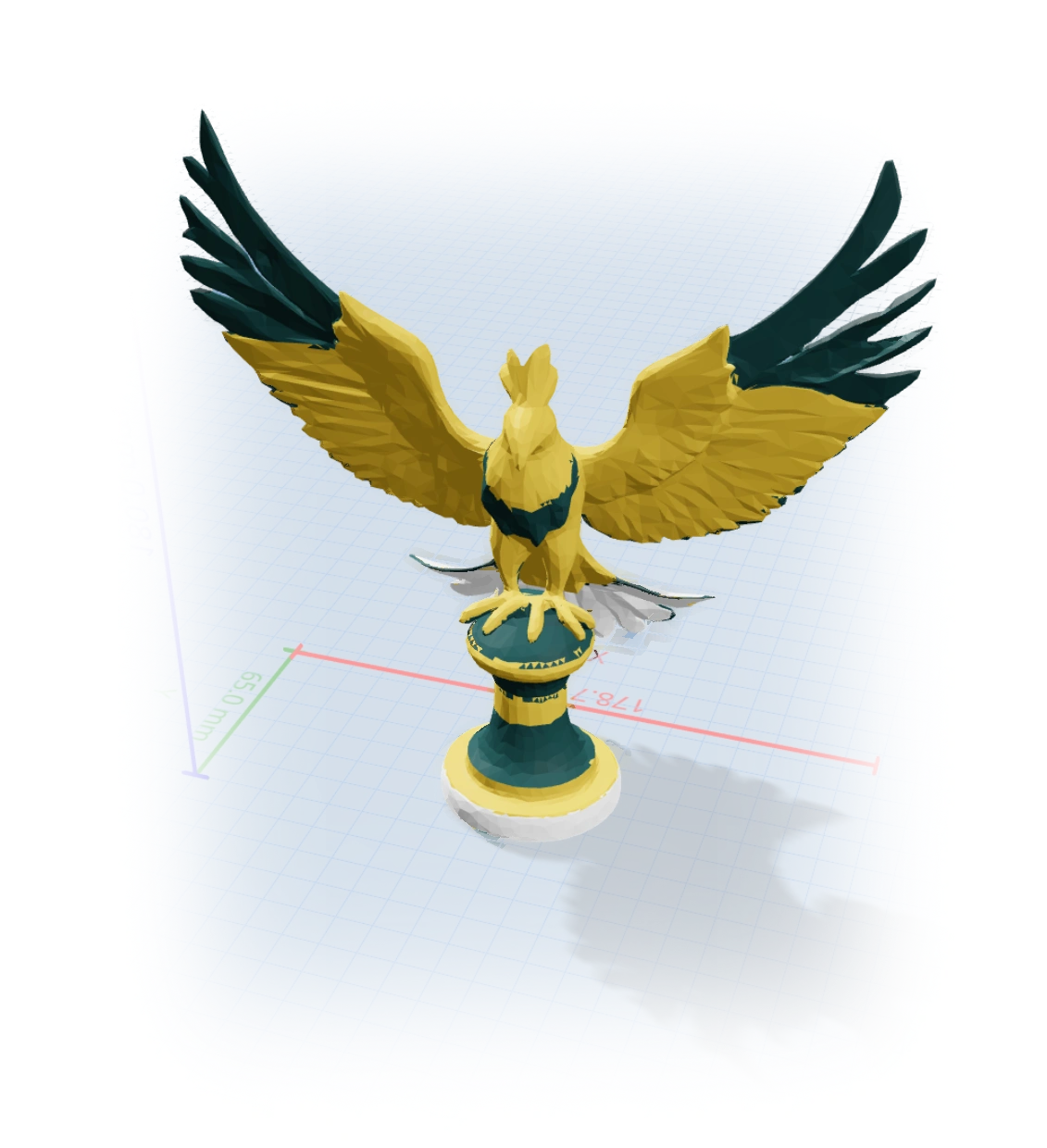
Sculpted and organic
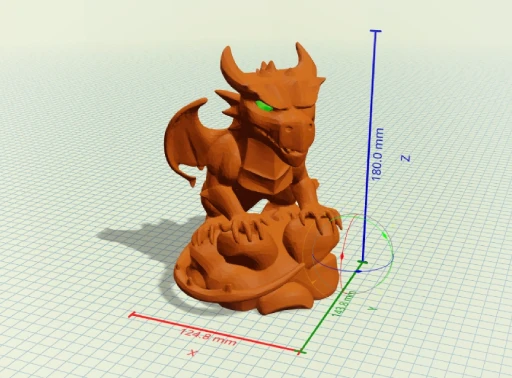
Describe a dragon, an ornament, or a planter and get a sculpted shape a dimension-driven tool could never make, already split into color regions for a multi-material printer.
One tool, the whole job
Beginners lose the most time bouncing between a modeler, a repair tool, and a slicer. GrandpaCAD generates the shape, repairs the mesh, and exports a slicer-ready file from one chat.
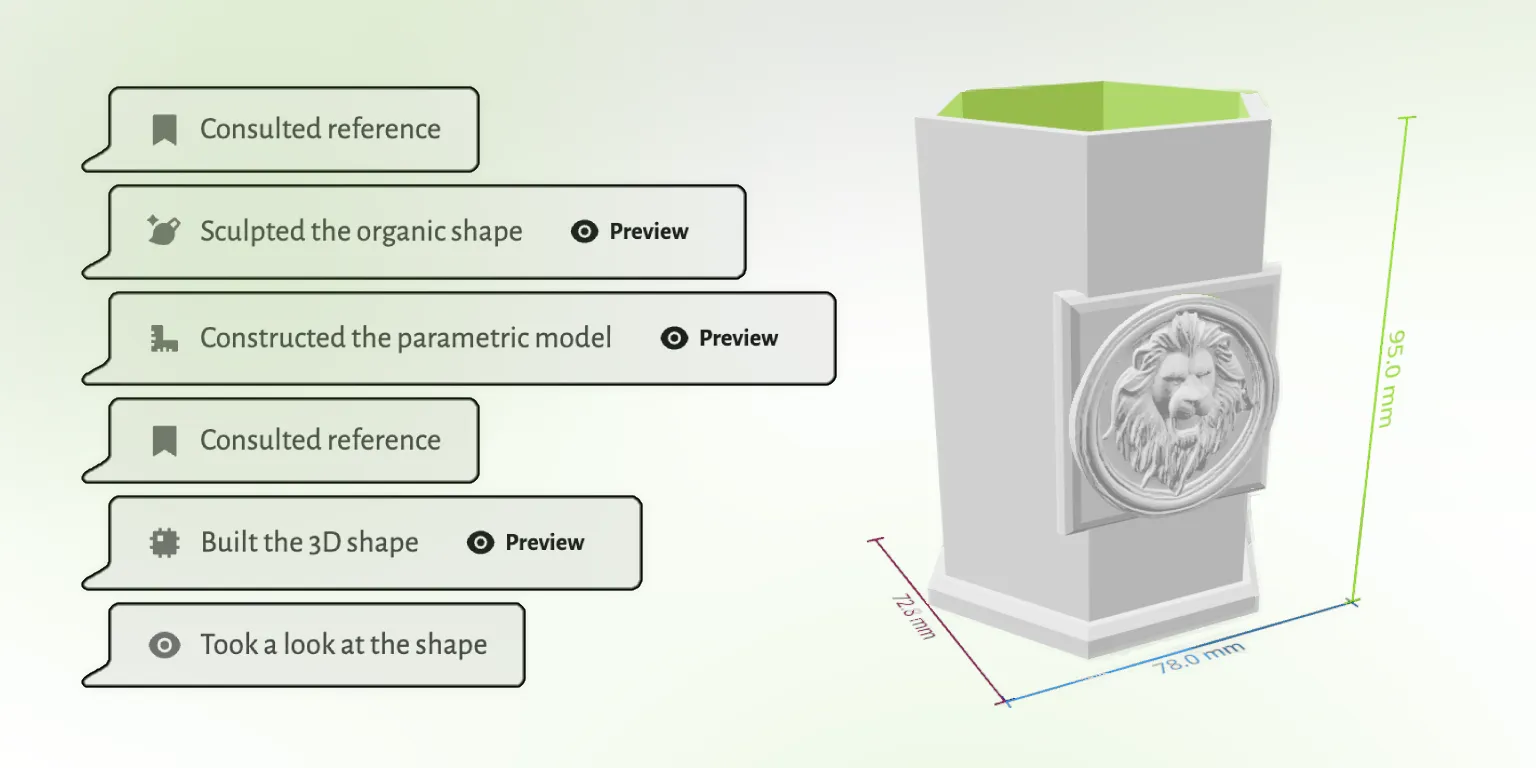
The three things that ruin a first print, and why you don't have to think about them.
Anything under about two nozzle widths won't come out solid. Ask for a minimum wall thickness and the model respects it.
Faces past roughly 45 degrees need support material. Describe the orientation you'll print in and the shape adapts.
FDM holes shrink. GrandpaCAD sizes them for the fit you ask for, so screws and inserts actually seat.
Speak the language
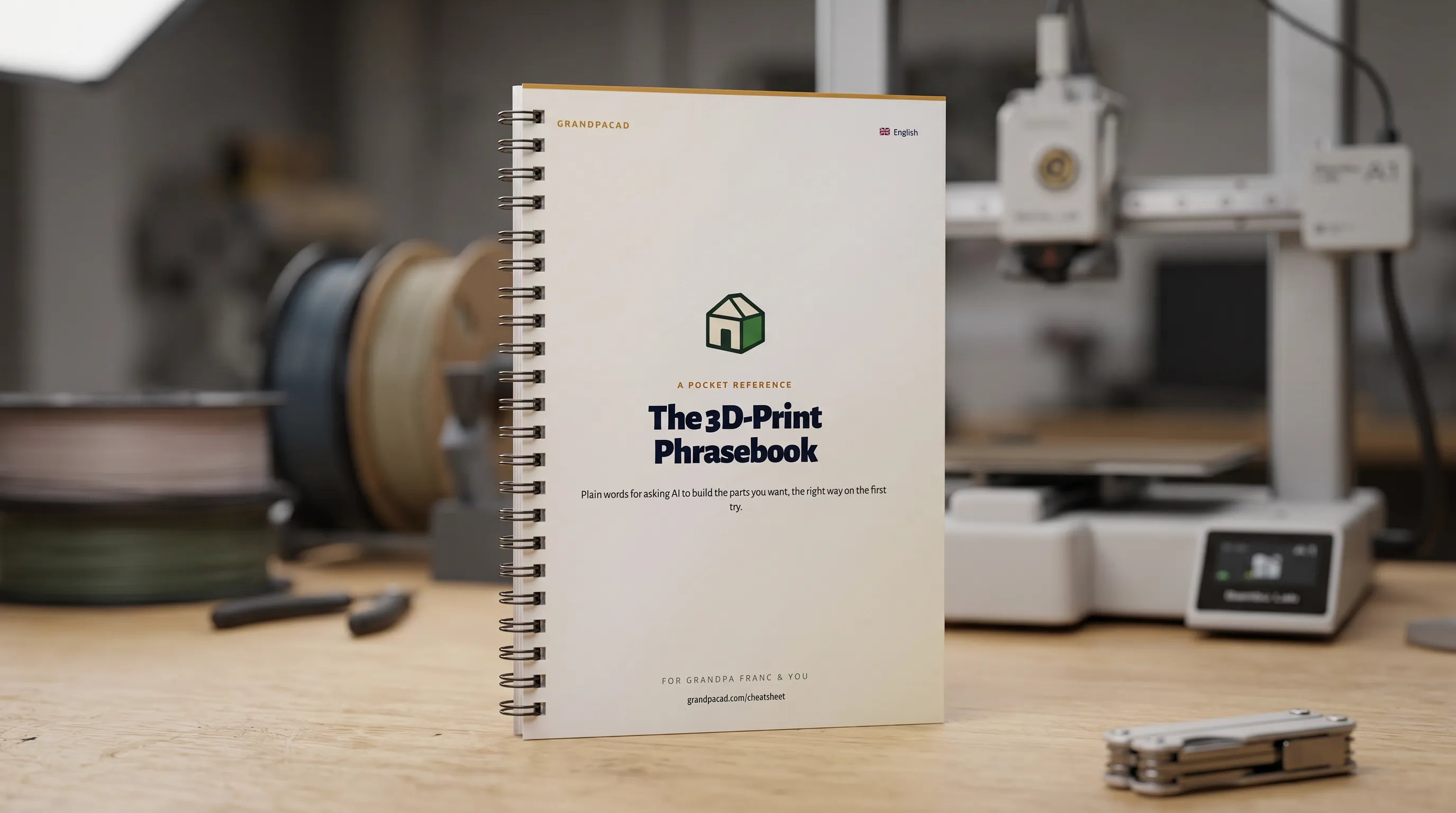
A printable booklet of the vocab makers use at the bench: clearance, fillet, chamfer, standoff, captive nut, lithophane, hot-end. Skim it once and your prompts land closer to the file you wanted on the first try.
 Open the cheatsheet
Every route works. This one asks the least of a beginner who just wants to print something.
 GrandpaCAD GrandpaCAD | Blender | Learning CAD | Model libraries | |
|---|---|---|---|---|
| Skill required | Type a sentence | Steep | Months | None |
| Make it yours | Any change, spoken | Manual editing | Manual editing | Take it as-is |
| Print-ready | Every time | Needs cleanup | If you learn how | Usually |
| Custom to your idea | Exactly | Yes, with skill | Yes, with skill | Only what exists |
Open any model in the public library and tell the AI what to change. Make it taller, add a hole, swap the color. No account needed to look around.
Všeč ustvarjalcem
Neurejene povratne informacije iz poziva za oceno v aplikaciji. Prikazujemo le državo, da ohranimo anonimnost ustvarjalcev.
"generated a printable design on the first try!"
"Fast easy and good quality"
"It's working good. Grandpa!"
"yay so fun"
Povzeto iz resničnih odgovorov na anketo CSAT v aplikaciji GrandpaCAD.
To orodje je bilo ustvarjeno za mojega dedka, ki obožuje 3D tiskanje, vendar ima težave s kompleksnimi programi za modeliranje. Ne govori angleško, zaradi česar je večina orodij za 3D oblikovanje zanj nedostopnih.
Kljub tem izzivom je navdušen nad ustvarjanjem 3D tiskanih modelov za našo družino. Uporablja svoj BambuLab A1 tiskalnik in zdaj lahko preprosto ustvarja prilagojene modele z enostavnim opisovanjem tega, kar želi.
Preberite njegovo zgodbo
V vsakem paketu nastanejo enaki modeli enake kakovosti. Razlika je v tem, koliko jih ustvarite in koliko nadzora želite. Prilagajanje dokončanega modela z drsniki se nikoli ne šteje kot generacija.
Samo da dobite občutek. Izpis je enake kakovosti kot pri vsakem plačljivem paketu.
Za en sam projekt. Določeno število generacij, brez ponavljajočega se plačila.
Za zahtevne uporabnike, ki želijo celotno platformo in več generacij, kot jih bodo realno porabili.
There are four routes: remix an existing model online, describe what you want to an AI generator, start from a photo or sketch, or learn a modeling tool. For a beginner with a printer, describing the model is the fastest way to something custom and printable.
Judge a generator on three things: does the output slice without repair, can you set real dimensions, and can you change the model afterward. GrandpaCAD is built around all three, with watertight output, millimetre dimensions, and free slider tweaks.
No. Blender and CAD are worth learning if modeling itself is the hobby. If printing is the hobby, you can describe the model in plain English and adjust the result with sliders, then graduate to traditional tools later if you want.
Ask for the colors you want and the generated model comes pre-split into separate shells per filament. Load the 3MF in your slicer, assign filaments to shells, and print. It works with Bambu AMS, Prusa MMU, and similar setups.
3 generations are free with no credit card, at full output quality. Paid options start at a $12 one-off credit pack; a $24 monthly plan covers 70 generations.
3 free models, no credit card. Describe it and print it tonight.