




Walls too thin to print
Anything under about two nozzle widths won't come out solid. Ask for a minimum wall thickness and the model respects it.
You have a printer. You don't have a modeling degree. Describe the model you want, mechanical or sculpted, in color, and get a print-ready file you can still adjust.
Commencez gratuitement - Aucune carte de crédit requise
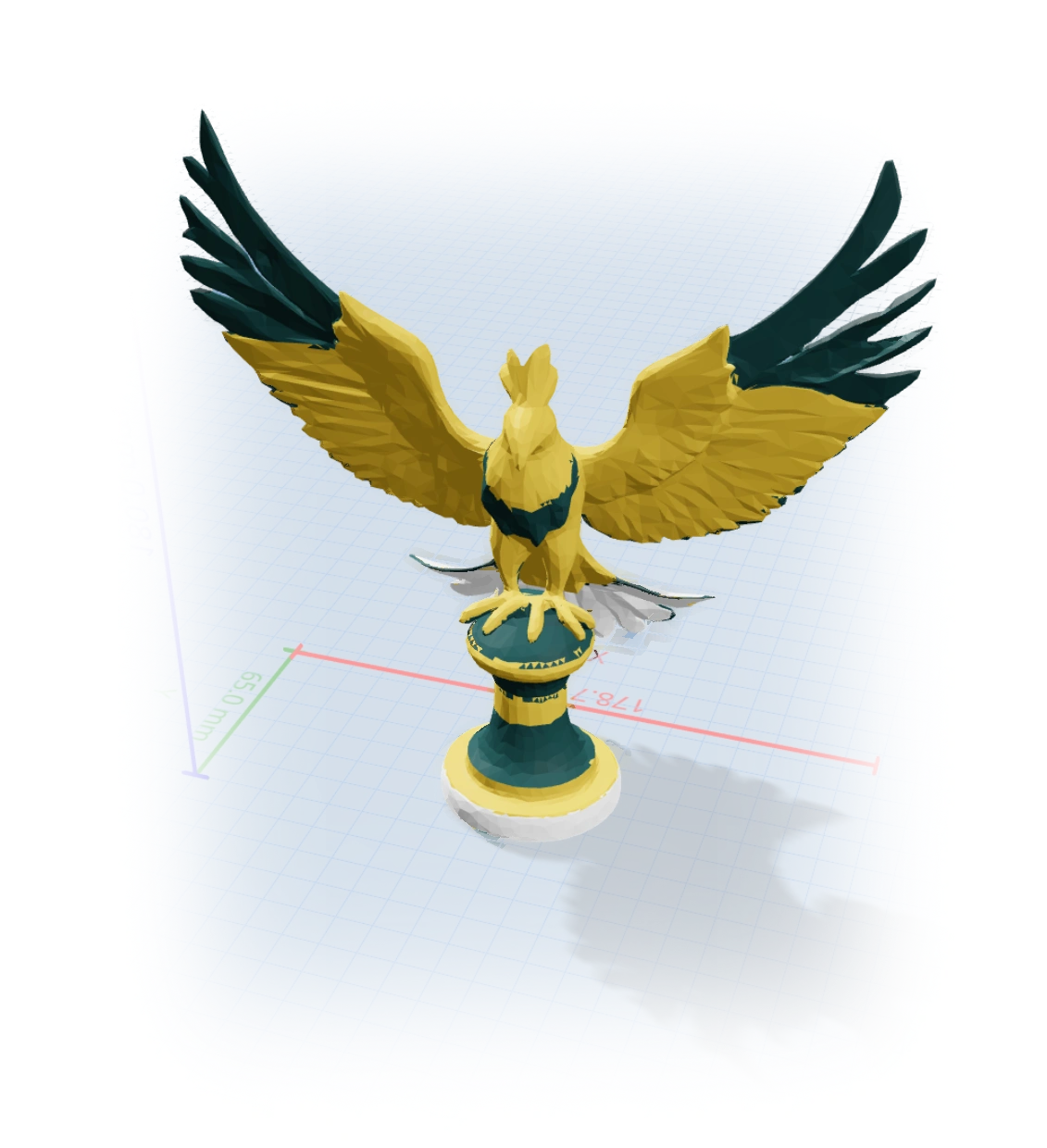
En réflexion...
Four ways to get a model
Every route works inside the same chat, and you can mix them freely.
Open a public library model and tell the AI what to change.
Type what you want in plain English, dimensions and all.
A sketch becomes a part, a photo a figurine. How it works.
Round edges, thicken walls, or split colors, just by asking.
Sculpted and organic
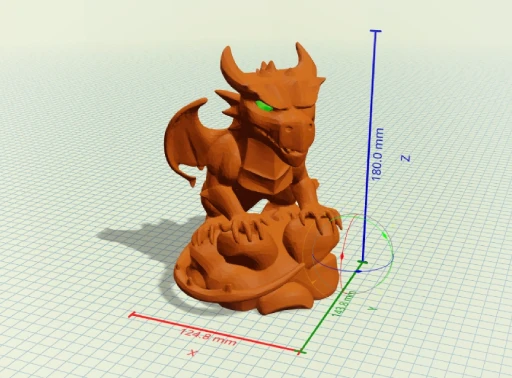
Describe a dragon, an ornament, or a planter and get a sculpted shape a dimension-driven tool could never make, already split into color regions for a multi-material printer.
One tool, the whole job
Beginners lose the most time bouncing between a modeler, a repair tool, and a slicer. GrandpaCAD generates the shape, repairs the mesh, and exports a slicer-ready file from one chat.
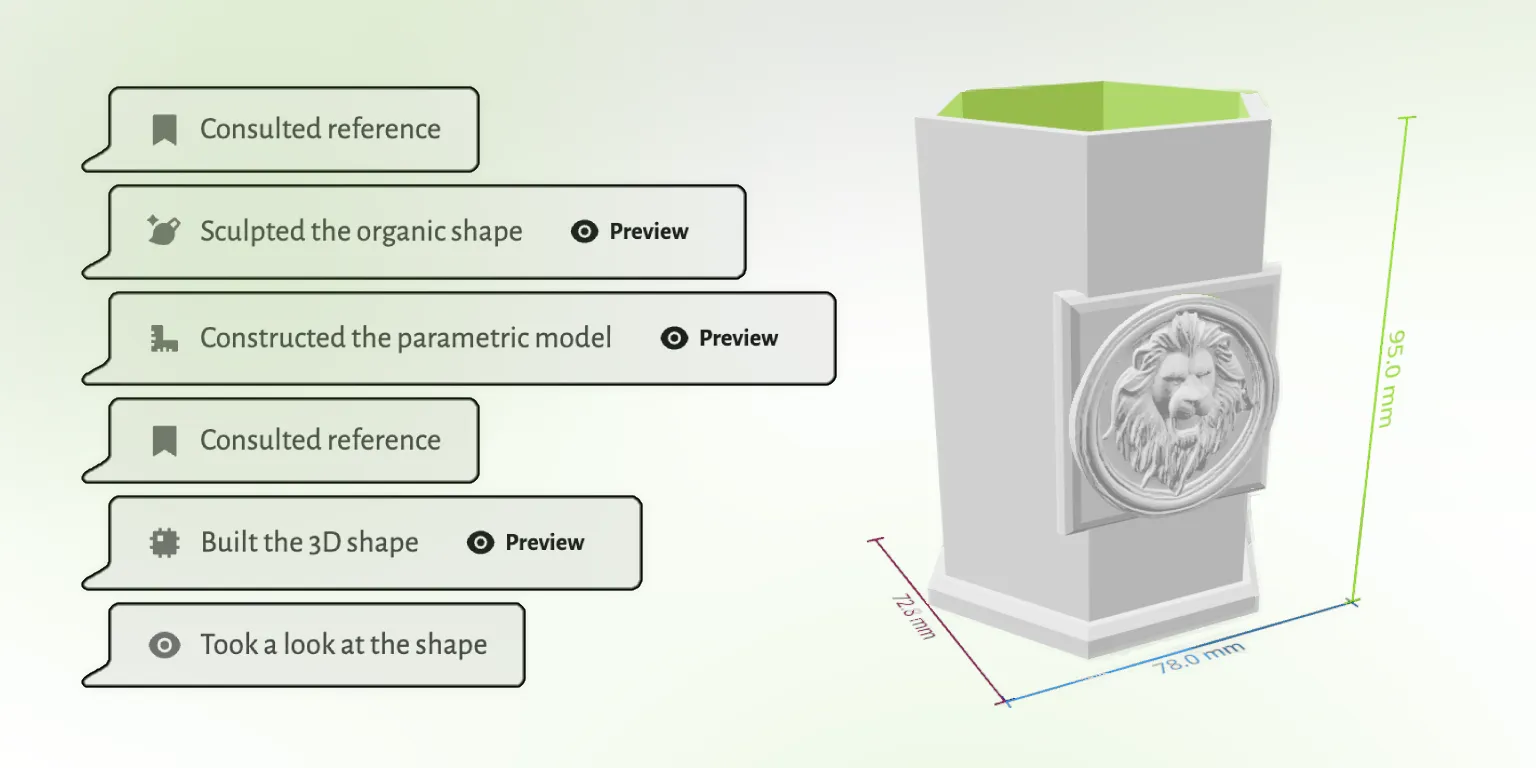
The three things that ruin a first print, and why you don't have to think about them.
Anything under about two nozzle widths won't come out solid. Ask for a minimum wall thickness and the model respects it.
Faces past roughly 45 degrees need support material. Describe the orientation you'll print in and the shape adapts.
FDM holes shrink. GrandpaCAD sizes them for the fit you ask for, so screws and inserts actually seat.
Speak the language
A printable booklet of the vocab makers use at the bench: clearance, fillet, chamfer, standoff, captive nut, lithophane, hot-end. Skim it once and your prompts land closer to the file you wanted on the first try.
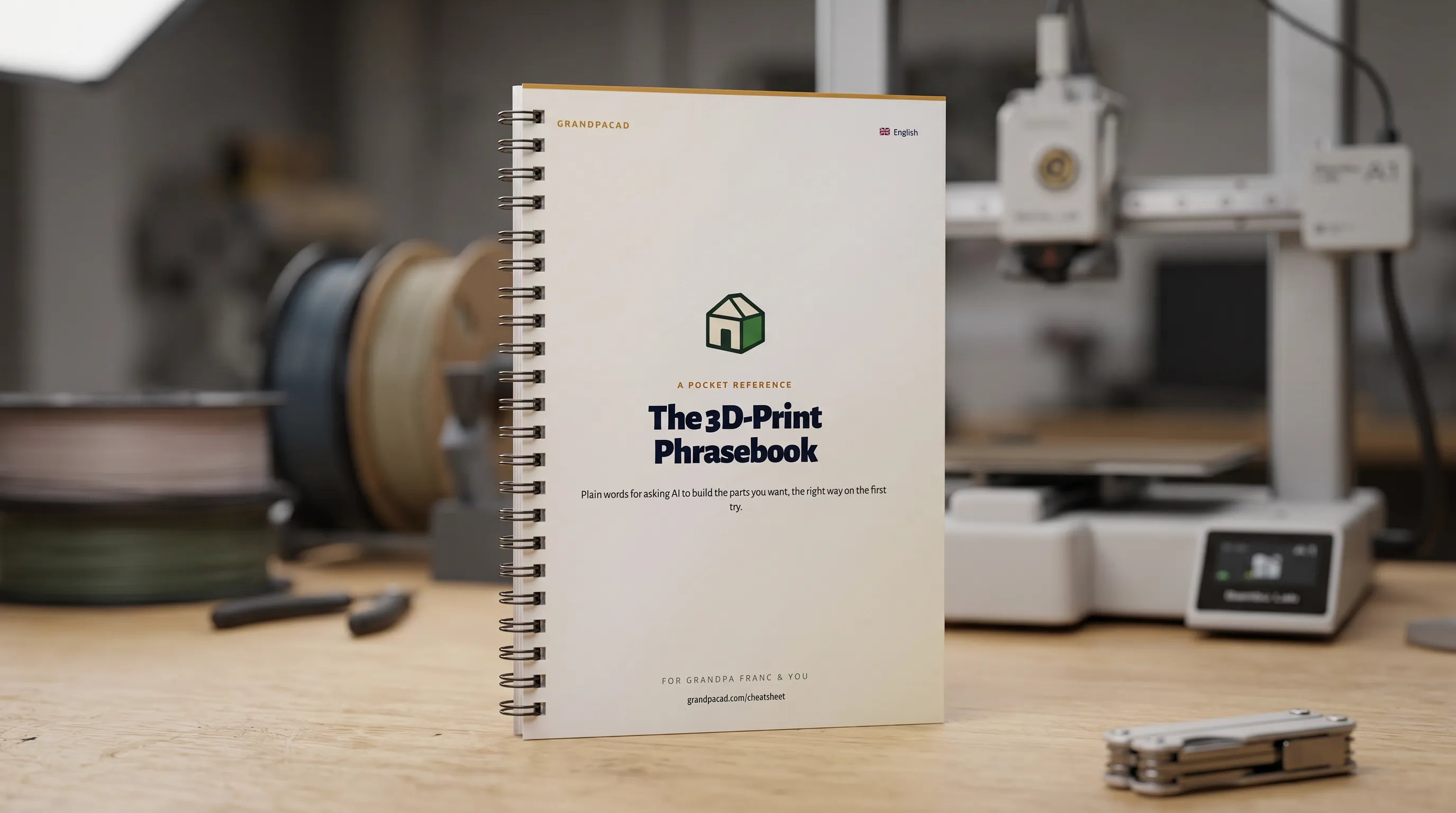 Open the cheatsheet
Every route works. This one asks the least of a beginner who just wants to print something.
 GrandpaCAD GrandpaCAD | Blender | Learning CAD | Model libraries | |
|---|---|---|---|---|
| Skill required | Type a sentence | Steep | Months | None |
| Make it yours | Any change, spoken | Manual editing | Manual editing | Take it as-is |
| Print-ready | Every time | Needs cleanup | If you learn how | Usually |
| Custom to your idea | Exactly | Yes, with skill | Yes, with skill | Only what exists |
Open any model in the public library and tell the AI what to change. Make it taller, add a hole, swap the color. No account needed to look around.
Apprécié par les makers
Retours non modifiés issus de l'invite d'évaluation dans l'application. Nous n'affichons que le pays pour préserver l'anonymat des makers.
"generated a printable design on the first try!"
"Fast easy and good quality"
"It's working good. Grandpa!"
"yay so fun"
Extraits de véritables réponses aux enquêtes CSAT dans l'application GrandpaCAD.
Cet outil a été créé pour mon grand-père qui adore l'impression 3D mais a du mal avec les logiciels de modélisation complexes. Il ne parle pas anglais, ce qui rend la plupart des outils de conception 3D inaccessibles pour lui.
Malgré ces défis, il est passionné par la création d'impressions 3D pour notre famille. Il utilise son imprimante BambuLab A1 et peut désormais facilement créer des modèles personnalisés en décrivant simplement ce qu'il souhaite.
Lire son histoire
Tous les forfaits génèrent les mêmes modèles avec la même qualité. La différence réside dans le nombre de modèles que vous générez et le niveau de contrôle souhaité. Modifier un modèle terminé avec les curseurs ne compte jamais comme une génération.
Juste pour vous faire une idée. Le résultat est d’une qualité identique à celle de tous les forfaits payants.
Pour un seul projet. Un nombre fixe de générations, sans frais récurrents.
Pour les utilisateurs avancés qui veulent la plateforme complète et plus de générations qu’ils n’en utiliseront vraisemblablement.
There are four routes: remix an existing model online, describe what you want to an AI generator, start from a photo or sketch, or learn a modeling tool. For a beginner with a printer, describing the model is the fastest way to something custom and printable.
Judge a generator on three things: does the output slice without repair, can you set real dimensions, and can you change the model afterward. GrandpaCAD is built around all three, with watertight output, millimetre dimensions, and free slider tweaks.
No. Blender and CAD are worth learning if modeling itself is the hobby. If printing is the hobby, you can describe the model in plain English and adjust the result with sliders, then graduate to traditional tools later if you want.
Ask for the colors you want and the generated model comes pre-split into separate shells per filament. Load the 3MF in your slicer, assign filaments to shells, and print. It works with Bambu AMS, Prusa MMU, and similar setups.
3 generations are free with no credit card, at full output quality. Paid options start at a $12 one-off credit pack; a $24 monthly plan covers 70 generations.
3 free models, no credit card. Describe it and print it tonight.