GrandpaCAD can now make characters, animals, and art
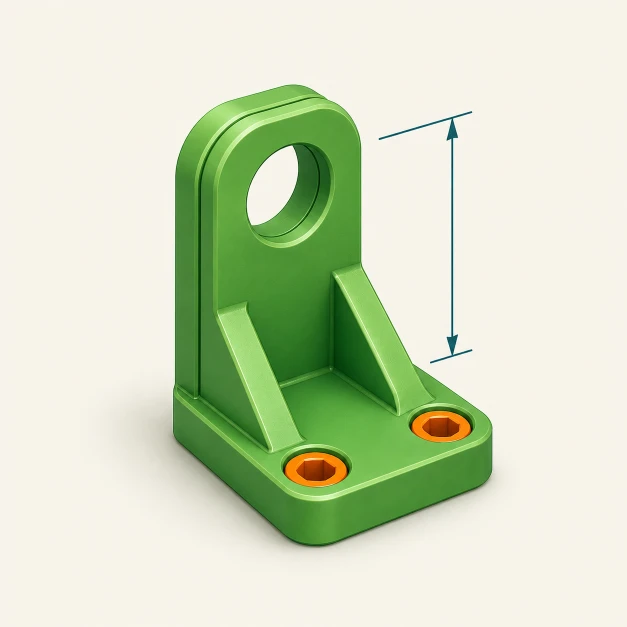
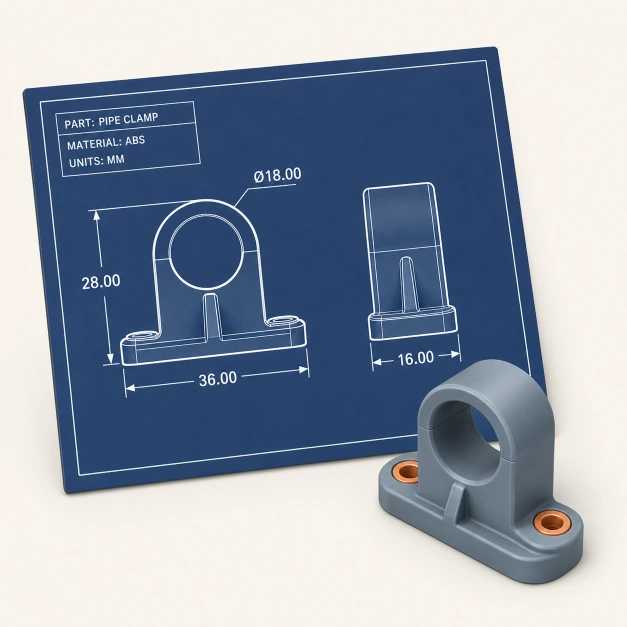
Until now, GrandpaCAD was a CAD tool. You described an engineering part, the AI wrote OpenSCAD code, and you got a precise, dimensionally accurate model. Threads, snap fits, screw holes. That still works and it's better than ever.
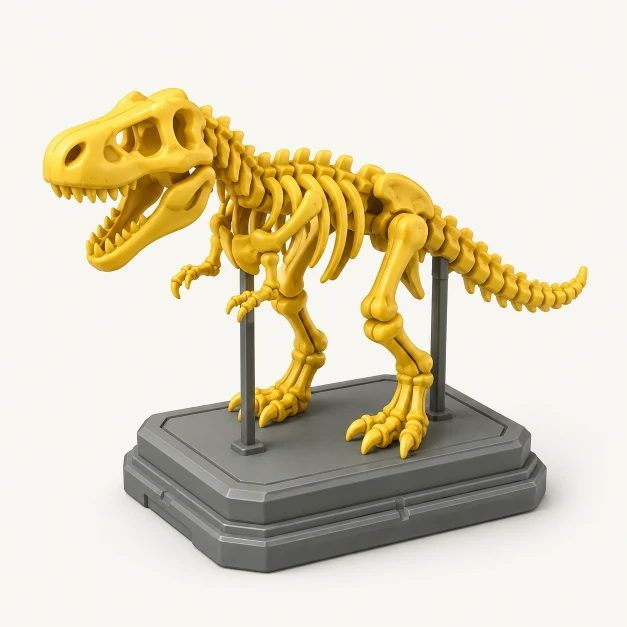
But if you typed "a cute dragon figurine"... you'd get a dragon approximated from cylinders and spheres. It looked like a dragon the way a snowman looks like a person. Technically? Sure. Convincing? No.
I've been working on fixing that for weeks now, and it's finally live. We're calling it Organic Mode.
 ;
;
What it actually does
You type something like "a chubby cartoon penguin wearing a scarf" and instead of generating code, the system chains three AI models together:
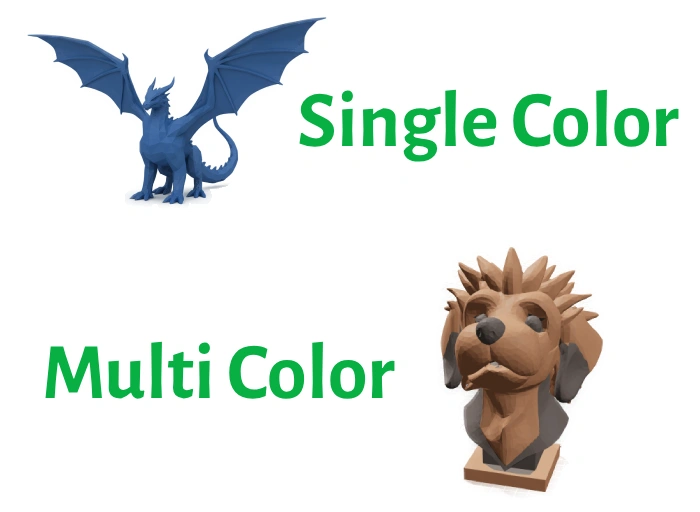
First, a language model (Gemini 3 Flash) reads your prompt, figures out what you're making, and decides how many colors the model needs. A duck? One. A red and blue race car? Two. This sounds simple but it matters for the downstream steps.
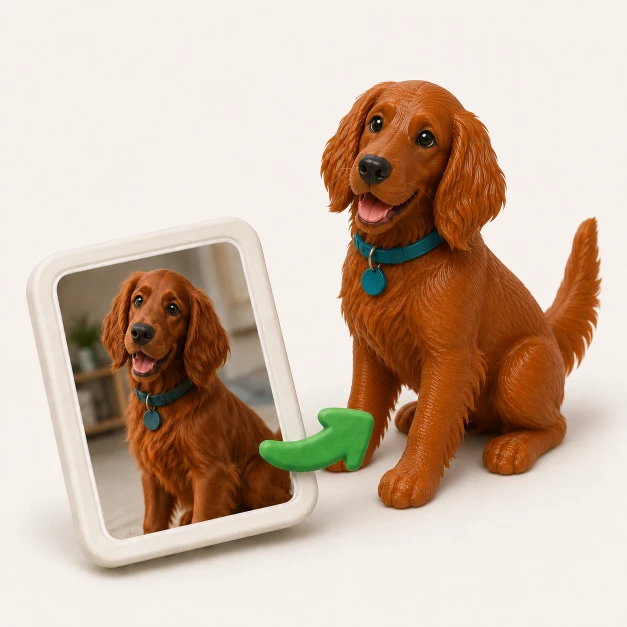
Then, Gemini's image generation creates a render of the object on a white background. The prompt engineering here is pretty specific: it asks for something that looks 3D-printable, with volume, no overhangs, and connected pieces. Not just "a picture of a penguin" but a picture that's designed to survive the next step.
That image goes to SAM-3, which reconstructs a full 3D mesh from a single image. You get back a textured GLB file.
Finally, our Blender server takes that GLB, cleans it up, clusters the vertex colors into the right number of materials (k-means on the face colors), and exports a .3mf file that works with BambuStudio, OrcaSlicer, and PrusaSlicer.
The whole thing takes maybe 60 seconds.
Editing and iteration
When you say "make the ears bigger" or "add a hat", we feed the previously generated image back into the image generation step alongside your edit request. The AI refines the existing design instead of starting over. Then it goes through the same image-to-3D pipeline again. It's not perfect (sometimes the model drifts between iterations), but it mostly works and it'll get better.
How the router picks a mode
There's an LLM-based router at the start of every request. You type a prompt, and it classifies it:
- "M8 bolt with flanged head" goes to OpenSCAD mode. Code gets generated.
- "A cute bear figurine" goes to Organic mode. An image gets generated.
You can also lock a conversation into one mode if you already know what you want. In organic mode the system won't offer to search for datasheets because dimensions aren't the point.
Where this actually beats code-based generation
The obvious win is aesthetics. Code can't sculpt a face. But there's a less obvious one: multi-color printing.
With our CAD-based multi-color workflow, you have to think in separate parts. "A box with a separate lid, make the base red and the letters white." You're managing overlaps, tolerances, and assembly. It works great for functional stuff, but it's a lot of mental overhead for something decorative.
Organic mode sidesteps all of that. The colors come from the generated image's texture. When the mesh goes through Blender, we sample the vertex colors per face, cluster them with k-means, and assign materials per triangle. You get a single watertight mesh with, say, a red body and white spots, ready for your AMS or MMU. No separate parts. No overlap issues. No tolerance math.
For anything where you'd normally hand-paint colors in a slicer (figurines, logos, decorative objects), this is way faster. You just describe the colors you want and they show up on the model.
The part that almost broke me
The AI pipeline was actually the easy part. Chaining models together, passing images between them, that all worked within a few days. The hard part was the 3D printing file format.
3MF is the standard for multi-color 3D printing. Each triangle in the mesh can be assigned a material (a color). Simple enough in theory.
Here's what I learned: Blender's 3MF exporter doesn't write per-triangle materials. It puts one material on the whole object. If you try to work around it by splitting the mesh into two objects (one per color), you get holes at the boundary. Both halves become non-watertight. Unprintable.
So I wrote the 3MF XML manually. One mesh, material index per face, full control over the attributes on each triangle.
But then: BambuStudio and OrcaSlicer straight up ignore the standard 3MF material attributes. They use a proprietary paint_color attribute with a custom bitstream encoding. PrusaSlicer uses a different one called slic3rpe:mmu_segmentation. None of them follow the spec the same way. So now the pipeline writes three different attribute formats on every triangle for compatibility. Good times.
Dead ends
Before landing on this pipeline, I spent a while trying to reconstruct meshes from Gaussian splat data. 3D Gaussian Splatting is having a moment in computer vision, and I thought I could skip the image-to-3D service and go straight from splats to meshes.
Every traditional surface reconstruction method (Poisson, ball-pivoting, alpha shapes) needs surface normals. Gaussian splat data doesn't have normals, and estimating them from the point cloud produces garbage. The one approach that does work (evaluating the Gaussian density field on a voxel grid and running marching cubes) was way too much complexity for a production pipeline when FAL just gives you a clean GLB directly.
Sometimes the boring solution is the right one.
Prompting tips
If you want to try it:
- Describe the look, not the dimensions. "A chubby cartoon penguin with a scarf" works. "A penguin exactly 45mm tall" doesn't (use OpenSCAD for that).
- Mention colors if you want them. "A red mushroom with white spots" gives you a two-color model. No color mentioned means single-color.
- Think chunky. Solid characters with clear silhouettes print best. Vinyl toy aesthetic, not hyper-detailed miniature.
- Iterate. Ask for changes ("make it rounder", "add a base") and the system will refine rather than restart.
What's coming
Higher mesh quality as image-to-3D models keep improving. Smoother color boundaries (right now segmentation is per-face, I want to add neighbor-based smoothing). And eventually, combining modes: generate an organic figurine and mount it on a precisely dimensioned base with screw holes. That hybrid workflow is the goal.