
Grandpa Cad LogoGrandpaCAD
  • Language
    • 🇸🇮 Slovenian
    • 🇬🇧 English
    • 🇫🇷 Français
  • Tools
    • AI Modeling
      • CAD AIPrecise parts from a sentence
      • Organic AISculpted multi-color figurines
      • Image to 3DPhoto or sketch to model
      • CAD for 3D PrintingExact millimetres, no CAD
      • Modeling for PrintingA beginner's path to models
    • 3D Model Tools
      • View a Model
      • Repair a Model
      • Convert 3D Files
      • Reduce File Size
      • Scale / Resize
      • Split / Cut
      • Mirror / Flip
      • Measure Dimensions
      • Print Weight & Cost
    • Calculators
      • Filament Length / Weight
      • Material Shrinkage
      • Tolerance & Fit
      • Stepper Motor VREF
      • Volumetric Flow
      • E-Steps
      • Thread & Tap Sizes
      • All calculators…
    • Browse all tools →
  • Learn
  • Pricing
  • Sign in
  • Sign up
Grandpa Cad LogoGrandpaCAD
  • Language
    • 🇸🇮 SlovenianUtility
    • 🇬🇧 EnglishUtility
    • 🇫🇷 FrançaisUtility
  • Tools
    • AI Modeling
      • CAD AIPrecise parts from a sentence
      • Organic AISculpted multi-color figurines
      • Image to 3DPhoto or sketch to model
      • CAD for 3D PrintingExact millimetres, no CAD
      • Modeling for PrintingA beginner's path to models
    • 3D Model Tools
      • View a Model
      • Repair a Model
      • Convert 3D Files
      • Reduce File Size
      • Scale / Resize
      • Split / Cut
      • Mirror / Flip
      • Measure Dimensions
      • Print Weight & Cost
    • Calculators
      • Filament Length / Weight
      • Material Shrinkage
      • Tolerance & Fit
      • Stepper Motor VREF
      • Volumetric Flow
      • E-Steps
      • Thread & Tap Sizes
      • All calculators…
  • Learn
  • Pricing
Sign upSign in
Back to Tools

3D Printer Acceleration & Distance Calculator

Calculate the distance required for your 3D printer to reach its target speed. Verify if your speed settings are effective based on your acceleration.

Need a custom part?

Describe it in plain English and get a printable 3D model in seconds.

Try free

Motion Settings

Total Distance

13.3 mm

Required travel to hit top speed and stop.

If the total move distance is greater than the length of the line you are printing, your printer will never reach the target speed on that segment.

Analysis

Motion physics calculation based on your inputs.

Total Move
13.3mm
(Accel + Decel)
Ramp Up Distance
6.7 mm
Distance to reach max speed
Ramp Up Time
0.067 s
Time to reach max speed

The Physics of Printing

3D printers don't jump to their target speed instantly. They obey the laws of physics. The print head must accelerate from a standstill, reach the target velocity (if there's enough room), and then decelerate back to zero for the next corner or stop.

The relationship is governed by the kinematic equation:

d = v² / (2a)
  • d = Distance required (mm)
  • v = Target Velocity (mm/s)
  • a = Acceleration (mm/s²)

Optimization Guide

Chasing Speed?

If you want to print fast, high top speed isn't enough. You need high acceleration. Without it, your printer spends all its time speeding up and slowing down, never reaching the speed you set in the slicer.

Quality First?

High acceleration causes vibrations (ringing/ghosting). For better surface quality, lower your acceleration. This calculator helps you see the trade-off: lower acceleration means you need much longer moves to hit high speeds.

Pro Tip

"Input Shaping" (in Klipper/Marlin) allows you to use much higher acceleration values without the ringing artifacts, letting you hit those top speeds even on smaller prints.

Recommended Acceleration Values

Printer classTypical print acceleration
Stock bed-slinger (e.g. Ender 3), safe~500 mm/s²
Prusa MK3 / MK4 (stock)~1,000–1,250 mm/s²
Tuned bed-slinger~1,500 mm/s²
CoreXY / Voron class (tuned)3,000+ mm/s²
Klipper input-shaper test sweep1,500–7,000 mm/s²

Start around 500 mm/s² on a stock bed-slinger and raise it until you see ghosting or skipped steps, then back off. A lighter toolhead and CoreXY motion (where the bed doesn't carry the model) tolerate much higher values. Corner speed is handled separately by jerk or junction deviation (Marlin) and square corner velocity (Klipper, default 5 mm/s).

Advertised maxima (some printers cite up to 20,000 mm/s²) are peak marketing figures, not the per-feature accelerations your slicer actually uses.

Describe a part. Get a printable model.

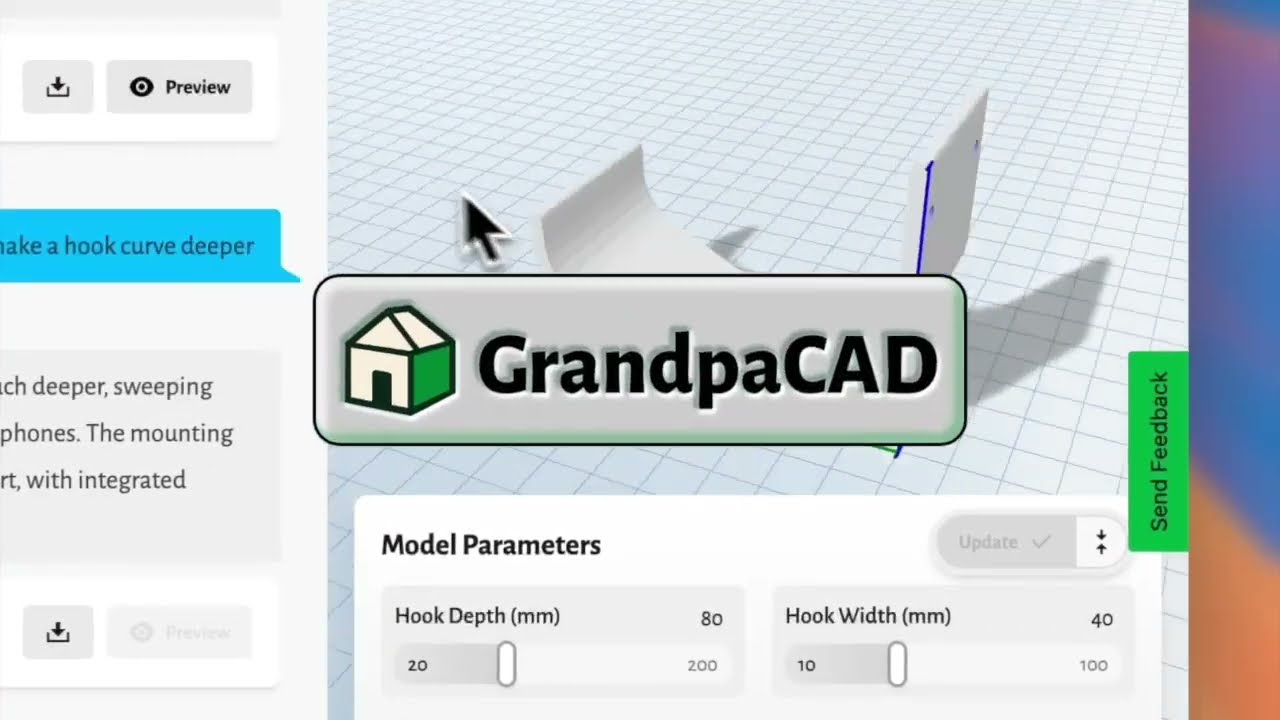
GrandpaCAD turns a text prompt into a ready-to-print 3D model. Functional parts, organic shapes, multi-color prints. No CAD skills needed.

"Phone stand with cable slot, 70mm wide, 15 degree angle"
Generate your first model3 free generations, no card required
Watch GrandpaCAD demo
Grandpa Cad LogoGrandpaCAD

Simple 3D modeling for everyone

Tools
Organic AI ModelingCAD AI ModelingThread & Tap CalcTolerance & Fit CalcVref CalculatorAcceleration CalcFilament ConverterDrying CalcShrinkage Calc
Print Cost CalcResin Cost CalcE-Steps CalcFlow Rate CalcVolumetric Flow CalcLayer Height CalcSpool Calculator
View a ModelRepair a ModelConvert 3D FilesReduce File SizeScale a ModelSplit a ModelMirror a ModelMeasure a ModelPrint Weight & Cost
CompanyContactAPILibrariesPublic LibraryPress & MediaCareersAffiliate Program
LegalTermsPrivacyRefund Policy
© 2026 GrandpaCAD. All rights reserved.




