





Describe a game asset.
Get a textured GLB.
AI 3D model generation for game art: characters, creatures and props at the polygon count you ask for, with albedo and normal maps baked in. Ask it to rig and animate them too.
Start Free - No Credit Card Required
Thinking...
Textured game assets
One sentence each, at the triangle count you name
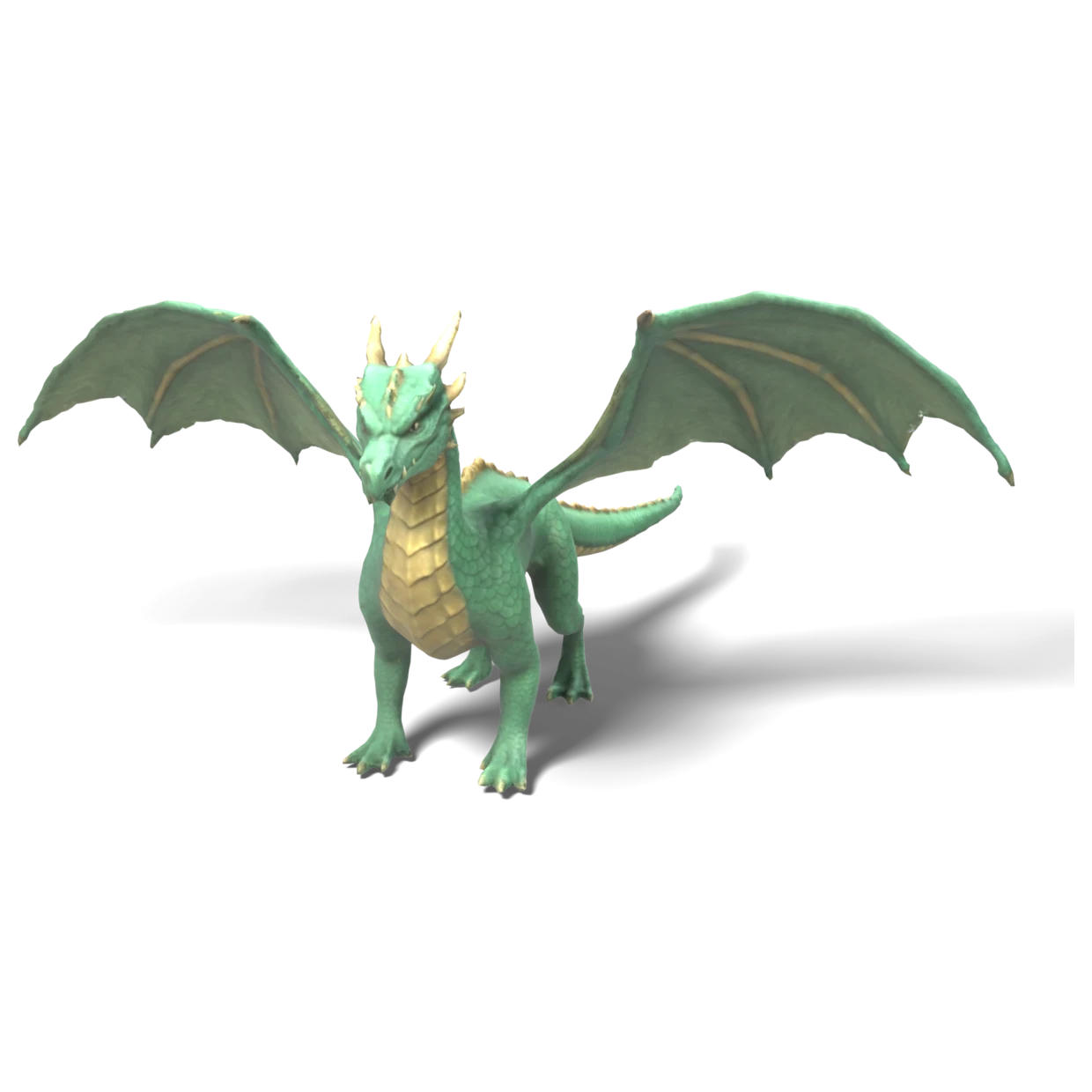
"A fierce green-and-gold dragon, wings spread, 16000 triangles"
16,000 tris · 1024 px albedo + normal
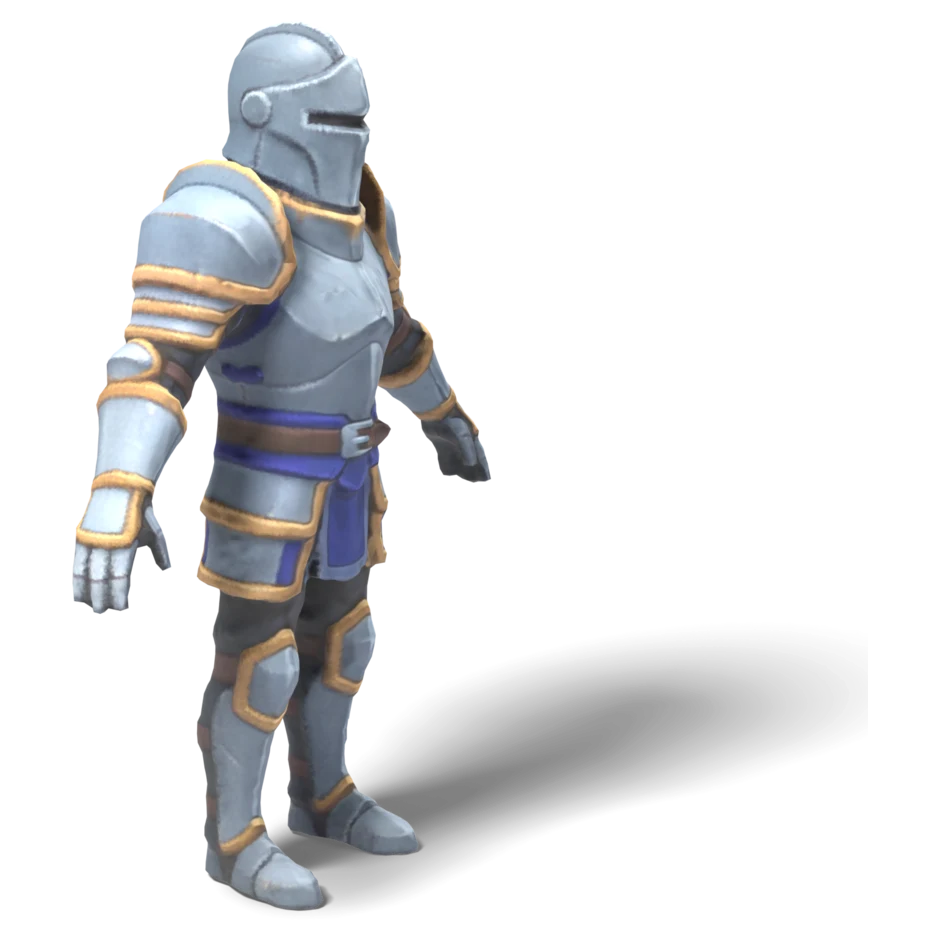
"A stylized armored knight in an A pose, 12000 triangles"
12,000 tris · 2048 px albedo + normal
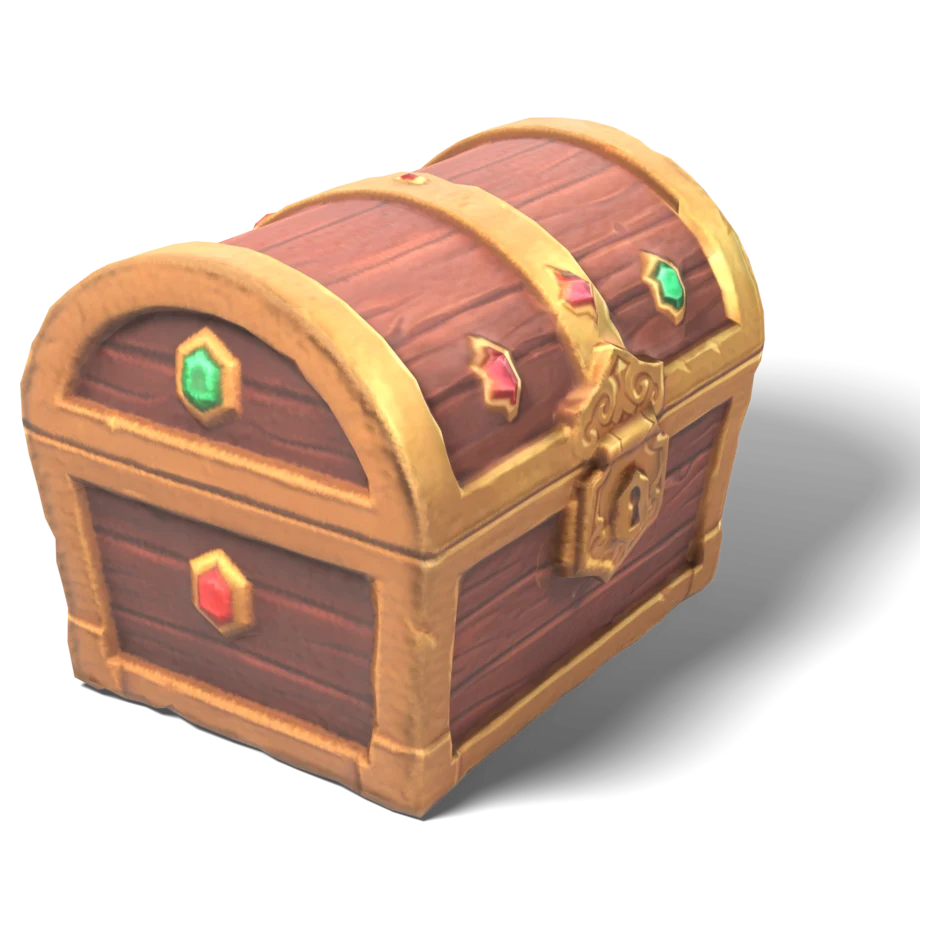
"A stylized treasure chest with gold trim and gems, 4000 triangles"
4,000 tris · 1024 px albedo + normal
How you control it
Model, rig and animate, in plain words
Three messages in one chat. No settings panel, no retopology, no weight painting.
- 1
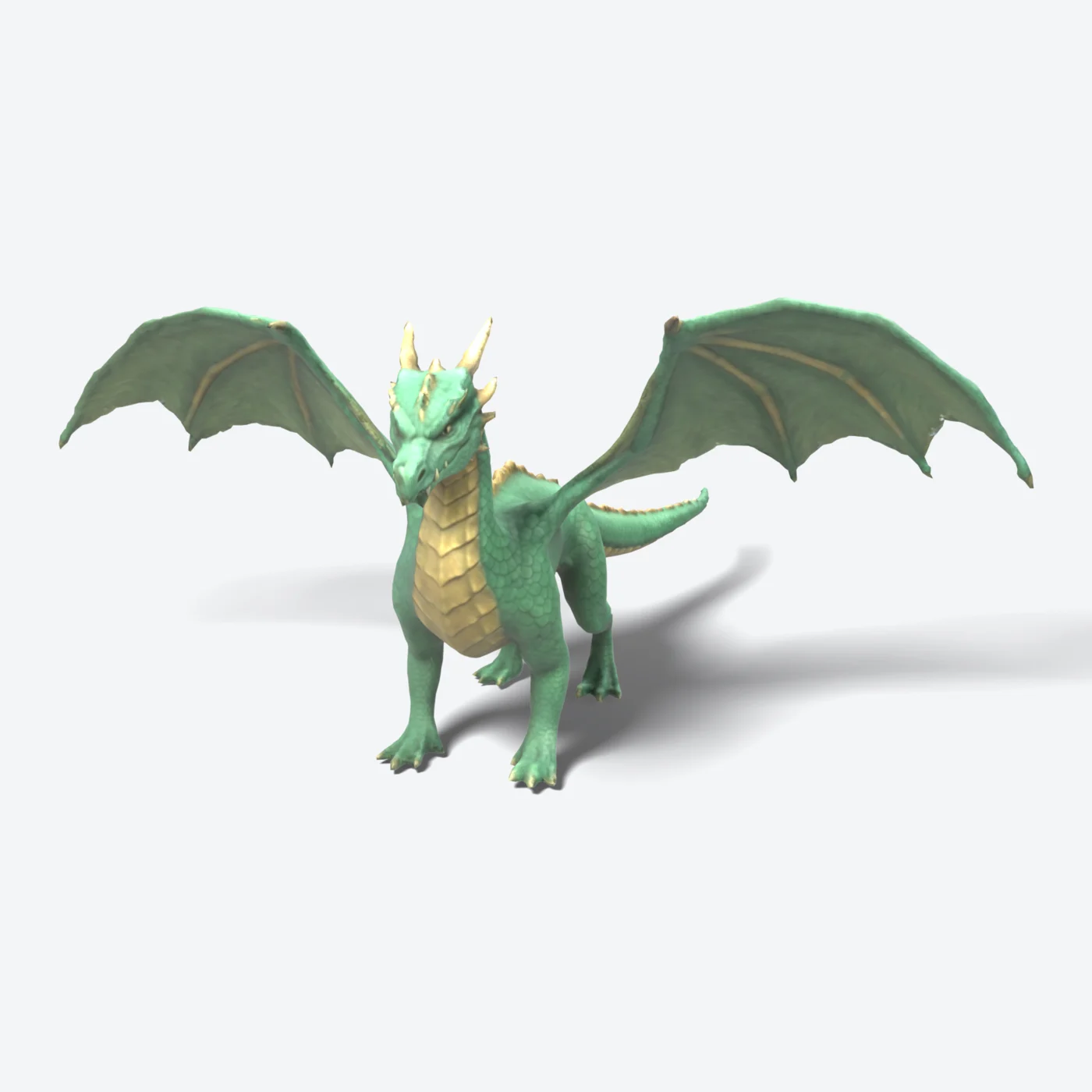
Make a dragon game asset, standing on four legs, wings spread, 16000 triangles
Describe it, with a triangle budget
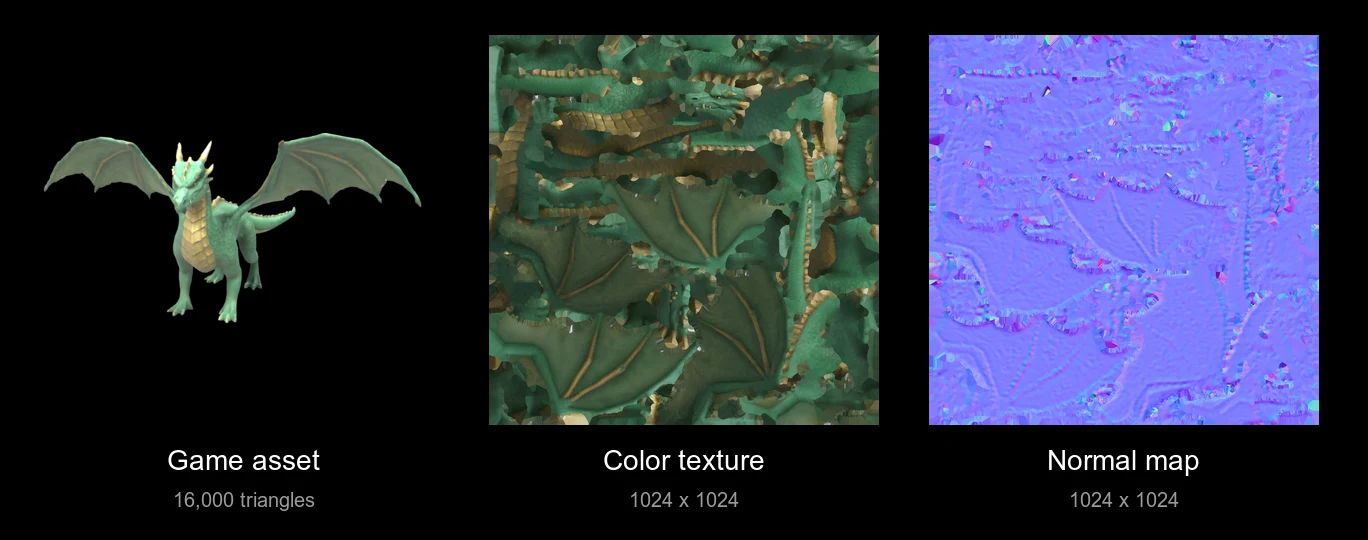
The AI sculpts the shape, decimates it to exactly the budget you named and bakes the color and surface detail into an albedo and a normal map, so a light mesh still looks detailed up close.
- 2
now rig it
AI auto rigging Alpha
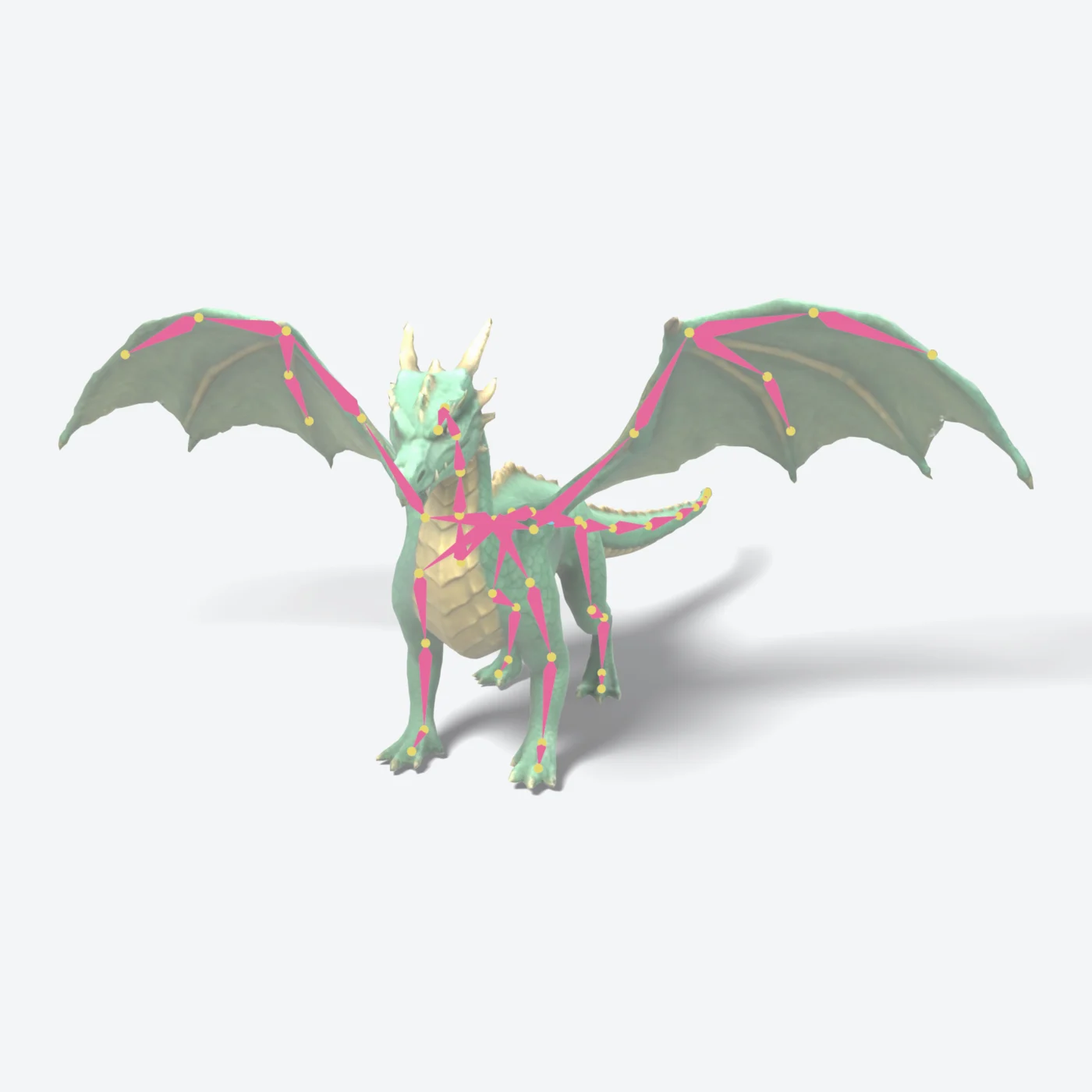
A skeleton goes inside the model and every vertex gets skin weights, in about half a minute. This dragon got 55 bones through the legs, both wings, the spine, the neck and the tail. Textures and triangle count stay untouched.
- 3
A stone golem with glowing runes in a T pose, 15000 triangles. Rig it and animate it: it looks at the camera and points at the viewer
Text-to-motion animation Alpha
Describe the motion and a named clip is added to the GLB. You can ask for the model, the rig and the animation in one message: this golem came out of the prompt above with a look_and_point clip. Two-legged characters animate best; four-legged creatures and wings are still rough.
What's in the file
Built for your engine, not your printer
- GLB, in metres, at the size you ask for
- Any triangle budget, from a 2,000-tri mobile prop to a 40,000-tri hero
- Albedo + normal maps baked from the full-detail surface
- Opens in Unity, Unreal, Godot and Blender
- Same shape at a new budget or texture size, without starting over
- OBJ, STL and 3MF downloads too
Need full PBR with roughness and metallic maps? Generate the material separately and apply it in your engine. Rigging and animation are alpha: bones have generic names, there are no finger or face rigs, and clips are a few seconds long. Read the details.
Common questions
Can AI make game-ready 3D models?
Yes. Describe the asset and GrandpaCAD sculpts it, cuts it down to the triangle count you ask for and bakes the color and surface detail into textures. You get a GLB that opens in Unity, Unreal, Godot and Blender.
How do I control the polygon count?
Put it in the prompt: "16,000 triangles", "under 2,000 polygons", "mobile-friendly". The mesh is decimated to that budget. Ask for a different budget later and it reuses the same shape instead of starting over.
Which texture maps are included?
Every textured model comes with an albedo (base color) map and a tangent-space normal map, 1024 px by default and up to 4096 px on request. Roughness, metallic and height maps are not generated.
Can it rig and animate characters?
Both are in alpha. Ask "rig it" and you get a skeleton with skin weights in the same GLB. Ask for a walk, a run or a dance and it adds a named animation clip. Bones have generic names, there are no finger or face rigs, and clips are short, so expect to clean up anything hero-grade.
Who can use it?
Game assets, rigging and animation run in the new GrandpaCAD chat (the 2.0 beta), which is open to anyone who has bought a credit pack or a plan.
What file formats can I download?
GLB is the native format for game assets and the only one that keeps rigs and animations. Any model also downloads as OBJ, STL or 3MF, converted in your browser.
Your next asset is one sentence away
Describe it, name the budget, download the GLB.