GrandpaCAD
Tools
- AI Modeling
- 3D Model Tools
- Calculators
- Browse all tools →
- Learn
- Pricing
See which faces of an STL, OBJ or 3MF need supports, then turn it so the least surface overhangs. Free, in your browser.
Files are processed entirely in your browser. Nothing is uploaded to a server.
Any 3D edit is just a prompt away.
Every face that tilts further from vertical than your overhang angle and is not sitting on the bed needs support. The tool rests the model on each of its large flat faces and on each side of its bounding box and adds up that overhanging surface every time. It only turns your model when that clearly helps: less support, or the same support with more contact with the bed or a lower print. It never picks an orientation that needs more support than yours, and it won't stand a part on a thin edge to save a little.
Everything runs in your browser. The file is never uploaded, and the download is the same mesh, only rotated and dropped onto the bed.
GrandpaCAD turns a text prompt into a ready-to-print 3D model. Functional parts, organic shapes, multi-color prints. No CAD skills needed.
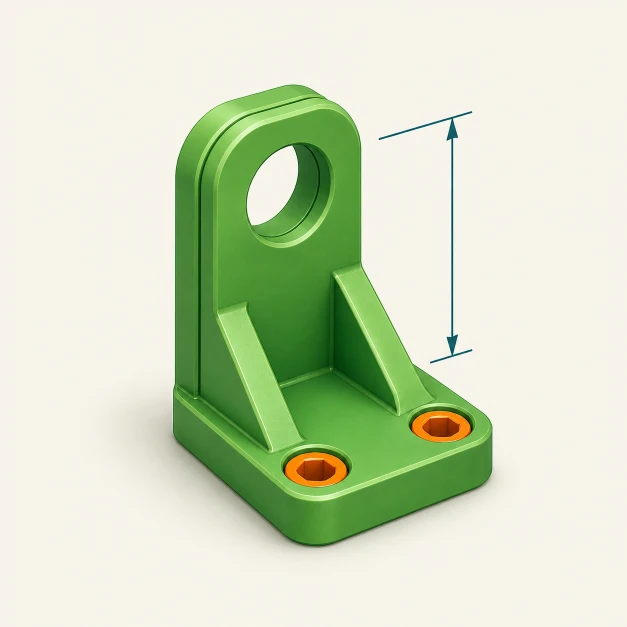
"Design a wall-mounted headphone hook, 90 mm tall with two countersunk screw holes, that prints flat on its back without supports."