





Describe a character.
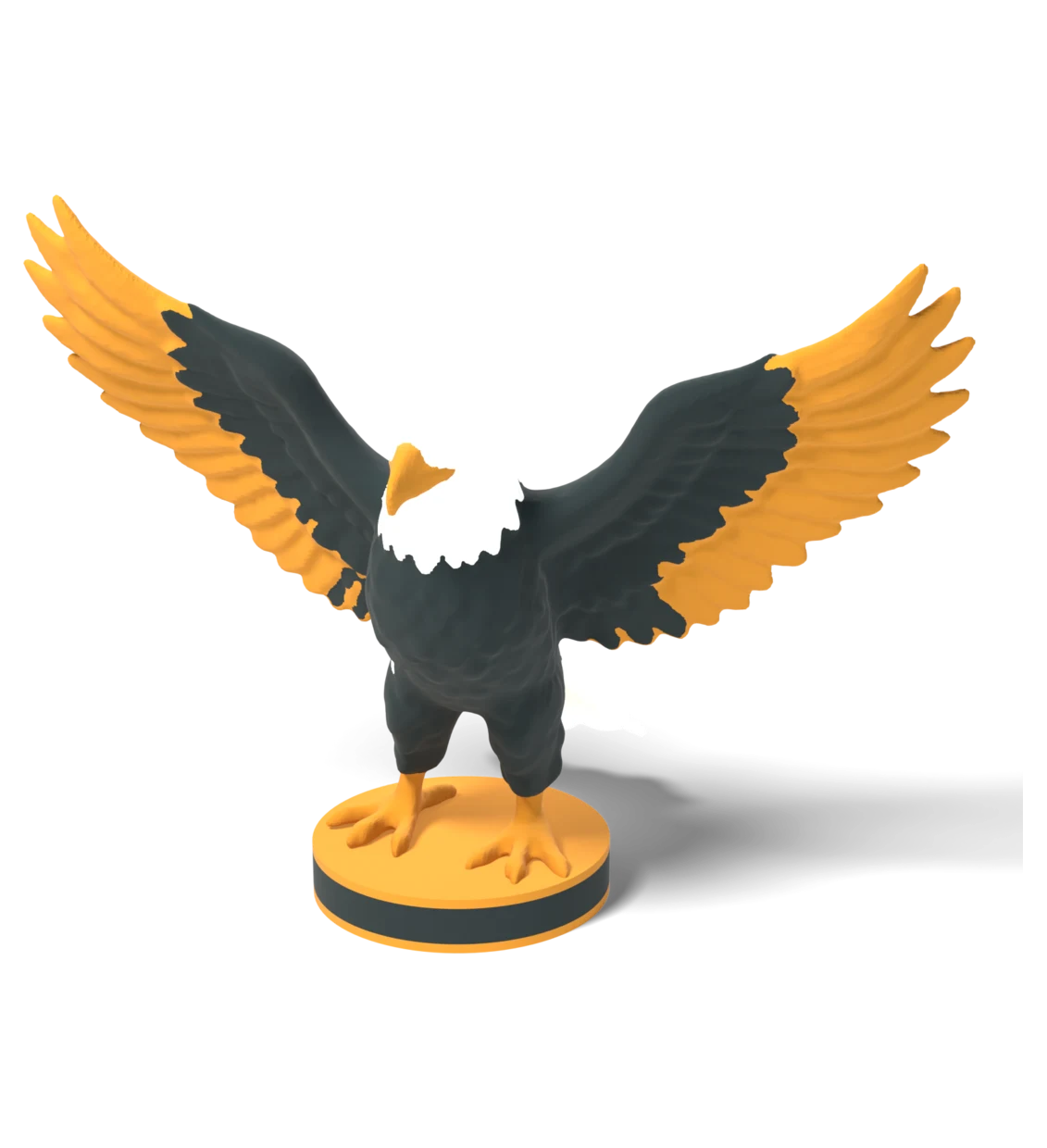
Print it in color.
You don't need to learn ZBrush or Blender. Describe what you want, and you get a .3mf with each color already split into its own shell. Load it in your slicer, assign filaments, print.
Start Free - No Credit Card Required
Thinking...
You've got the printer.
You just need the models.
Sculpting is hard
ZBrush and Blender have a brutal learning curve. You want a dragon figurine, not a degree in digital sculpting.
Manual color painting
Assigning colors per-face in a slicer takes forever. And the boundaries always bleed between layers.
Generic models
Thingiverse and Printables have thousands of benchy boats. They don't have the specific character you're imagining.
How it works
Describe the character
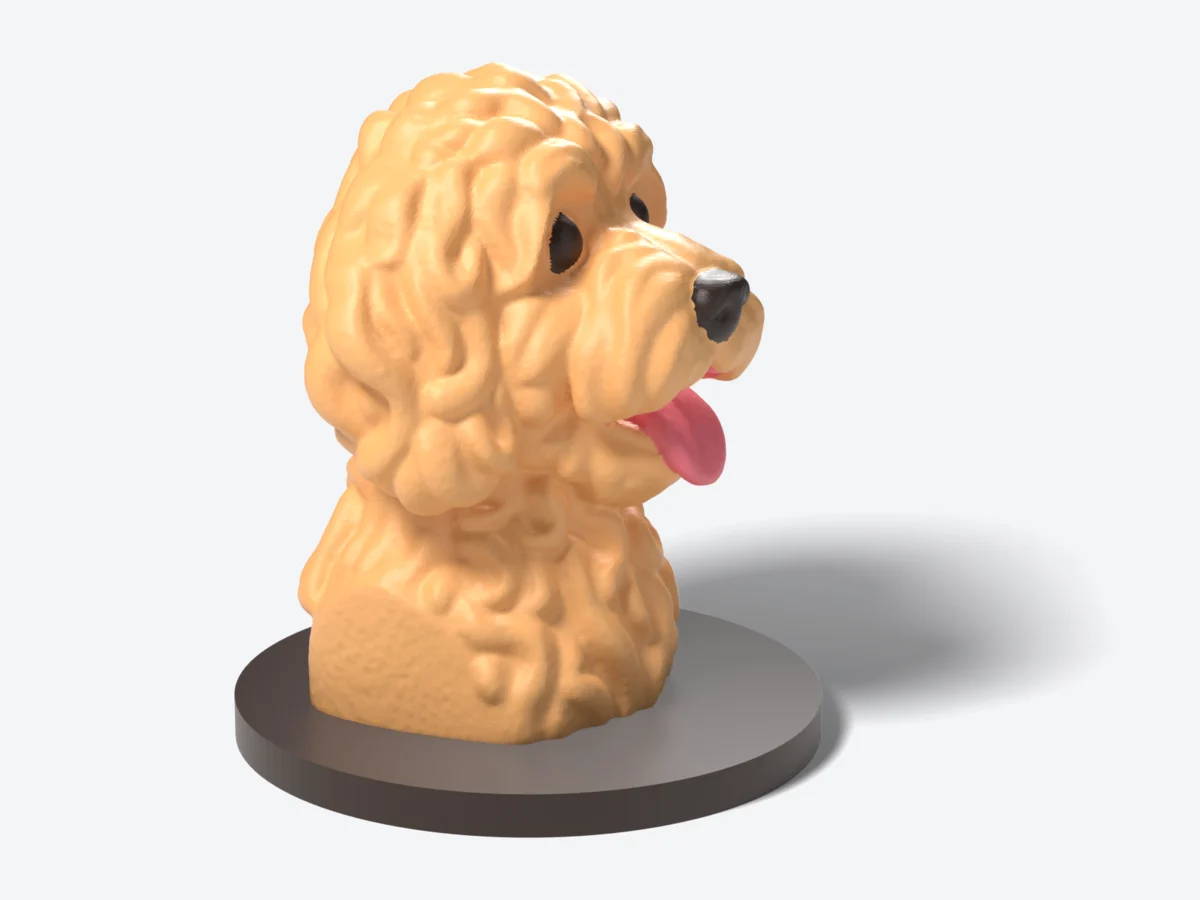
"A labradoodle bust with thick curly fur,
tongue out, on a round plinth.
#E3A869 fur, #2A1B14 nose, eyes and plinth,
#E86F7E tongue"
AI sculpts a manifold mesh
Generates a watertight 3D model from your description.
No manual modeling involved.
Auto-segments by color
Splits the mesh into separate colors:
fur, tongue, and nose, eyes and plinth.
Every vertex painted the right color.
You get a multi-color .3mf
Download it, open in your slicer,
assign filaments to each color, print.
If something's off, just describe
what to change.
GrandpaCAD for Games
Not printing? Make game assets.
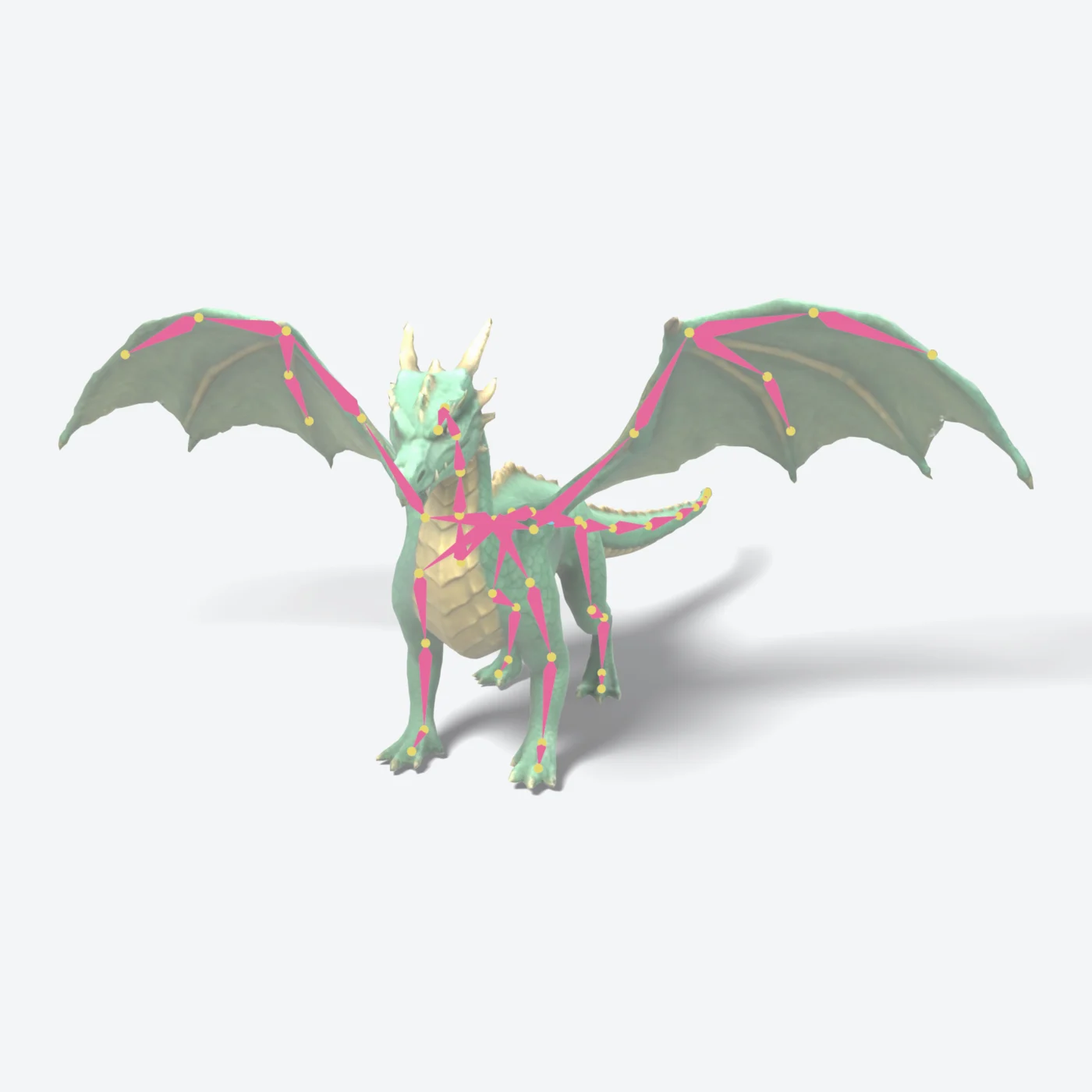
The same sculpting engine makes textured GLBs for Unity, Unreal and Godot at the polygon count you ask for. Rigging and animation are in alpha.
- Make a dragon game asset, 16000 triangles
- now rig it
- now make it point at the camera
Make Anything
Start from scratch or experiment with any model from our public library - just say what you want to change.
Ready to Create?
Start making your 3D models today - no technical skills required.