
Grandpa Cad LogoGrandpaCAD
  • Language
    • 🇸🇮 Slovenian
    • 🇬🇧 English
    • 🇫🇷 Français
  • Tools
    • AI Modeling
      • CAD AIPrecise parts from a sentence
      • Organic AISculpted multi-color figurines
      • Image to 3DPhoto or sketch to model
      • CAD for 3D PrintingExact millimetres, no CAD
      • Game AssetsTextured, rigged and animated
    • 3D Model Tools
      • View a Model
      • Repair a Model
      • Convert 3D Files
      • Reduce File Size
      • Scale / Resize
      • Split / Cut
      • Mirror / Flip
      • Print Orientation
      • Measure Dimensions
      • Print Weight & Cost
    • Calculators
      • Filament Length / Weight
      • Material Shrinkage
      • Tolerance & Fit
      • Stepper Motor VREF
      • Volumetric Flow
      • E-Steps
      • Thread & Tap Sizes
      • All calculators…
    • Browse all tools →
  • Learn
  • Pricing
  • Sign in
  • Sign up
Grandpa Cad LogoGrandpaCAD
  • Language
    • 🇸🇮 SlovenianUtility
    • 🇬🇧 EnglishUtility
    • 🇫🇷 FrançaisUtility
  • Tools
    • AI Modeling
      • CAD AIPrecise parts from a sentence
      • Organic AISculpted multi-color figurines
      • Image to 3DPhoto or sketch to model
      • CAD for 3D PrintingExact millimetres, no CAD
      • Game AssetsTextured, rigged and animated
    • 3D Model Tools
      • View a Model
      • Repair a Model
      • Convert 3D Files
      • Reduce File Size
      • Scale / Resize
      • Split / Cut
      • Mirror / Flip
      • Print Orientation
      • Measure Dimensions
      • Print Weight & Cost
    • Calculators
      • Filament Length / Weight
      • Material Shrinkage
      • Tolerance & Fit
      • Stepper Motor VREF
      • Volumetric Flow
      • E-Steps
      • Thread & Tap Sizes
      • All calculators…
  • Learn
  • Pricing
Sign upSign in
Back to Tools

glTF to STL converter

Drop a glTF file, check the preview, download STL. The conversion runs in your browser, so your model never leaves your device.

Convert the attached glTF file to STL

Files are processed entirely in your browser. Nothing is uploaded to a server.

Any 3D edit is just a prompt away.

Need a part that doesn't exist yet?

The GrandpaCAD chat designs it from a description, like "Model a snap-fit clip that holds a phone charging cable on a desk edge up to 25 mm thick."

How the conversion works

glTF is a JSON scene format for web and real-time 3D. A .gltf file often references separate buffer and texture files, while GLB packs everything into one binary.

The converter writes binary STL, which is what slicers expect. Drop the result straight into Bambu Studio, PrusaSlicer, Cura, or any other slicer.

glTF stores coordinates in meters, while STL is read as millimeters, so the converter multiplies every coordinate by 1000 and the part keeps its real size. If it arrives 1000 times too large, the file was saved in millimeters anyway: tick the millimeters option before converting.

Frequently asked questions

Does my file get uploaded?
No. Parsing and export run in your browser with WebAssembly and three.js. The file stays on your device, and it works offline once the page has loaded.
What survives the glTF to STL conversion?
Geometry comes through completely: every triangle, at full precision. Materials, textures, and vertex colors are dropped, because STL as written here stores plain triangles only.
Is there a file size limit?
Models up to 8 million triangles work. STL files can be any size below that; other formats stop at 300 MB. Heavier meshes take longer rather than failing outright; if a file is unwieldy, reduce its triangle count first with the reduce tool.

More glTF conversions

glTF → OBJglTF → GLBAll converters

More free 3D file tools

View a modelRepair a modelReduce file sizeConvert 3D filesMeasure a modelScale a modelSplit a modelMirror a modelPrint orientationPrint weight & cost

Describe a part. Get a printable model.

GrandpaCAD turns a text prompt into a ready-to-print 3D model. Functional parts, organic shapes, multi-color prints. No CAD skills needed.

"Model a snap-fit clip that holds a phone charging cable on a desk edge up to 25 mm thick."
3 free generations, no card required
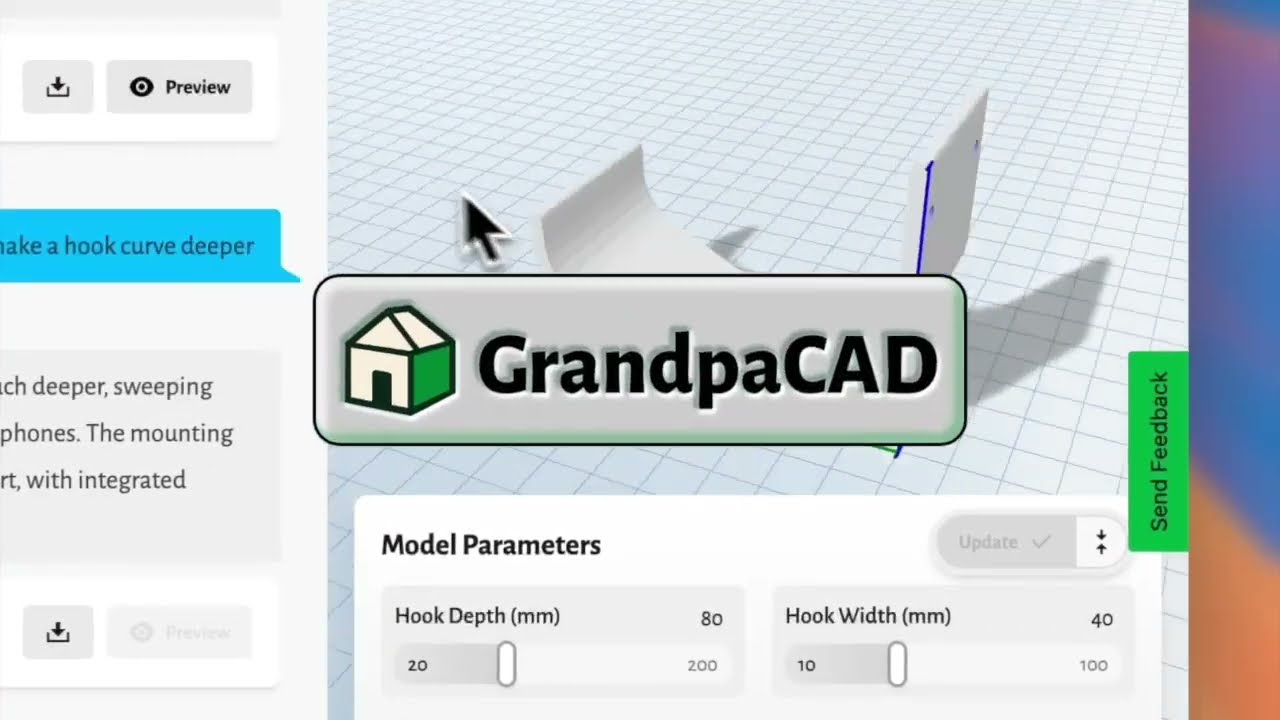
Watch GrandpaCAD demo
Grandpa Cad LogoGrandpaCAD

Simple 3D modeling for everyone

Tools
Organic AI ModelingCAD AI ModelingThread & Tap CalcTolerance & Fit CalcVref CalculatorAcceleration CalcFilament ConverterDrying CalcShrinkage Calc
Print Cost CalcResin Cost CalcE-Steps CalcFlow Rate CalcVolumetric Flow CalcLayer Height CalcSpool Calculator
View a ModelRepair a ModelConvert 3D FilesReduce File SizeScale a ModelSplit a ModelMirror a ModelOrient for PrintingMeasure a ModelPrint Weight & Cost
CompanyContactAPIChatGPT & Claude (MCP)LibrariesBlogPublic LibraryPress & MediaCareersAffiliate Program
LegalTermsPrivacyRefund Policy
© 2026 GrandpaCAD · OTIVIA 32, d.o.o. All rights reserved.




