 GrandpaCAD
Tools
- AI Modeling
- 3D Model Tools
- Calculators
- Browse all tools →
- Learn
- Pricing
Video series
2 / 3|CAD models & search
Up next: Organic models
In this video I generate a protective cradle for an Arduino Uno. GrandpaCAD automatically searches for the real board dimensions, mounting hole positions, and port locations. I didn't open a single datasheet.
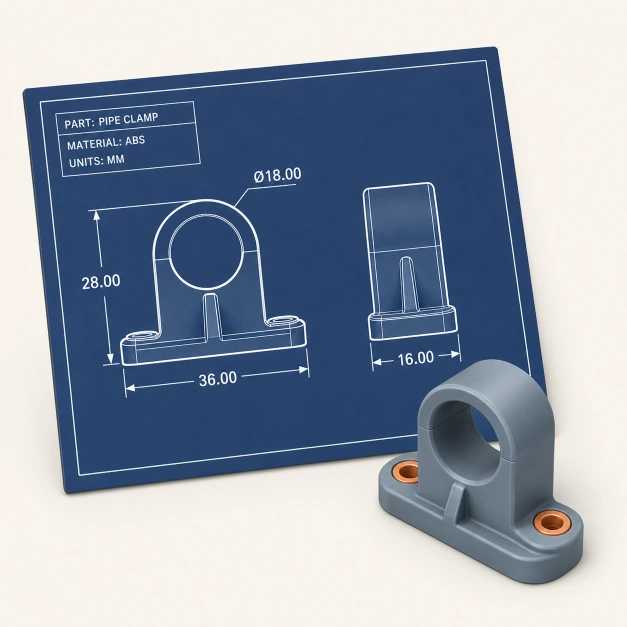
GrandpaCAD looks up real-world dimensions (board size, mounting holes, port locations) so you don't have to.
Parts are built with actual specs, not guessed shapes. Mounting holes line up. Port cutouts are where they should be.
This isn't shape generation. It's CAD with real-world data baked in, backed by specs instead of approximations.
Copy this prompt to try it yourself. GrandpaCAD will search for the real Arduino Uno specs automatically.
Protective cradle for an Arduino Uno with mounting holes and USB port cutout
Describe the part and the AI searches for real board dimensions
Open GrandpaCAD and describe any part that fits a real-world component. It'll look up the specs for you.
Start modeling