 GrandpaCAD
Tools
- AI Modeling
- 3D Model Tools
- Calculators
- Browse all tools →
- Learn
- Pricing
Video series
3 / 3|Organic models
Last in series
In this video I generate a low-poly dragon miniature — something you'd put on a shelf or a tabletop game board. GrandpaCAD automatically routes the prompt to the organic engine. No toggle, no mode switch.
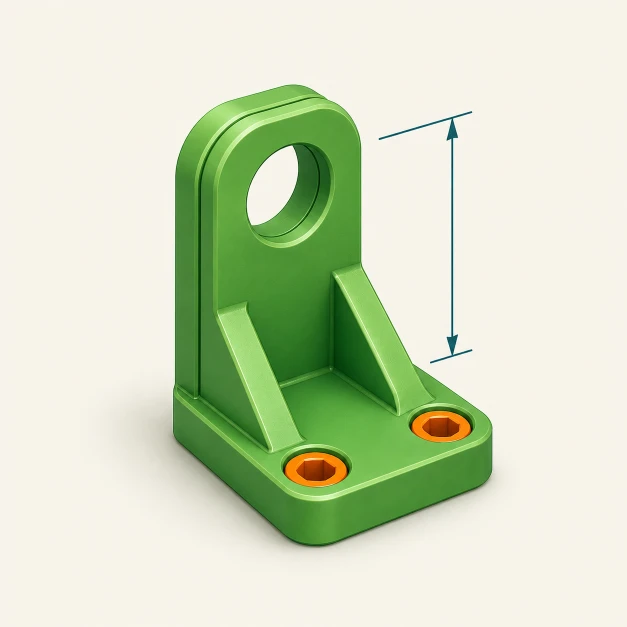
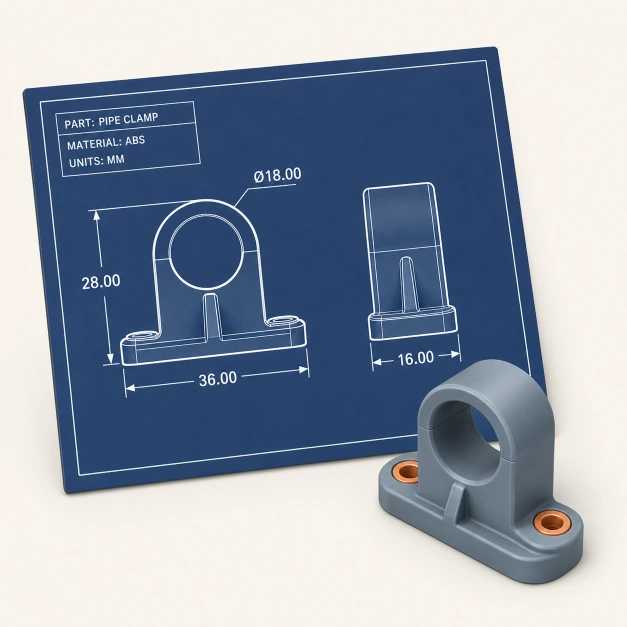
The platform reads your intent and picks the right engine. Artistic or decorative prompts go to Organic Mode. Engineering parts with dimensions go to CAD Mode.
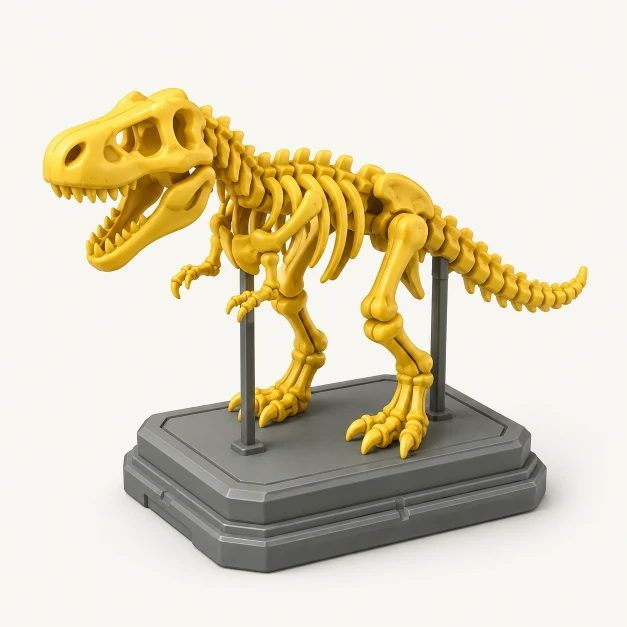
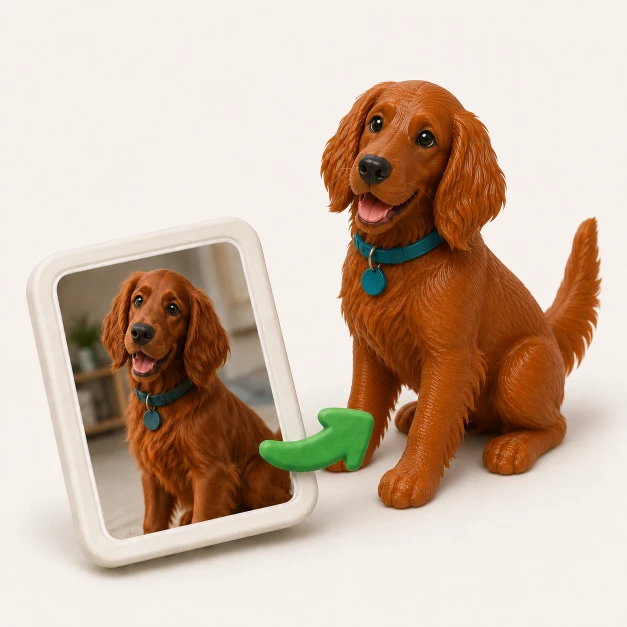
Organic Mode is built for characters, animals, and art pieces — geometry that needs to look good and be printable. Use CAD Mode when exact dimensions matter.
Once a chat starts in Organic Mode, it stays there. Need a CAD part? Start a new chat. Mixed-mode conversations are coming soon.
Copy these prompts to try Organic Mode yourself. GrandpaCAD will automatically route them to the organic engine.
Low-poly dragon miniature for a tabletop game board
Artistic intent triggers Organic Mode automatically
Cute bear figurine, standing, cartoon style
Characters and creatures are ideal for Organic Mode
Fantasy chess piece — wizard with a long staff
Decorative and artistic models route to the organic engine
Open GrandpaCAD and describe a character or creature. It'll route to Organic Mode automatically.
Start modeling