Use the biggest file you have
Edges are only as sharp as the pixels behind them. A 200 px icon stretched to 100 mm wide has steps half a millimetre across, and they show. We use up to 2048 px on the long side.
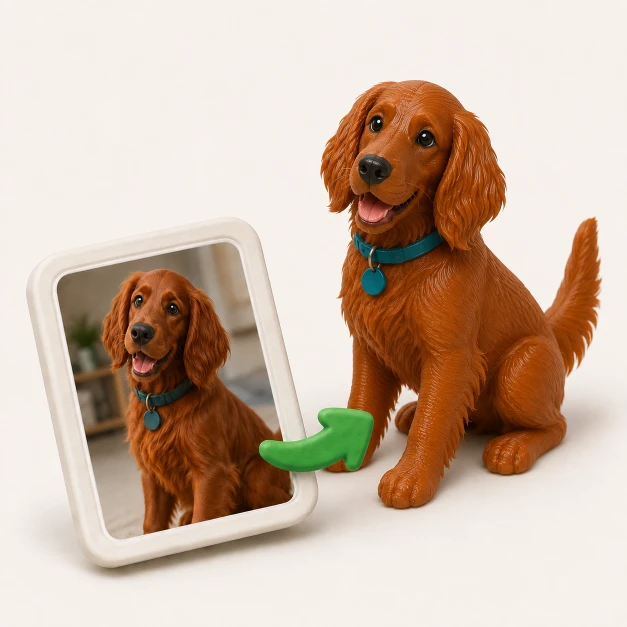
Attach your PNG and say what it should become. A relief takes its height from the picture. A keychain or a sign gets the ring holes and backing plate a picture can't show.
3 free generations, no credit card. Downloads need a pack from US$12 or a plan.
A logo, an icon, a drawing or a screenshot. It stays in your browser until you sign up and send.
A few words are enough, like "make a raised relief of this logo". Say which parts stand up if it matters.
Turn the model around, ask for changes in plain words and download the STL or 3MF when it's right.
A PNG is a grid of coloured pixels, with no depth and no edges. The usual PNG to STL converter makes a height map: each pixel becomes a little column, as tall as that pixel is dark or light. That suits a relief or a lithophane, and it's what you get here when you ask for one.
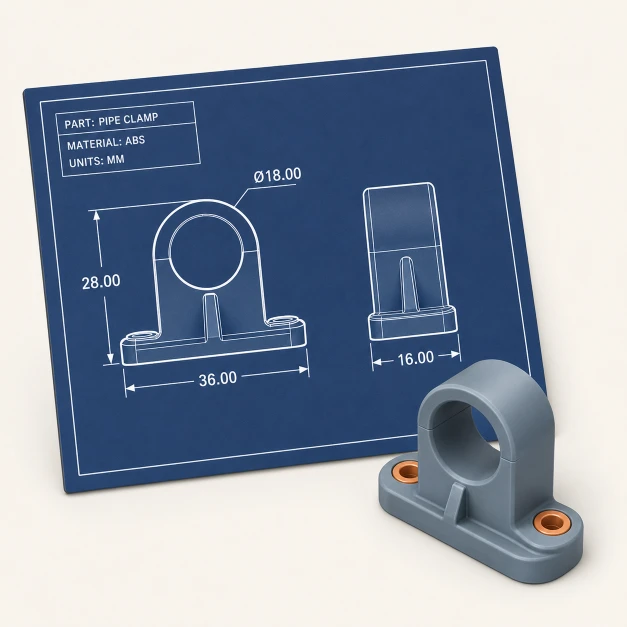
It's no good for a keychain. A ring hole isn't in the picture, a stamp has to be mirrored and a sign needs a backing plate. For those, the designer reads your PNG as a reference and builds the part from it, so the edges come close to your picture without being a pixel-perfect trace.
Saying what it is will do: a relief, a keychain, a plaque. Add any of these if they matter to you.
A clean picture makes a clean model. These four things make the biggest difference.
Edges are only as sharp as the pixels behind them. A 200 px icon stretched to 100 mm wide has steps half a millimetre across, and they show. We use up to 2048 px on the long side.
Transparent pixels count as white in a relief. A white logo on a transparent background comes out as a blank plate, so put it on a black background first and ask for the light parts to stand up.
In a relief, grey means a slope. The soft grey edge around a logo becomes a ramp and a drop shadow becomes a bump. Two flat tones give you flat tops and steep sides.
A vector file has real outlines, so nothing gets guessed. If your logo started in Illustrator, Inkscape or Figma, export an SVG and use our SVG to STL page.
If a height map or a traced outline is all you need, you don't need us. All three of these are free.
Scripted, and its surface() function reads a PNG as a height map directly.
linear_extrude(height = 1)
  square([40, 20], center = true);
translate([0, 0, 4])
  scale([0.2, 0.2, 0.03])
surface(file = "logo.png", center = true, invert = true);Free and much more capable, with a real learning curve.
The way to clean outlines, if your logo has flat colours.
They do different jobs. Pick by what your PNG has to turn into.
 GrandpaCAD | Height map converters | Tinkercad, Blender | |
|---|---|---|---|
| What you get | The part you described | A relief of the picture | Whatever you build by hand |
| Holes, handles, backing plates | Say so in the message | No | Model them yourself |
| Change it later | One sentence | Convert again | Back into the editor |
| Skill needed | None | None | Some to a lot |
| Price | 3 free generations, downloads from US$12 | Free | Free |
Unedited feedback from the in-app rating prompt. We only show country to keep makers anonymous.
"generated a printable design on the first try!"
"Fast easy and good quality"
"It's working good. Grandpa!"
"yay so fun"
Pulled from real CSAT survey responses inside the GrandpaCAD app.
Partly, and I'd rather say so up front. Your first 3 generations are free with no credit card, so you can see your PNG built and turn it around in the 3D viewer. Downloading the STL needs a pack from US$12 or a plan. If a plain height map is all you want, OpenSCAD does that for free, and the steps are on this page.
It depends on what you ask for. A relief or a lithophane follows the pixels directly. A keychain, a sign or anything with added features is built by the designer using the PNG as a reference, so the outlines come close without being an exact trace. If you need exact outlines, start from an SVG.
It counts as white. With a dark logo on a transparent background that's what you want, because the logo stands up from the base plate. A white logo on transparent has nothing to stand out from, so put it on black first.
Whichever you say. A black logo on white usually wants the dark parts raised. A lithophane always has the dark parts thickest, because they have to block the light.
Whatever you ask for. A PNG has pixels and no real size, so say "80 mm wide" and the height follows the picture's proportions. If you don't say, the designer picks a sensible size or asks you.
Because every pixel needs its own triangles. A 200 x 100 px picture comes to about 80,000 triangles in OpenSCAD's surface(). If a file from a free converter chokes your slicer, shrink it with our free Reduce STL File Size tool.
Yes. You can download STL, 3MF, OBJ, GLB and GLTF. For a one-colour print either works, and a 3MF is smaller and keeps real millimetres.
No. It runs in the browser and you never touch a CAD program. The STL opens in Bambu Studio, PrusaSlicer, Orca and any other slicer.
3 free generations, no credit card. See your part in 3D before you pay anything.