
Grandpa Cad LogoGrandpaCAD
  • Language
    • 🇸🇮 Slovenian
    • 🇬🇧 English
    • 🇫🇷 Français
  • Tools
    • AI Modeling
      • CAD AIPrecise parts from a sentence
      • Organic AISculpted multi-color figurines
      • Image to 3DPhoto or sketch to model
      • CAD for 3D PrintingExact millimetres, no CAD
      • Game AssetsTextured, rigged and animated
    • 3D Model Tools
      • View a Model
      • Repair a Model
      • Convert 3D Files
      • Reduce File Size
      • Scale / Resize
      • Split / Cut
      • Mirror / Flip
      • Print Orientation
      • Measure Dimensions
      • Print Weight & Cost
    • Calculators
      • Filament Length / Weight
      • Material Shrinkage
      • Tolerance & Fit
      • Stepper Motor VREF
      • Volumetric Flow
      • E-Steps
      • Thread & Tap Sizes
      • All calculators…
    • Browse all tools →
  • Learn
  • Pricing
  • Sign in
  • Sign up
Grandpa Cad LogoGrandpaCAD
  • Language
    • 🇸🇮 SlovenianUtility
    • 🇬🇧 EnglishUtility
    • 🇫🇷 FrançaisUtility
  • Tools
    • AI Modeling
      • CAD AIPrecise parts from a sentence
      • Organic AISculpted multi-color figurines
      • Image to 3DPhoto or sketch to model
      • CAD for 3D PrintingExact millimetres, no CAD
      • Game AssetsTextured, rigged and animated
    • 3D Model Tools
      • View a Model
      • Repair a Model
      • Convert 3D Files
      • Reduce File Size
      • Scale / Resize
      • Split / Cut
      • Mirror / Flip
      • Print Orientation
      • Measure Dimensions
      • Print Weight & Cost
    • Calculators
      • Filament Length / Weight
      • Material Shrinkage
      • Tolerance & Fit
      • Stepper Motor VREF
      • Volumetric Flow
      • E-Steps
      • Thread & Tap Sizes
      • All calculators…
  • Learn
  • Pricing
Sign upSign in
Back to Tools

G-code viewer online

Preview a sliced print layer by layer before you start it: walls, infill, supports, travel moves and retractions. Opens .gcode, PrusaSlicer .bgcode and Bambu Studio .gcode.3mf files right in your browser, nothing is uploaded.

No file at hand?

How to view G-code online

Drop a .gcode file on the box above, or open the sample print. The reader goes through the file line by line in the background, so even an 80 MB file for a big print doesn't freeze the page. When it finishes you get the whole print as the nozzle will lay it down, colored by feature: outer walls, inner walls, infill, top surfaces, bridges and supports.

Drag the layer slider to cut the print at any height, and tick Range to hide the layers below as well. Under it, the move slider and the play button replay the nozzle path inside the current layer, one move at a time. Drag to orbit, scroll to zoom, right-drag to pan.

Switch the colors to speed, volumetric flow, layer height or filament to turn the preview into a visualizer for the setting you are chasing, and untick features in the legend to see only what matters, for example only the support.

Why preview G-code before printing

The slicer preview disappears once you export, but the G-code is what the printer actually runs. A minute in a G-code previewer catches the problems that otherwise show up three hours into a print:

  • Supports: are they under every overhang that needs one, and only there? Hide the walls to see the support and its interface on their own.
  • The first layer: does the skirt or brim go around the part, is every island touching the bed, and is the first layer as thick as you think?
  • Seams and travel: turn on travel moves and retractions to see where the nozzle crosses open space, which is where stringing and zits come from.
  • Time and filament: the panel reads the slicer's own print time and filament estimate, so you know whether the spool on the printer is enough.

PrusaSlicer .bgcode and Bambu .gcode.3mf files

PrusaSlicer saves binary G-code (.bgcode) for the MK4, MK3.9, XL, Core One and MINI by default. It's compressed and most G-code readers can't open it, but this one decodes it in your browser, checksums included, and shows the thumbnails and print estimates stored inside. PrusaSlicer's own G-code viewer does the same on the desktop, if you have it installed.

Bambu Studio and OrcaSlicer send prints as a .gcode.3mf: a zip with one G-code file and one preview image per plate. Get one with File, Export, Export plate sliced file, or download it from the printer's SD card. Drop it here and, if it holds several plates, pick the one you want from their thumbnails. The filament colors set in the slicer come through, so color by filament shows a multi-color print the way your AMS will print it.

Supported slicers and G-code flavors

The viewer reads files from PrusaSlicer, SuperSlicer, OrcaSlicer, Bambu Studio, Cura, Simplify3D and ideaMaker, and plain G-code from anything else. Slicer comments give it the layers, feature types, line widths, filament colors and print stats. Without them it still draws every move and splits layers wherever the nozzle starts extruding at a new height.

It follows Marlin, Klipper, RepRapFirmware and Prusa firmware G-code: straight moves and G2/G3 arcs (arc fitting is on by default in PrusaSlicer and Bambu Studio), absolute and relative extrusion, G92 resets, firmware retraction with G10/G11, inches with G20, and tool changes on multi-material printers.

Your G-code never leaves your computer

Everything runs in your browser. The file is read from your disk by a background worker and drawn with WebGL; nothing is uploaded, stored or sent anywhere, so it's fine to open G-code for a part you're not allowed to share.

Frequently asked questions

Is this G-code viewer free?
Yes. There's no sign-up and no file size limit other than your browser's memory; an 80 MB file opens in about two seconds on a typical laptop.
Why is the print time different from my slicer's?
When the file carries the slicer's own estimate, the viewer shows exactly that. When it doesn't, the viewer divides each move's length by its feedrate and labels the result as an estimate. That ignores acceleration, so real prints take longer.
Why do I see only one layer?
In spiral vase mode the nozzle rises continuously, so without the slicer's layer comments there are no separate layers to split. Files sliced by PrusaSlicer, OrcaSlicer, Bambu Studio and Cura have those comments and split normally.
Can I edit the G-code here?
No, it's a viewer. To change the print, change the settings in your slicer and export again. To change the part itself, describe it in the box under the viewer and GrandpaCAD designs a new model you can slice.
Does it show CNC or laser G-code?
It opens .nc and .g files, but it's built for 3D printers: moves without extrusion count as travel, so turn on Travel moves to see a CNC or laser toolpath.

Viewers and calculators for your next print

STL viewer3MF viewerView a modelPrint costFilament length / weightVolumetric flowLayer height

More free 3D file tools

View a modelRepair a modelReduce file sizeConvert 3D filesMeasure a modelScale a modelSplit a modelMirror a modelPrint orientationPrint weight & cost

Describe a part. Get a printable model.

GrandpaCAD turns a text prompt into a ready-to-print 3D model. Functional parts, organic shapes, multi-color prints. No CAD skills needed.

"Phone stand with cable slot, 70mm wide, 15 degree angle"
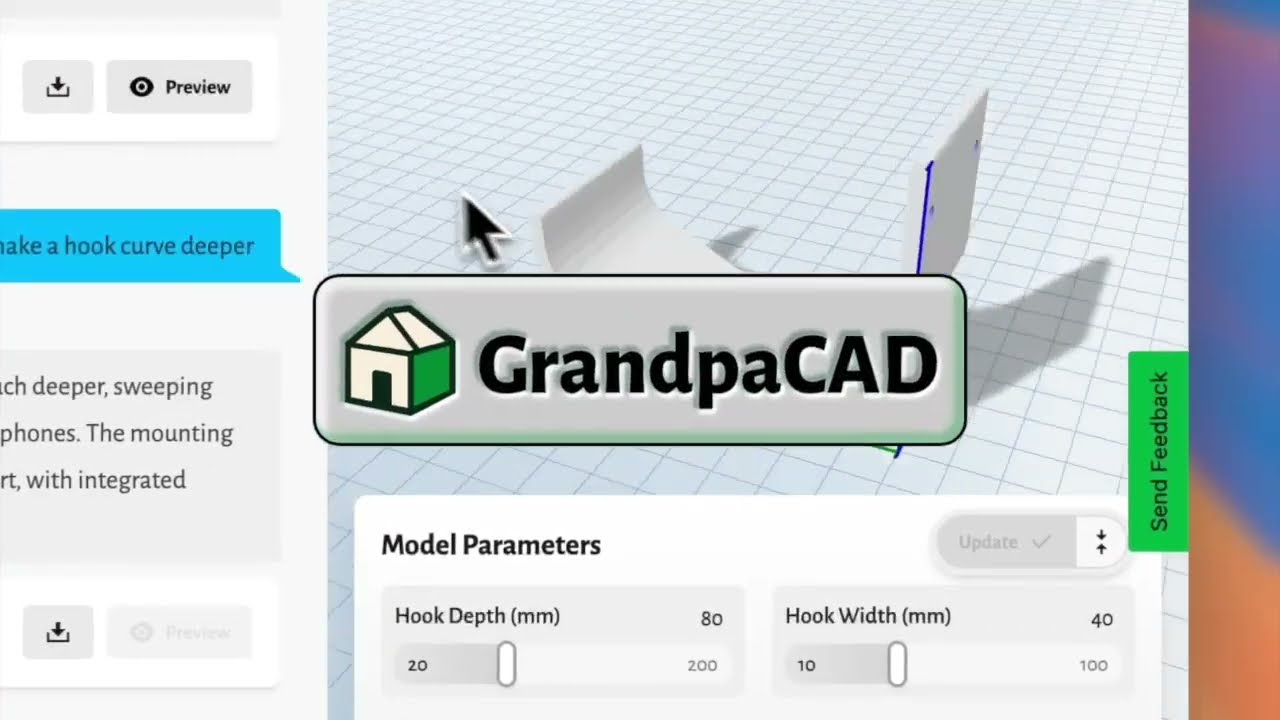
Generate your first model3 free generations, no card required
Watch GrandpaCAD demo
Grandpa Cad LogoGrandpaCAD

Simple 3D modeling for everyone

Tools
Organic AI ModelingCAD AI ModelingThread & Tap CalcTolerance & Fit CalcVref CalculatorAcceleration CalcFilament ConverterDrying CalcShrinkage Calc
Print Cost CalcResin Cost CalcE-Steps CalcFlow Rate CalcVolumetric Flow CalcLayer Height CalcSpool Calculator
View a ModelRepair a ModelConvert 3D FilesReduce File SizeScale a ModelSplit a ModelMirror a ModelOrient for PrintingMeasure a ModelPrint Weight & Cost
CompanyContactAPIChatGPT & Claude (MCP)LibrariesBlogPublic LibraryPress & MediaCareersAffiliate Program
LegalTermsPrivacyRefund Policy
© 2026 GrandpaCAD · OTIVIA 32, d.o.o. All rights reserved.




