Preview: this cheatsheet is still in development and the content hasn't been independently verified.
grandpacad
Naming real parts19 / 36
Joints for 3D printing
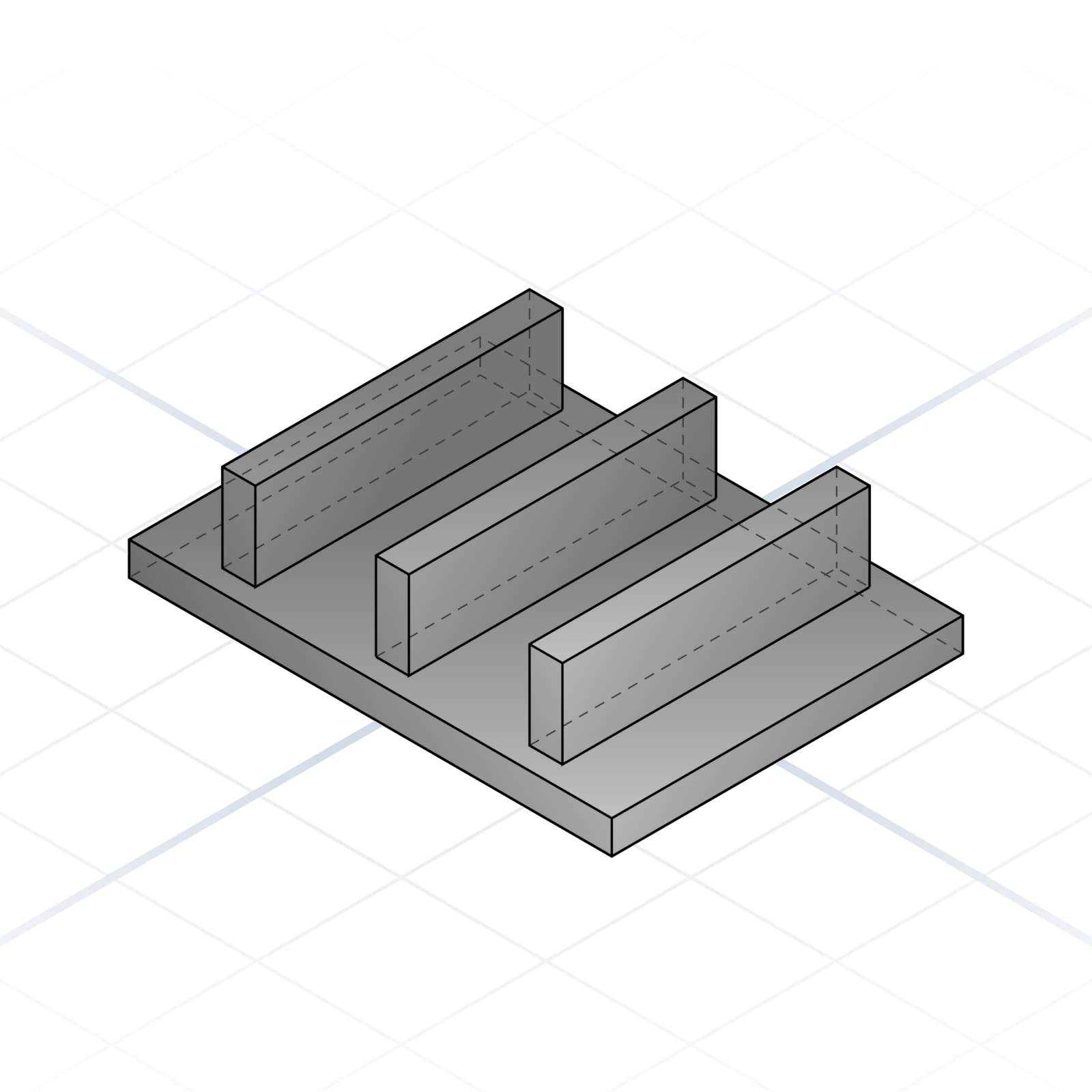
How printed parts attach to each other. These hold up without glue when the geometry is right.
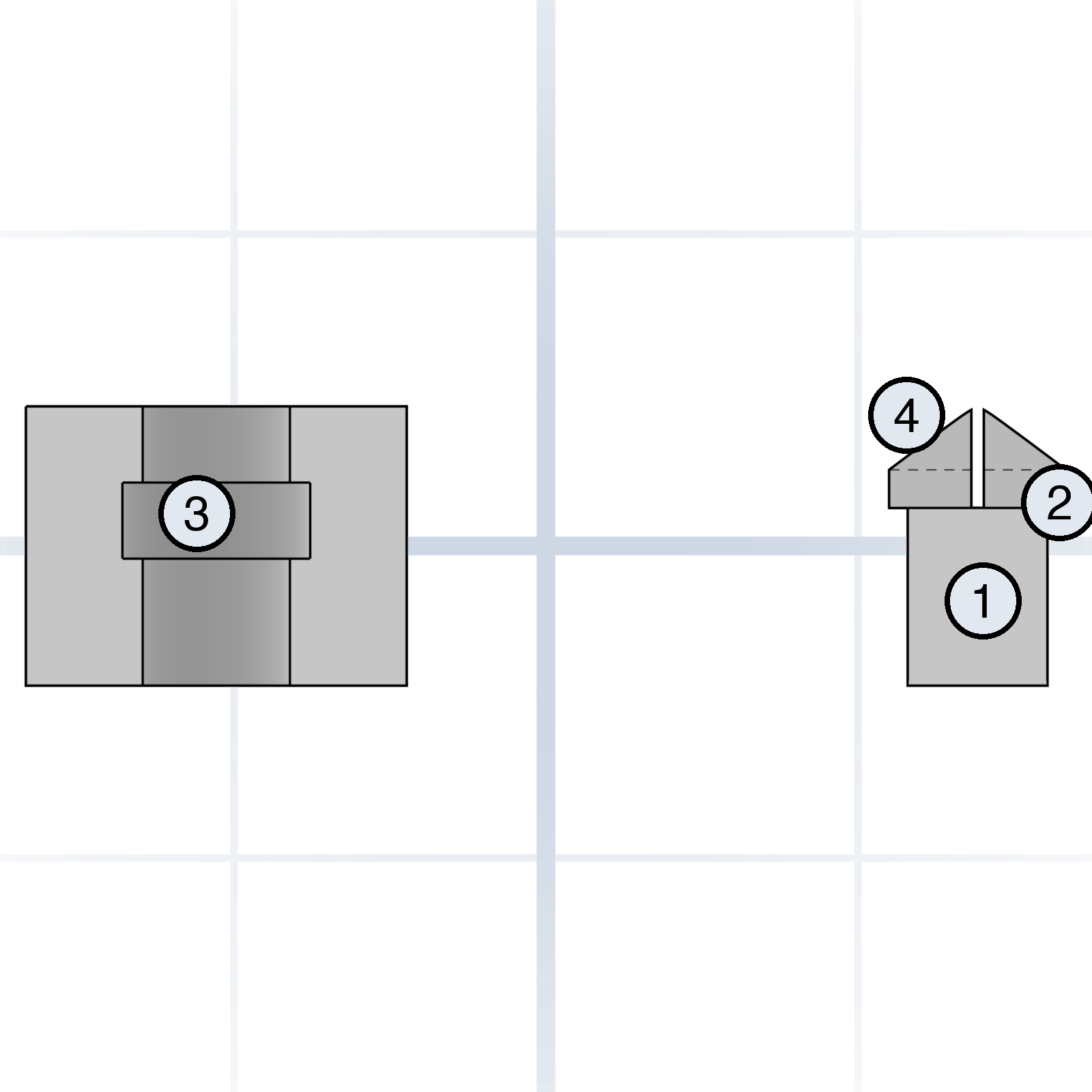
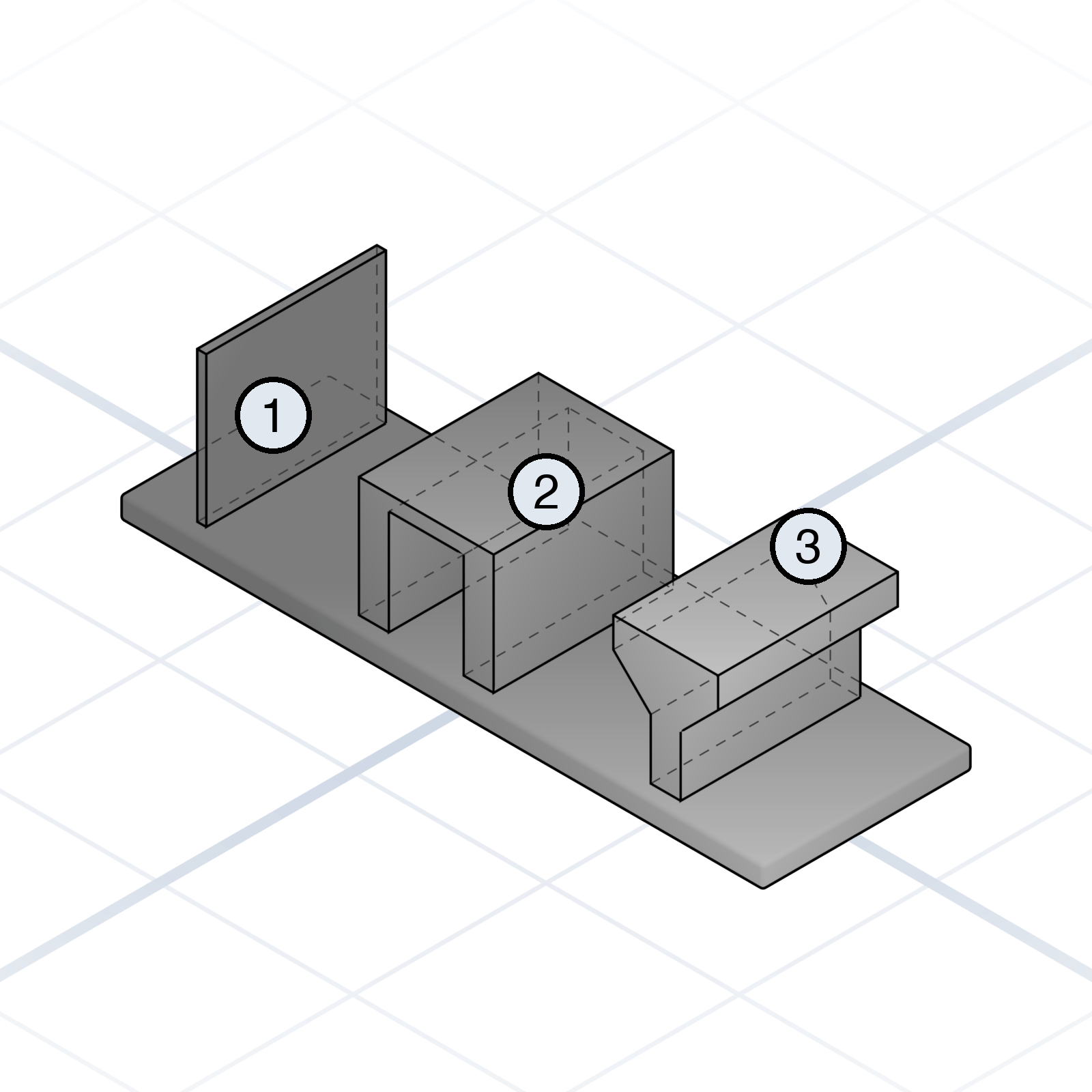
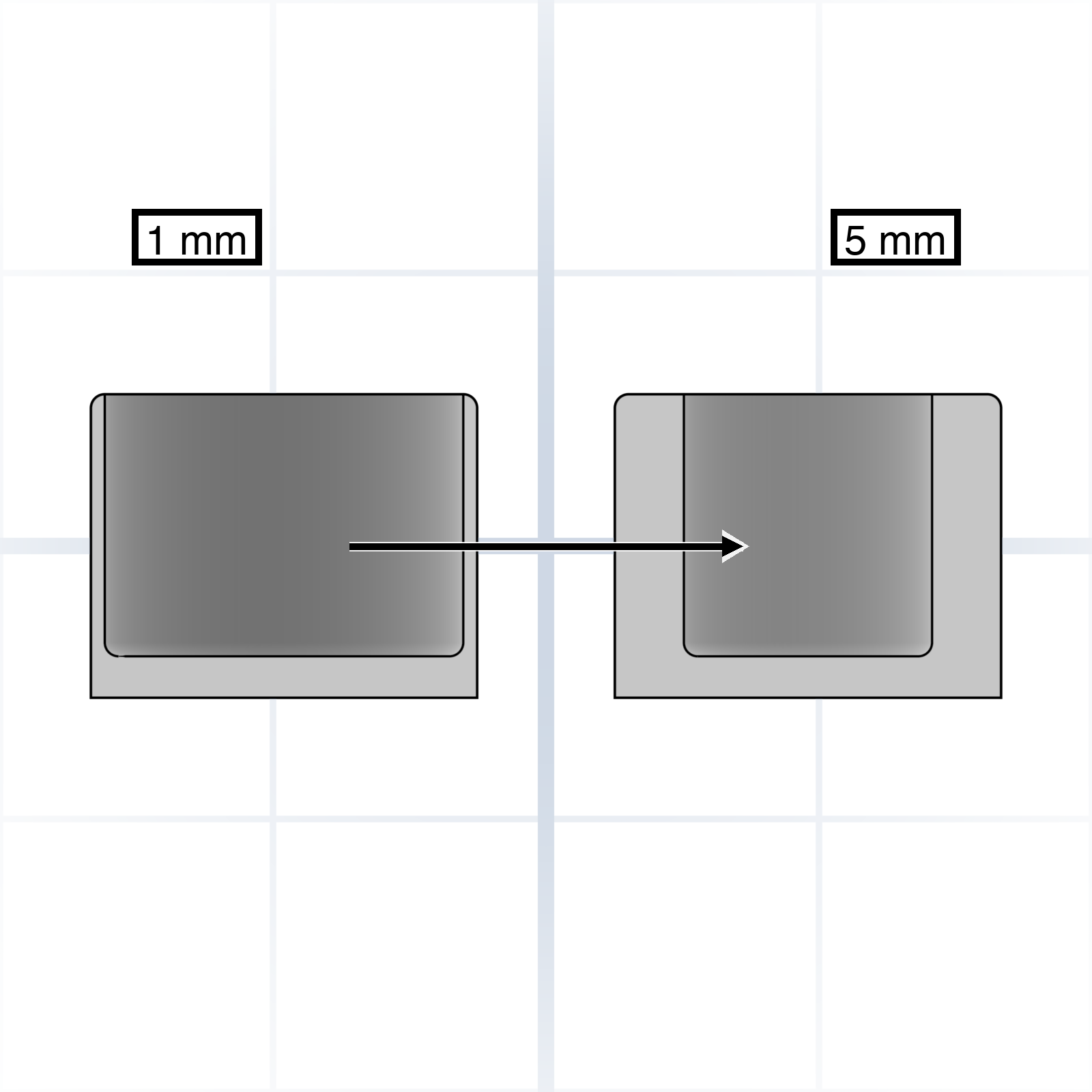
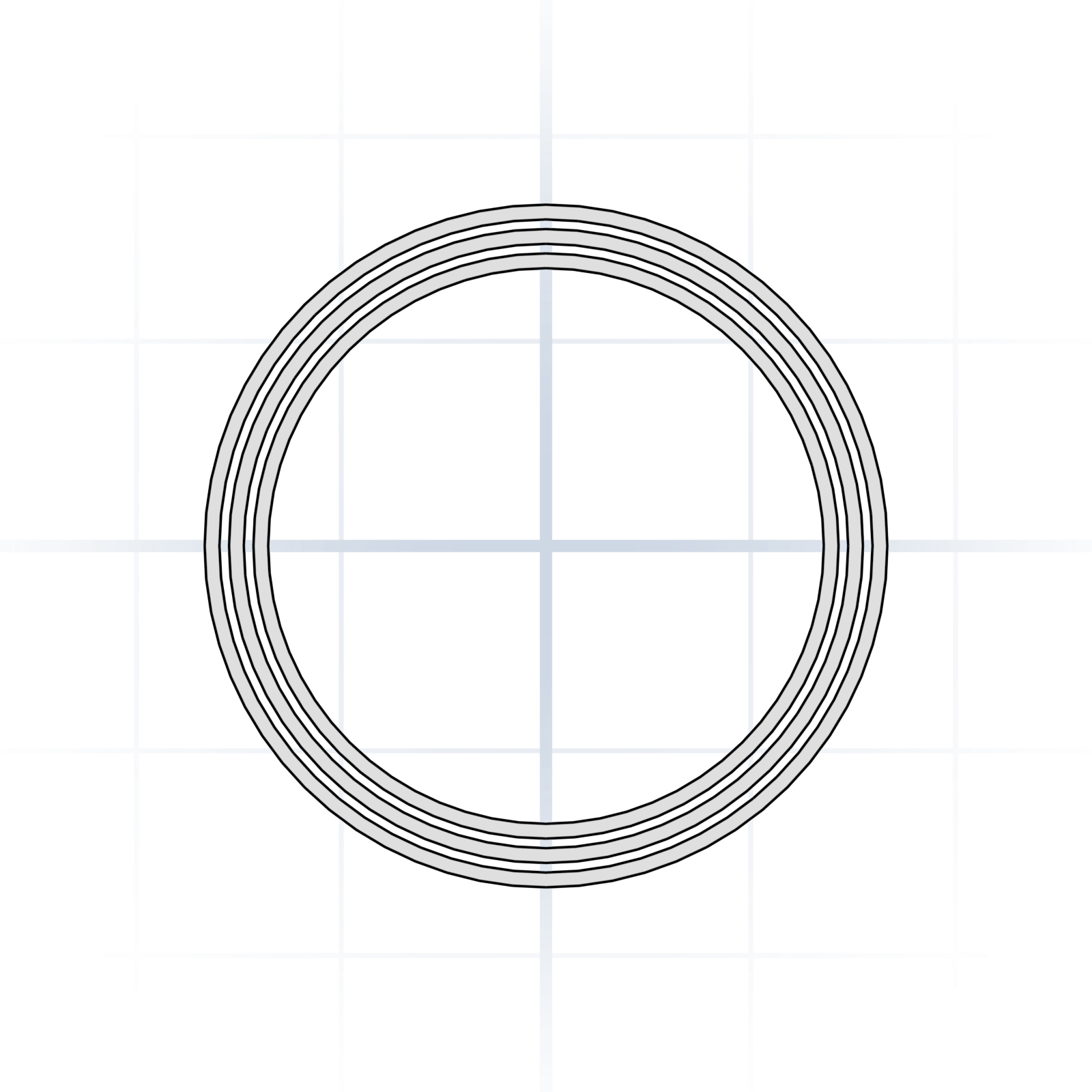
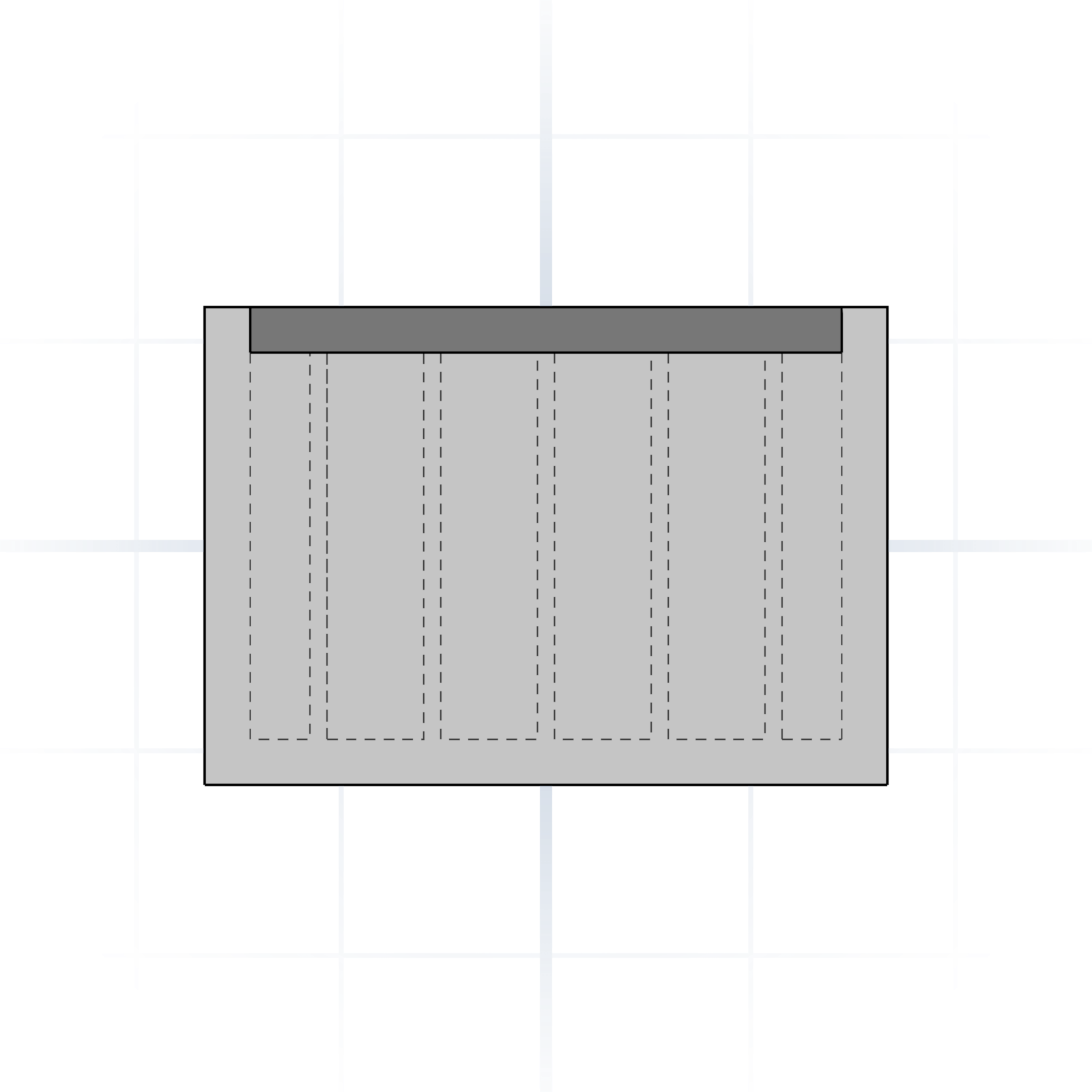
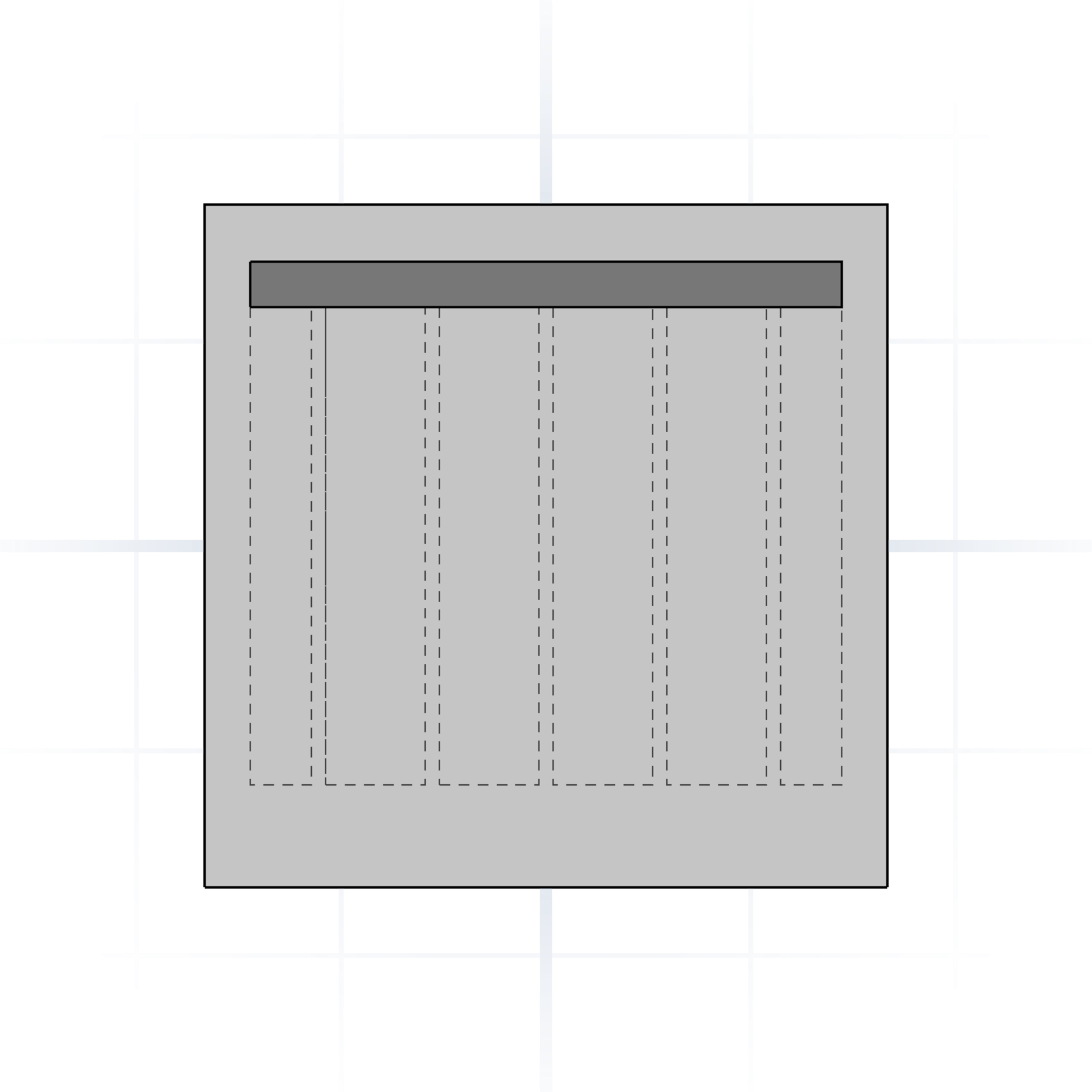
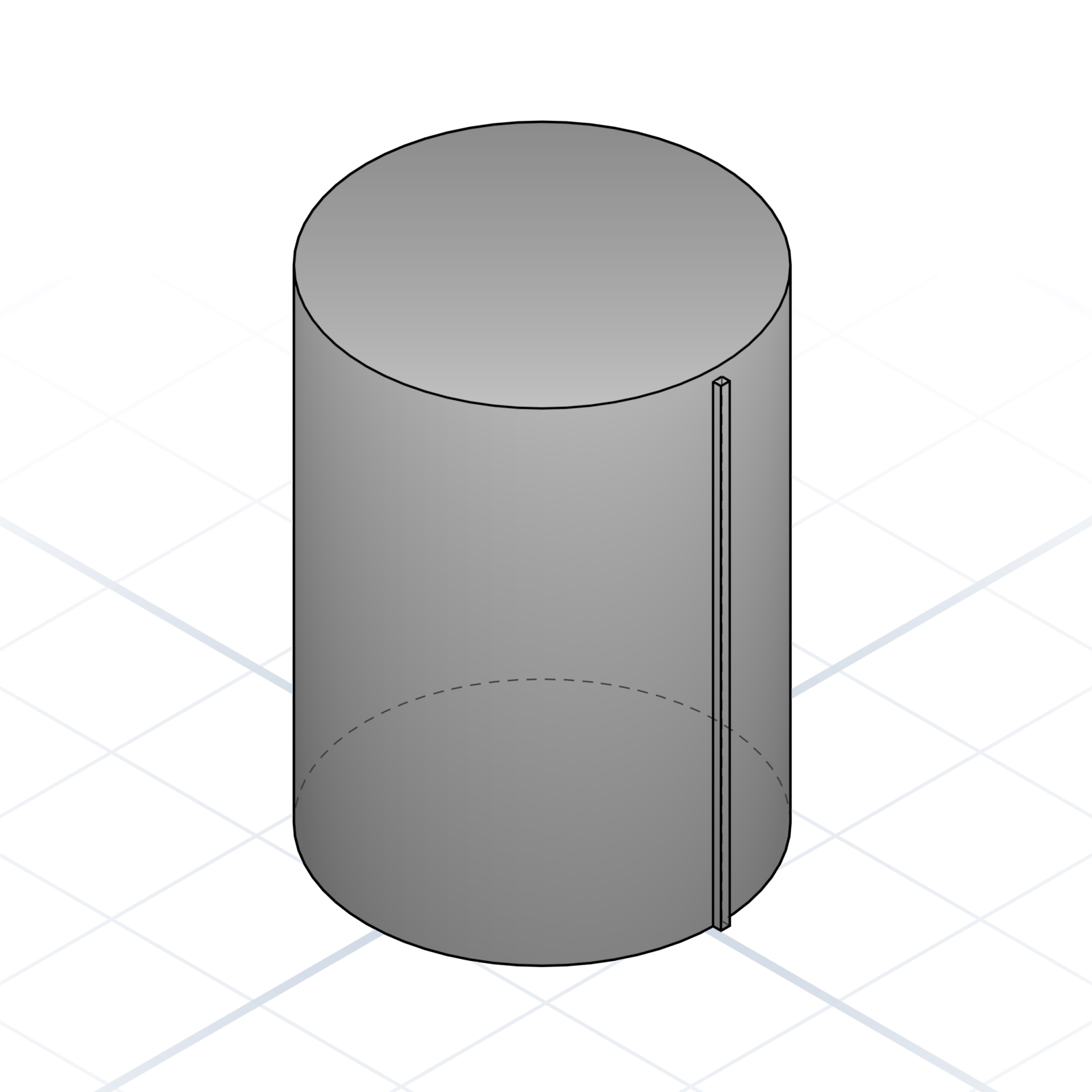
Anatomy of a snap fit
1Beam (flex arm)
2Hook
3Catch / Undercut
4Lead-in chamfer
Specify each piece and the AI gets the bend right. A thicker arm is stiffer; the lead-in makes it easier to click together.
Living hinge
A thin strip (0.3–0.6 mm) that flexes for thousands of cycles. Orient the layers across the hinge, never along it.
Press fit
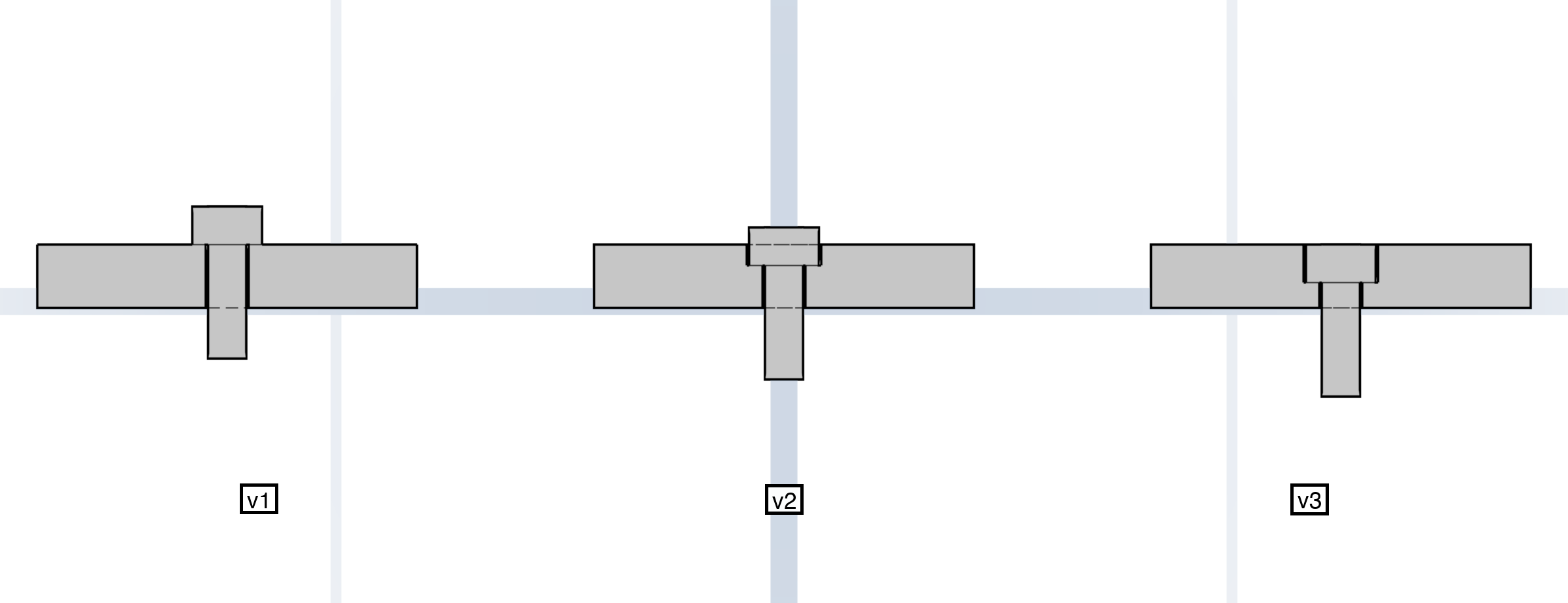
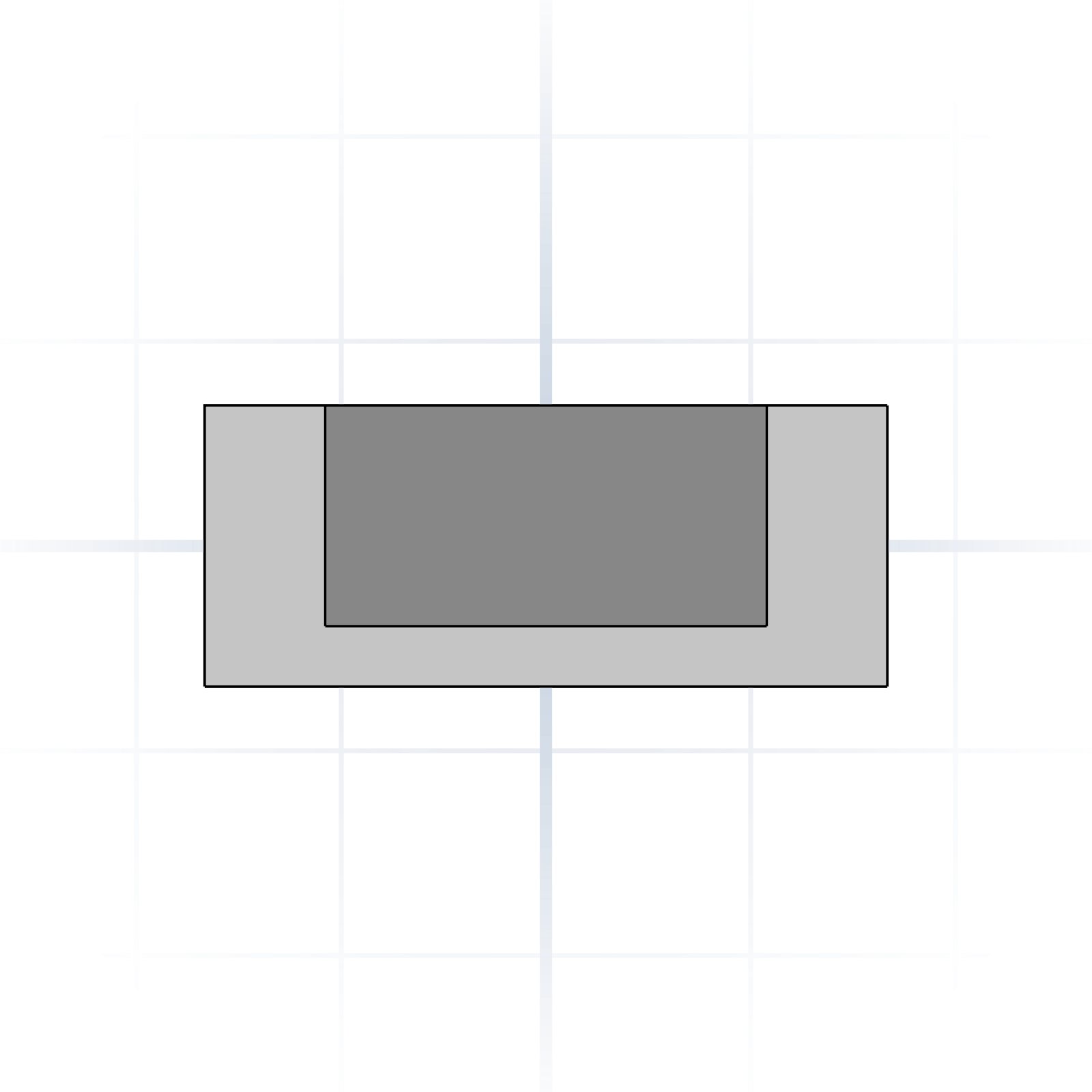
Model the hole at the shaft’s size (±0.1 mm on FDM). Crush ribs make it grip reliably. Add a chamfer to both parts.
Tab and slot
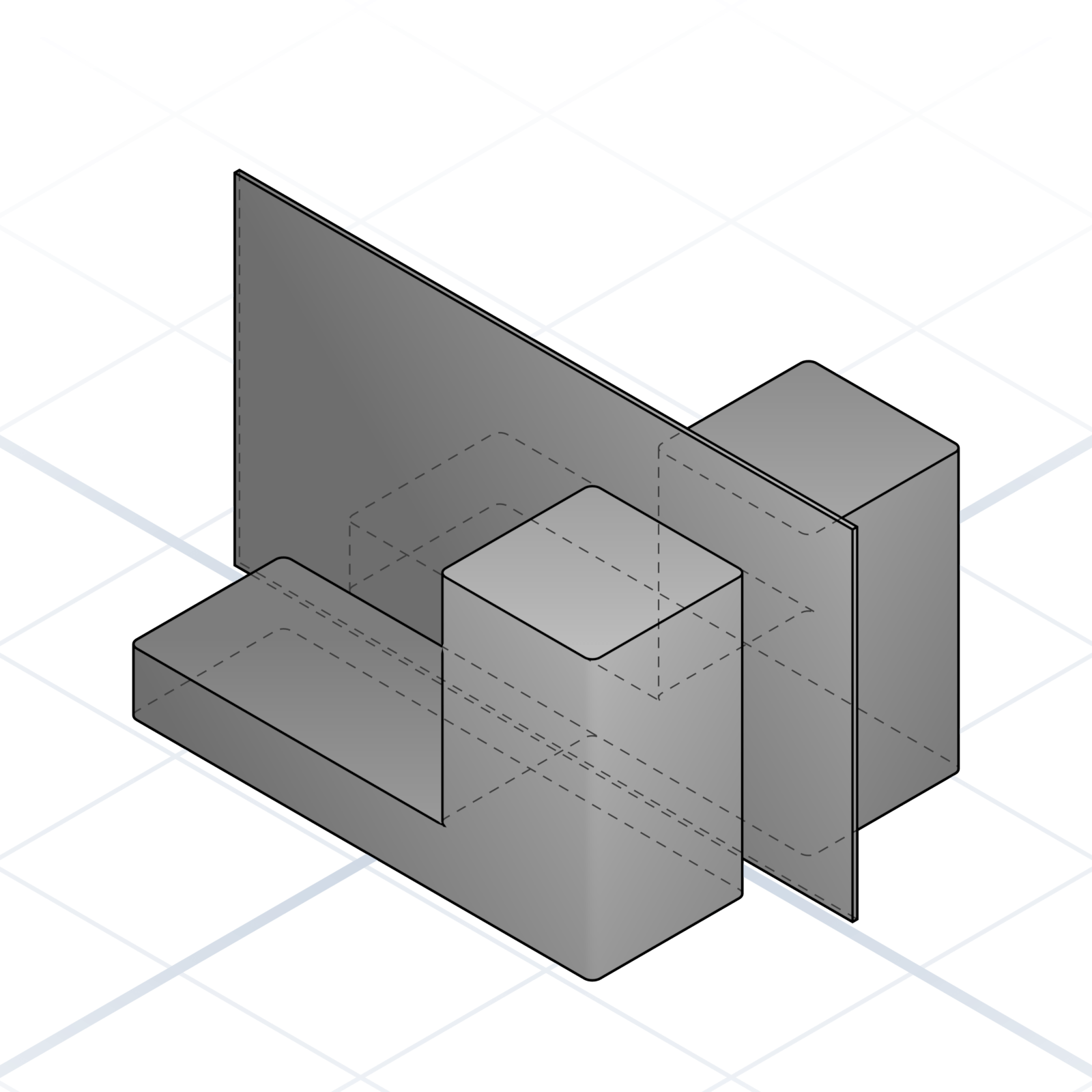
A tab on one part drops into a slot on another. Cleanest joint for flat panels. Lock with glue or a screw.
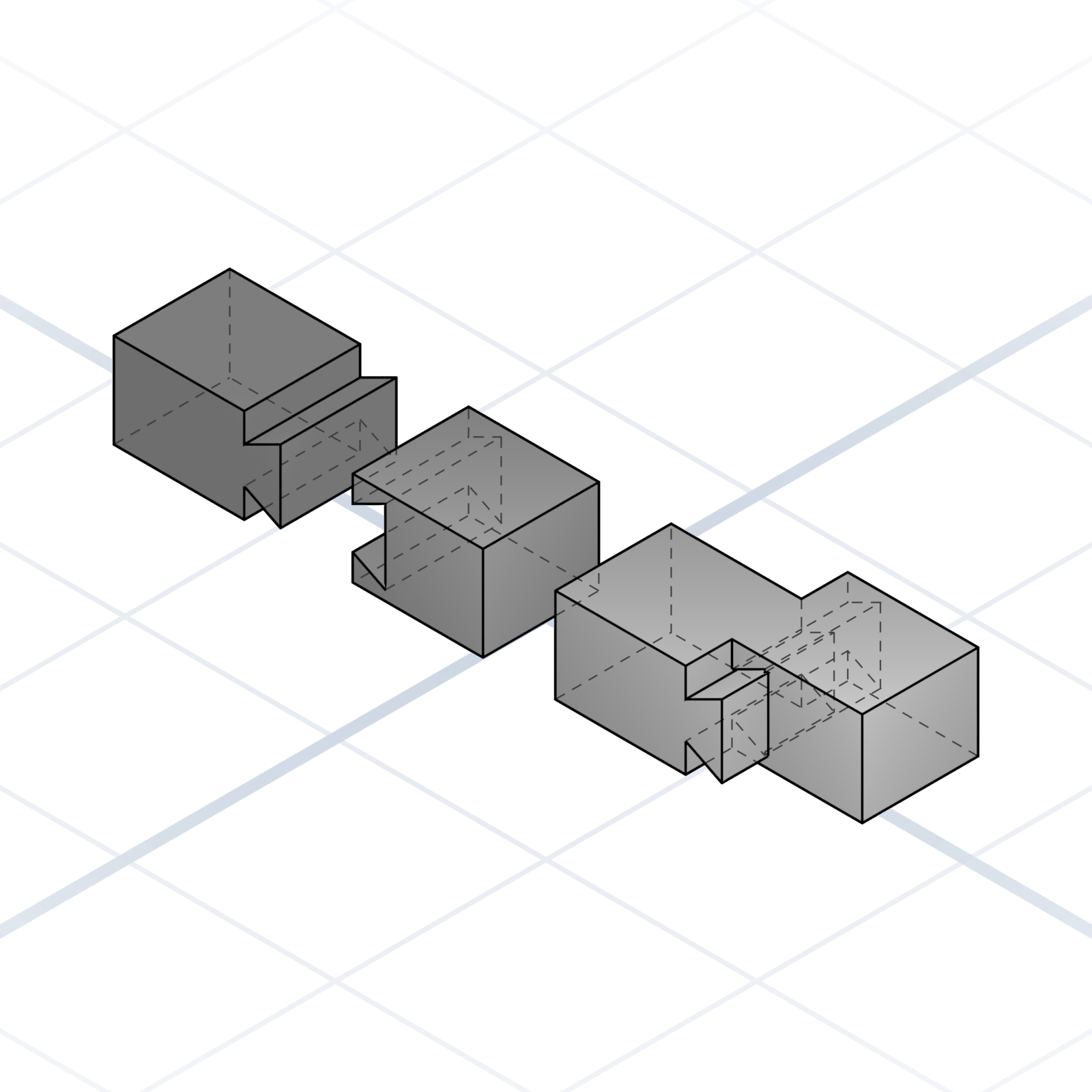
Dovetail
Trapezoidal profile that slides together. Self-aligning and captures one axis. Use 7–10° flare.
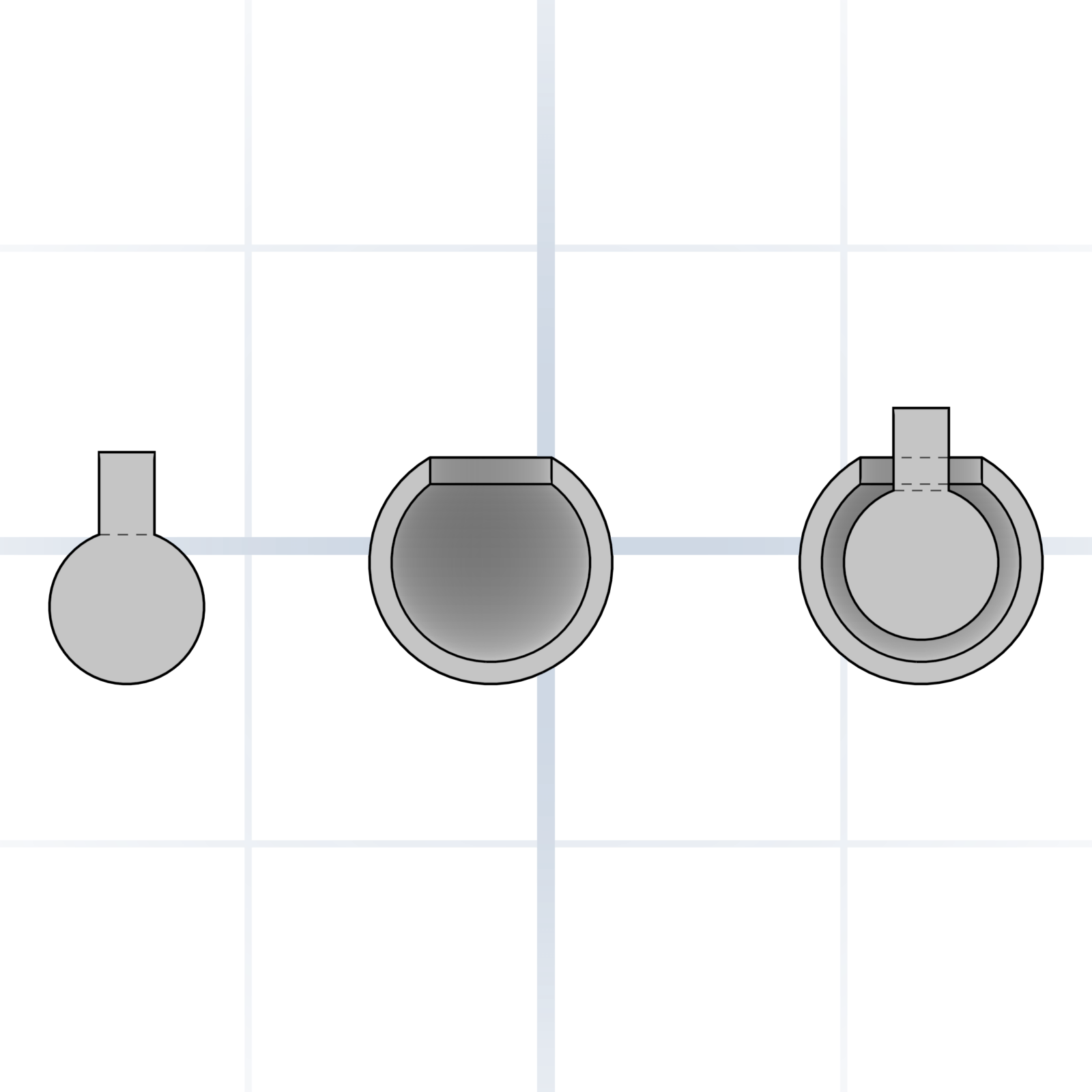
Ball and socket
Spherical ball in a partial socket. Print the socket about 0.3 mm larger so the ball rotates freely.
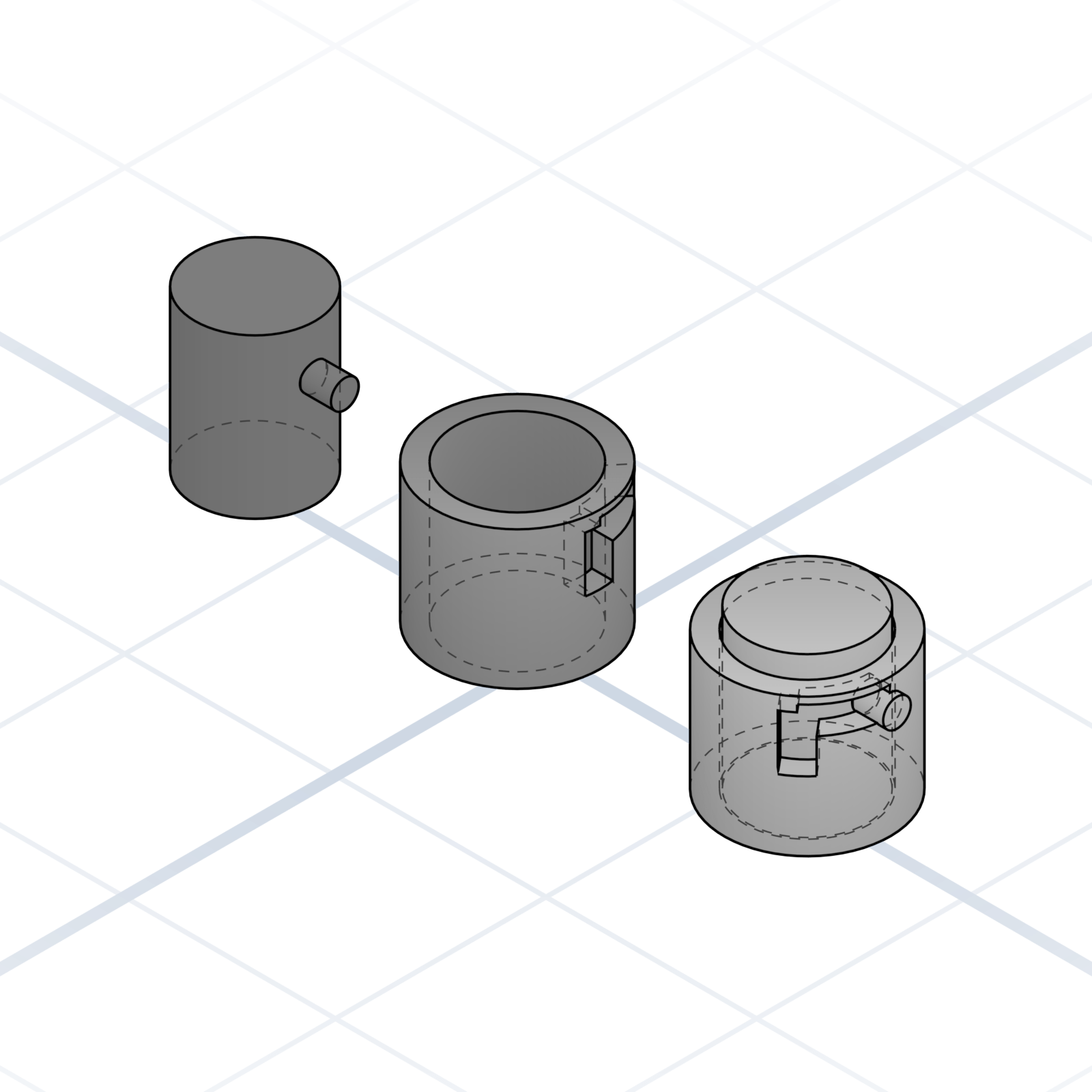
Bayonet lock
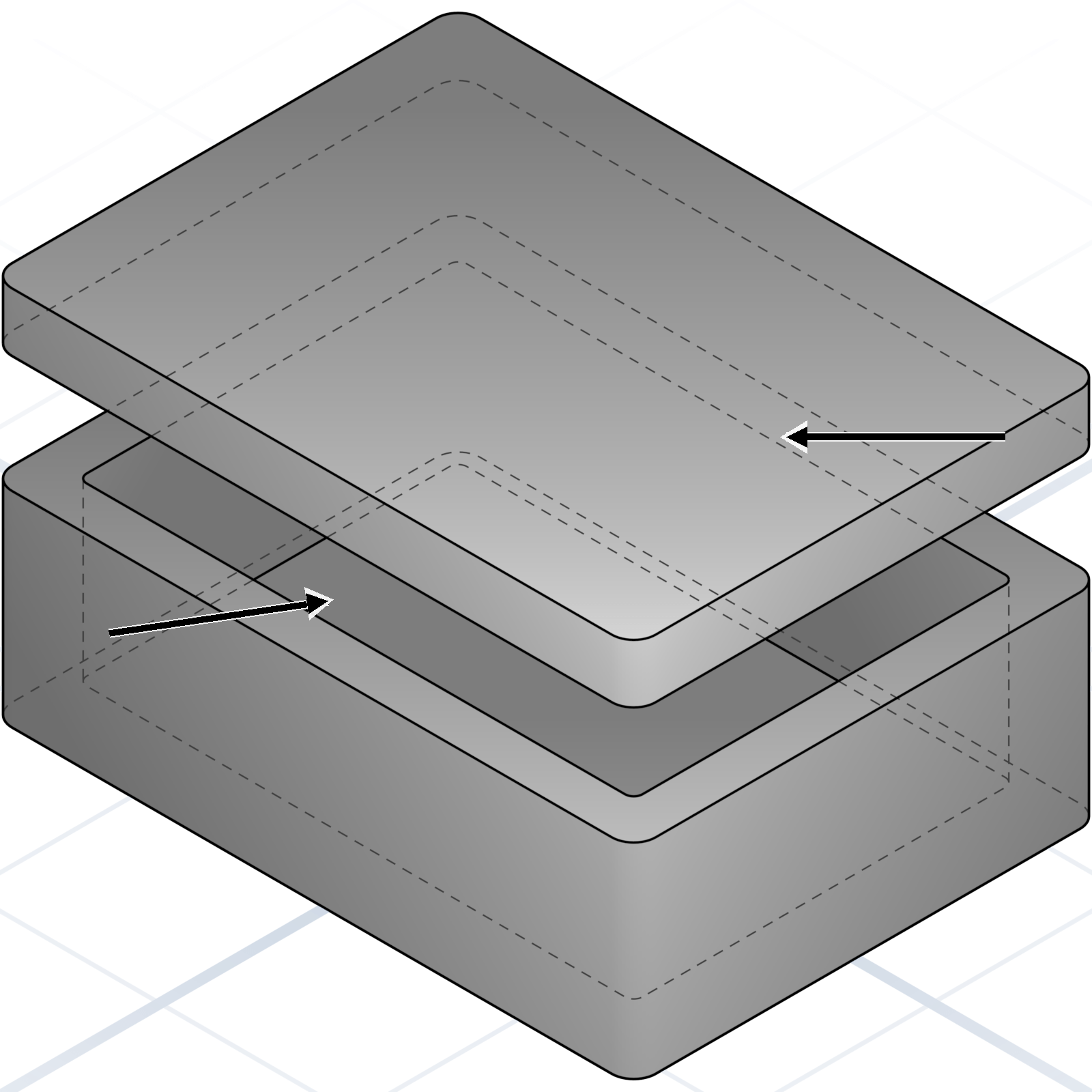
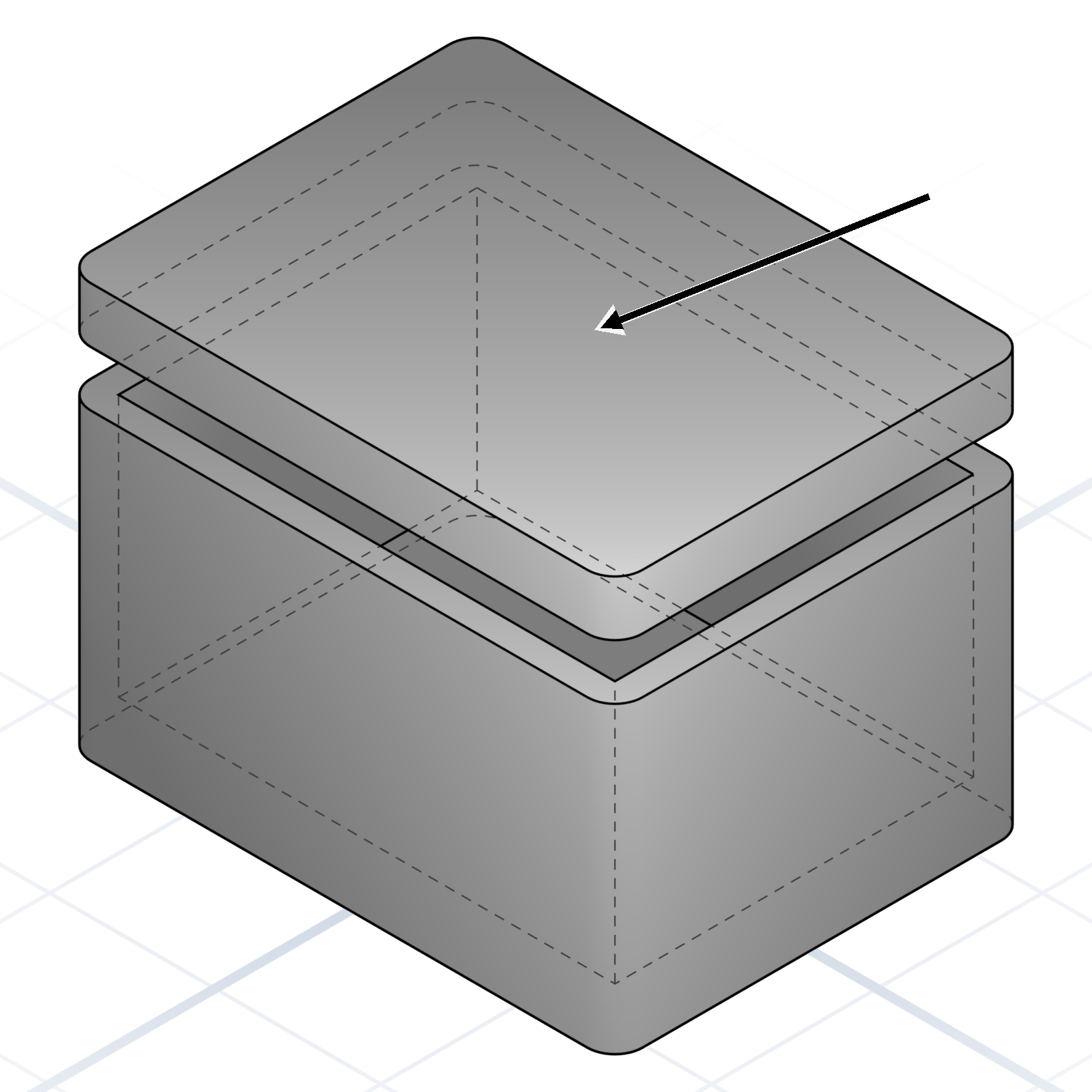
L-shaped slot. Push in, twist 90° to lock. The standard lid joint when threads are overkill.
grandpacad
Naming real parts20 / 36
Printable connectors
Ready-made joins that snap, slide, or twist printed parts together, no separate hardware needed.
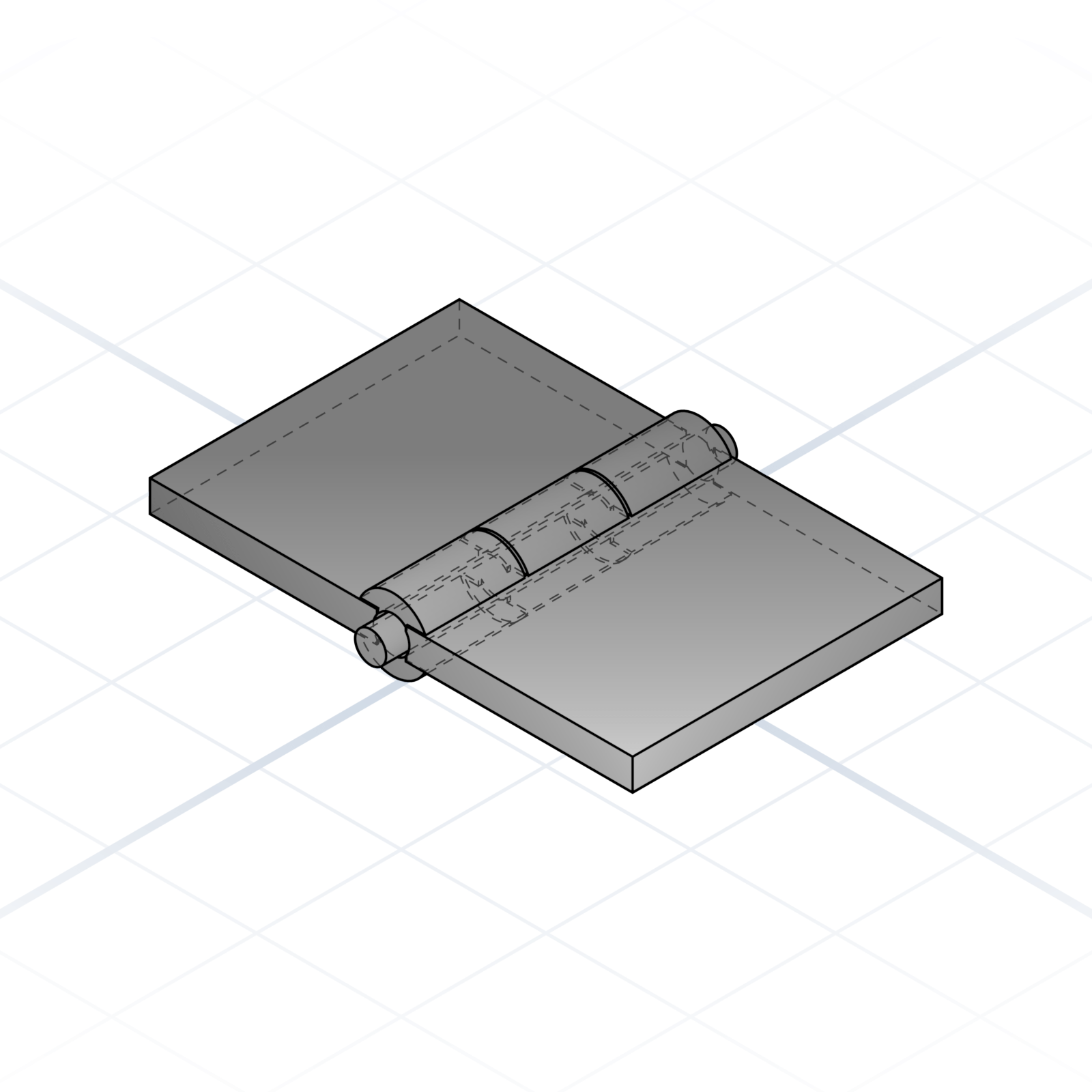
Knuckle hinge
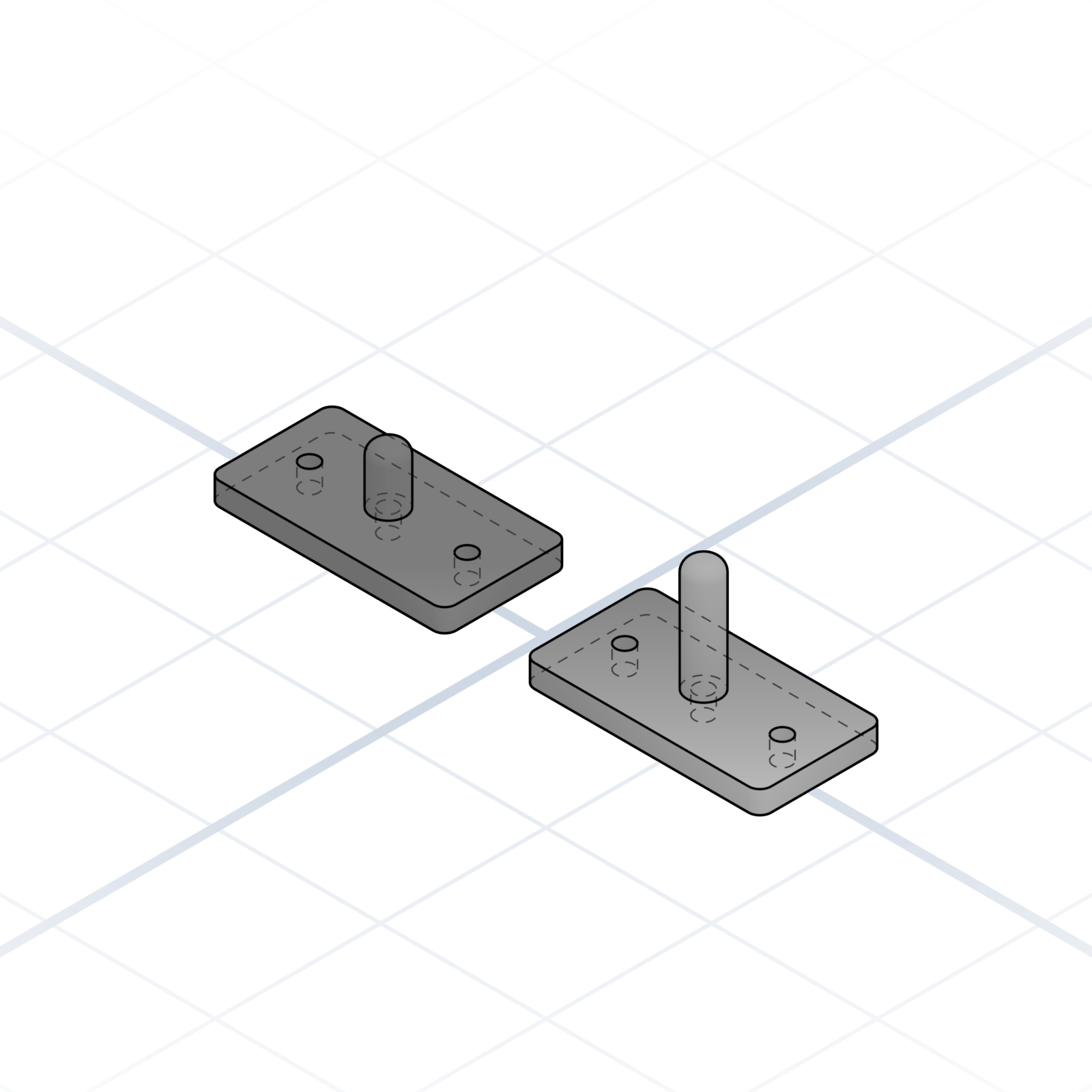
Two leaves with alternating fingers (knuckles) that wrap around a pin. Print both leaves flat, slide a 1.75 mm filament offcut or steel rod through as the pin. 4 mm knuckles print cleanly without supports.
Snap pin & socket
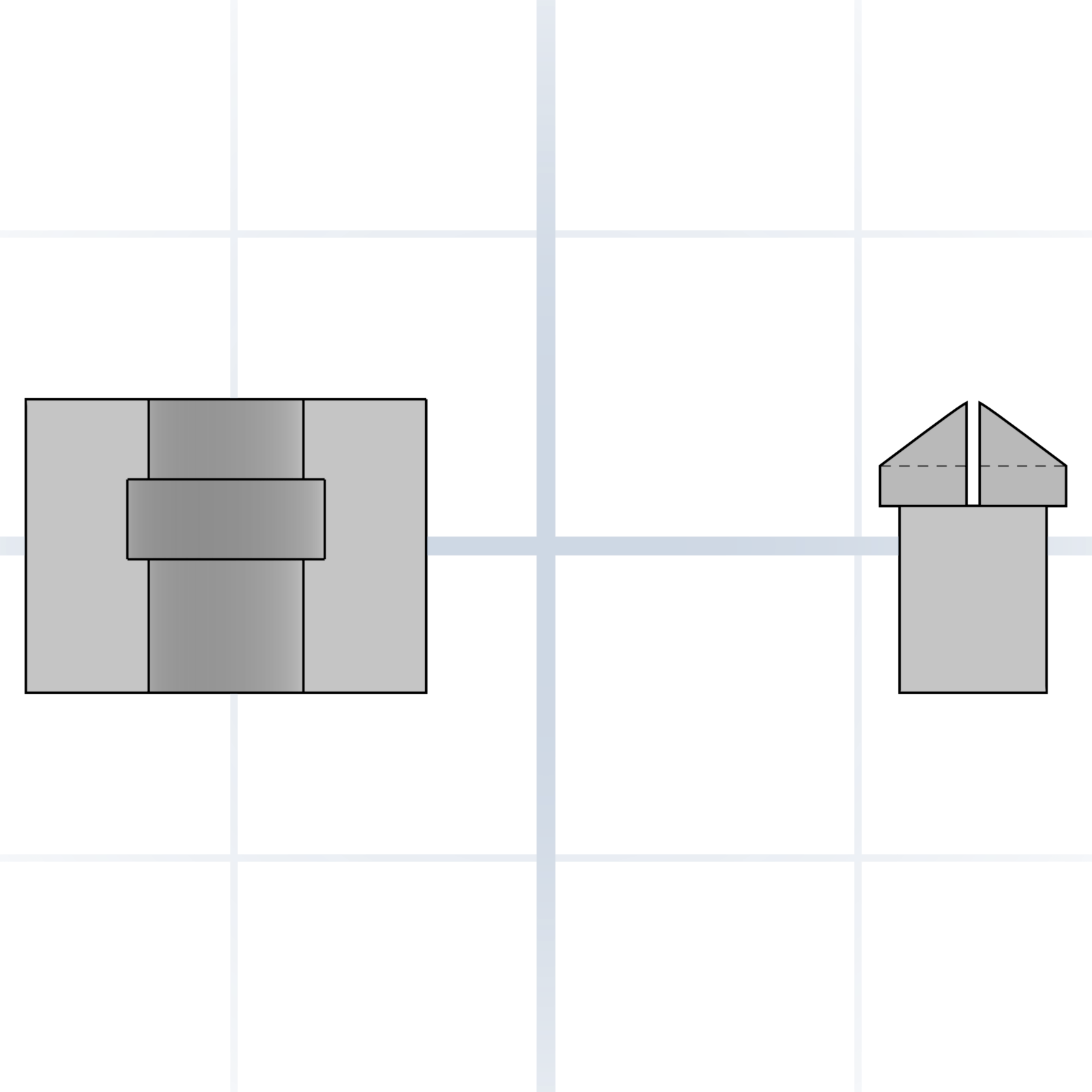
A pin that pushes into a socket and clicks in place. The pin tip is split into four flexible petals that squeeze together on entry, then spring back behind a rim inside the socket. No screws needed.
Hirth coupling
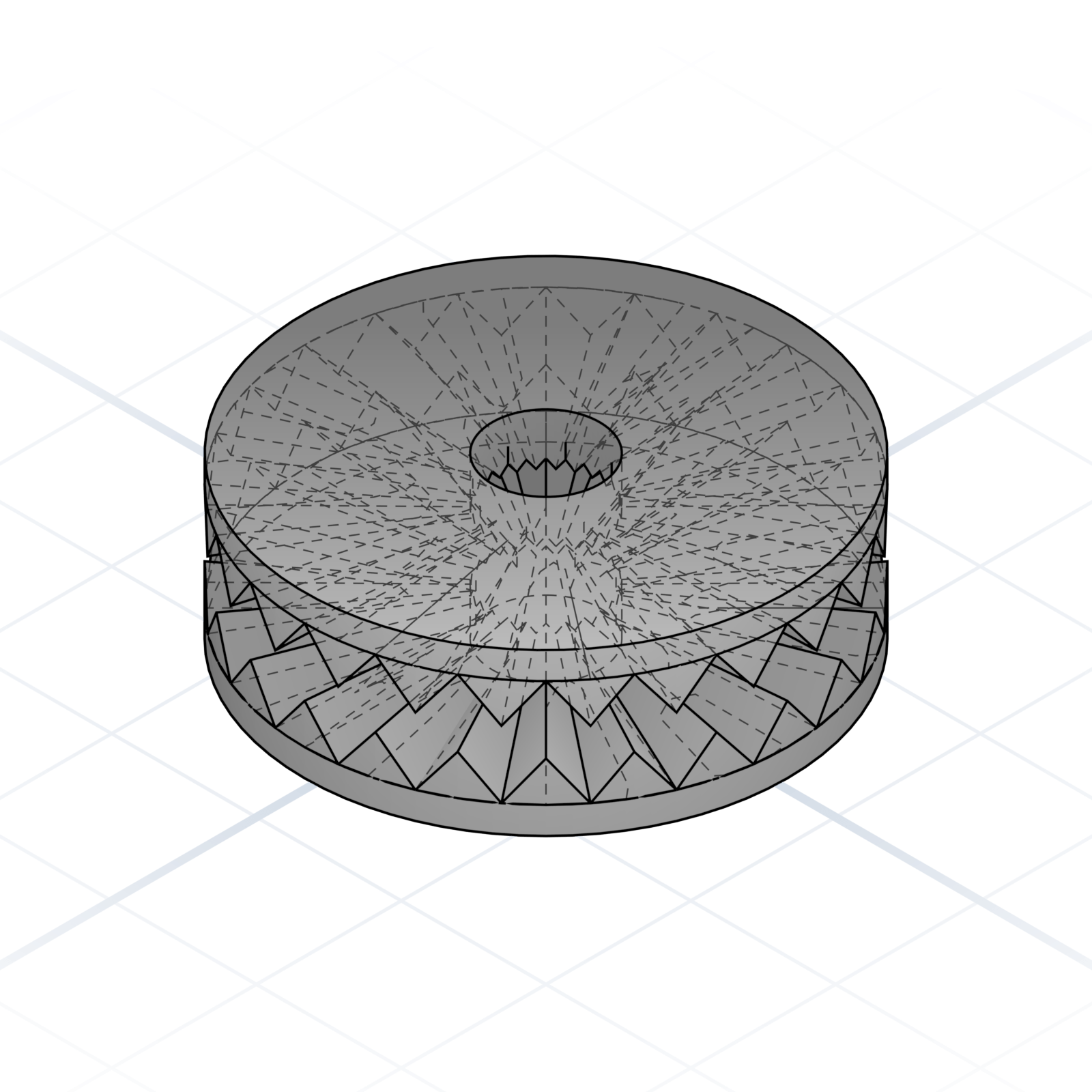
Two discs with matching radial teeth that lock together when clamped. Tighten a bolt through the centre; loosen, turn to a new angle, and re-tighten; it locks in fixed steps (15°, 30°). Used for adjustable arms and joints.
Snap latch
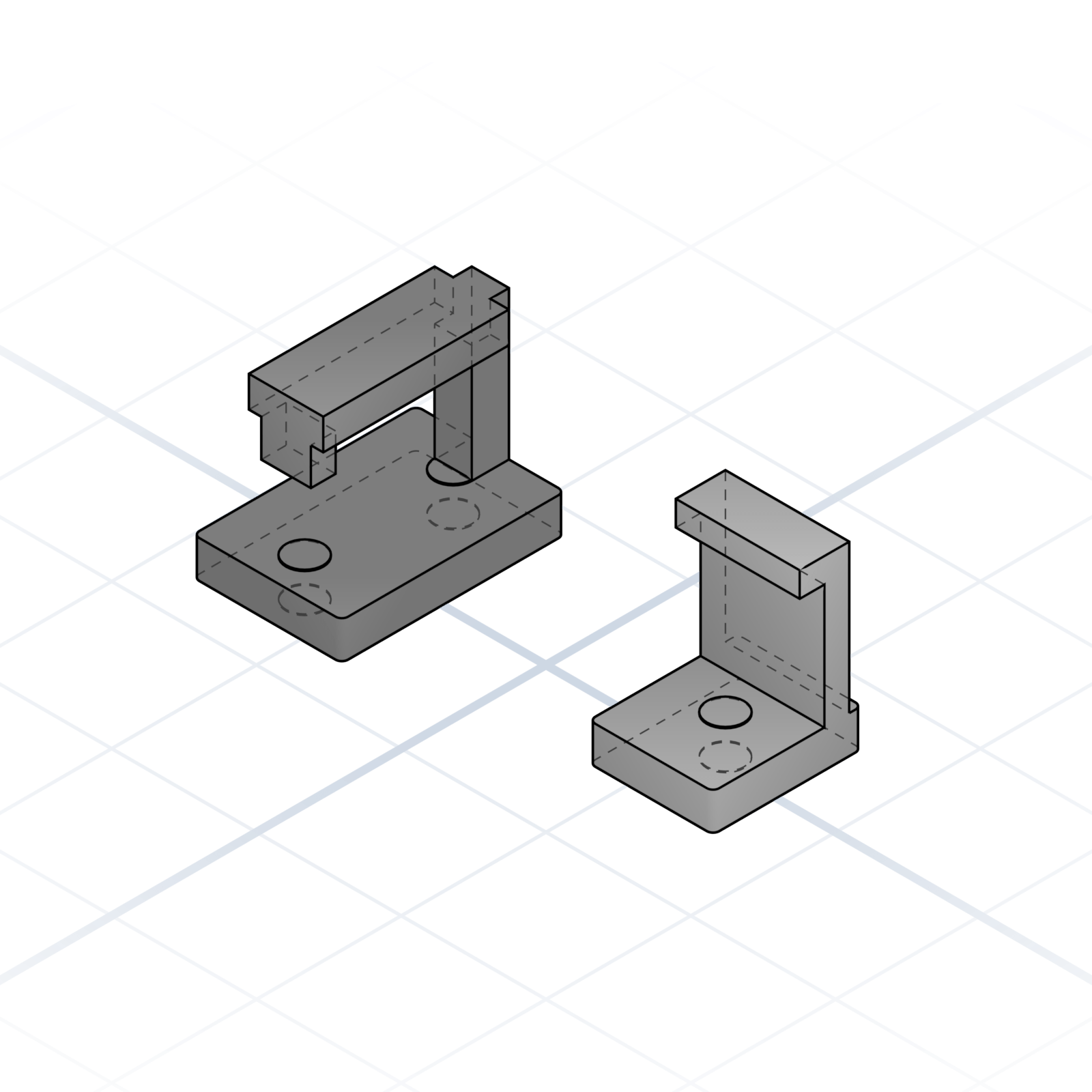
Two printed parts that lock with a slide and a click. A barbed tongue slides into a channel where a living spring snaps over it and holds. Press the spring to release. No screws, good for lids and covers.
Corner bracket
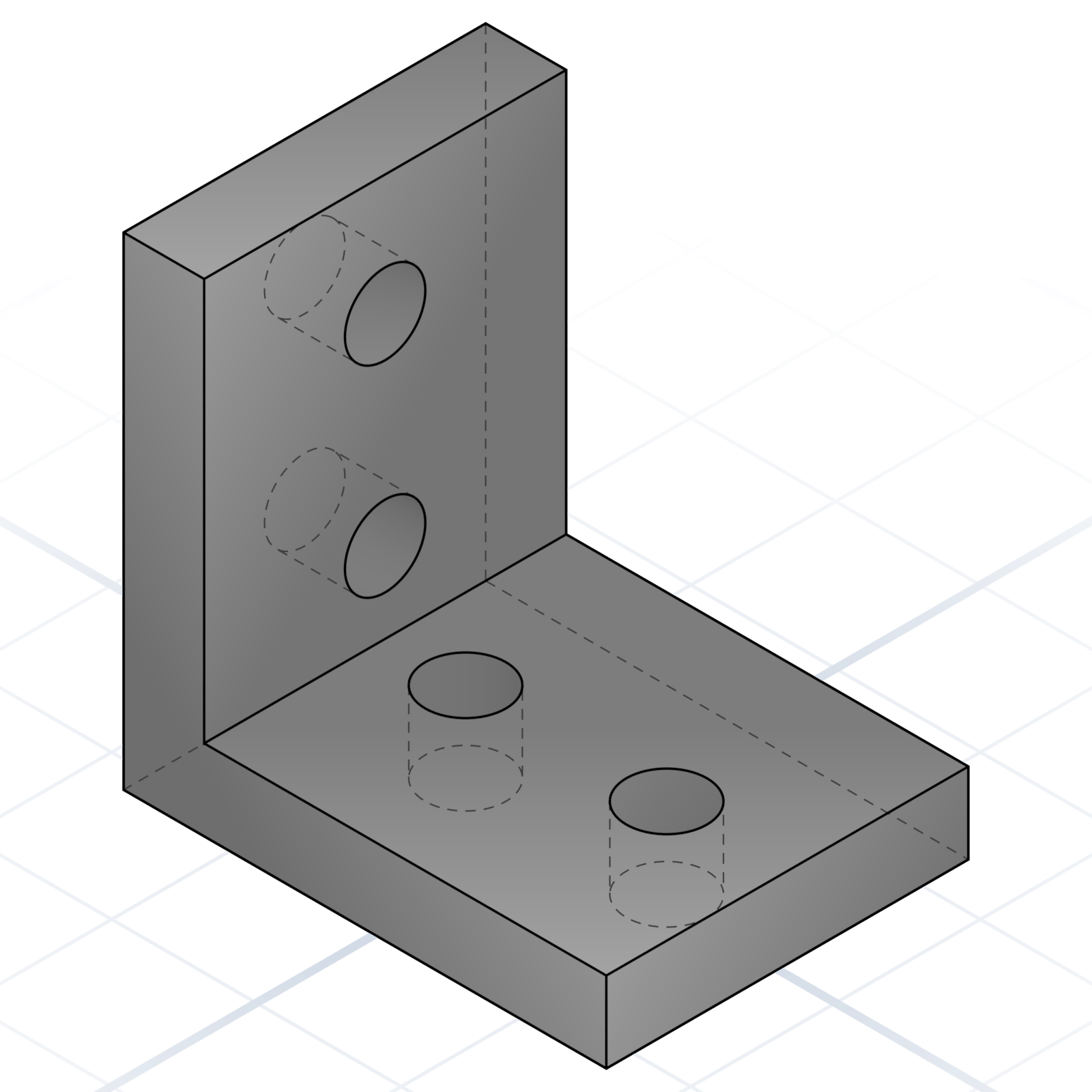
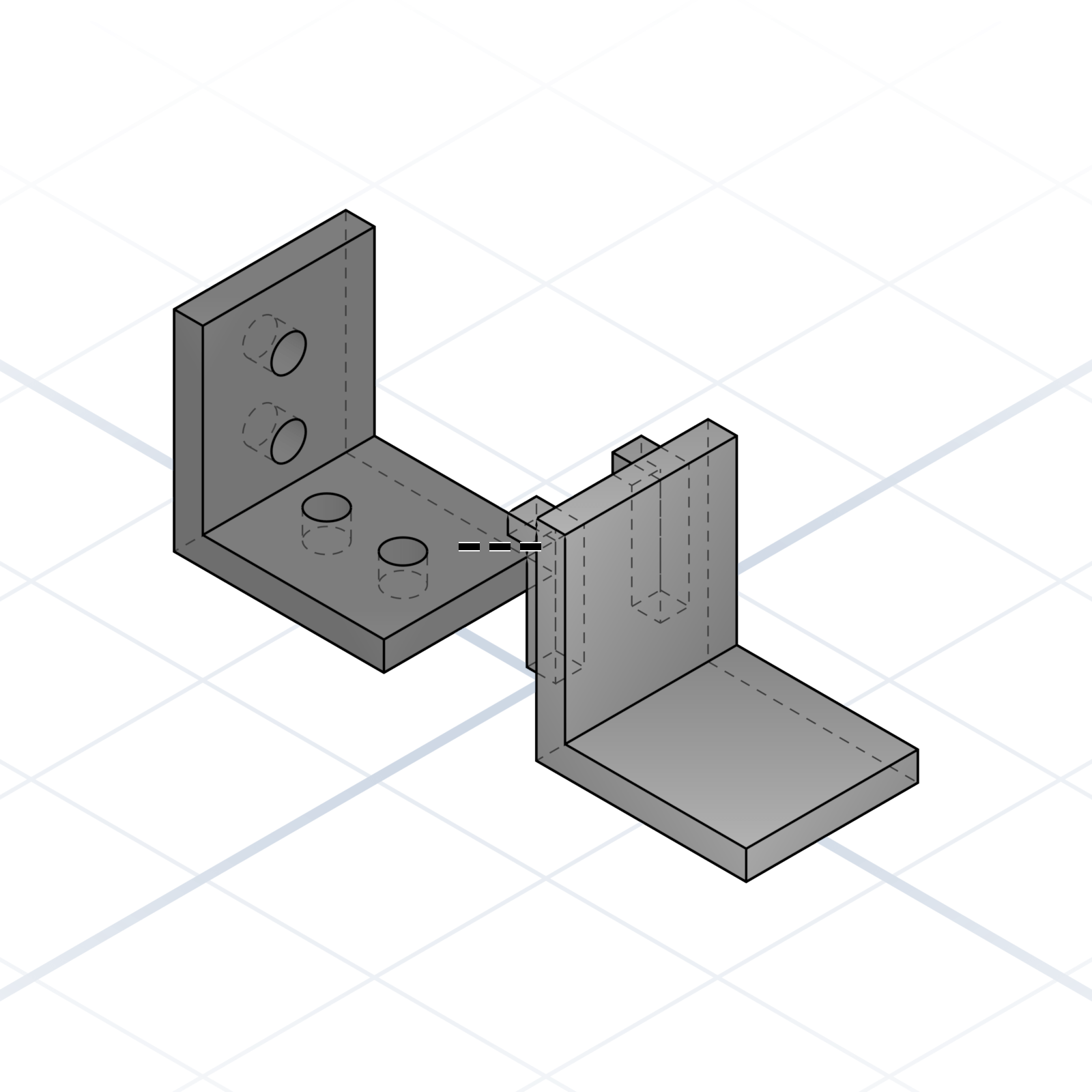
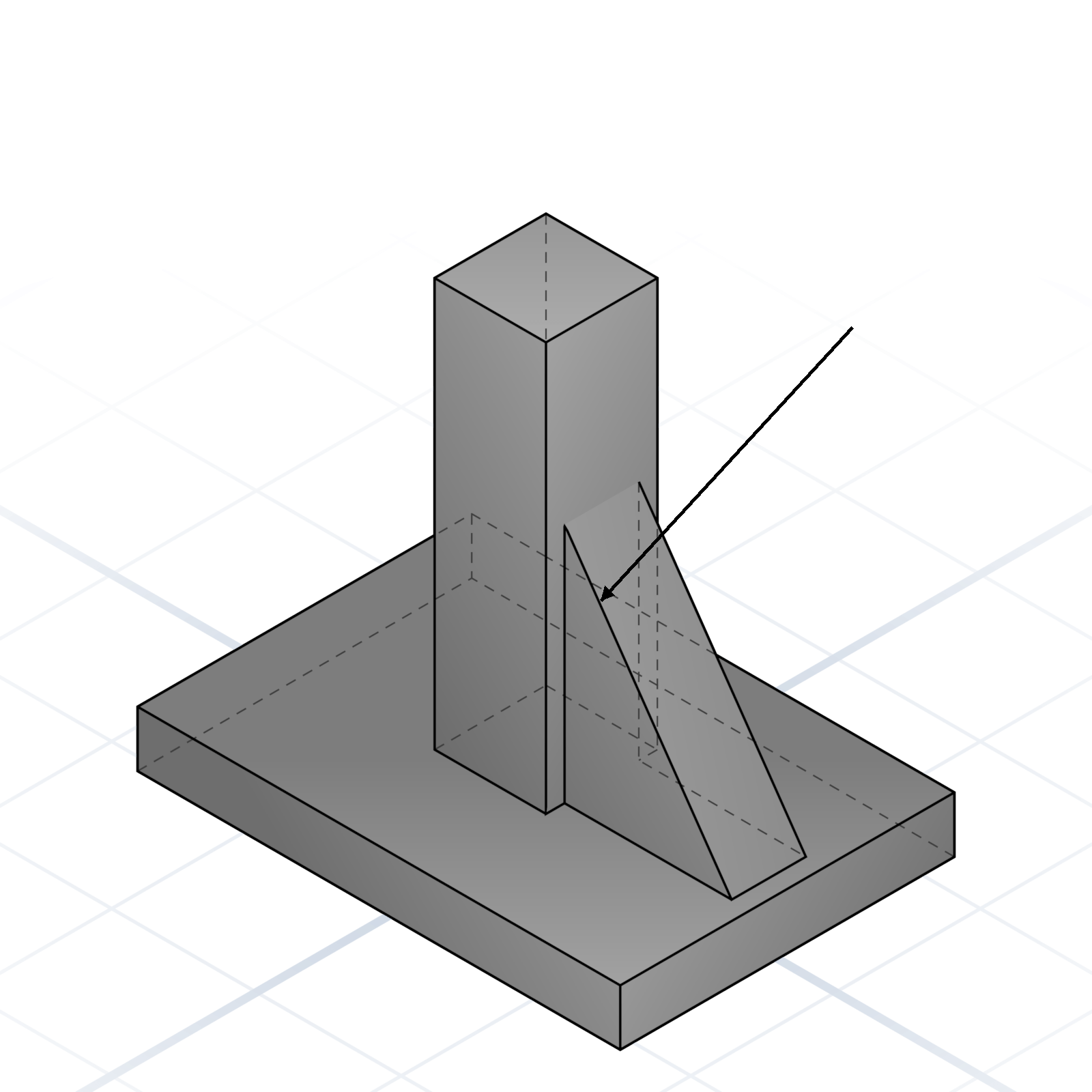
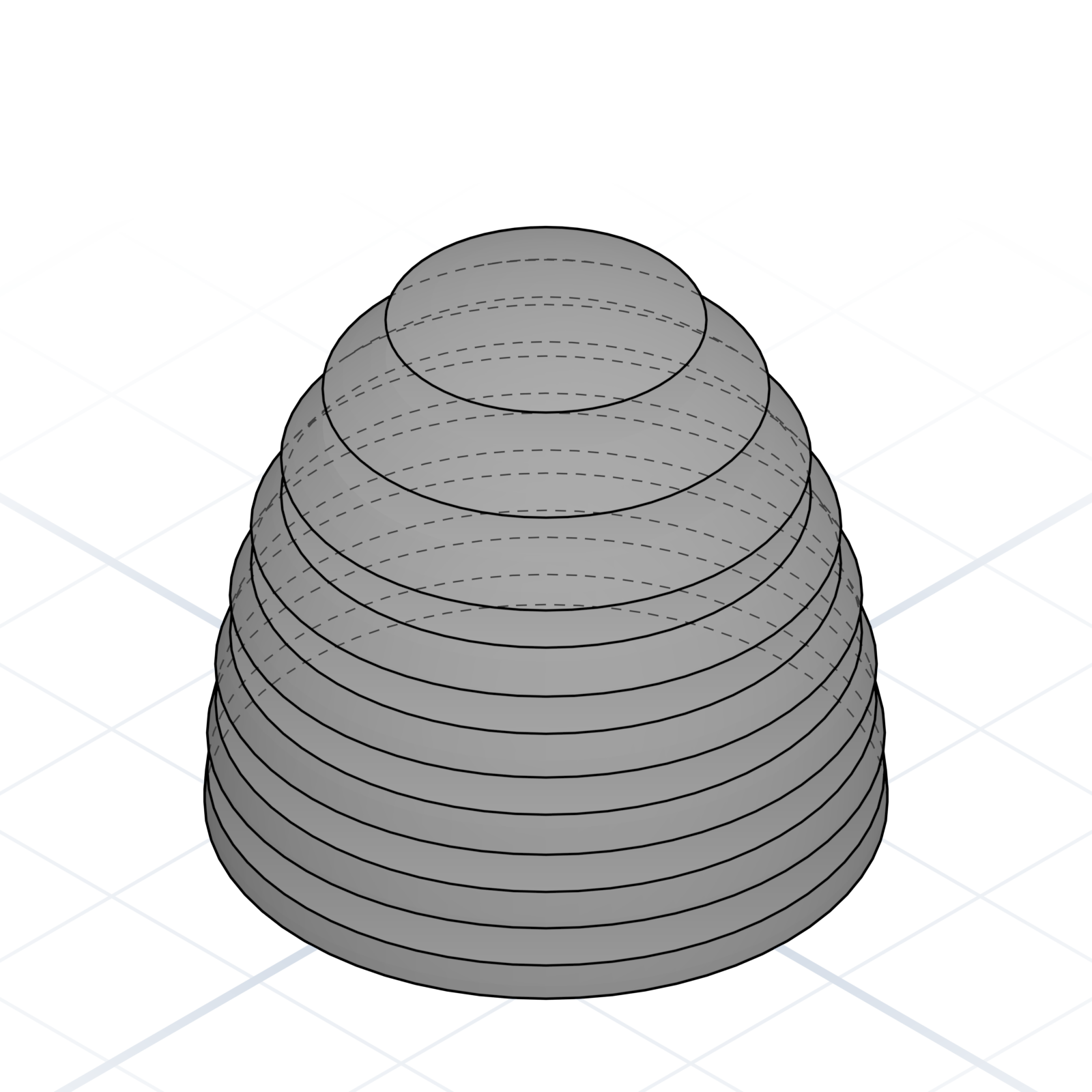
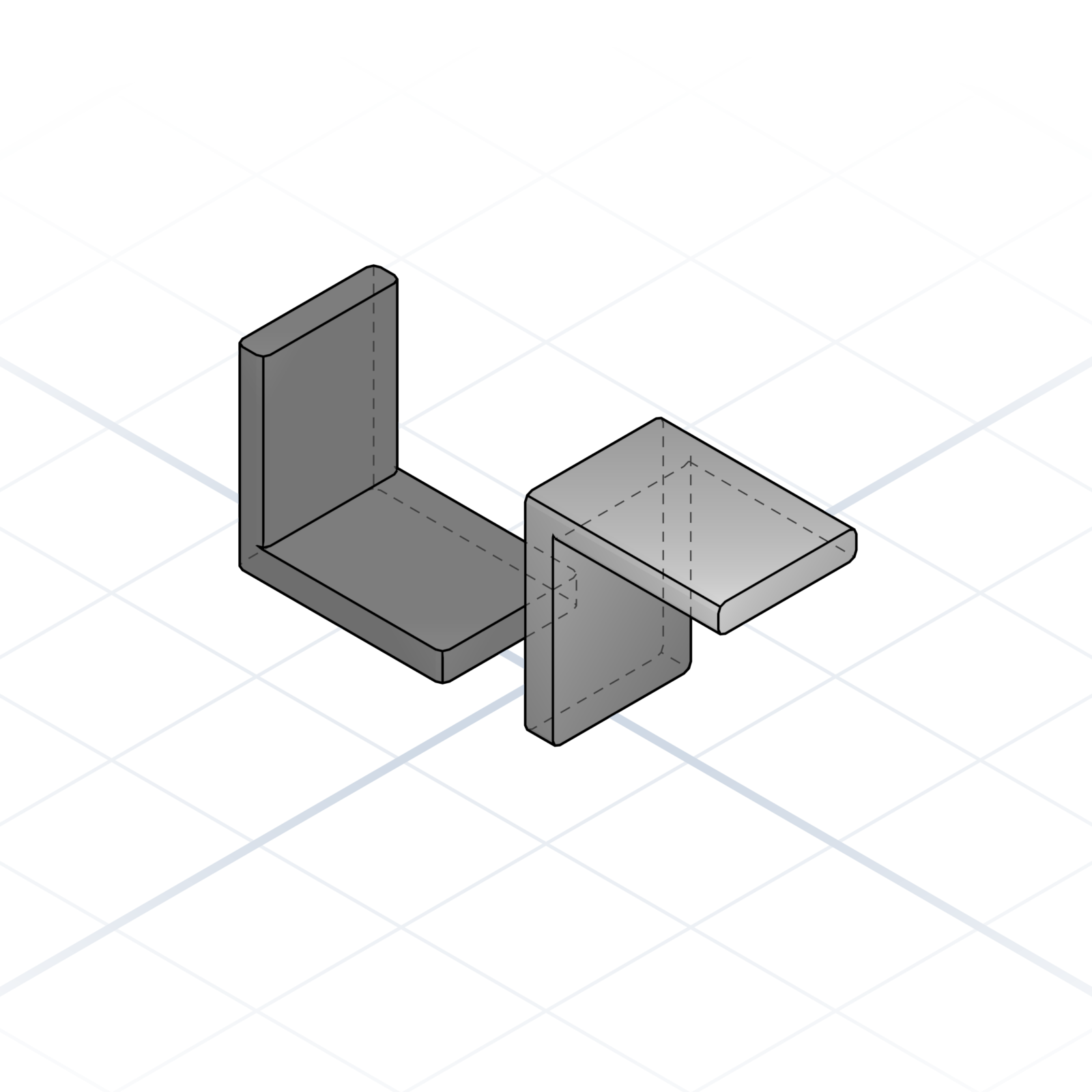
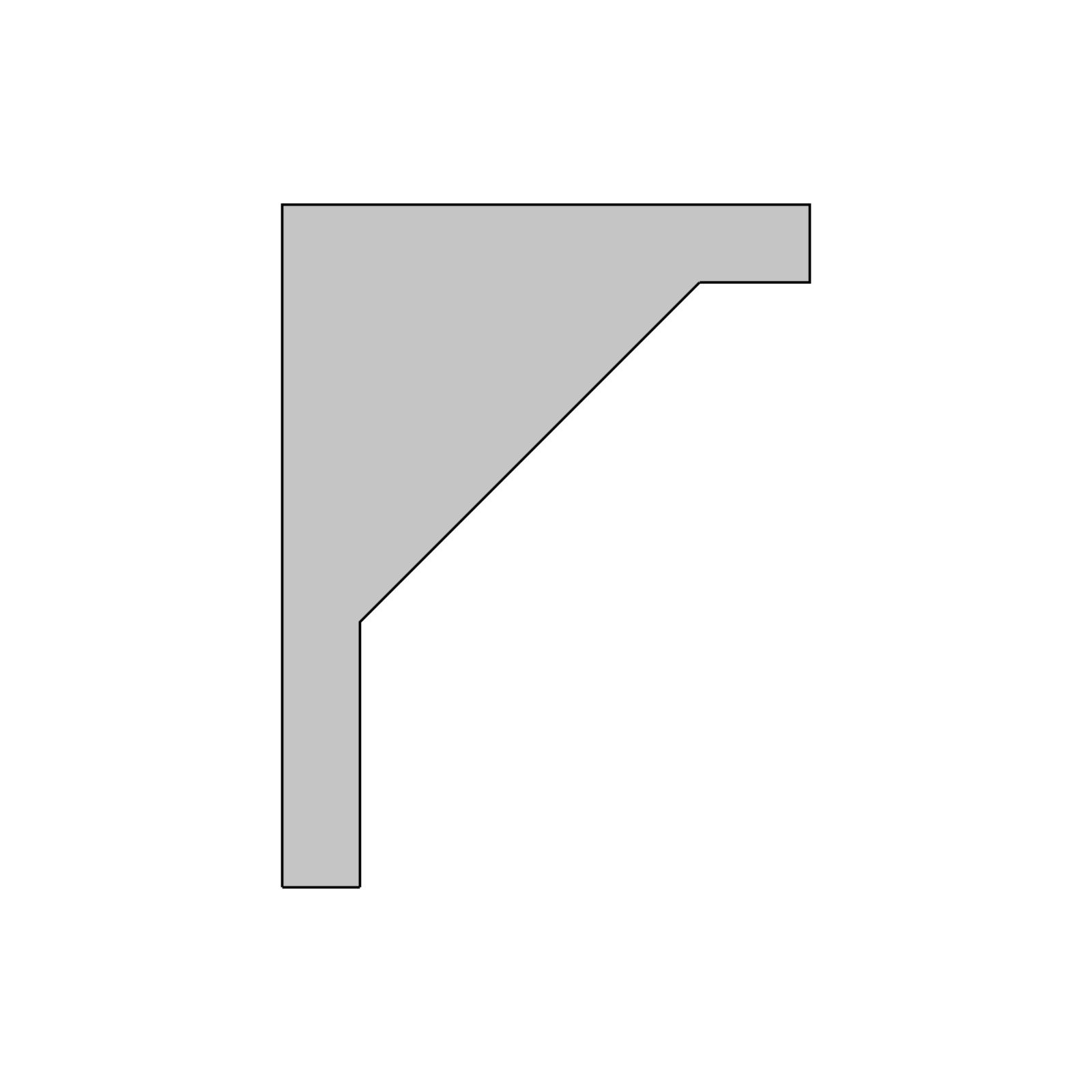
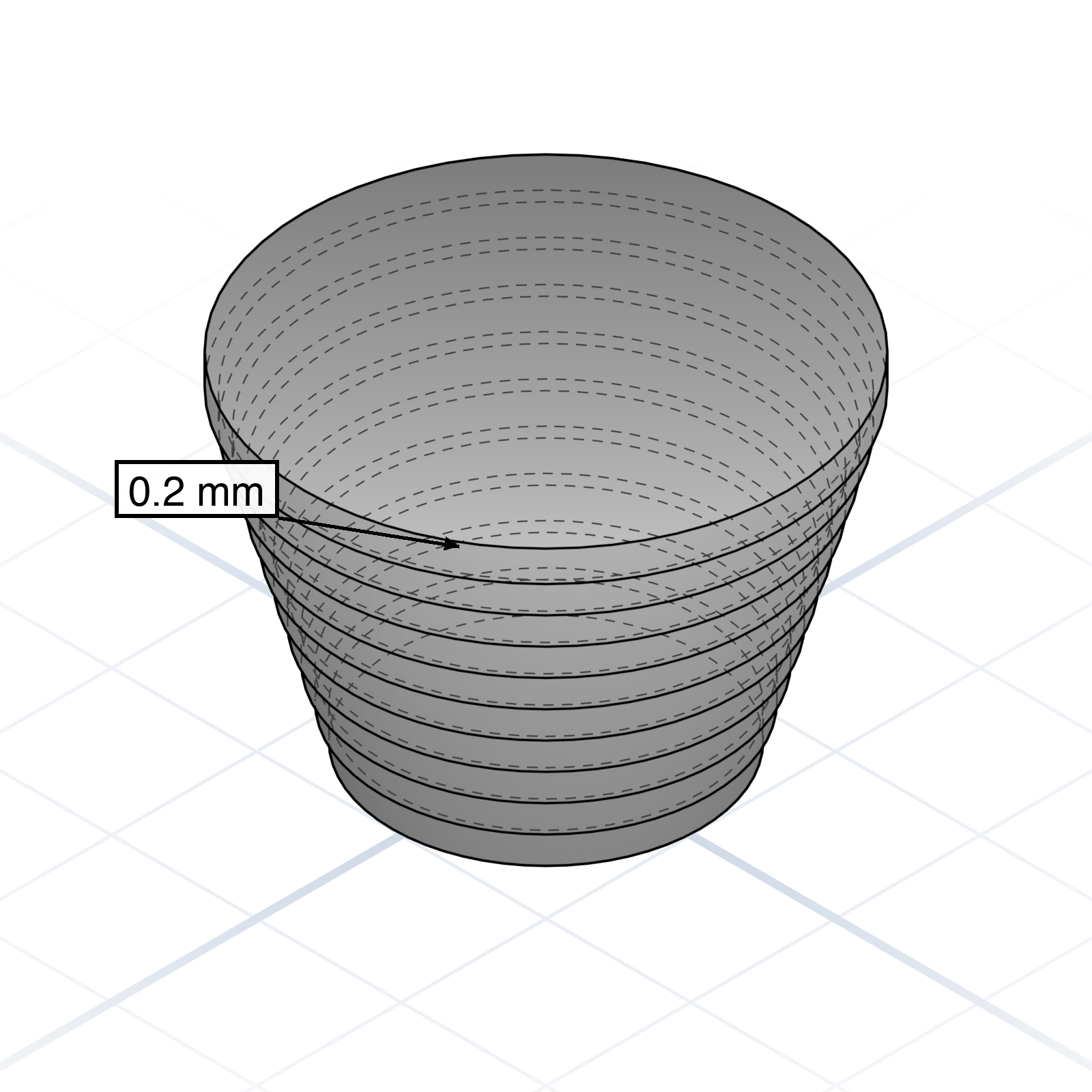
90° L-bracket with mounting holes on both faces. Joins two panels at a right angle. Add a triangular gusset web on the inside if the load reaches kilograms.
grandpacad
Naming real parts20 / 36
Printable connectors
Ready-made joins that snap, slide, or twist printed parts together, no separate hardware needed.
Knuckle hinge
Two leaves with alternating fingers (knuckles) that wrap around a pin. Print both leaves flat, slide a 1.75 mm filament offcut or steel rod through as the pin. 4 mm knuckles print cleanly without supports.
Snap pin & socket
A pin that pushes into a socket and clicks in place. The pin tip is split into four flexible petals that squeeze together on entry, then spring back behind a rim inside the socket. No screws needed.
Hirth coupling
Two discs with matching radial teeth that lock together when clamped. Tighten a bolt through the centre; loosen, turn to a new angle, and re-tighten; it locks in fixed steps (15°, 30°). Used for adjustable arms and joints.
Snap latch
Two printed parts that lock with a slide and a click. A barbed tongue slides into a channel where a living spring snaps over it and holds. Press the spring to release. No screws, good for lids and covers.
Corner bracket
90° L-bracket with mounting holes on both faces. Joins two panels at a right angle. Add a triangular gusset web on the inside if the load reaches kilograms.
36 printed pages of the AI CAD vocabulary you actually need. Bound, ready to flip through next to your keyboard.
One email when it ships. No spam, ever.
GrandpaCAD🇬🇧English
A pocket reference
The 3D‑Print Phrasebook
Plain words for asking AI to build the parts you want, the right way on the first try.
Preface
Why a phrasebook?
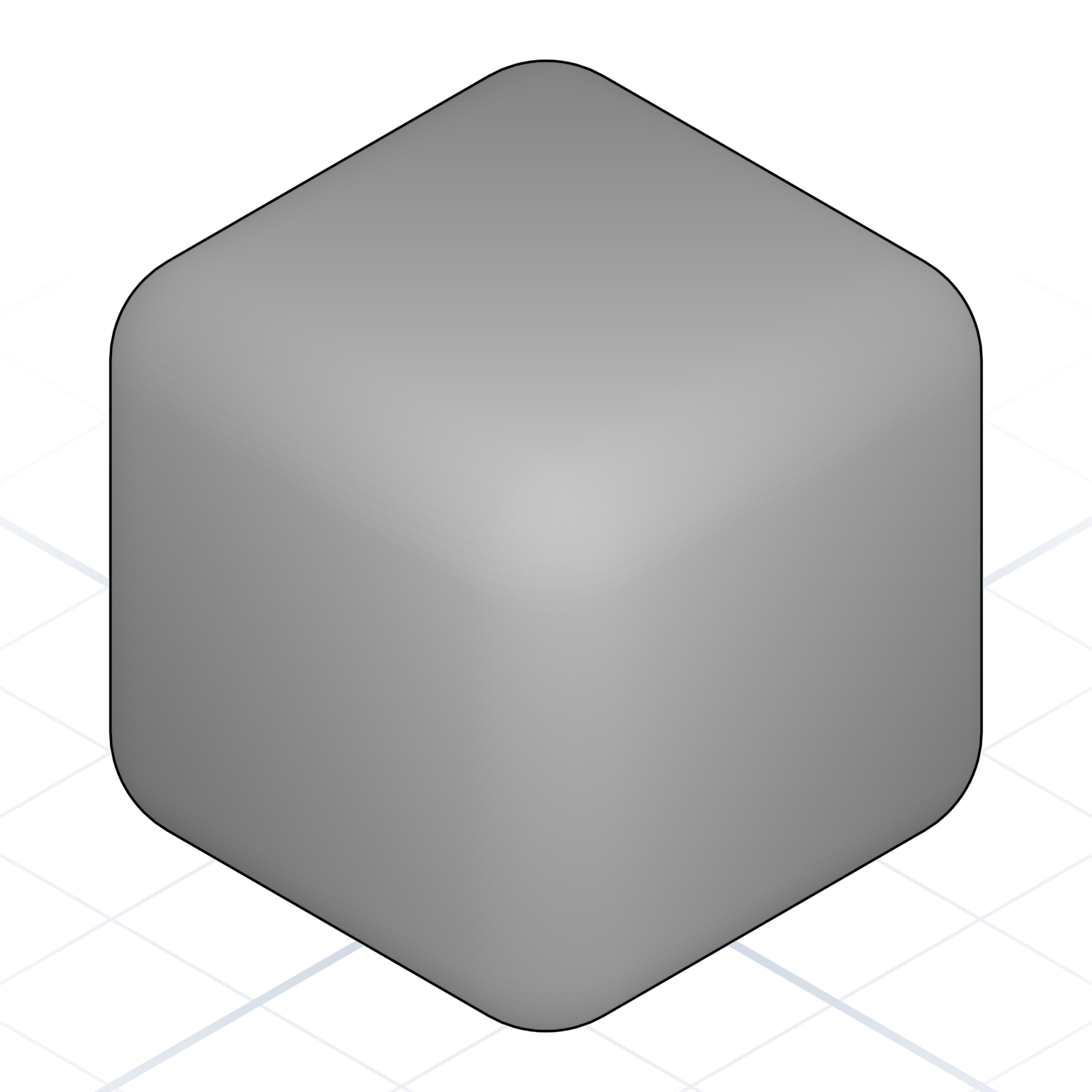
Every craft has its words. Tell a carpenter rabbet and they know the cut, the tool, and the fit before you finish the sentence. The right word does the explaining for you.
AI is the same. Ask for “a thingy with a hole” and you get a shrug in 3D. Ask for “an M3 counterbore on a 5 mm wall” and you get a part. This little book is the words.
The conversationpages 2–6
How a session flows: describe, look, correct.
The vocabularypages 8–11
Shapes and operations: the moves every model is made of.
Naming real partspages 13–25
Features, holes, fits, and the hardware to design around.
More you can ask forpages 27–30
Images, colour, and models that adjust themselves.
From model to partpages 32–36
Filament, export, slicing, printing.
How to read a page
“Quoted text” is language you can use word for word.
Numbered dots on a picture match the parts list beside it.
A QR square opens the matching page online. Point your phone camera at it.
You describe, GrandpaCAD builds, you look and correct. This chapter is the rhythm of a working session.
grandpacad
The conversation02 / 36
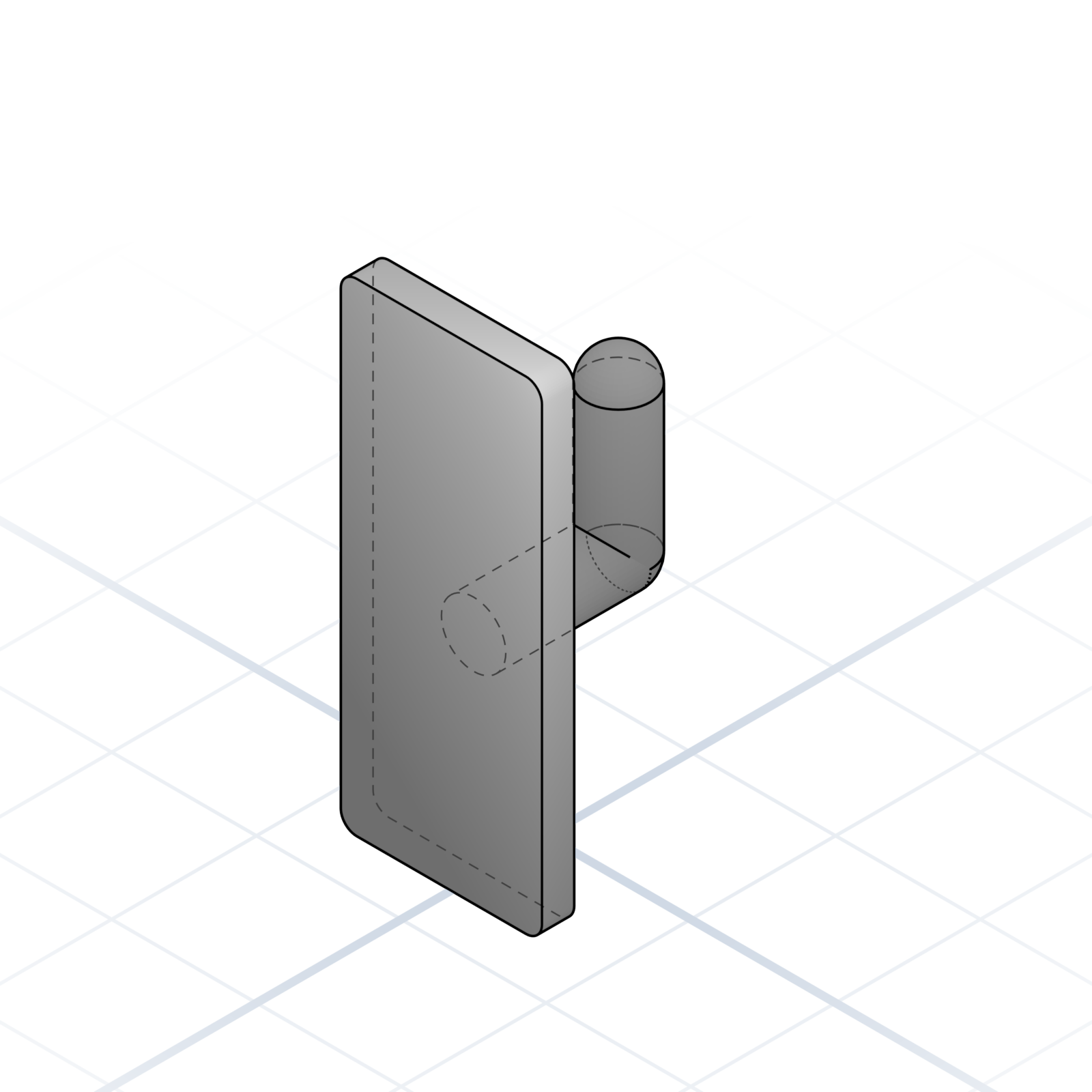
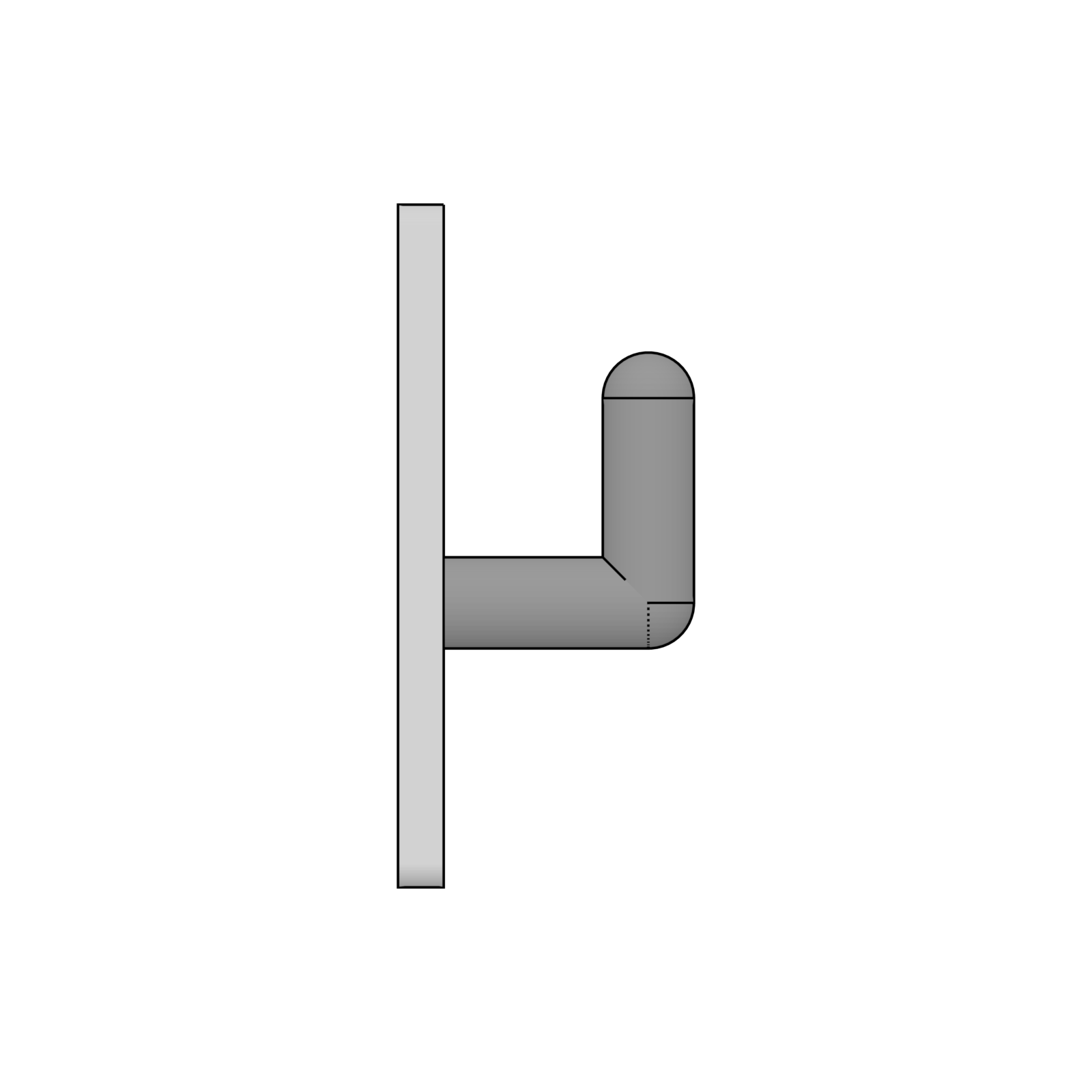
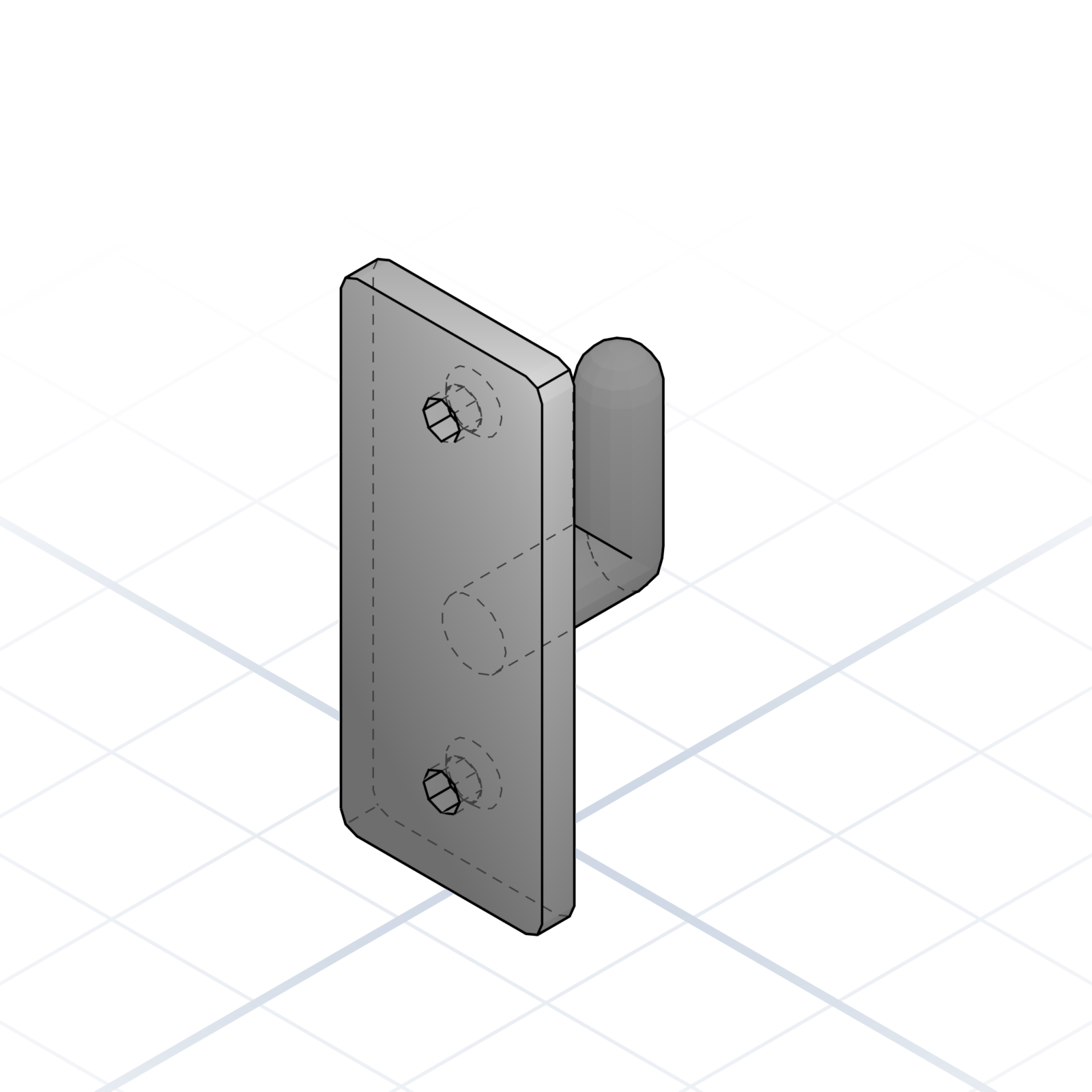
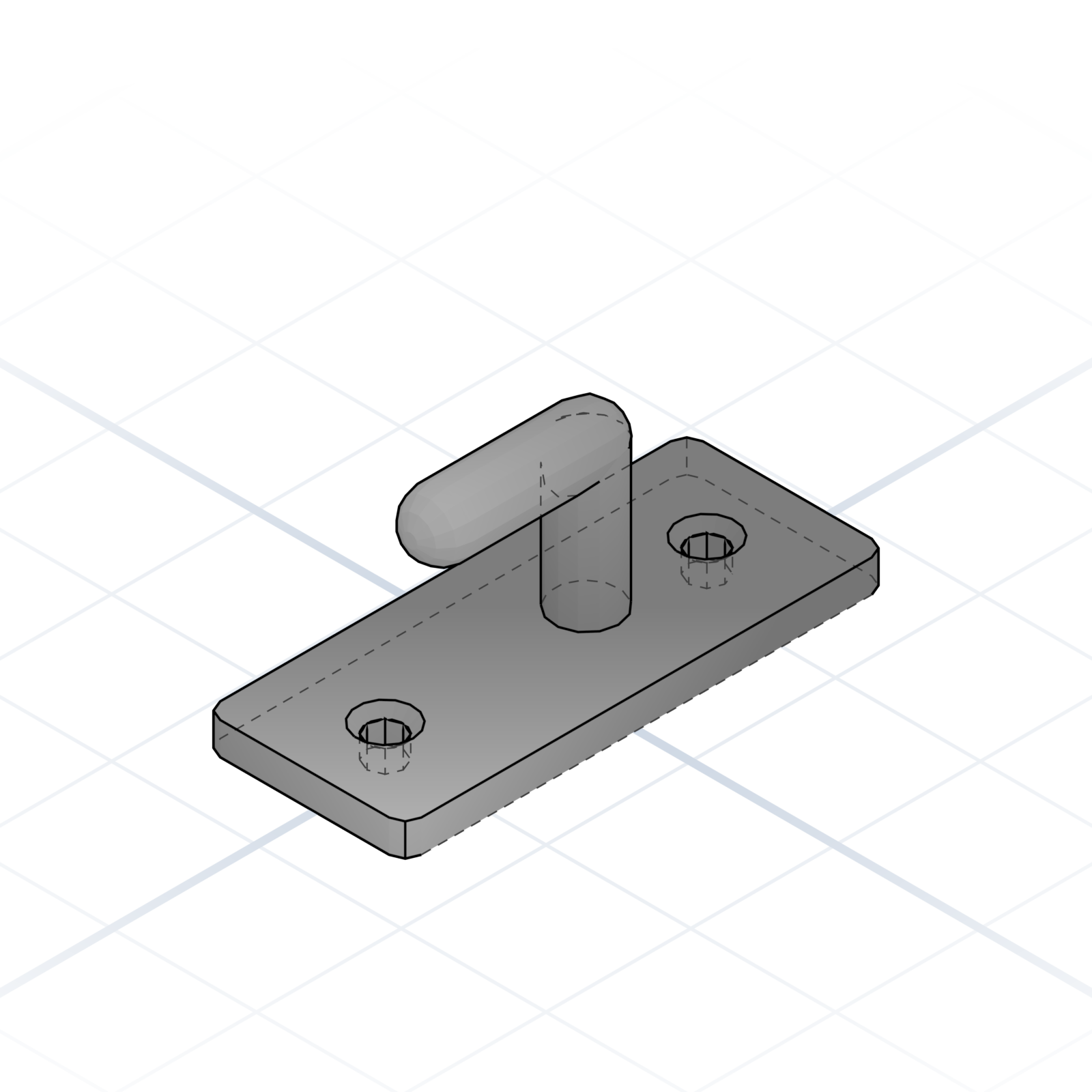
Your first part: a wall hook
One part, start to finish. This is the whole loop.
1. Say what it is and how big it should be
“A wall hook for the workshop. Base plate 60 × 25 × 4 mm, one hook in the middle.” Size and purpose are enough to start. You don’t need every detail.
2. Look
The model appears. Check how the parts fit together, the proportions, and the details.
3. Correct one thing at a time
“Add two countersunk holes for M4 screws, 40 mm apart.” One correction per message; the rest stays as it was.
4. Done when it looks right
Download it. Printing is covered in chapter 5.
grandpacad
The conversation03 / 36
Multi-step builds
Complex parts come out cleaner when you give the AI a plan, not a paragraph.
Outline the steps
“First the base, then the walls, then four mounting bosses.” Order is information.
Name each part
Named parts give you something to mention when you iterate.
Start with the base first
Get the silhouette right before adding details. Features attach to a stable foundation.
Add details last
Fillets, chamfers. Cheap to add and cheap to take away.
grandpacad
The conversation04 / 36
Dimensions and constraints
Numbers without context are guesses. Pin them down up front.
Mind printability
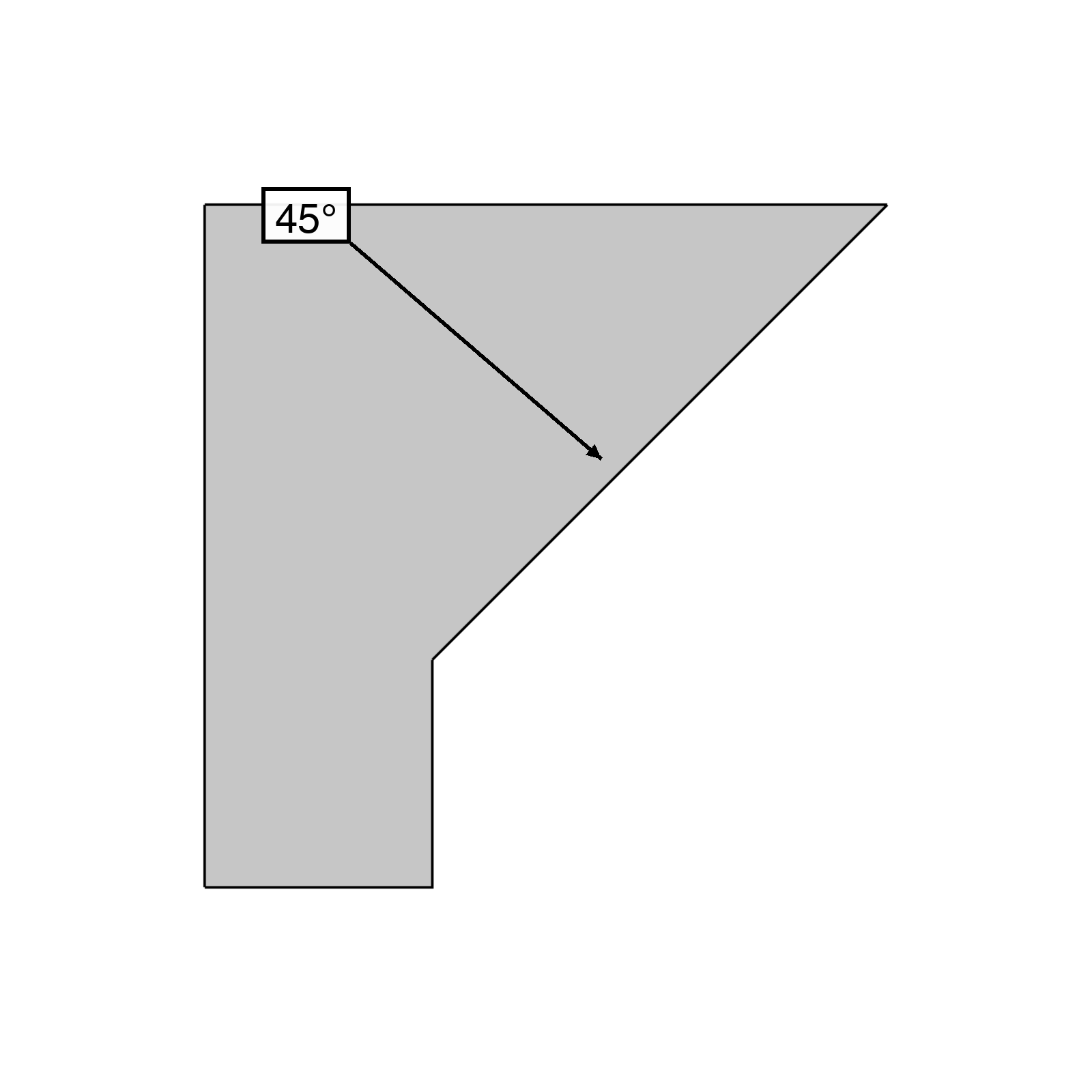
Walls should be at least 1.2 mm, or they crack. Short bridges print cleanly; past about 10 mm they start to sag. Surfaces leaning up to 45° from vertical print without supports.
Cite standards
“M5 cap screw”, “M5 countersunk”, “608 bearing”. The standard name already carries every dimension, so you don’t have to spell them out.
Constrain the envelope
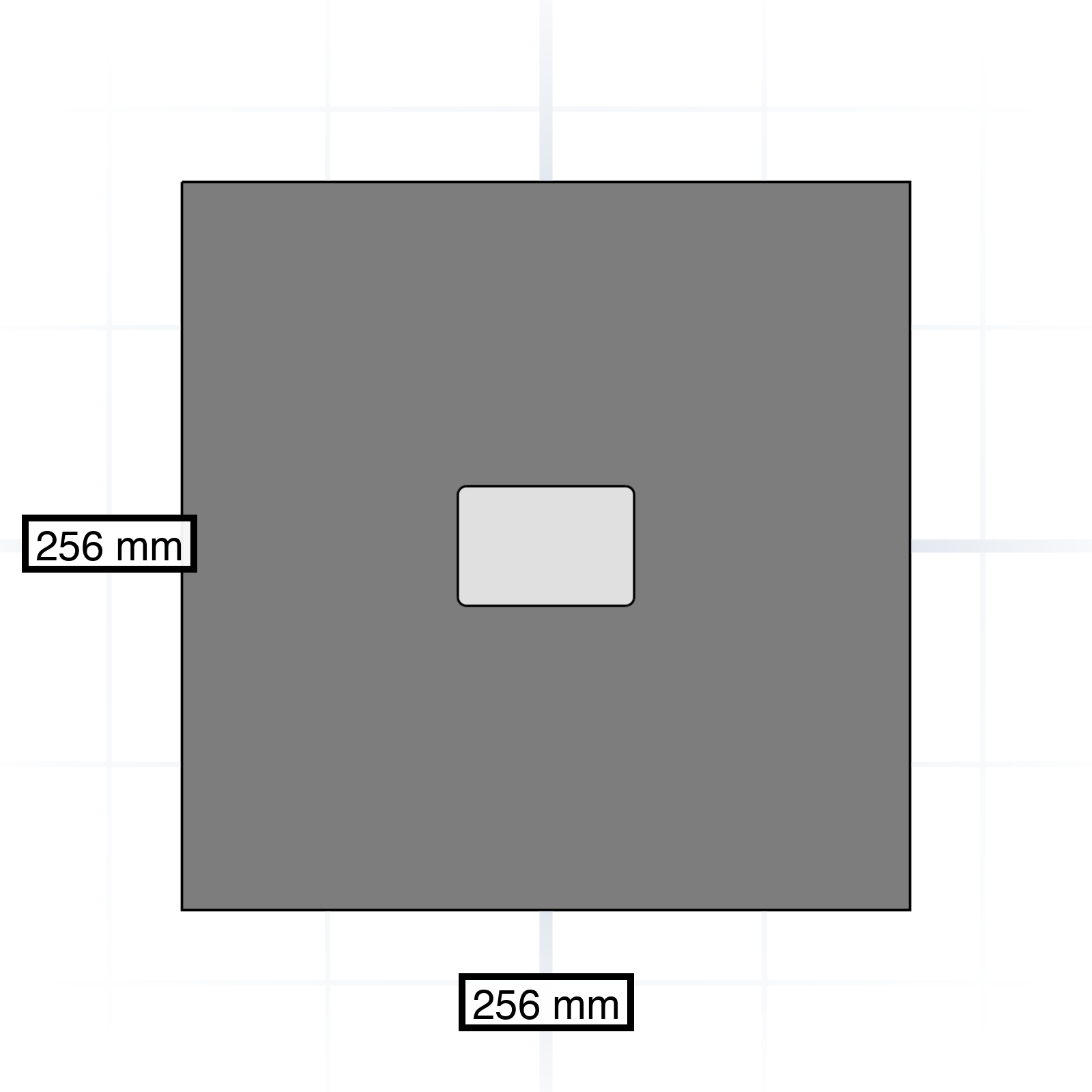
“Fits a 256 × 256 mm bed.” A stated build plate stops the model from drifting to absurd sizes.
grandpacad
The conversation05 / 36
References and positioning
Where something sits is half the description. Anchor every part to something concrete.
Anchor to a face or edge
“Centred on the top face” is unambiguous. “Near the top” is not.
Reference planes
“Mirror across the centre” gives the AI a fixed point to anchor every measurement to.
Mating surfaces
Name which face touches what. “The lid sits on the rim of the box, not inside it.”
grandpacad
The conversation06 / 36
Iteration and corrections
The first generation is rarely the final one. Be exact about what is wrong, because the problem is usually easier to describe than the fix.
Describe the symptom, not the fix
“The screws stick out 1 mm” tells the AI what to solve. Let it find the right way to fix it.
Mention one named part
“Make the lid 2 mm thicker” lands. “Make it sturdier” wanders.
Give the exact change
“Change wall thickness from 1 to 5 mm” leaves no room for interpretation.
Say what to keep
“Keep the hole pattern as is” prevents a full redesign on every iteration.
Try a different approach
When the AI keeps repeating the same mistake, ask it to take a completely different approach. That makes it start fresh.
grandpacad
Chapter07 / 36
Chapter 2
The vocabulary
The basic shapes and operations of a parametric part. You build even the most complex model by using these words in the right order.
grandpacad
The vocabulary08 / 36
Primitives
The starting shapes for almost any design. Every complex part begins as one or two of these.
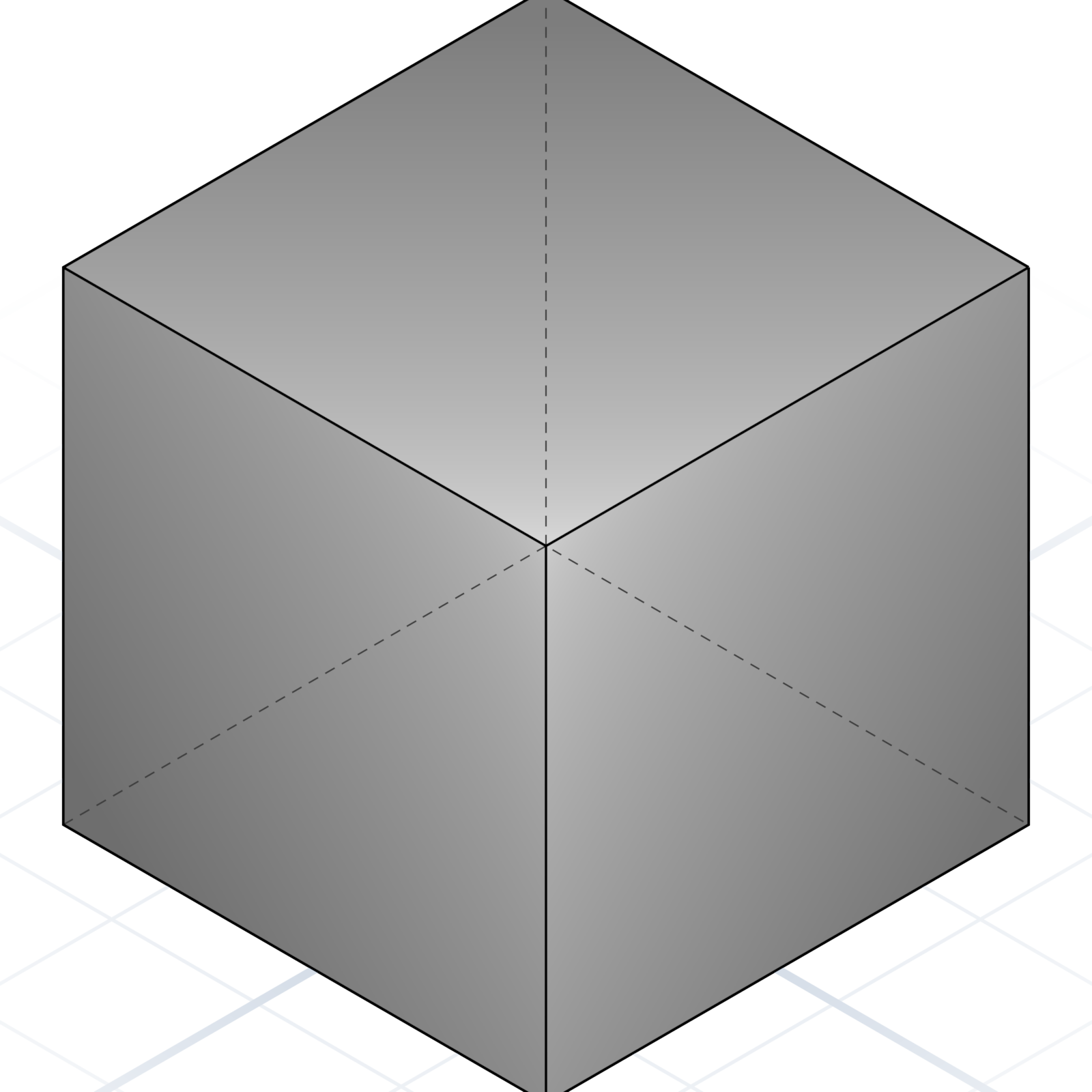
Cube / Box
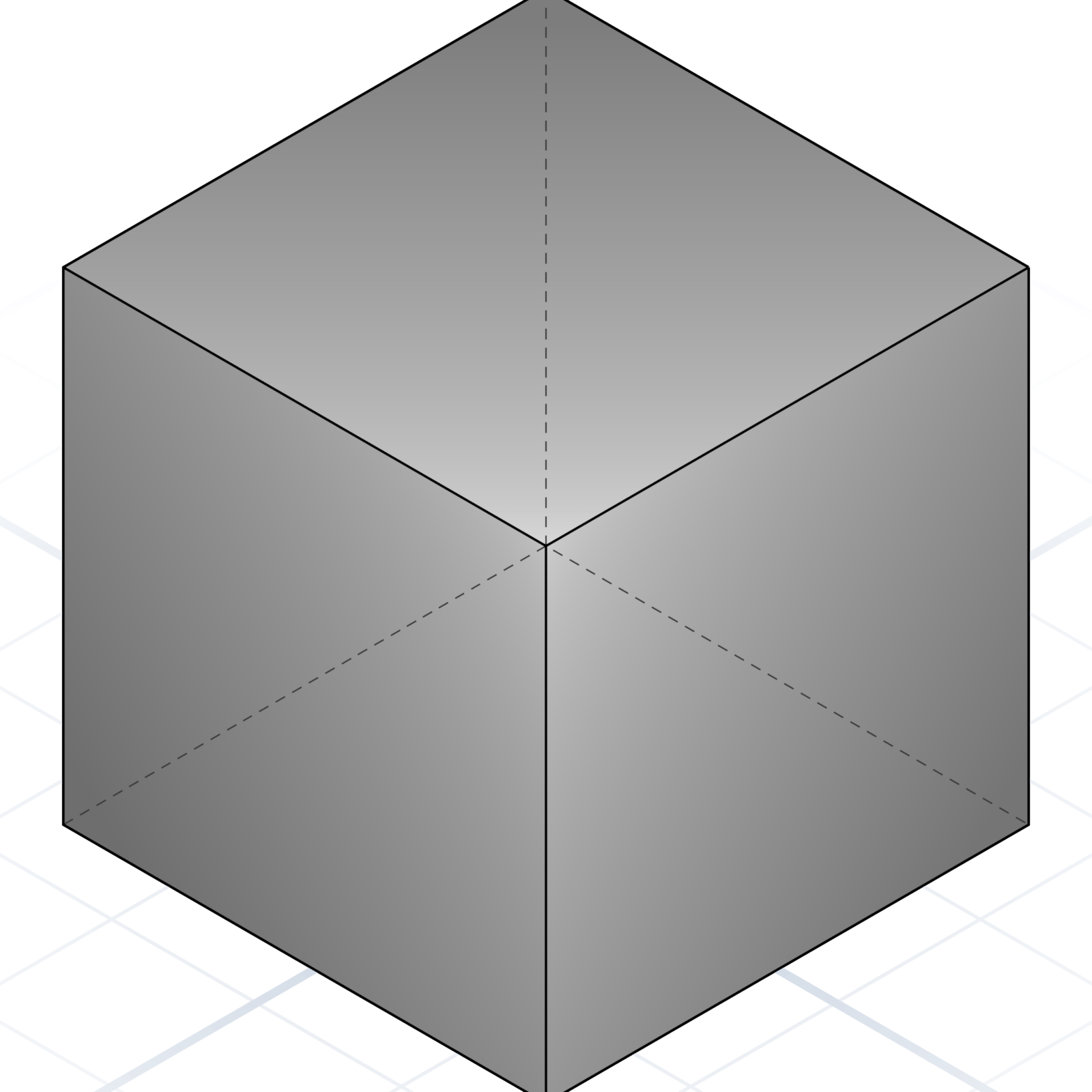
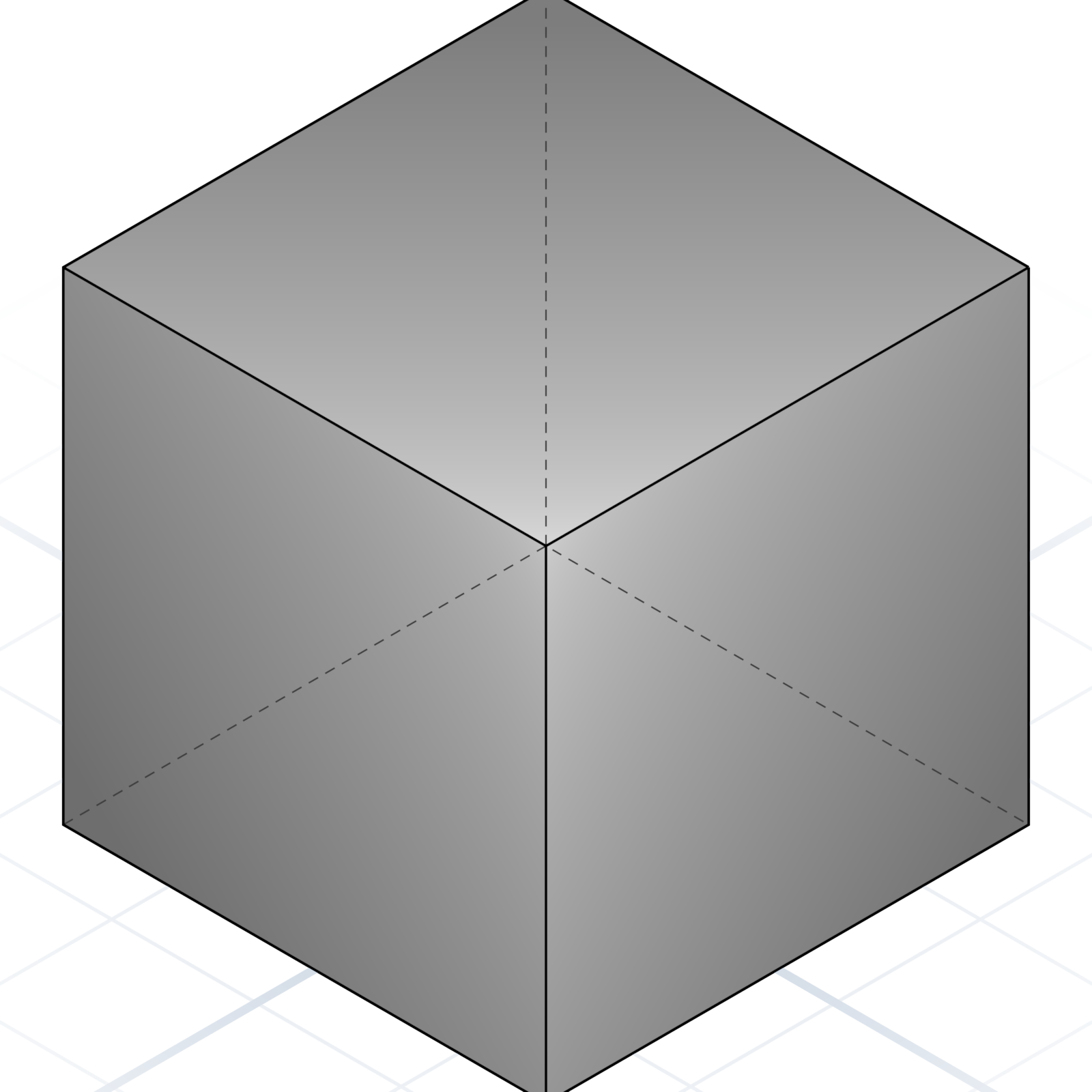
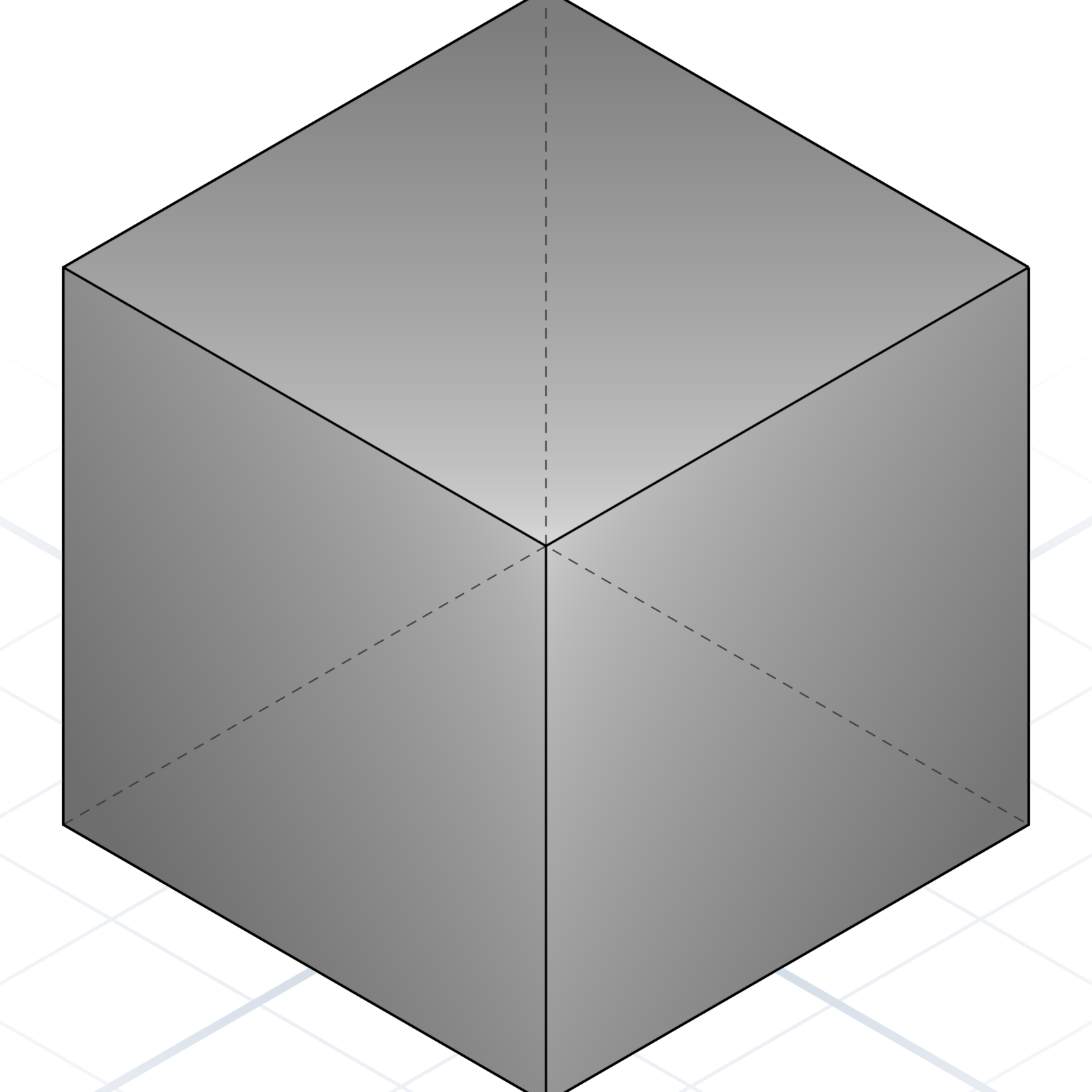
A six-sided block. Width, depth, height in millimetres.
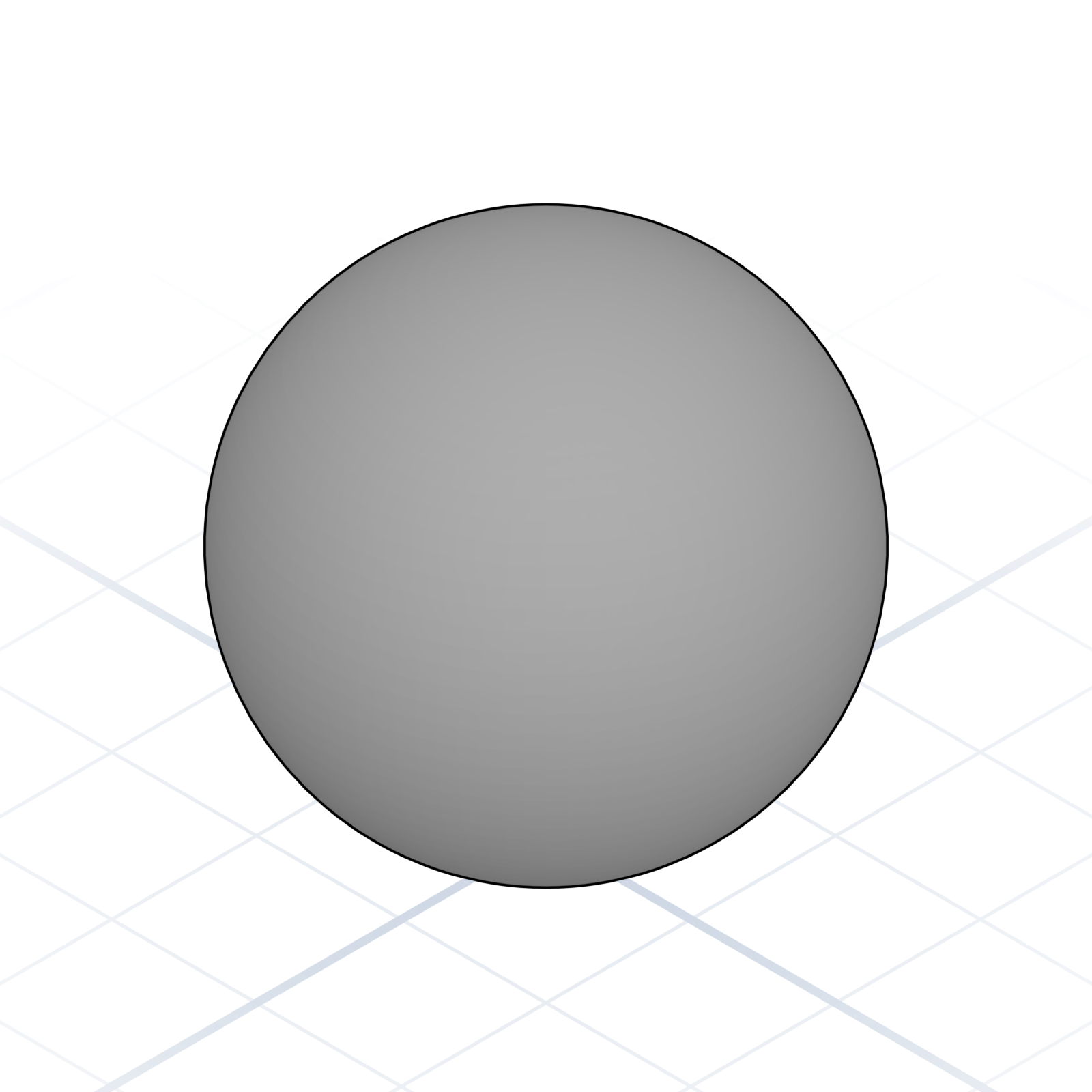
Sphere
A ball. Specify radius or diameter, not both.
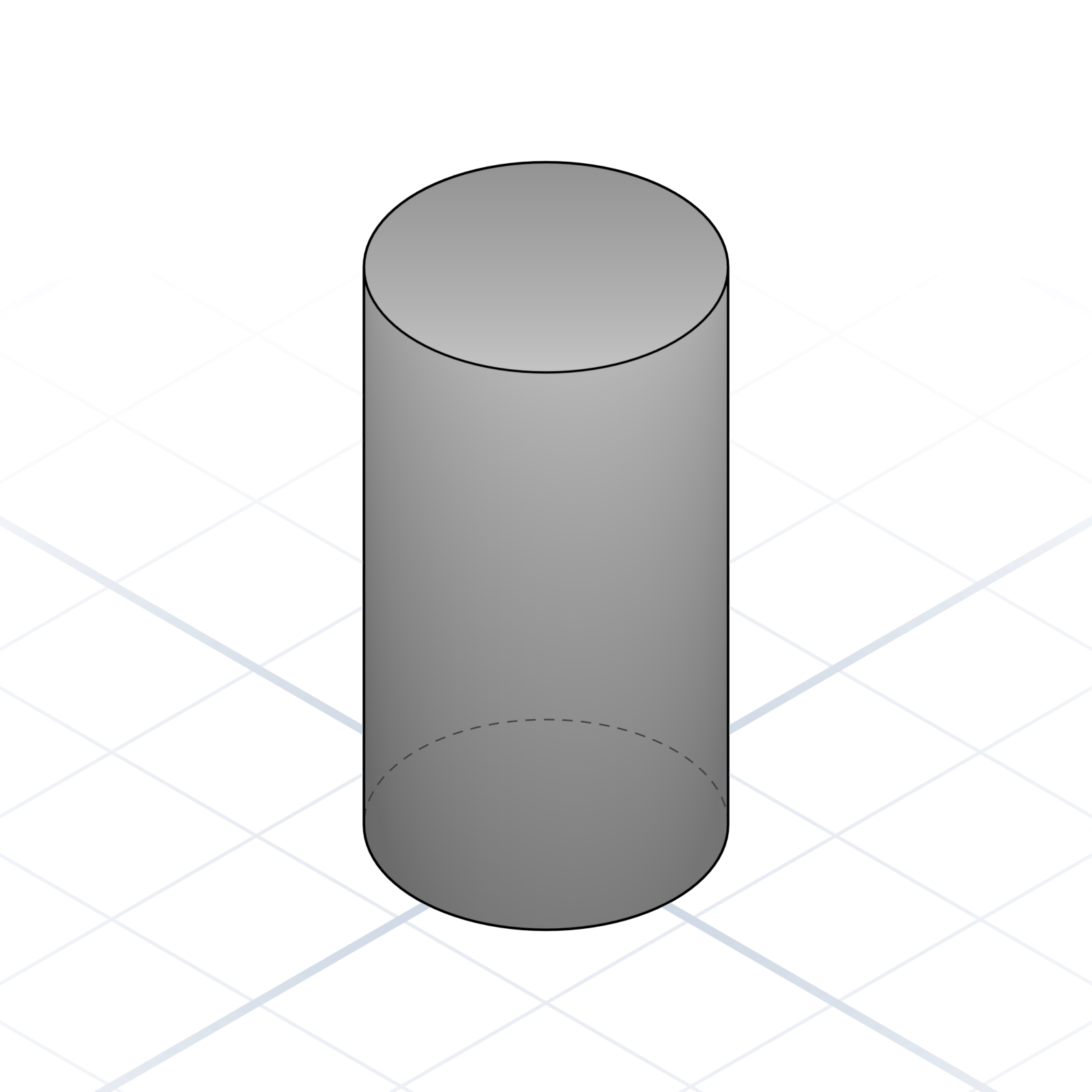
Cylinder
A tube or rod. Say “tube” if you want it hollow.
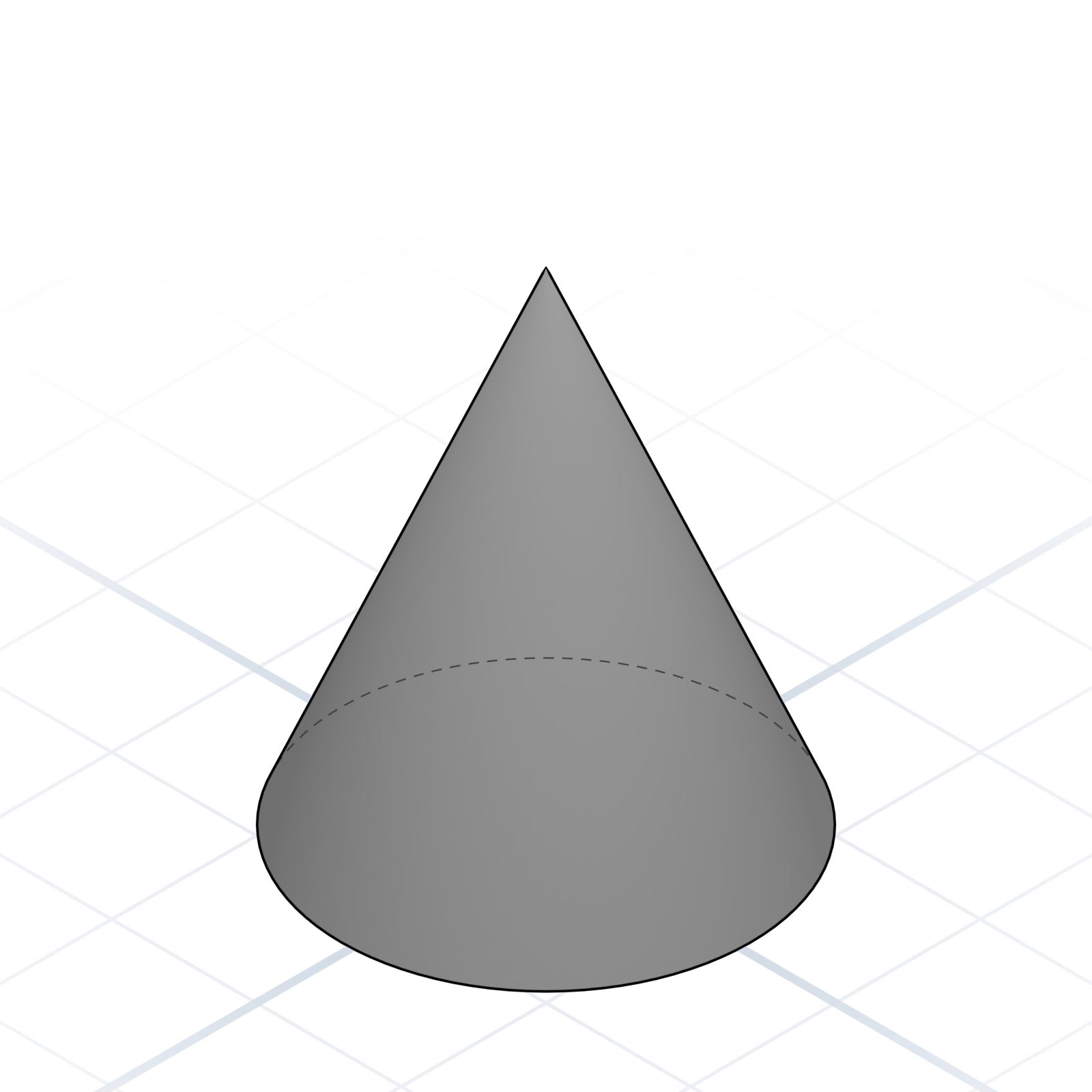
Cone
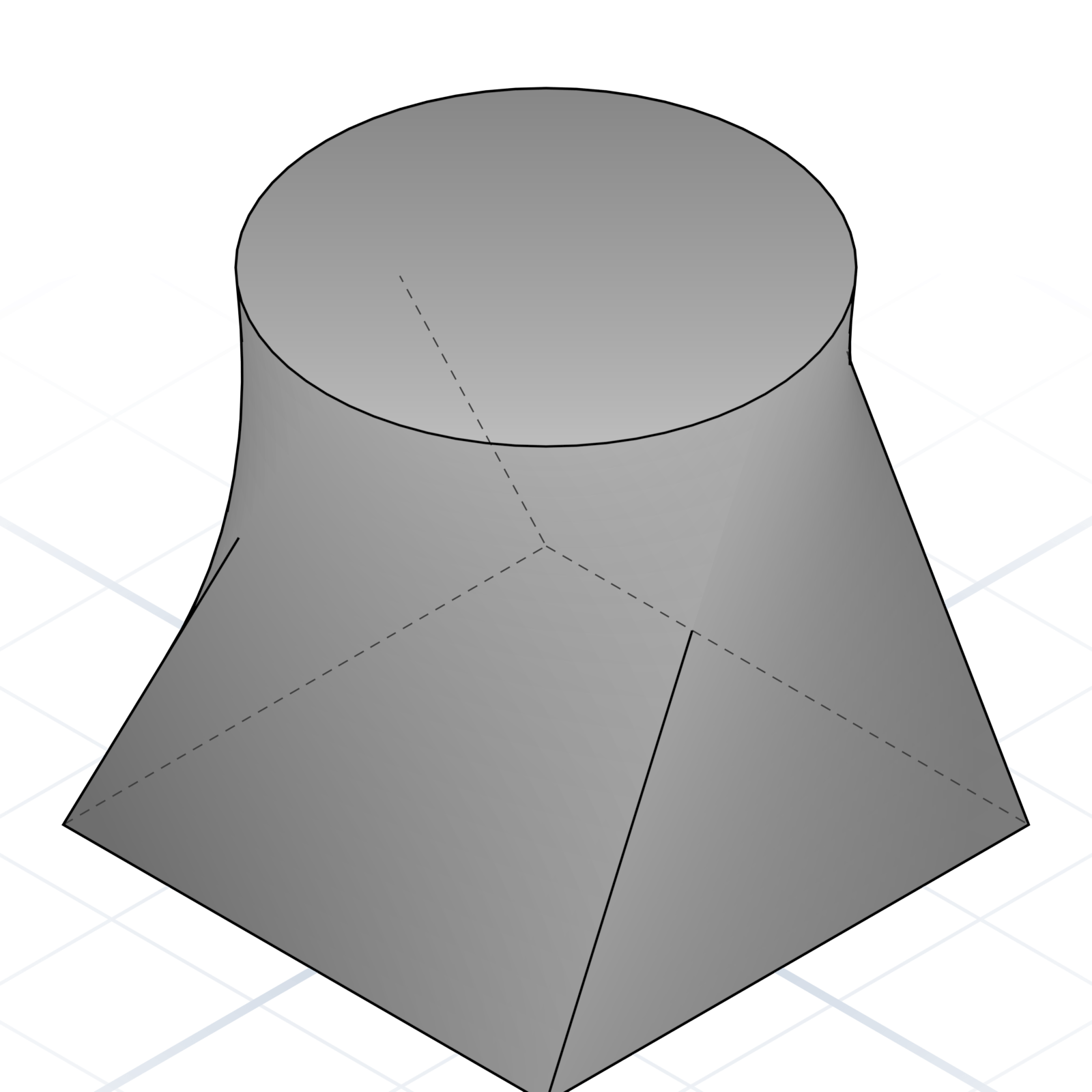
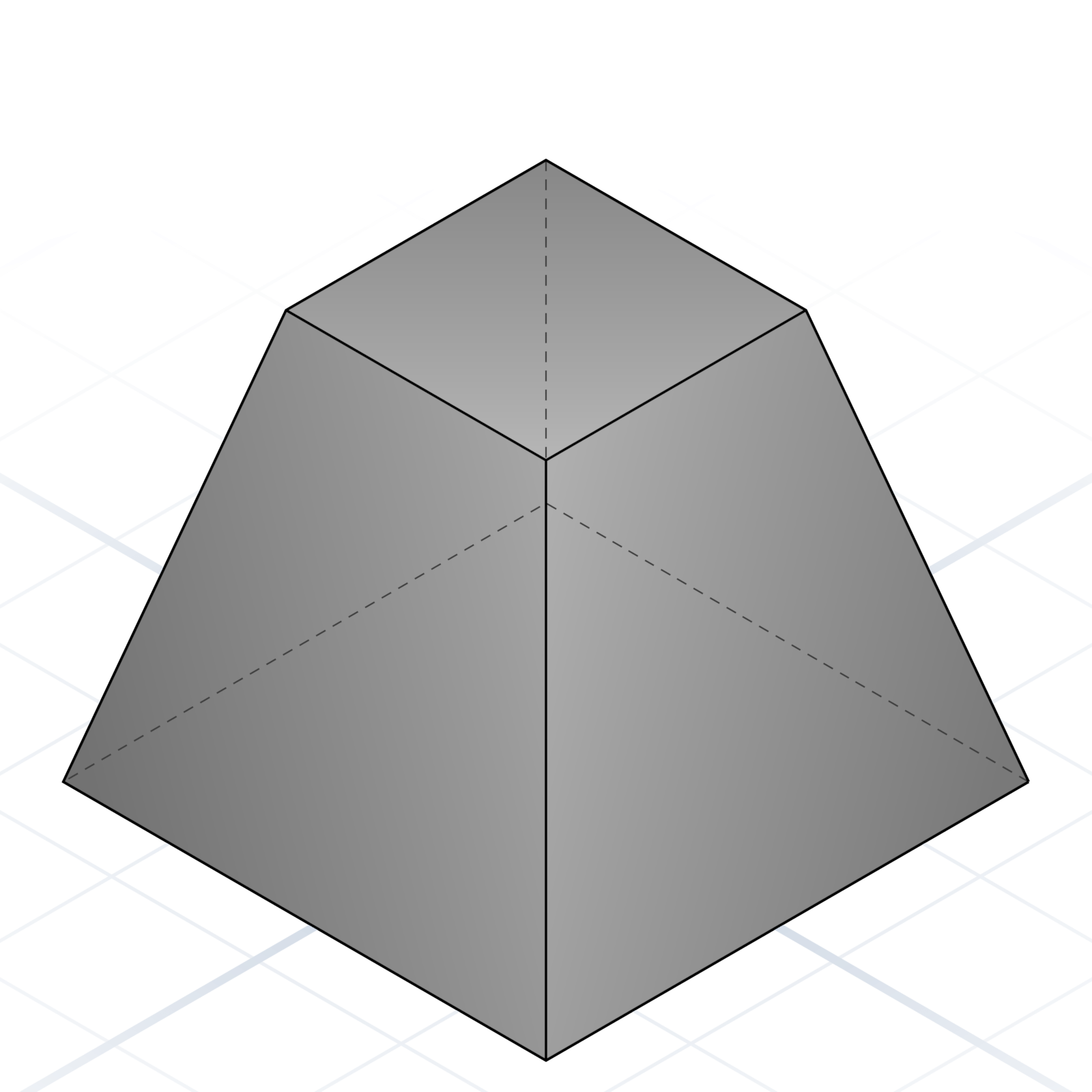
Tapers from a circle to a point. Say “truncated” to end it in a smaller circle instead of a point.
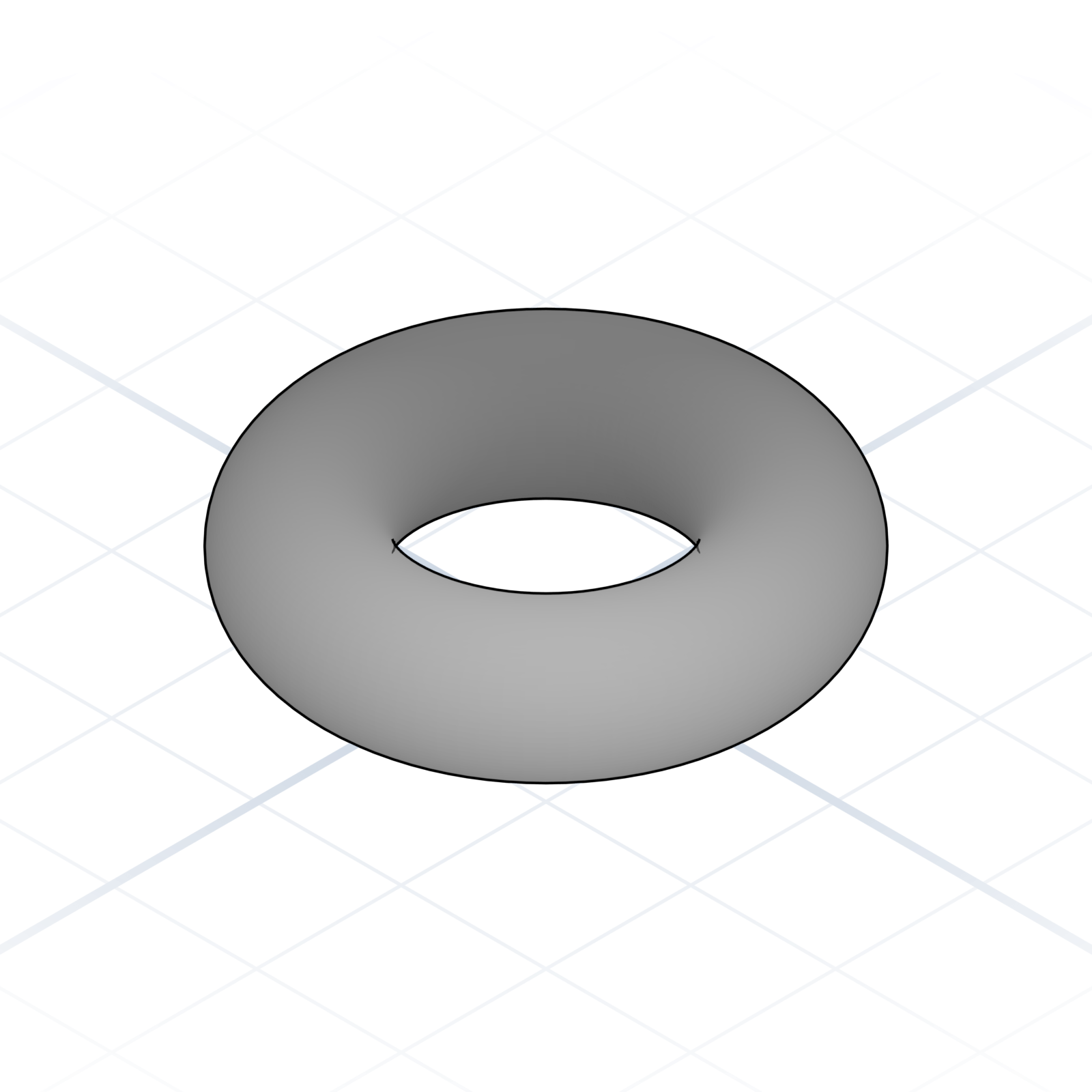
Torus
A donut. Give the ring radius and the tube radius.
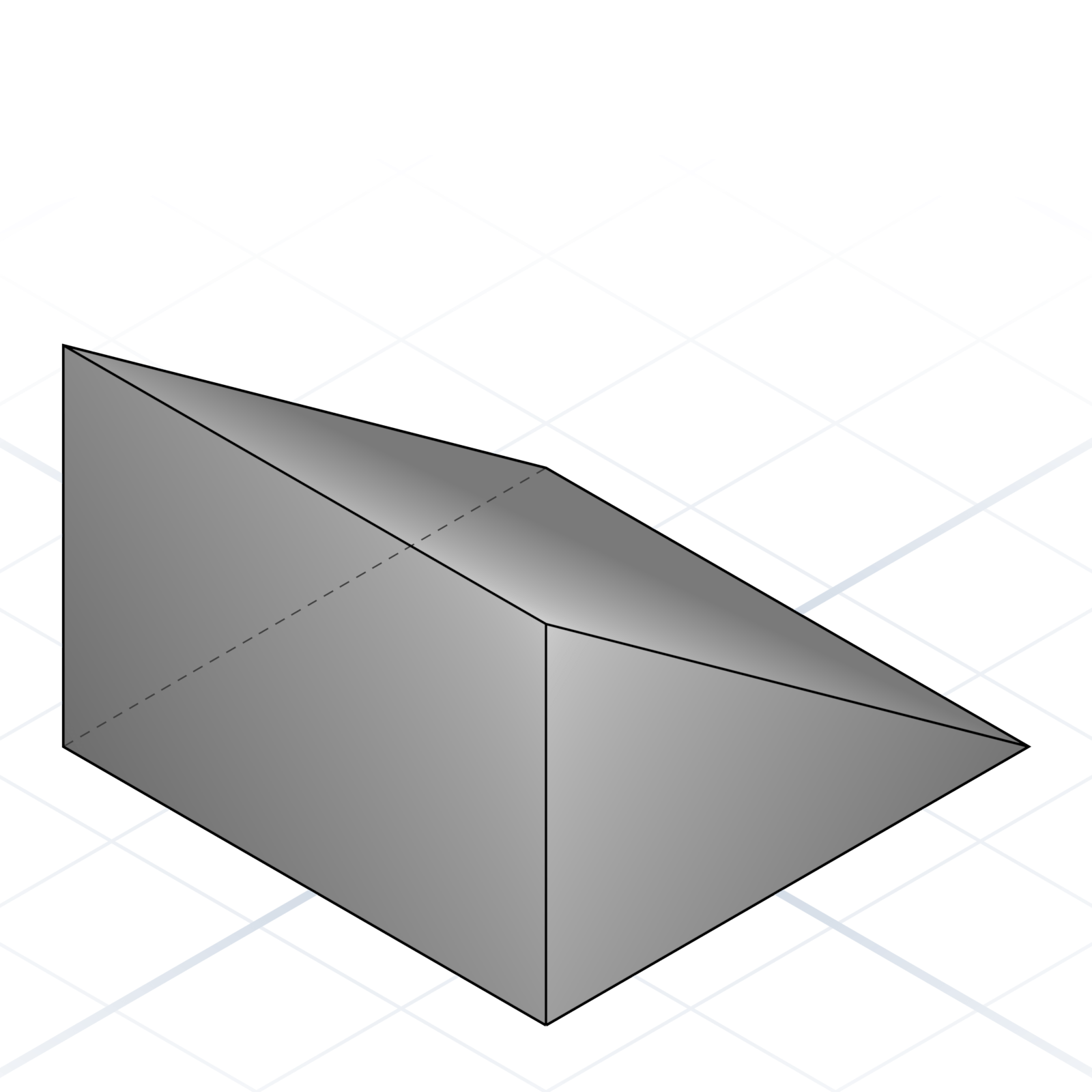
Wedge
A triangular prism. Ramps, brackets, and gussets start here.
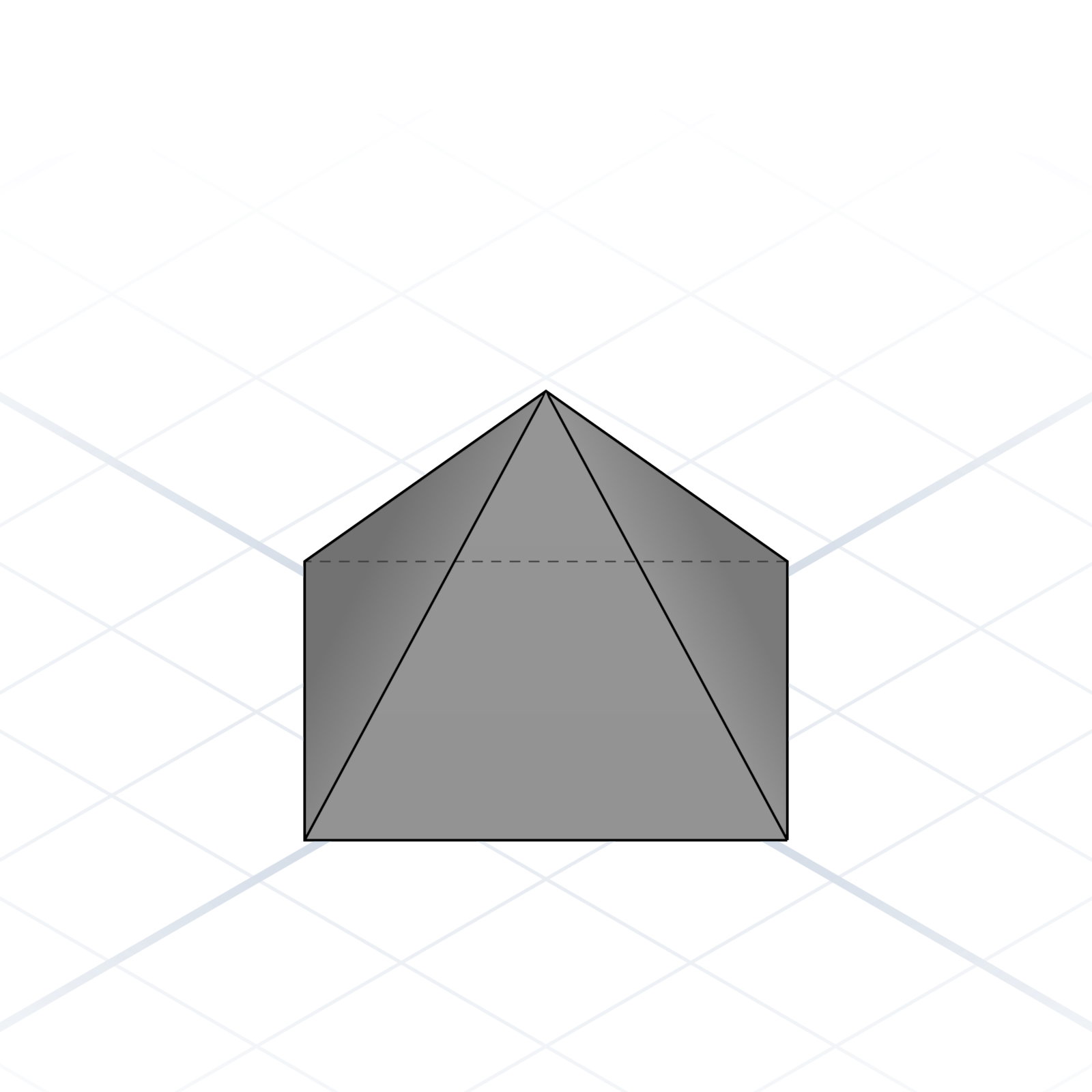
Pyramid
Tapers from a polygon to a point. Square base by default, but it can have any number of sides.
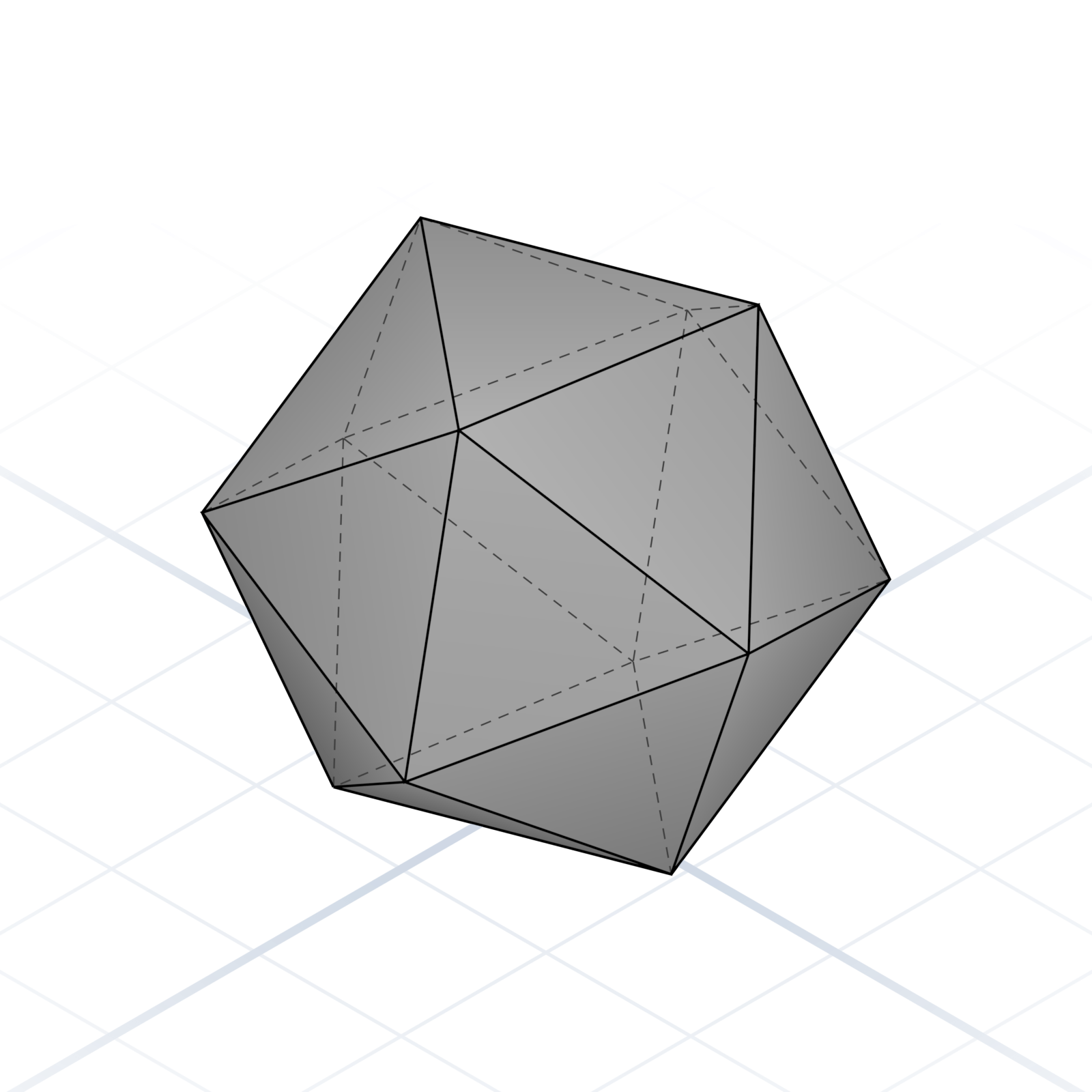
Polyhedron
A custom mesh from points and faces. Last resort when nothing else fits.
grandpacad
The vocabulary09 / 36
Transformations
How to move, turn, and reshape something that already exists. Order matters: rotate then move is not the same as move then rotate.
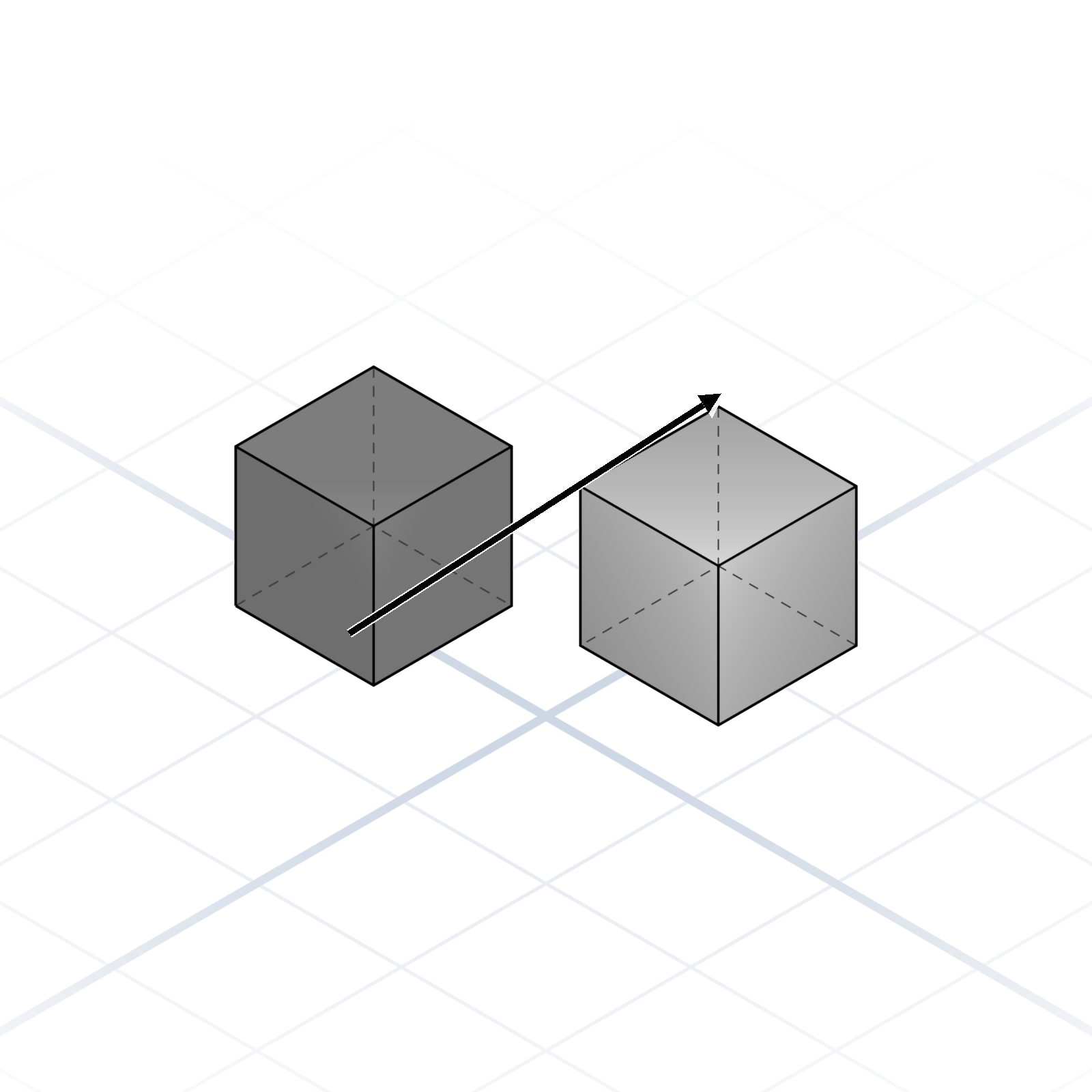
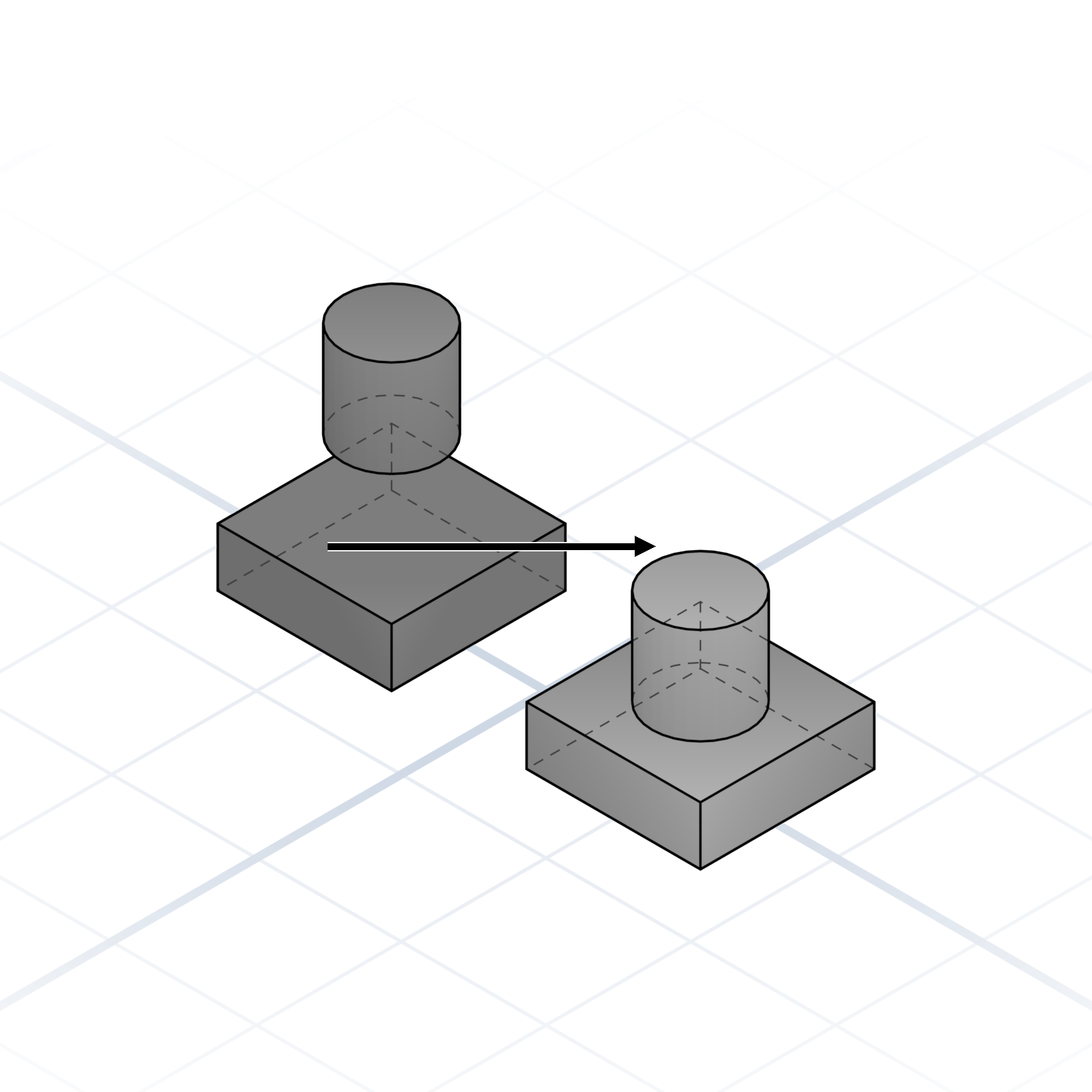
Translate / Move
Move along X (left/right), Y (front/back), or Z (up/down).
Rotate
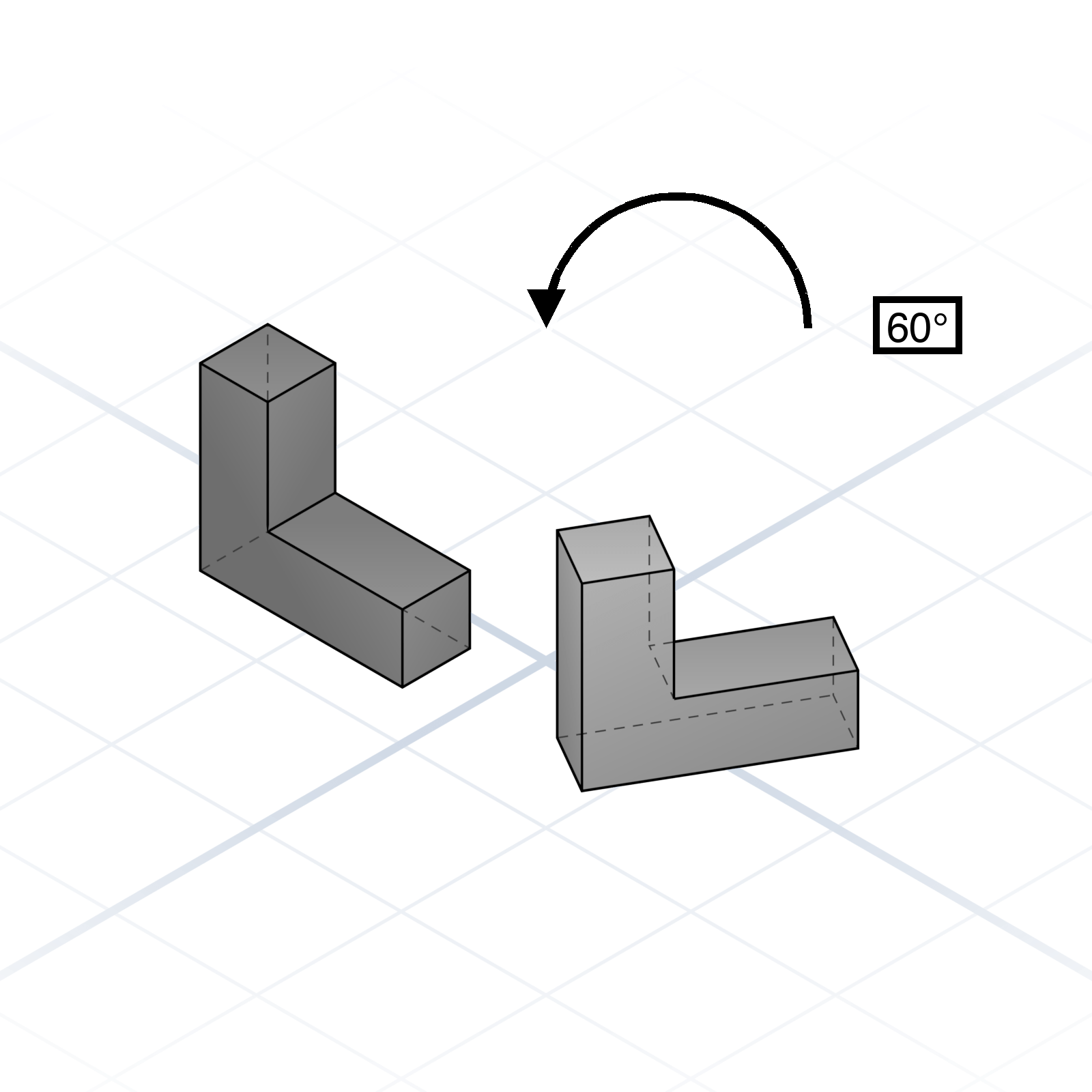
Spin around an axis you name, e.g. “rotate around X”. Give the angle in degrees.
Scale
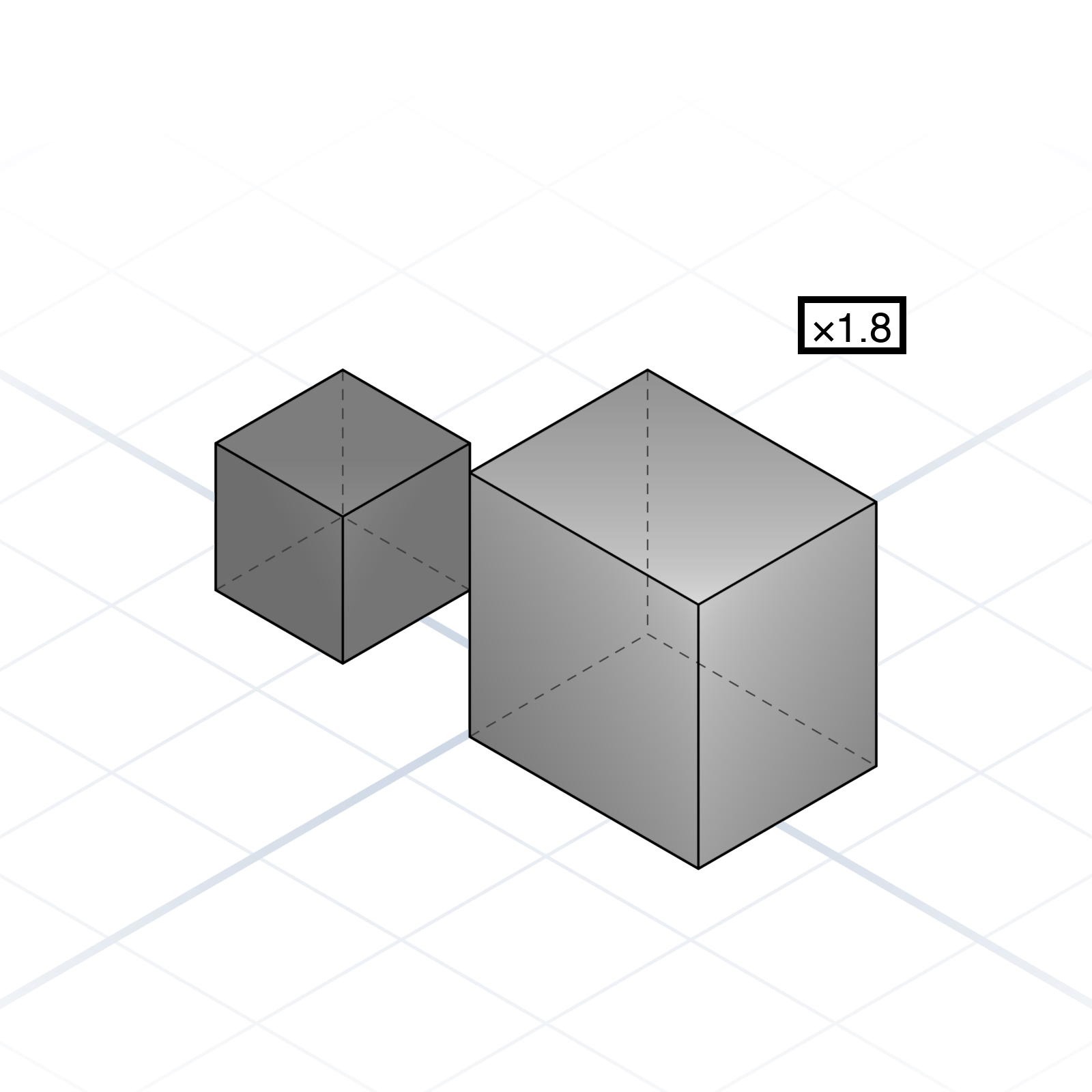
Resize it, either evenly in all directions or along a single axis. Along one axis only, a sphere becomes a stretched ellipsoid.
Mirror
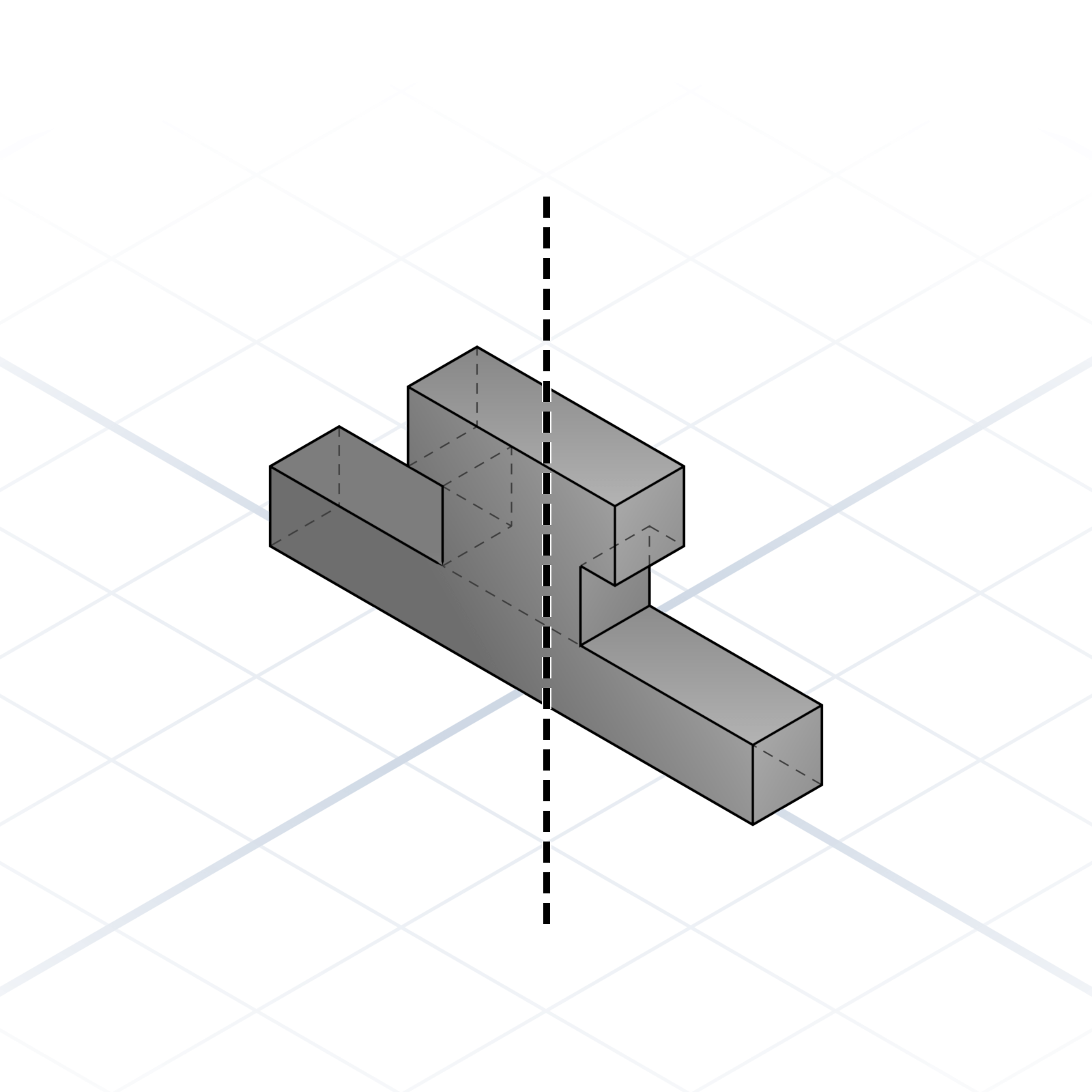
Reflect across a plane. Good for symmetric parts.
Linear array
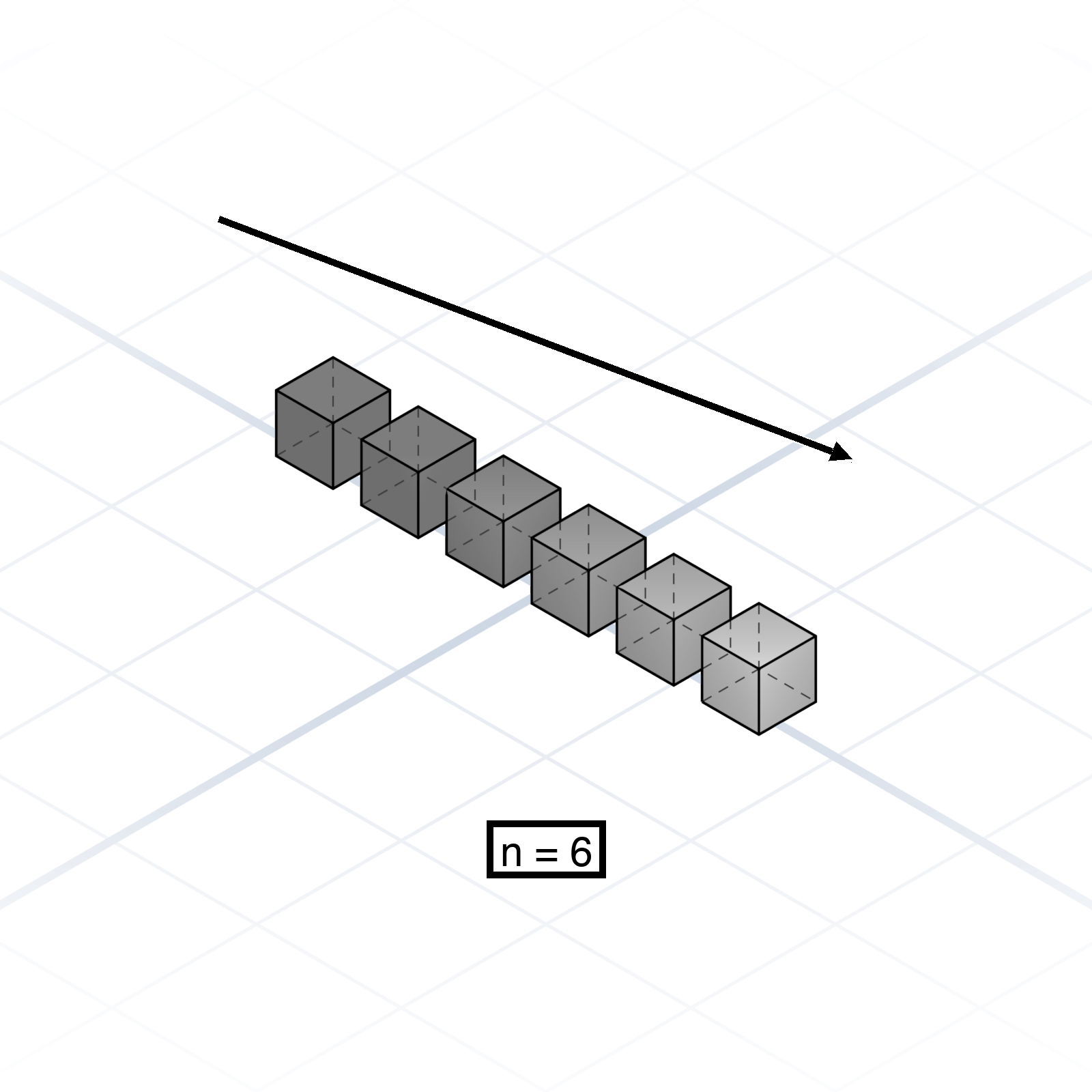
Duplicate in a straight line. Give the count and the spacing.
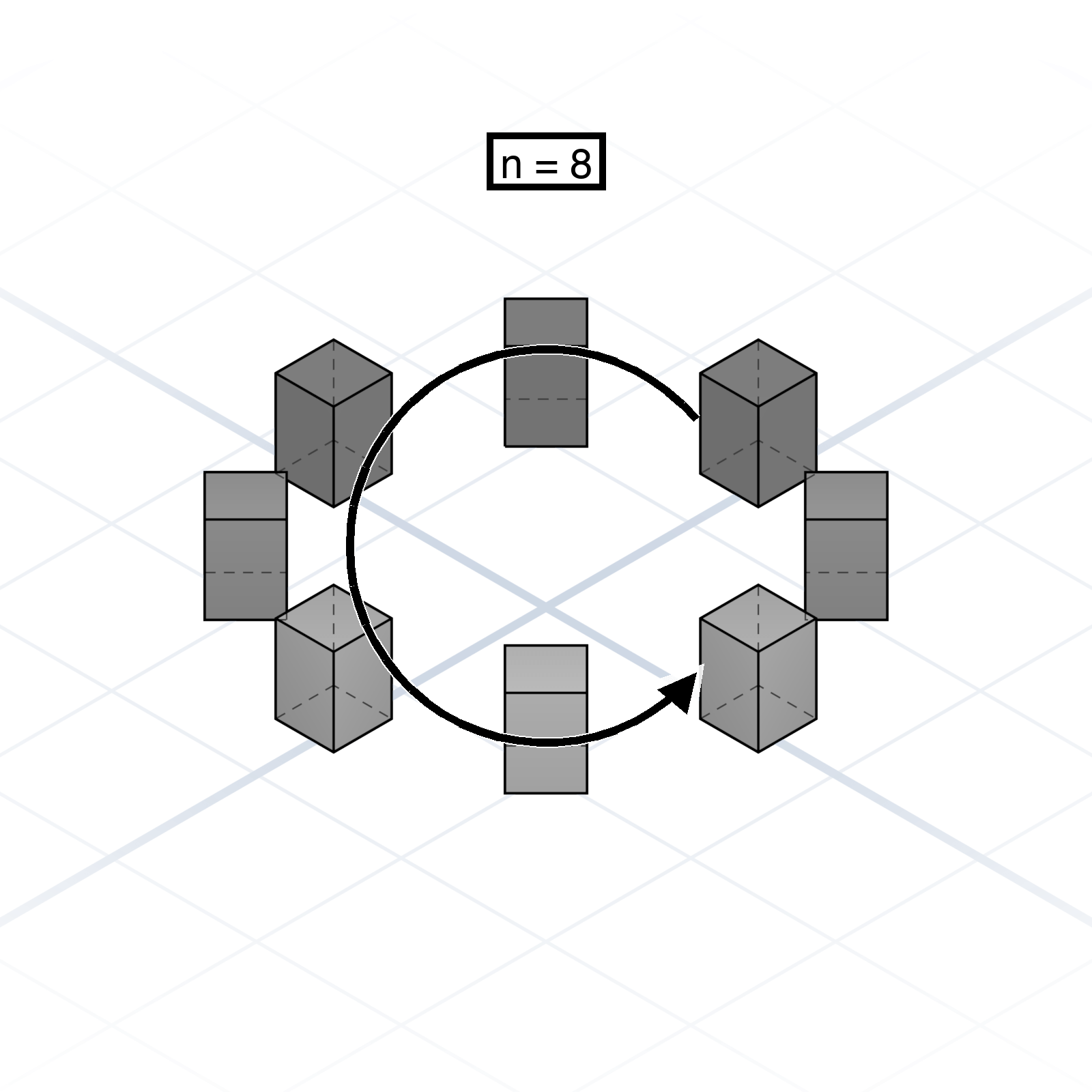
Circular array
Duplicate around an axis. Give the count, plus a full sweep angle or a radius and spacing.
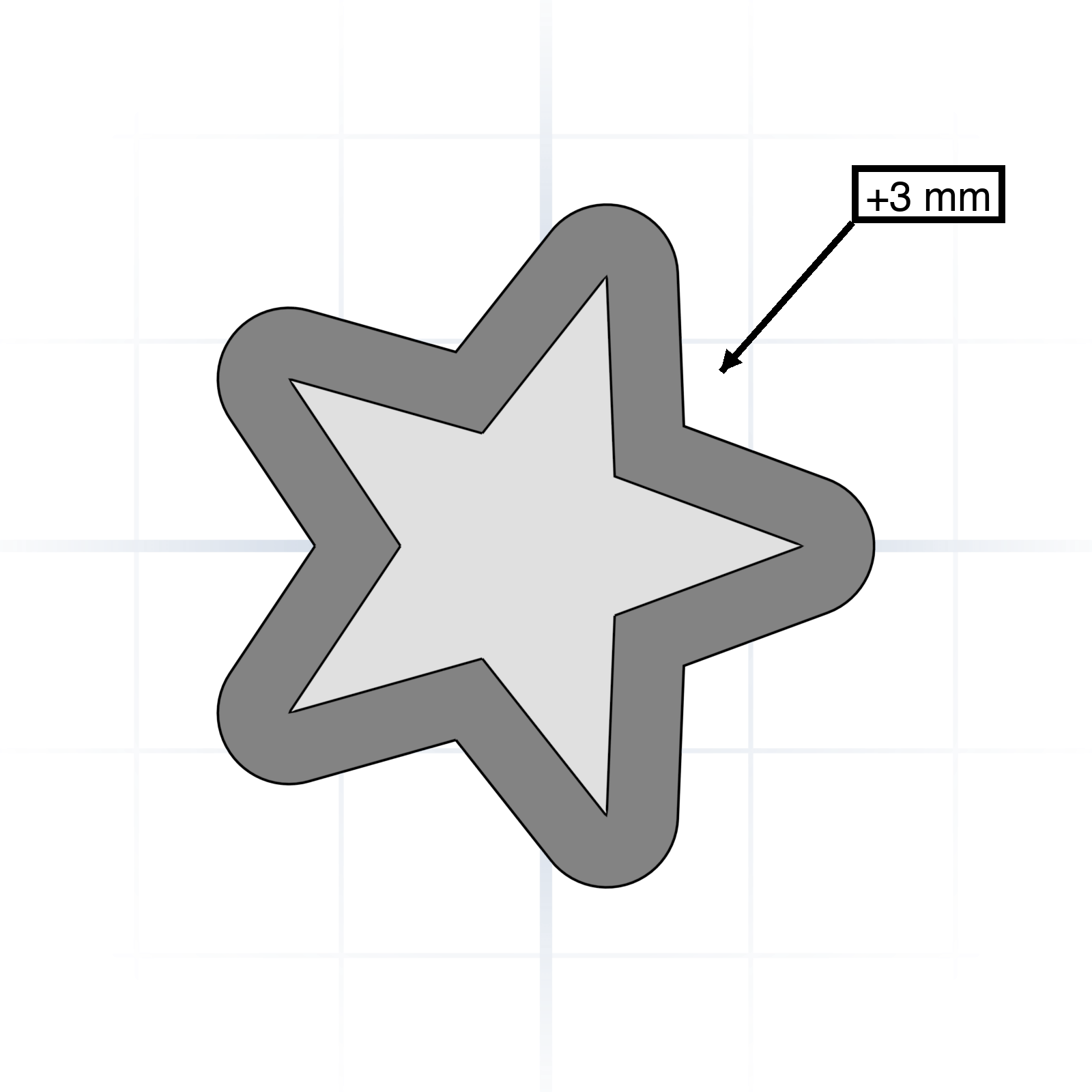
Offset
Grow or shrink a shape by a fixed distance on every side. Inflates or deflates a profile in place.
Align / Anchor
Snap one face, edge, or corner to another. “Align the lid flush with the rim of the box.”
grandpacad
The vocabulary10 / 36
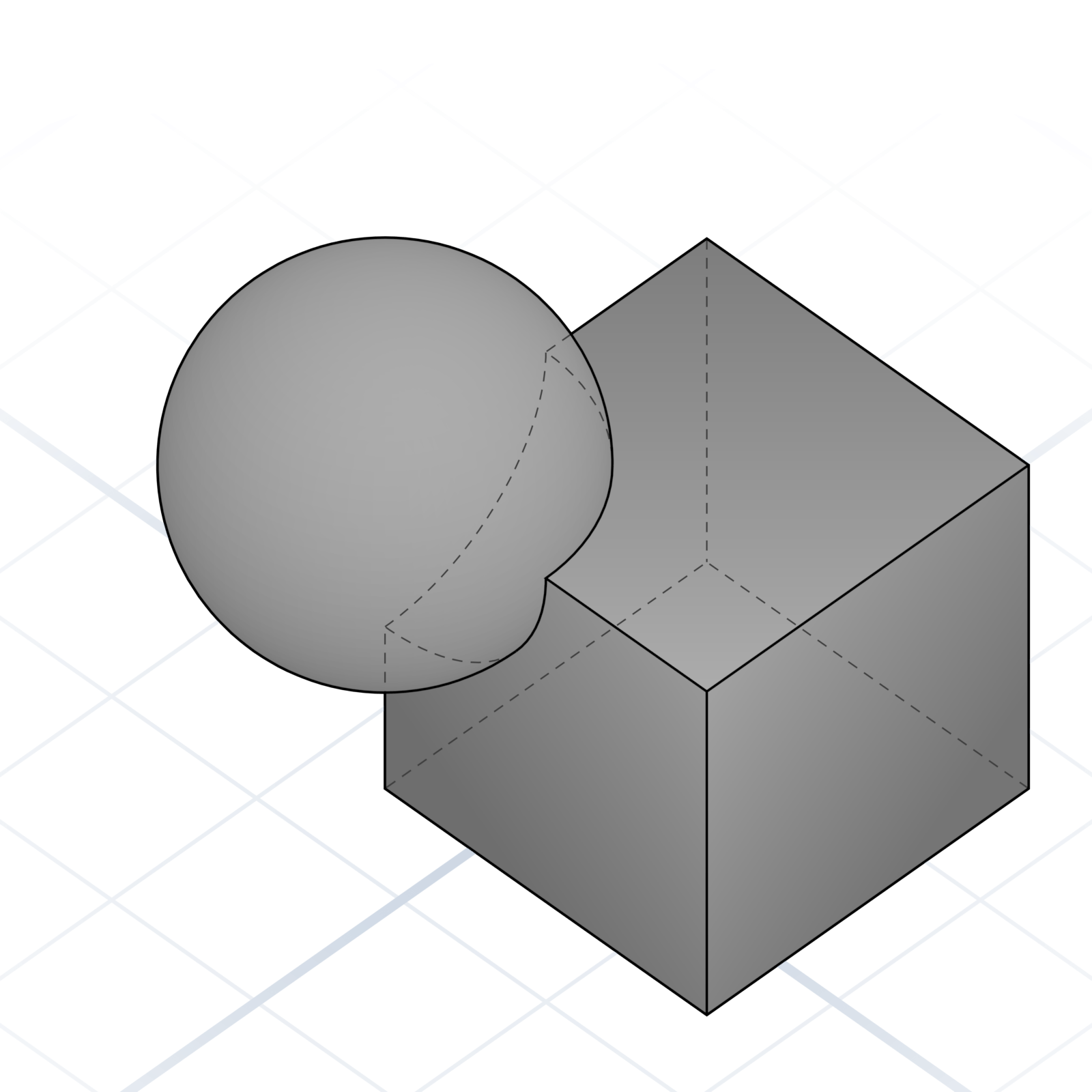
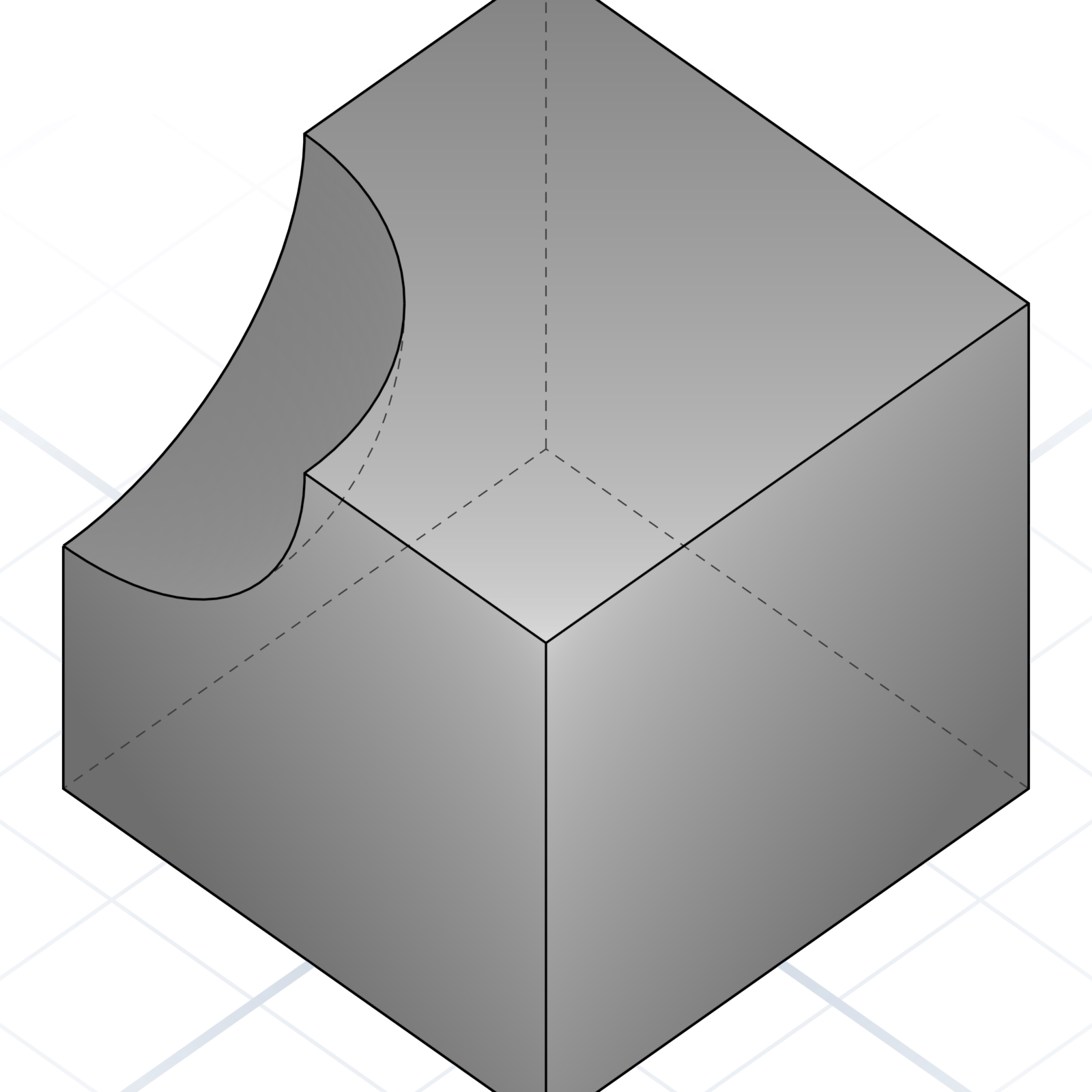
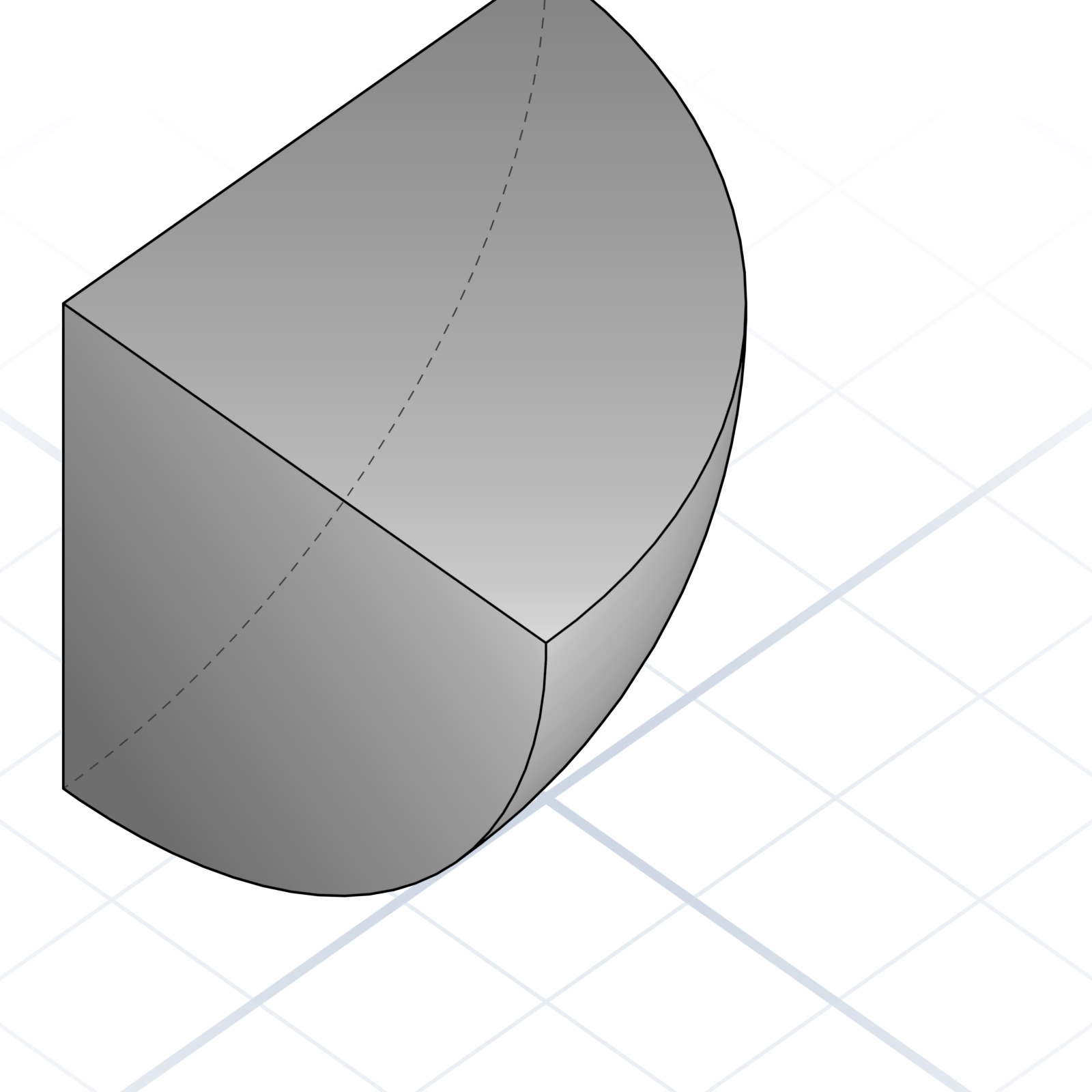
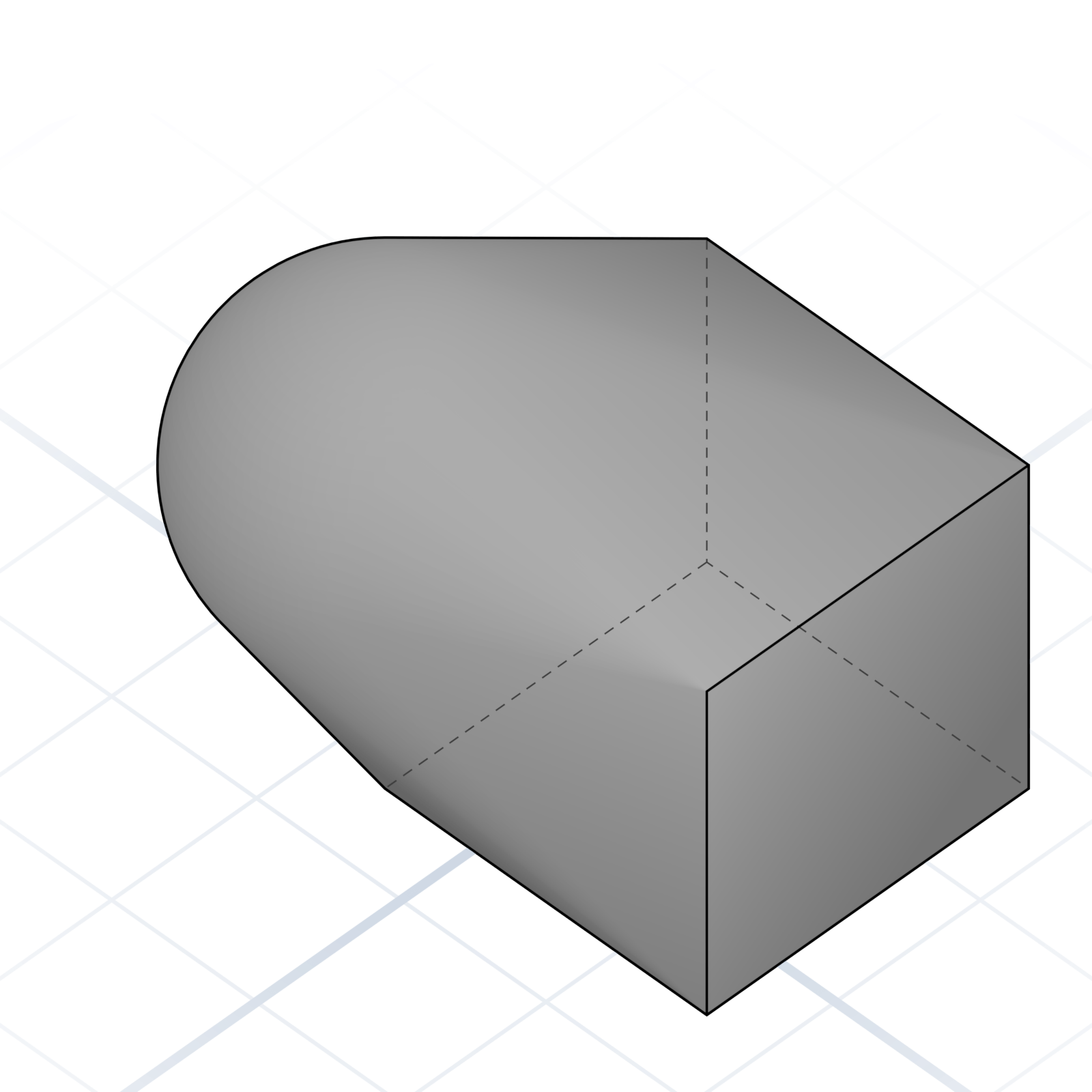
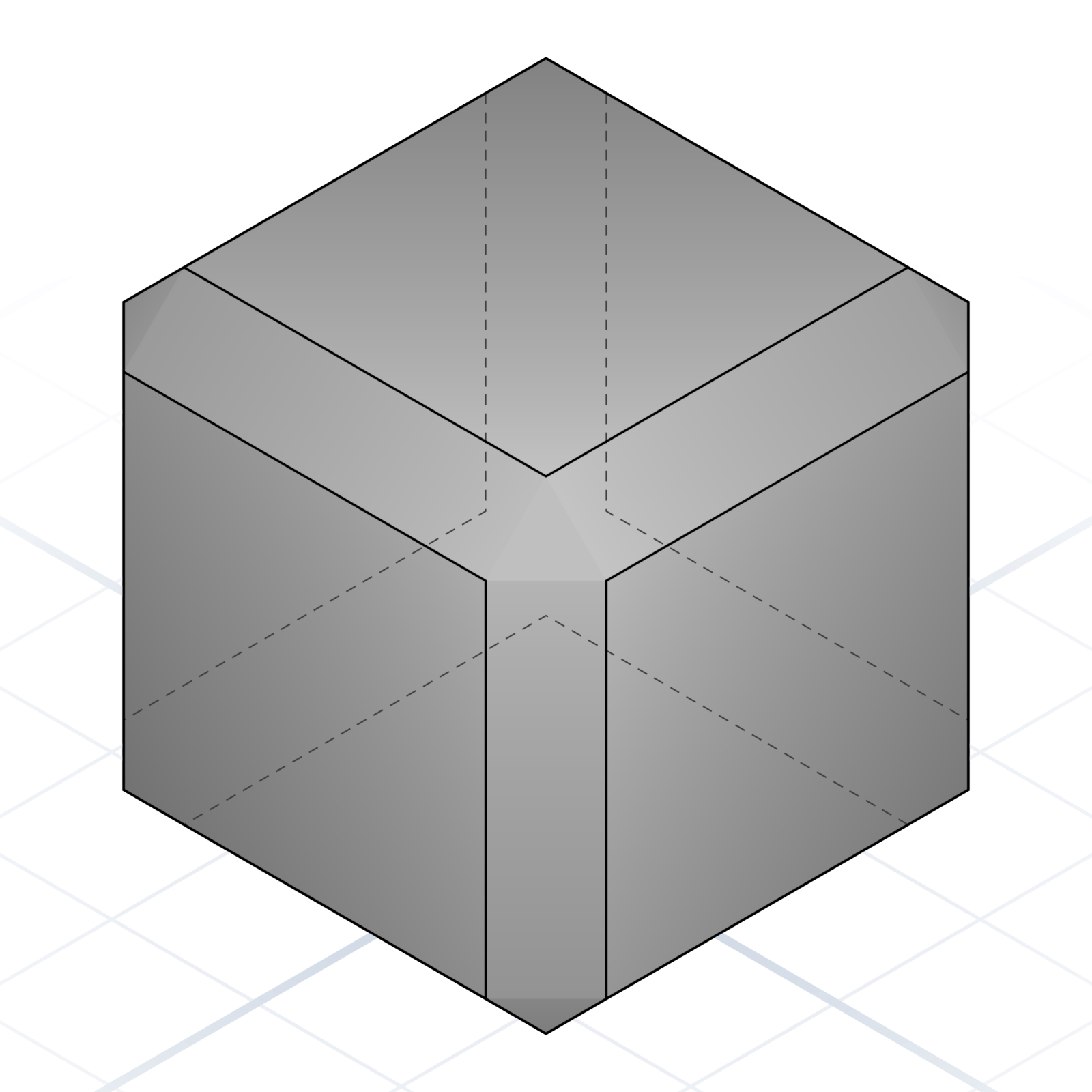
Boolean operations
Combine simple shapes into complex ones; most parametric models are booleans all the way down. All four examples below start from the same cube and sphere.
Union
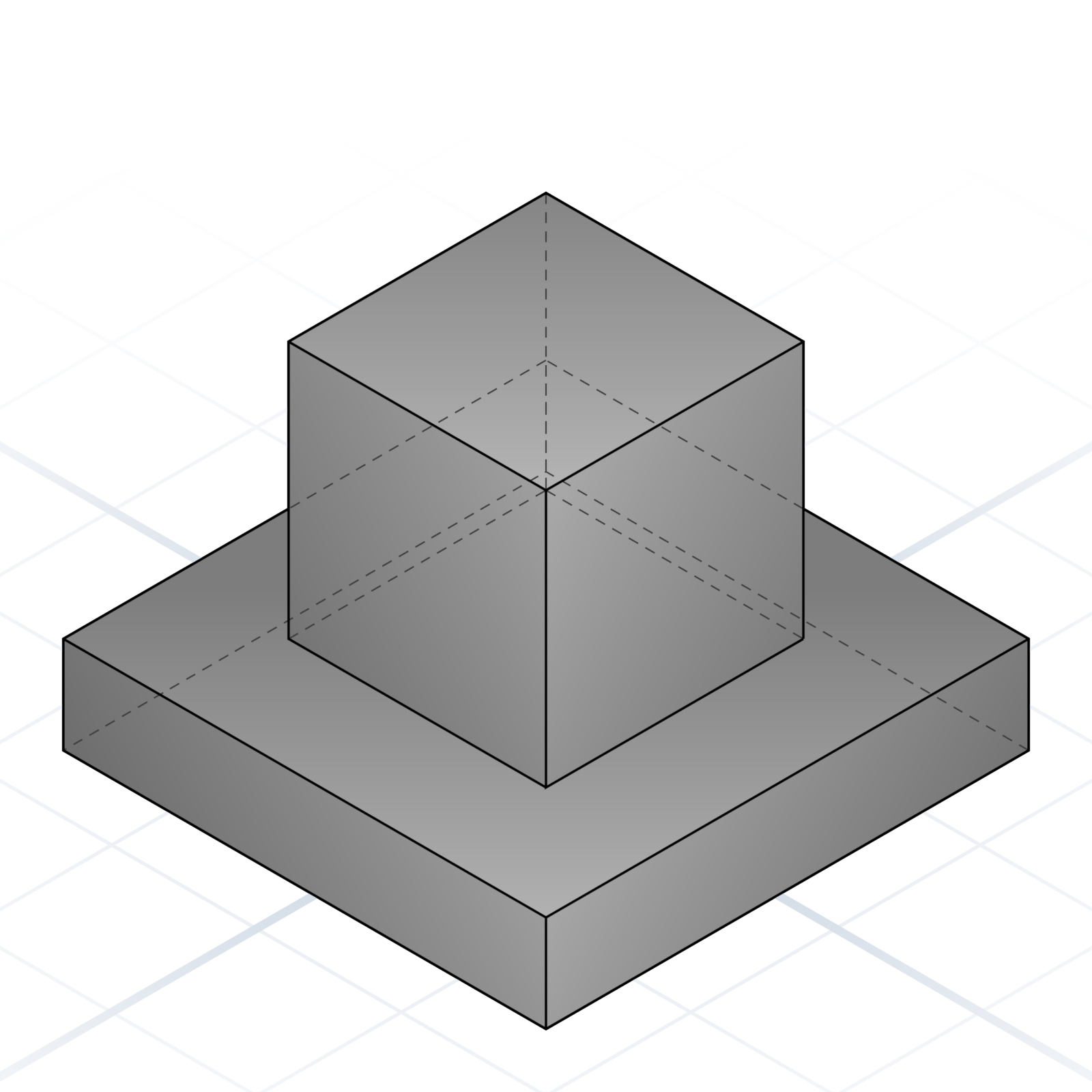
Fuse two shapes together. They become one new part.
Difference
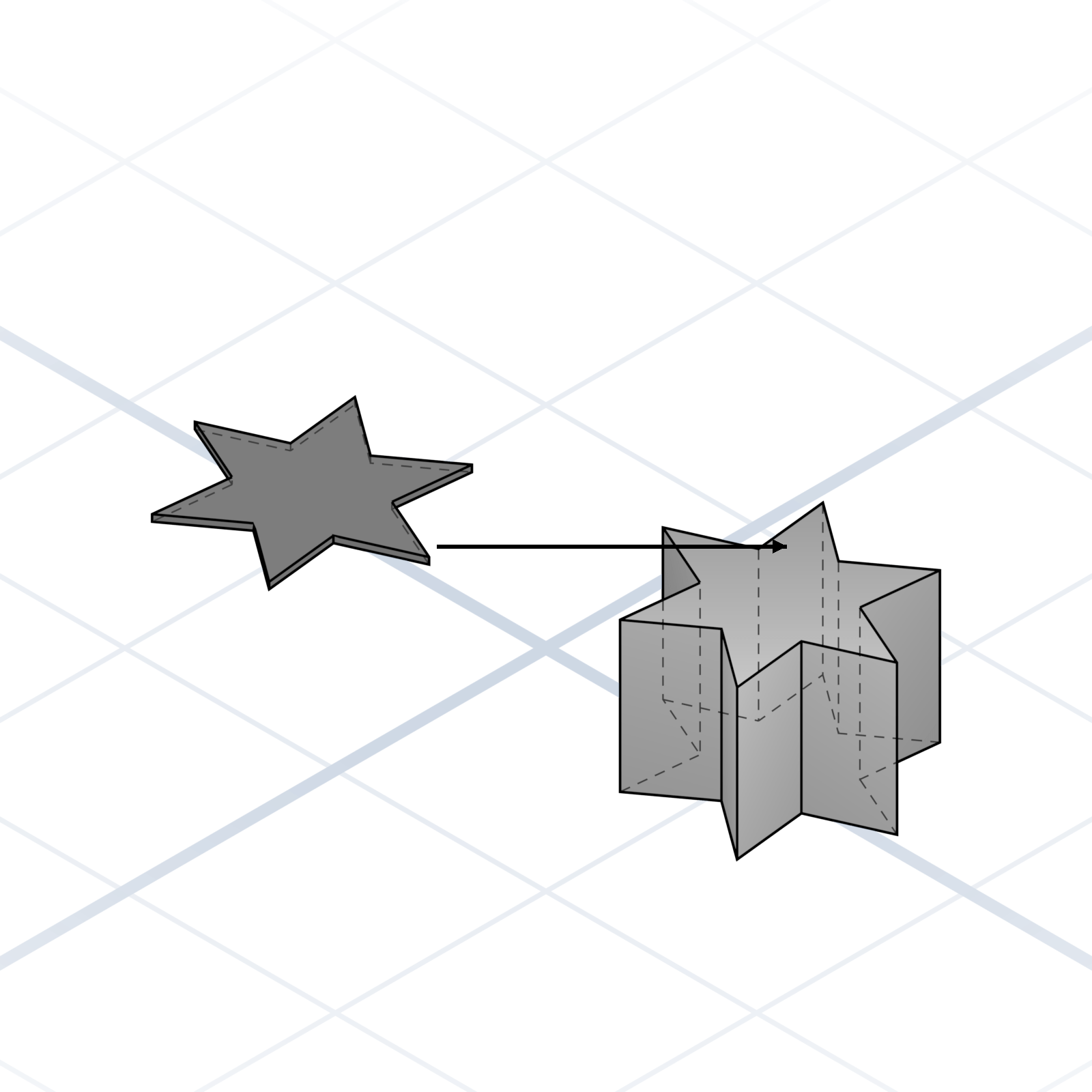
Subtract one part from another. The way you make holes and cutouts.
Intersection
Keep only the overlapping volume. Useful for trimming to a bounding shape.
Hull
Wrap a tight “skin” around a set of shapes.
grandpacad
The vocabulary11 / 36
Edge and face features
Detail operations. These are what make a part look intentional instead of blocky.
Chamfer
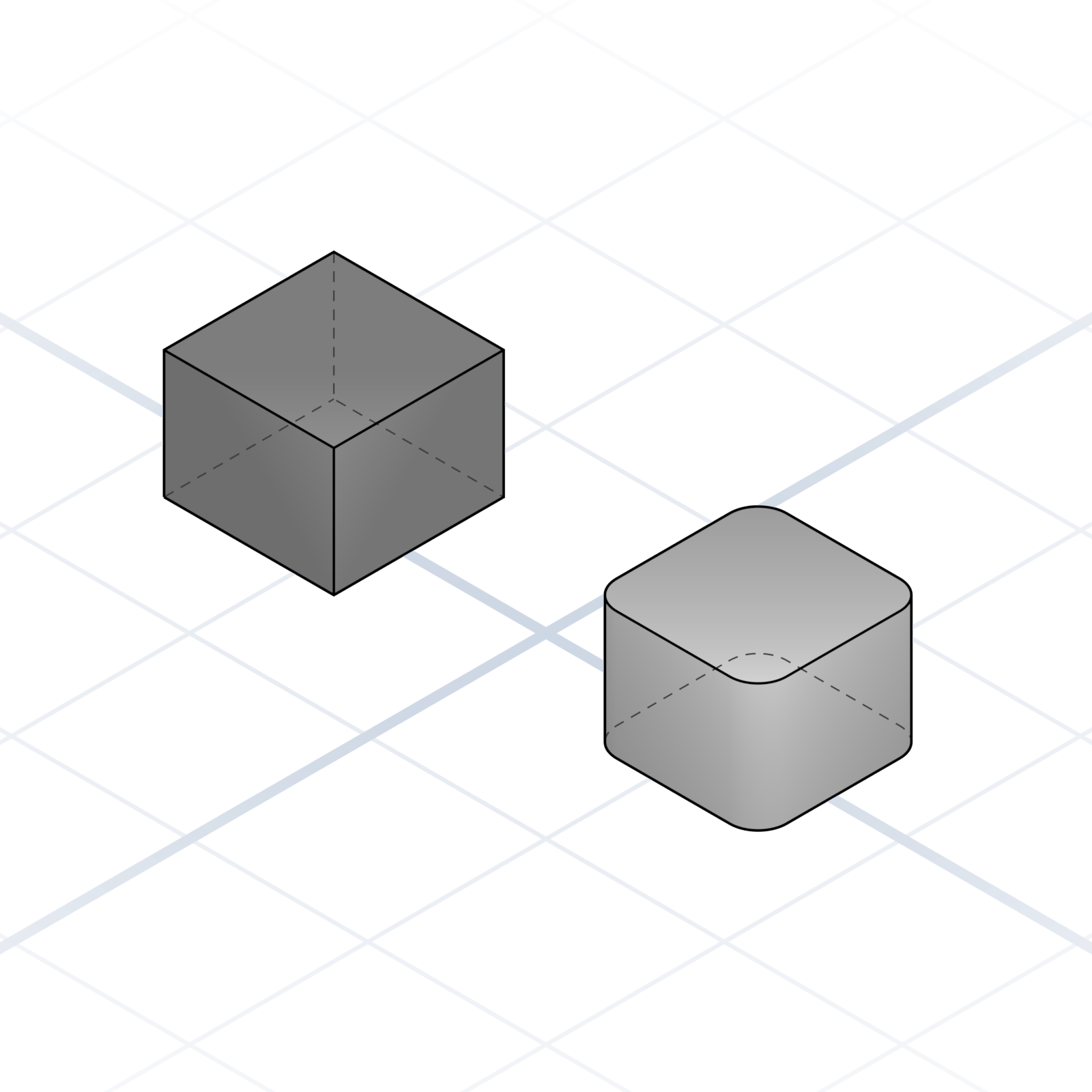
A flat cut on an edge, usually 45°. Eases insertion and breaks sharp corners.
Fillet
A rounded edge. Stronger than a sharp corner, friendlier to touch.
Shell
Hollow a solid, leaving walls of a given thickness.
Extrude
Pull a 2D profile into 3D. The fastest path from sketch to volume.
Revolve
Spin a 2D profile around an axis. Bottles, knobs, and vases come from here.
Loft
Blend between two or more profiles. Smoothly changes cross-section.
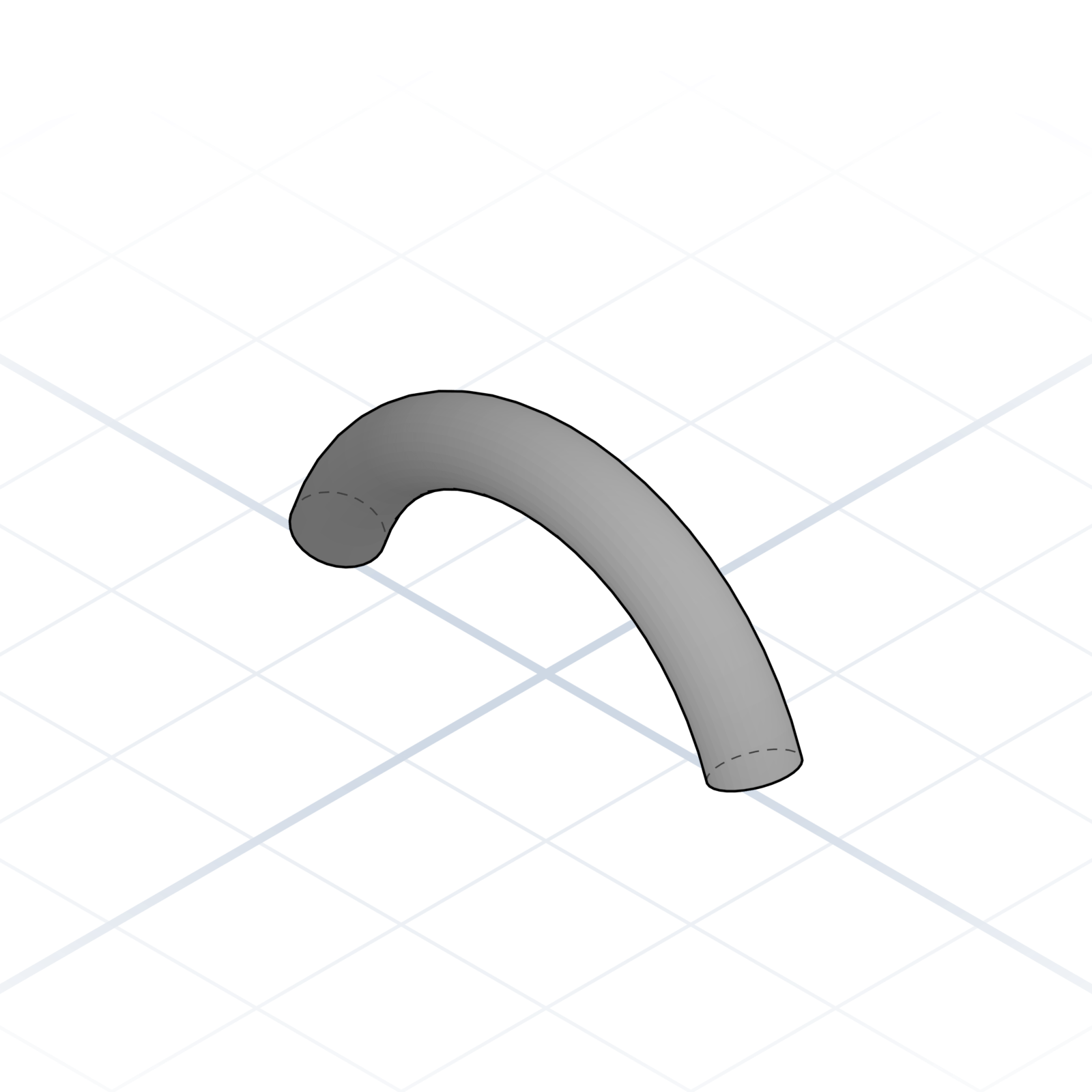
Sweep
Drag a profile along a path. Pipes, handles, and grooves.
Draft / Taper
Slant a face by a few degrees. Helps prints release from supports.
grandpacad
Chapter12 / 36
Chapter 3
Naming real parts
How shapes turn into something printable: features, mating geometry, and the hardware your design has to fit around.
grandpacad
Naming real parts13 / 36
Functional features
Named shapes you add to a part to make it work: mounting, stiffness, sealing, or grip.
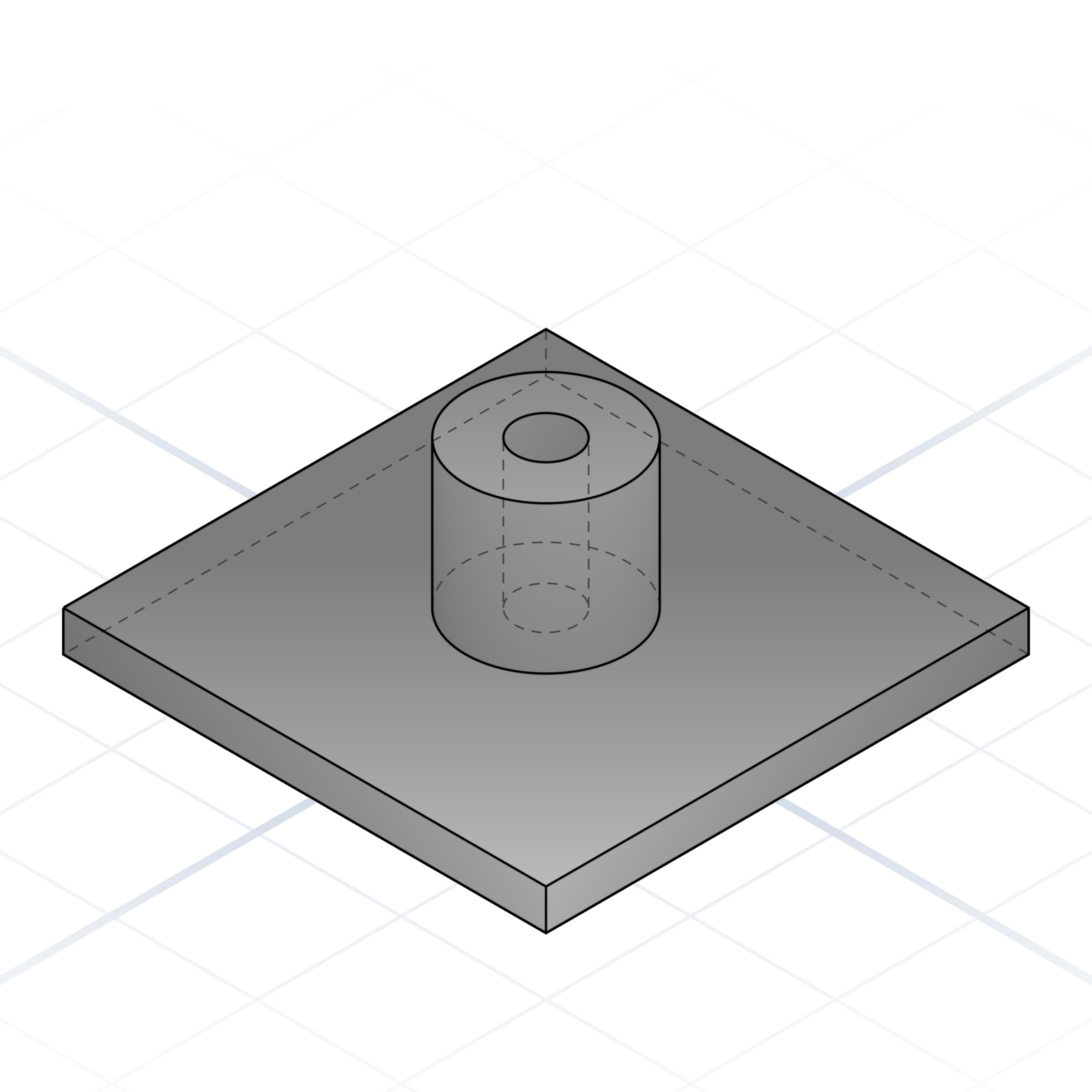
Boss
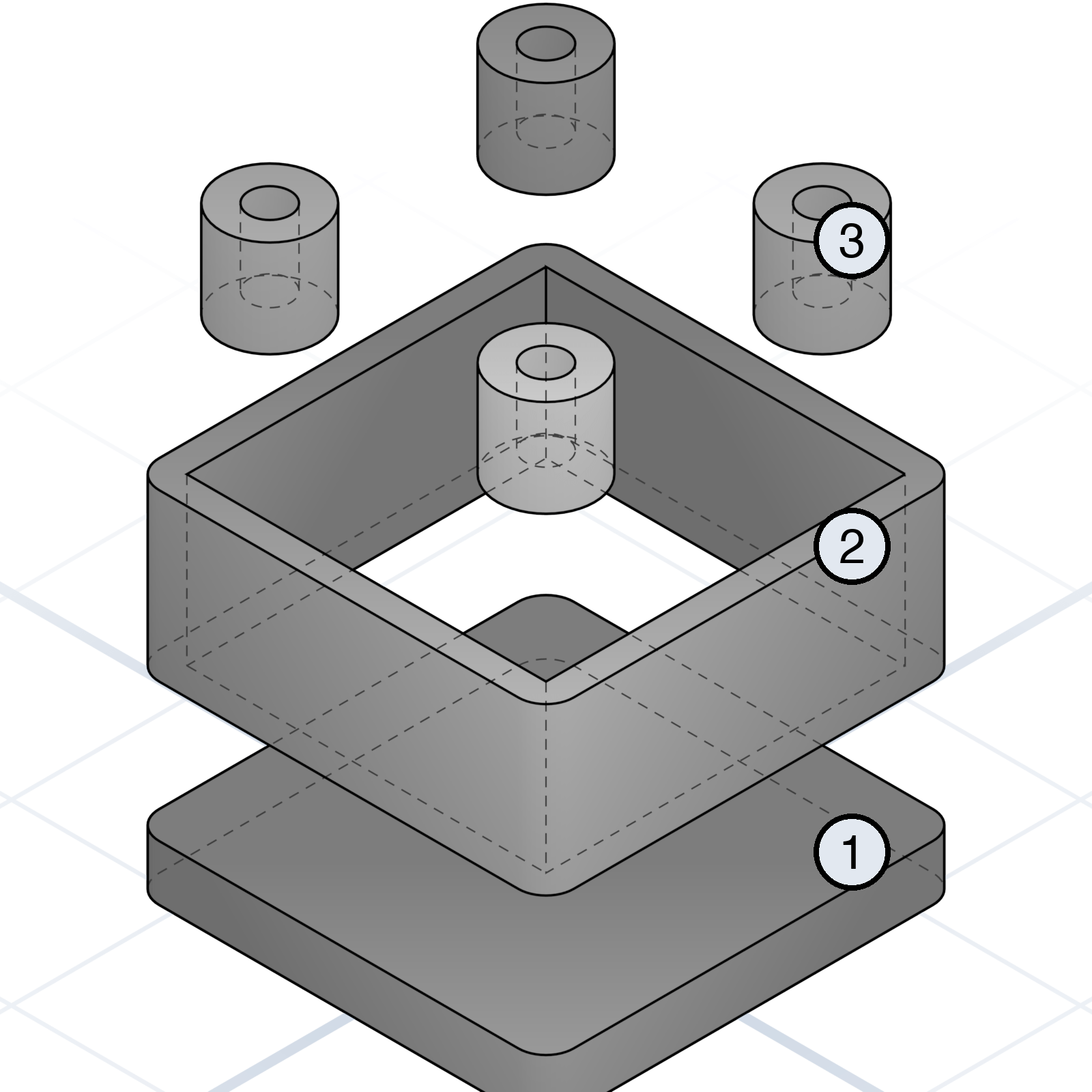
Cylindrical protrusion with a hole, usually for a screw or heat-set insert. The “where parts bolt together” feature.
Rib
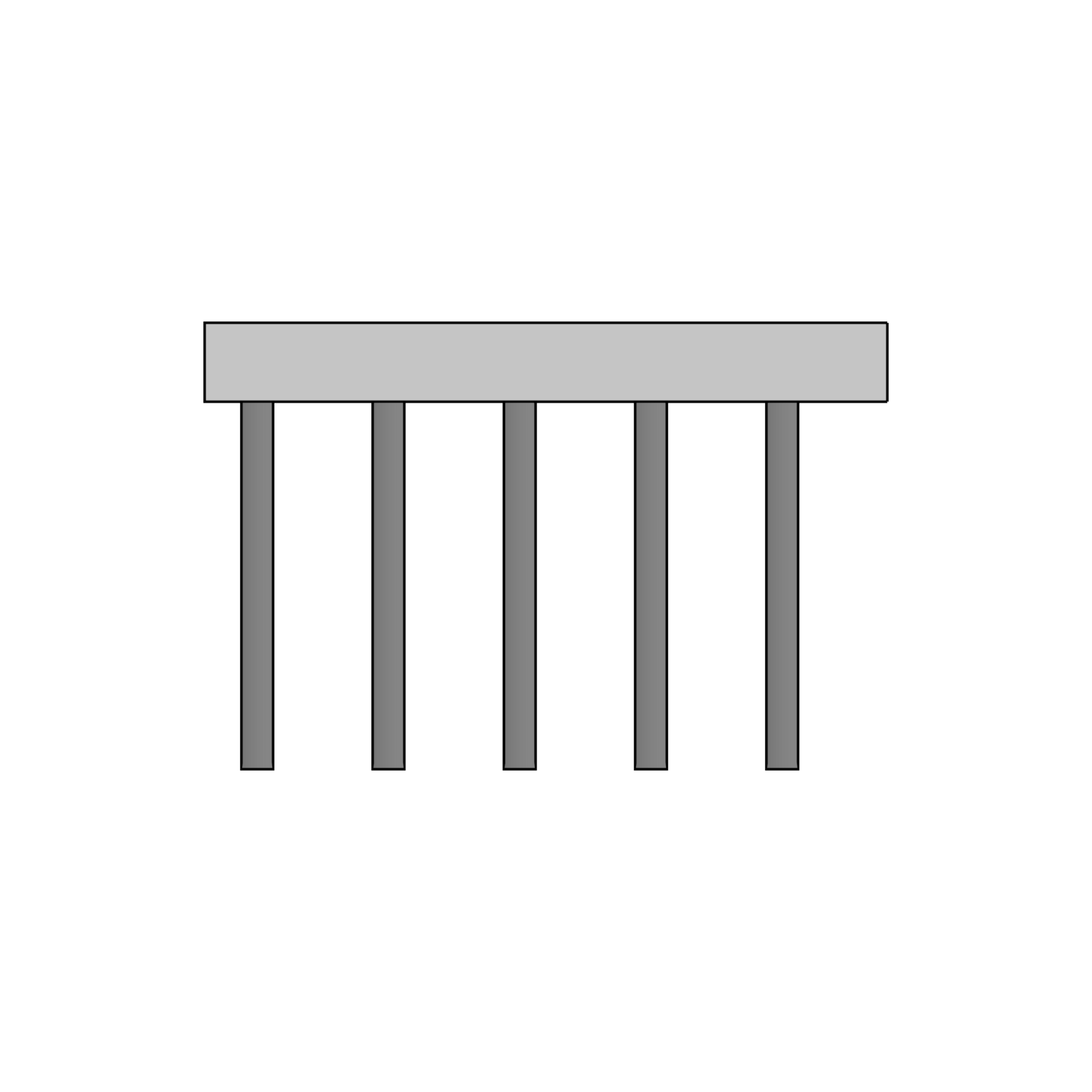
A thin reinforcing fin running along a surface. Stops a flat plate from flexing without doubling the wall thickness.
Pocket
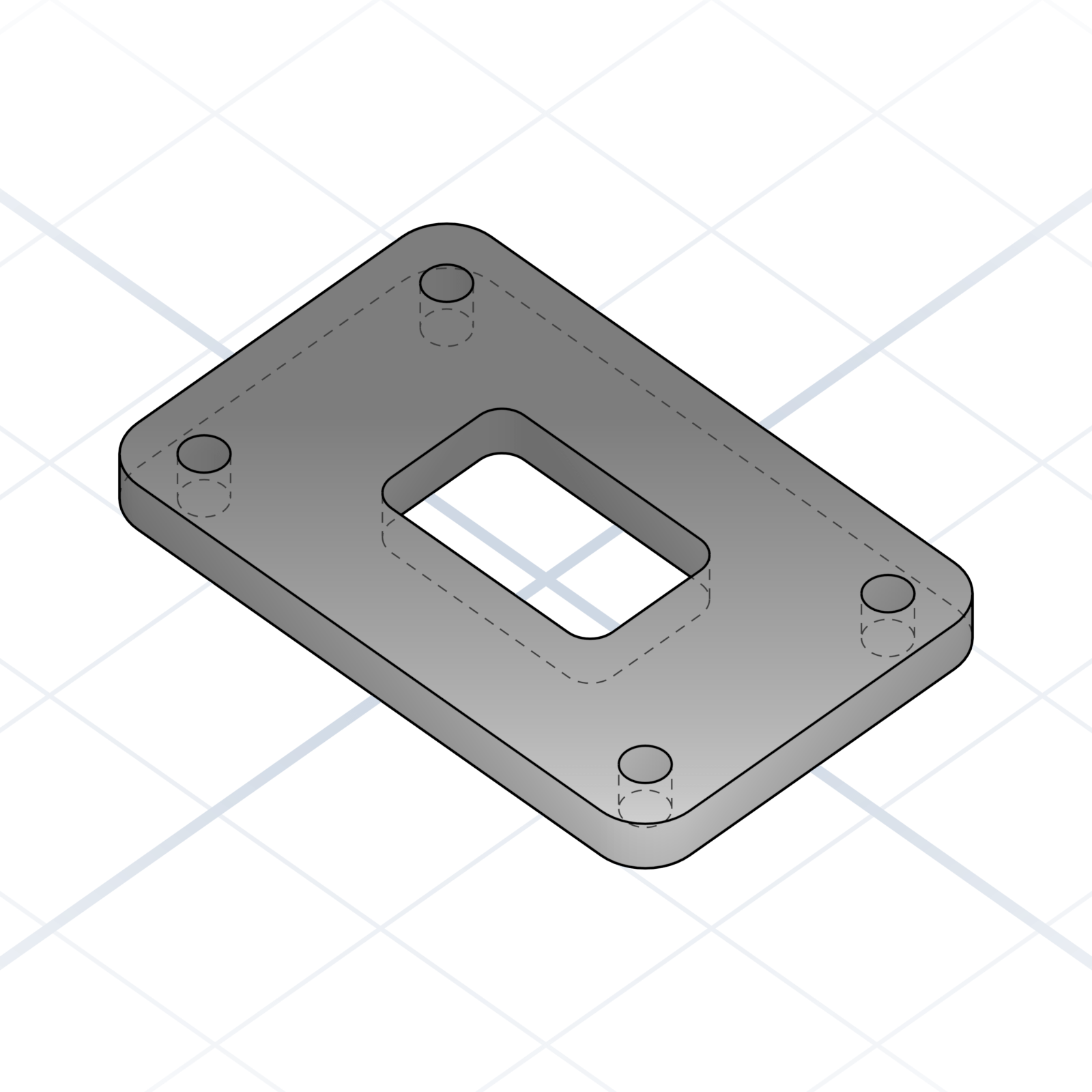
Rectangular cavity in a solid. Cable channels, captive nuts, lightening holes.
Lip / Flange
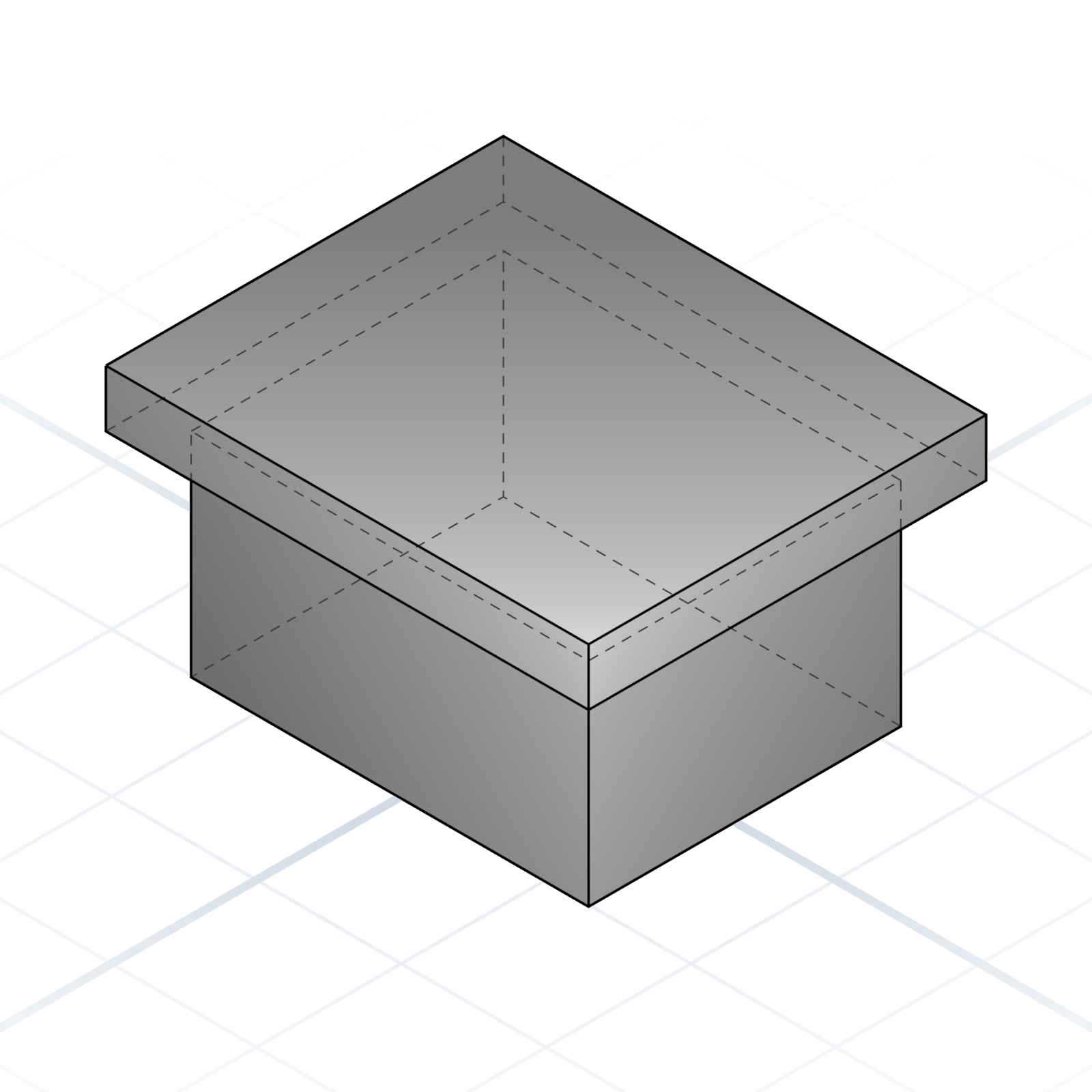
An edge that overhangs the wall below. The rim on a container, the mounting plate on a motor.
Gusset
Triangular brace between two perpendicular surfaces. Stiffens a wall without much material.
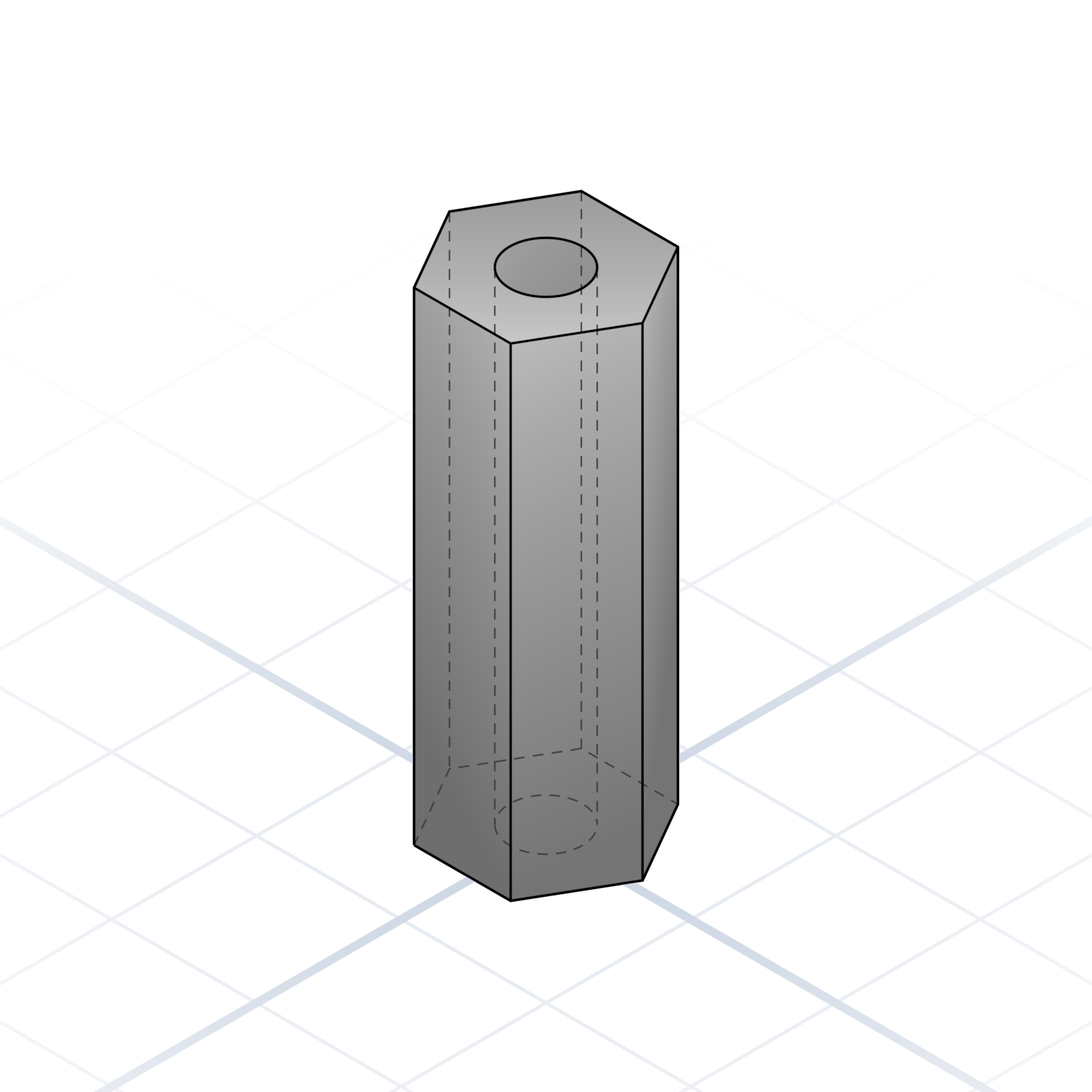
Standoff
Threaded pillar that holds something at a distance. Hex outside, M3 inside is most common.
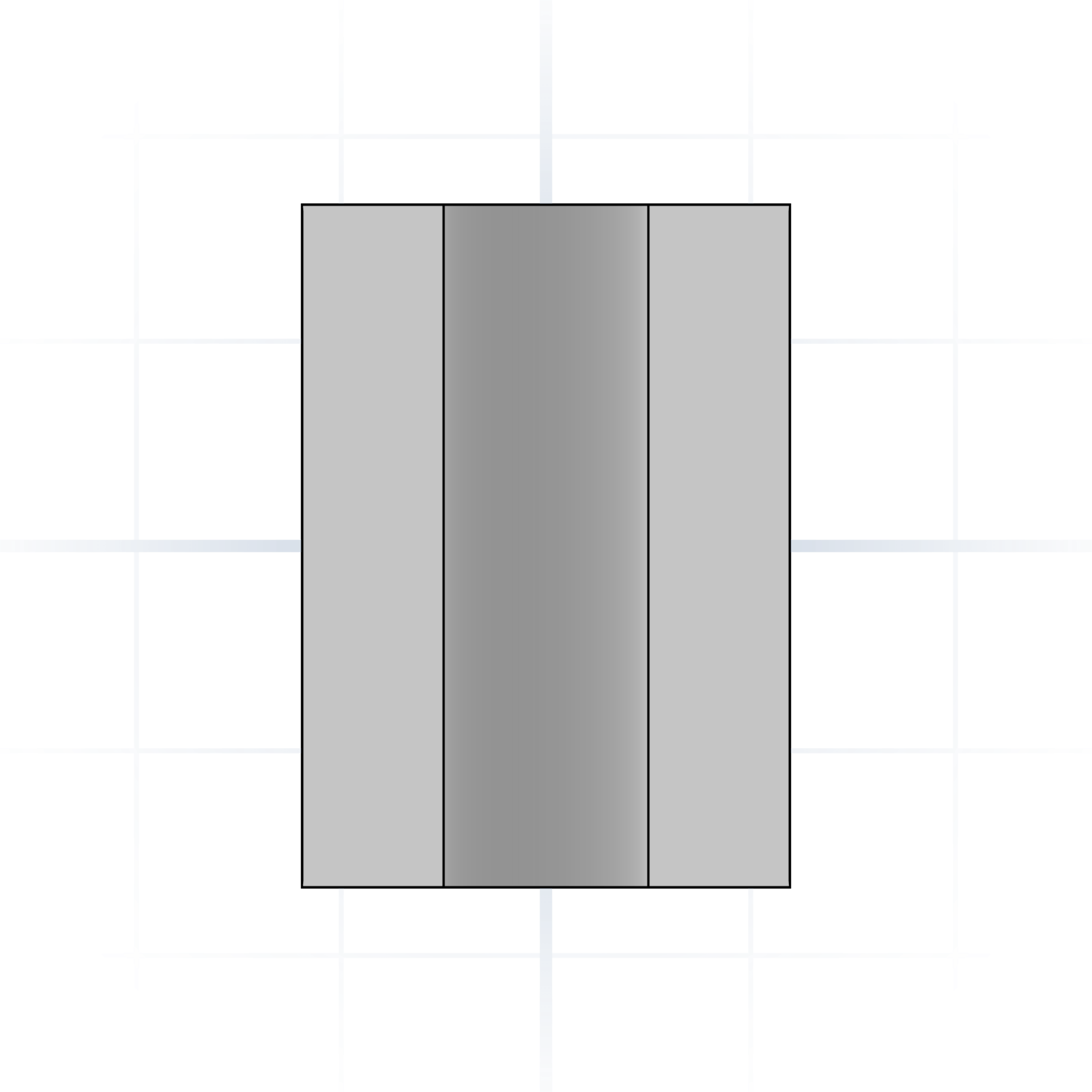
Spacer
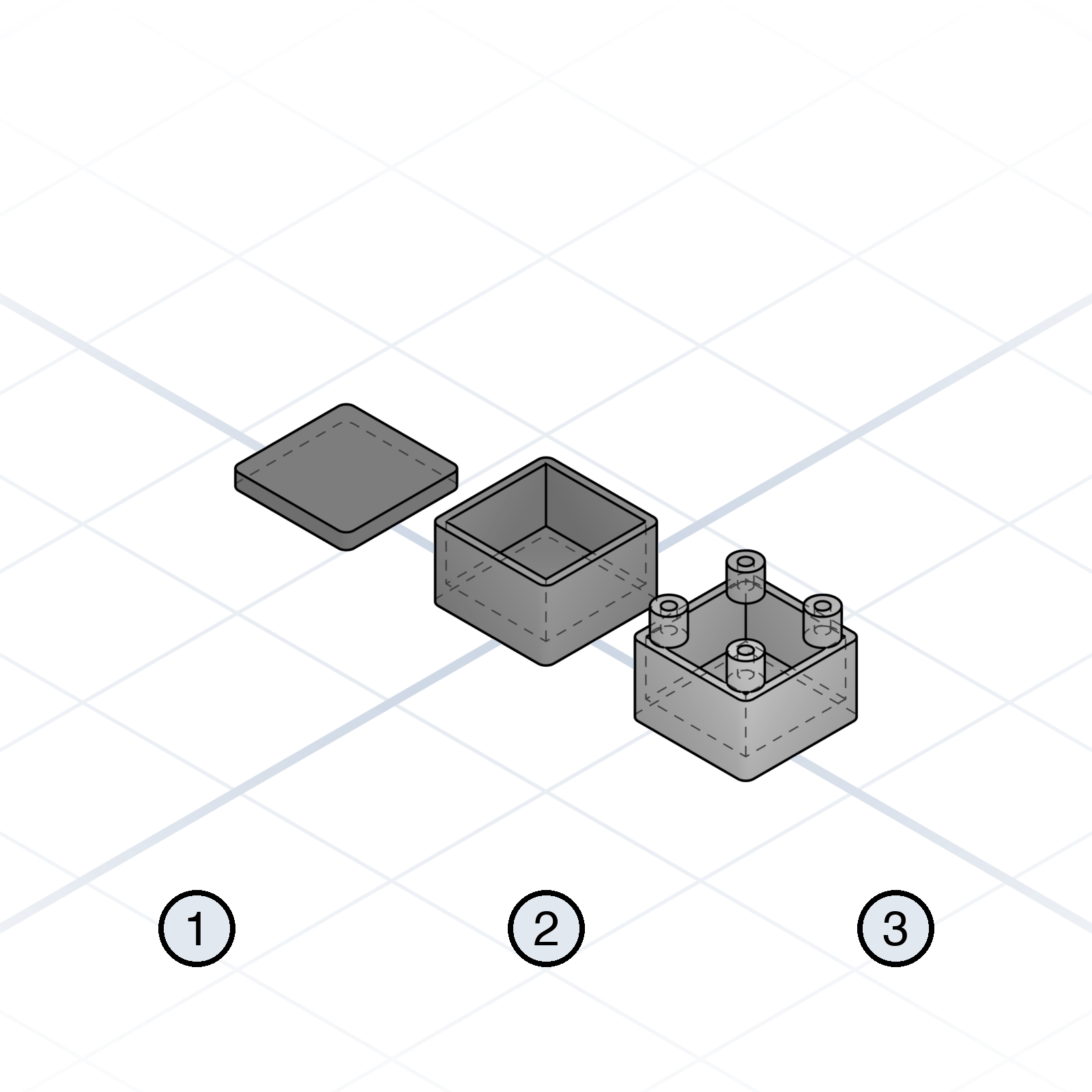
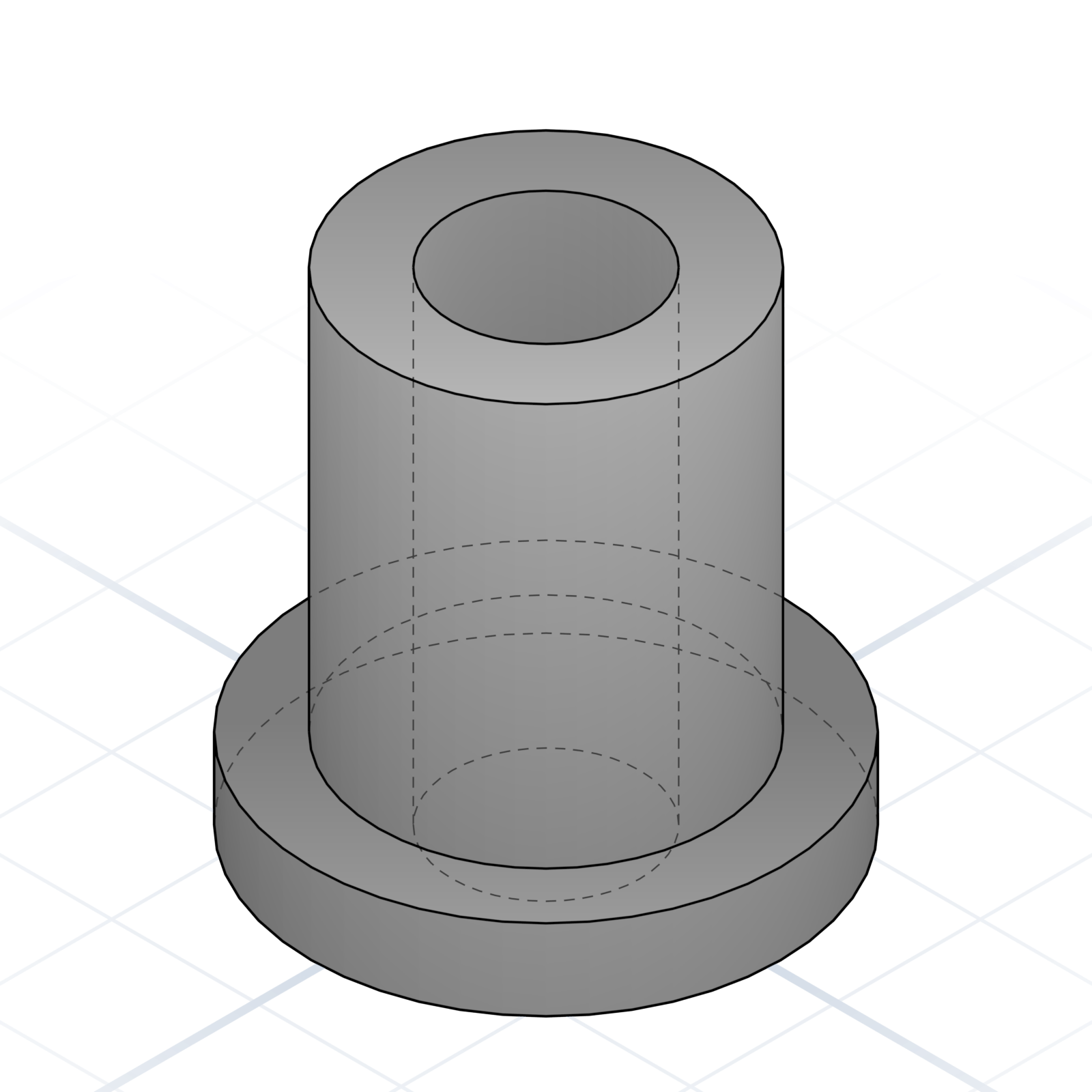
Unthreaded sleeve that holds two parts a fixed distance apart; a screw passes straight through. Use it when you need an even gap between two parts.
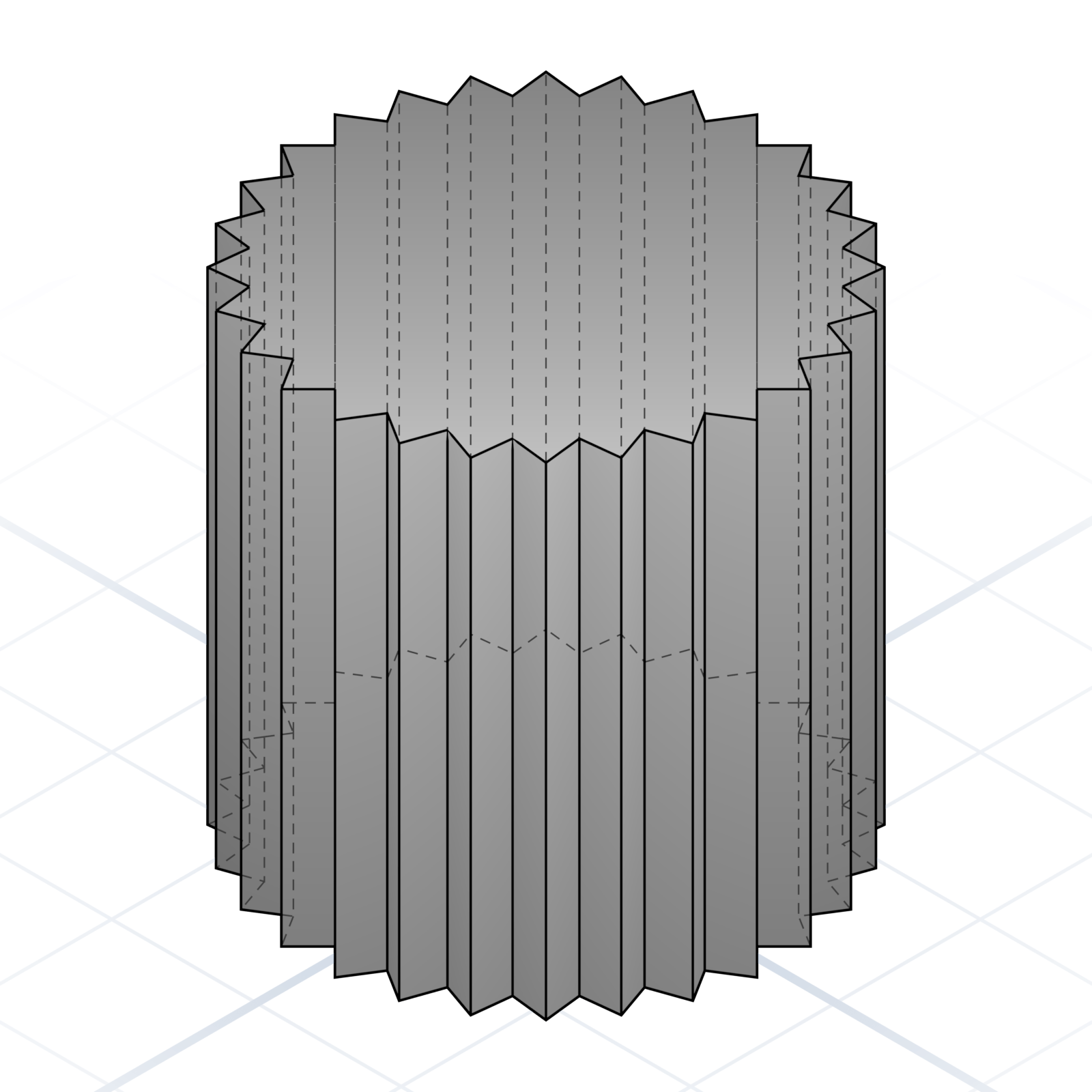
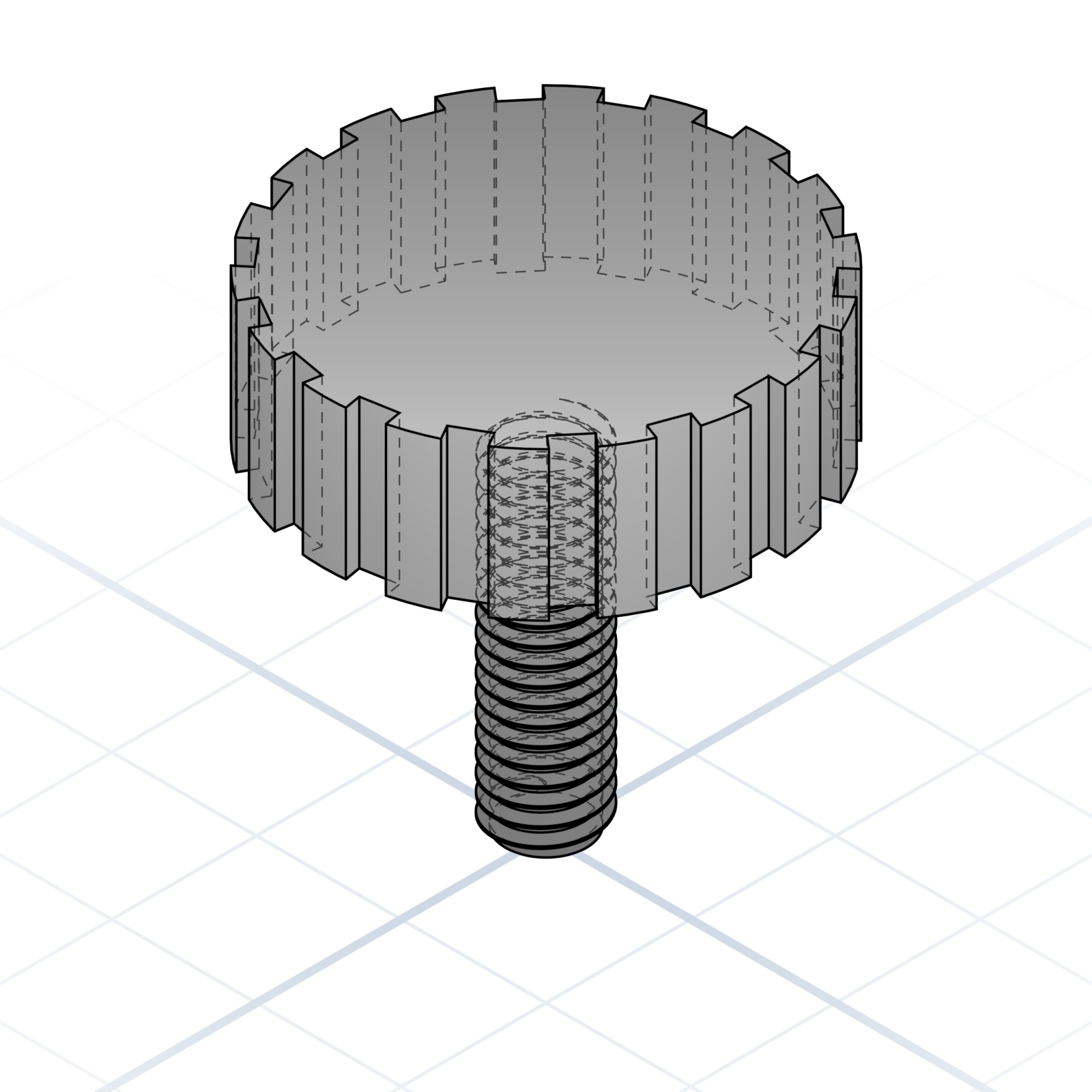
Knurl
Textured grip pattern on a cylindrical surface. Thumb screws and adjustment knobs use it so fingers don’t slip.
grandpacad
Naming real parts14 / 36
Text and labels on parts
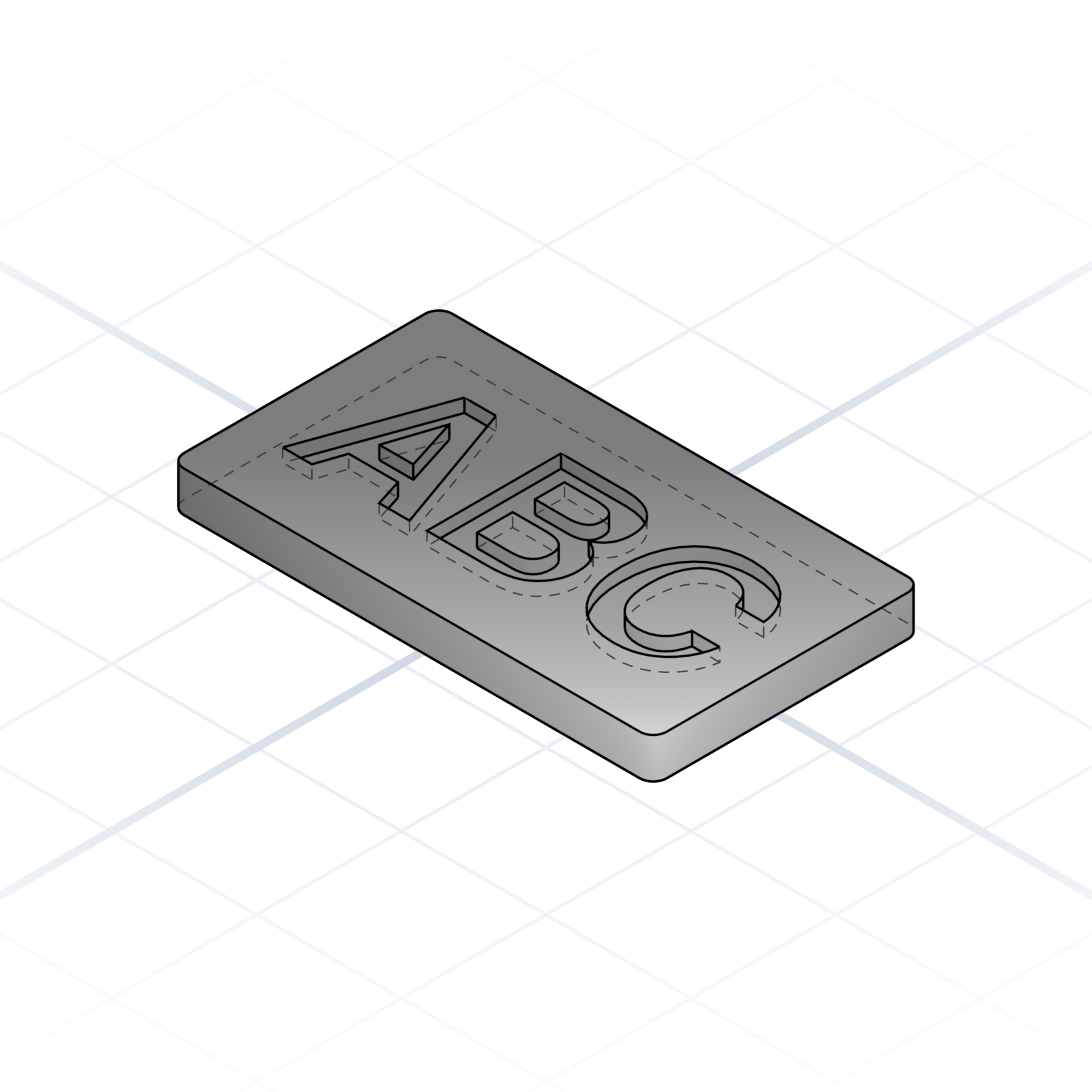
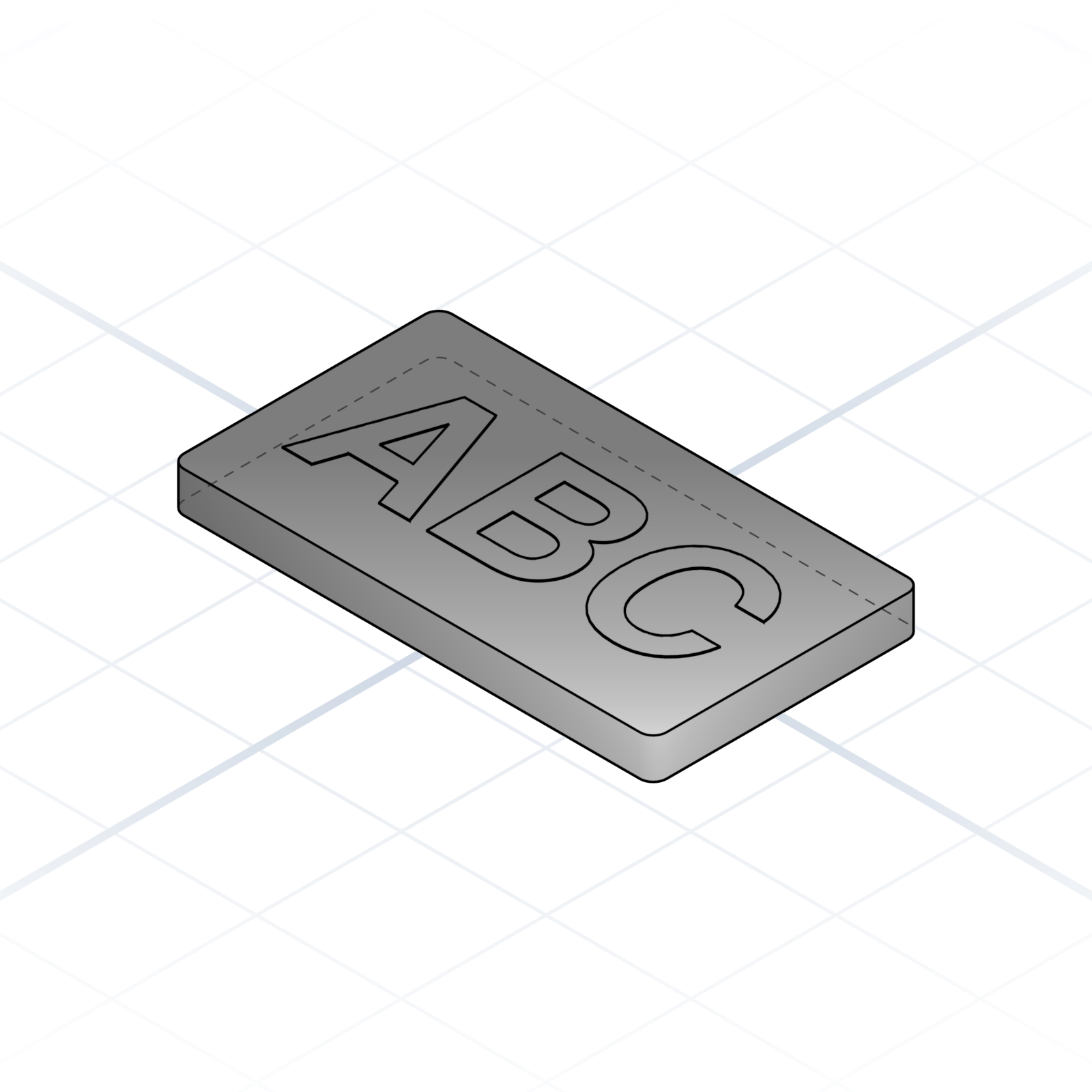
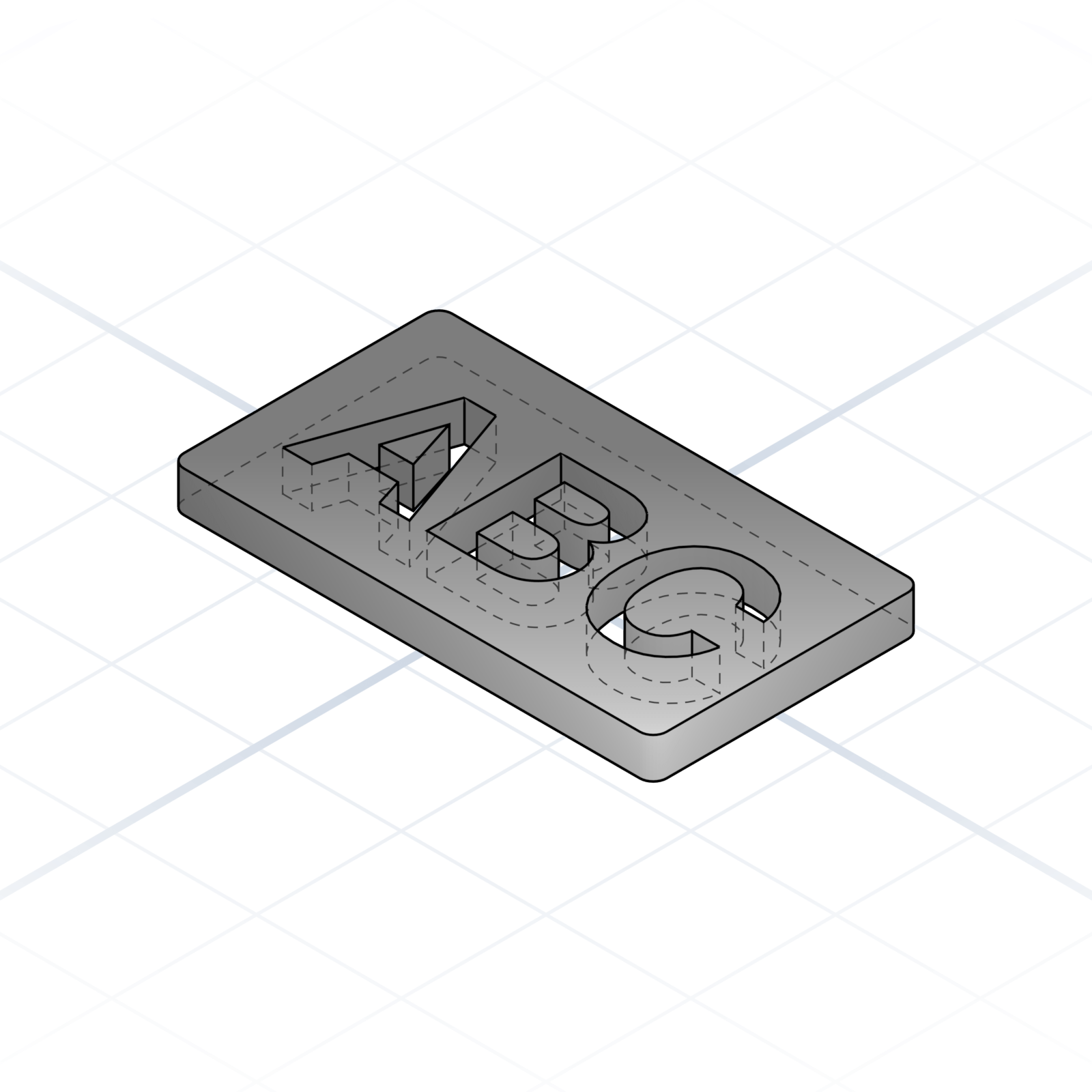
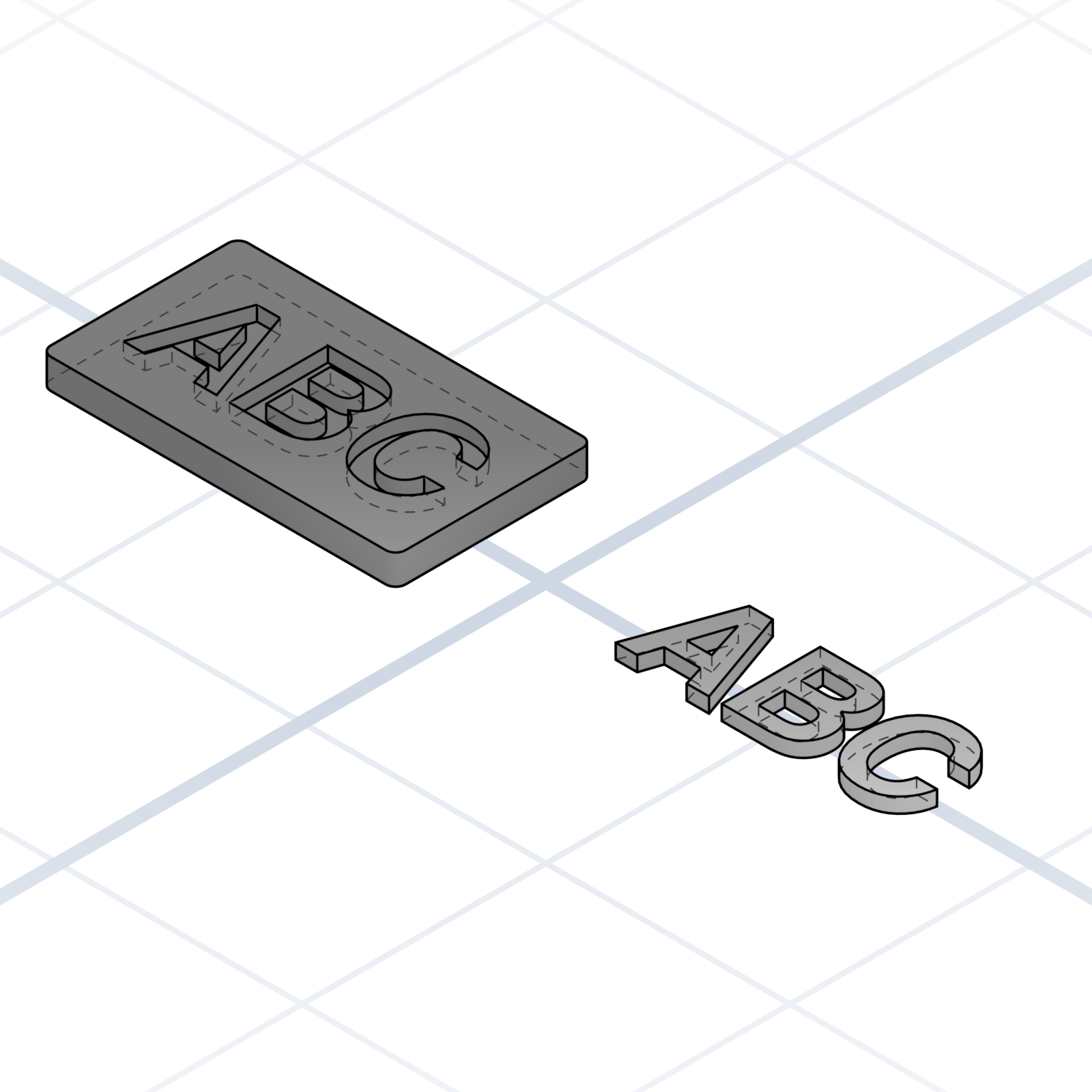
Five ways to put a name, number, or icon on a printed part. Which one you pick comes down to two things: how deep the letters go and whether you need a second colour.
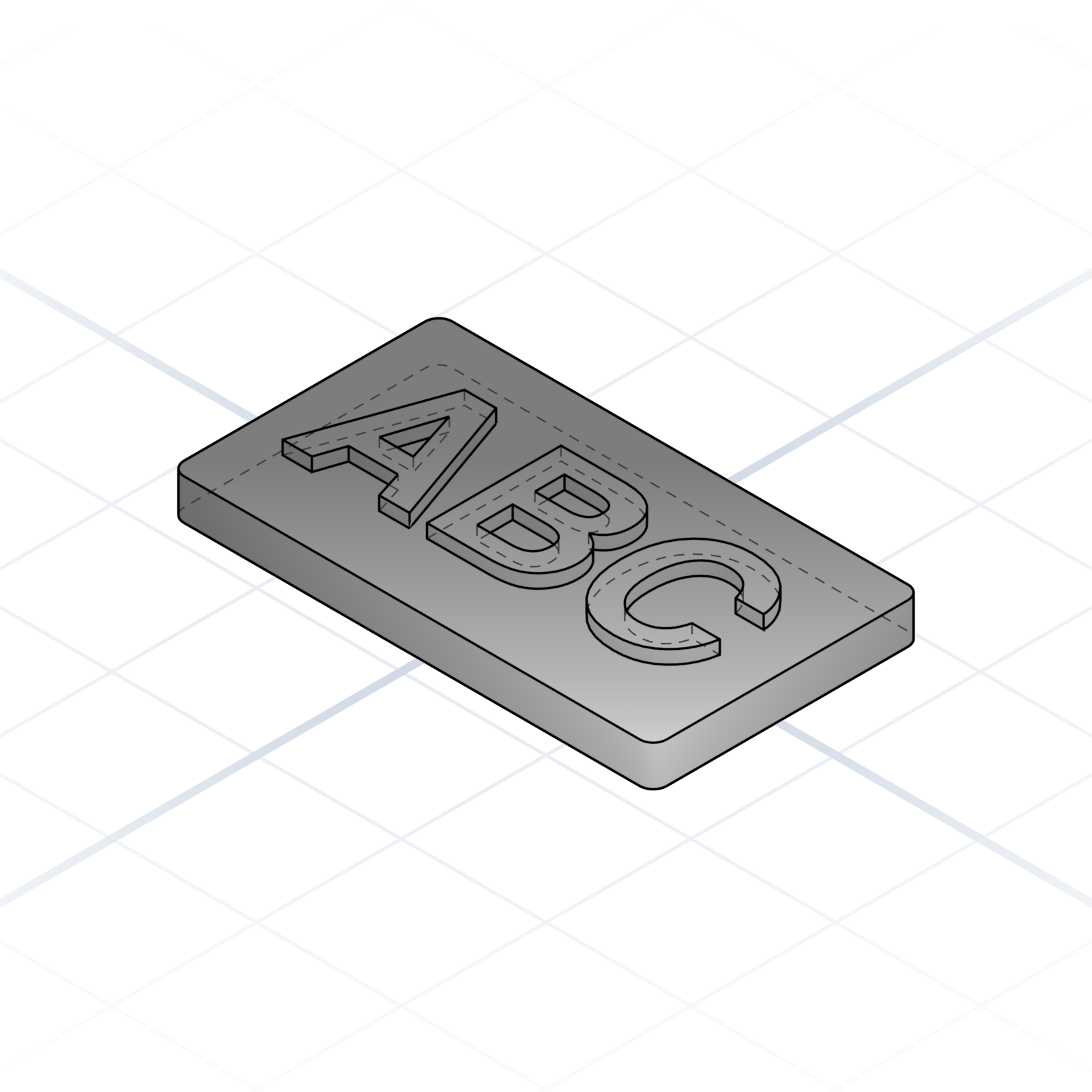
Raised text (embossed)
Letters rise ~1 mm above the surface. Cleanest to print and easiest to read. The default when one colour is fine.
Sunken text (engraved / debossed)
Letters cut ~1 mm into the surface. Robust against wear and scuffing, the go-to for serial numbers and stamped marks.
Flush text (multi-material inlay)
Pocket refilled with a second filament at the exact same height. Needs a printer that changes colours automatically, or you swap the filament by hand. Reads like a printed sticker.
Through-text (stencil / cutout)
Letters cut all the way through the plate. Perfect for signage that lets light through. The centres of letters like “O” or “A” need a bridge or they fall out.
Segmented inlay (two-part assembly)
Print a plate with a text-shaped pocket and the letters as a separate piece in a contrasting colour, then glue them in. Single-extruder friendly.
grandpacad
Naming real parts15 / 36
Holes
Not all holes are equal. The right name avoids a redesign cycle later.
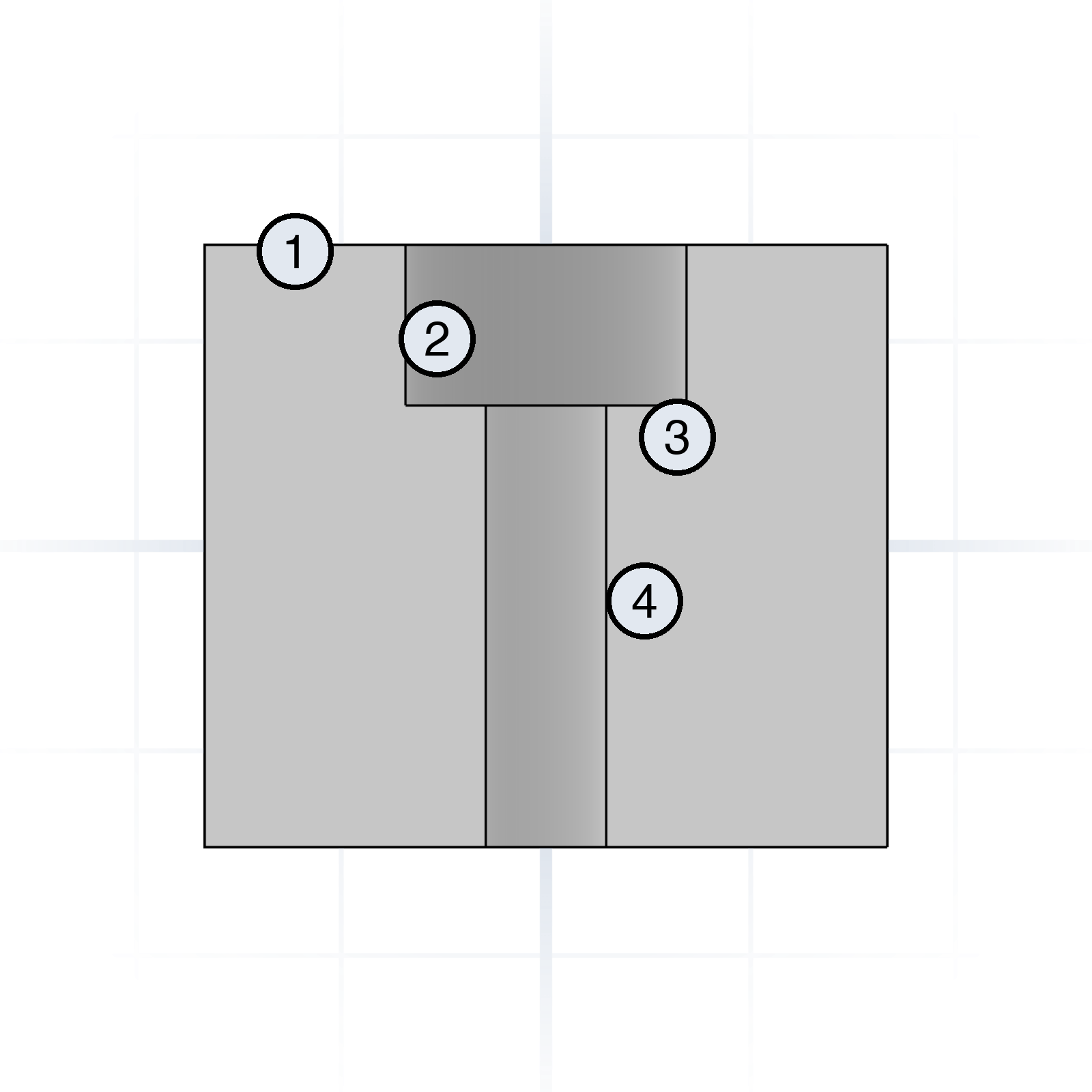
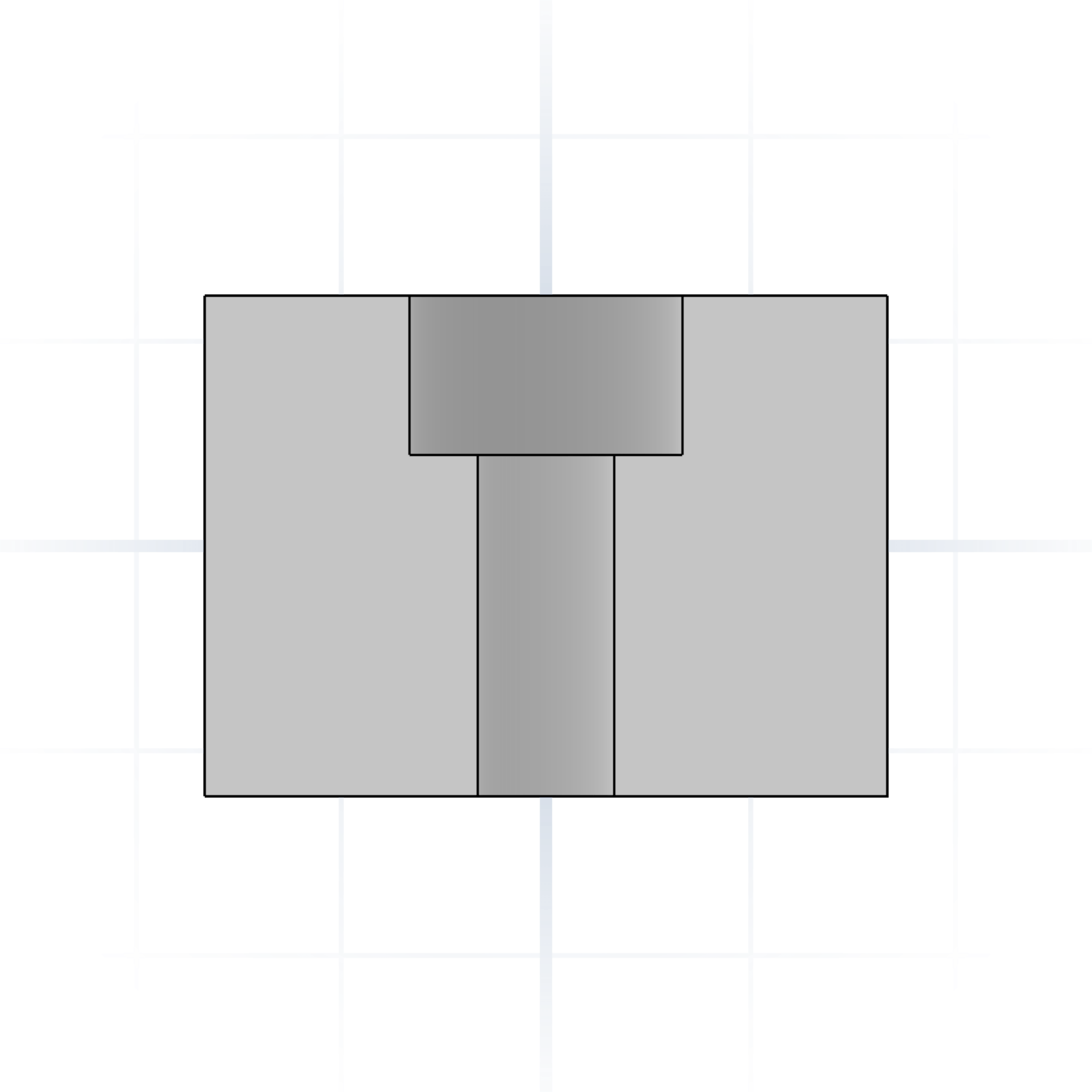
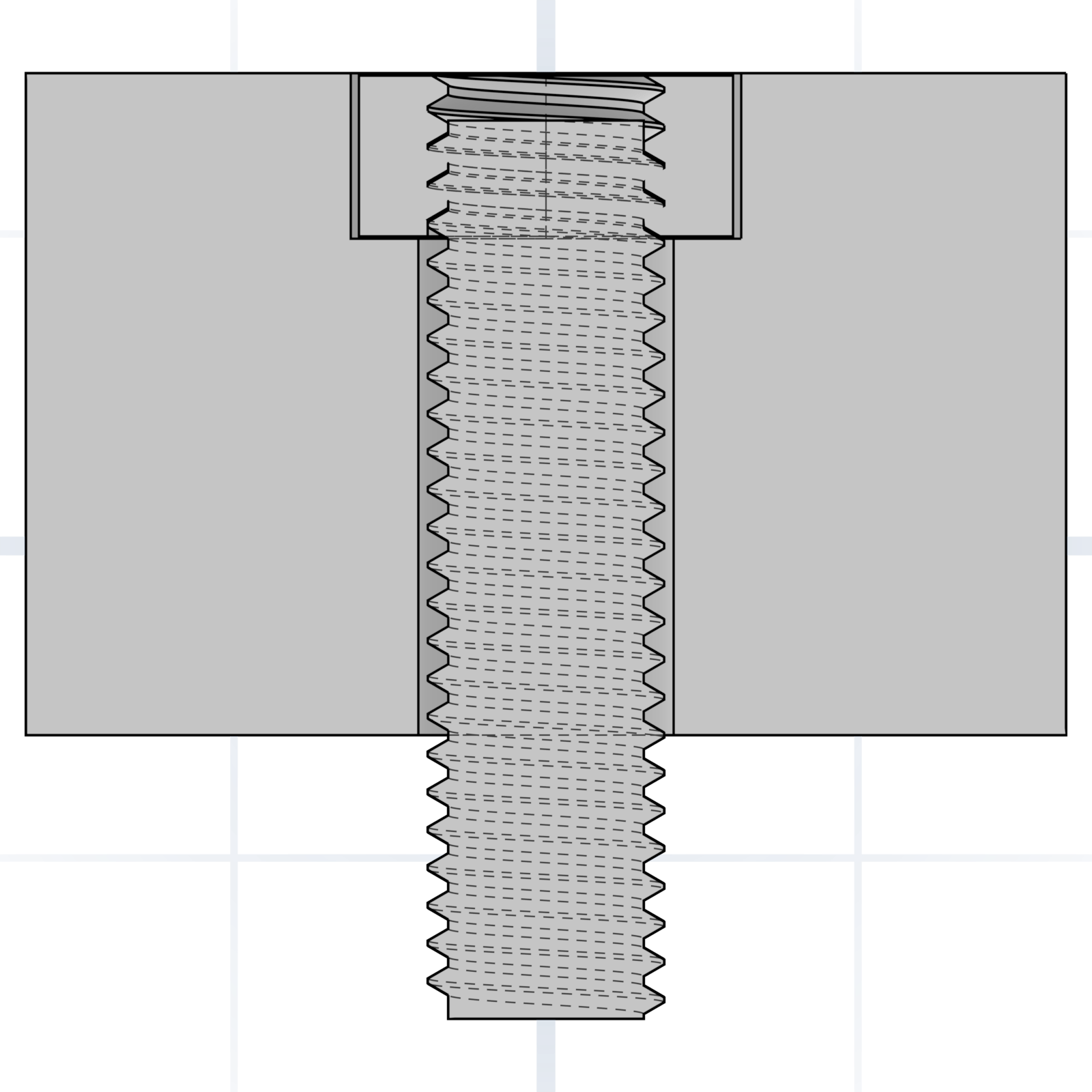
Anatomy of a counterbore
1Mating face
2Counterbore
3Shoulder
4Clearance hole
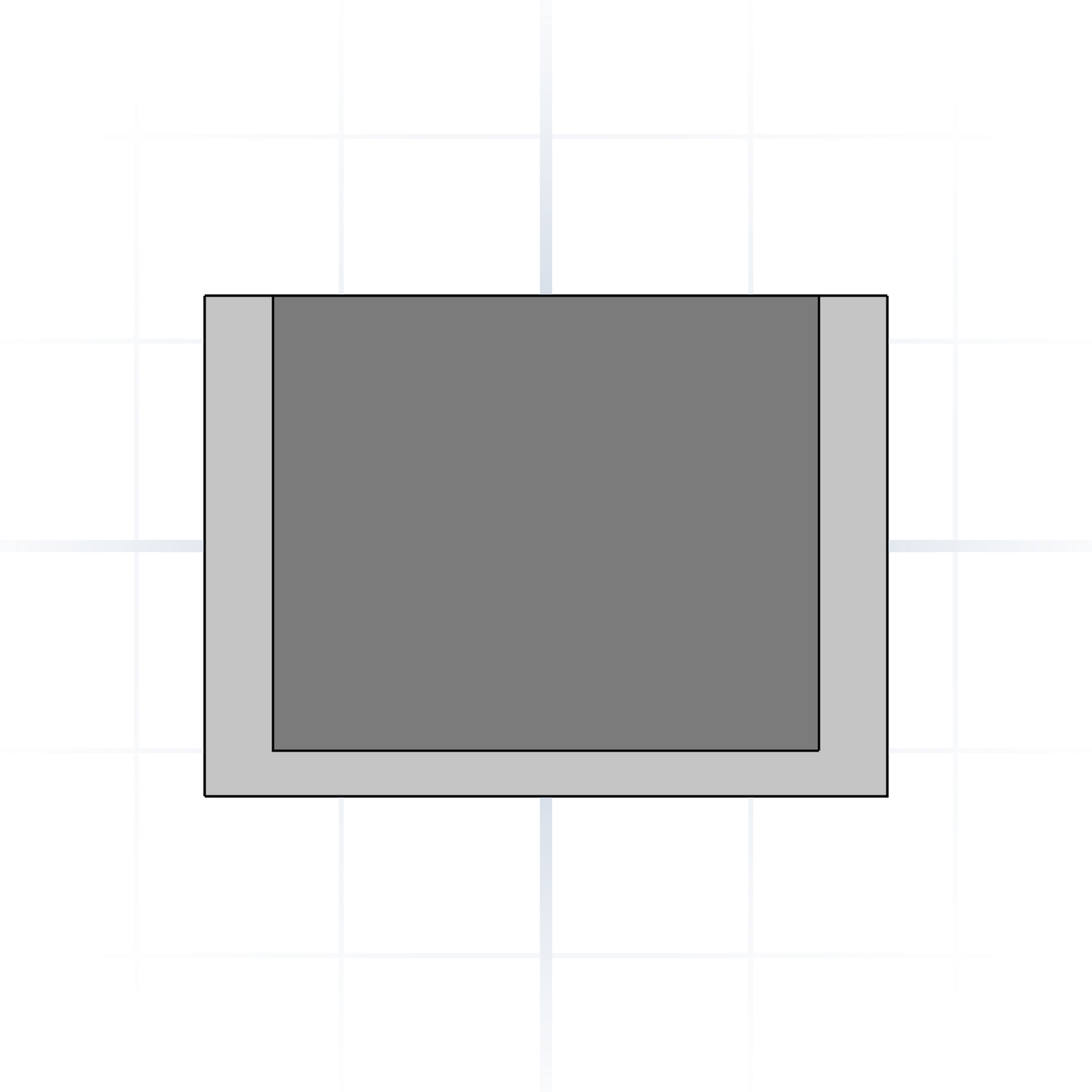
Naming the layers makes the prompt unambiguous: “M3 clearance, 6 mm counterbore, 3 mm deep”.
Through hole
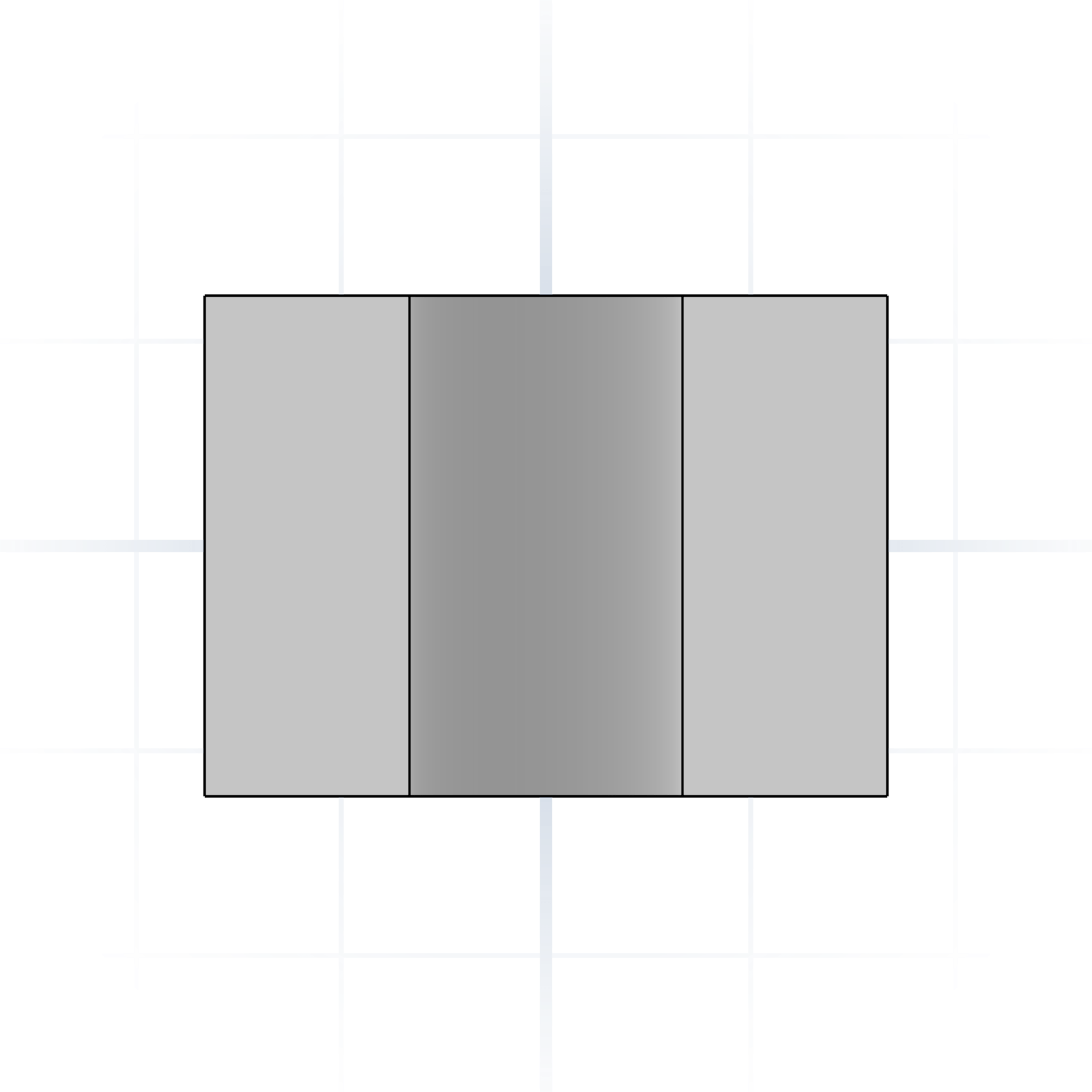
Goes all the way through the part.
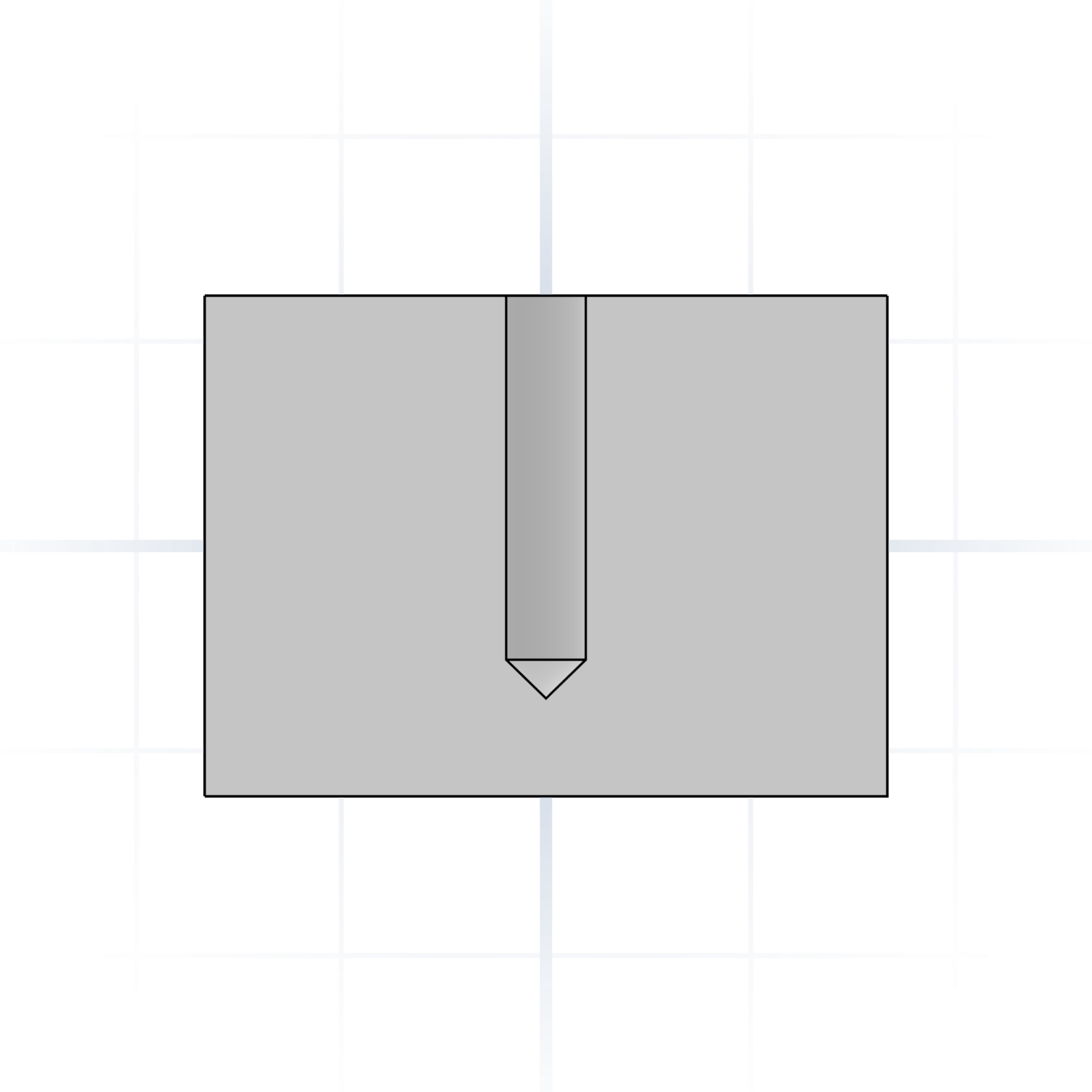
Blind hole
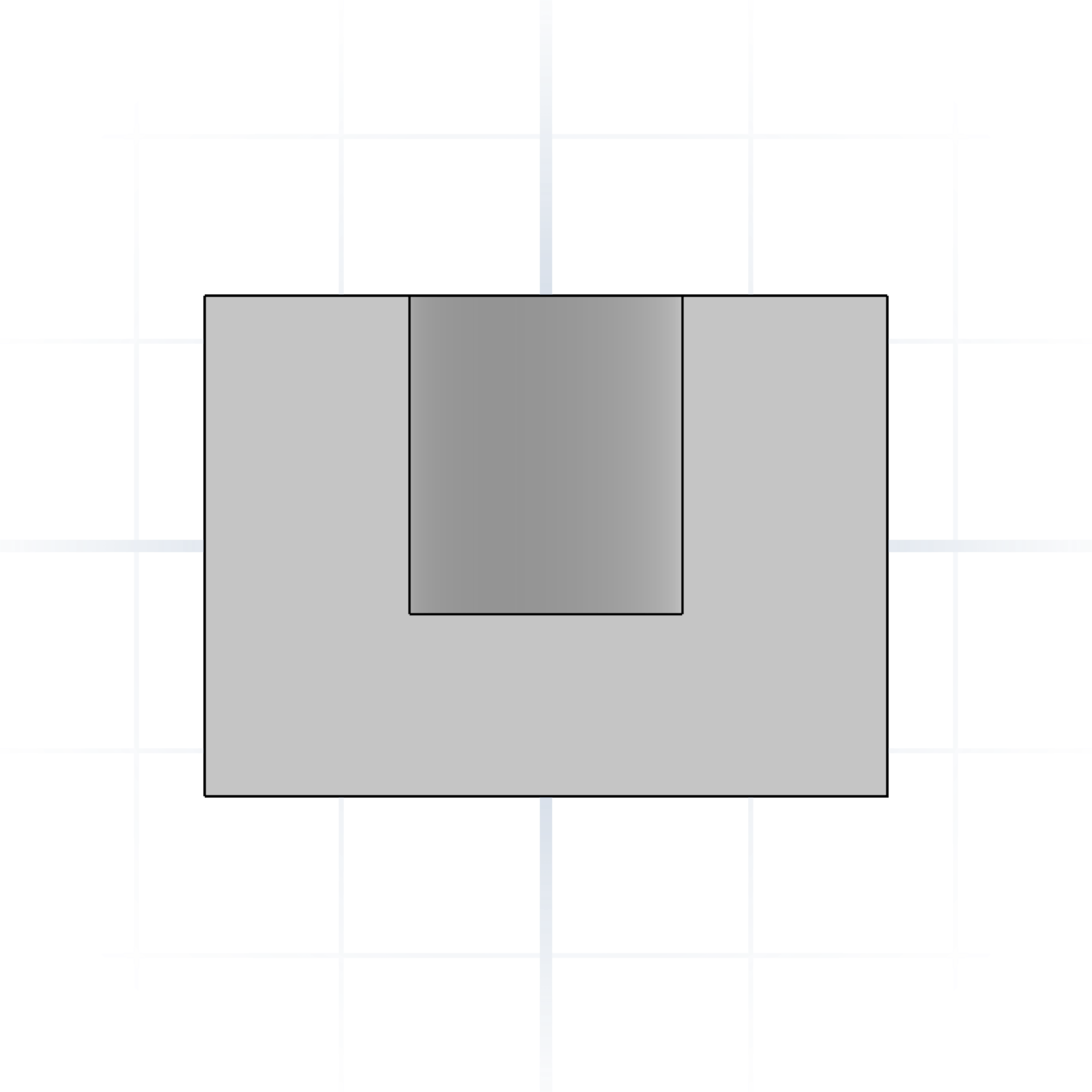
Stops at a depth. Say “blind, 8 mm deep”.
Countersunk hole
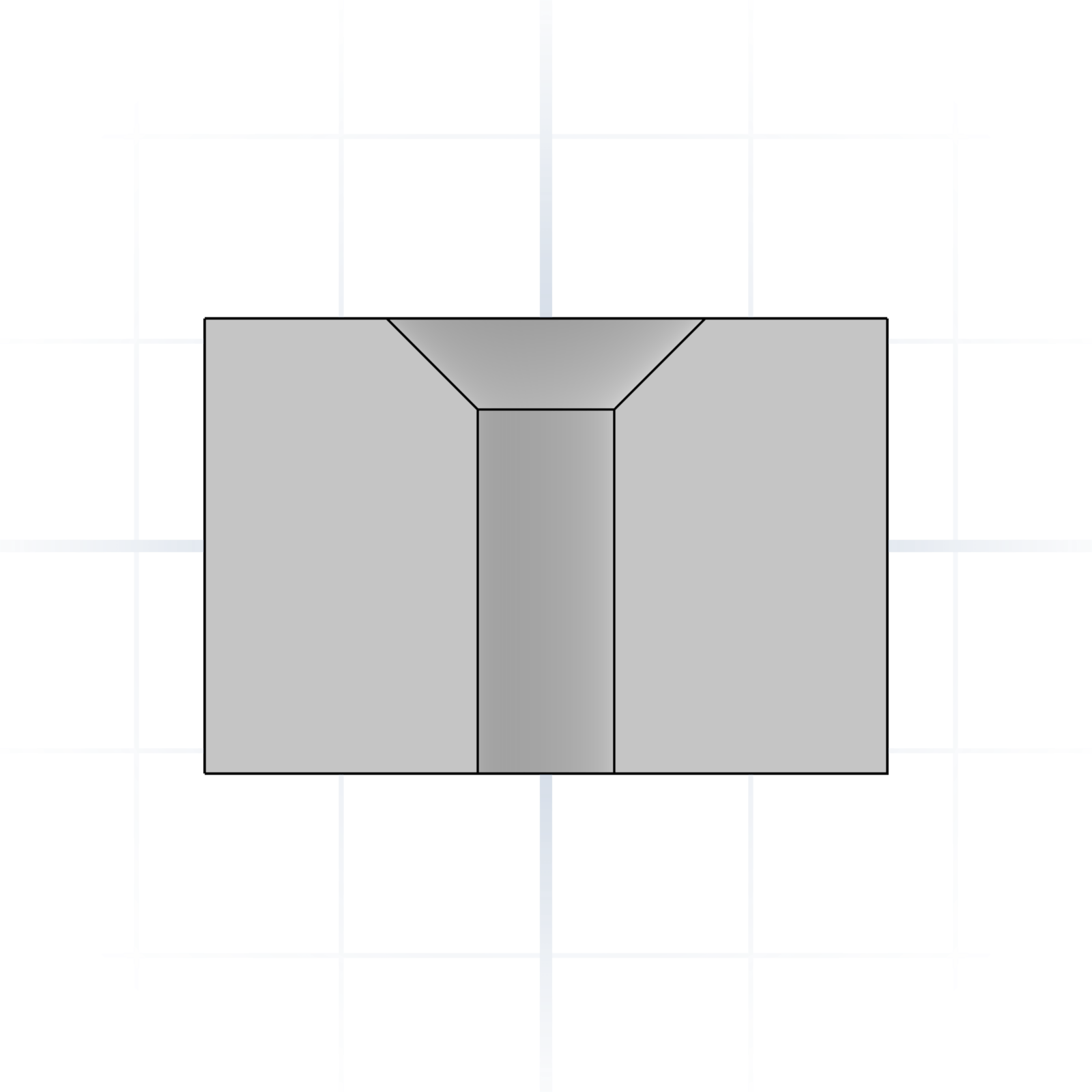
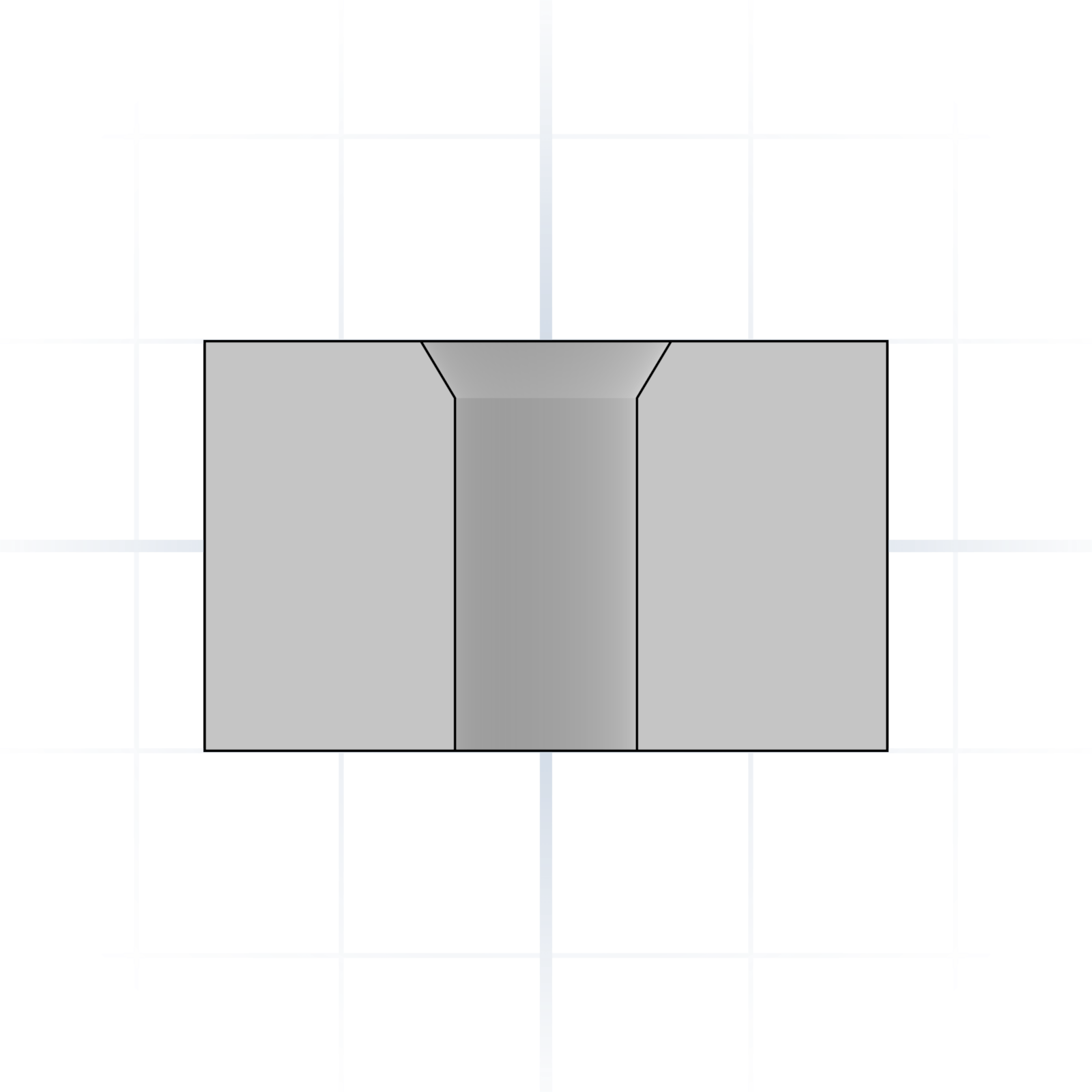
Cone-shaped recess so a flat-head screw sits flush. The chamfer angle matches the screw head (usually 90°).
Counterbored hole
Cylindrical recess so a socket-head cap drops below the surface. Call out the diameter and depth.
Spotface
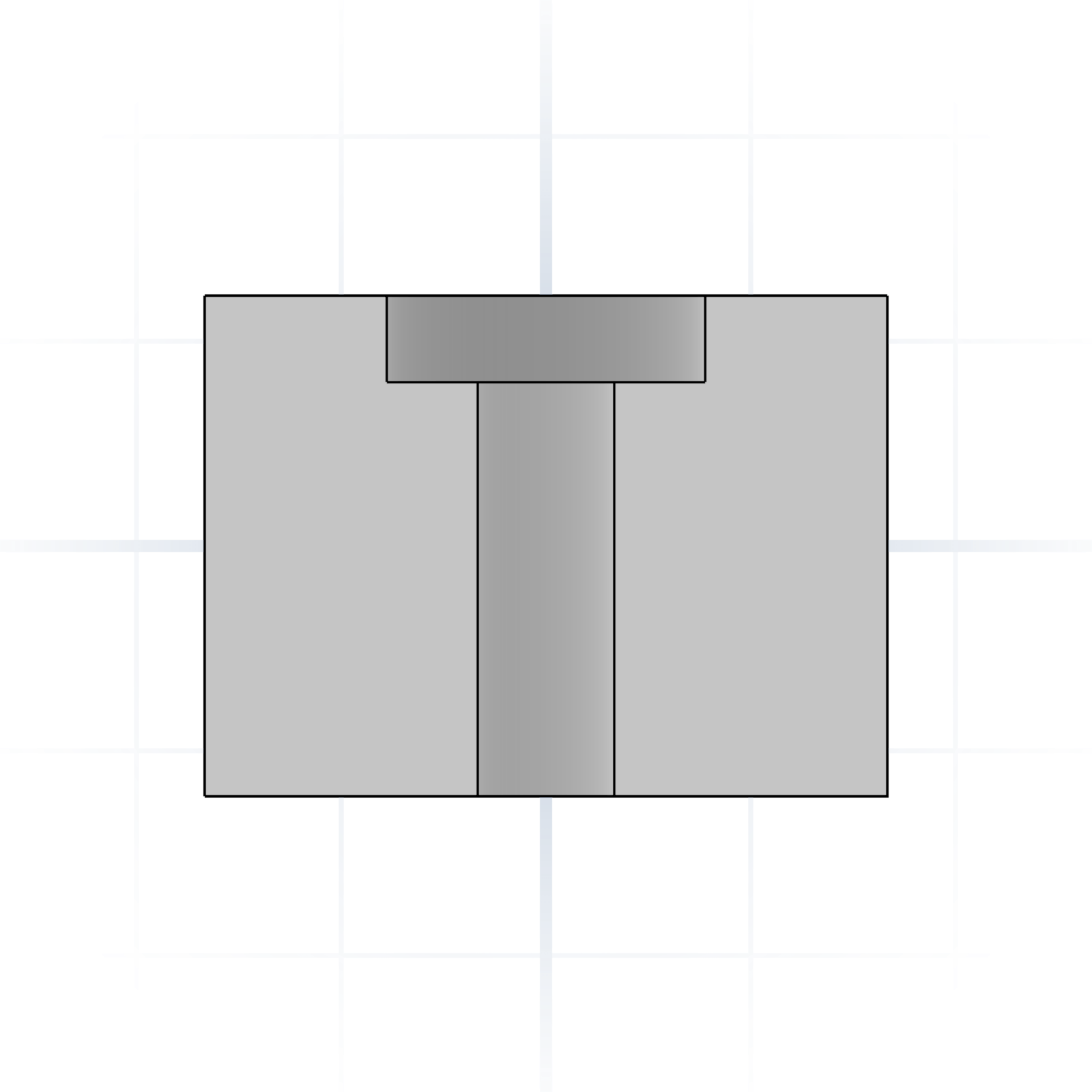
Shallow counterbore that flattens a rough surface for a washer or bolt head to seat.
Clearance hole
Sized so a screw passes freely without engaging threads. Typically 0.2–0.5 mm wider than nominal.
Pilot hole
Undersized hole for a self-tapping screw to cut threads into. Slightly smaller than the screw’s nominal diameter.
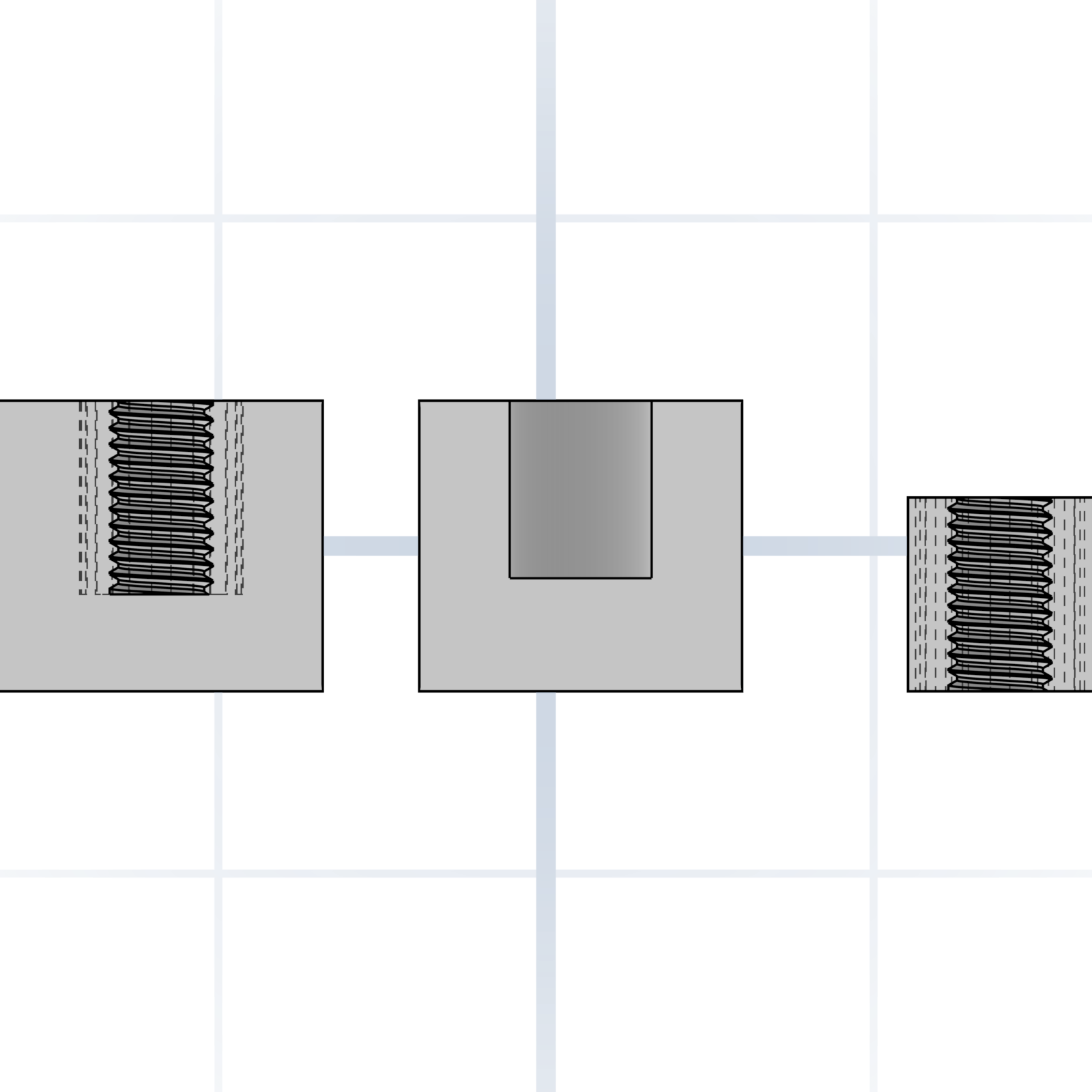
Threaded hole
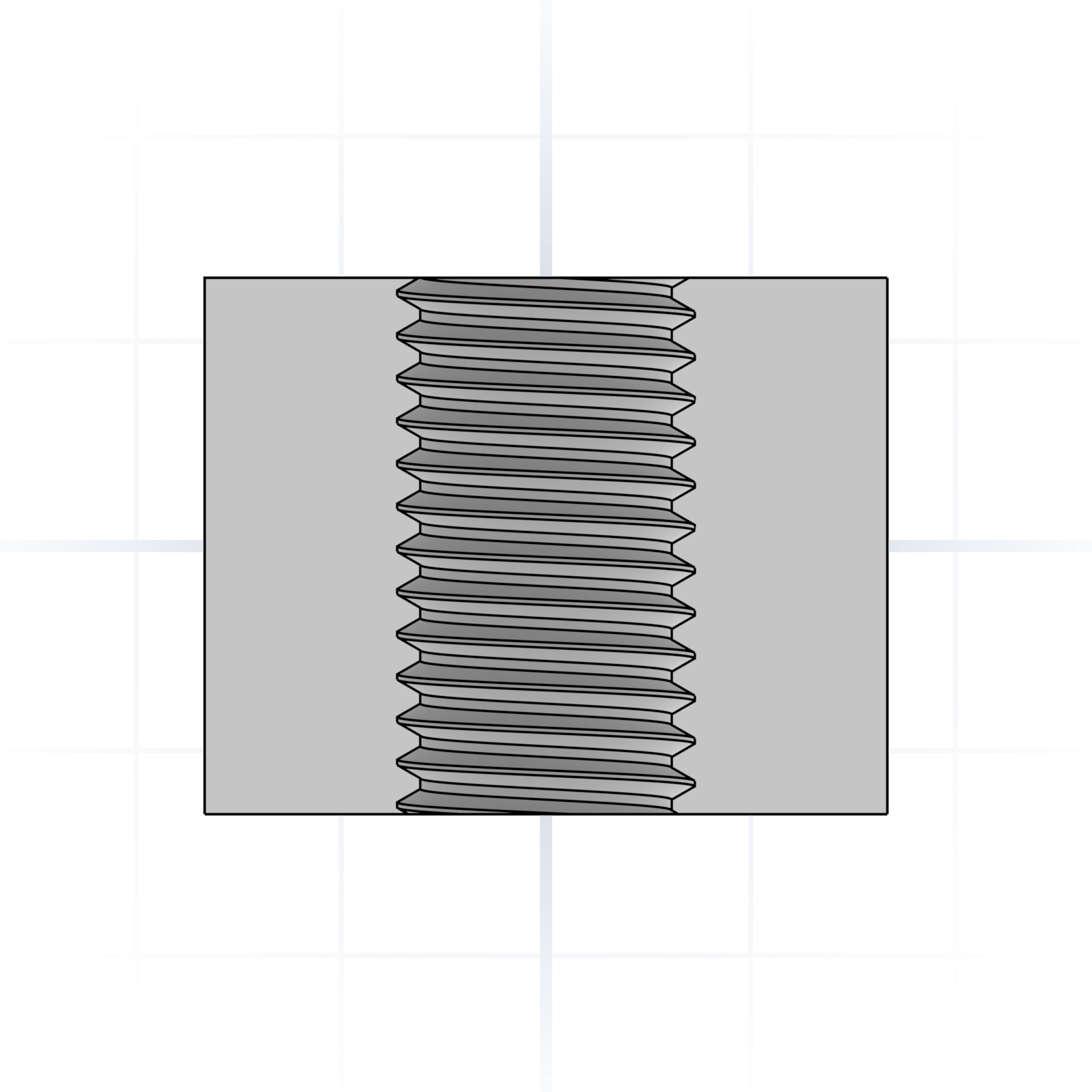
Has internal threads. Call out the size (e.g. M6). Which sizes are worth printing is on the Fasteners page.
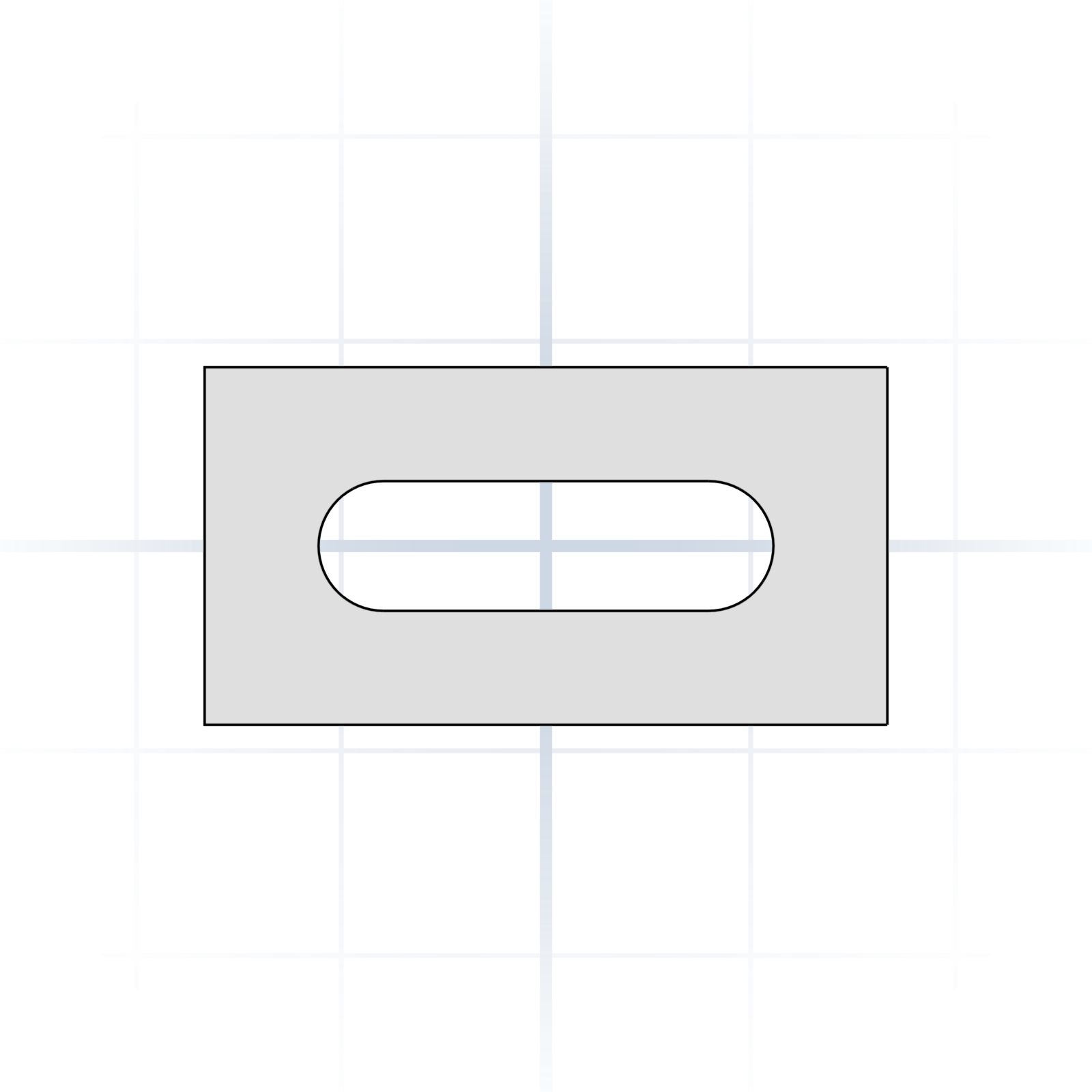
Slot
An elongated hole with rounded ends. Length and width, not just diameter.
grandpacad
Naming real parts16 / 36
Fits and clearances
How tight or loose two parts go together. Values are clearance on diameter for an average filament printer; halve them if you apply the gap to each side.
Press fit (interference)
Needs a press or a mallet. Permanent: bearings, dowel pins. Pure interference is unreliable on FDM, so add crush ribs and a chamfered lead-in. FDM: −0.1 to +0.1 mm on diameter.
Transition fit
Assembles with light hand pressure (snug, but removable). Battery doors, sensor mounts, removable caps. FDM: +0.1 to +0.2 mm on diameter.
Sliding fit
Slides without wobble. Drawer rails, pistons, sliding lids. FDM: +0.3 to +0.5 mm on diameter (≈ 0.15–0.25 mm per side).
Clearance fit
Rotates or moves with a visible gap. Hinge pins, axles, bolt clearance holes. FDM: +0.5 to +0.8 mm on diameter.
Loose fit
Easy assembly with room to spare. Cable pass-throughs, decorative covers, snap-on caps. FDM: +0.7 to +1.0 mm on diameter.
Calculator with the latest numbers
Scan for the online tolerance & fit calculator. Values for common printer types, scaled to your part’s size.
grandpacad
Naming real parts17 / 36
Fasteners
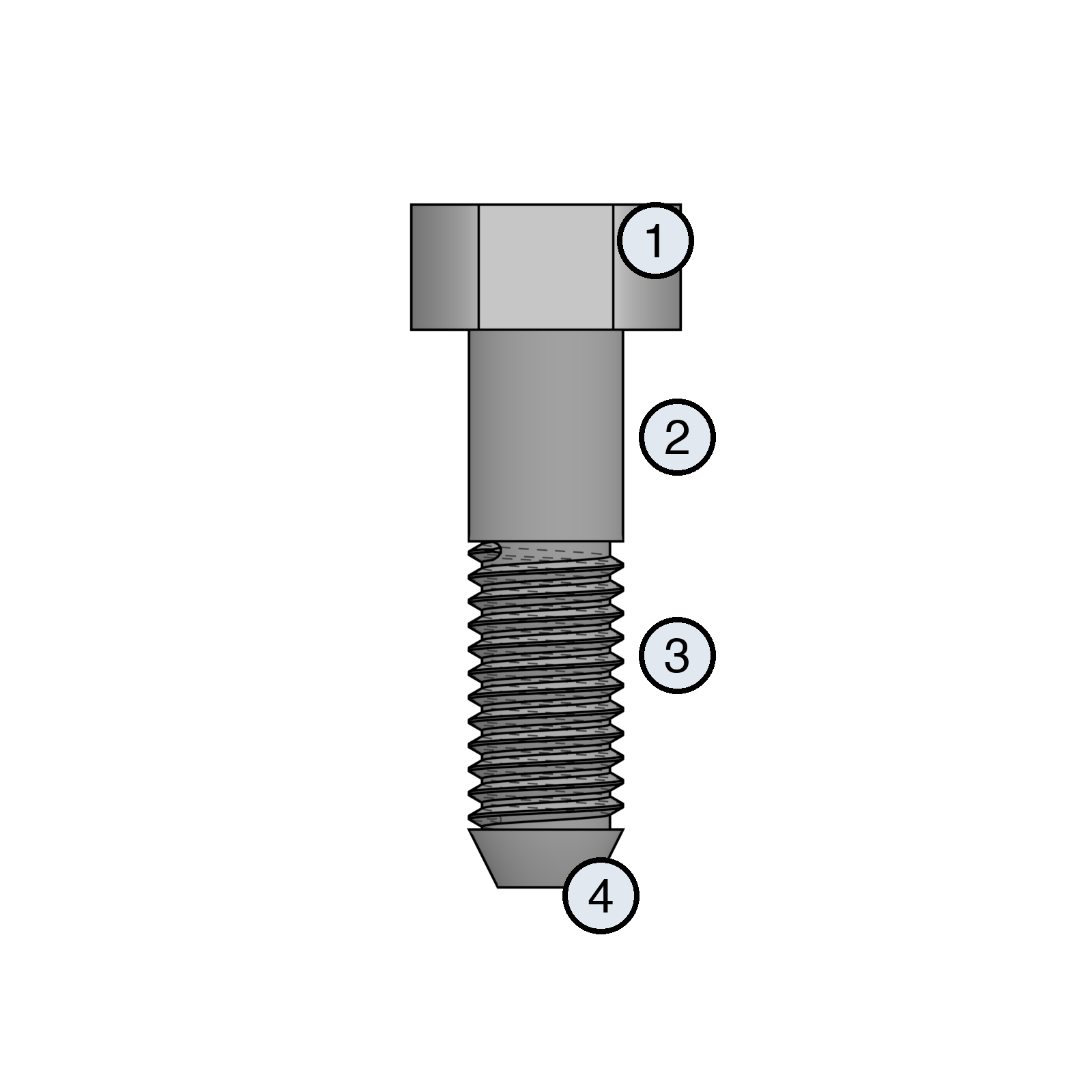
Screws and bolts you’ll actually use on a printed project. Naming the head saves the redesign.
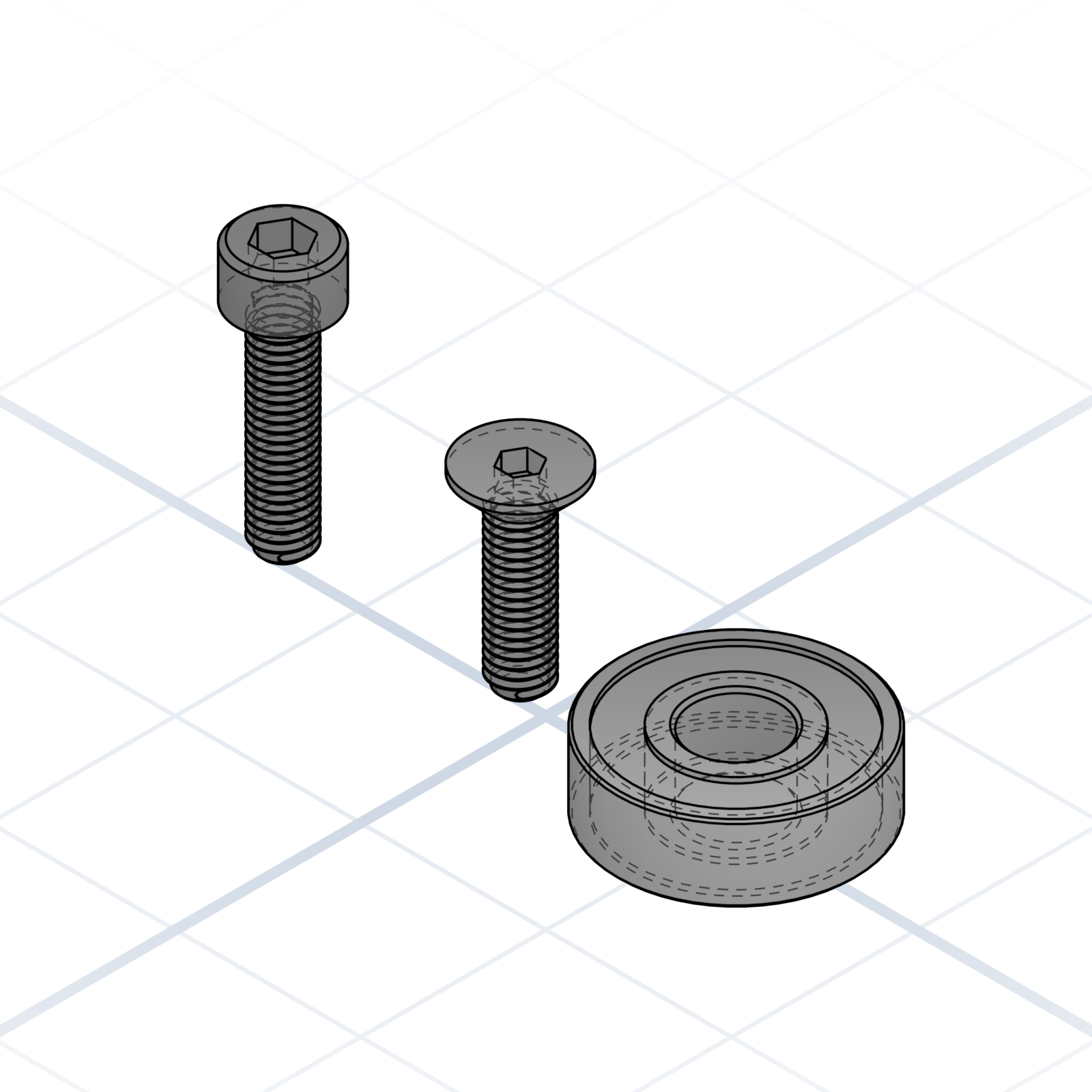
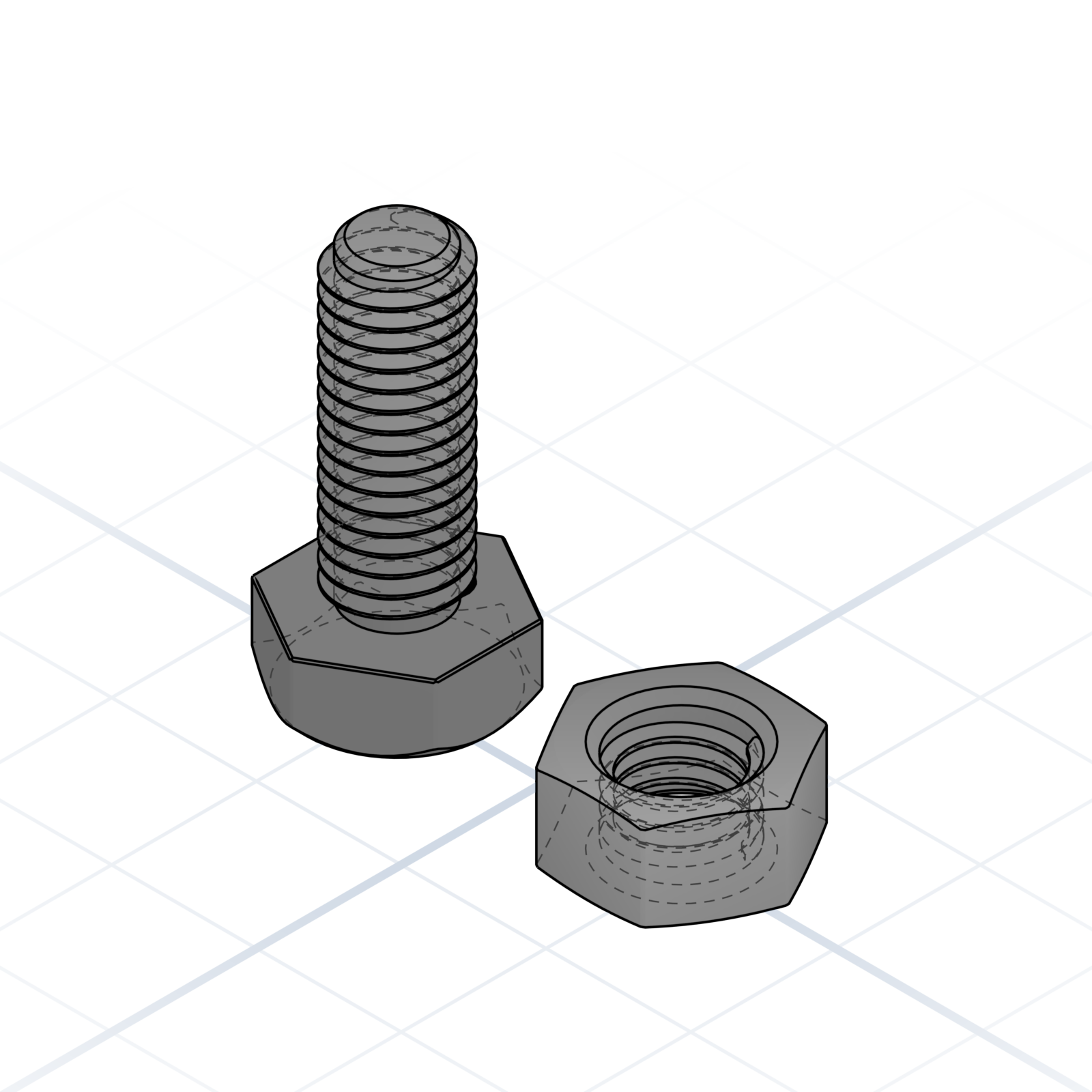
Anatomy of a bolt
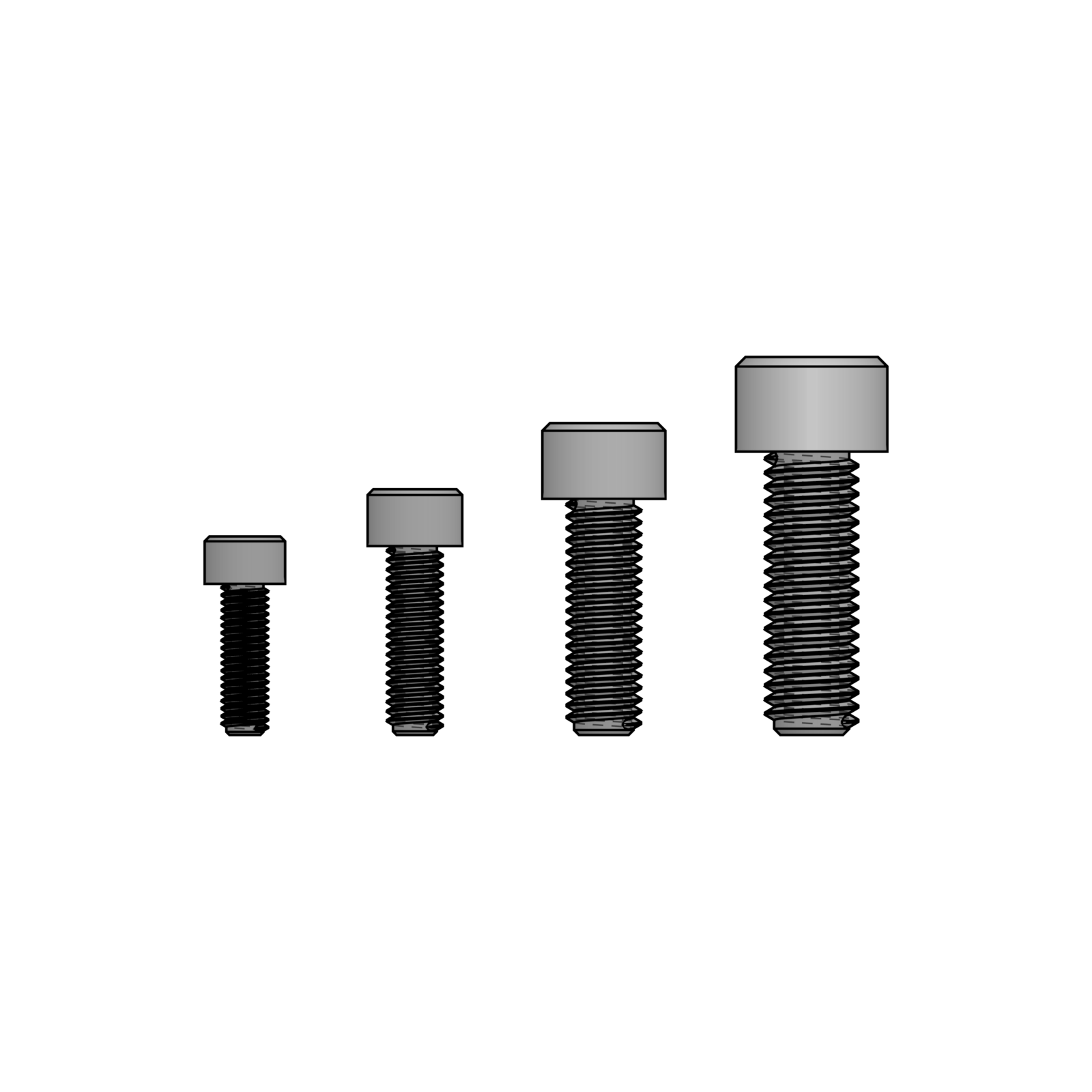
1Head
2Shank (unthreaded)
3Threads
4Tip / Point
Pointing at the right part of the bolt tells the AI which hardware to clear room for.
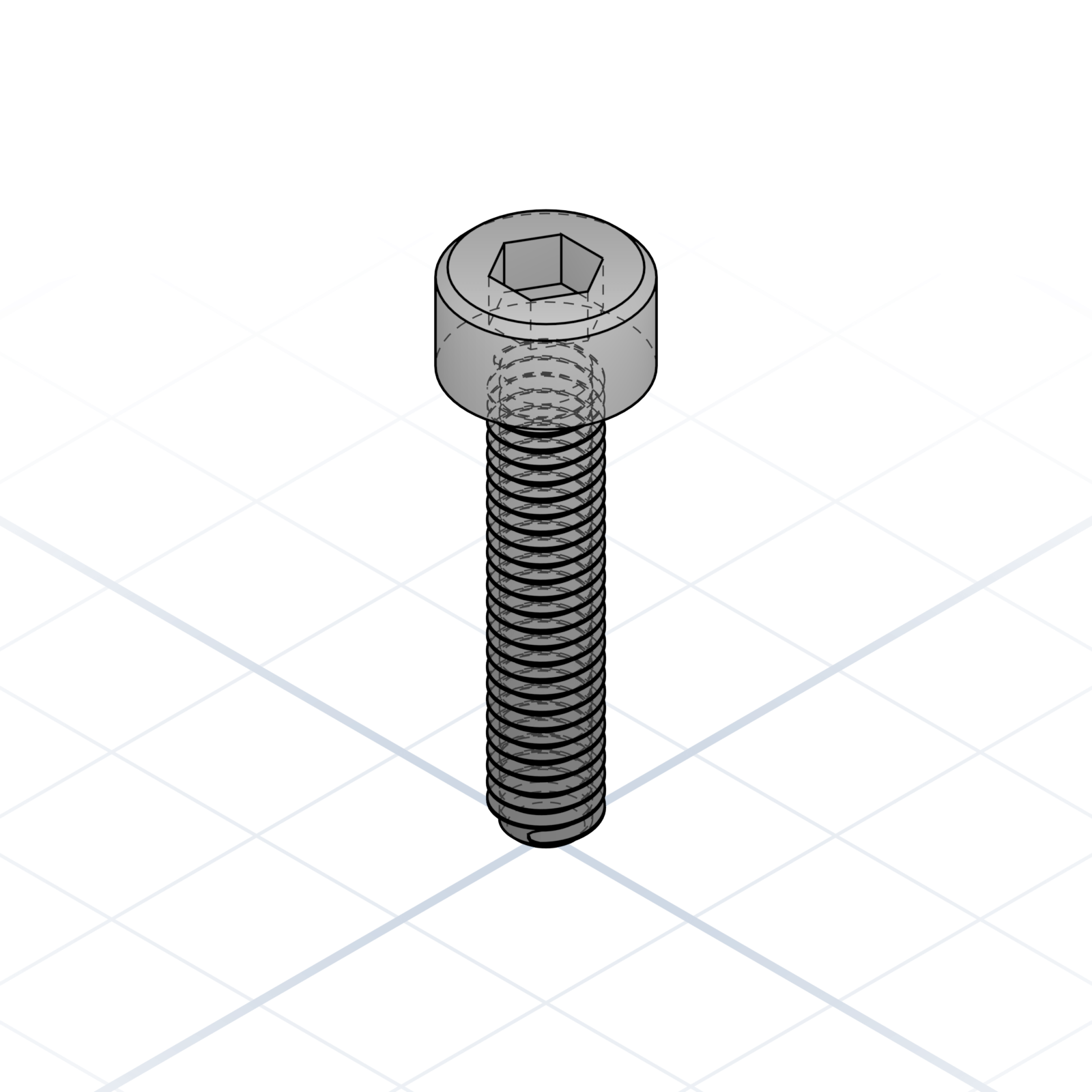
Cap screw (hex socket)
ISO 4762 / DIN 912. The “M3×8” default in most printed projects.
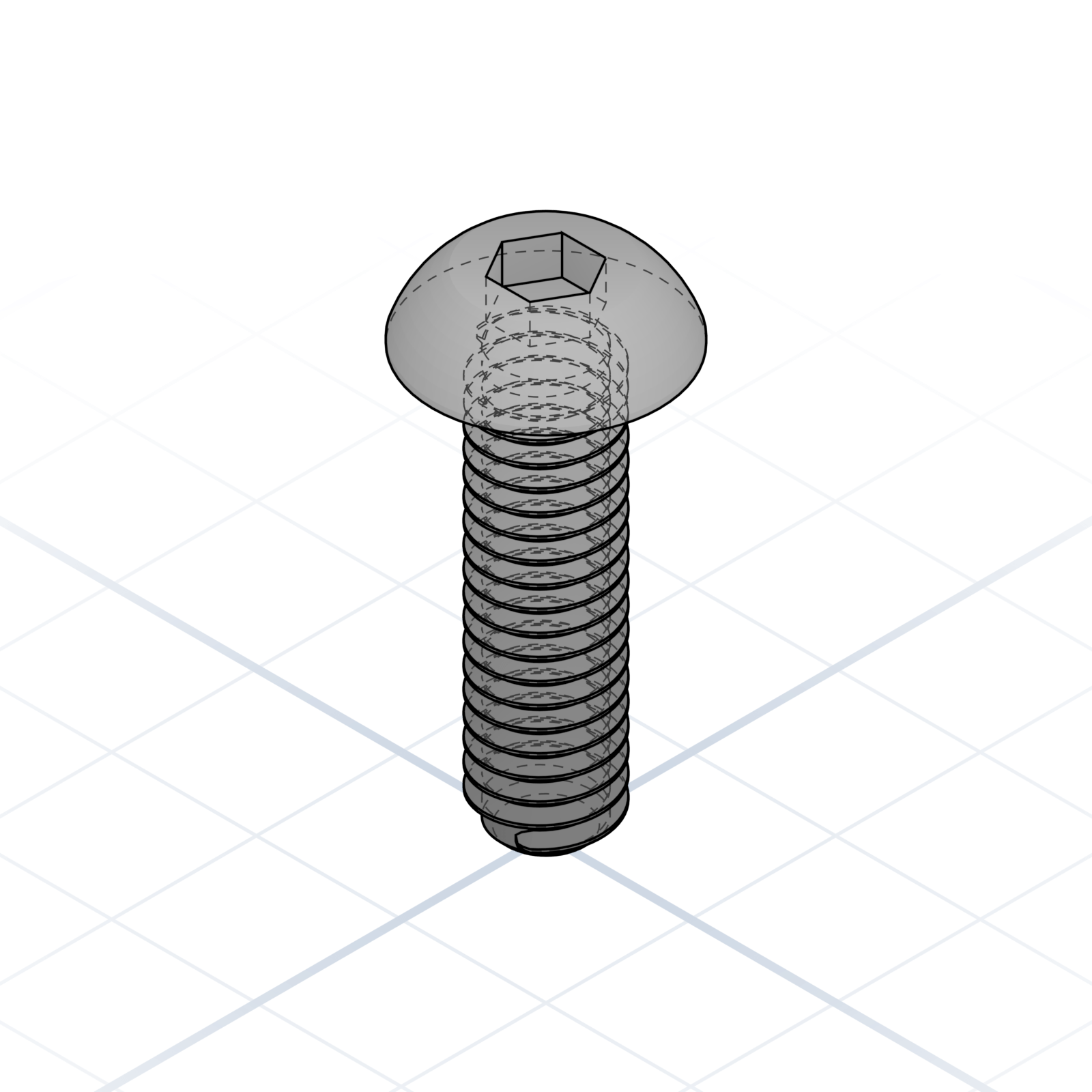
Button head
ISO 7380. Lower profile than a cap screw, same hex socket.
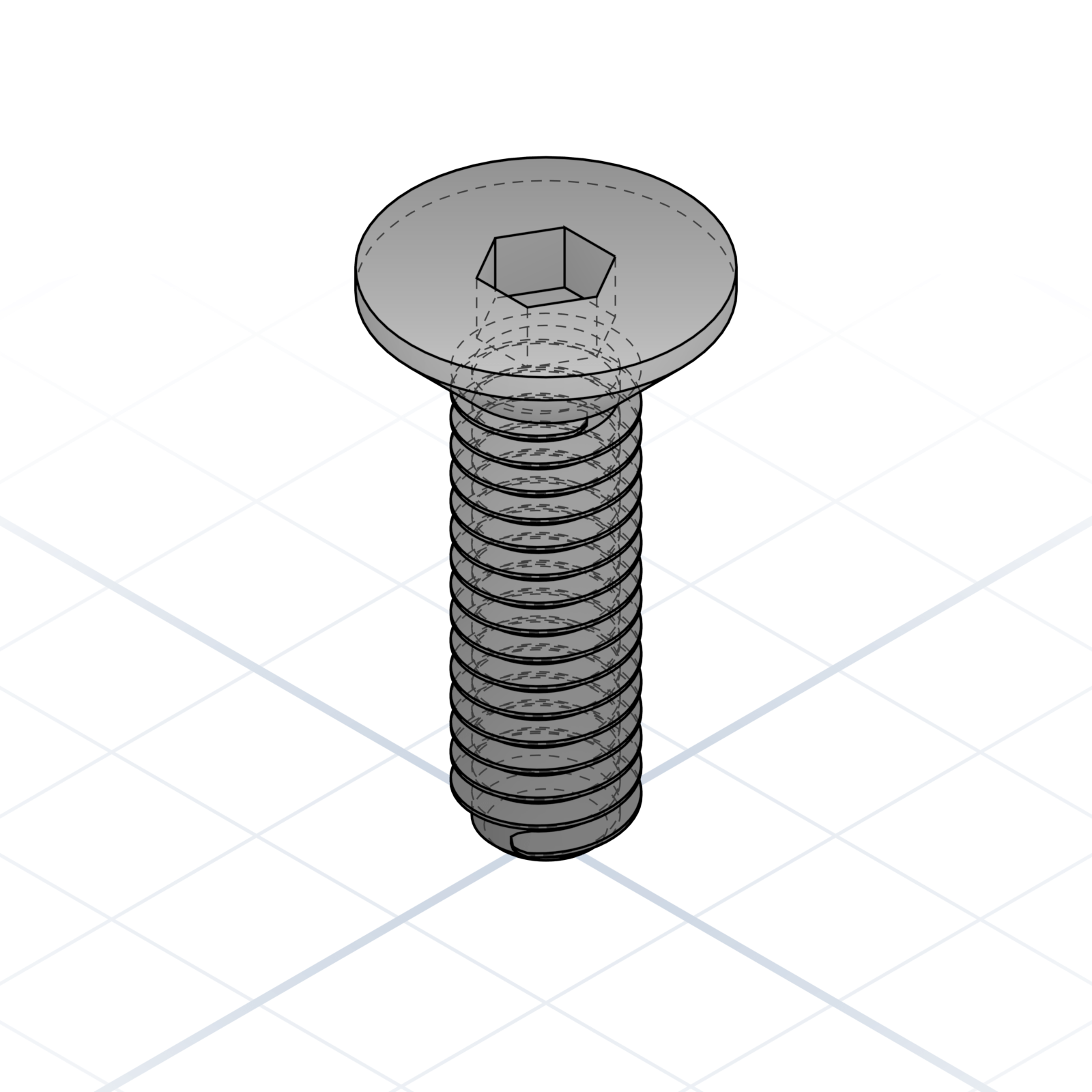
Countersunk (flat head)
ISO 10642 / DIN 7991. Sits flush in a chamfered hole.
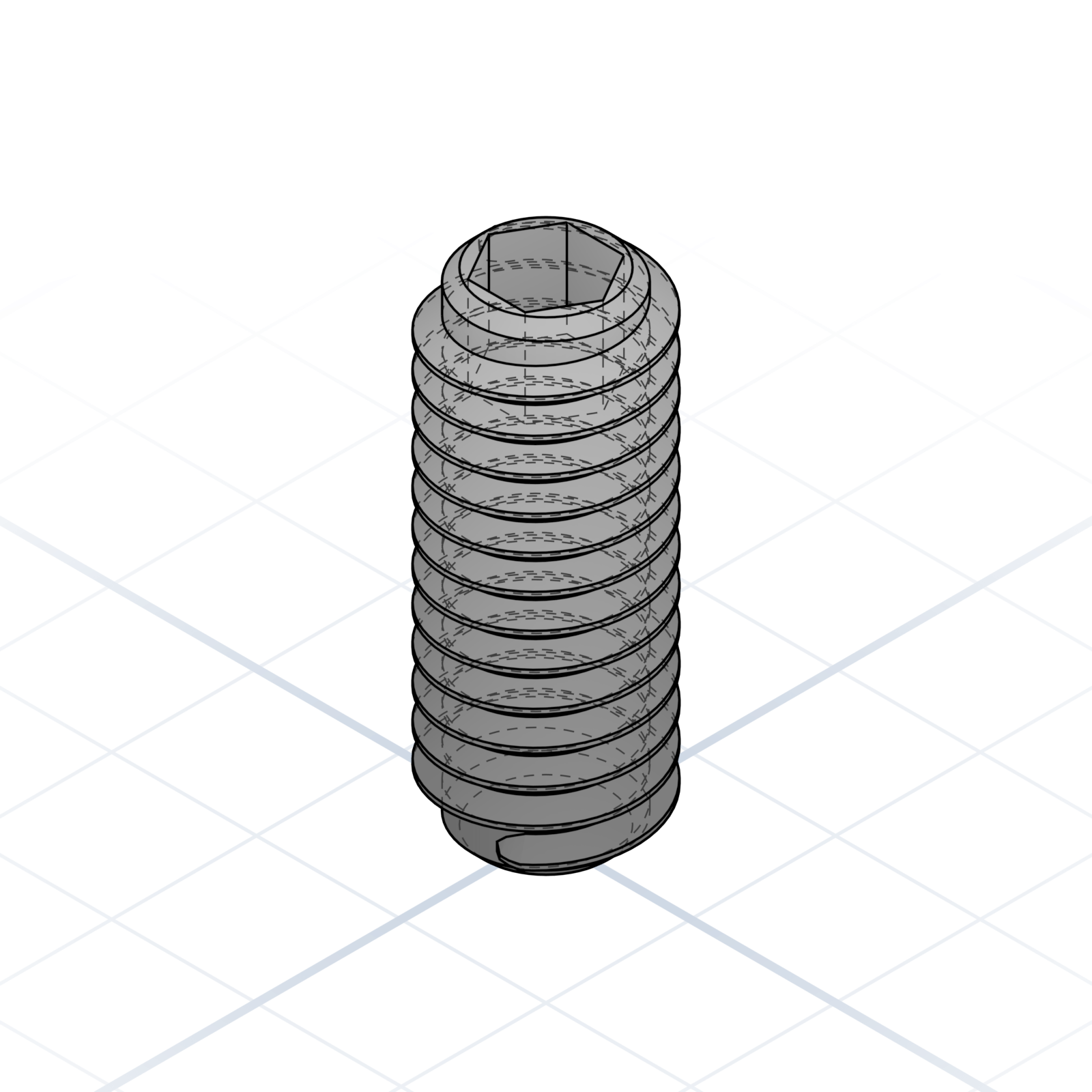
Set screw / Grub
Headless, threaded full length. Holds pulleys on shafts.
Thumb screw
Knurled head, tightened by hand. Good for tool-free assembly.
Printed threads
M2–M3 come out as ridges or blobs, so don’t use them. M4–M5 hold light loads; M6 and up are reliable. Very large threads work for clamps and vises. Print the screw and nut standing up.
grandpacad
Naming real parts18 / 36
Nuts and threaded inserts
How you get a thread into printed plastic. Get the technique right and the screw holds for years.
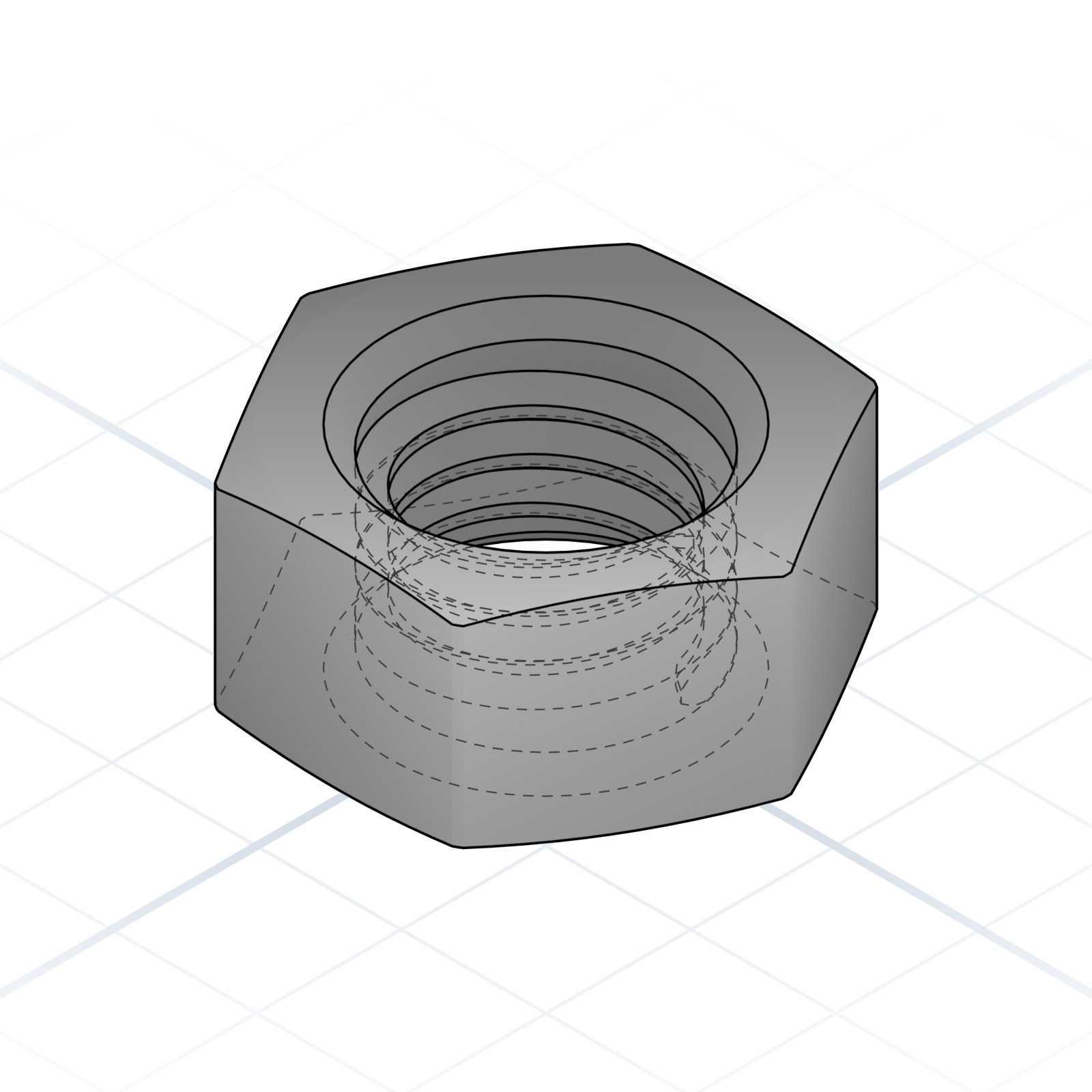
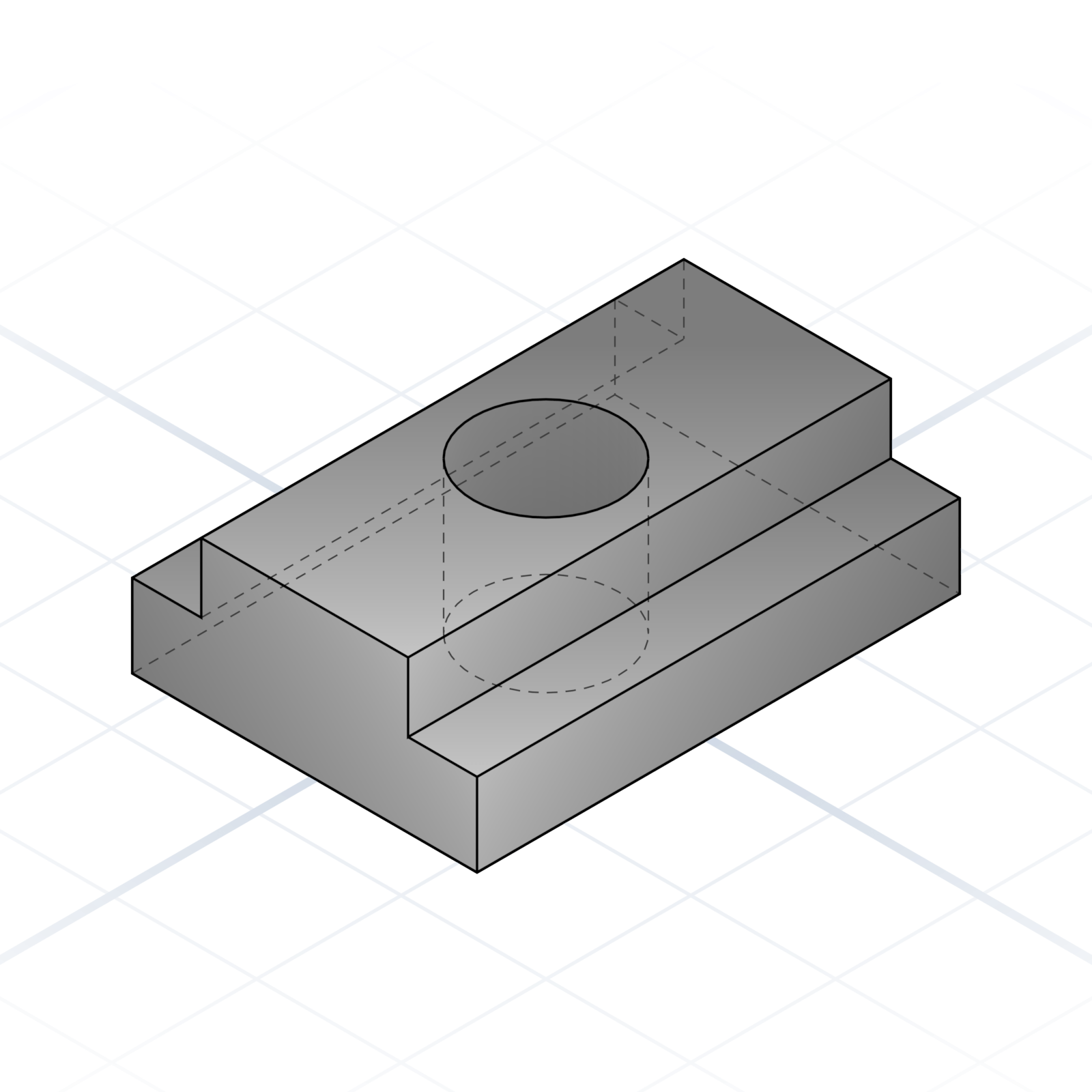
Hex nut
DIN 934 / ISO 4032. The default unless you say square or T-nut.
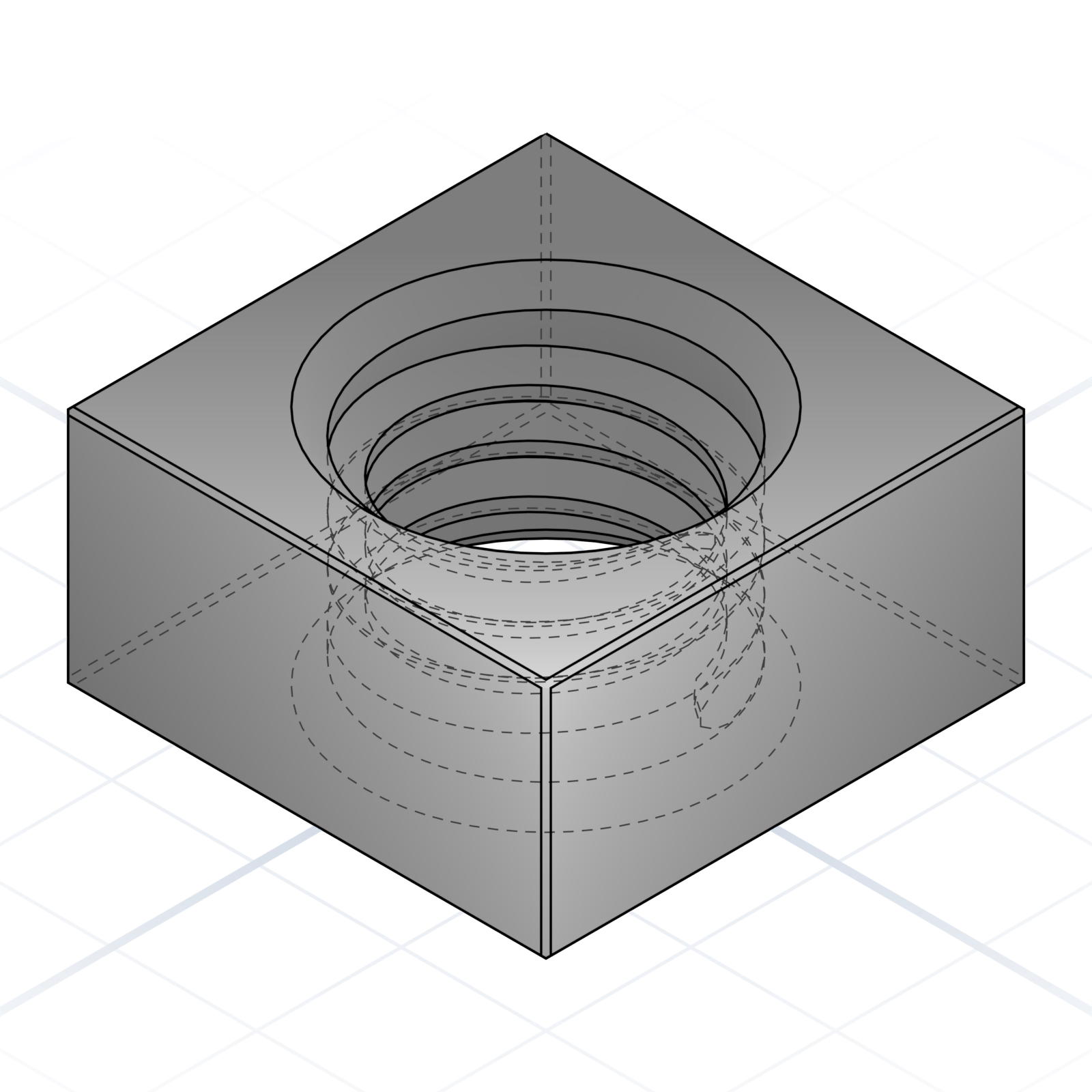
Square nut
Captive in a square pocket. Good when the back is unreachable.
T-nut (extrusion)
Drops into 2020 / 3030 aluminium extrusion slots.
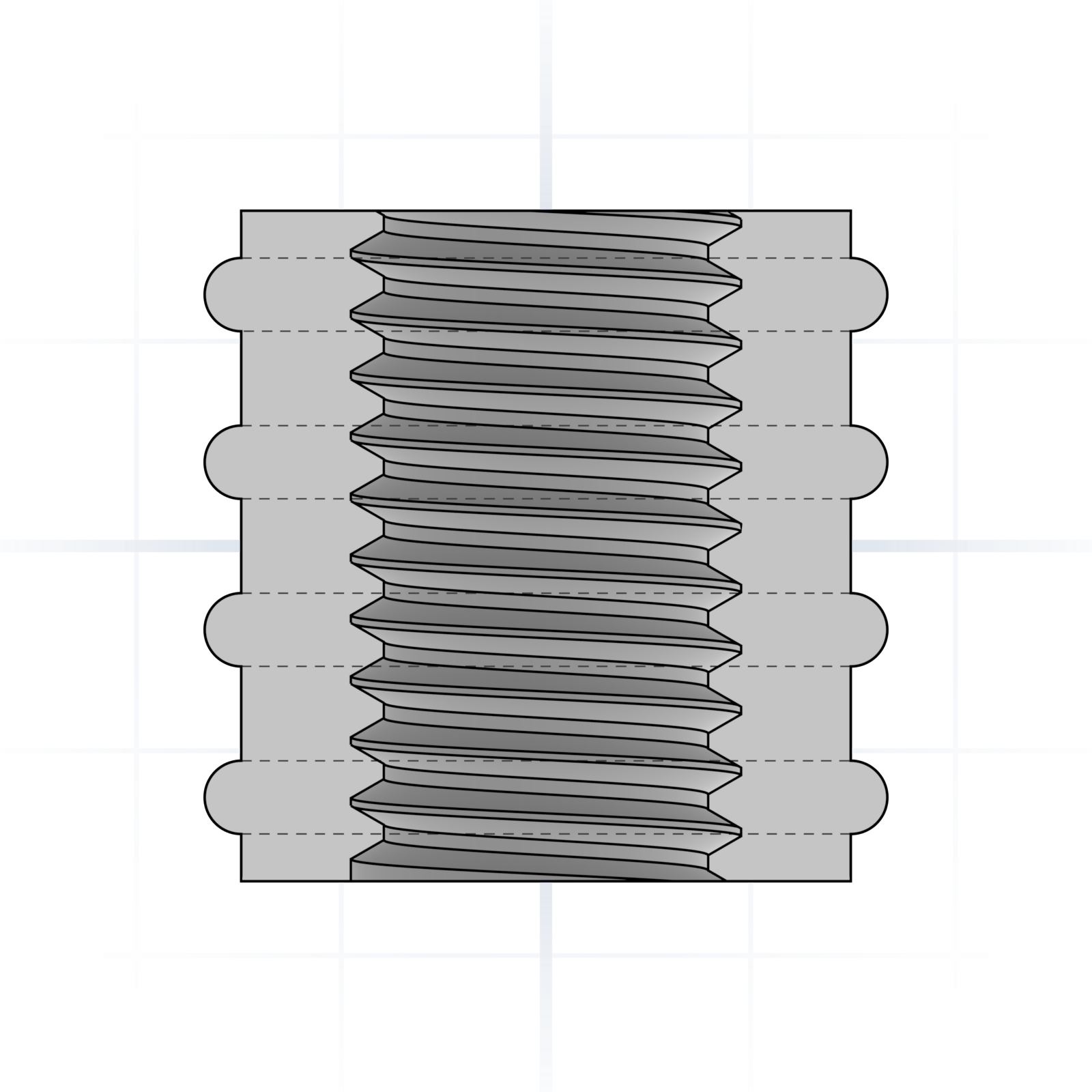
Heat-set brass insert
A soldering iron melts it into a printed boss. Strongest option for repeated screw use.
Press-fit insert
Pressed in cold. Knurled outside grips the plastic.
Captive nut pocket
A hex pocket printed into the part. Drop a standard nut in, screw from the other side.
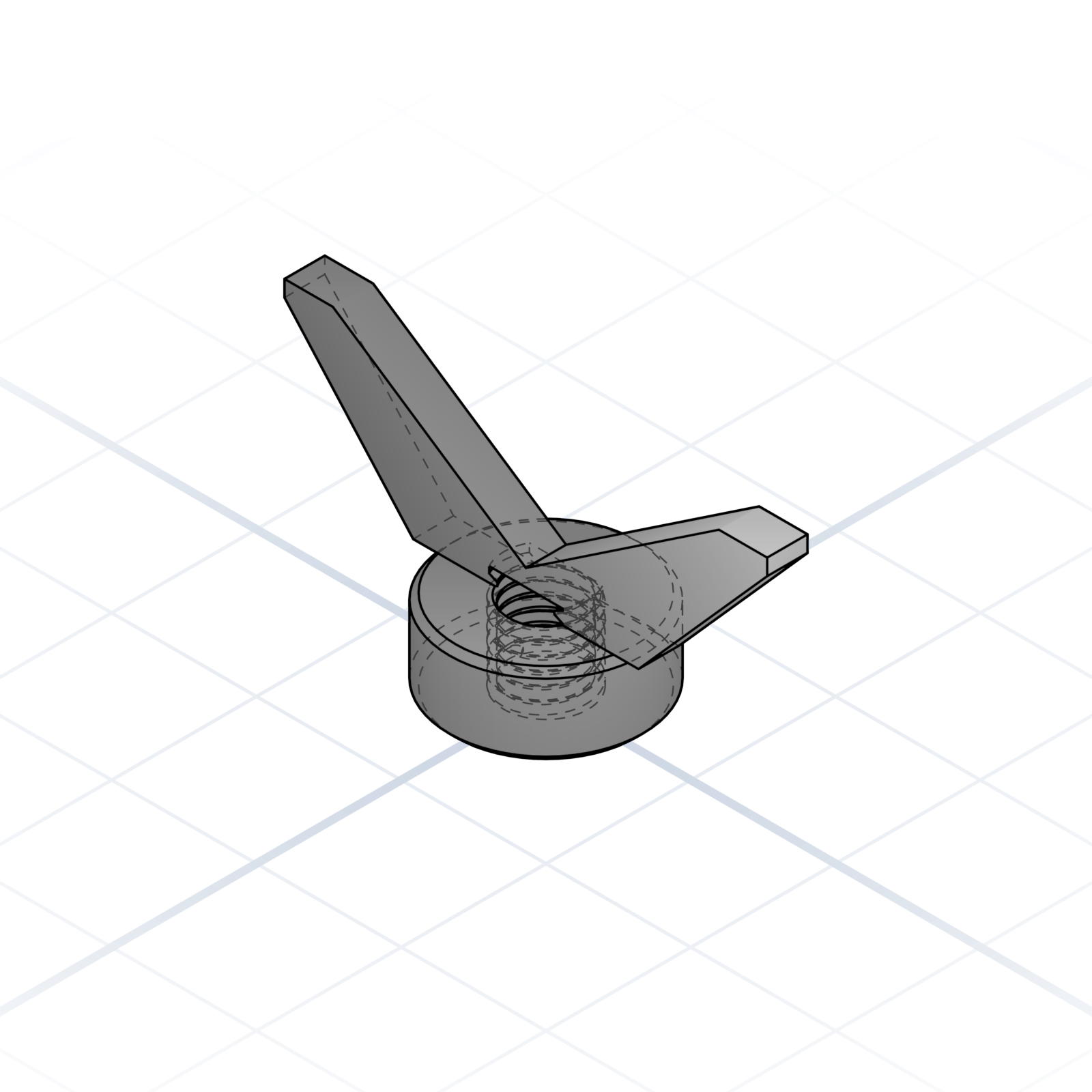
Wing nut
Tightened by hand. Good for parts that get opened often.
Thread & tap calculator
Scan for tap drill, clearance hole, and heat-set pilot sizes from M2 to M16, plus head dimensions for socket caps.
grandpacad
Naming real parts19 / 36
Joints for 3D printing
How printed parts attach to each other. These hold up without glue when the geometry is right.
Anatomy of a snap fit
1Beam (flex arm)
2Hook
3Catch / Undercut
4Lead-in chamfer
Specify each piece and the AI gets the bend right. A thicker arm is stiffer; the lead-in makes it easier to click together.
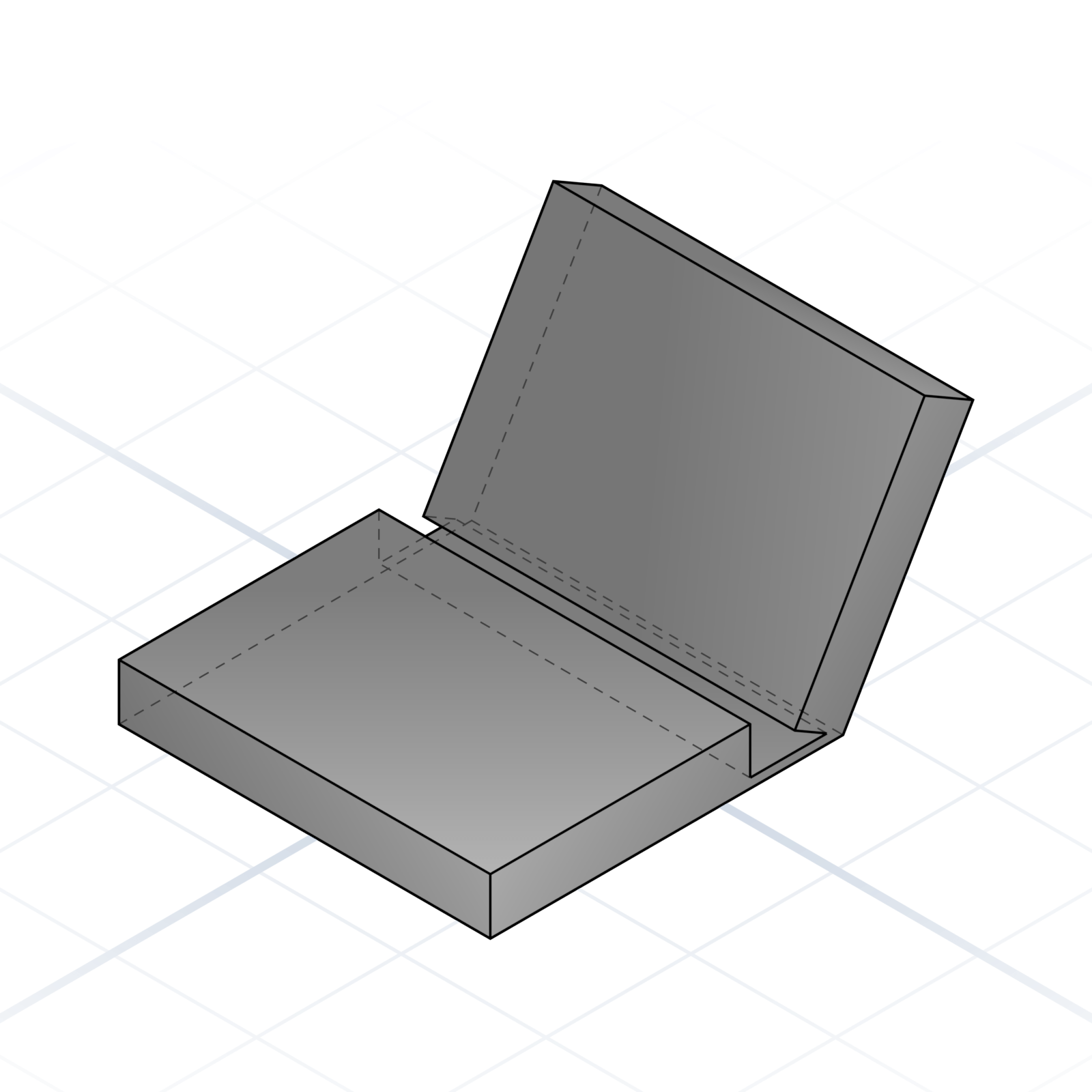
Living hinge
A thin strip (0.3–0.6 mm) that flexes for thousands of cycles. Orient the layers across the hinge, never along it.
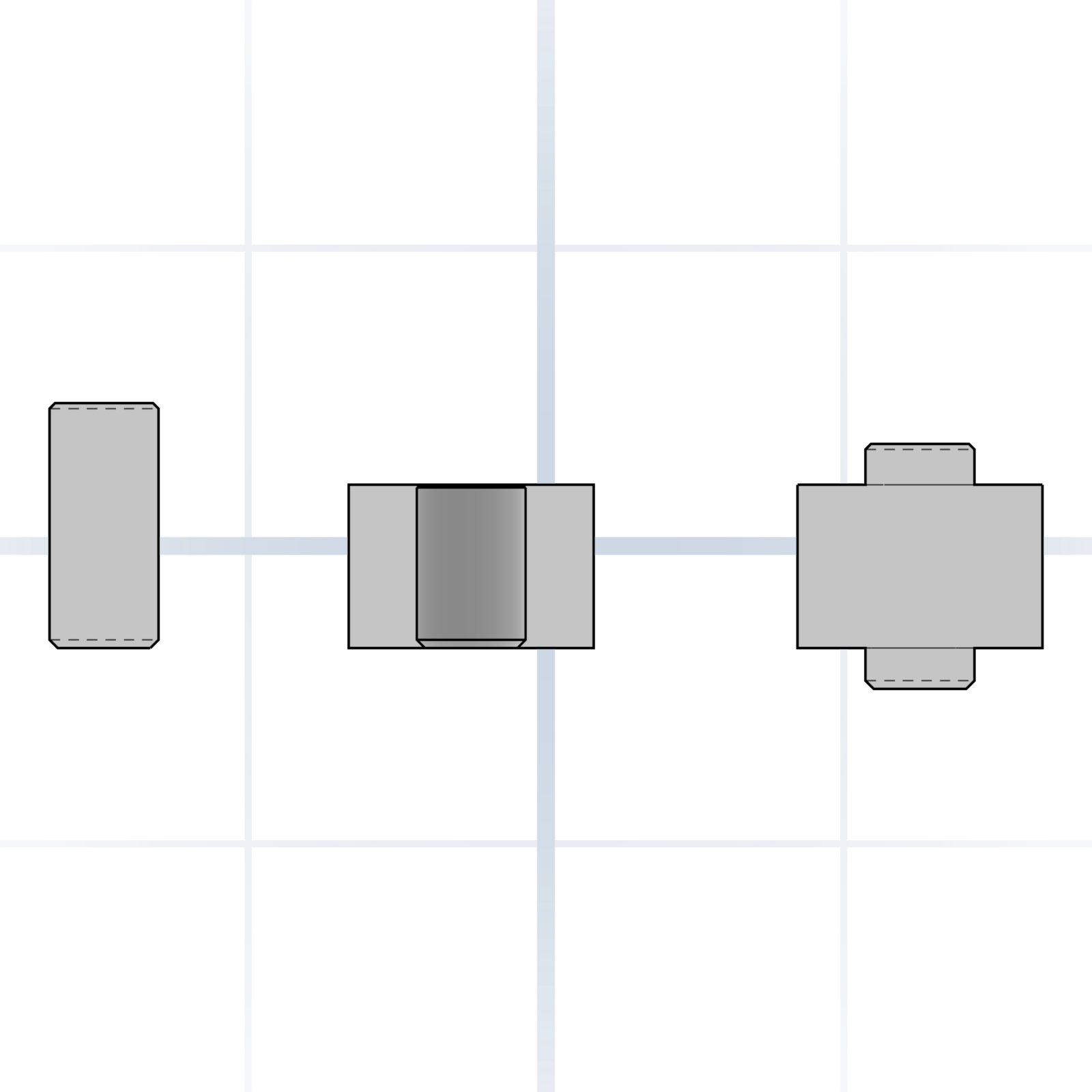
Press fit
Model the hole at the shaft’s size (±0.1 mm on FDM). Crush ribs make it grip reliably. Add a chamfer to both parts.
Tab and slot
A tab on one part drops into a slot on another. Cleanest joint for flat panels. Lock with glue or a screw.
Dovetail
Trapezoidal profile that slides together. Self-aligning and captures one axis. Use 7–10° flare.
Ball and socket
Spherical ball in a partial socket. Print the socket about 0.3 mm larger so the ball rotates freely.
Bayonet lock
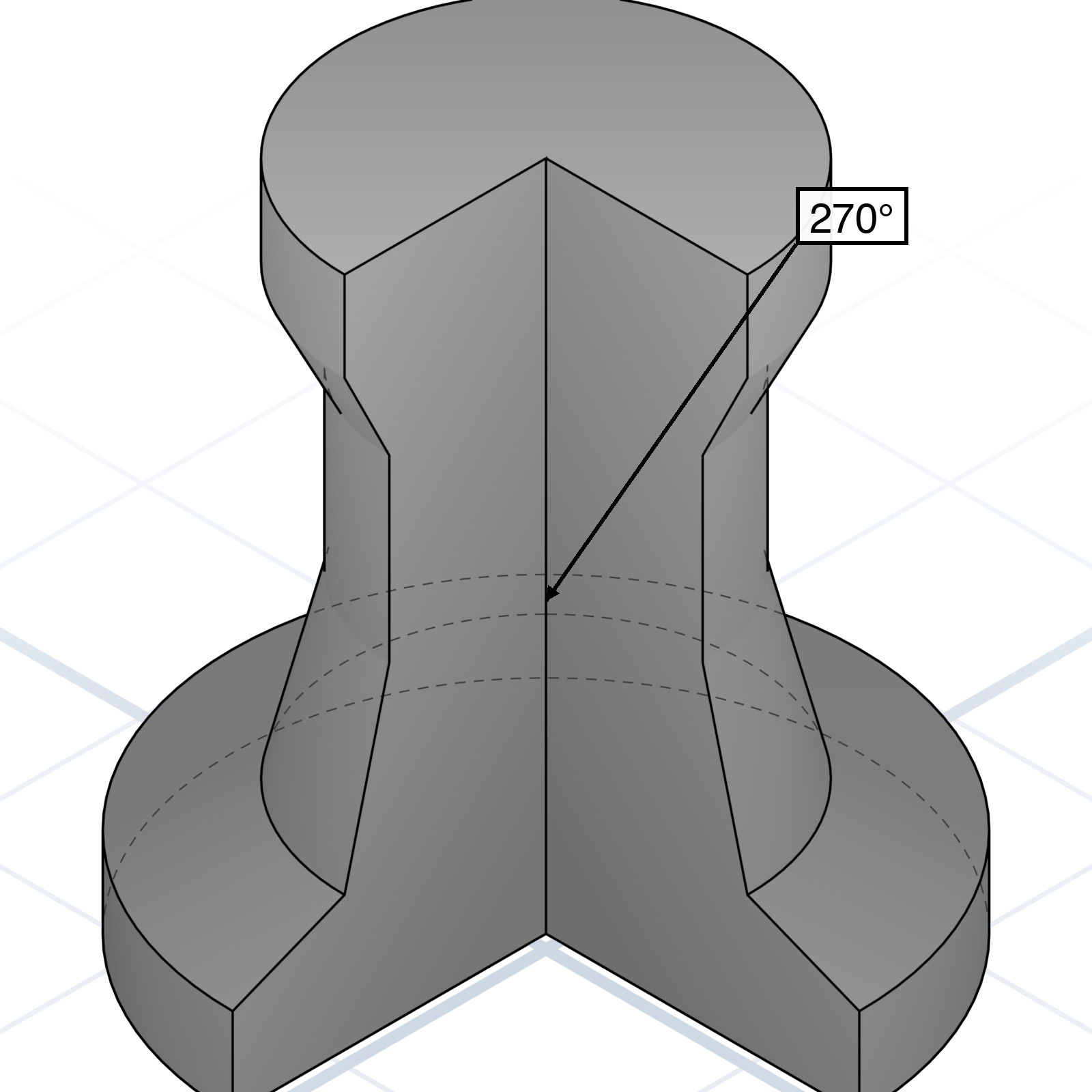
L-shaped slot. Push in, twist 90° to lock. The standard lid joint when threads are overkill.
grandpacad
Naming real parts20 / 36
Printable connectors
Ready-made joins that snap, slide, or twist printed parts together, no separate hardware needed.
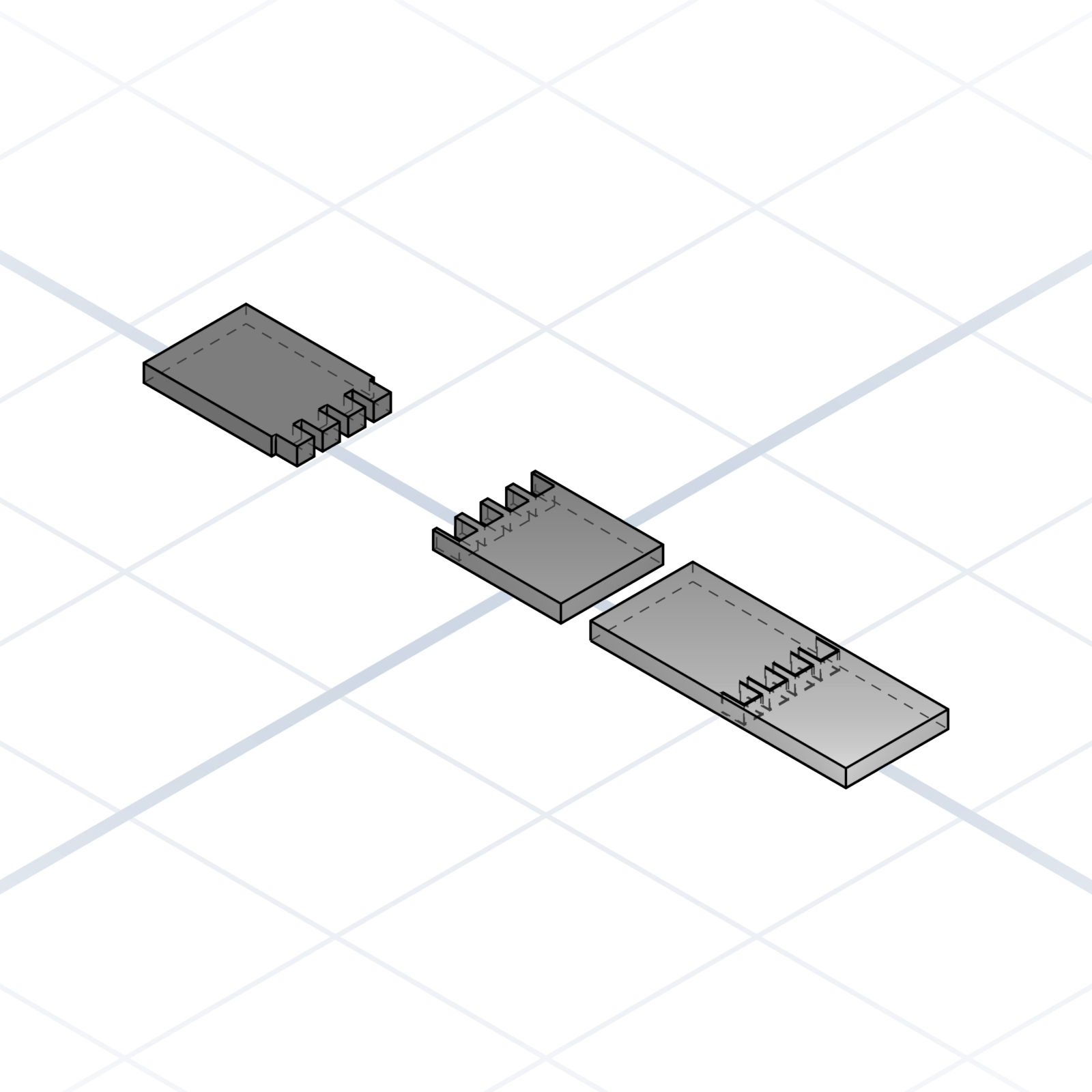
Knuckle hinge
Two leaves with alternating fingers (knuckles) that wrap around a pin. Print both leaves flat, slide a 1.75 mm filament offcut or steel rod through as the pin. 4 mm knuckles print cleanly without supports.
Snap pin & socket
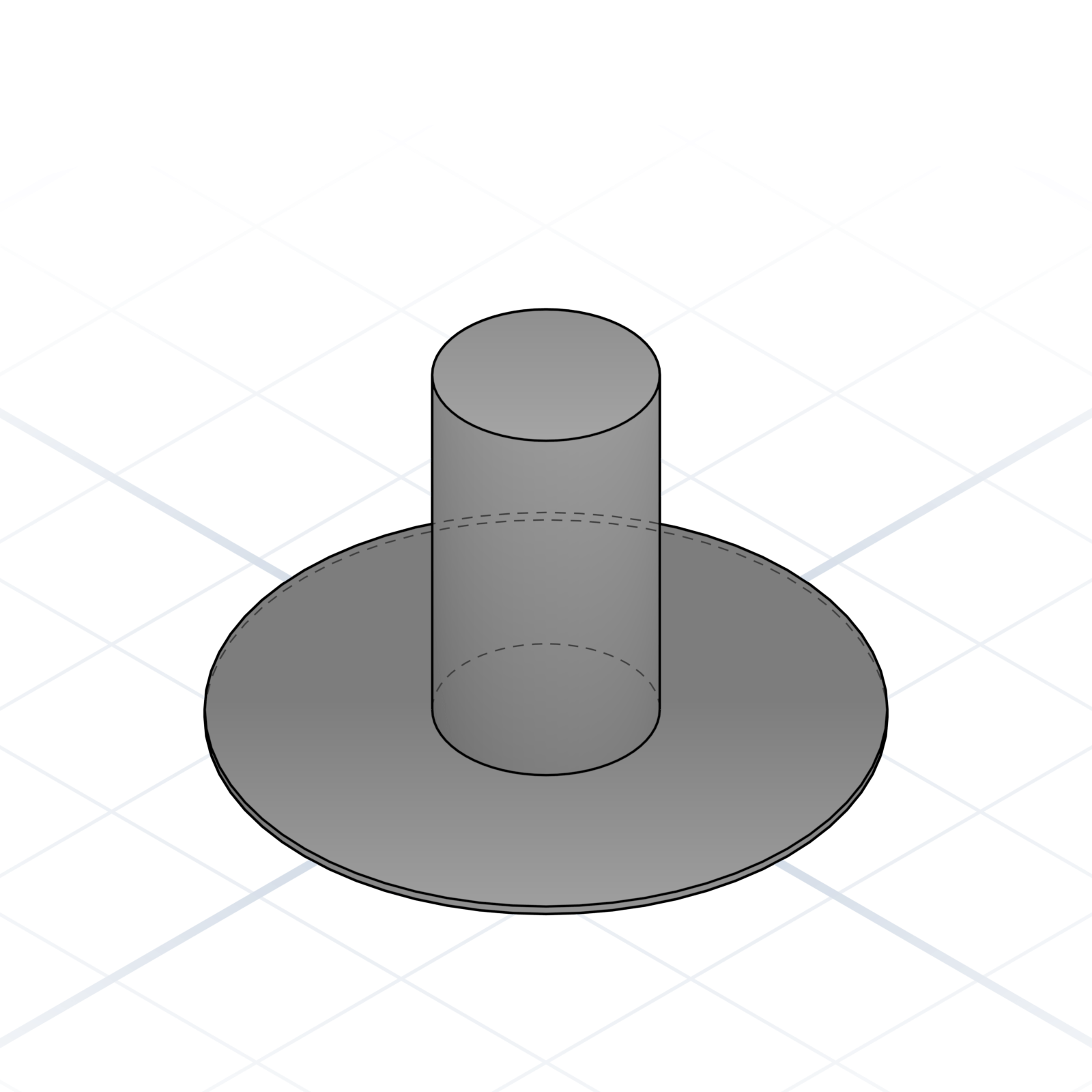
A pin that pushes into a socket and clicks in place. The pin tip is split into four flexible petals that squeeze together on entry, then spring back behind a rim inside the socket. No screws needed.
Hirth coupling
Two discs with matching radial teeth that lock together when clamped. Tighten a bolt through the centre; loosen, turn to a new angle, and re-tighten; it locks in fixed steps (15°, 30°). Used for adjustable arms and joints.
Snap latch
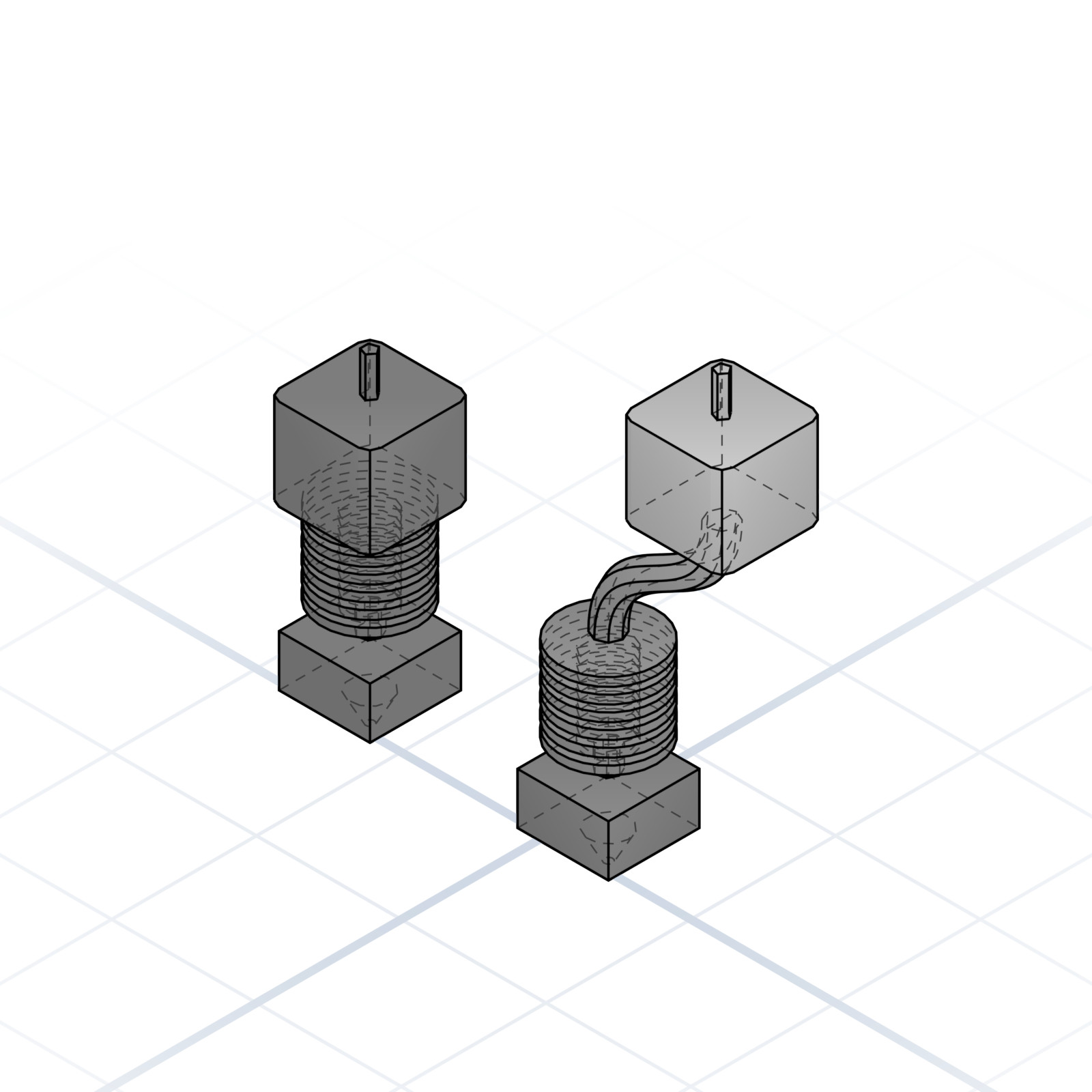
Two printed parts that lock with a slide and a click. A barbed tongue slides into a channel where a living spring snaps over it and holds. Press the spring to release. No screws, good for lids and covers.
Corner bracket
90° L-bracket with mounting holes on both faces. Joins two panels at a right angle. Add a triangular gusset web on the inside if the load reaches kilograms.
grandpacad
Naming real parts21 / 36
Motion and 3D printer hardware
Off-the-shelf parts in nearly every printer build, a few euros each from any printer or hardware shop. Name the standard and the model is built to fit it exactly.
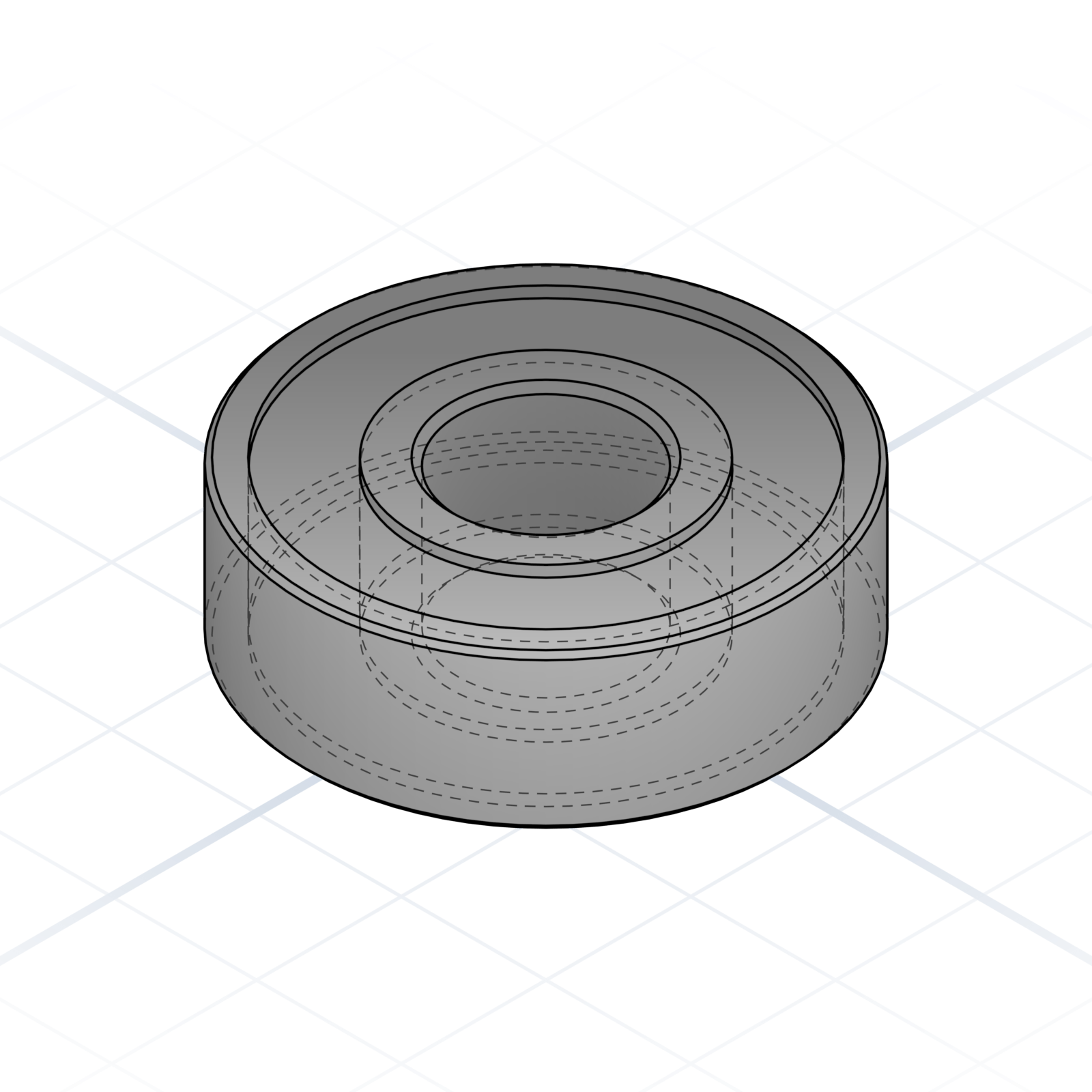
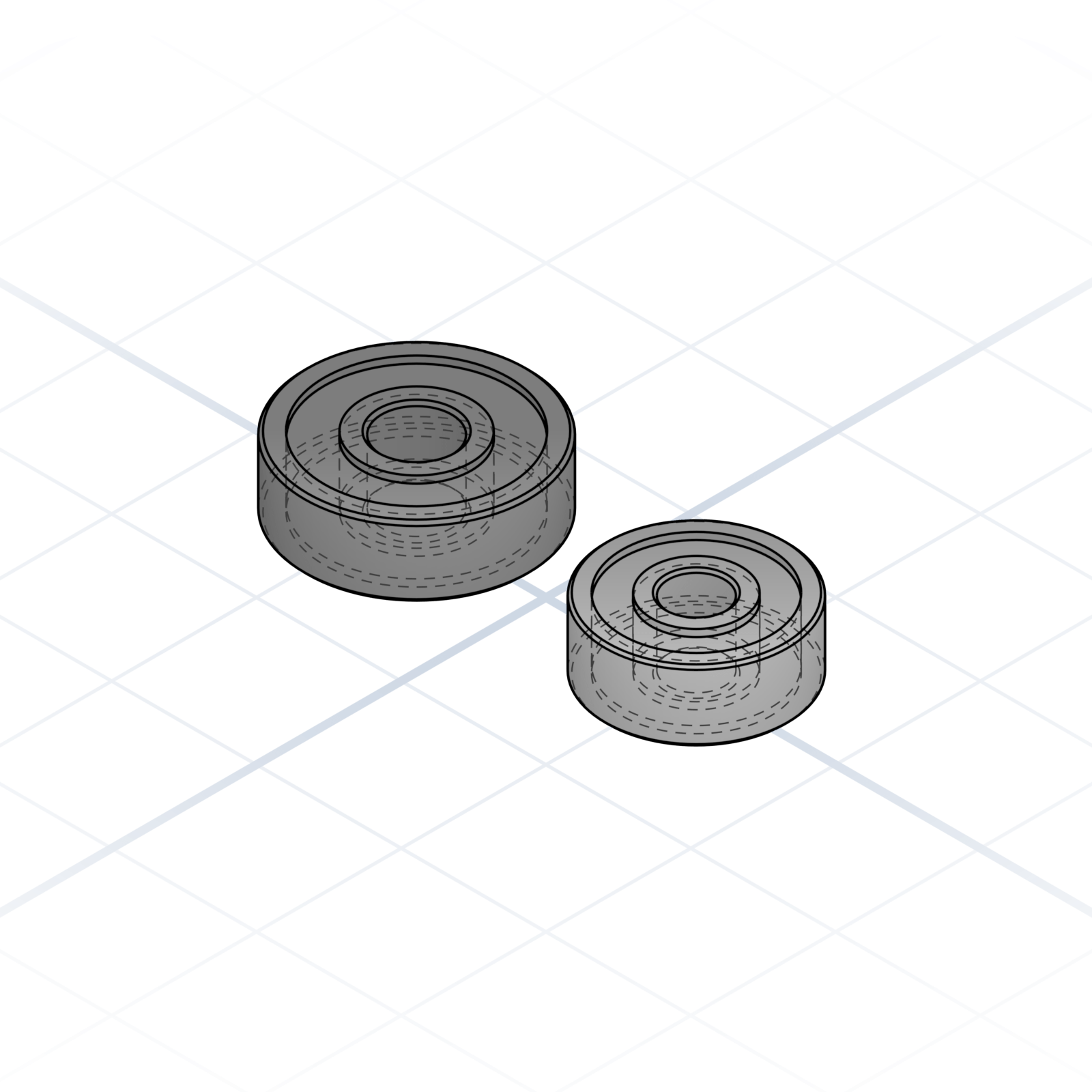
5 × 16 × 5 and 4 × 13 × 5. The small idlers you’ll see in printer kits.
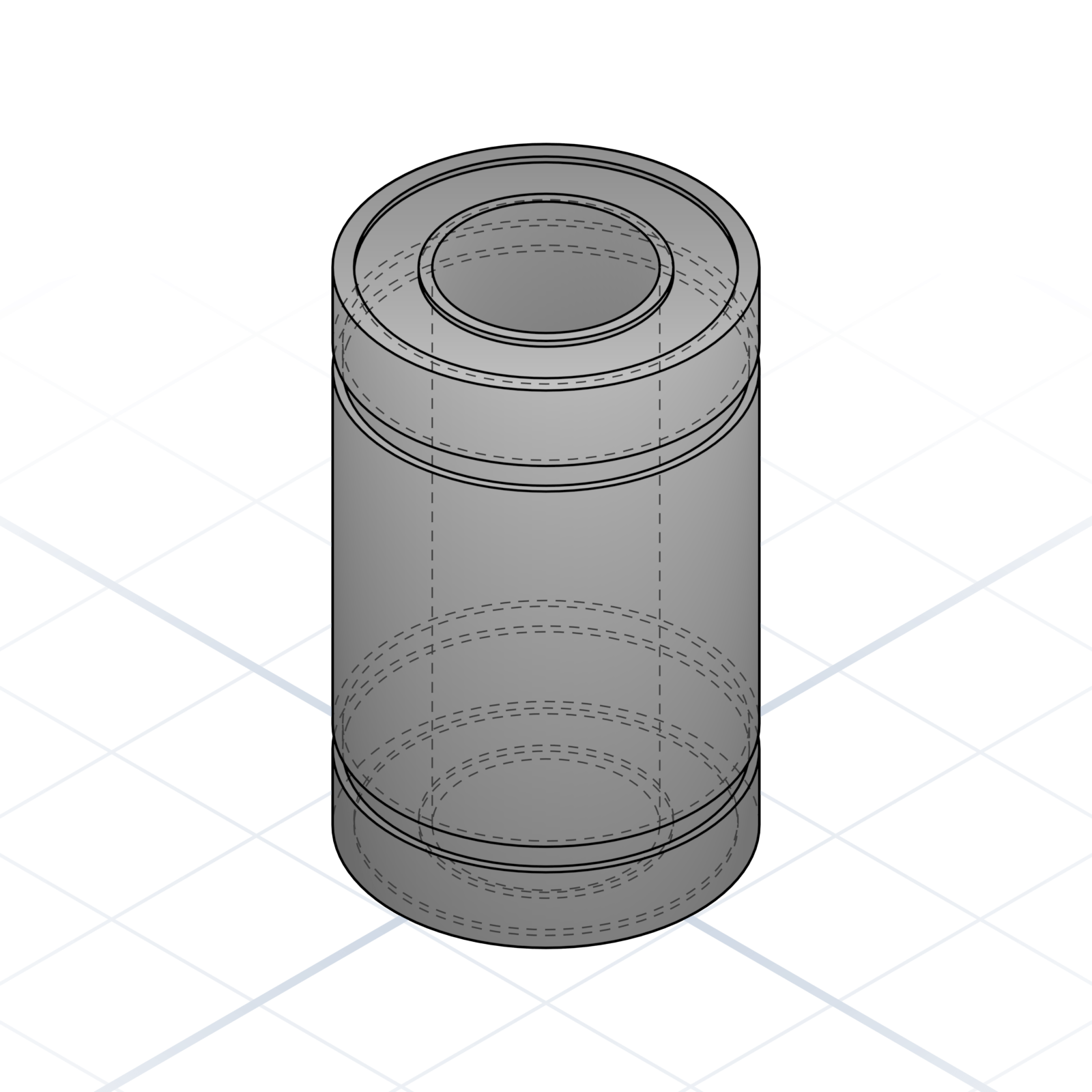
Linear bearing (LM8UU)
Recirculating ball bearing on an 8 mm smooth rod. The standard linear-motion part.
Smooth rod
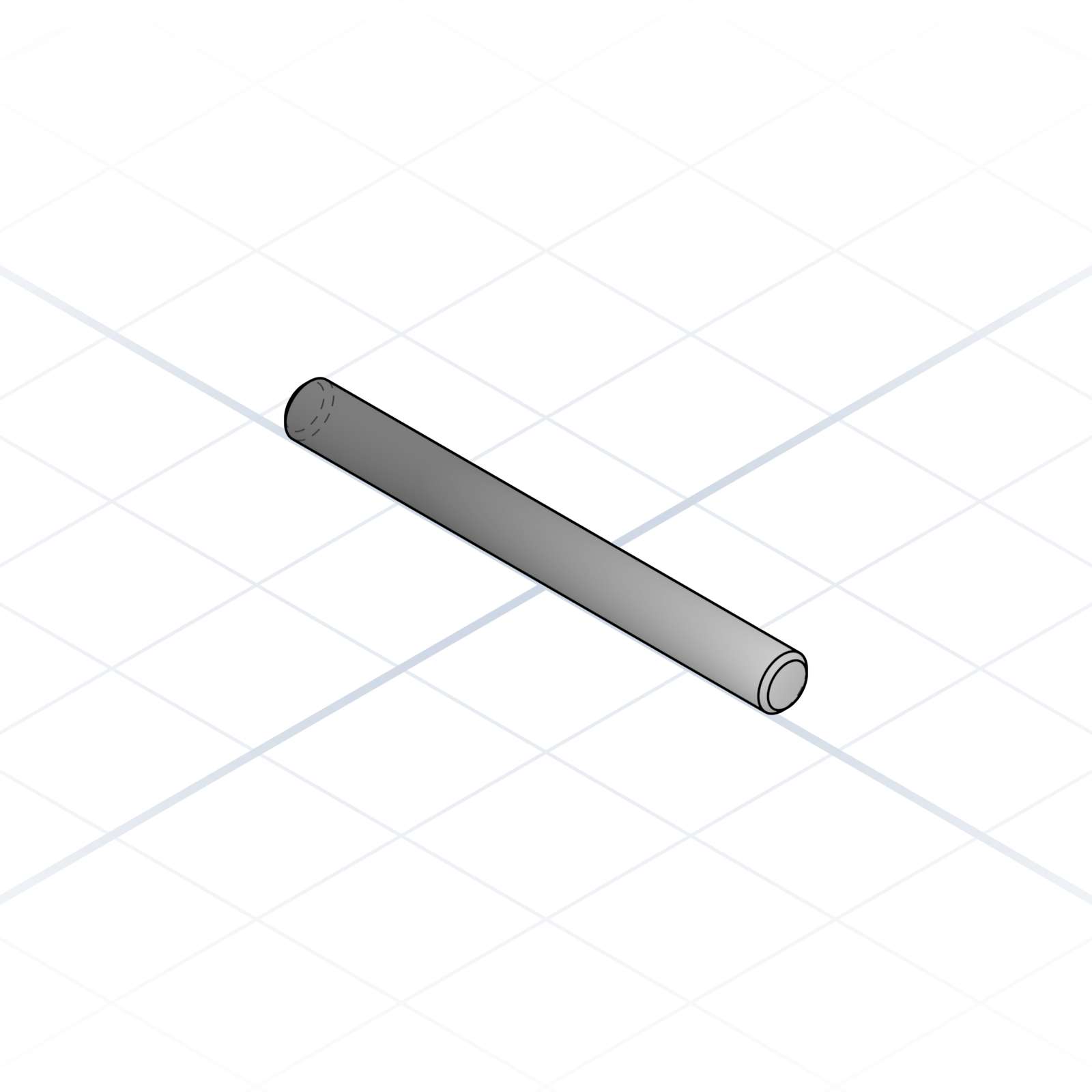
Chromed steel shaft, usually 8 mm. Linear bearings glide on it.
NEMA 17 stepper motor
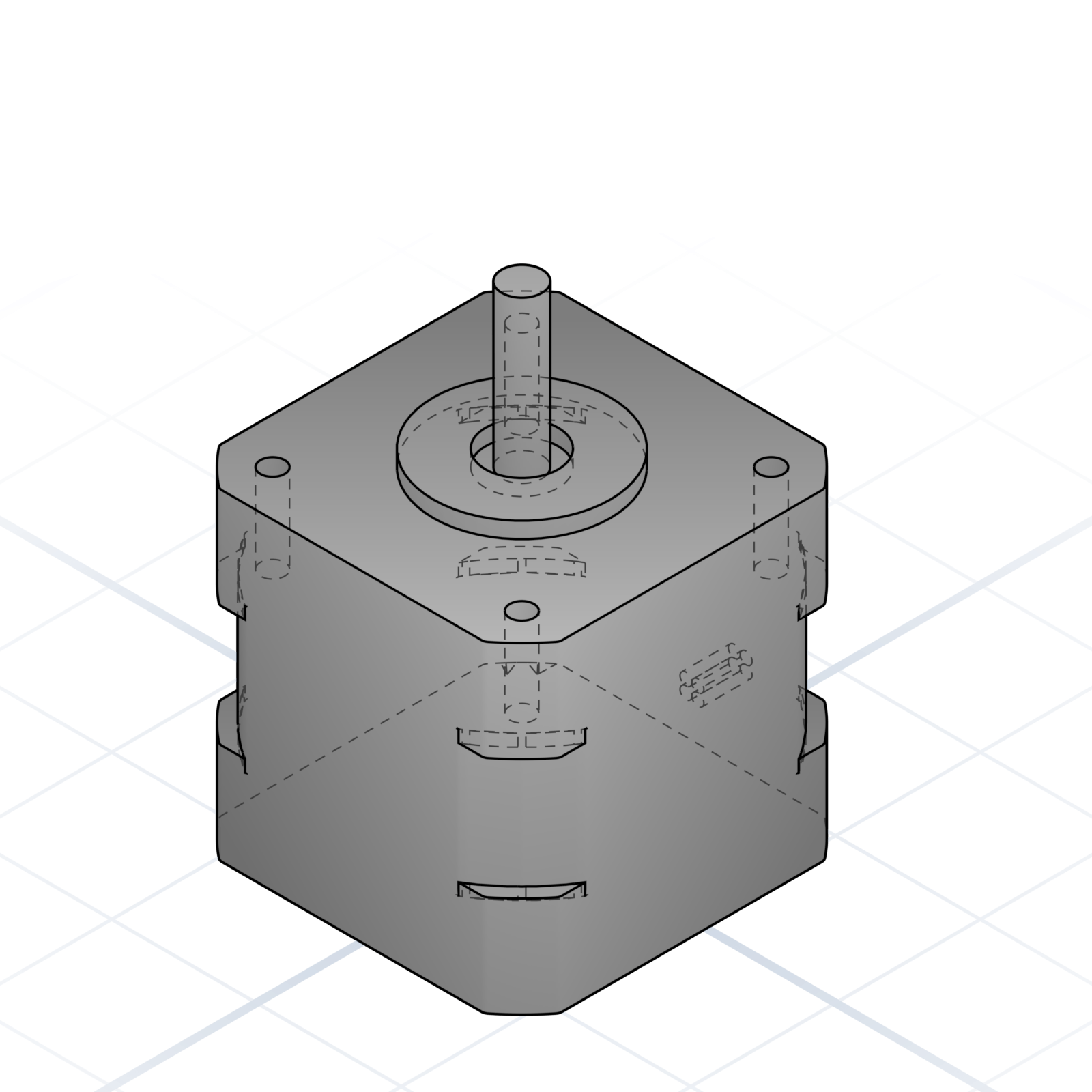
42.3 mm face, 5 mm shaft. Mounting holes on a 31 mm square pattern. Say “NEMA 17 mount” and the holes line up.
2020 aluminium extrusion
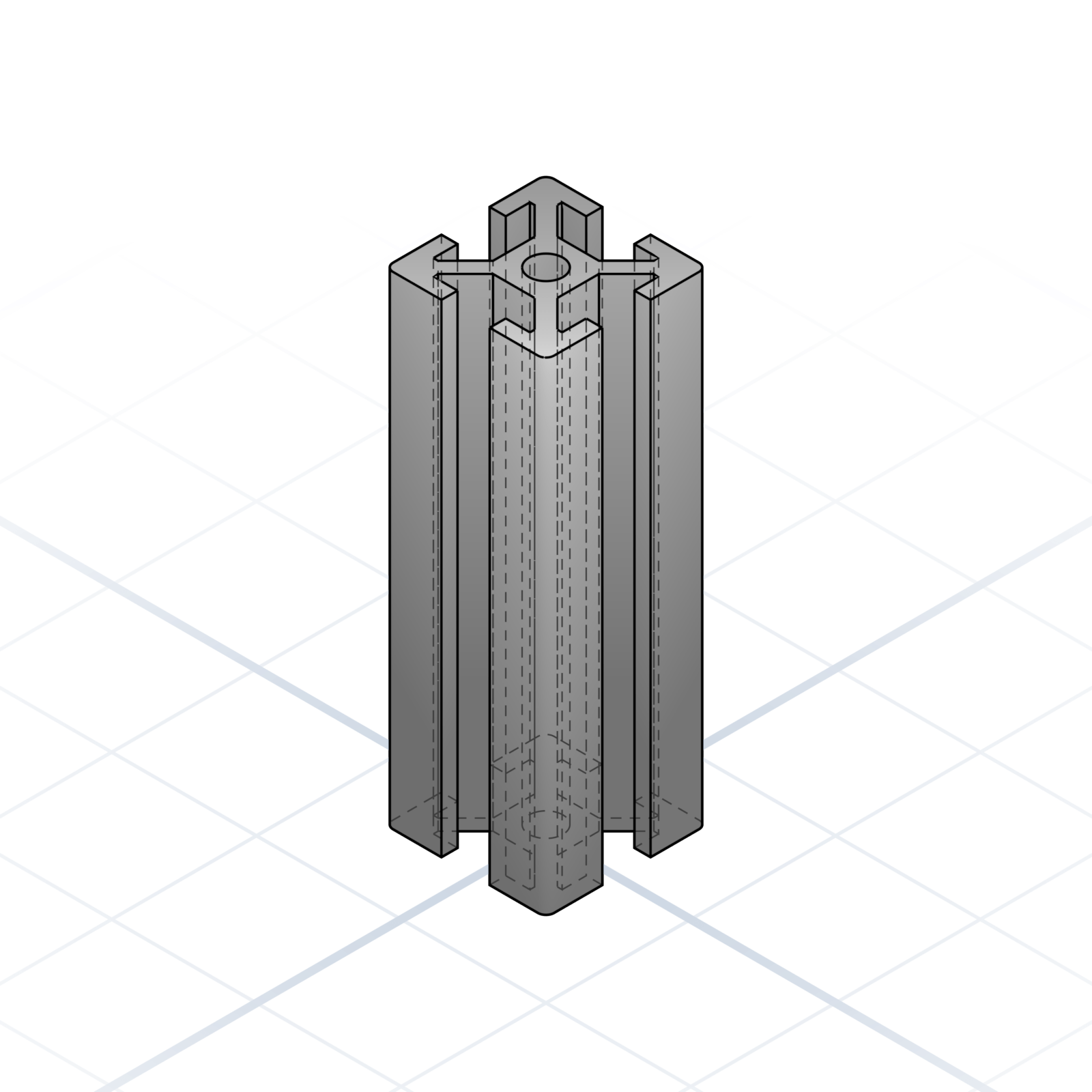
20 × 20 mm cross-section with a 6 mm T-slot. The skeleton of most printer frames.
Linear rail (MGN12)
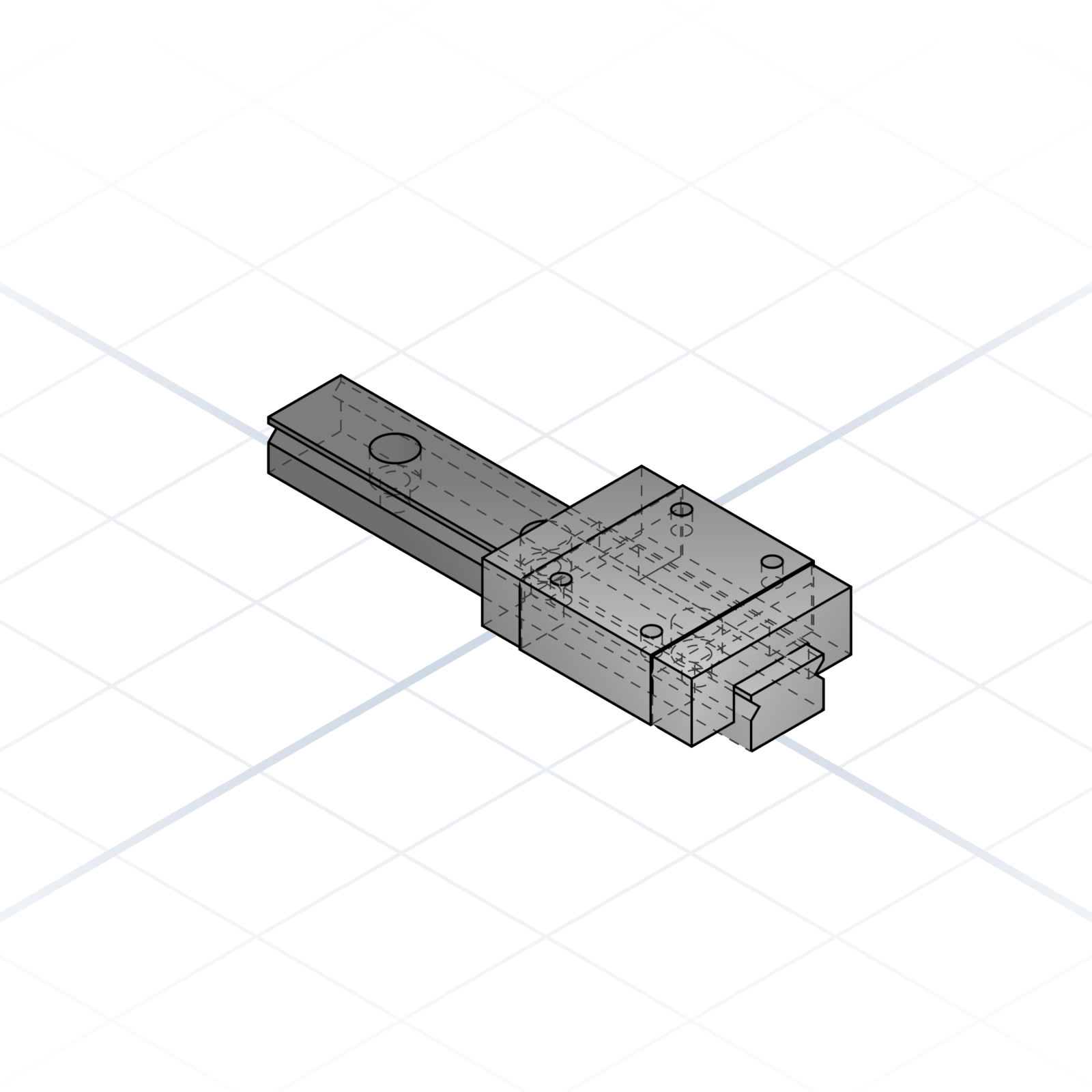
12 mm rail with an MGN12H carriage. Stiffer and quieter than smooth-rod motion.
Bed-levelling spring
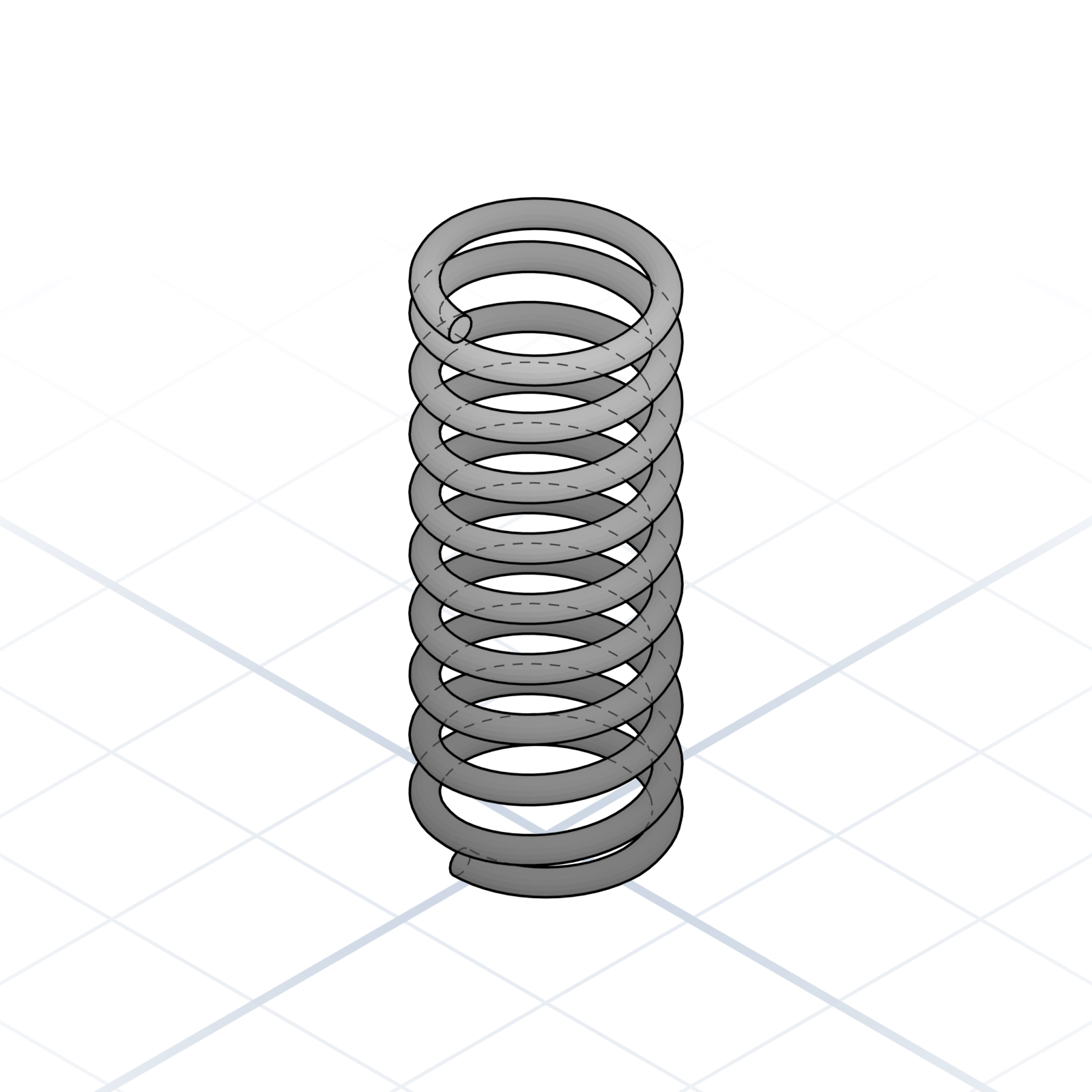
Compression spring, 8 mm across and 20 mm tall. The yellow springs under most common printer beds.
grandpacad
Naming real parts22 / 36
Belts, pulleys, and leadscrews
The parts that turn a motor’s spin into straight-line motion, the same belts and screws every printer kit ships with.
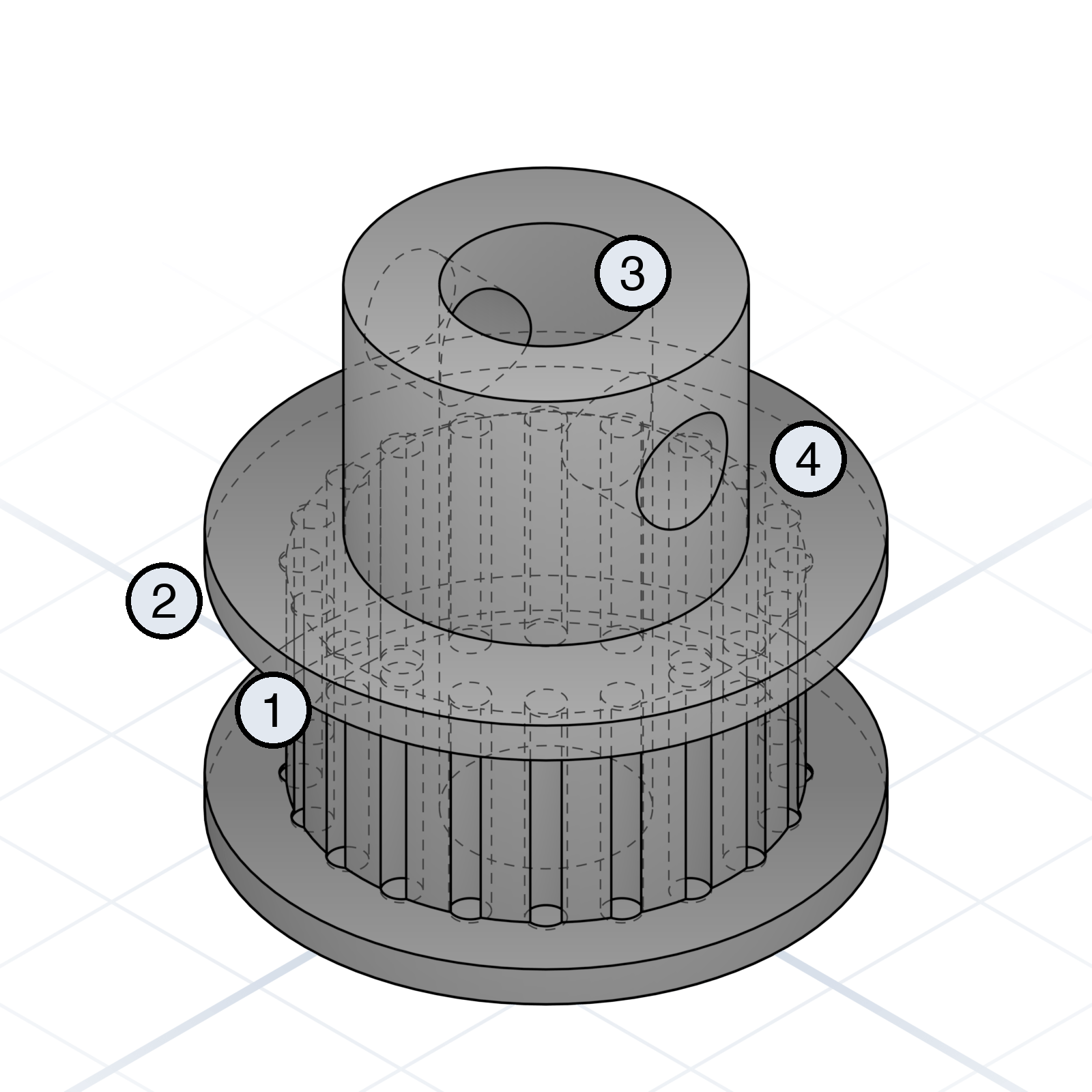
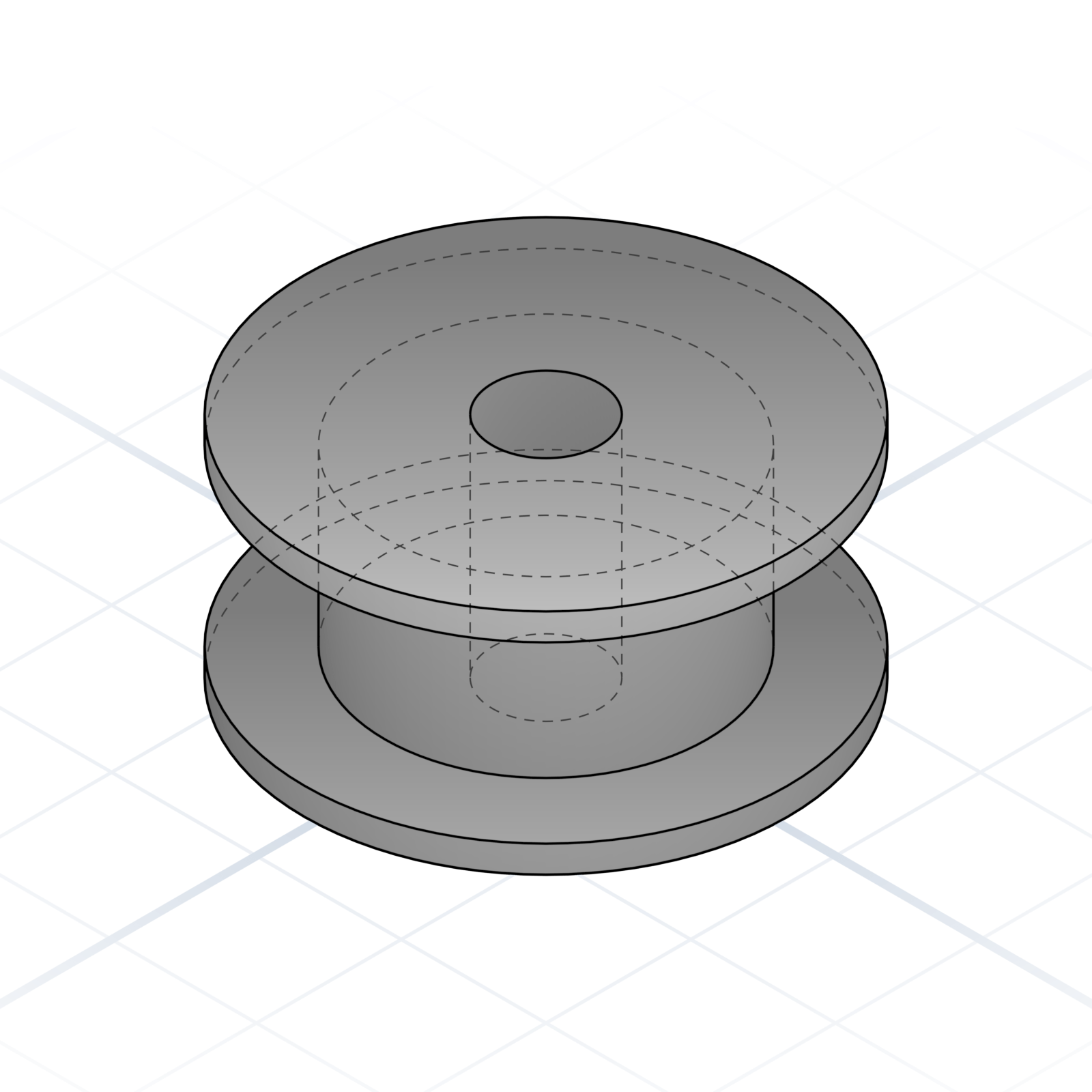
Anatomy of a GT2 pulley
1Tooth profile (2 mm pitch)
2Flange
3Bore
4Set screw hole
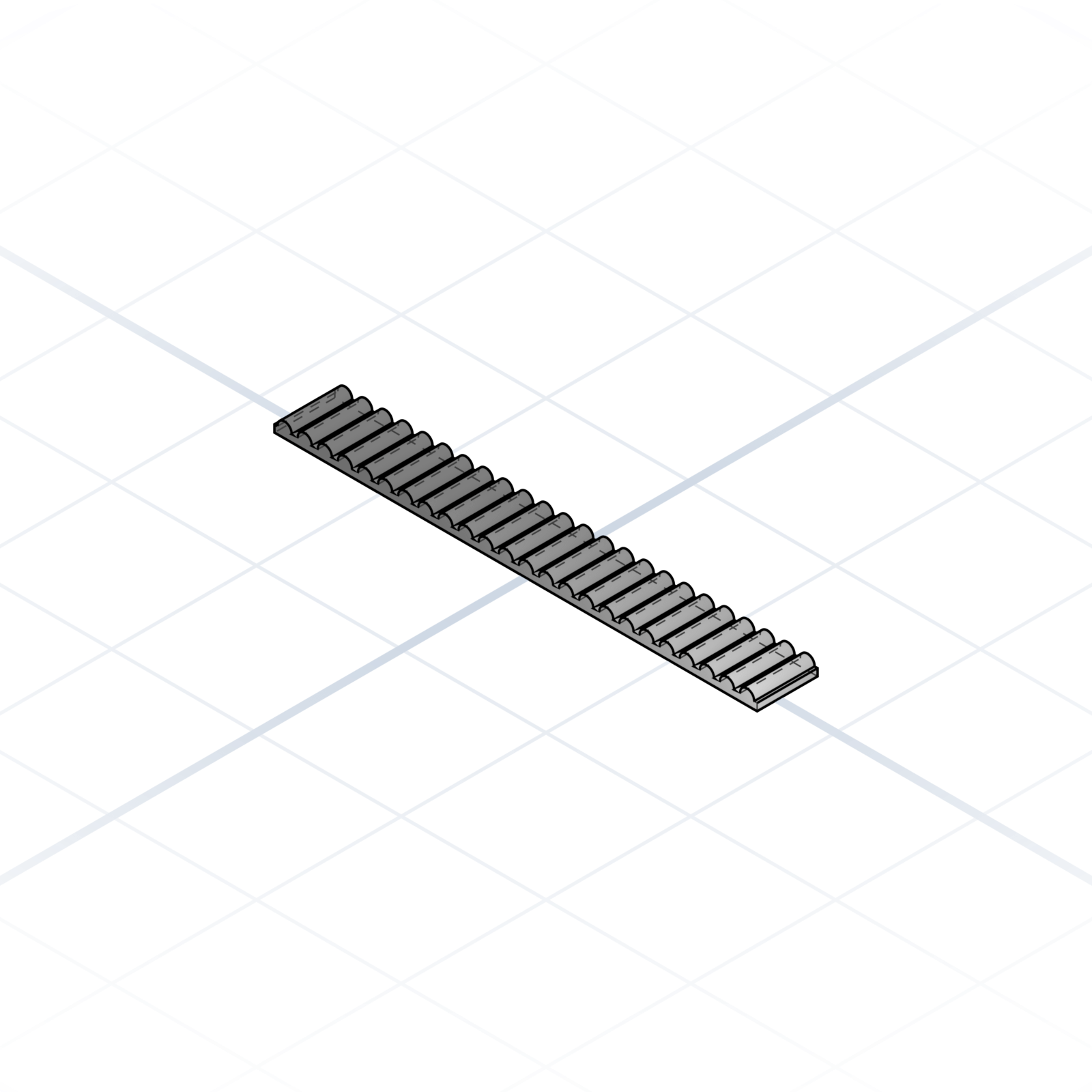
GT2 timing belt
2 mm pitch toothed belt. 6 mm wide is standard, 9 mm for heavier carriages. Loop length matters; open belt is cut to size.
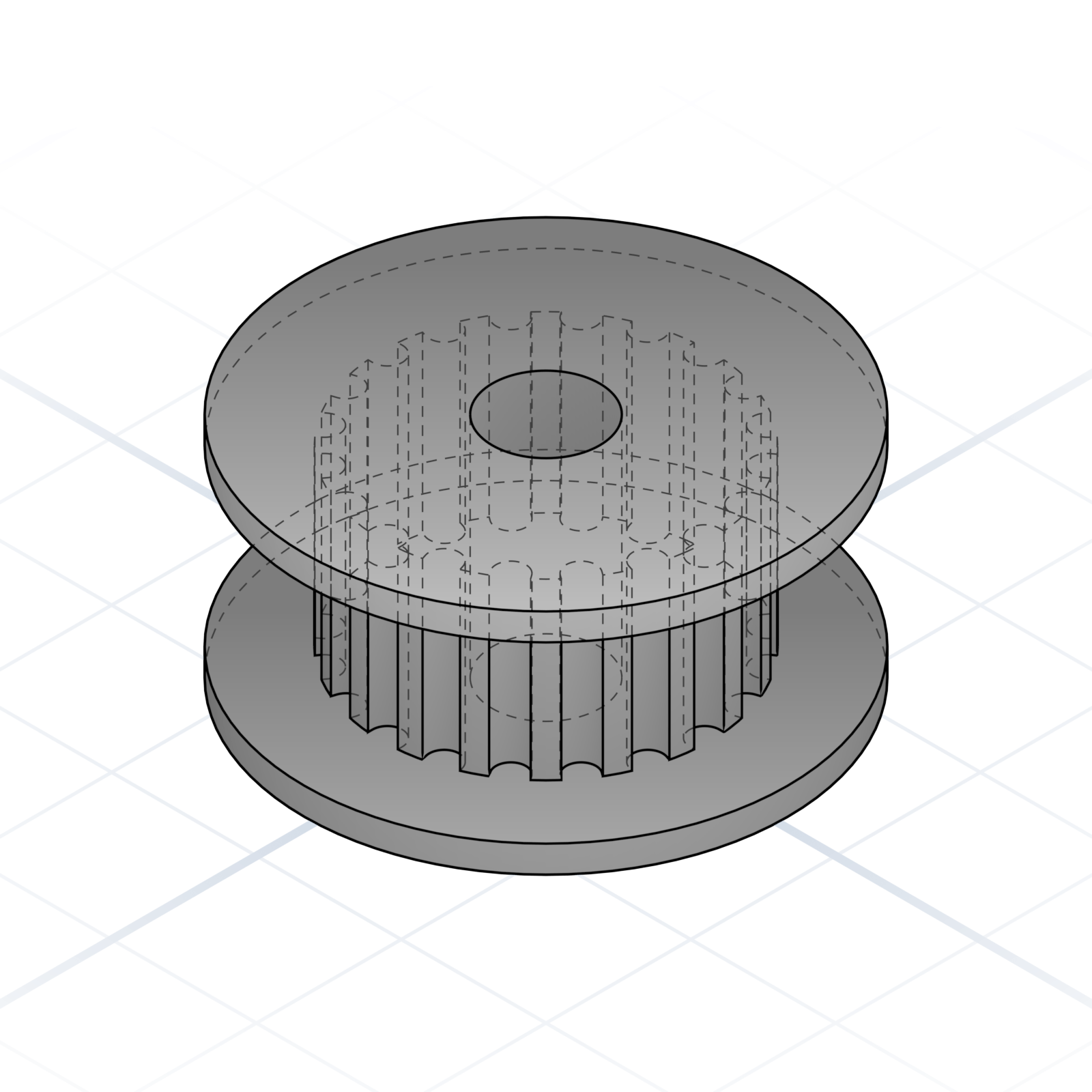
Toothed idler
Bearing with a GT2-toothed face. Reverses belt direction without the belt slipping on the wheel.
Smooth idler
Flanged bearing with a plain face. Used where the back of the belt rides the wheel.
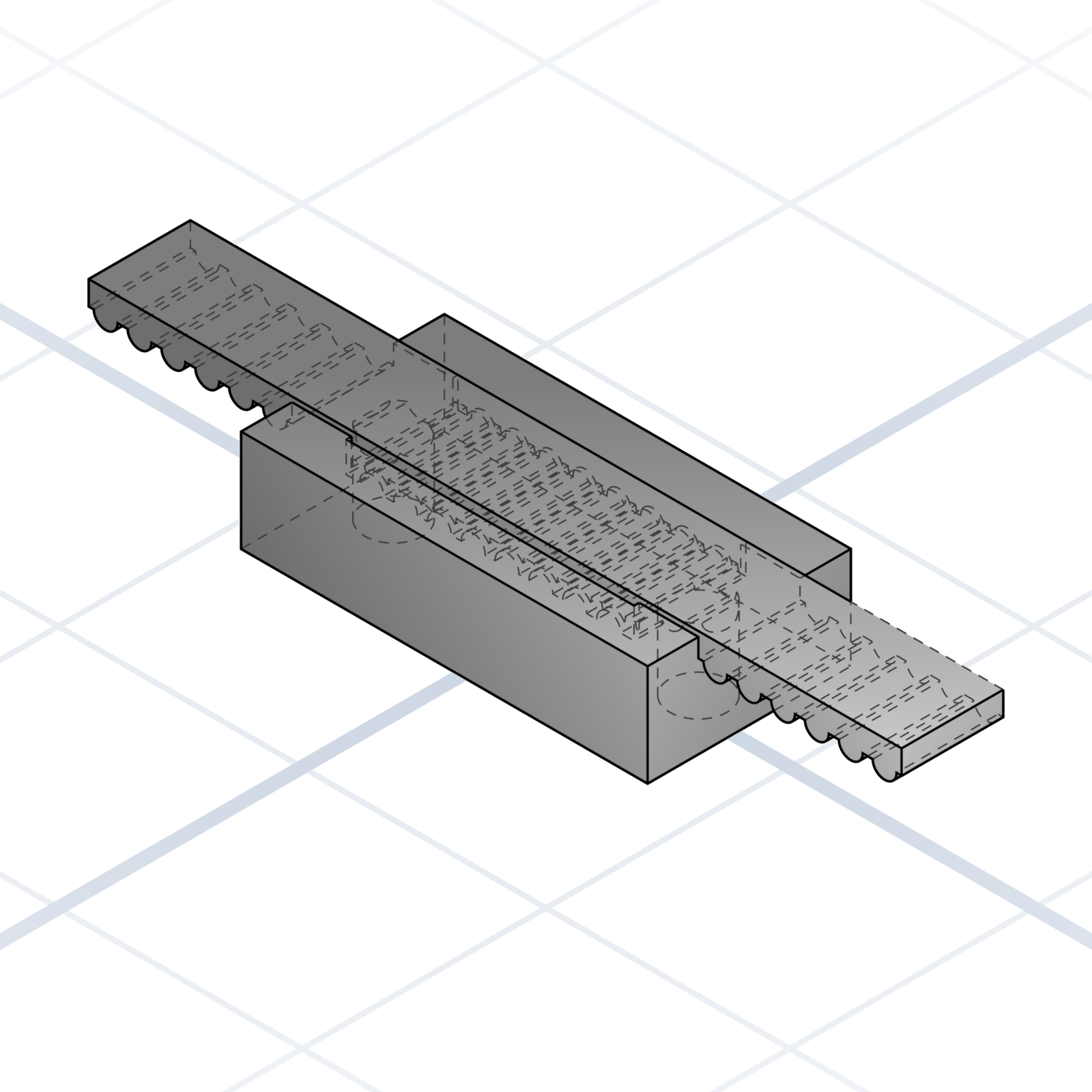
Belt clamp / tensioner
Printed block with a serrated slot that grips a GT2 belt by its teeth. Print the slot teeth at the same 2 mm pitch as the belt, pinch with two M3 screws.
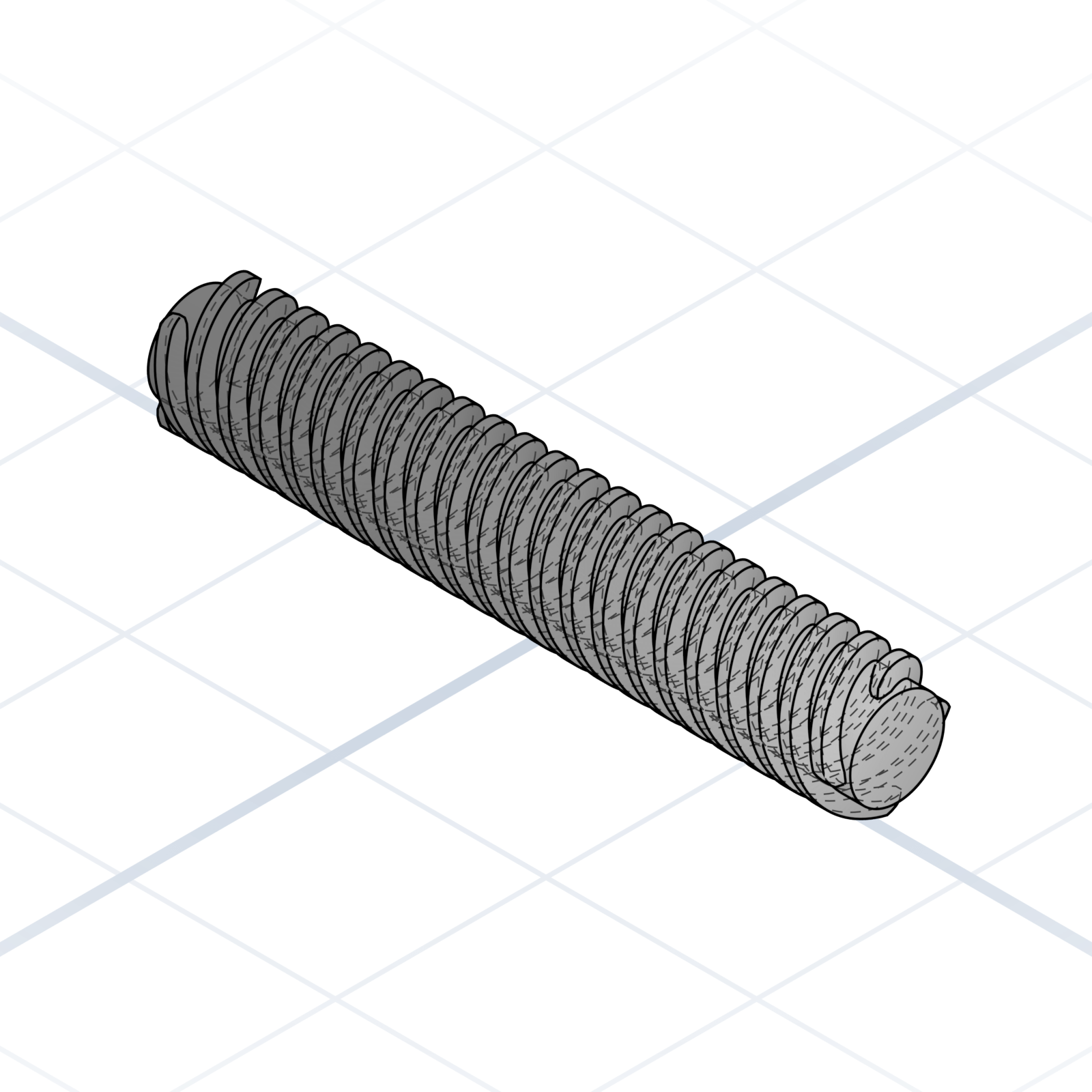
T8 leadscrew
Threaded rod built to drive a nut up and down. It has a coarse thread that moves 8 mm per full turn, so it’s for moving things, not fastening.
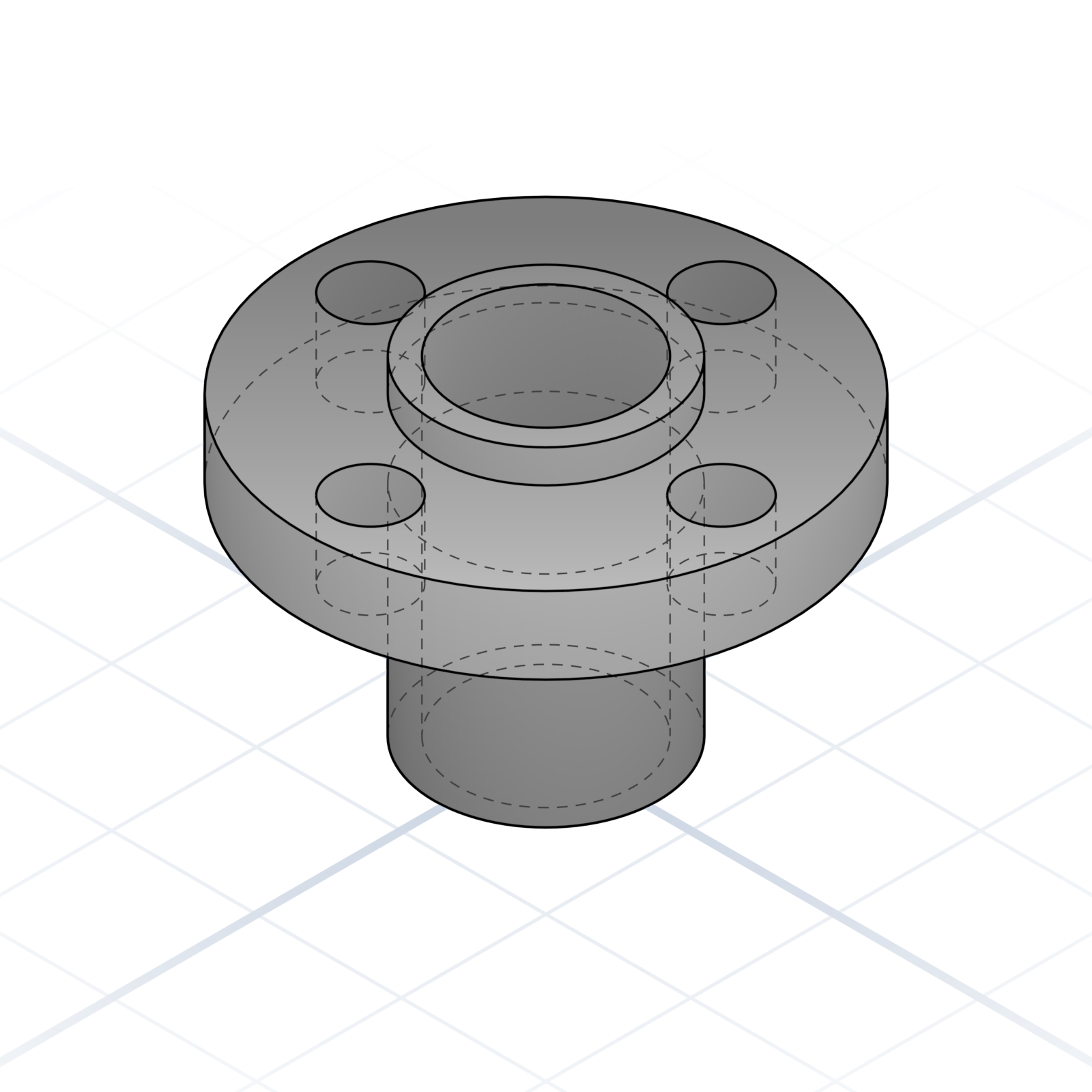
T8 brass nut
The mating nut for a T8 leadscrew. Bolts to a printed carriage on a 22 mm flange pattern and turns leadscrew rotation into carriage motion. Anti-backlash variant has a sprung second nut for play-free positioning.
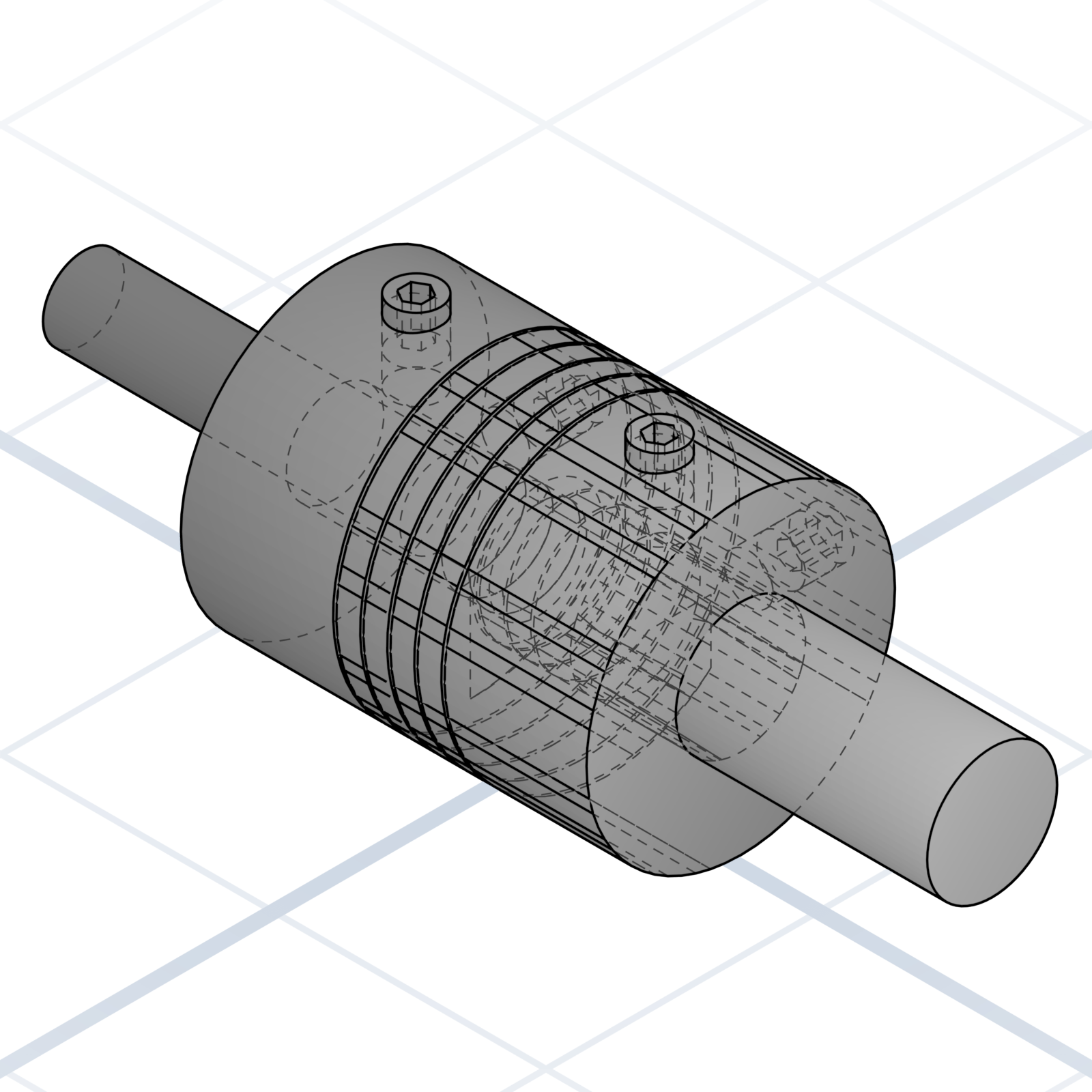
Flexible shaft coupler
Connects a stepper motor to a Z-axis leadscrew, one shaft in each end. The spiral-cut slots let it bend a little, so a motor that sits slightly off-line from the screw won’t bind or add wobble to the print.
grandpacad
Naming real parts23 / 36
Electronics and panel mounts
Printing a bracket or enclosure for one of these is one of the most common reasons to design a part at all, whether you’re upgrading your own printer or boxing up an electronics project. Each board has a fixed hole pattern the AI can match by name.
PCB standoff / boss
Printed pillar with an M3 heat-set or self-tap hole. State height, hole pattern, and whether the head sinks into a counterbore.
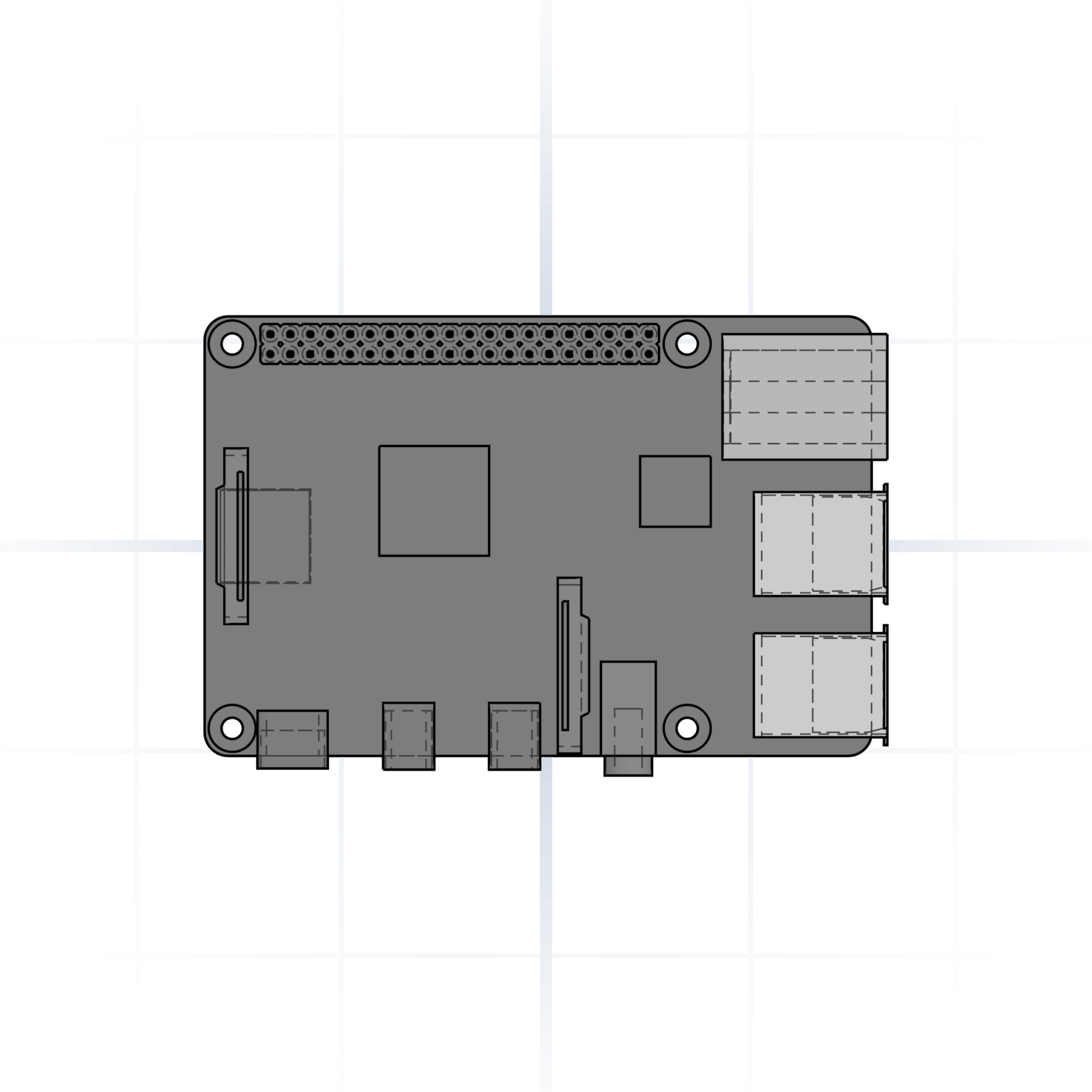
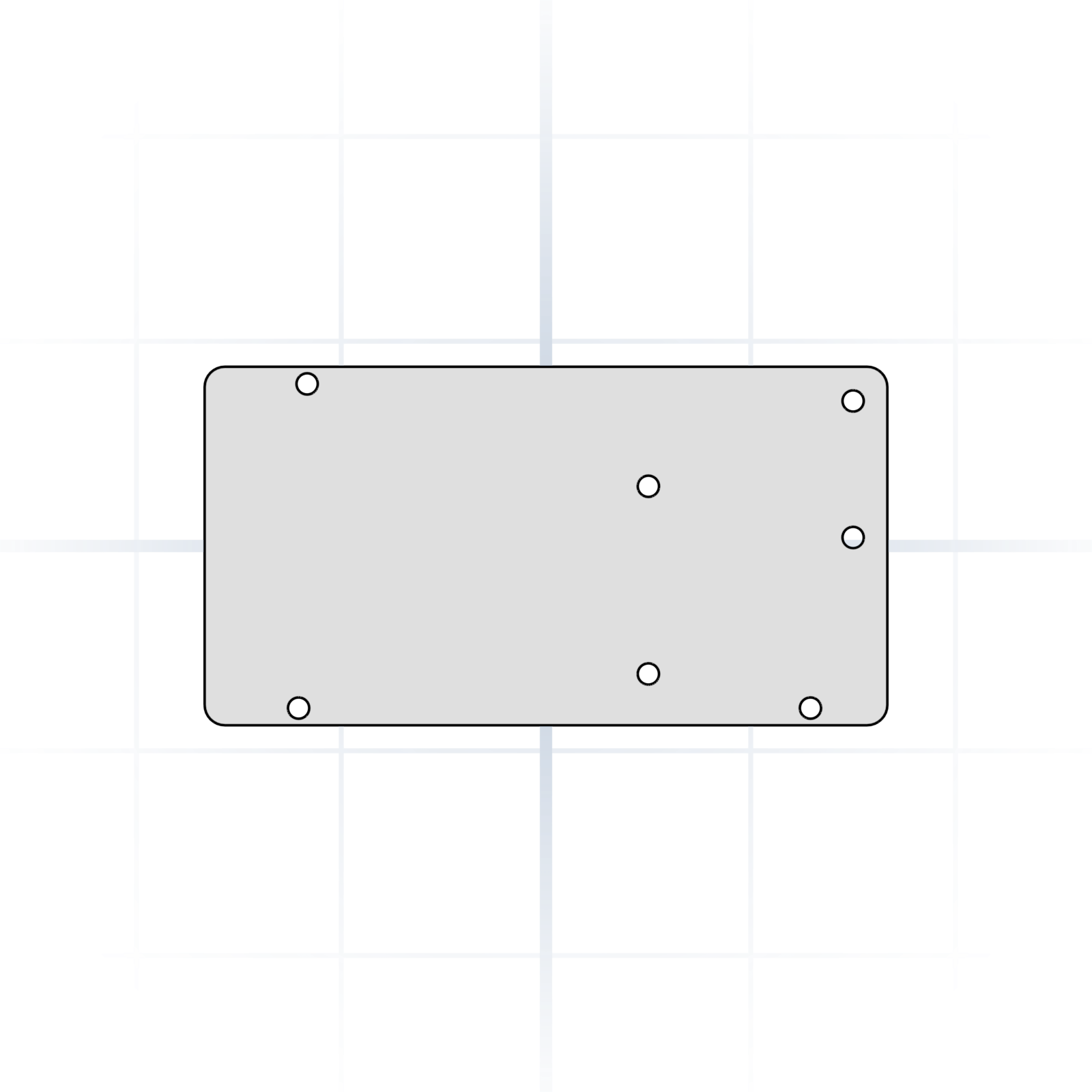
Raspberry Pi 4 mount
58 × 49 mm M2.5 hole pattern. Say “Pi 4 mount” or “Pi 3 mount” (the patterns differ).
Arduino Mega / RAMPS mount
M3 holes on the Arduino Mega footprint. Carries RAMPS 1.4 control boards used in older printer builds.
Control board mount
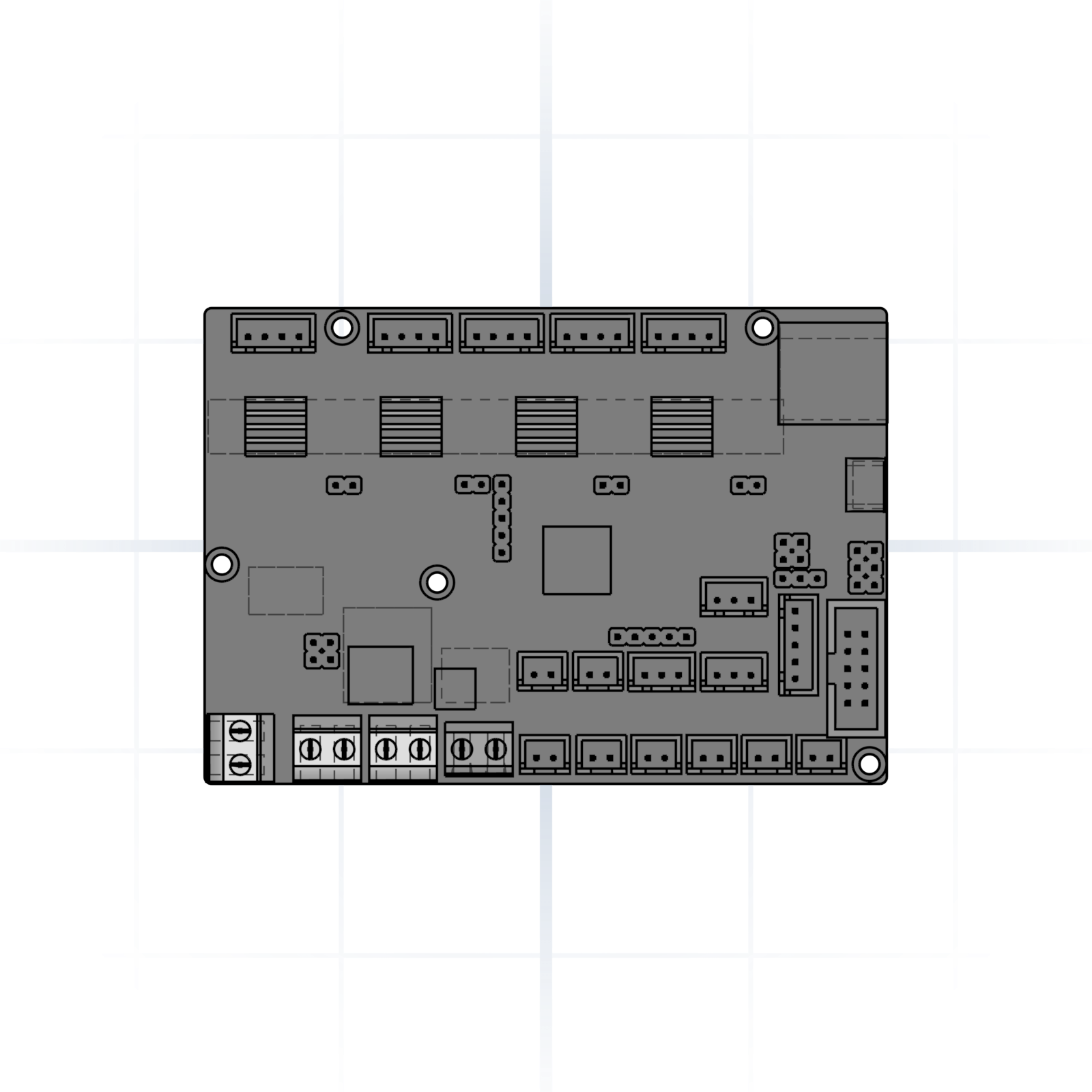
M3 hole patterns for BTT SKR Mini E3 or MKS Gen-L. Say which board and version you have; the mounting holes moved between versions.
40 mm axial fan
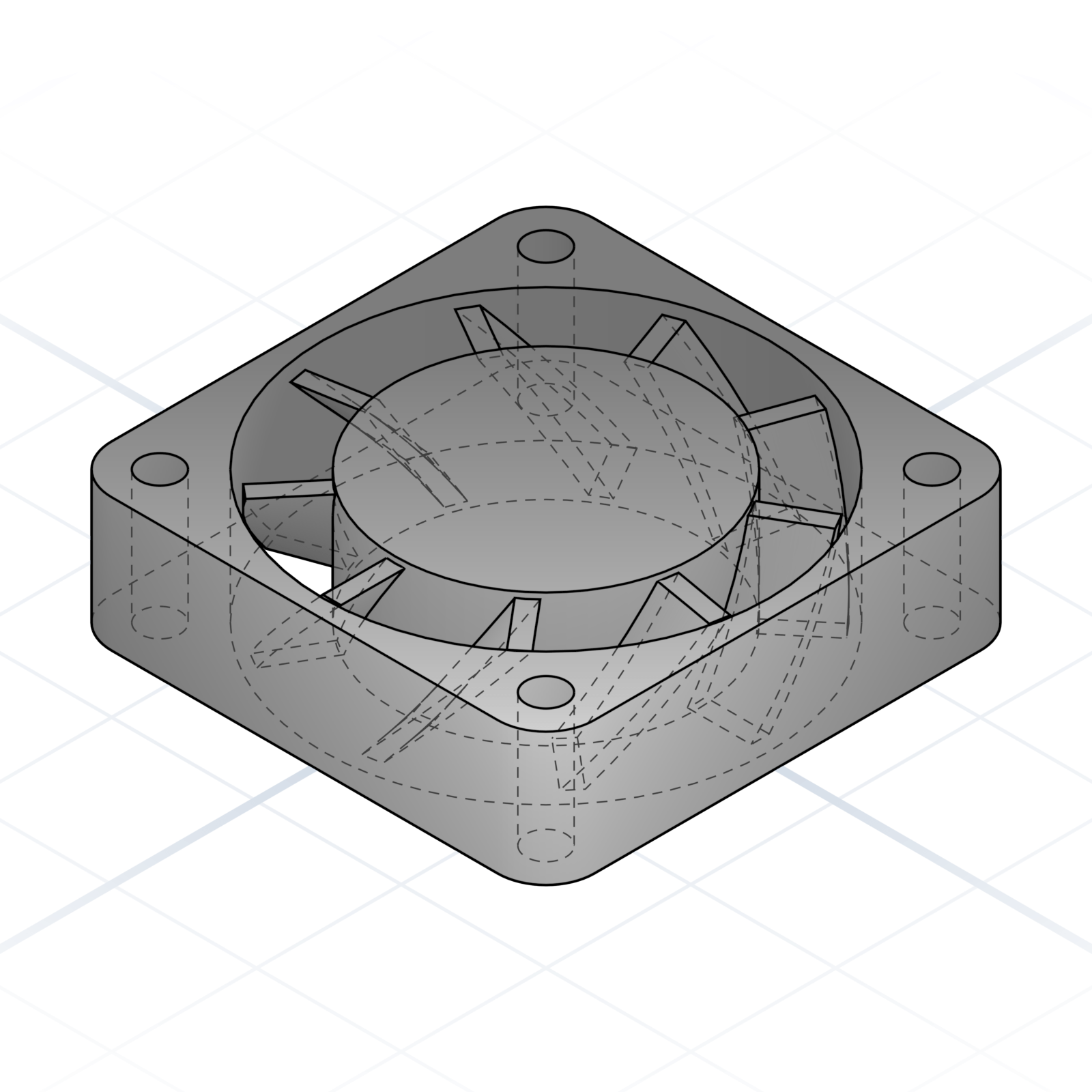
40 × 40 × 10 mm. M3 holes on a 32 mm square pattern. The hot-end cooling default.
5015 radial blower
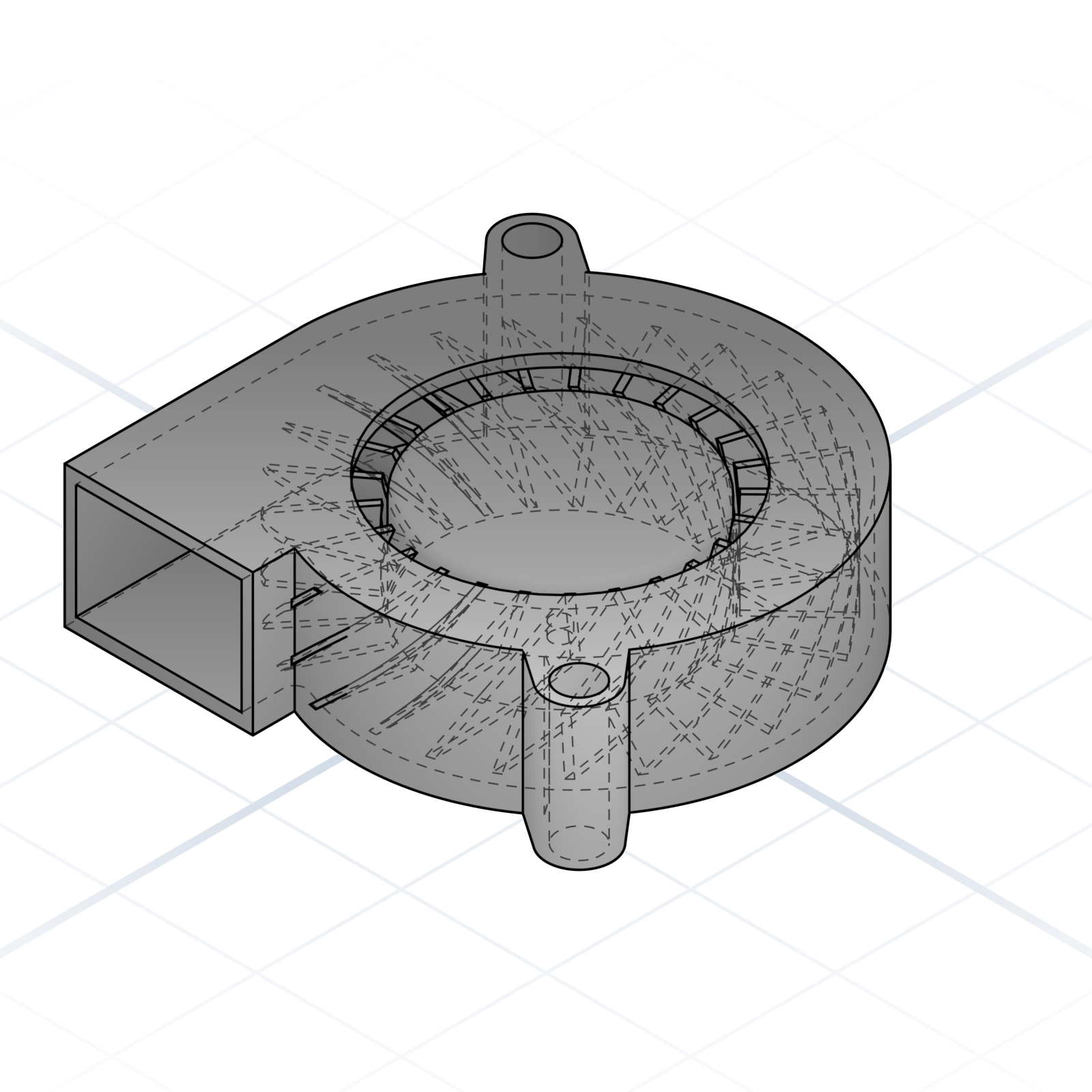
50 × 50 × 15 mm centrifugal fan. Two M3 mounts and a rectangular outlet. The part-cooling default.
Microswitch (D2F-style)
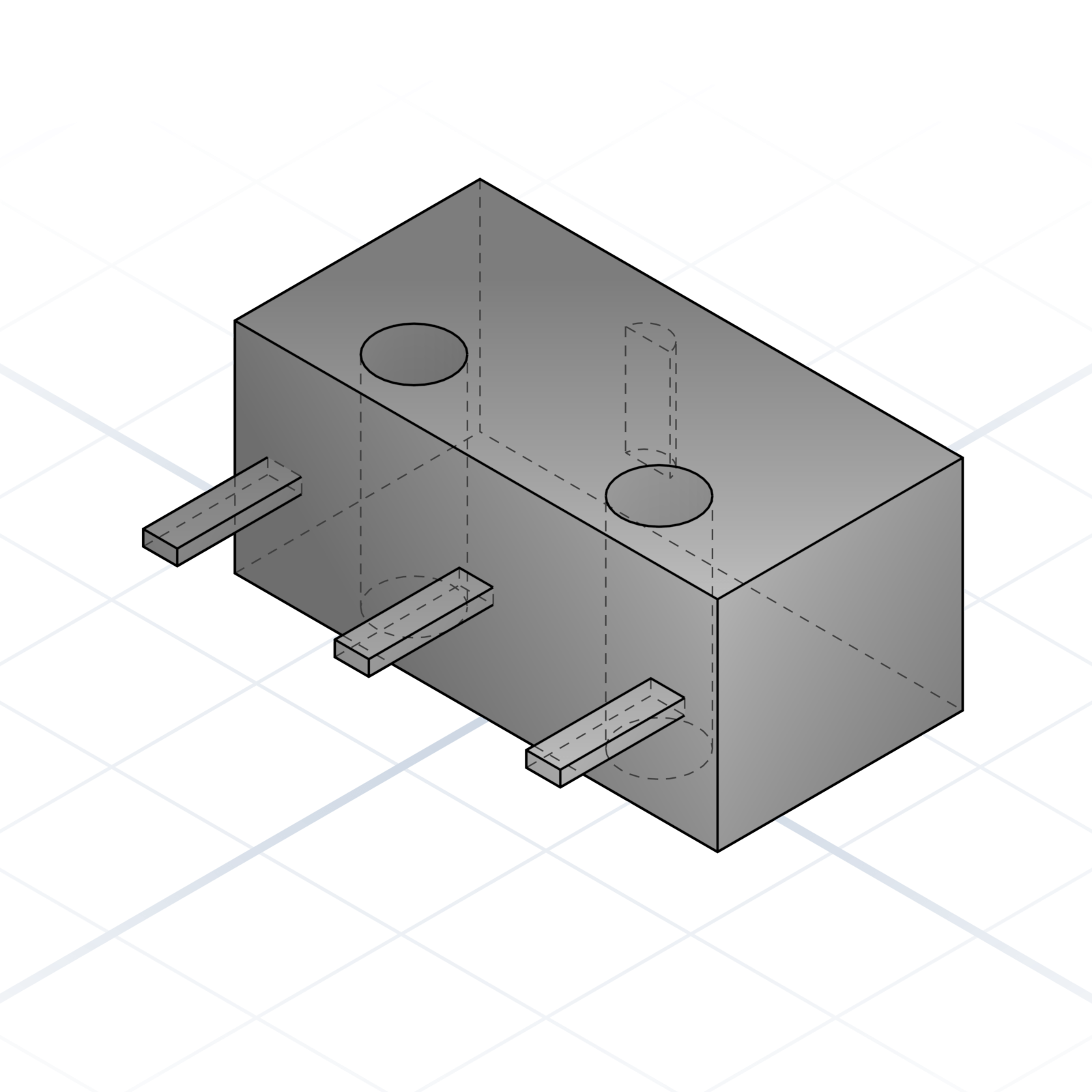
Omron D2F endstop. 5.8 × 12.8 mm body, two M2 holes 6.5 mm apart. Used for X / Y / Z homing.
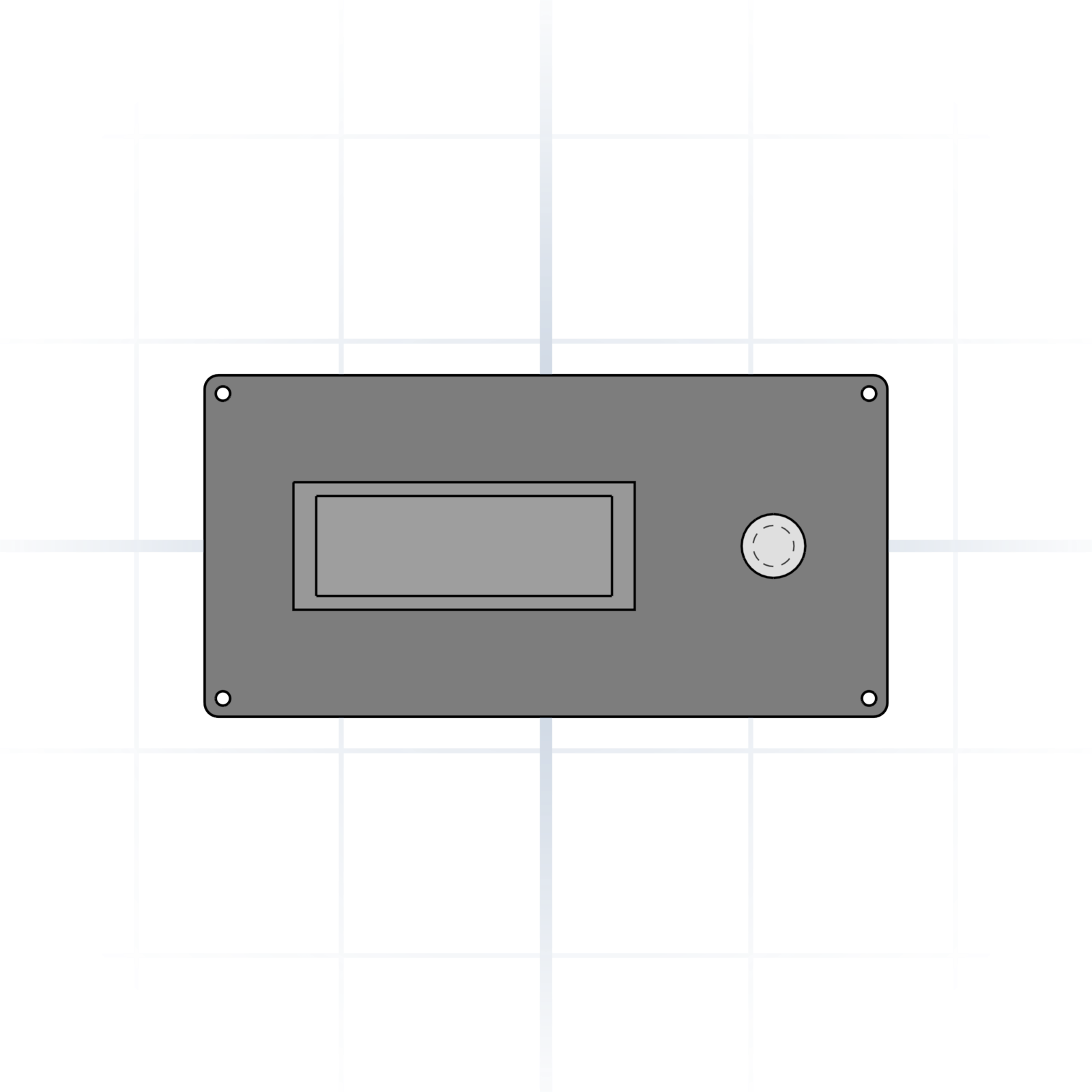
12864 graphic LCD
128 × 64 printer display with rotary encoder. Standard panel cut-out is roughly 150 × 75 mm.
grandpacad
Naming real parts24 / 36
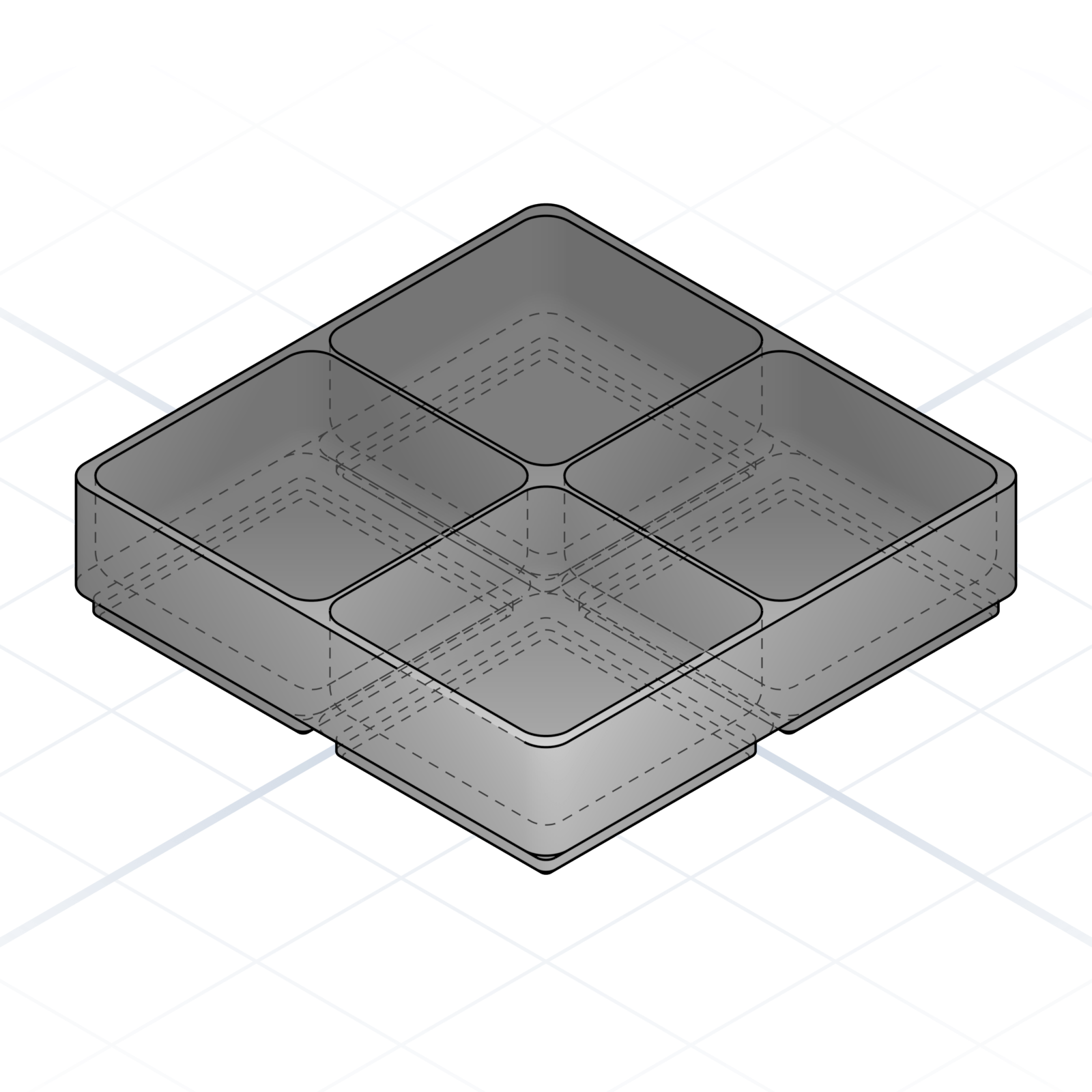
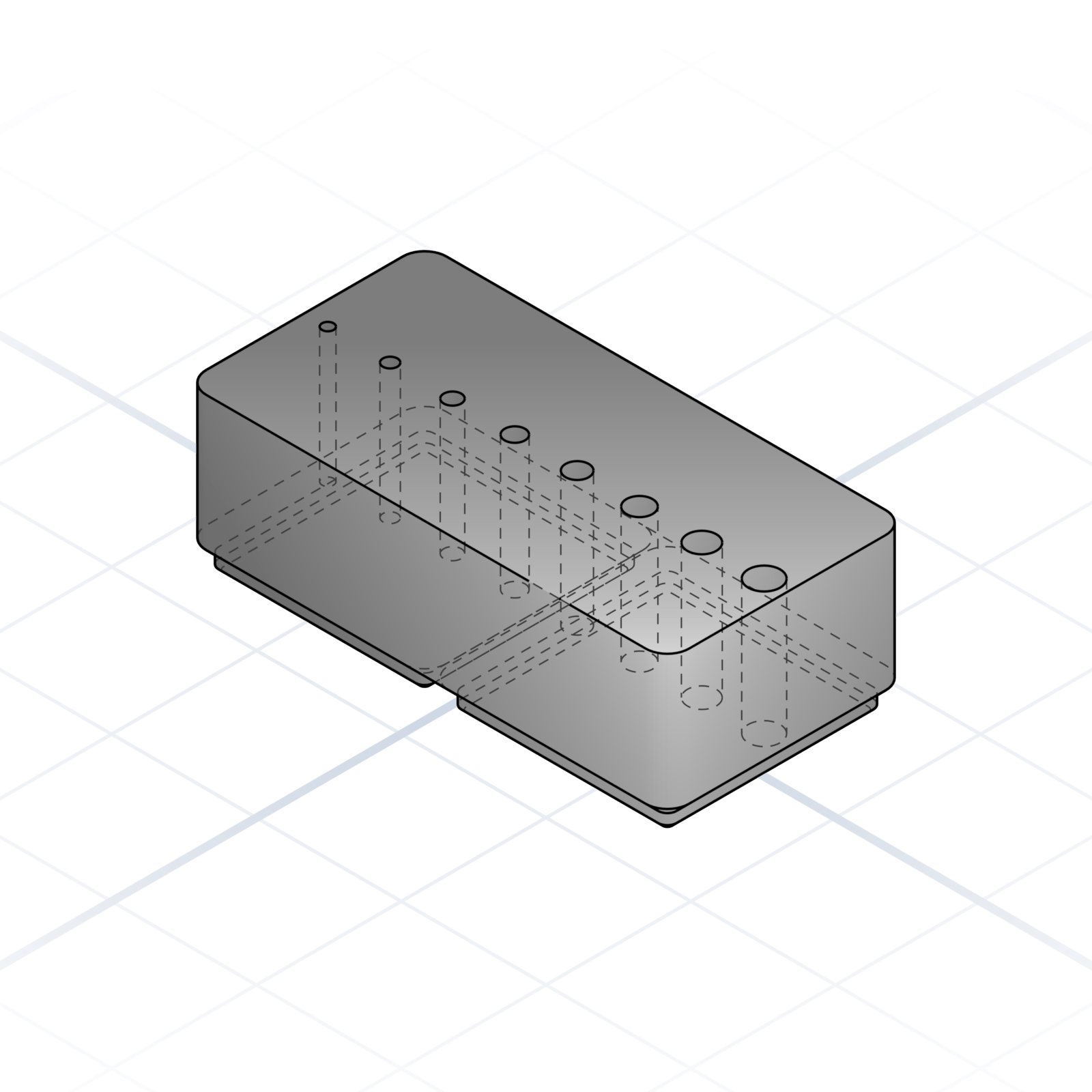
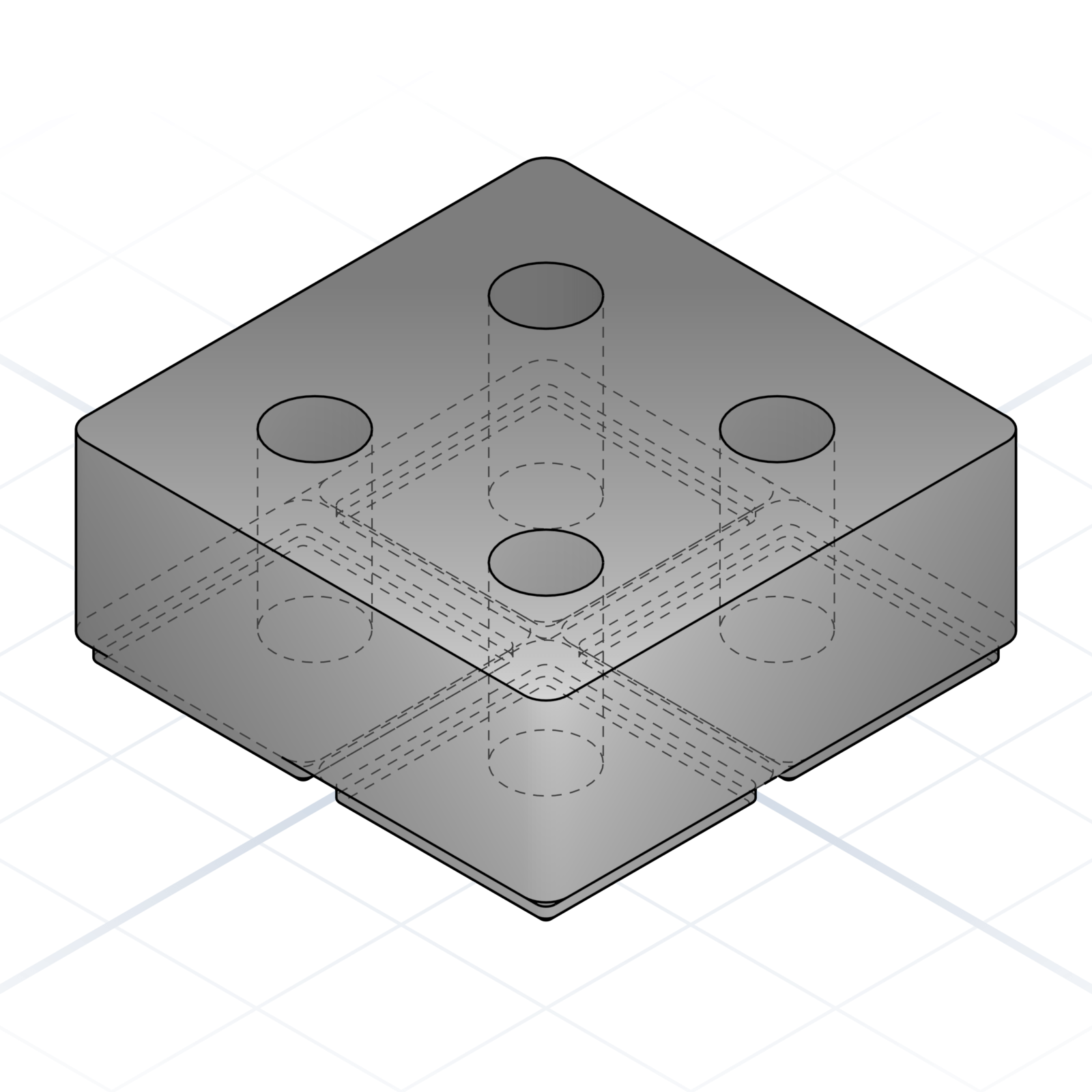
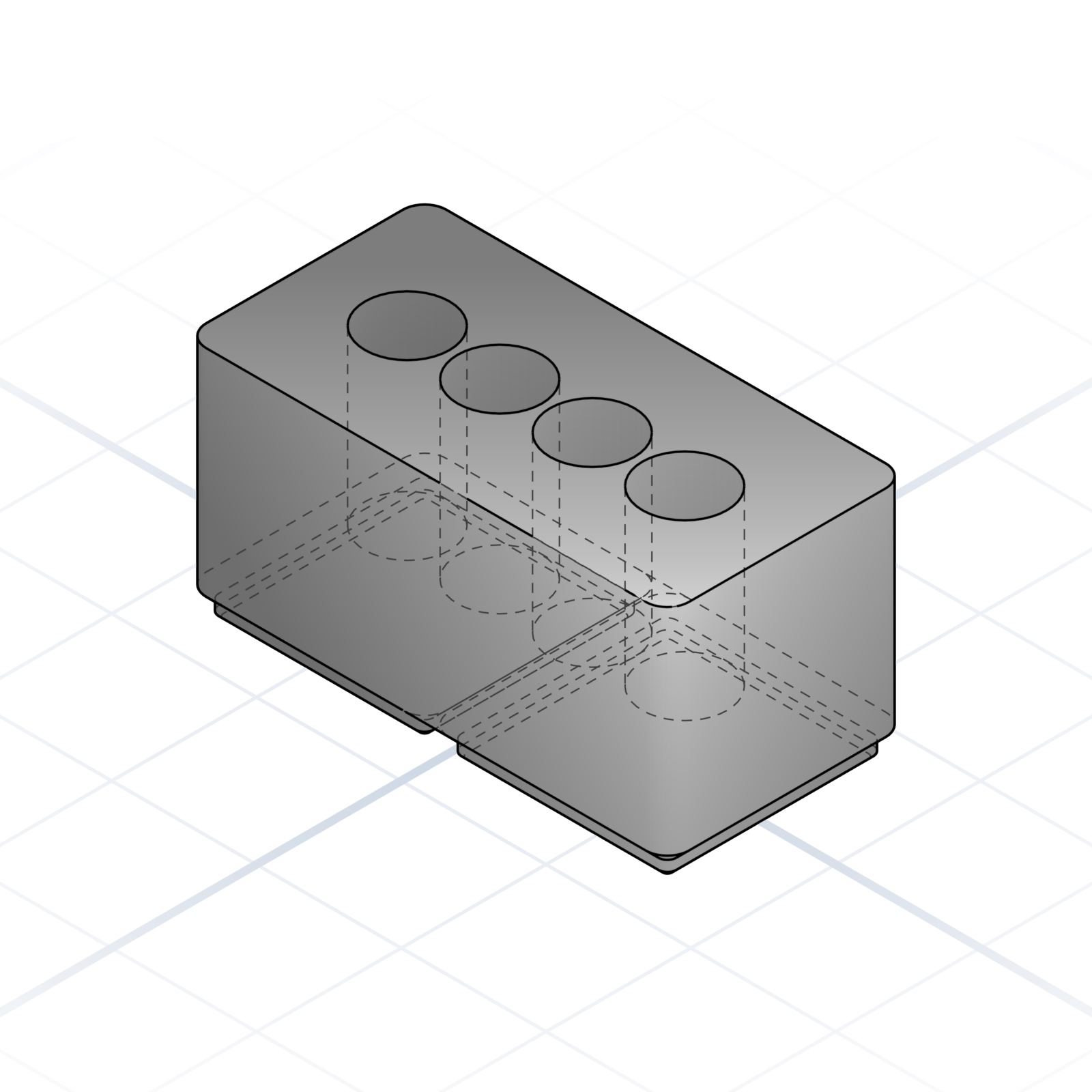
Gridfinity bins
The most popular way to organise a drawer or workbench. Snap-in bins sit on a gridded baseplate in fixed 42 mm squares, so everything lines up and stays put. Thousands of ready-made bins already exist online; ask for the size you need.
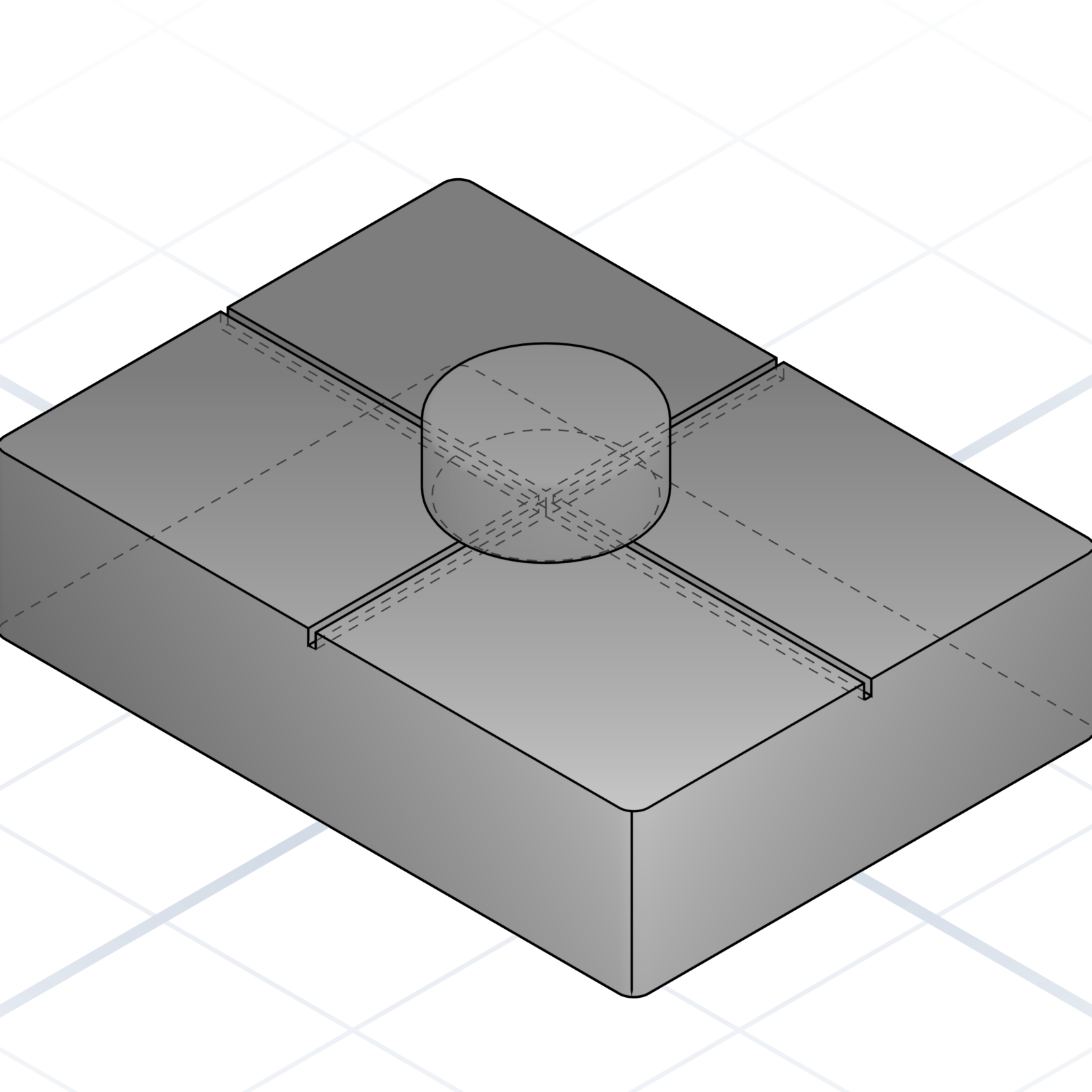
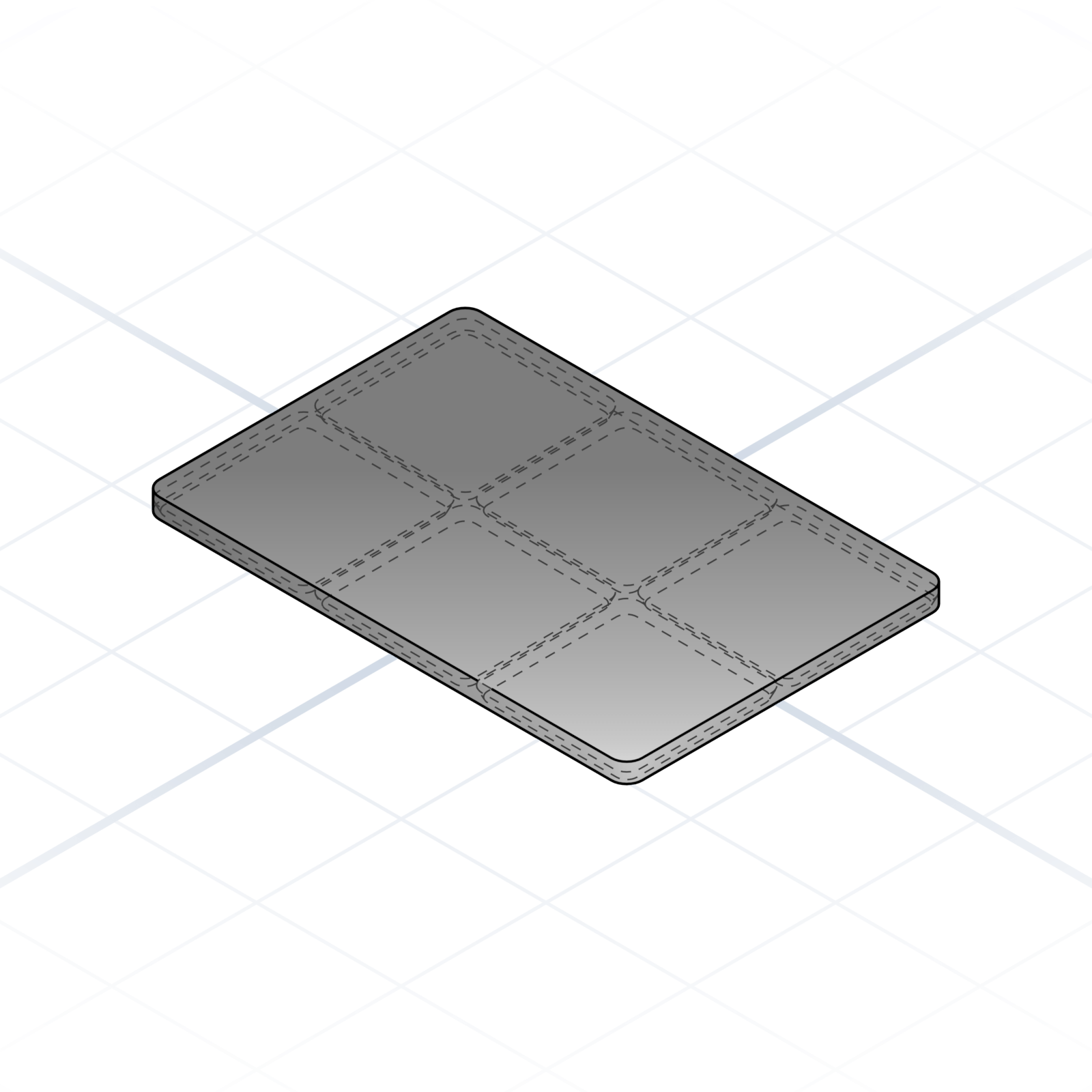
Baseplate
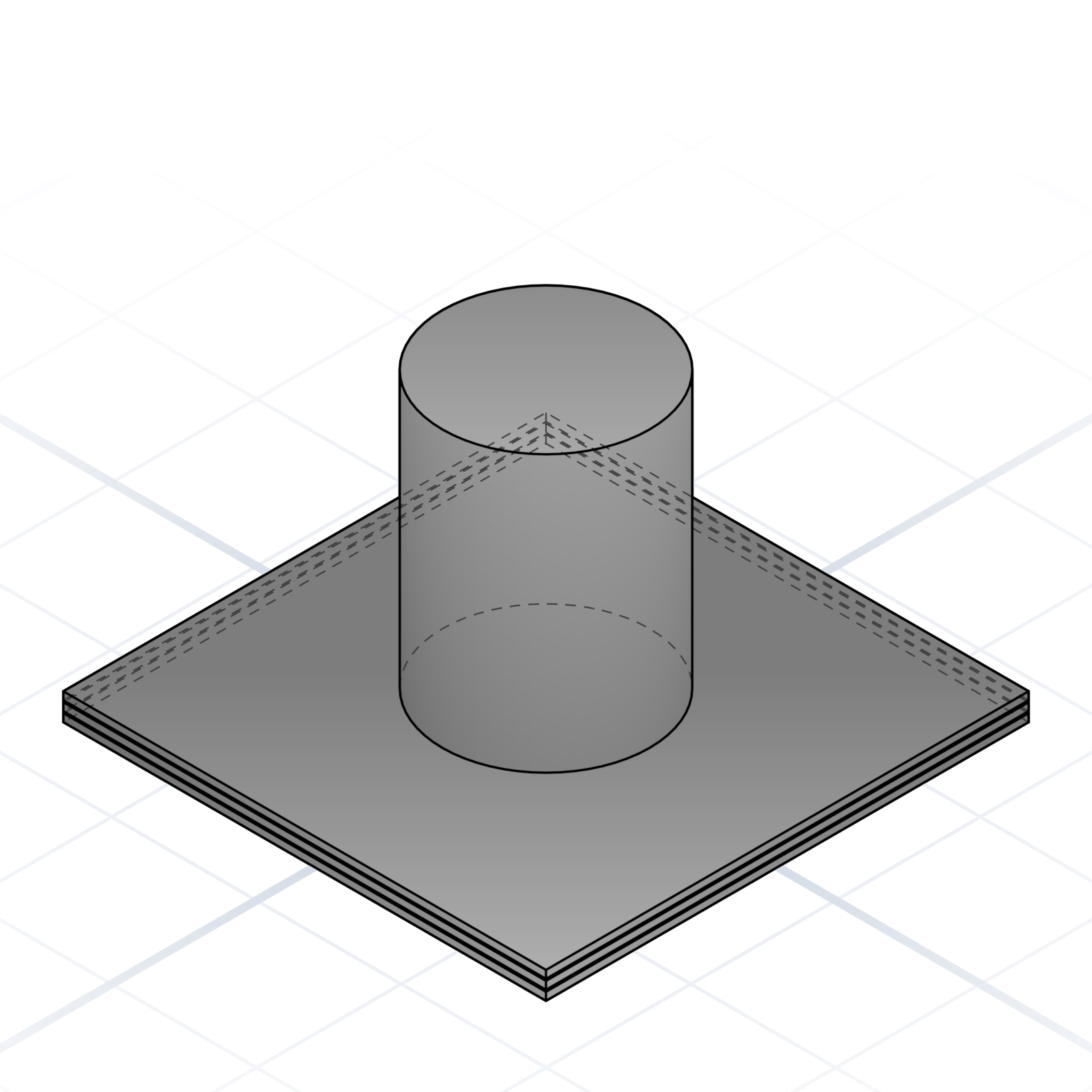
Tray with 42 mm pitch recesses that grip the chamfered foot of every bin. Bolt it to a drawer bottom and every bin has a home.
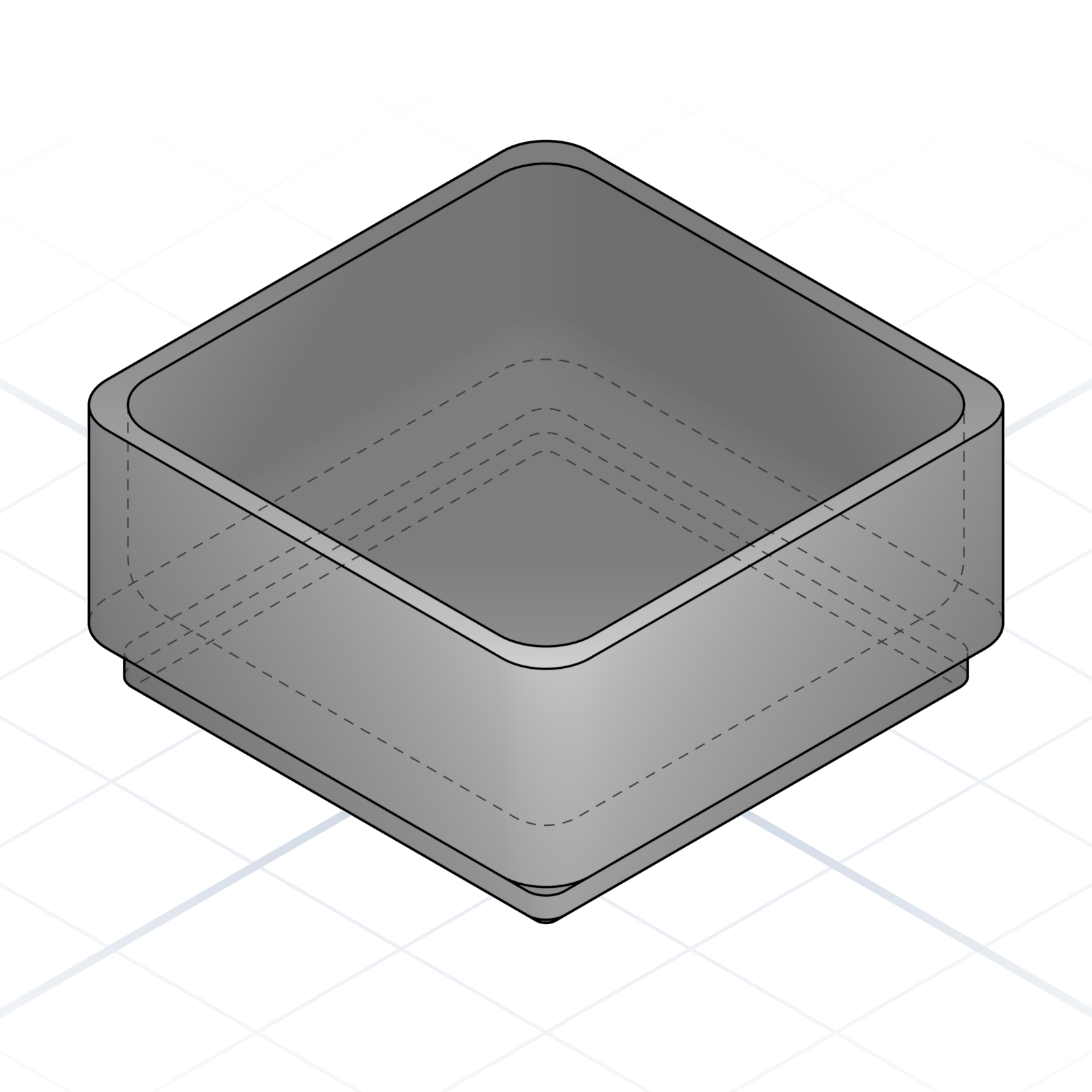
Single bin
The 42 × 42 × 21 mm base unit, one square on the grid. Ask for it hollow, or split into compartments inside.
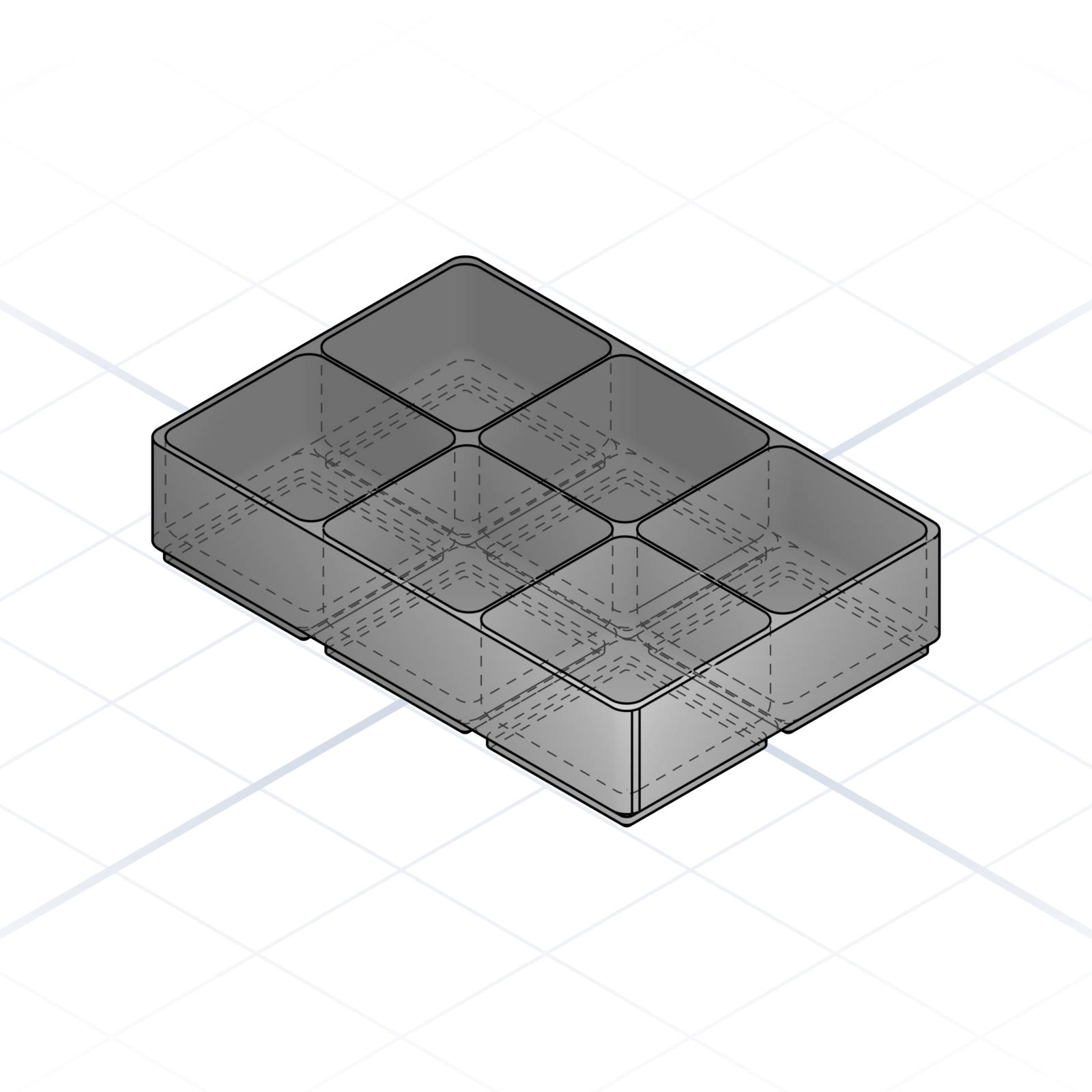
Multi-grid layout
Any rectangular footprint works: 2 × 3, 4 × 1, 5 × 5. Tell the AI how many squares wide and deep, plus the height; the baseplate stays the same.
Partitioned bin
Split the inside into a grid of compartments. Four cells in a 2 × 2 bin sorts a kit of screws and washers.
Drill-bit stand
A row of holes in graduated sizes, one per drill bit, each with room for a printed label. Every bit gets a home instead of rattling in a box.
Tool stand
Bin with circular pockets sized for the tool shanks. Screwdriver bits, end mills, calipers: each one has a slot and won’t roll around.
Cylinder rack
Tall bin with deep round holes. Markers, AA batteries, 18650 cells, paint pens stand on end and never roll off the bench.
grandpacad
Naming real parts25 / 36
Sizes that print well
Pick sizes that the printed plastic can actually hold. These are the defaults seasoned makers reach for.
Fasteners: M5 and up
M5 is the smallest size that grips printed plastic reliably. M6 for everyday brackets, M8 / M10 for load-bearing joints. M3 strips out at the first over-tighten, so skip it unless you’re using a heat-set insert.
Heat-set inserts: M5 / M6
Brass insert melts into a printed boss and provides the threads. Design the boss at 8.5 mm OD for M5, 10 mm for M6. Thinner walls split when the insert melts in.
Linear motion: 8 mm rod
LM8UU bearings, 8 mm chromed rod. The whole ecosystem assumes this size: couplers, brackets, leadscrews all line up.
Bearings: 608 (8 × 22 × 7)
Cheap, plentiful, presses into a 22 mm pocket: model it at 22 mm (±0.1 mm) or add crush ribs. 624 / 625 work too; below 4 mm bore is fragile.
Knuckle hinge: 4 mm × 1.75 mm
4 mm knuckle around a 1.75 mm pin (a filament offcut or steel rod). A common, well-tested size. Smaller knuckles split; bigger waste plastic.
Frame stock: 2020
20 × 20 mm aluminium extrusion with a 6 mm T-slot. M5 T-nuts drop straight in. 3030 if you need more rigidity.
Belt: GT2 6 mm
2 mm pitch, 6 mm wide. 16T or 20T pulleys on a 5 mm shaft. Everything heavier than a print head wants 9 mm width.
Snap pin: 7 × 11 mm
7 mm head, 11 mm long total. The push-and-click connector between two printed parts. Replaces a screw on light-duty joints. Below a 5 mm head the petals get fragile; above 10 mm it’s a screw waiting to happen.
grandpacad
Chapter26 / 36
Chapter 4
More you can ask for
The two kinds of model you can ask for, pictures as input, colour and texture, and parts that adjust themselves with a slider.
grandpacad
More you can ask for27 / 36
Parametric and organic parts
Two kinds of geometry. A parametric part is built from dimensions and stays editable; an organic model is a sculpted mesh. What you ask for decides which.
Parametric parts
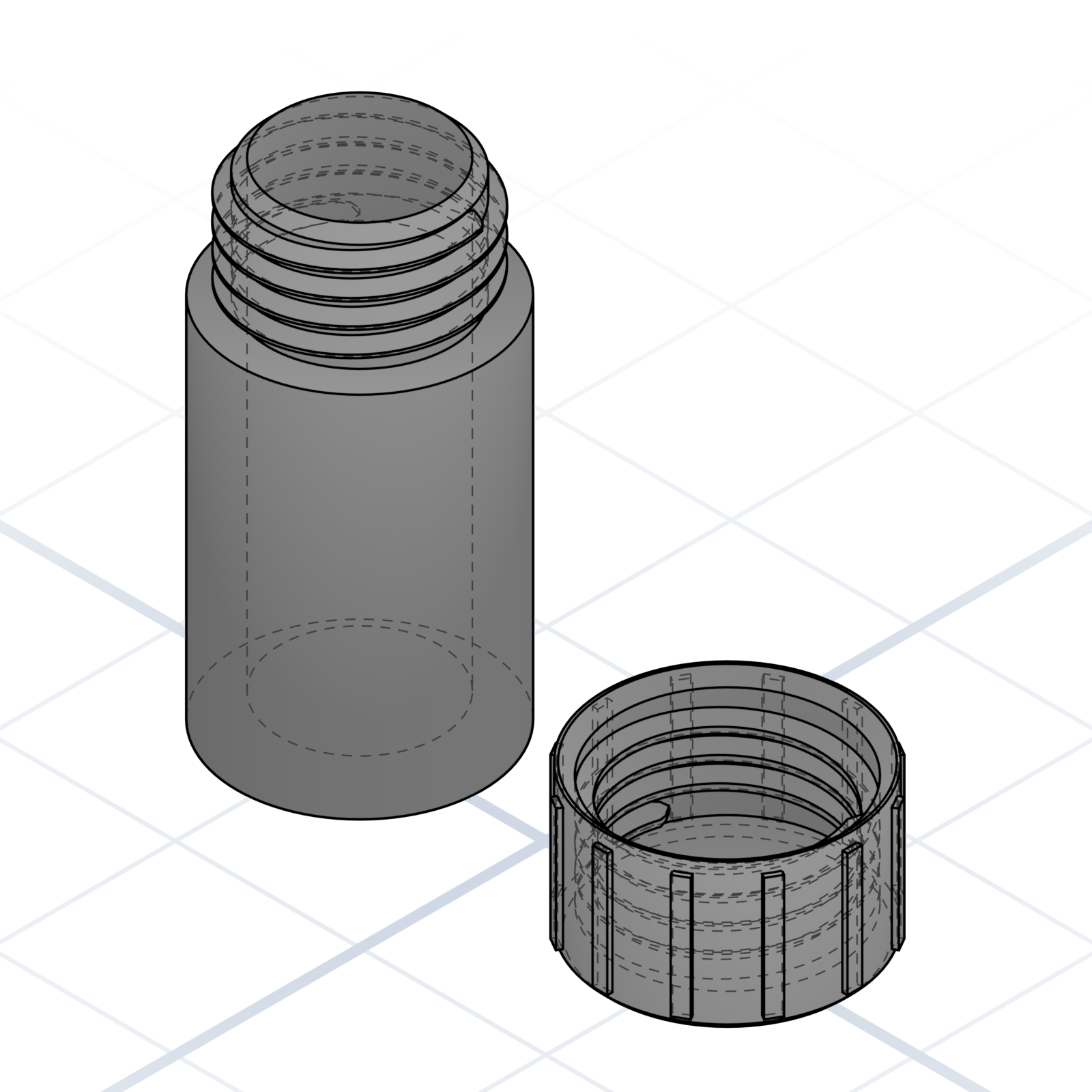
“A 40 mm tall container with a threaded lid.” Dimensions and booleans, exact to the millimetre and still editable. The default unless you ask for something sculpted.
Organic models
“A dog head.” “A small dragon.” Name a creature or a character and you get a sculpted mesh instead. No primitives, no dimensions to type.
Both in one model
“A wine stopper with a dog head on top.” Each half gets built separately, then the two are merged. The parametric half keeps its sliders.
Parameters only on parametric parts
You can’t put sliders on a sculpted shape, only on parametric parts. Change an organic shape by asking again, a parametric one by tuning it in place. Parameters live on page 30.
grandpacad
More you can ask for28 / 36
From image to model
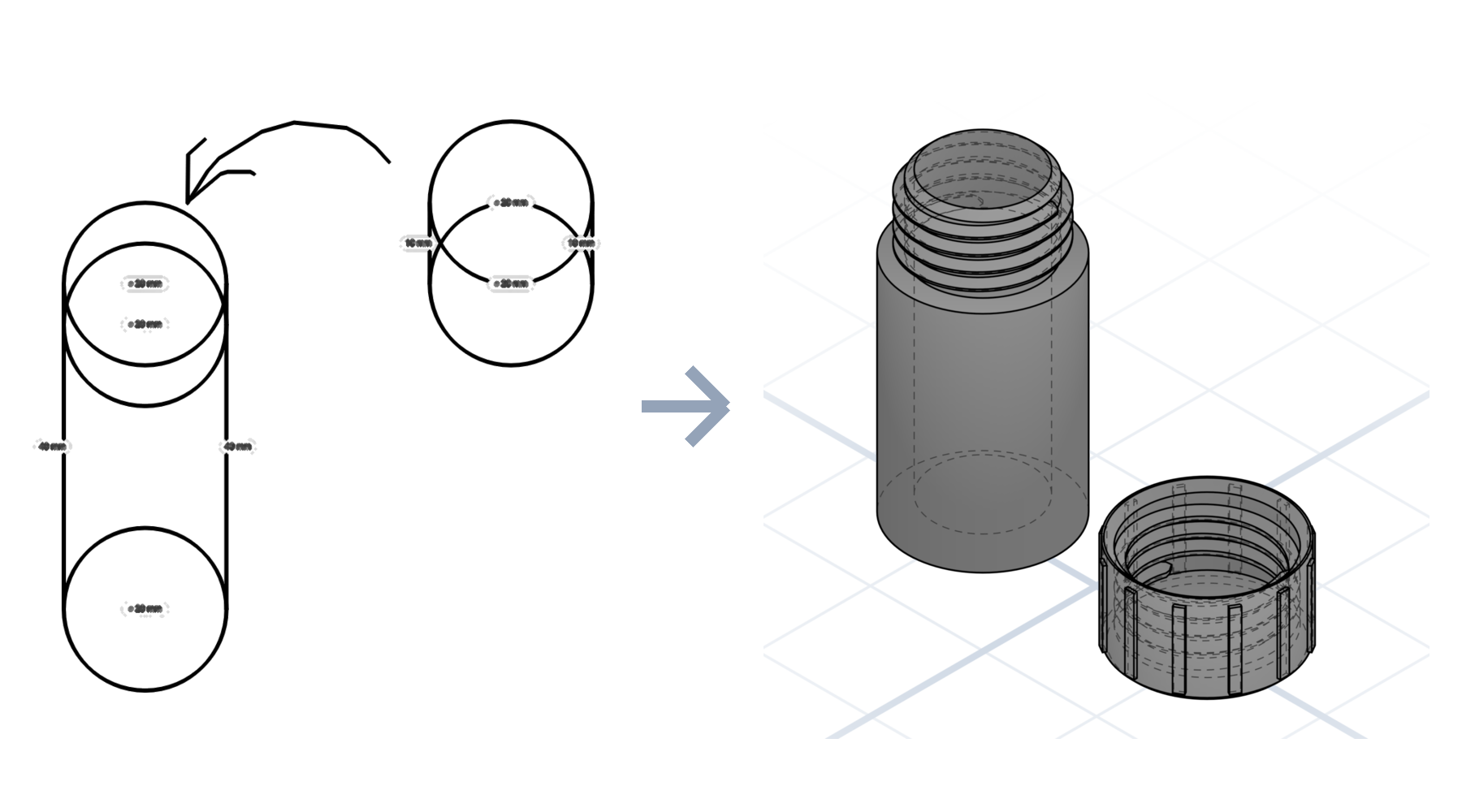
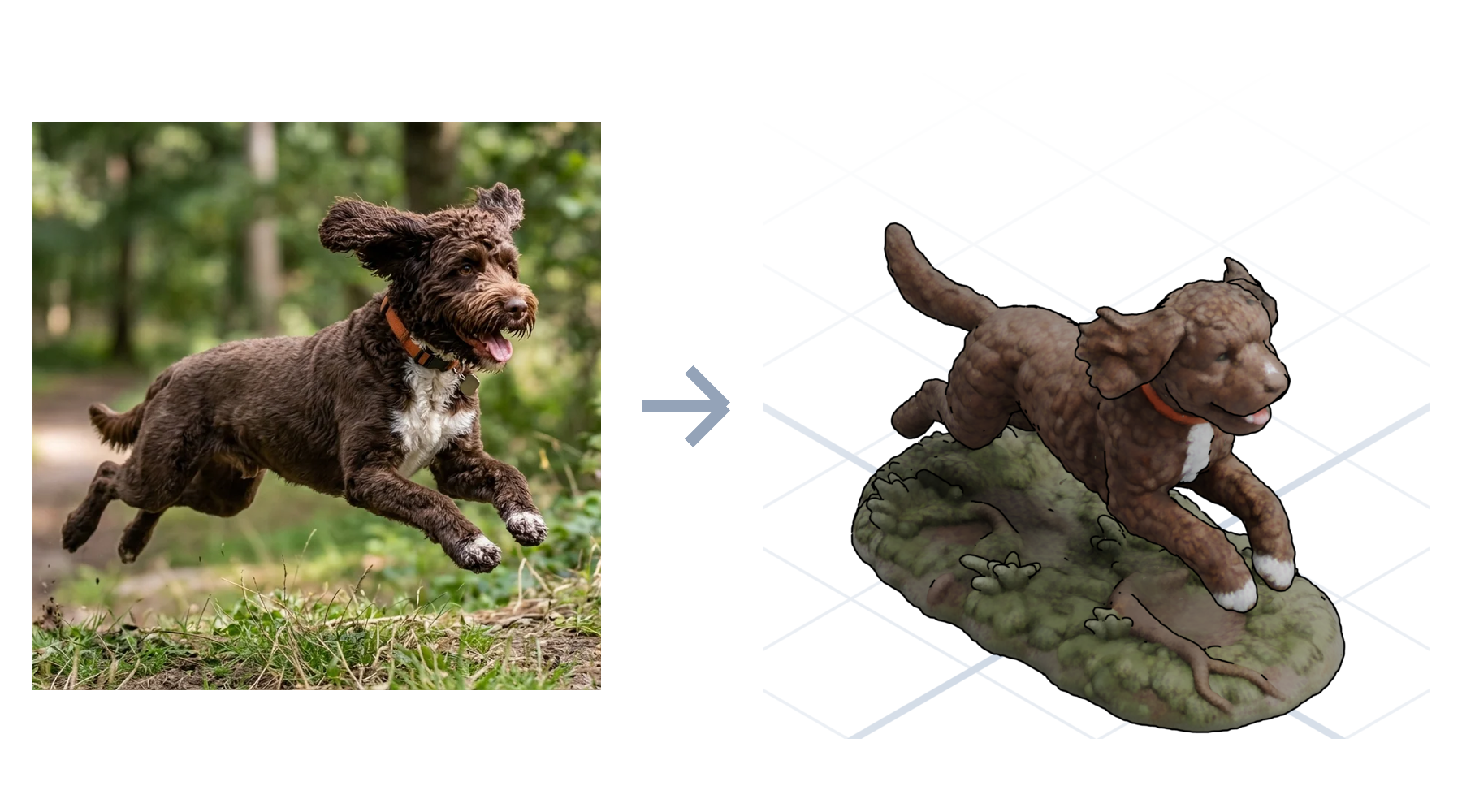
Hand over a picture instead of a paragraph. A dimensioned sketch becomes a parametric part; a photo of a subject becomes an organic model.
Sketch → parametric part
Upload the drawing, and spell out everything you know in words too: dimensions, parts, tolerances. Those become real parameters, still adjustable. Whatever you leave off, it has to guess.
Photo → organic model
Upload a photo of your dog or a figurine, and still say exactly what you want. A photo alone leaves too much open. The mesh reads shape, not scale, so give the size too.
grandpacad
More you can ask for29 / 36
Colour and textures
Surface texture is organic only. Colour works on both: a sculpted mesh takes textures or colour segments, a parametric part takes one tag per part.
Textured organic shapes
“A dragon with scales.” “An elder tree with bark.” The surface detail is baked into the mesh. Comes out as a coloured 3D file, ready to view or display.
Colour segmentation
“Colour the dragon’s wings red, body green and yellow.” Sculpted and imported meshes only. Comes out as a separate piece per colour, ready for a printer that changes colours automatically.
Colour on parametric parts
No surface texture, but every part carries its own colour tag. Handy for reading an assembly at a glance, and slicers put each colour on its own filament.
grandpacad
More you can ask for30 / 36
Parameters and adjustable models
Parameters make a finished model adjustable: nudge a size or toggle a feature in place, with no full regeneration, so changes are faster and cheaper. Ask for the ones you want and GrandpaCAD proposes the rest. Worth adding whenever you’ll remake a part at new sizes.
Sliders for dimensions
“Make the wall thickness a slider from 1 to 5 mm, starting at 2.” Use for any number with a range.
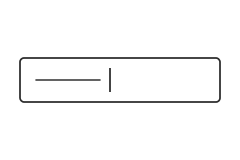
Text for labels
“Let me type the name for the engraving.” A single line of text: keychains, signs, name tags.
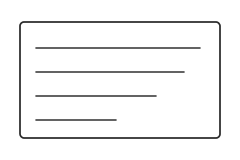
Text box for paragraphs
“Let me write a few lines on the back.” A bigger box for several lines: dedications, addresses, longer labels.
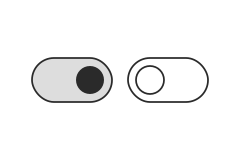
Switches for features
“Add a switch that turns the colours on.” Flip the colours, a lid, or a hole pattern on and off. No regeneration needed.
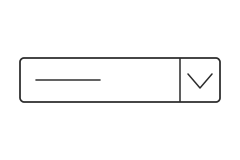
Dropdowns for choices
“Make the text style a dropdown: raised, engraved, or cut through.” Use when the answer is one of a fixed set.
Organise parameters into groups
“Put size settings under a Dimensions group and decoration under Style.” Keeps long parameter lists tidy.
grandpacad
Chapter31 / 36
Chapter 5
From model to part
Words became a model; now the model becomes plastic. Filament, export, slicing, and the machine doing the melting.
grandpacad
From model to part32 / 36
Filaments and materials
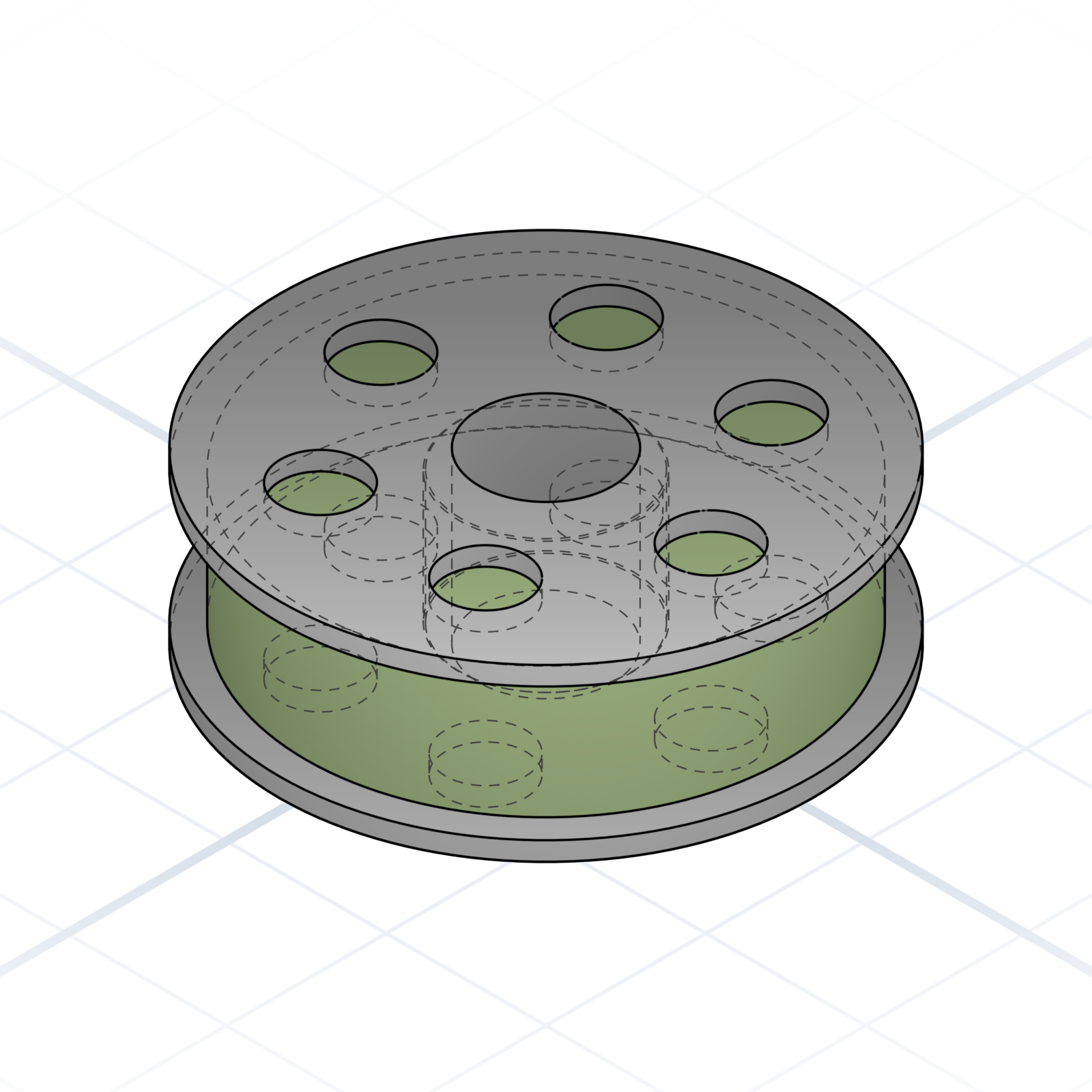
Each filament has its strength. Start with PLA, then choose by what the part must handle.
These are the staples. There are loads more (silk, matte, wood-fill, glow-in-the-dark, even metal-filled), but you rarely need them.
Where we buy ours
Azurefilm, a Slovenian shop. Not a sponsor, just one we like.
grandpacad
From model to part33 / 36
Export and printing
The model has to leave the screen. A few habits keep parts printable on the first try.
Pick the right export
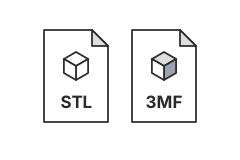
3MF preserves units and colour. STL is the lowest common denominator every slicer accepts.
The slicer is next
The exported file opens in a slicer such as PrusaSlicer, Cura, or Bambu Studio. It cuts the model into layers and sends them to the printer. The next pages explain its words.
Print orientation
Flat side down by default. Threads, holes, and engraved text want to face up.
Design to skip supports
Chamfer overhangs to 45° and most prints don’t need supports at all.
grandpacad
From model to part34 / 36
Slicer basics
The words the slicer uses. Knowing them lets you describe a part with the print step already in mind.
Layer height
Thickness of each printed slice. 0.2 mm is the everyday default; 0.12 mm for detail, 0.28 mm for speed.
Wall / Perimeter
The shell loops around each layer. Three walls (~1.2 mm) is the strength default.
Infill
The honeycomb-like fill inside. 20% is fine for most parts; 80%+ for parts that carry weight.
Top / bottom layers
Solid layers that close the part. Four to five layers stops infill from showing through.
Seam
The vertical line where each layer starts and stops. Hide it on a back corner with “Aligned” or “Random”.
grandpacad
From model to part35 / 36
Supports and bed adhesion
What the slicer adds around your part so tricky shapes survive printing, and what each helper costs.
Overhang
A face leaning out from vertical. Above 45° usually needs support; below prints free.
Bridge
Flat span between two supports printed in mid-air. Up to ~10 mm prints cleanly.
Support
Scaffolding under overhangs, removed after printing. Tree supports use less material than grid.
Brim
Single-layer skirt fused to the part. Adds bed adhesion for tall parts and narrow footprints.
Raft
Sacrificial base layers under the part. Heavier than a brim; reach for it on warpy materials.
Skirt
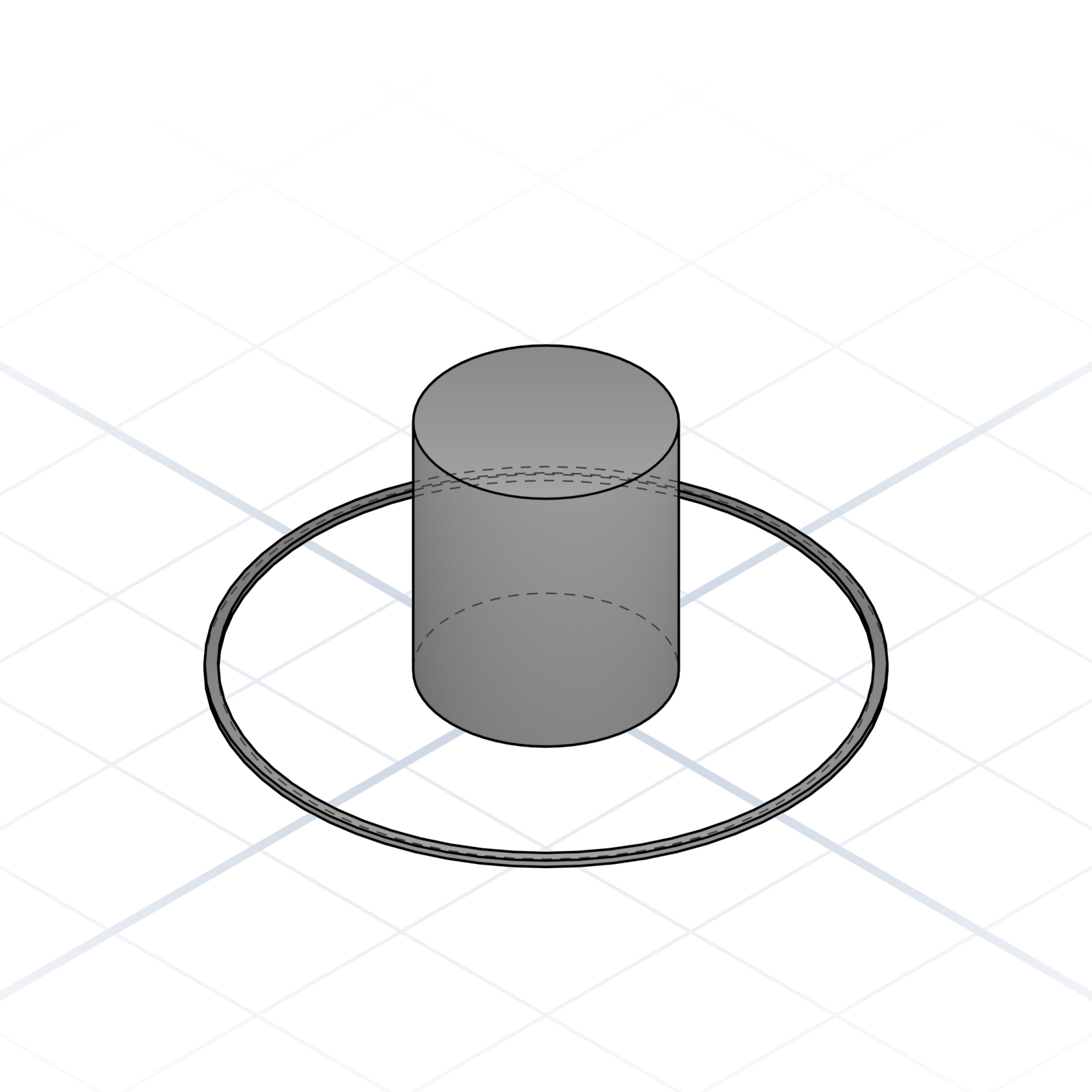
A loose loop around the part, not touching it. Primes the nozzle before the real print starts.
grandpacad
From model to part36 / 36
Hot end and extruder
The parts that melt and push filament. Every printer has them; the names come up when you swap a nozzle, clear a clog, or design an accessory.
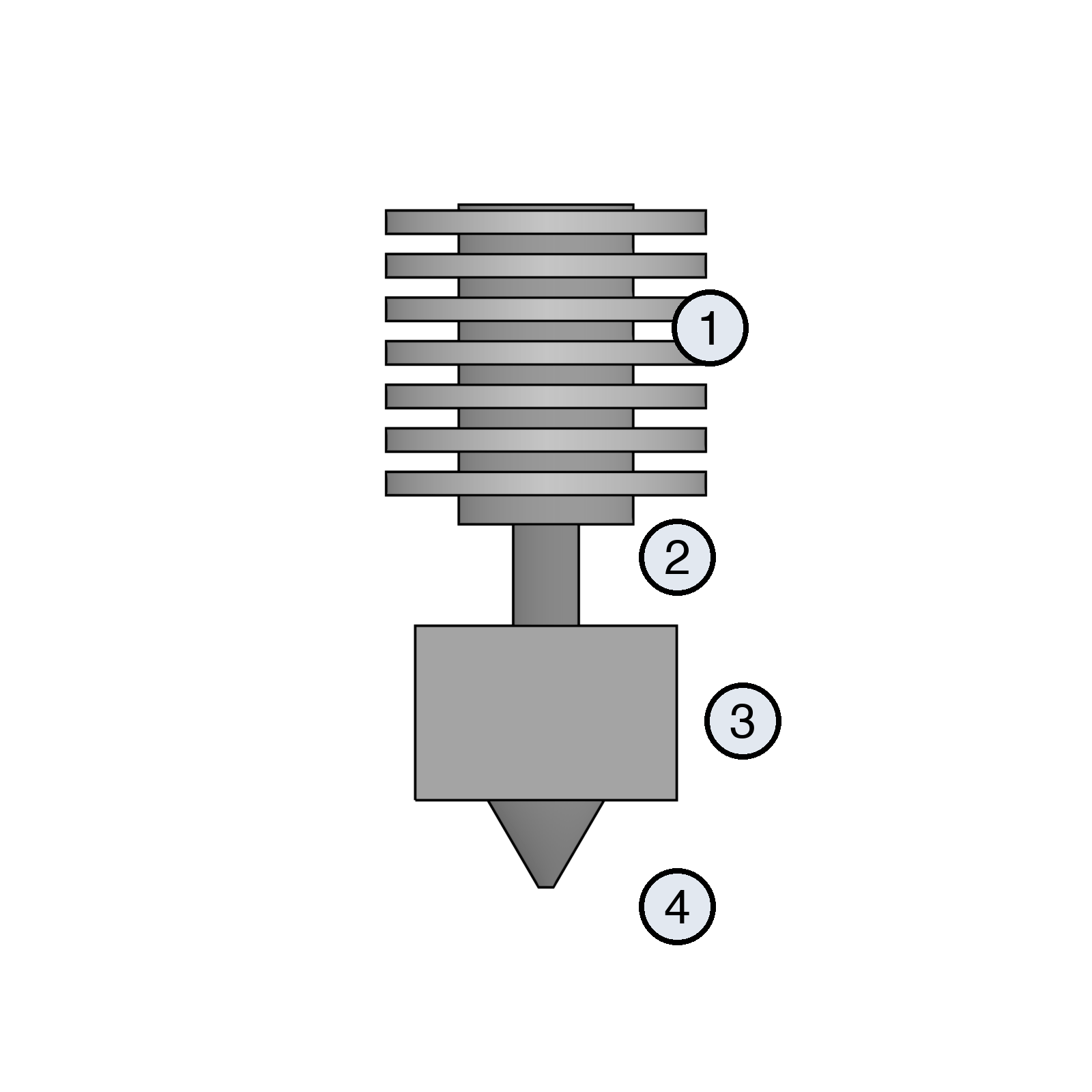
Anatomy of a hot end
1Heatsink
2Heatbreak / throat
3Heater block
4Nozzle
Direct drive and Bowden
The extruder is the motor and gears that push filament. On the print head it is direct drive (most modern printers, including the Bambu Lab A1). On the frame, pushing through a long tube, it is Bowden.
V6-style hot end
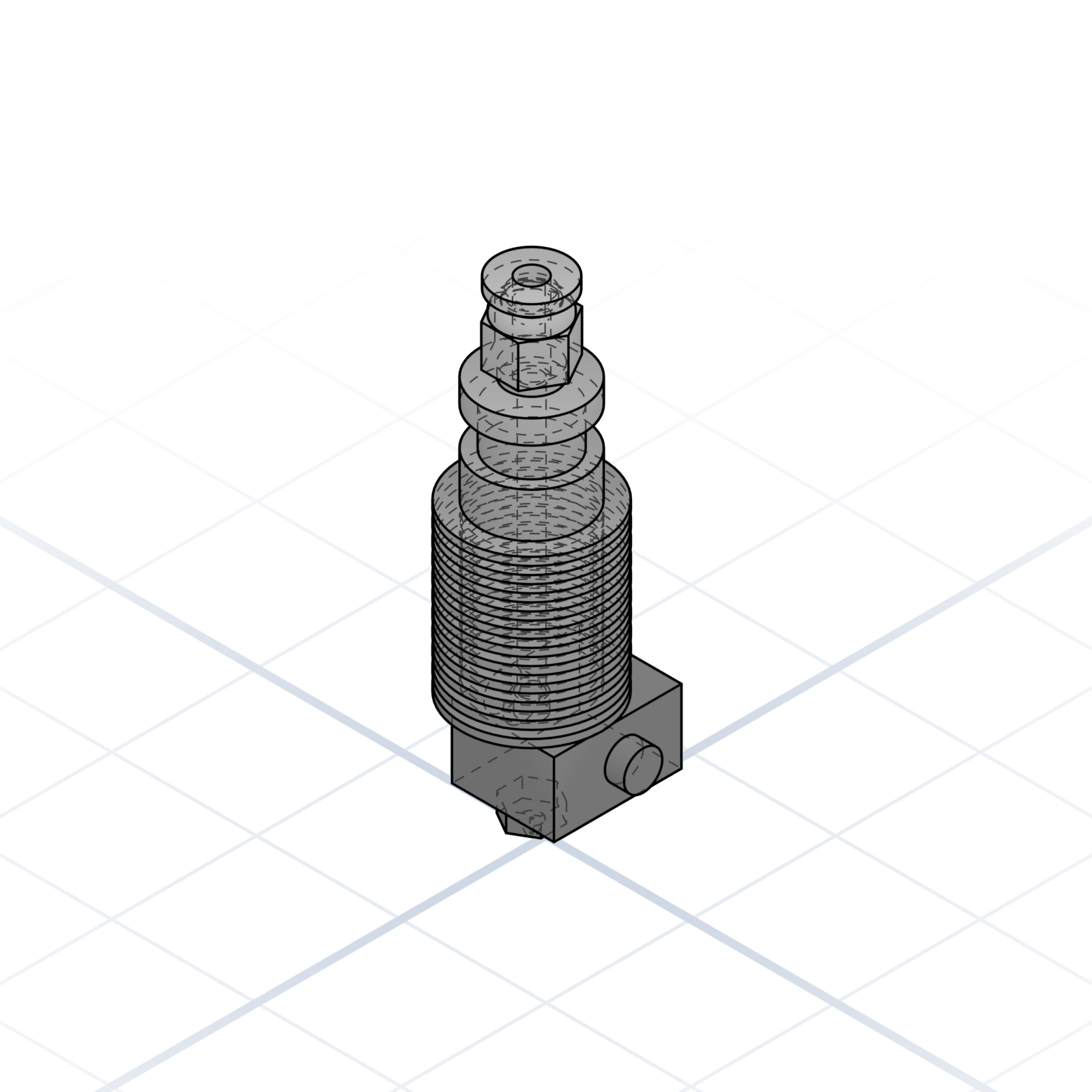
The classic DIY form factor: M6 nozzle thread and a grooved neck on the heatsink. Printed mounts clamp the 12 mm groove instead of threading into the hot end.
Nozzle
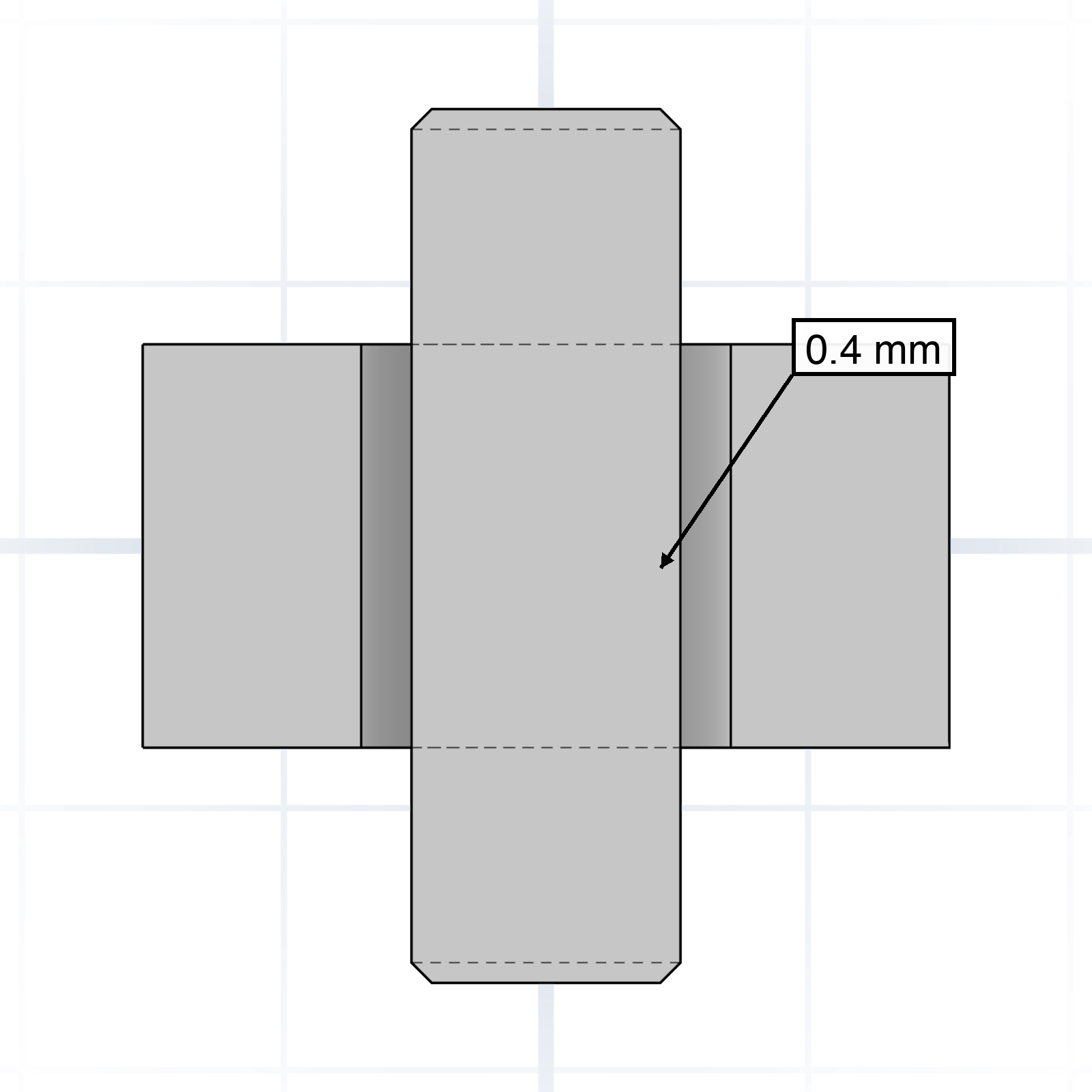
Brass or hardened steel tip, sized by orifice. 0.4 mm is the everyday default; 0.6 / 0.8 for speed, 0.25 for detail.
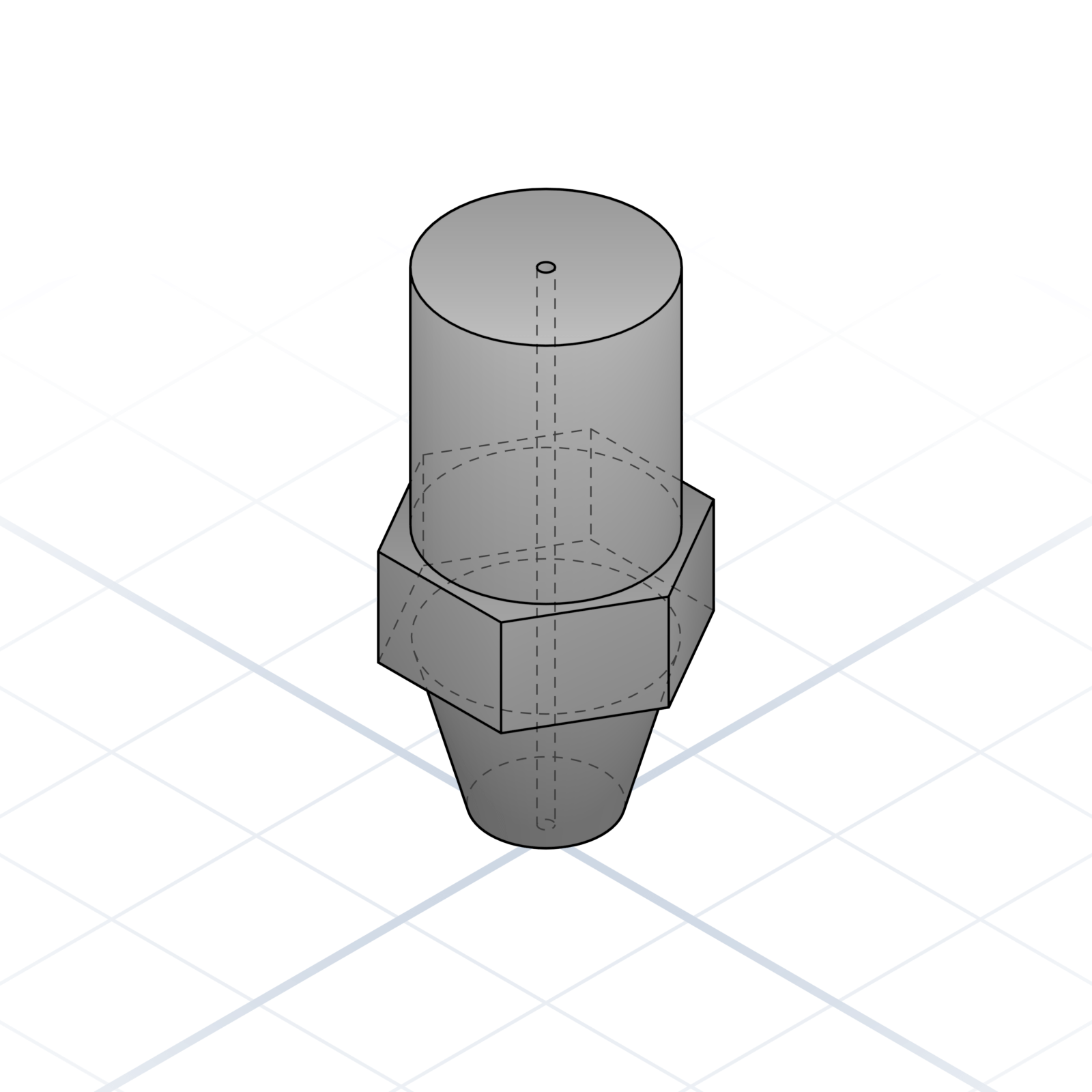
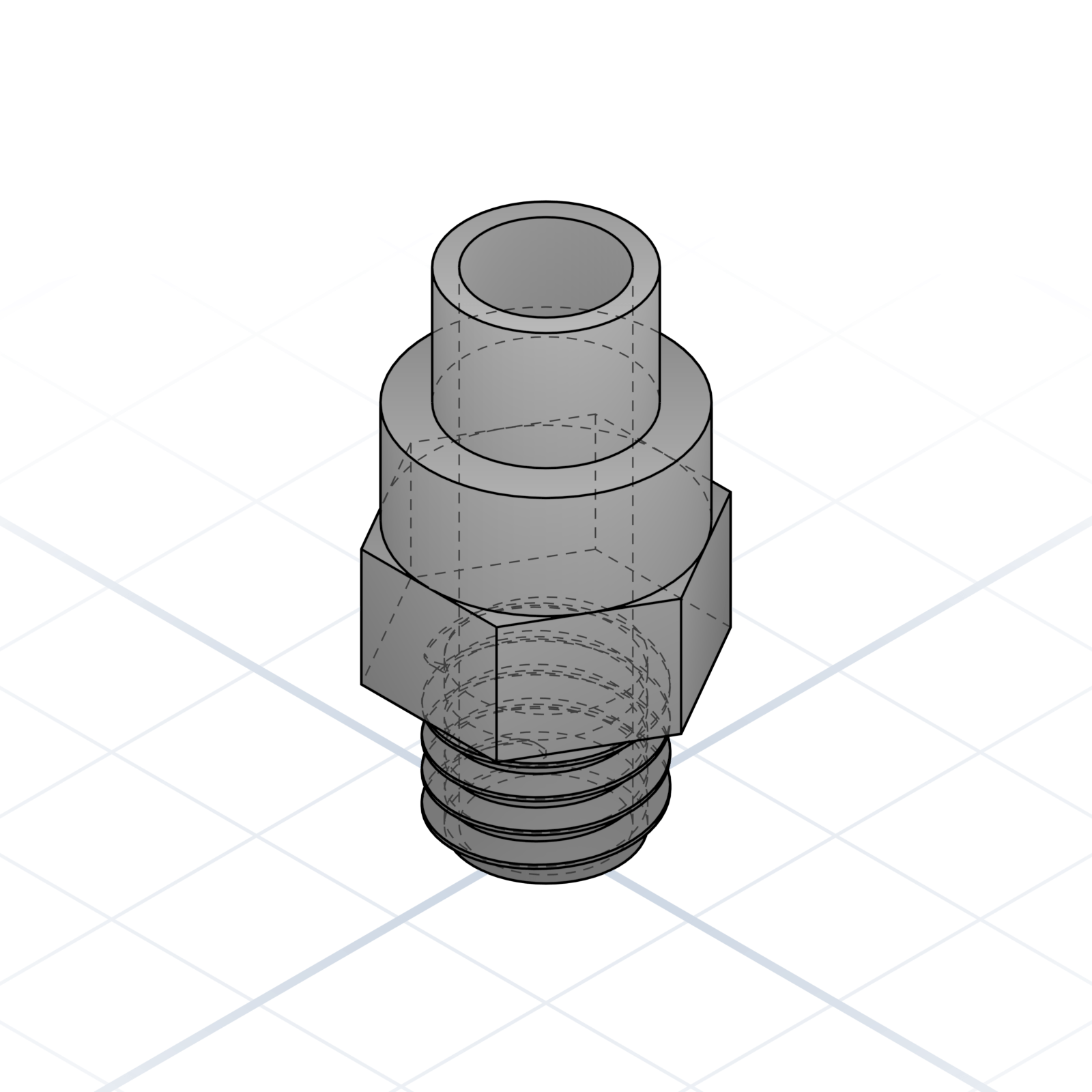
Push-fit coupler
M6 fitting that grips a 4 mm PTFE tube; press the collar to release it. Say “push-fit M6”. Handy in your own designs too, such as a filament dry box.
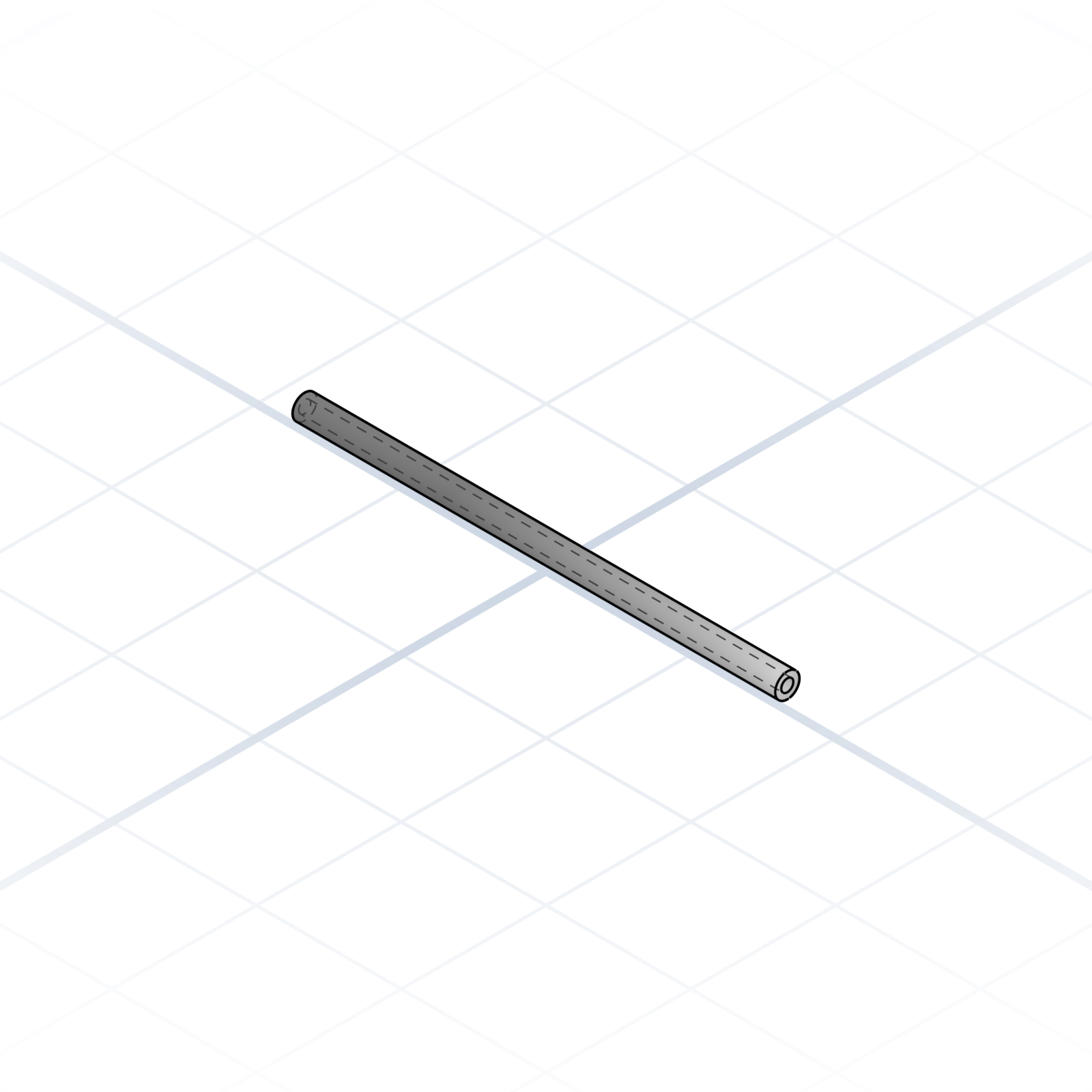
PTFE / Bowden tube
4 mm OD, 2 mm ID Teflon tube. On Bowden printers it connects extruder to hot end; on direct drive it still guides filament from the spool to the print head.
Thanks
For Grandpa Franc
When I was a kid he built me things from whatever was in the workshop. A wooden bazooka. A spinning top. A box that opened a particular way. None of it came with instructions. He just made it because I’d asked, or because he had fun doing it.
He’s why I like making things. He’s why this project exists.
Thank you, Franc.
If this helped
Pass it along to someone just starting out. The vocabulary travels further than the lesson.
Feedback and corrections: grandpacad.com/contact
Now go build something.
The vocabulary in this booklet is what CAD designers use every day. Put it in your prompts and the model gets sharper on the first try.