More you can ask for29 / 36
Colour and textures
Surface texture is organic only. Colour works on both: a sculpted mesh takes textures or colour segments, a parametric part takes one tag per part.
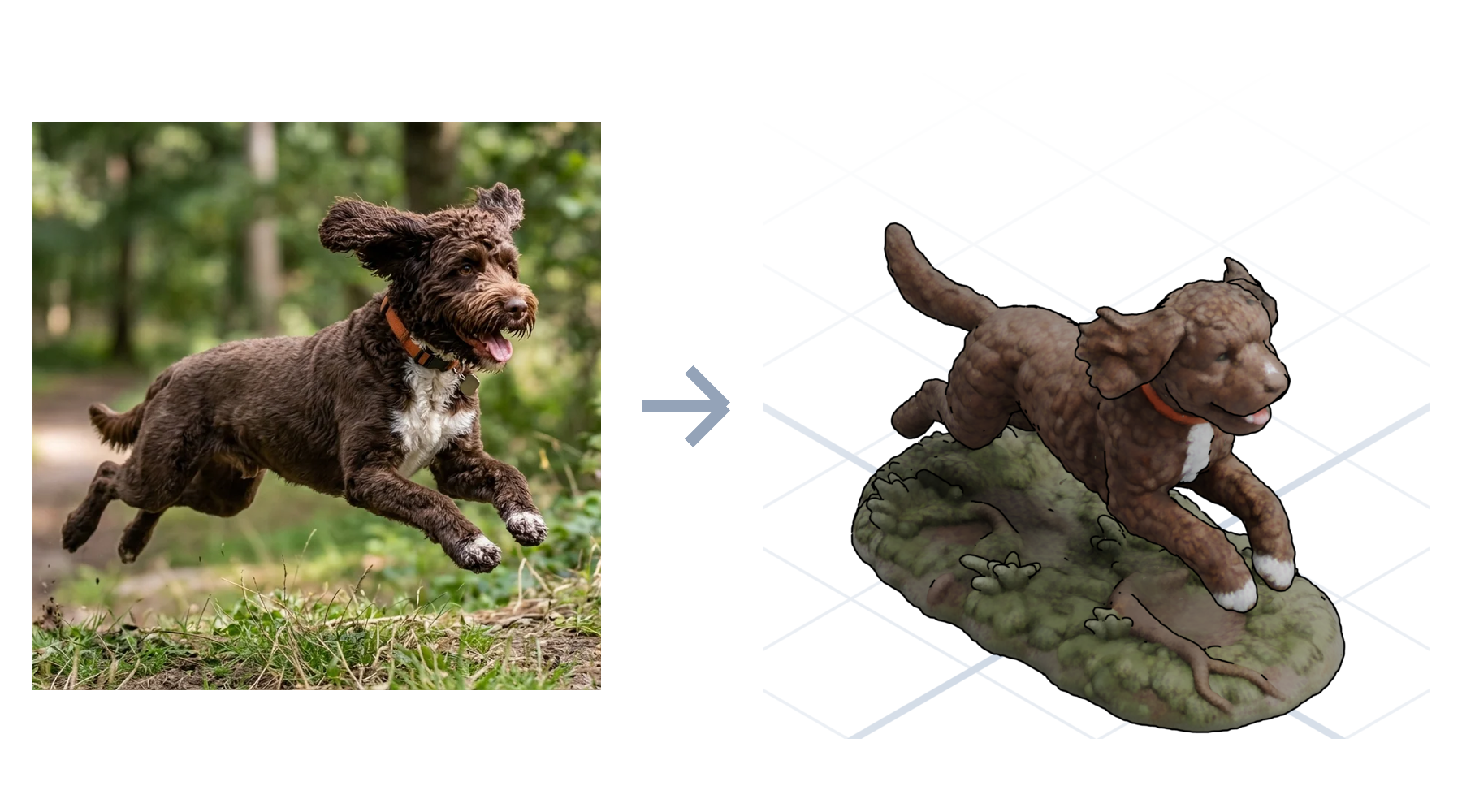
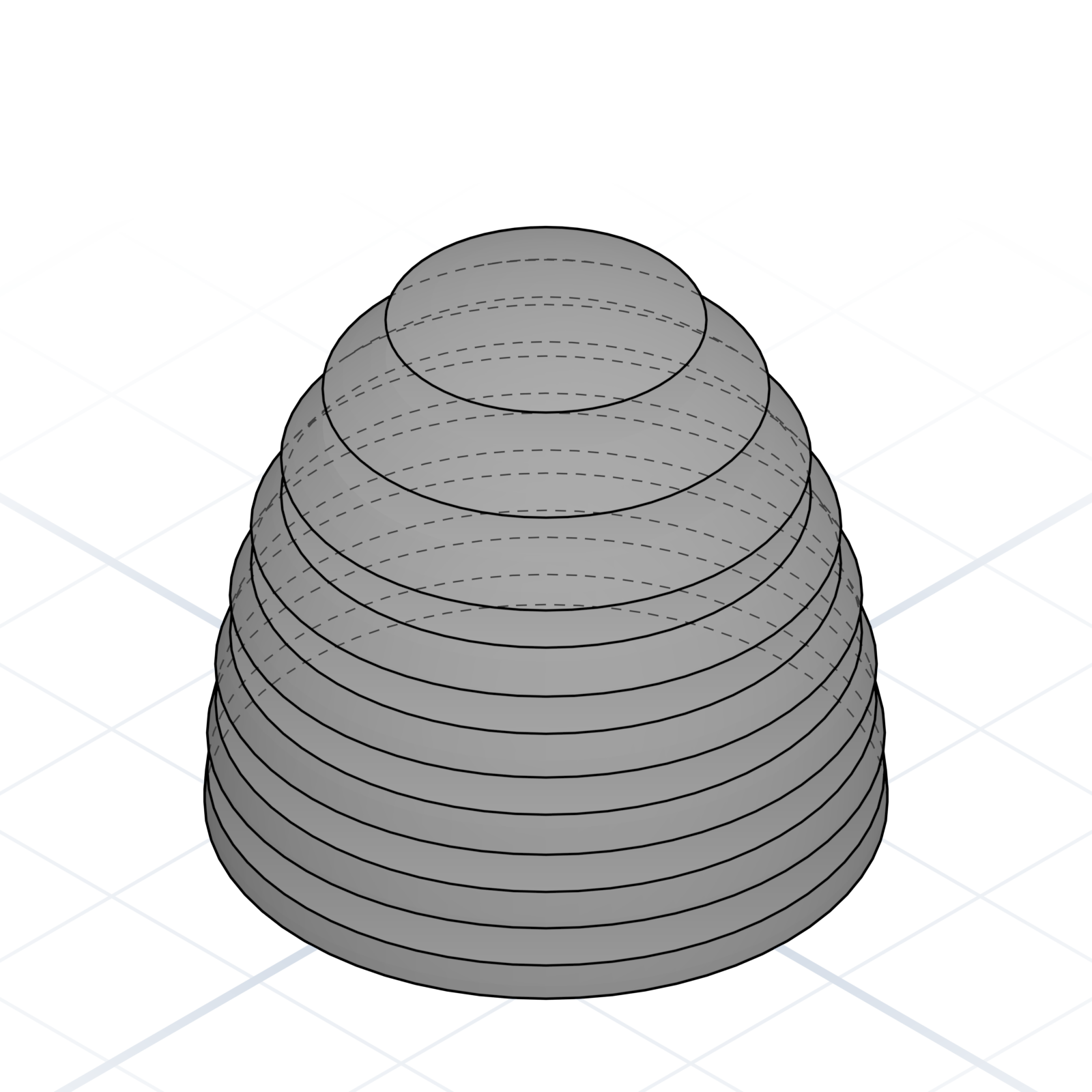
Textured organic shapes
“A dragon with scales.” “An elder tree with bark.” The surface detail is baked into the mesh. Comes out as a coloured 3D file, ready to view or display.
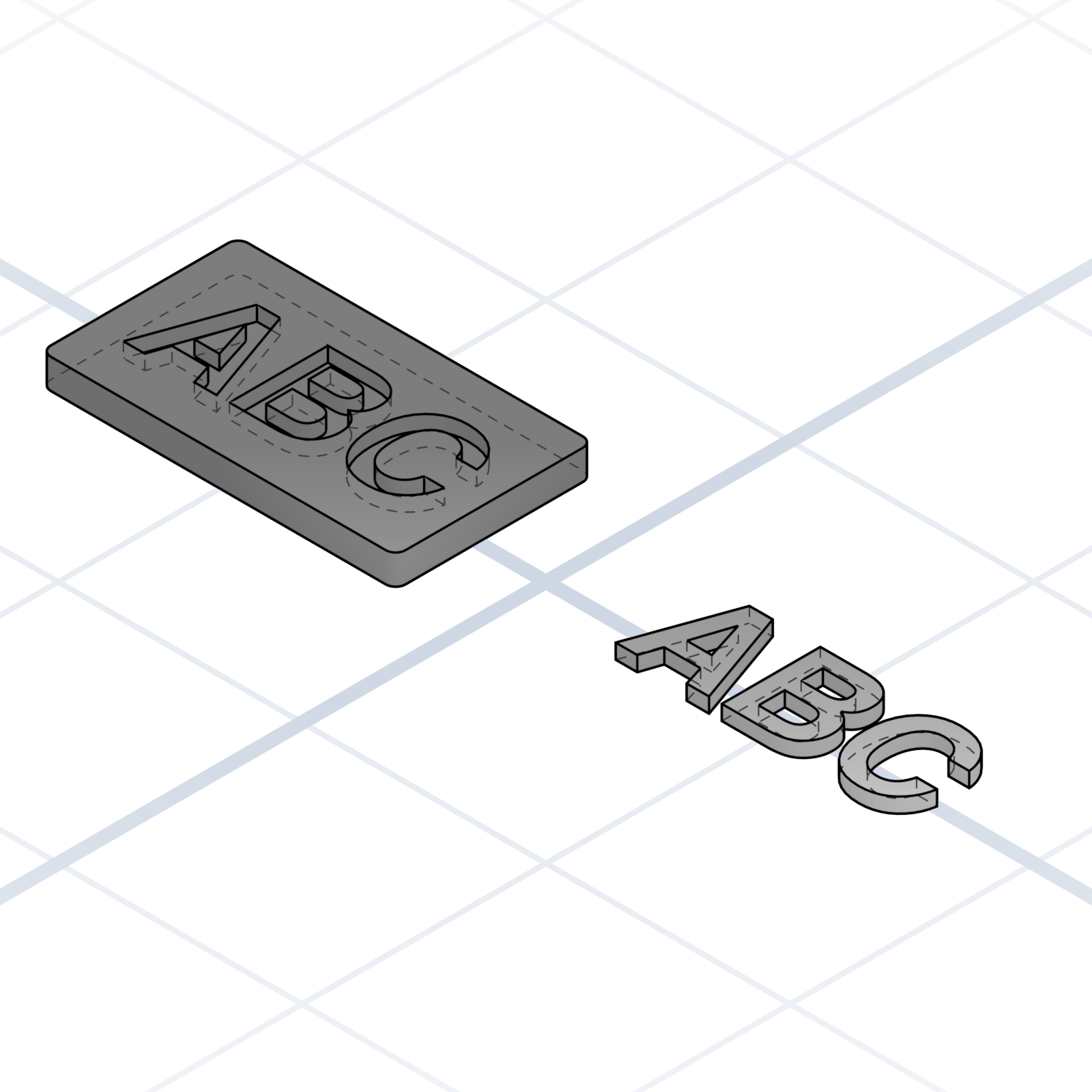
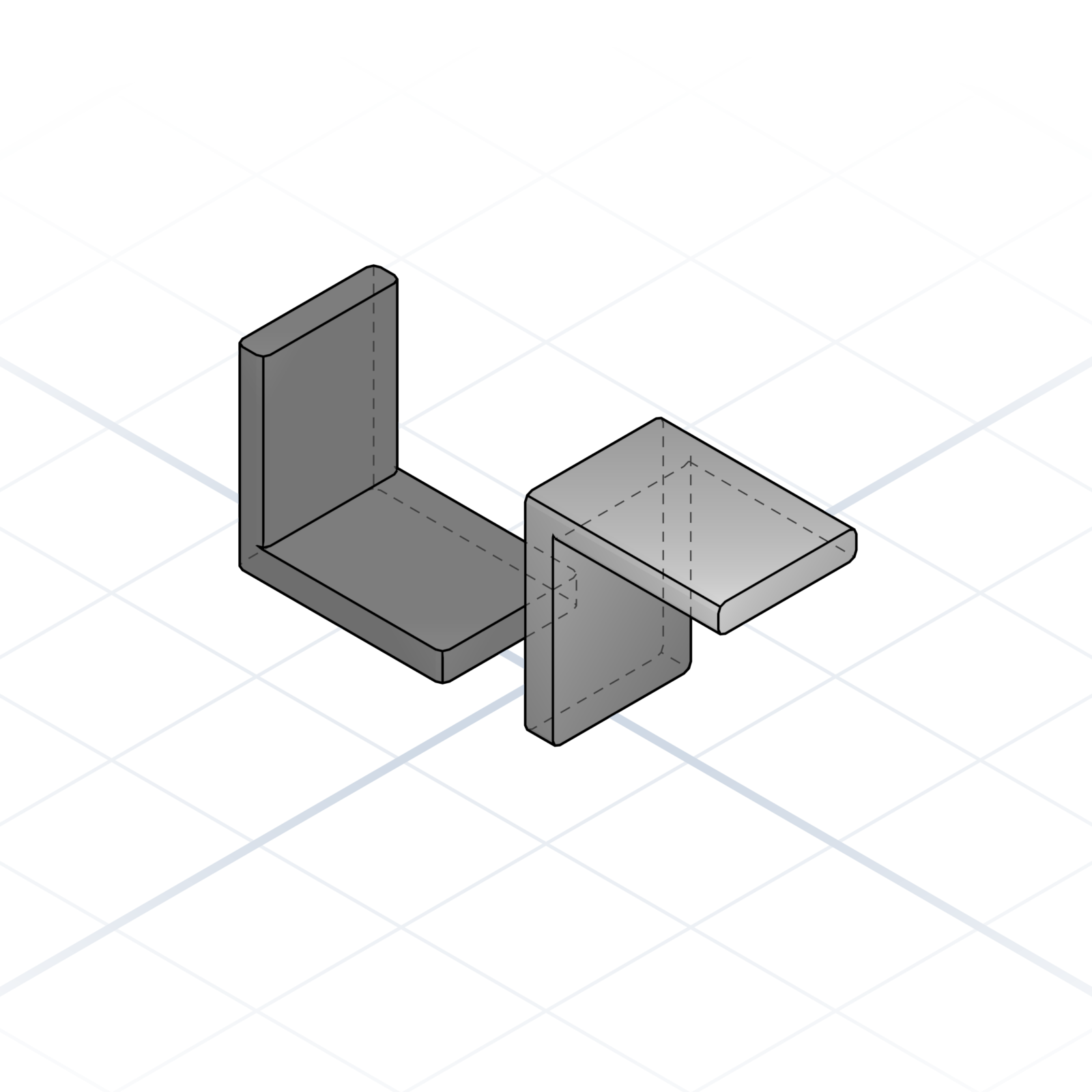
Colour segmentation
“Colour the dragon’s wings red, body green and yellow.” Sculpted and imported meshes only. Comes out as a separate piece per colour, ready for a printer that changes colours automatically.
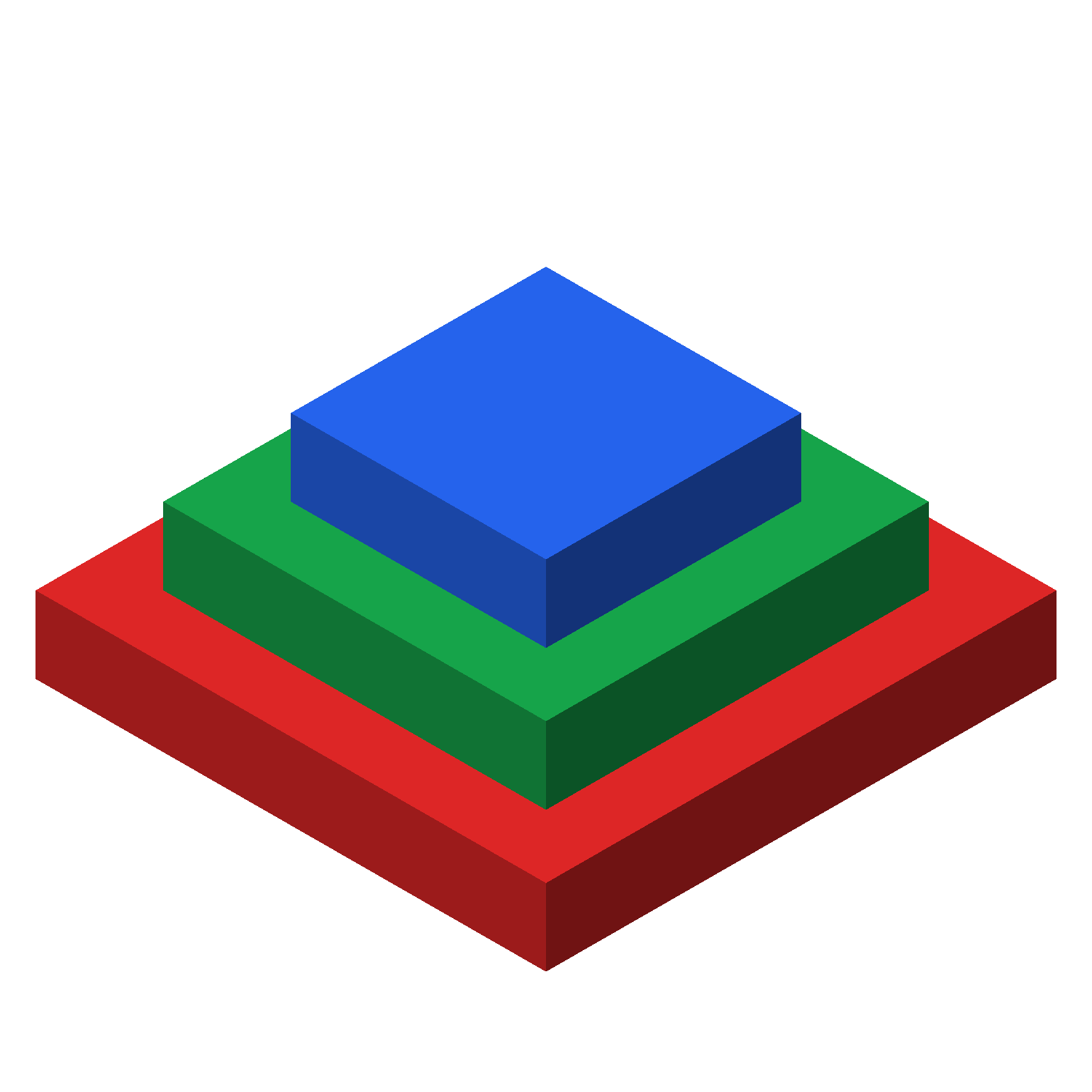
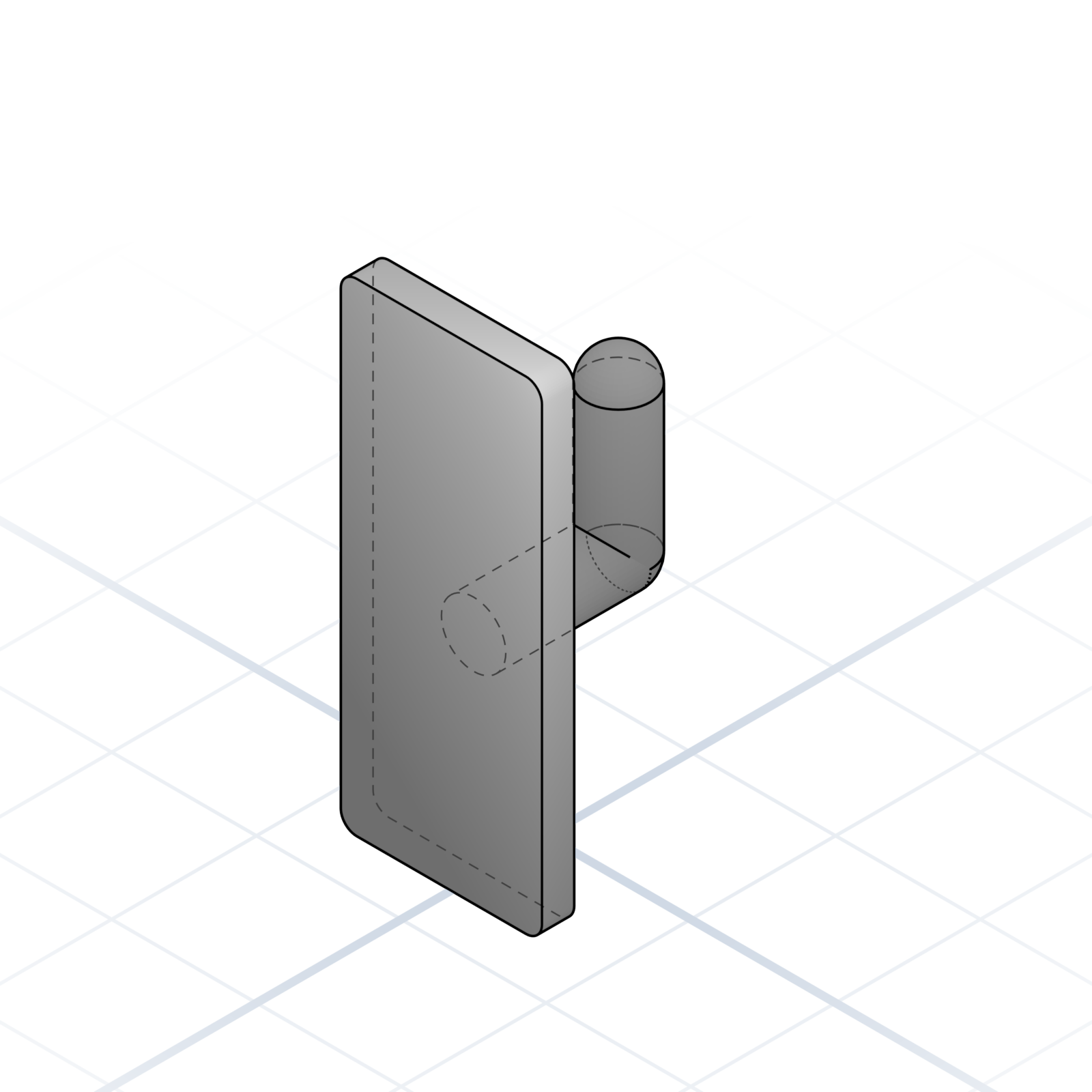
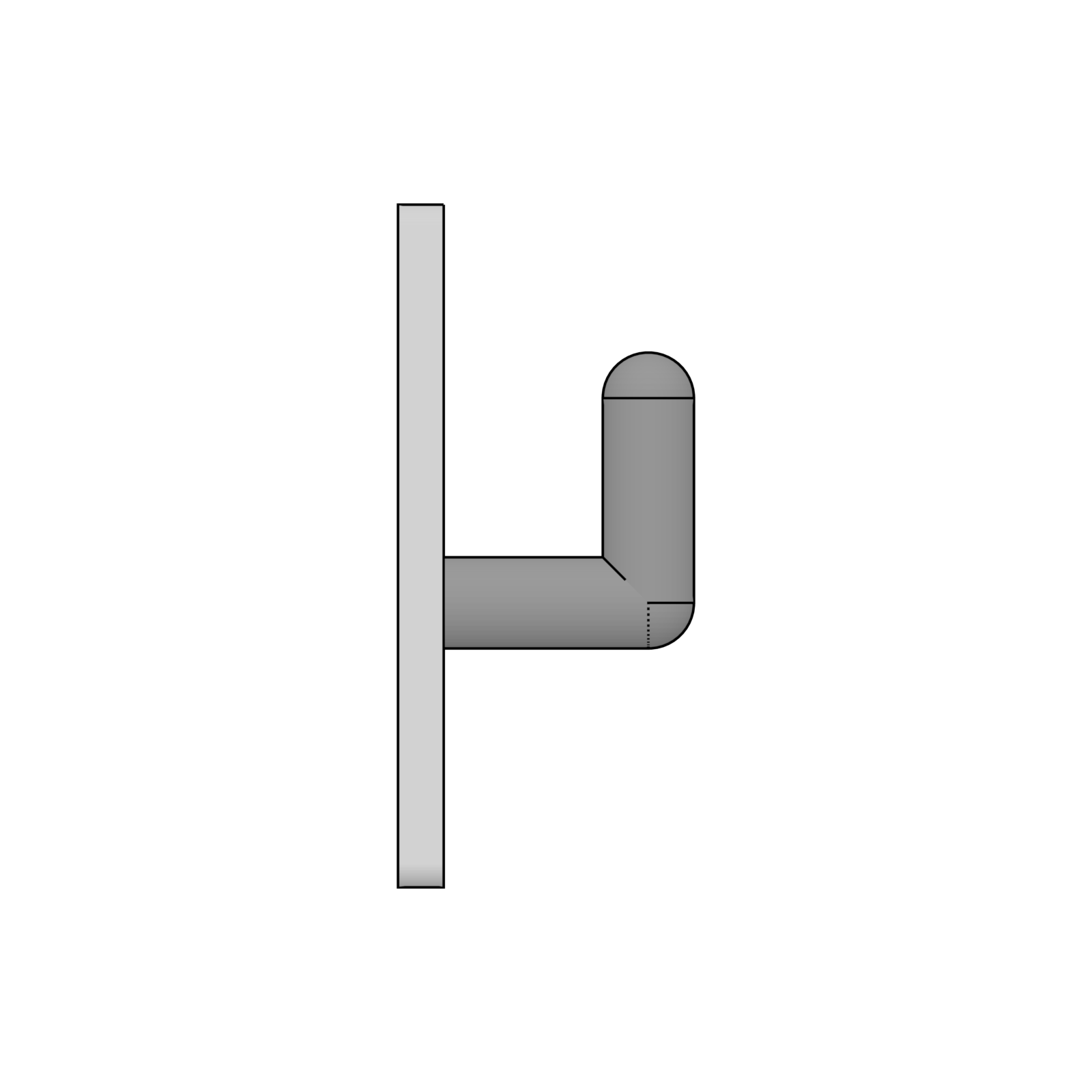
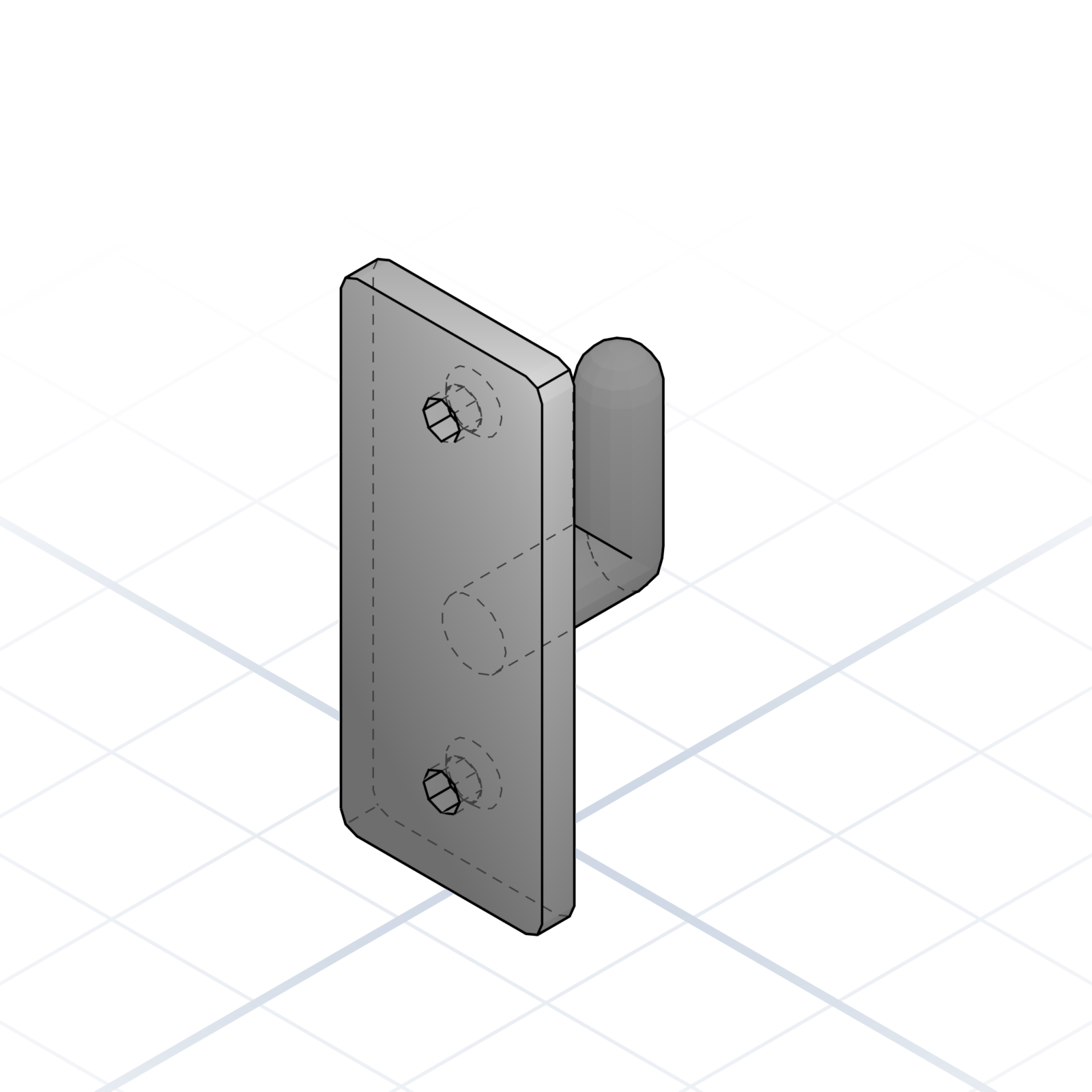
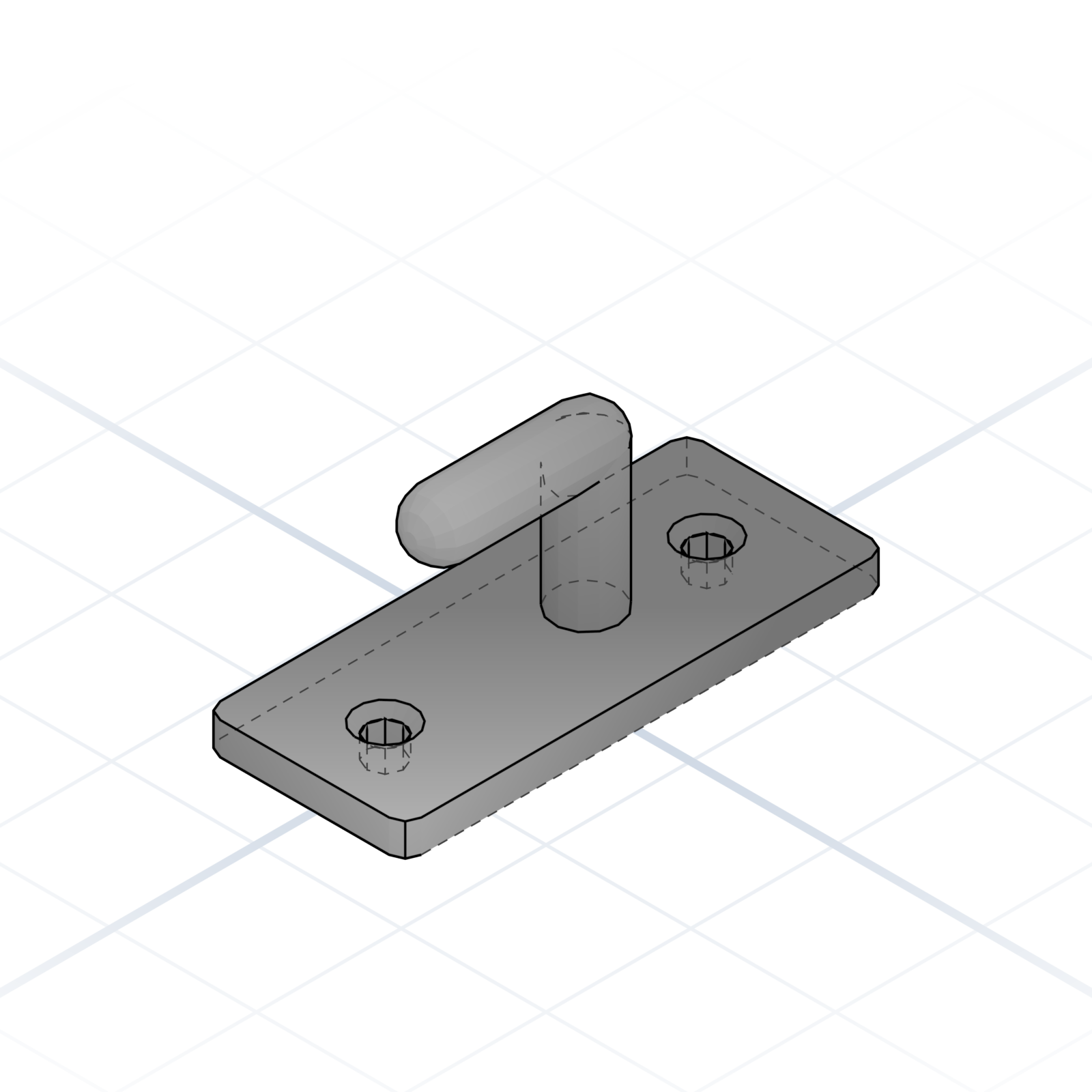
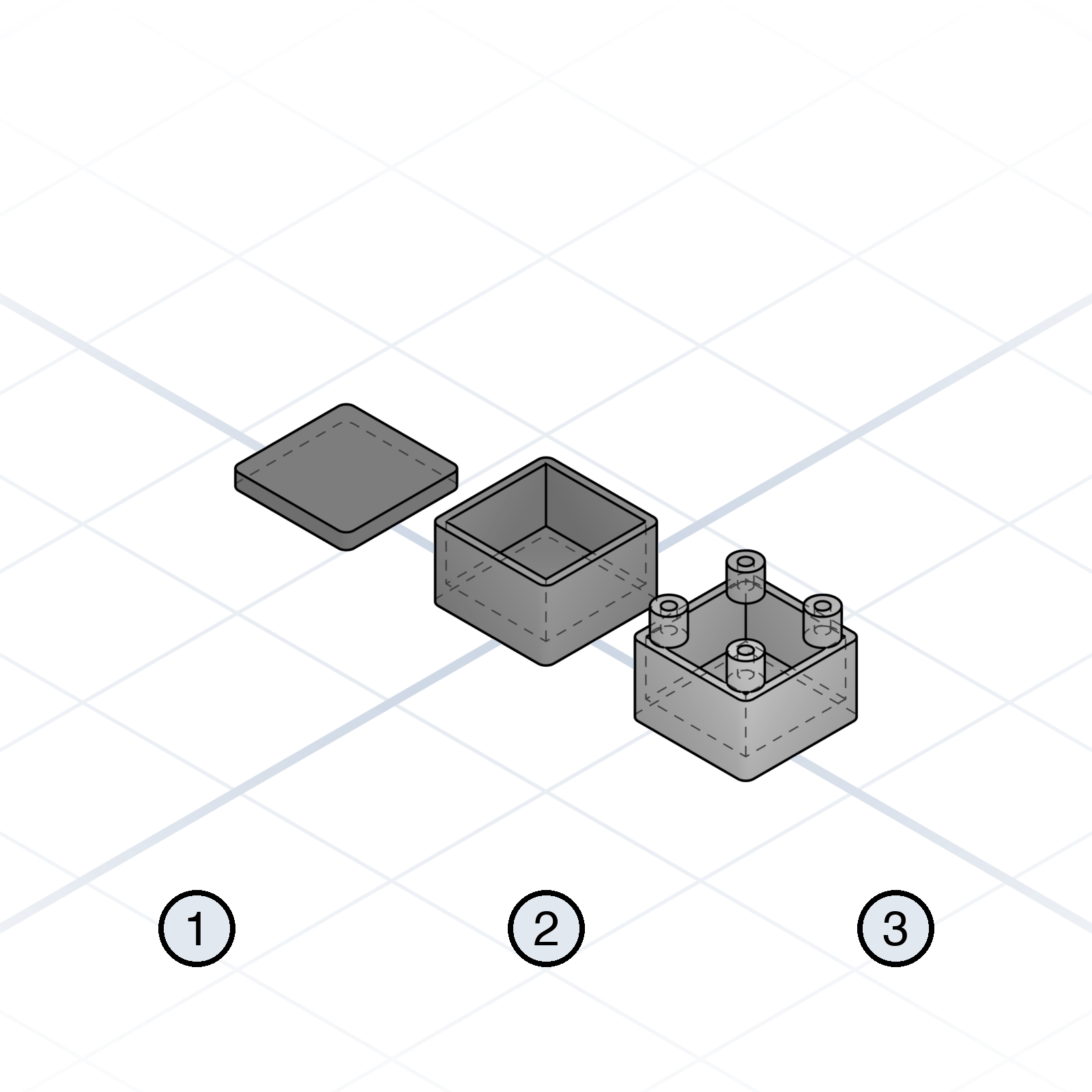
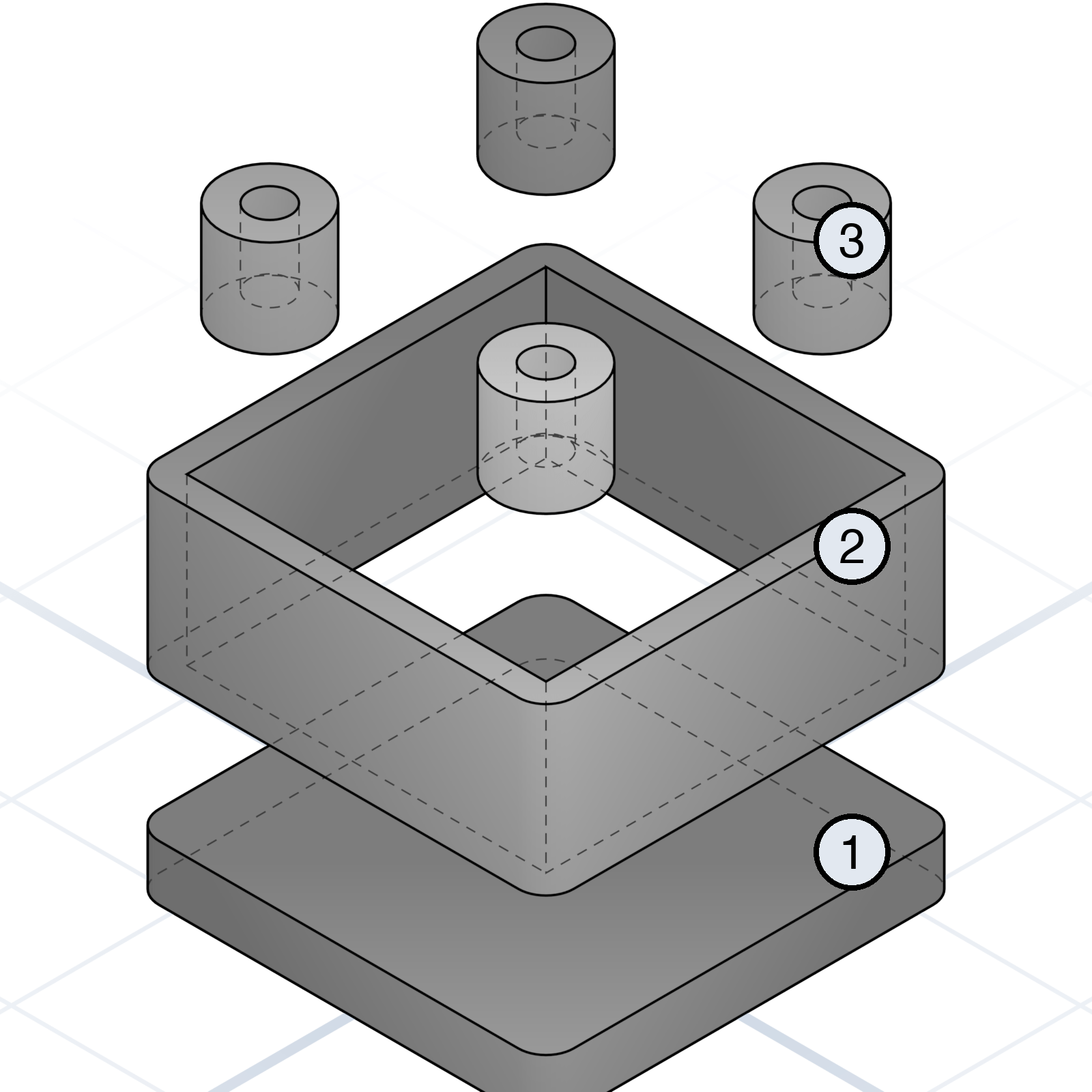
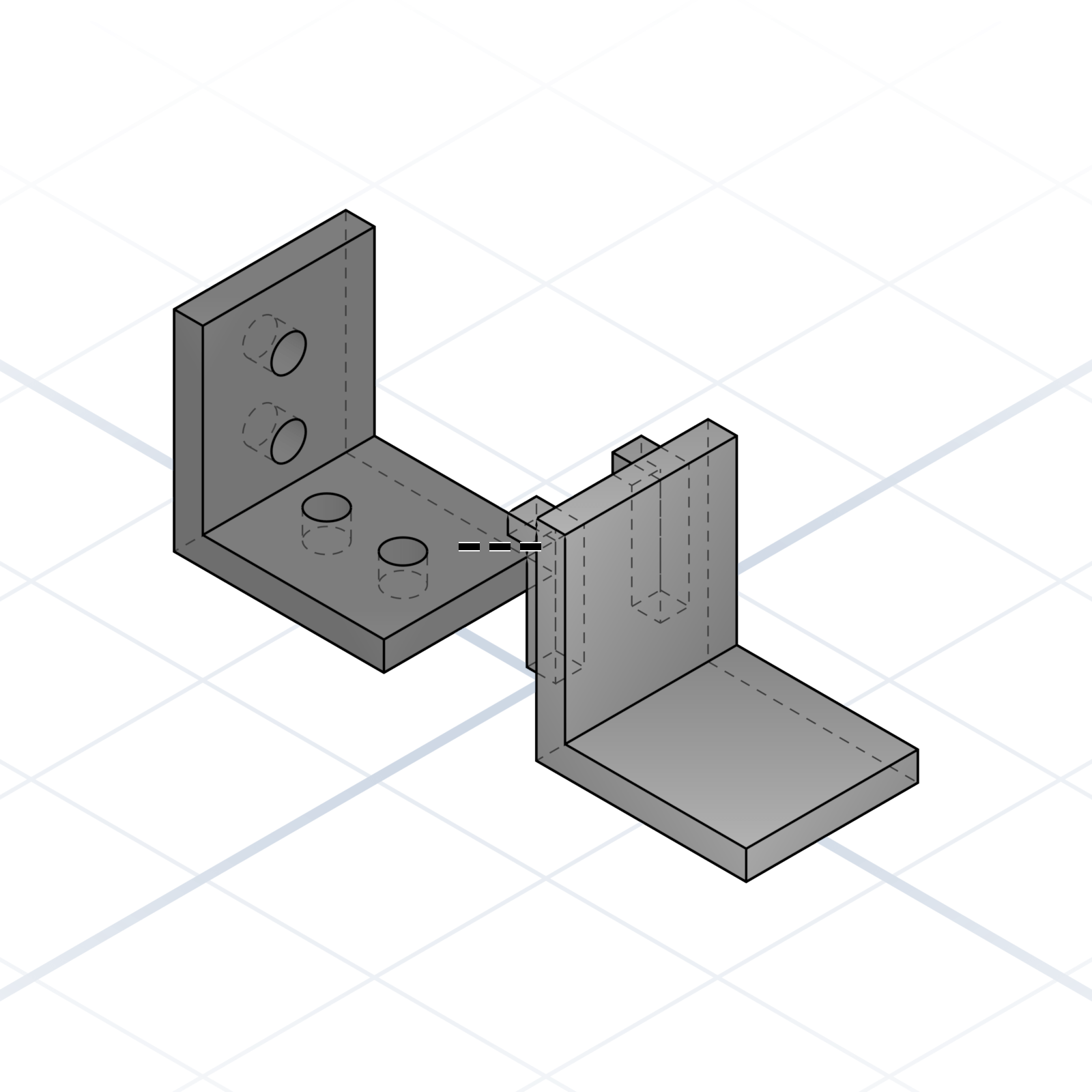
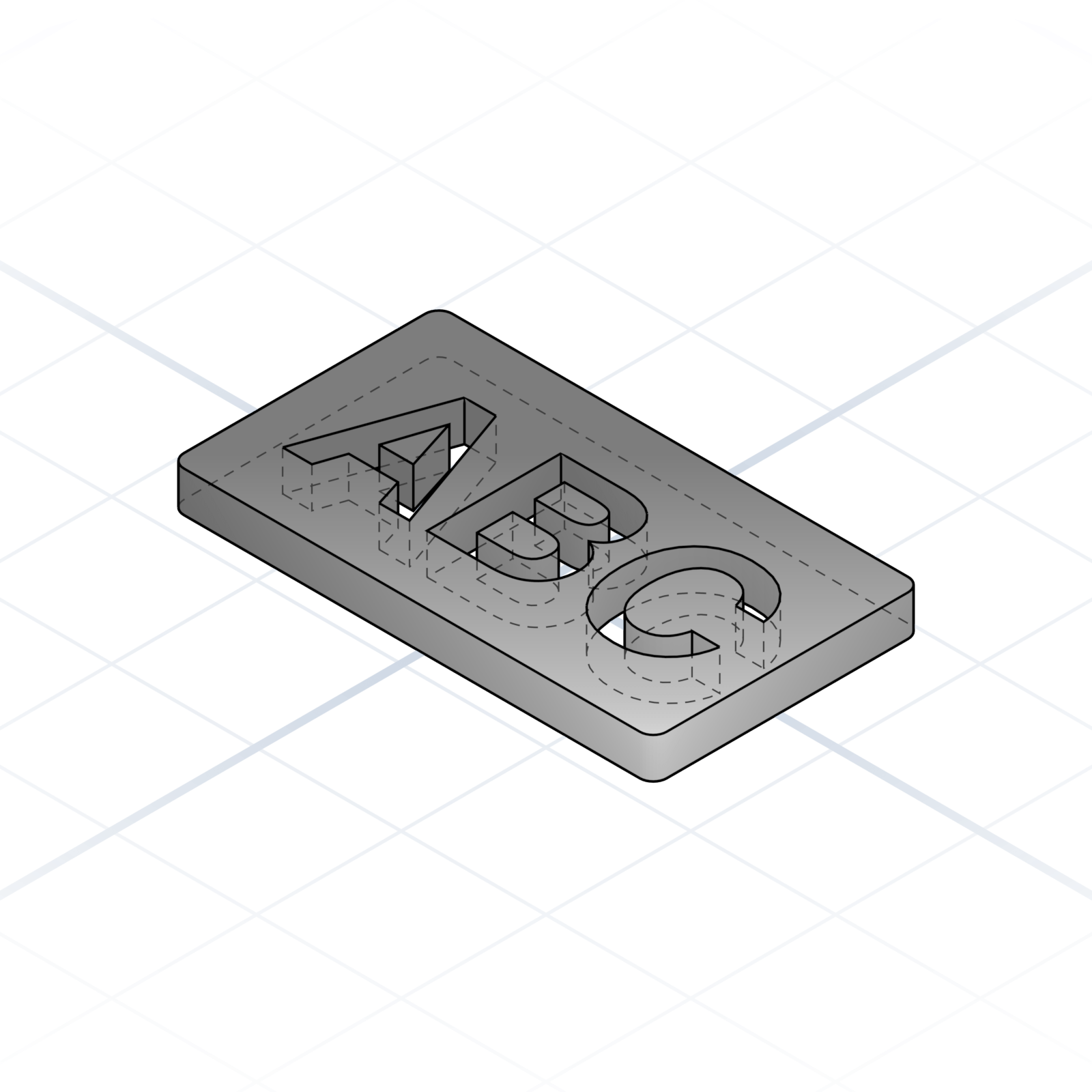
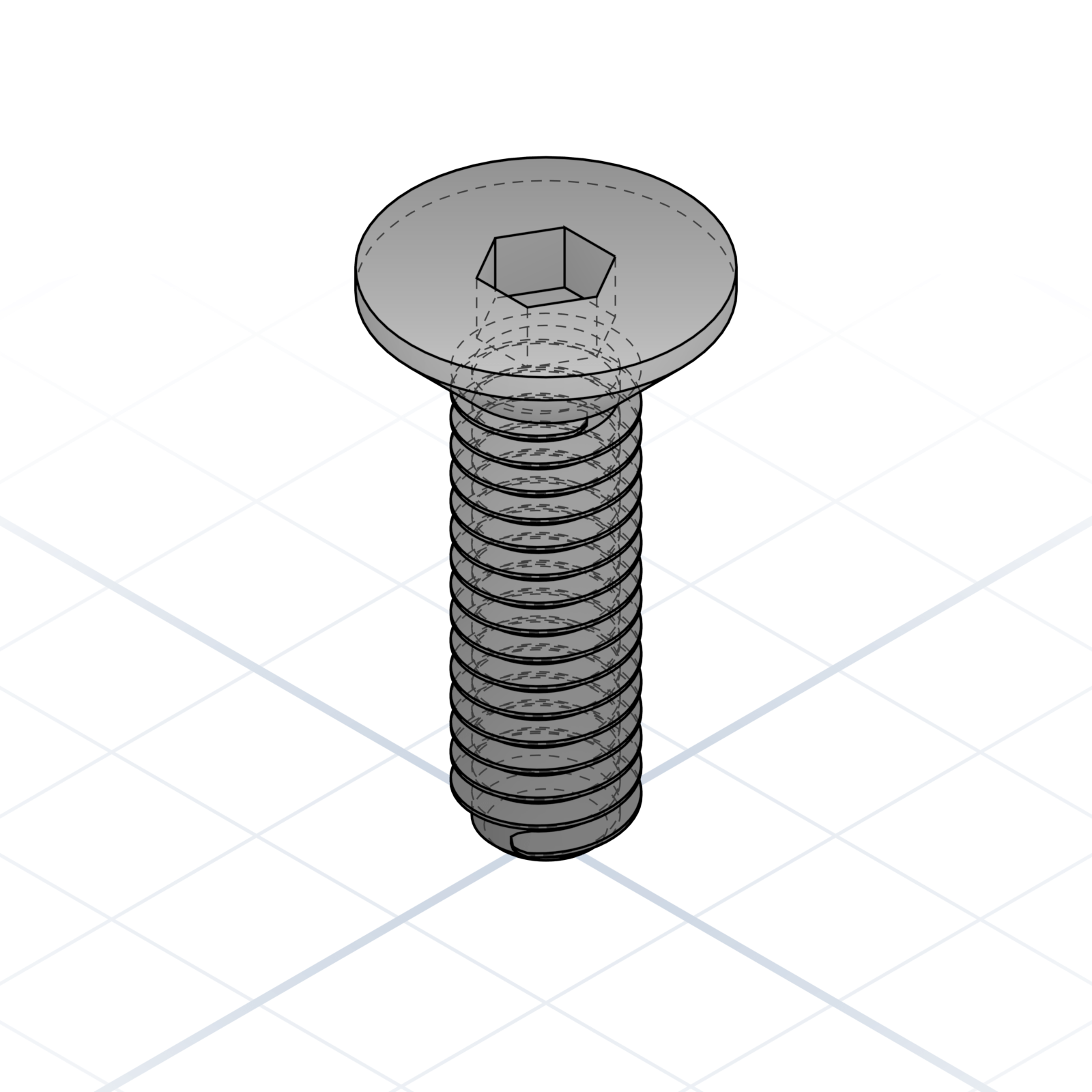
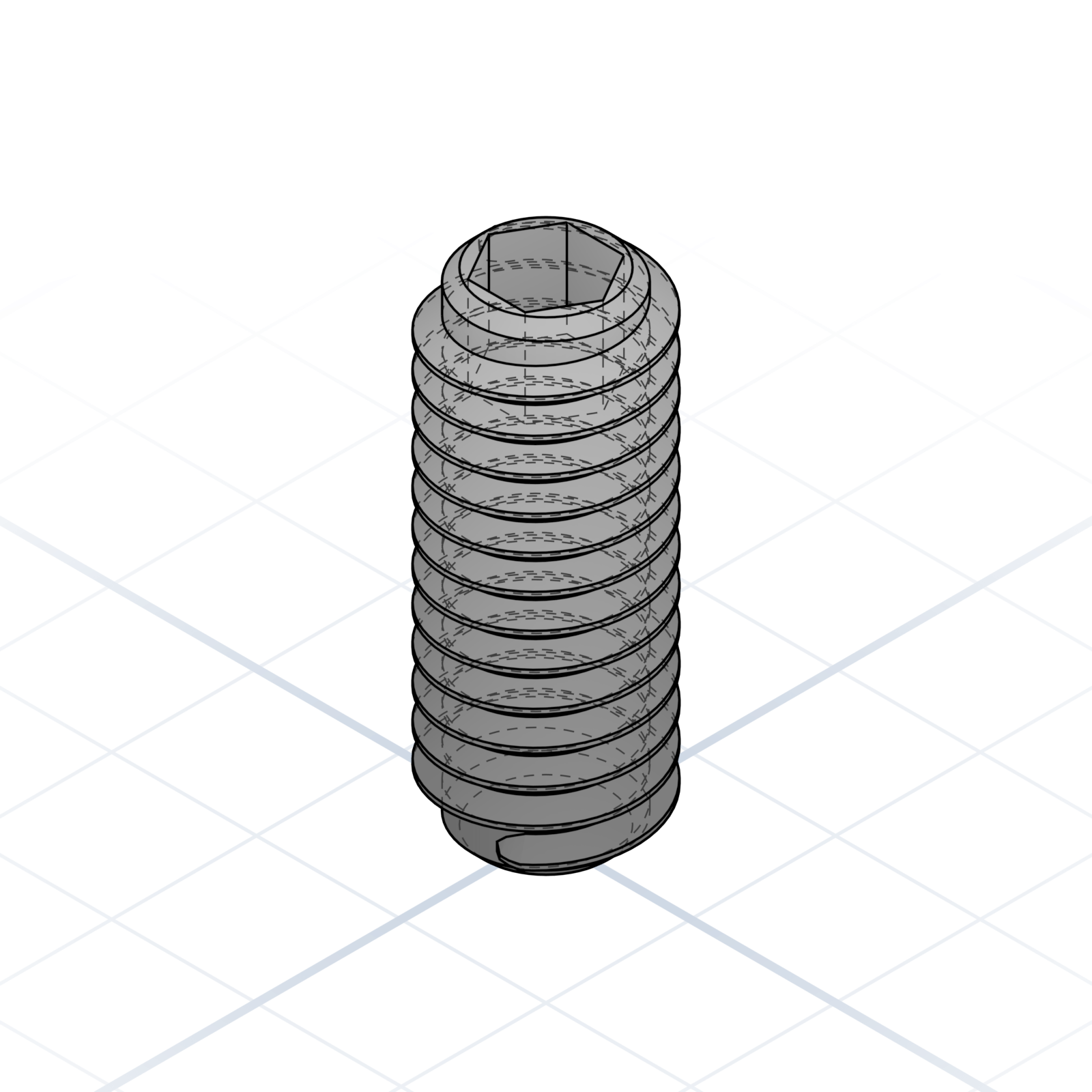
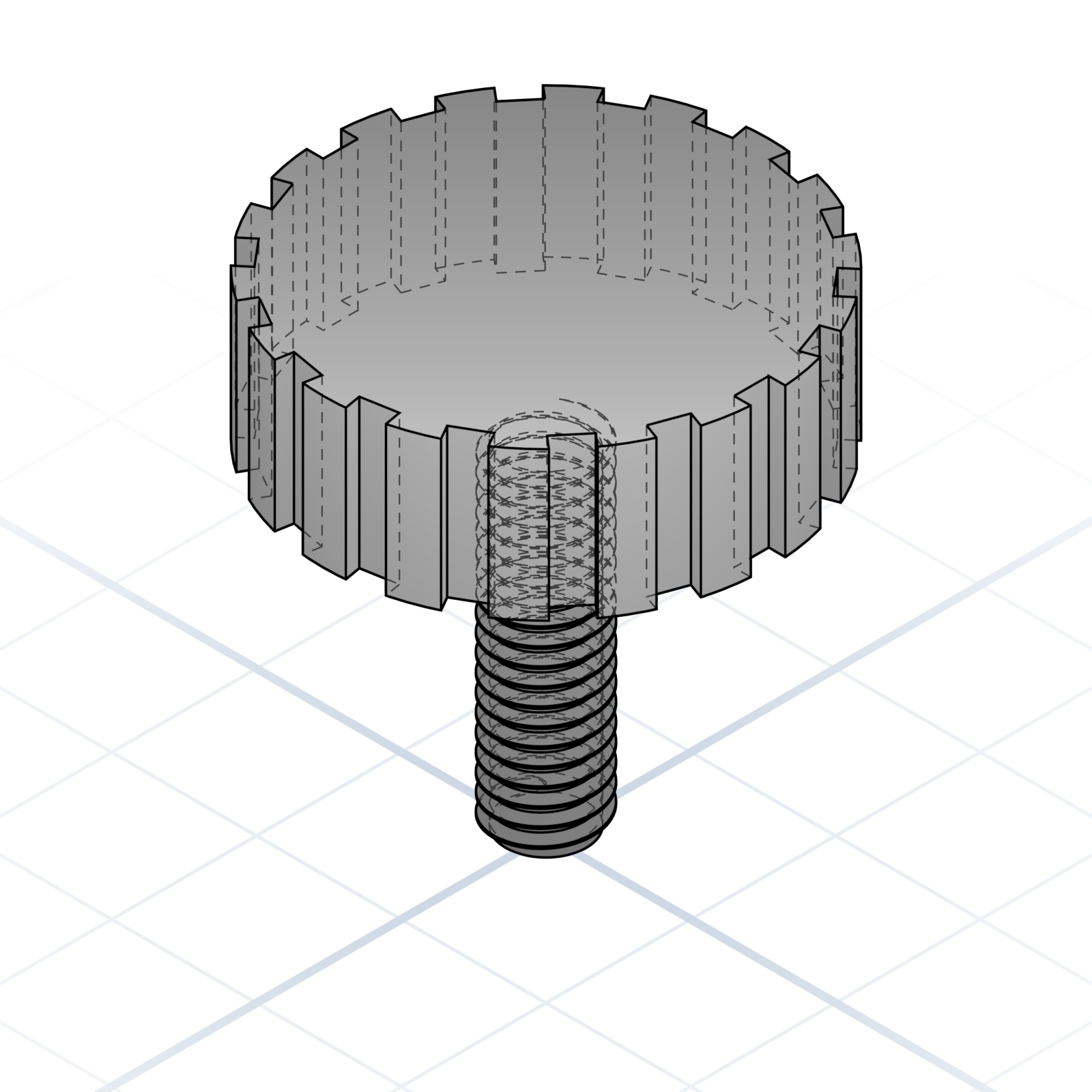
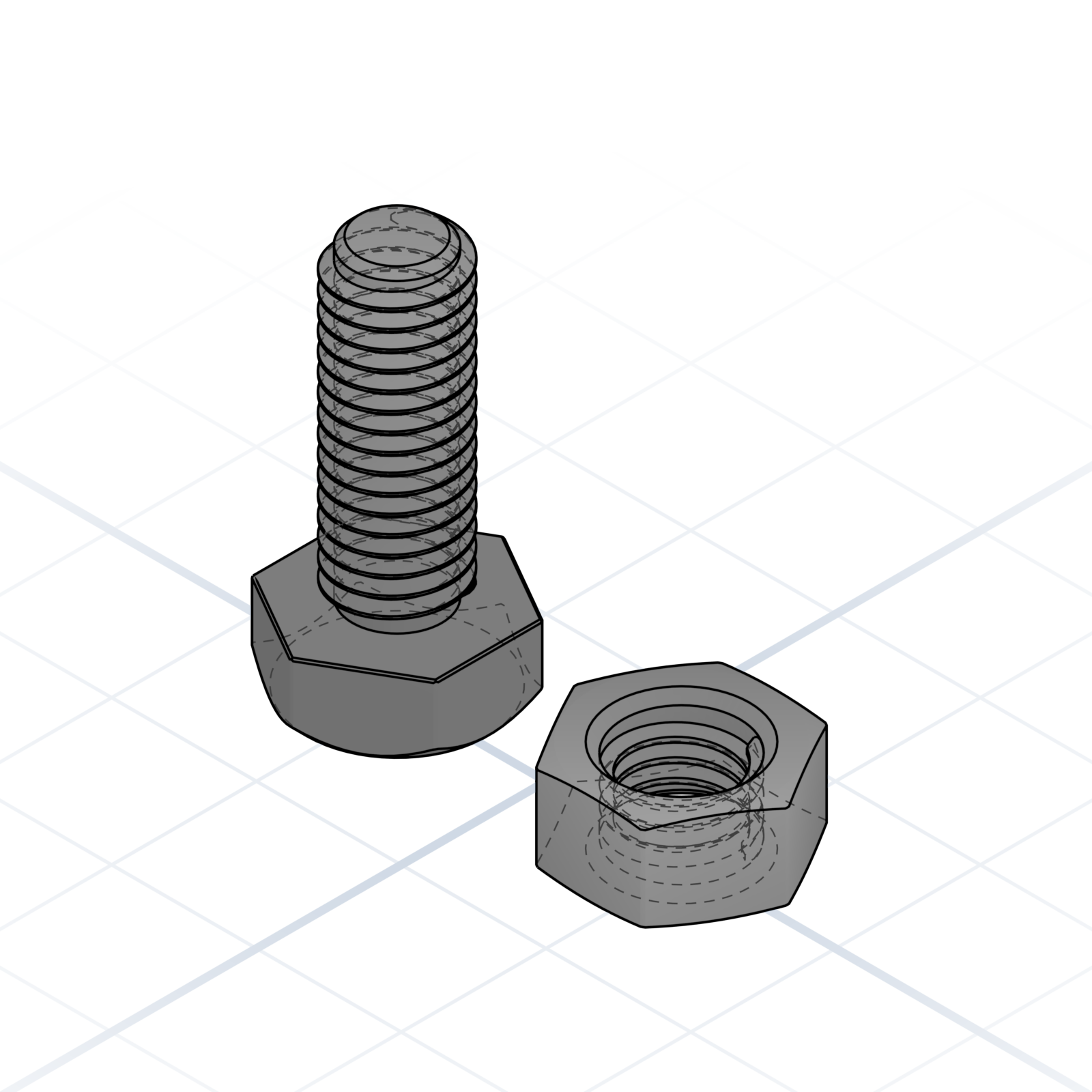
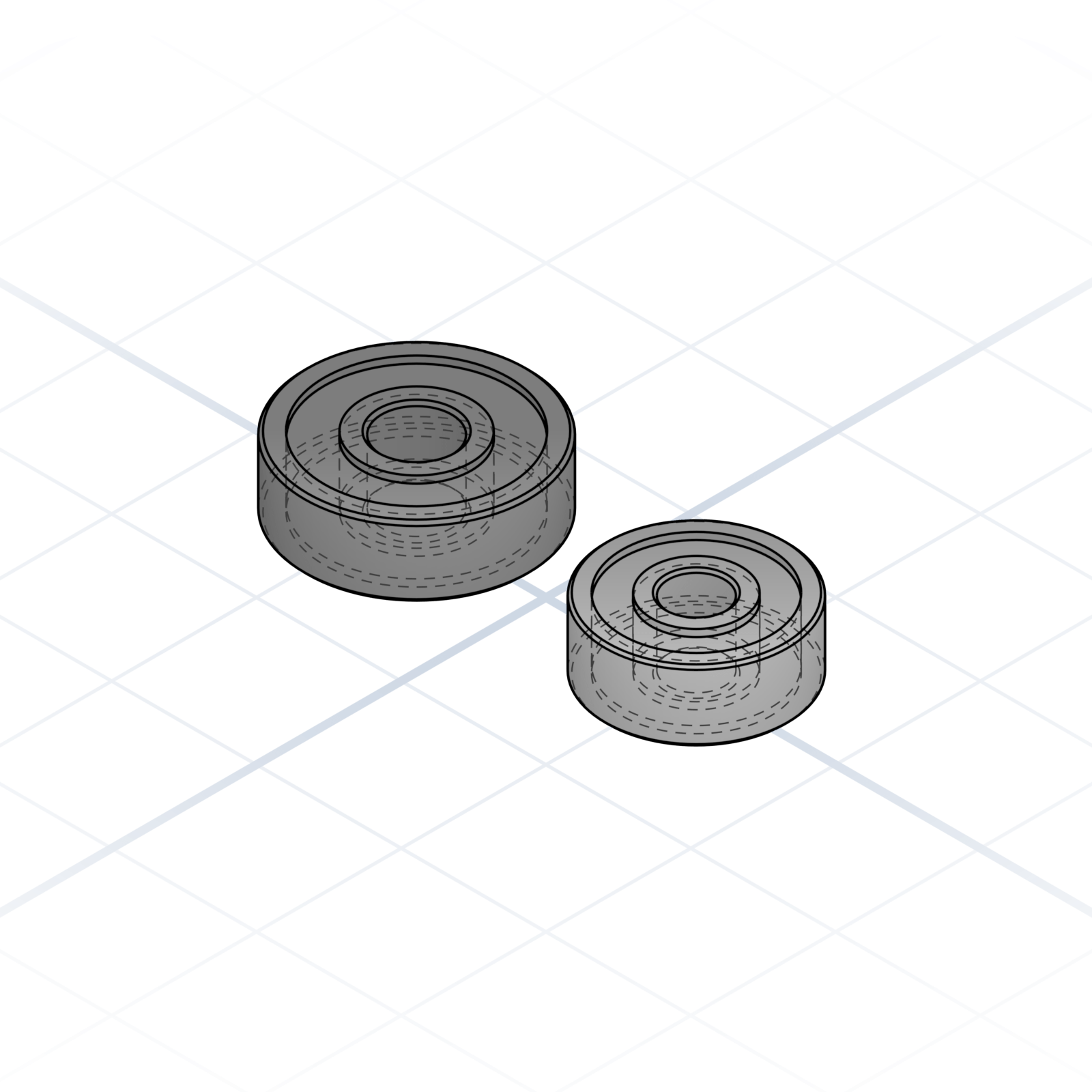
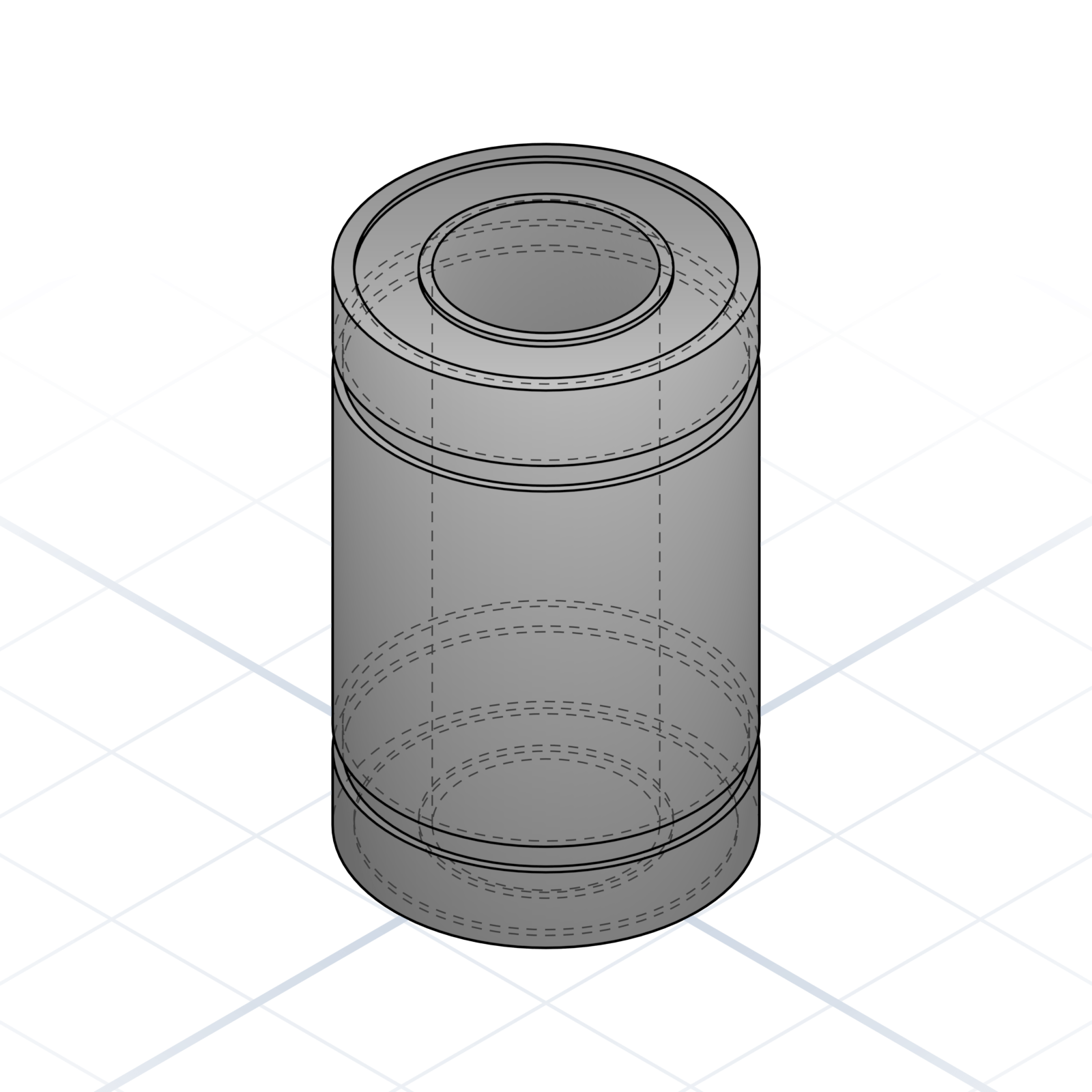
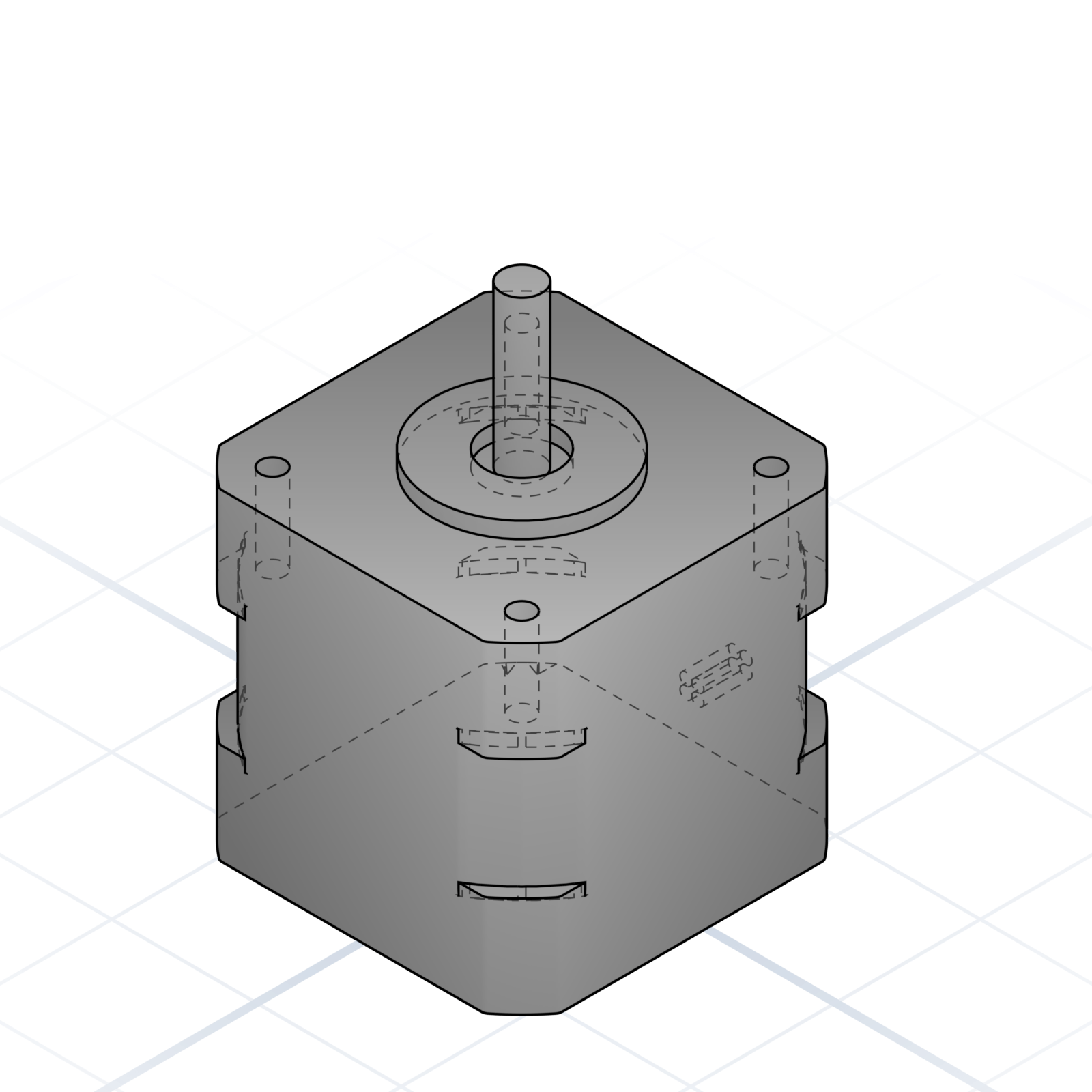
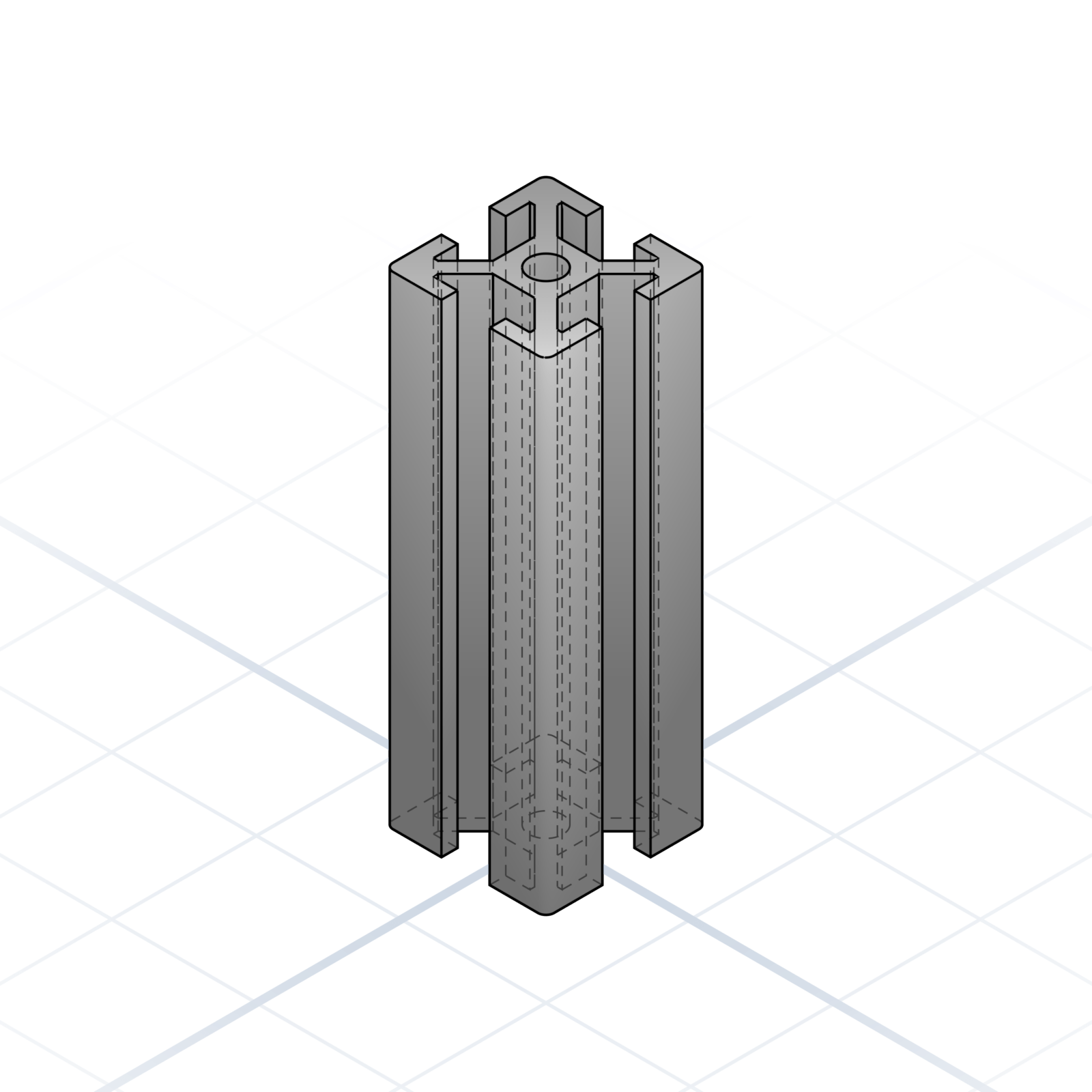
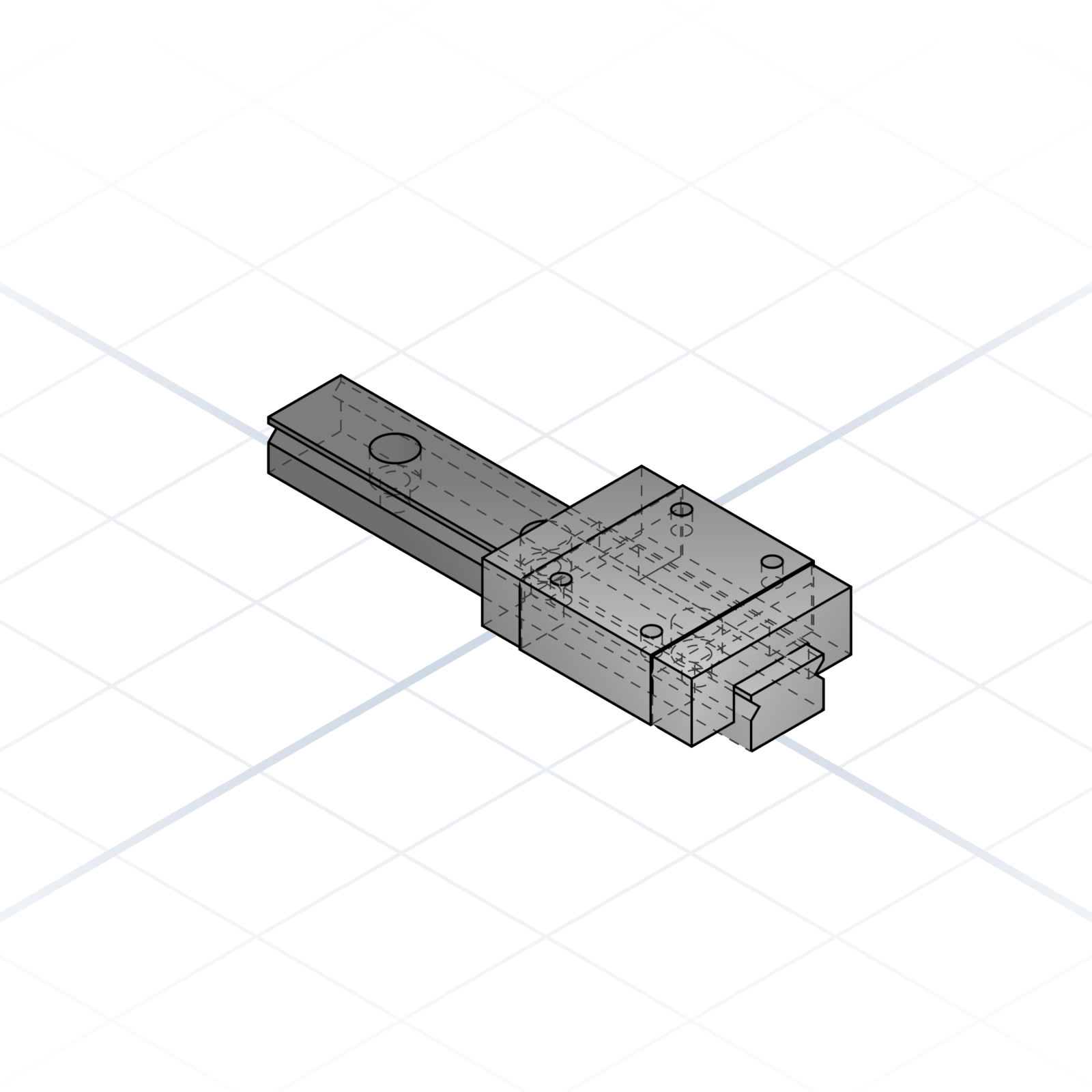
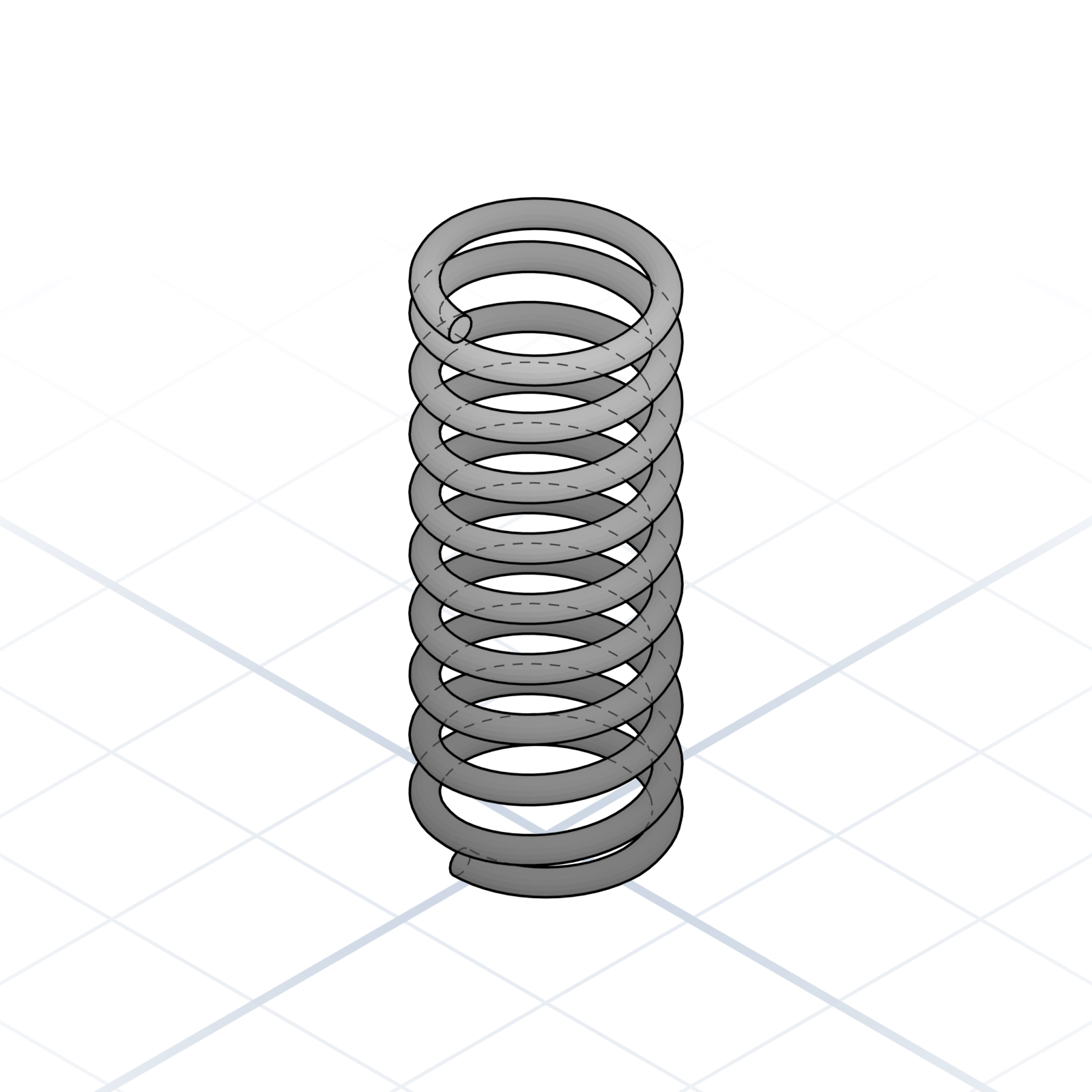
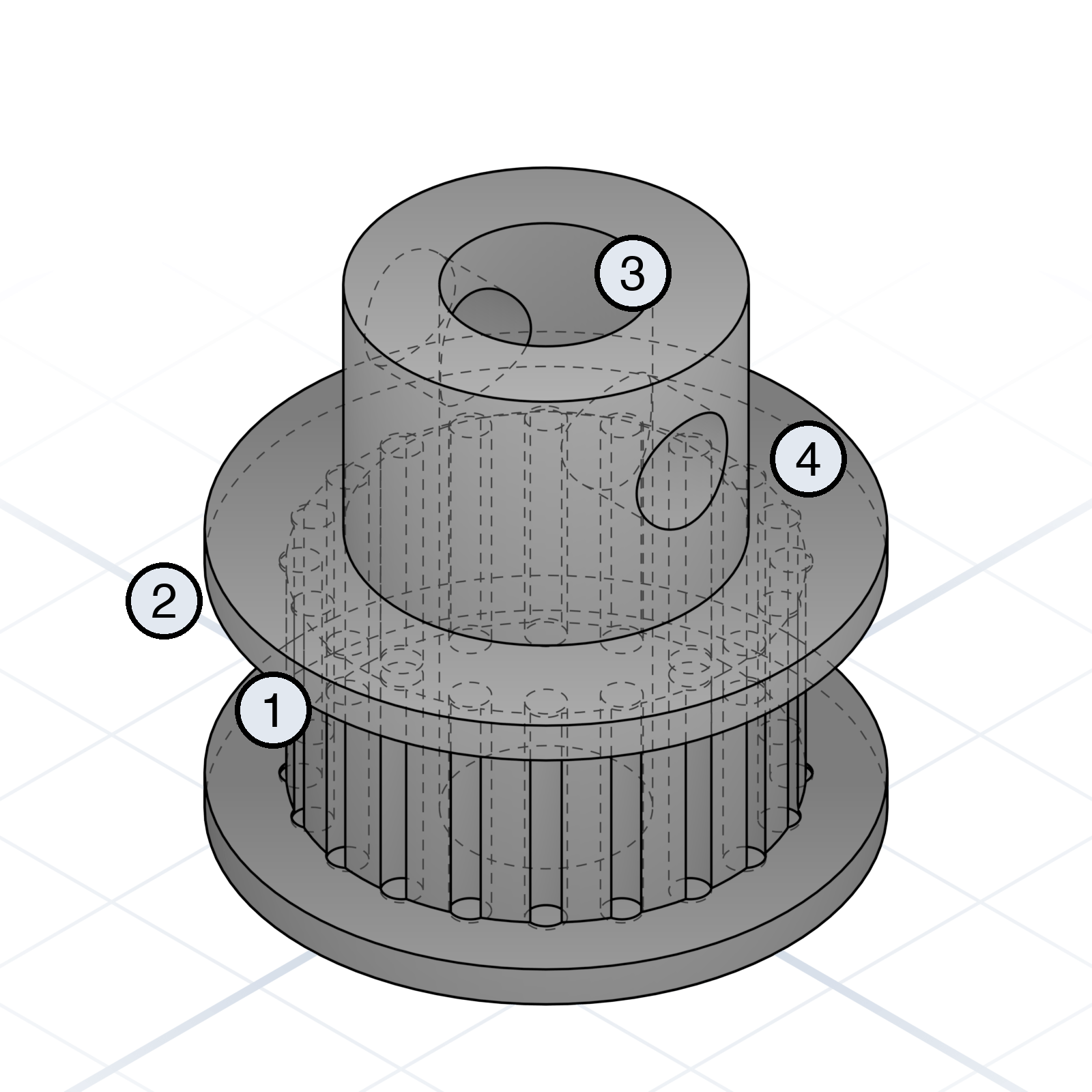
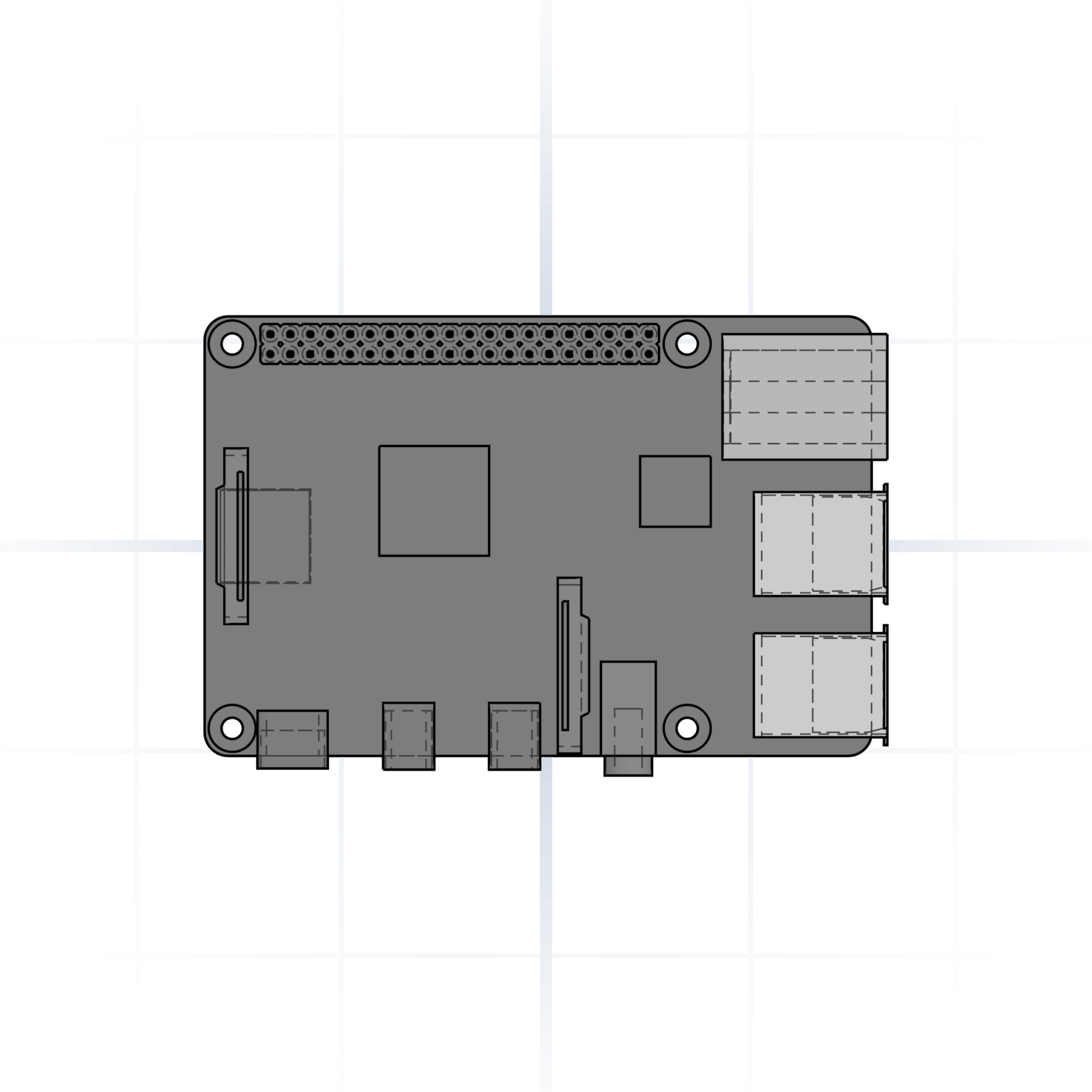
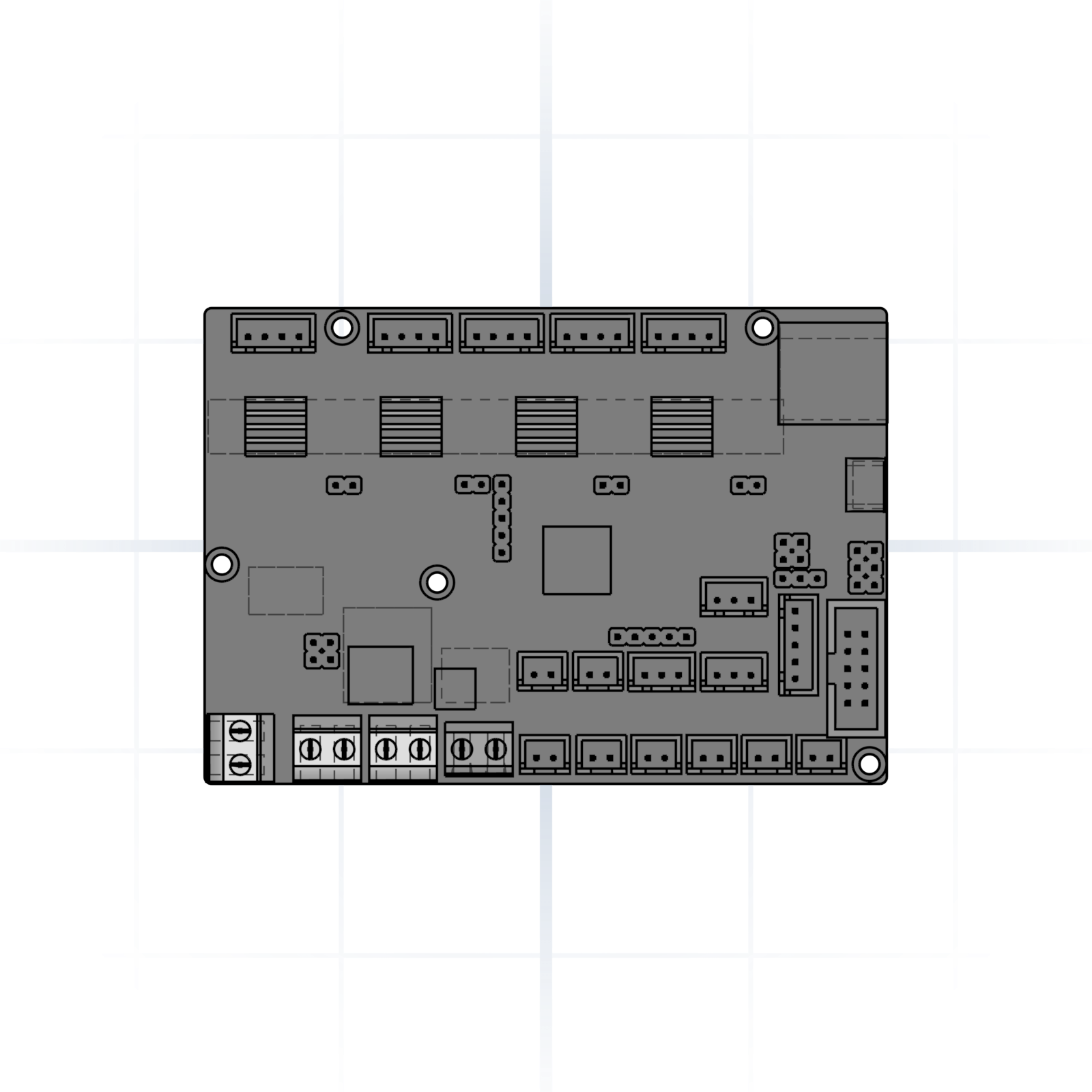
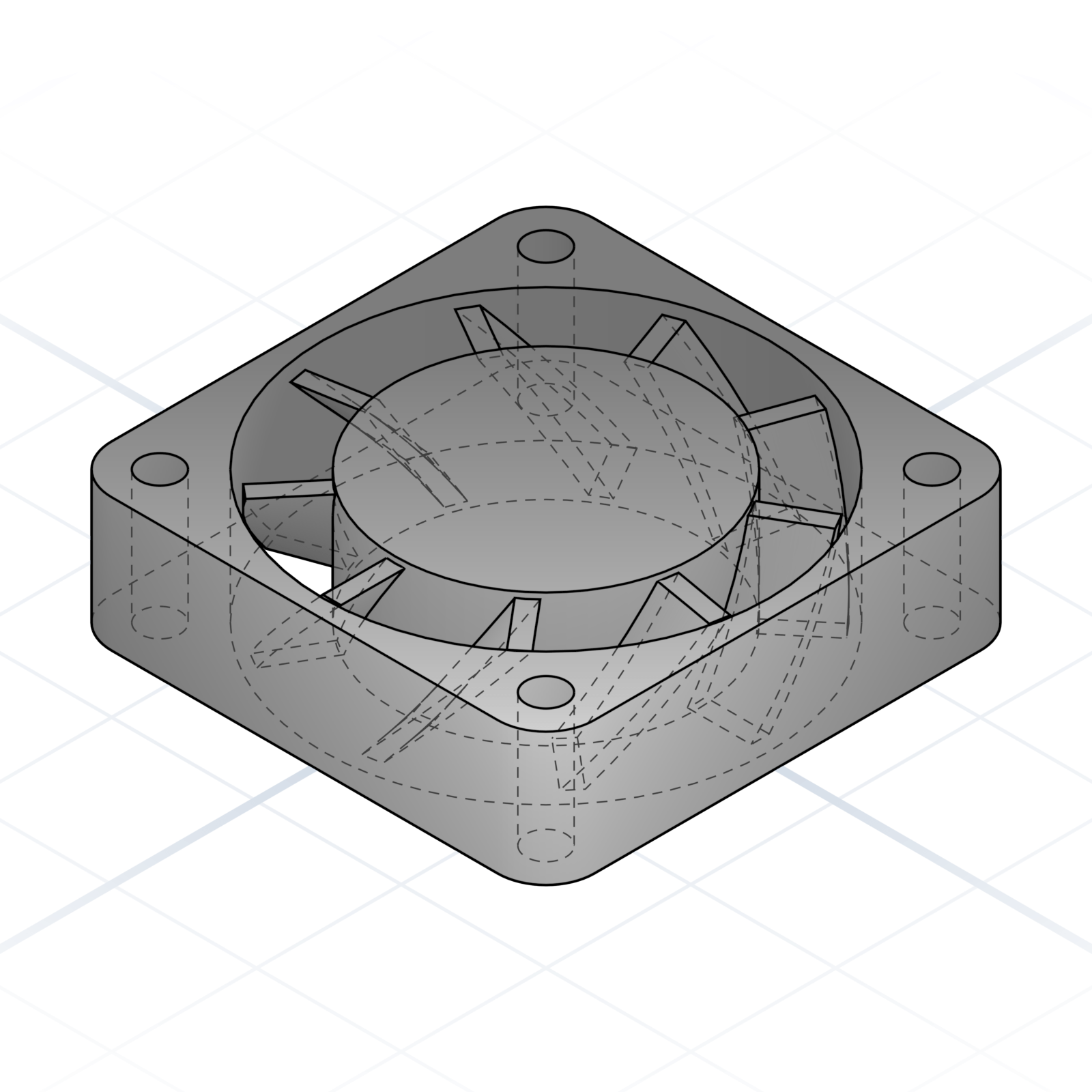
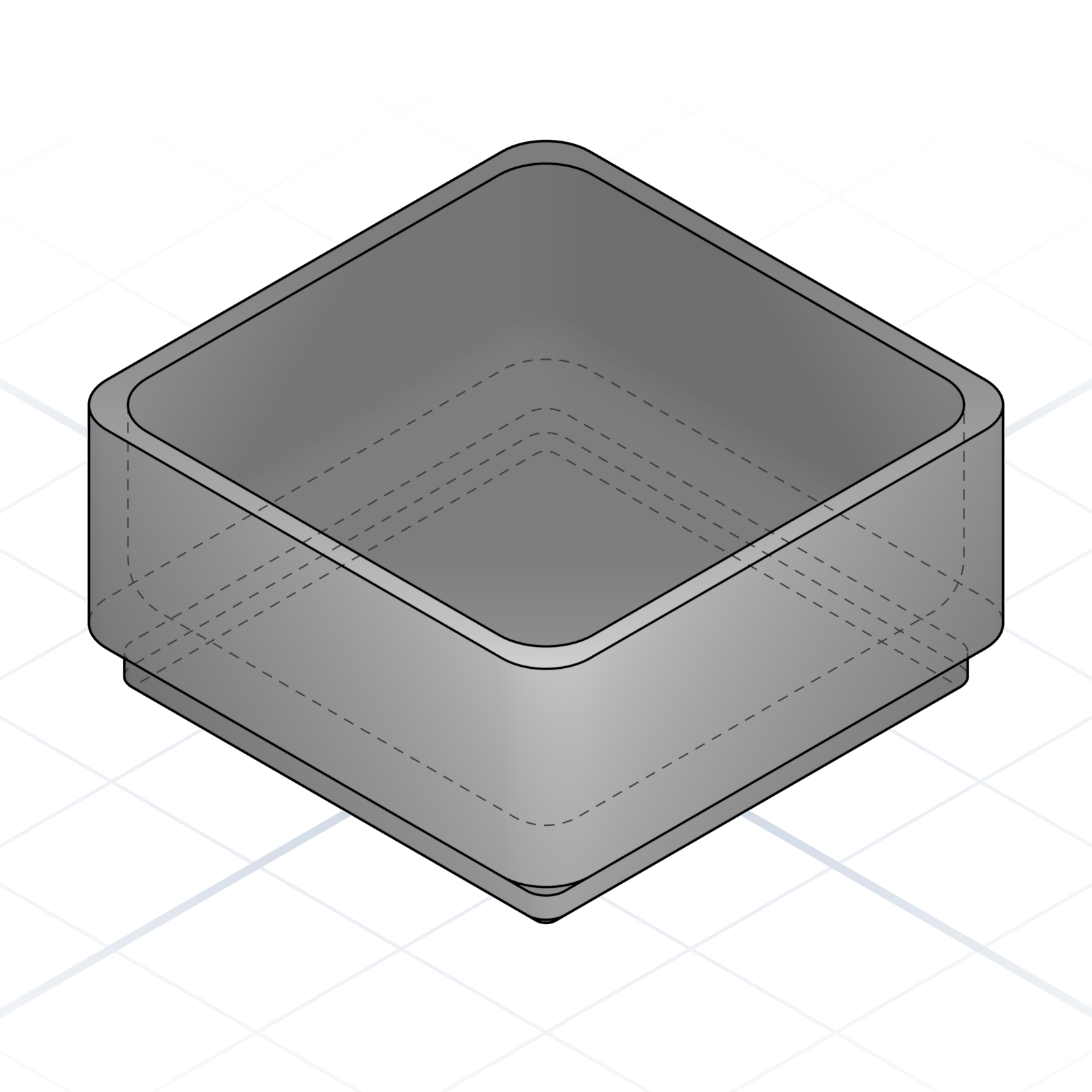
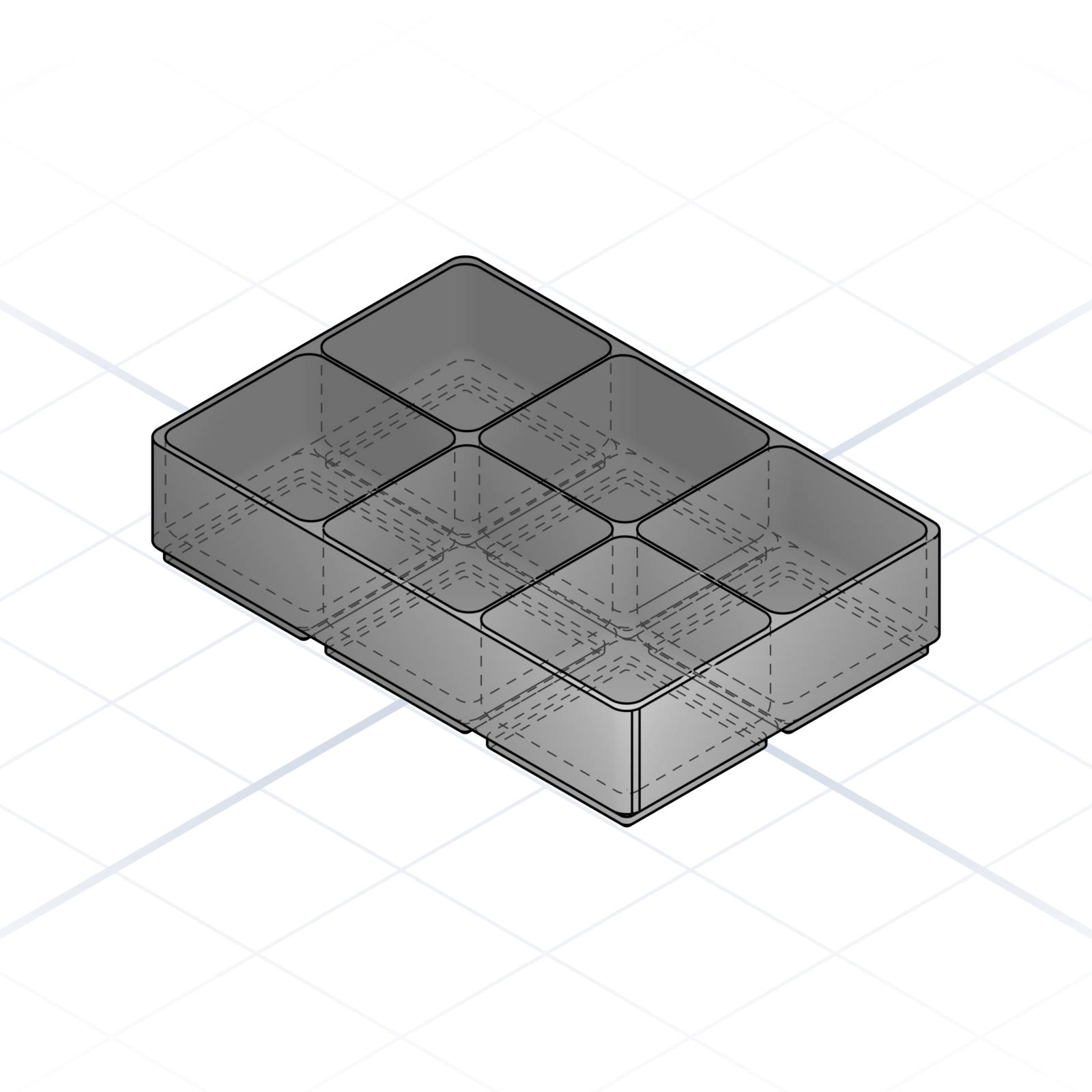
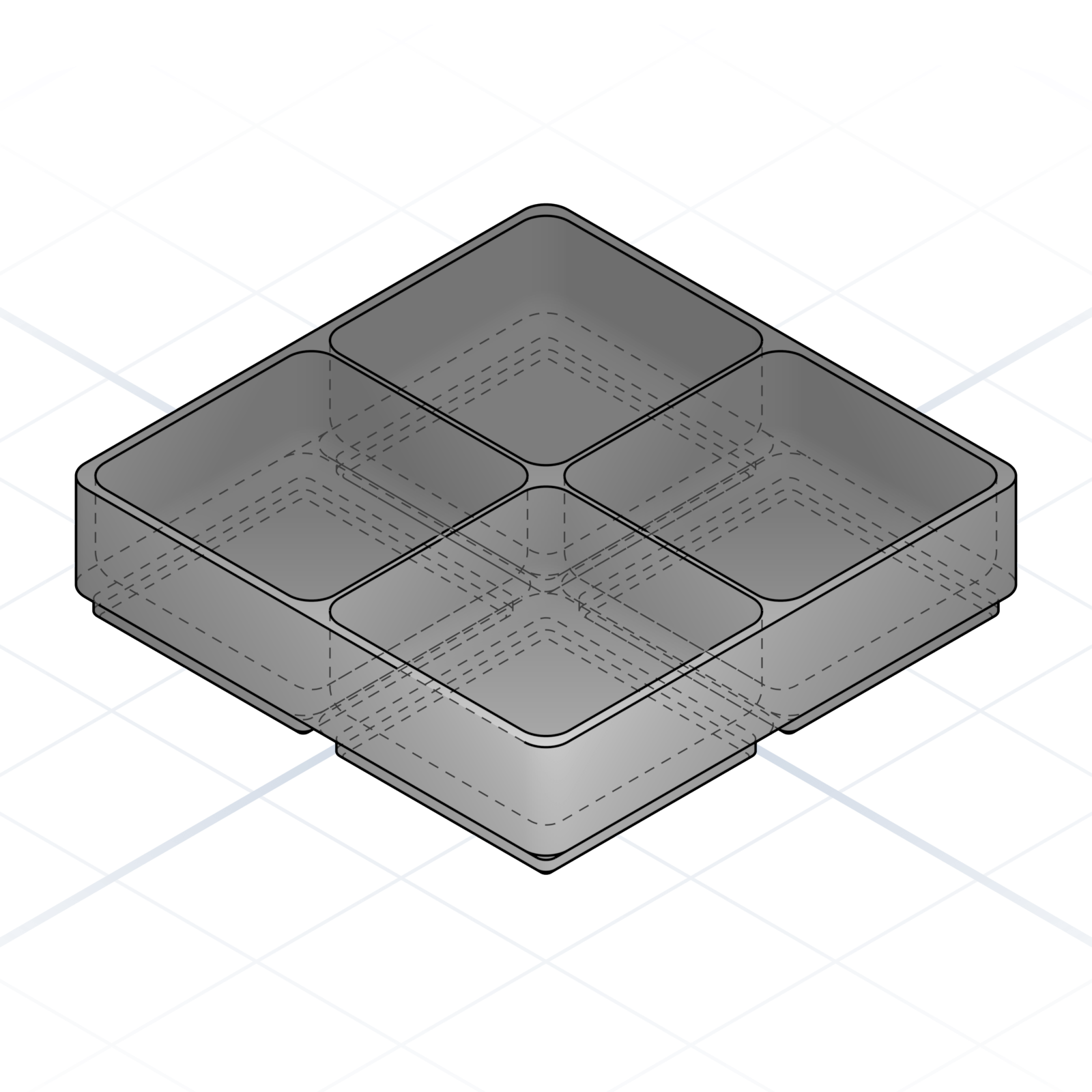
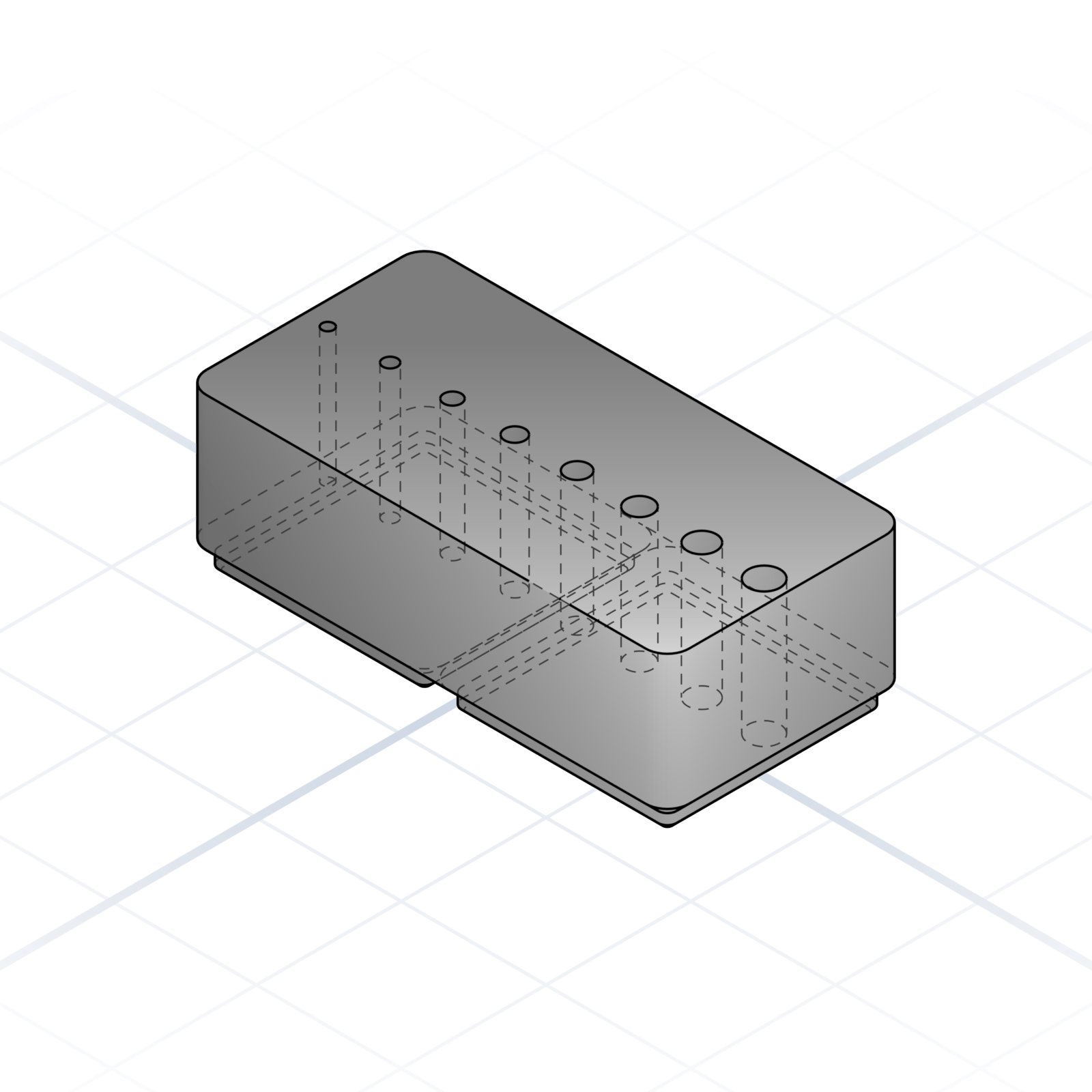
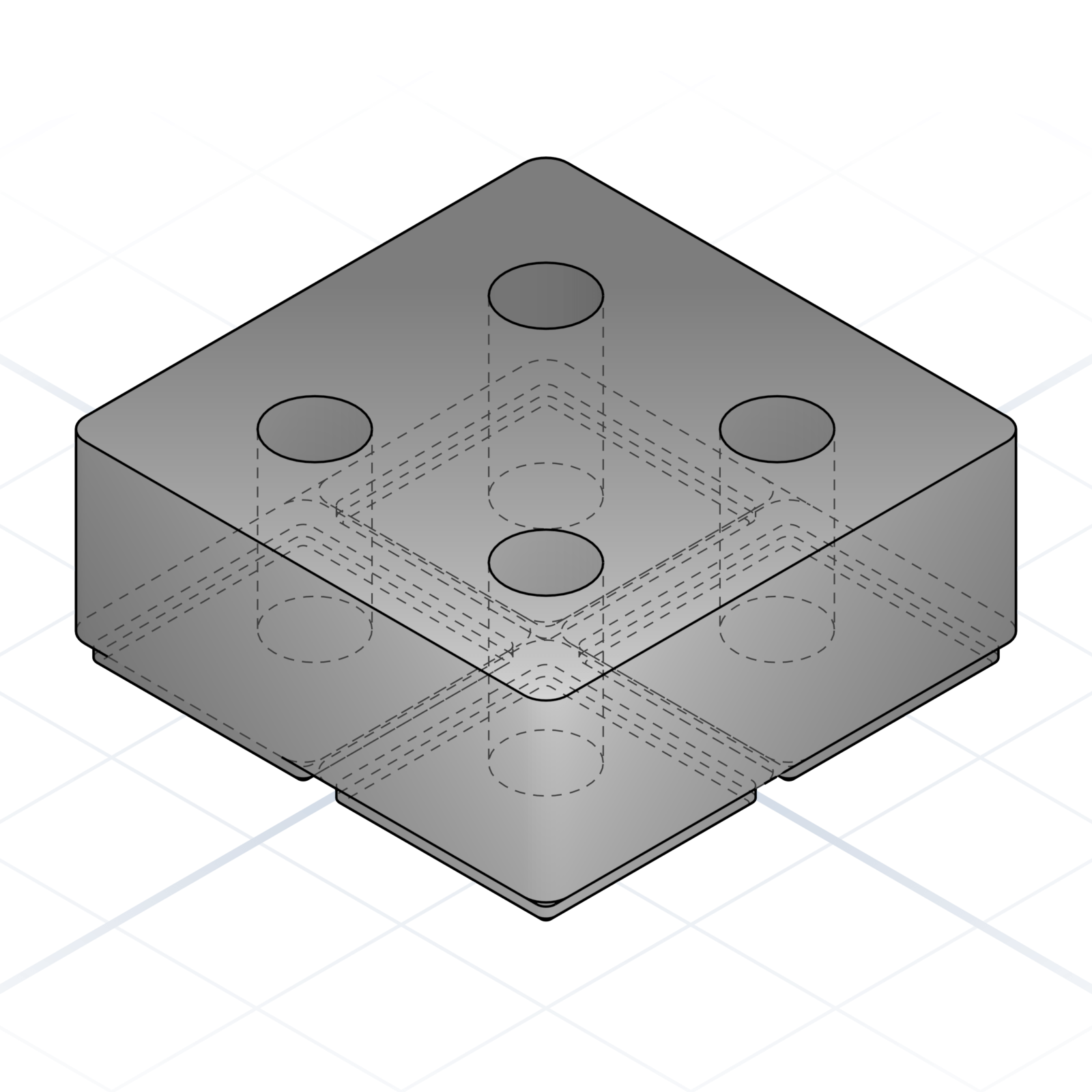
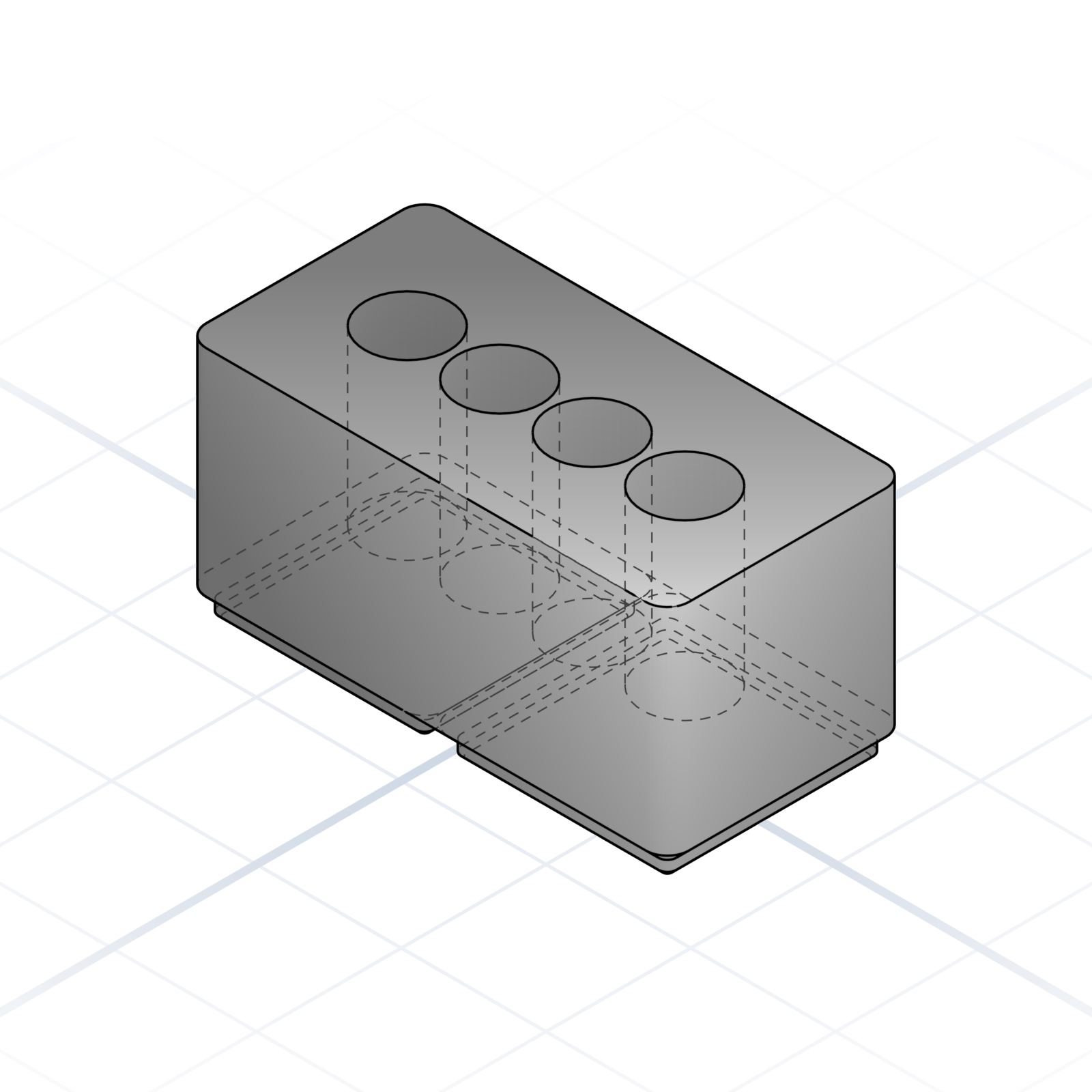
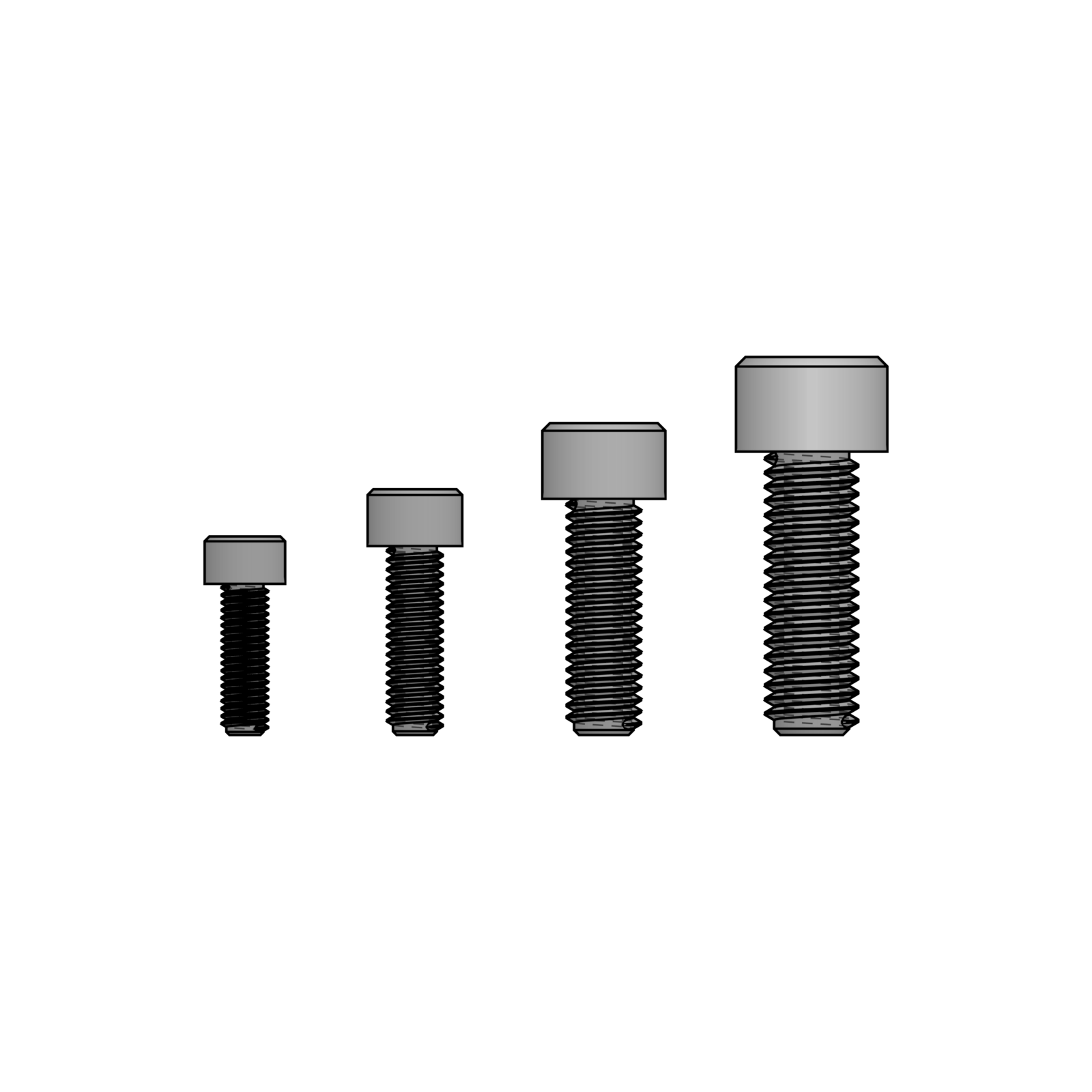
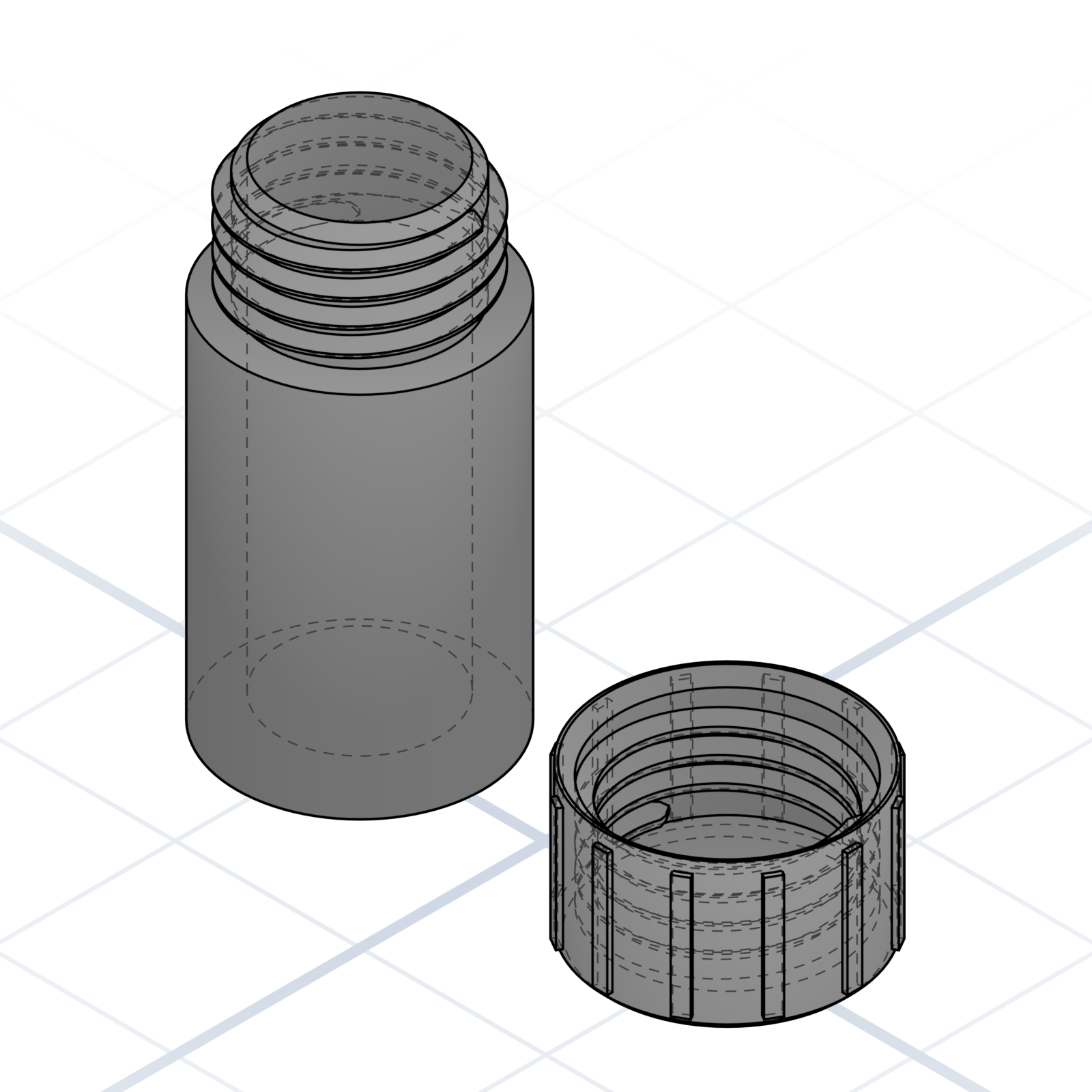
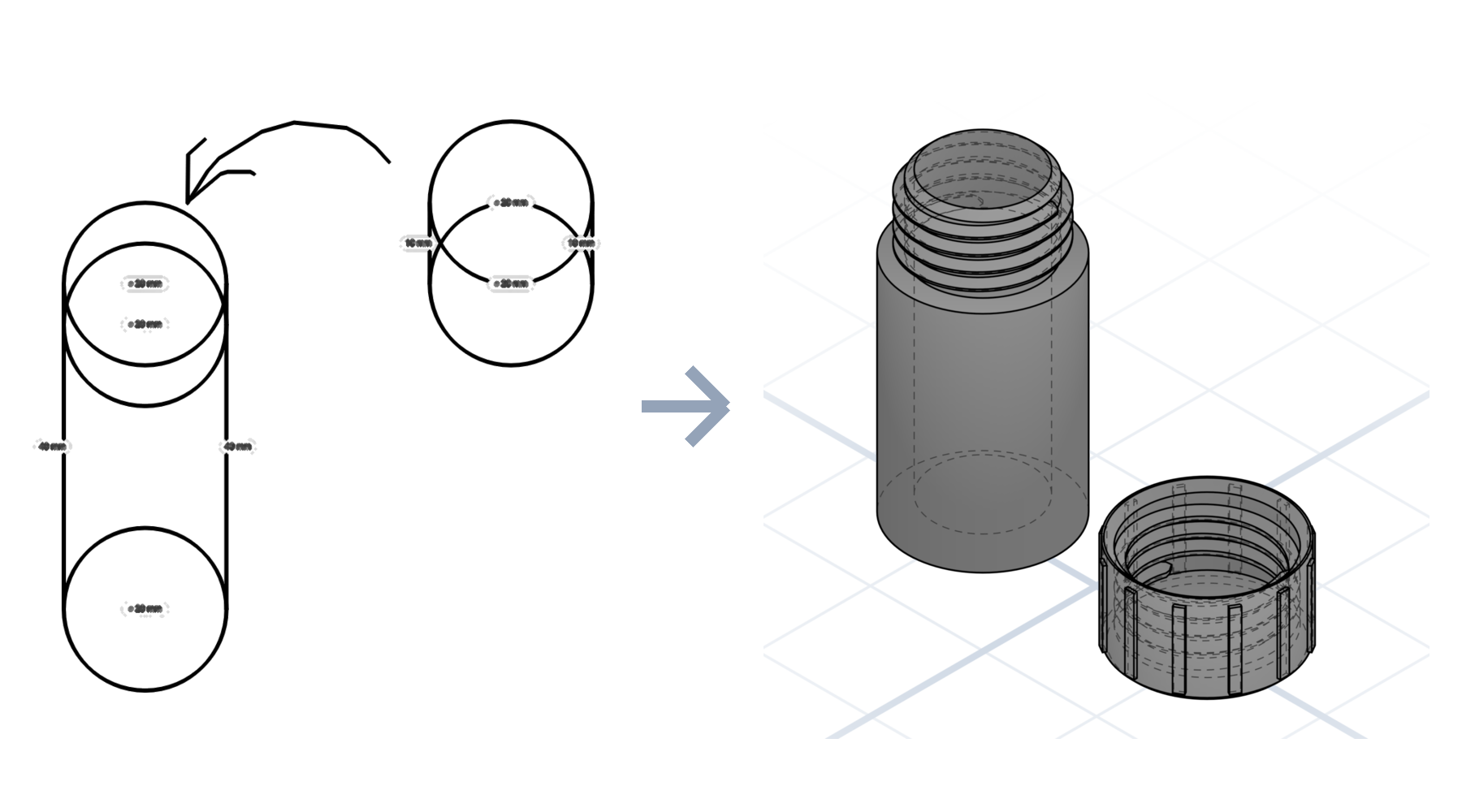
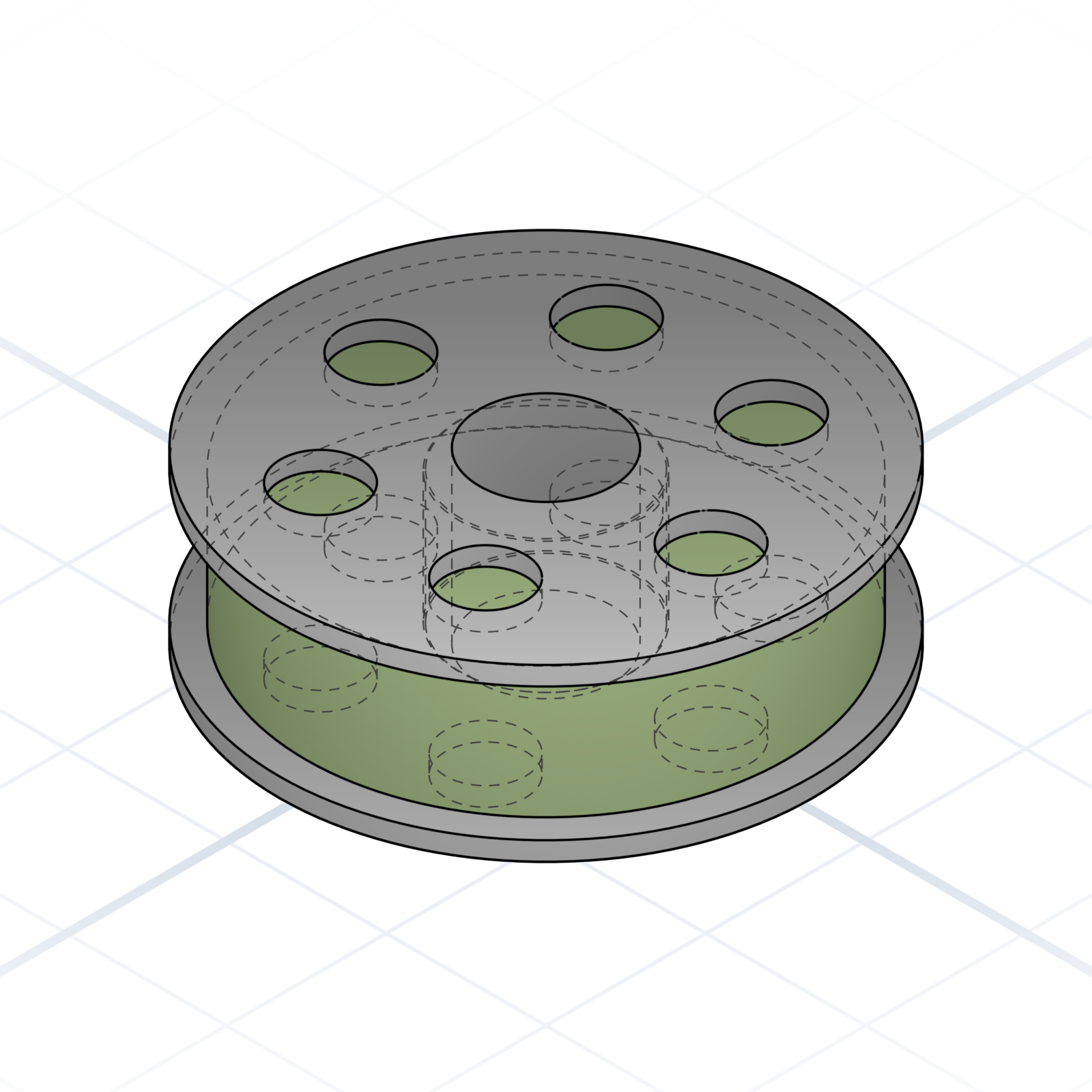
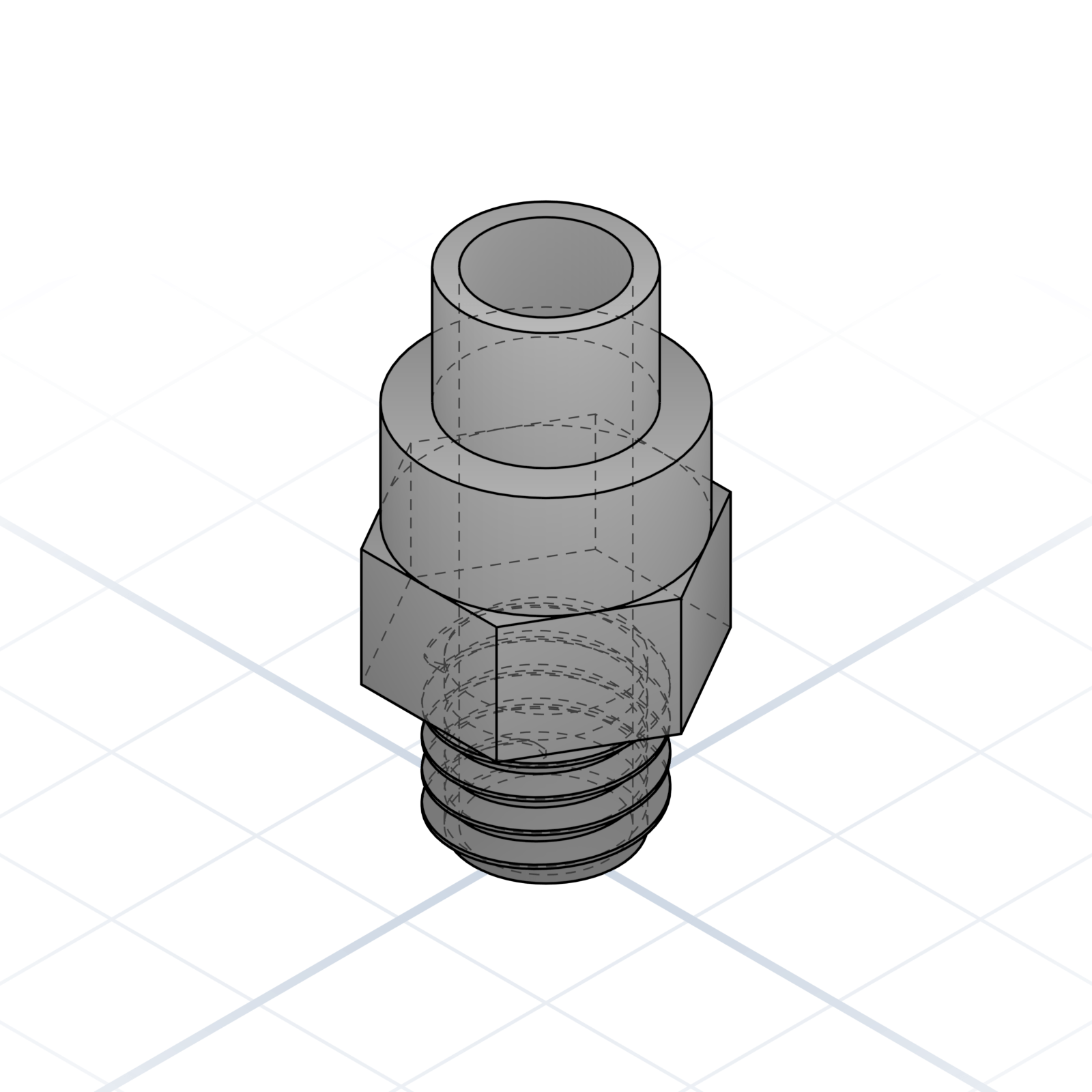
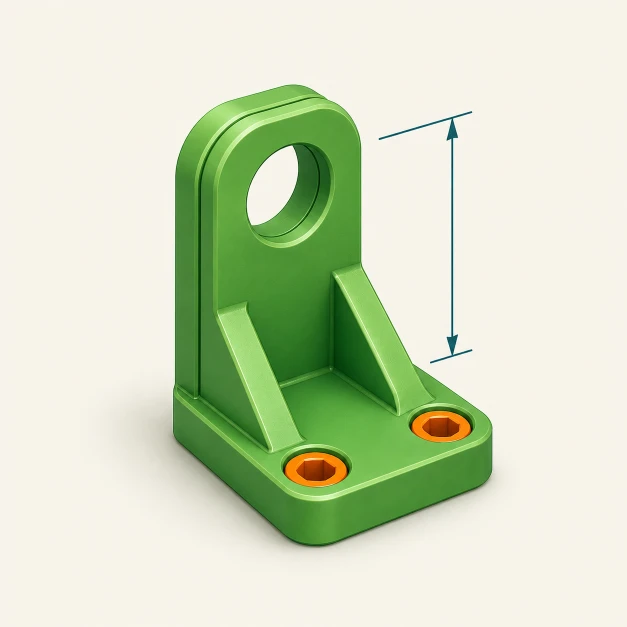
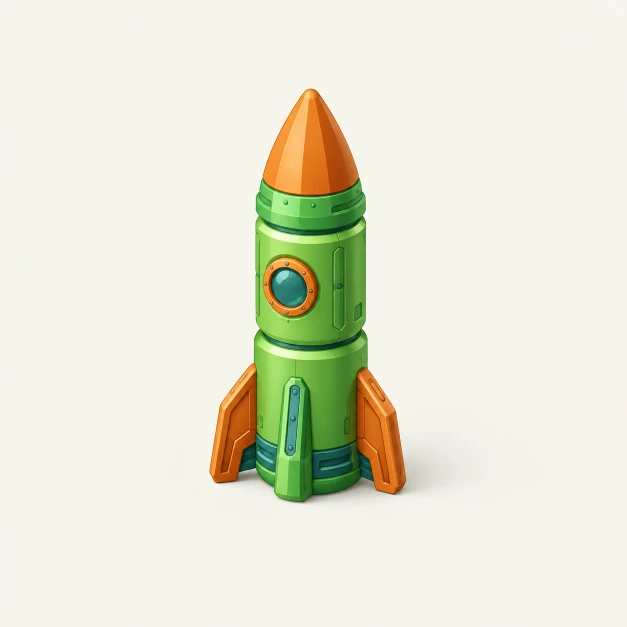
Colour on parametric parts
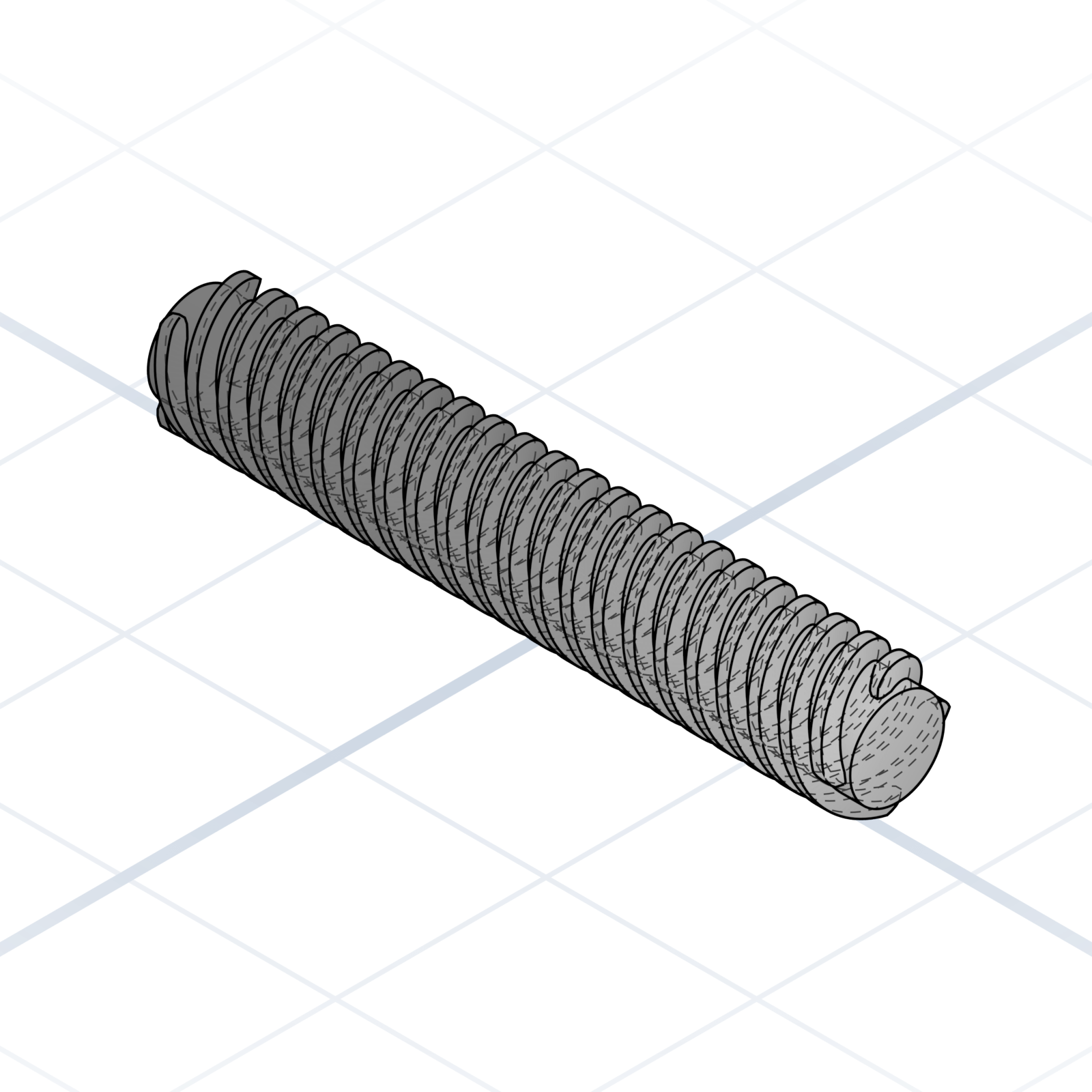
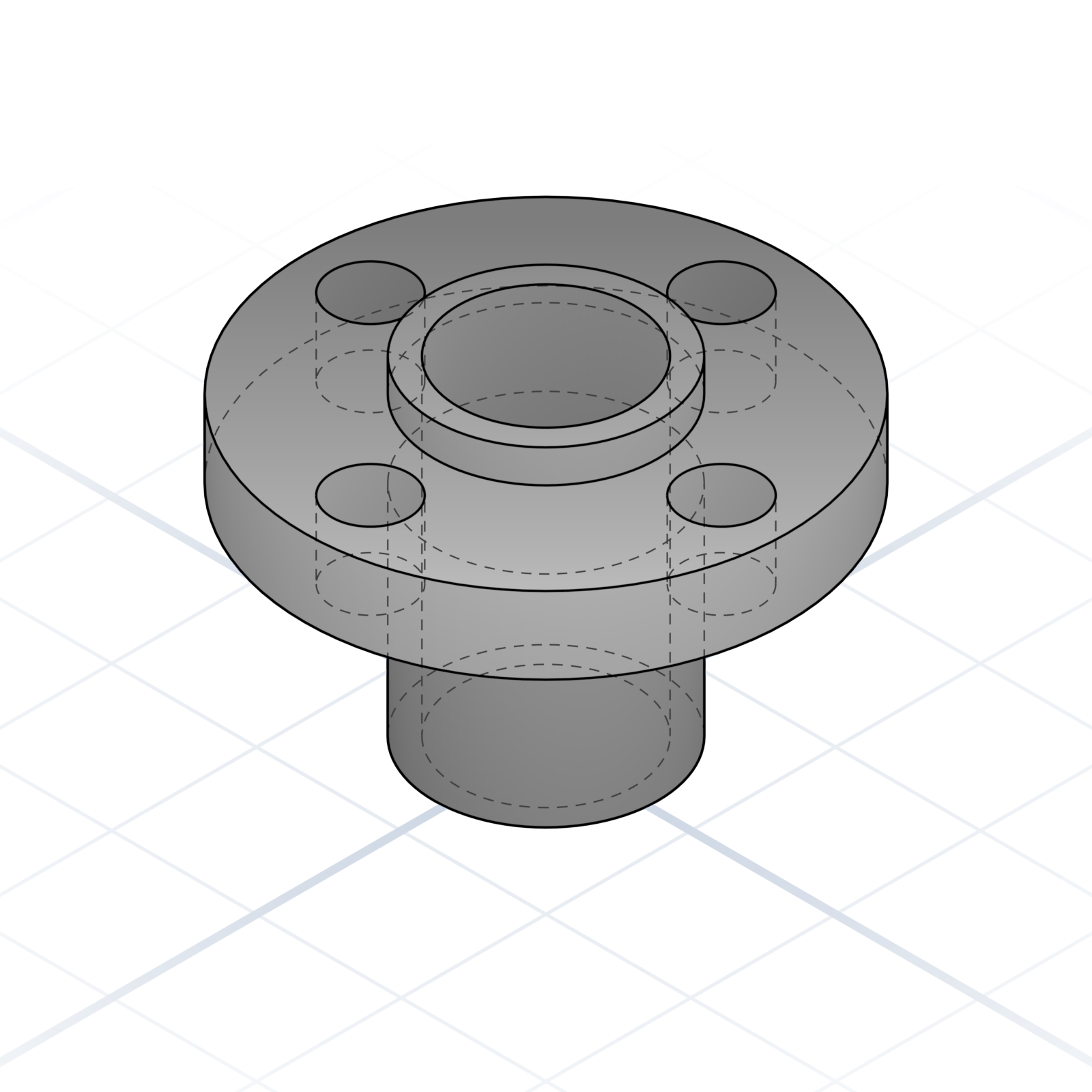
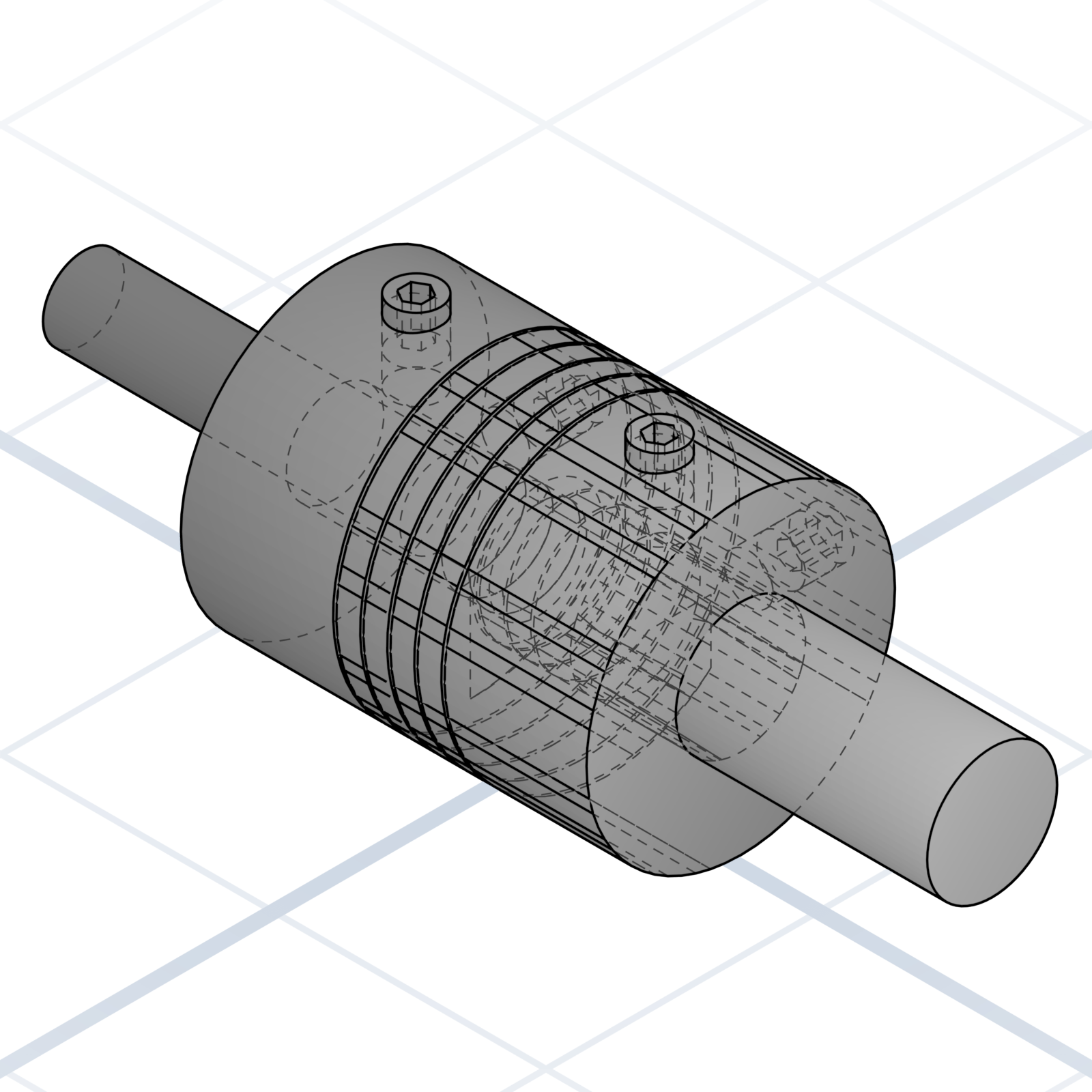
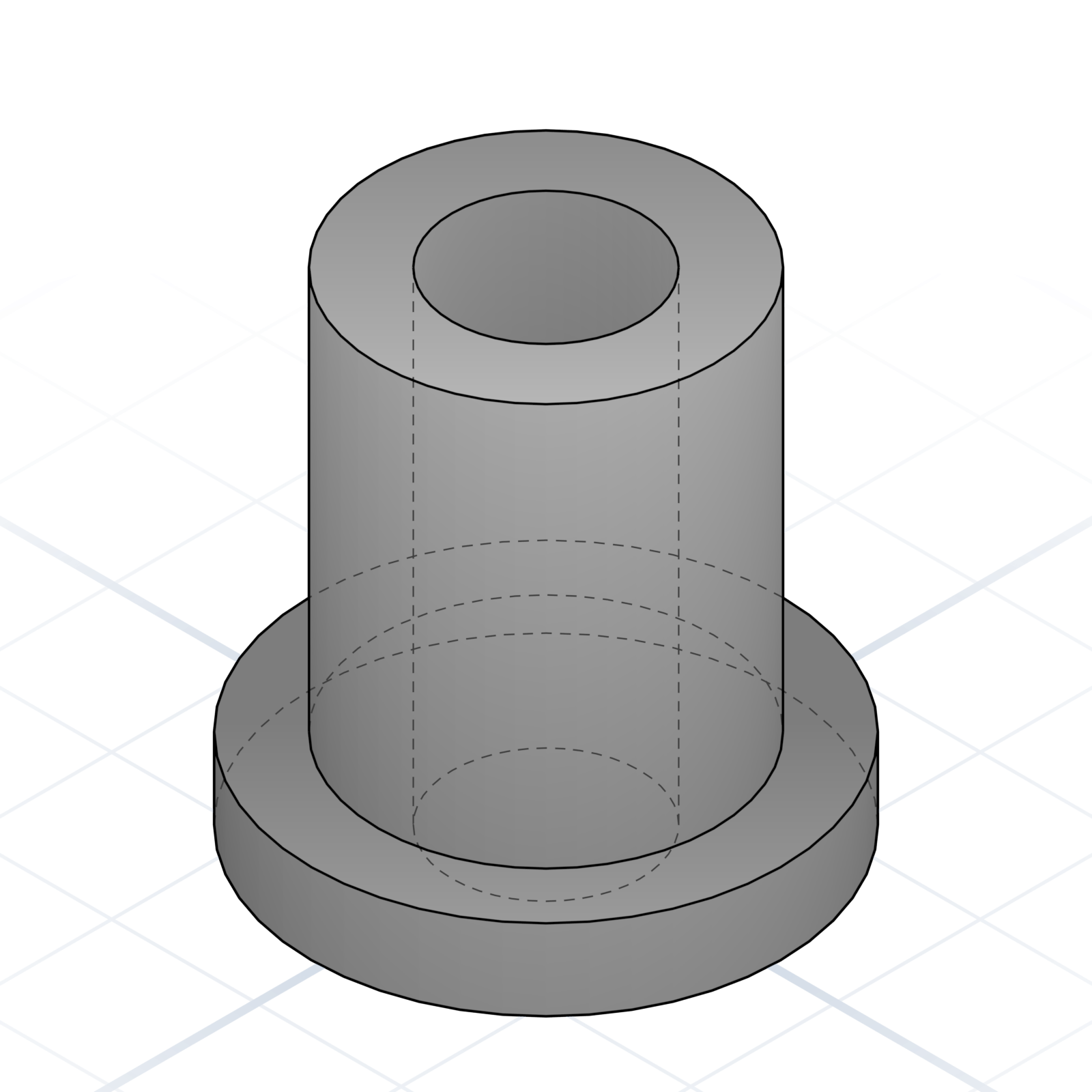
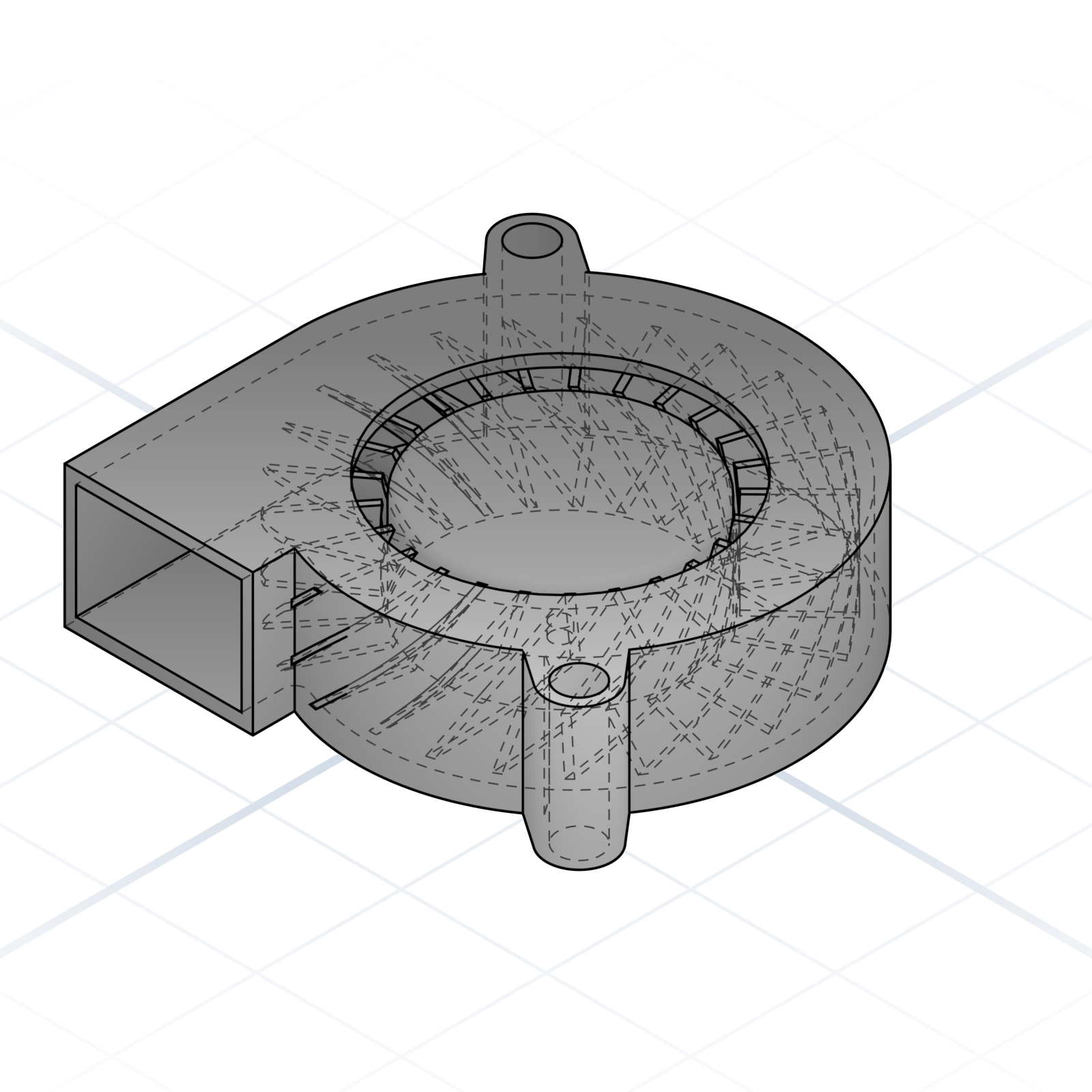
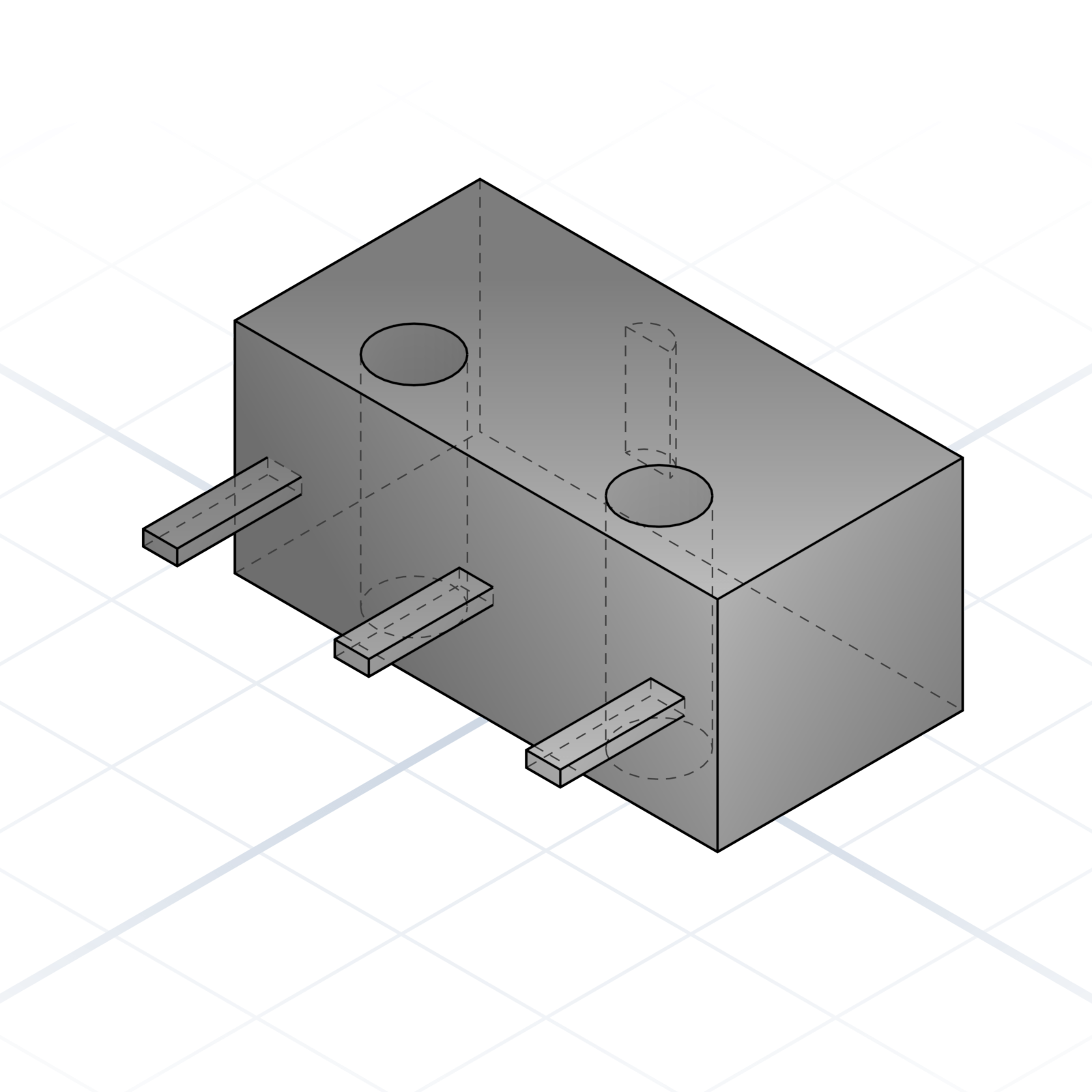
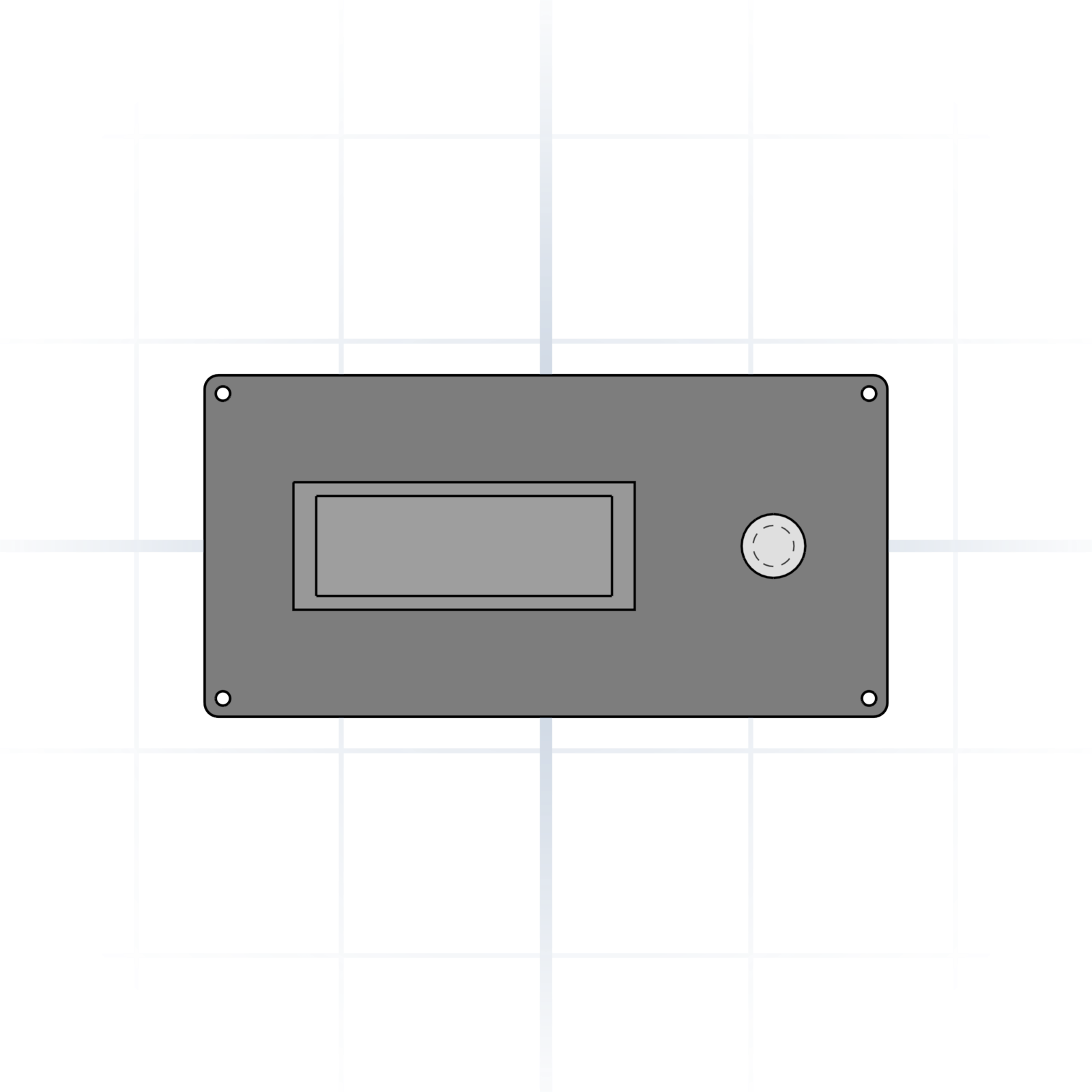
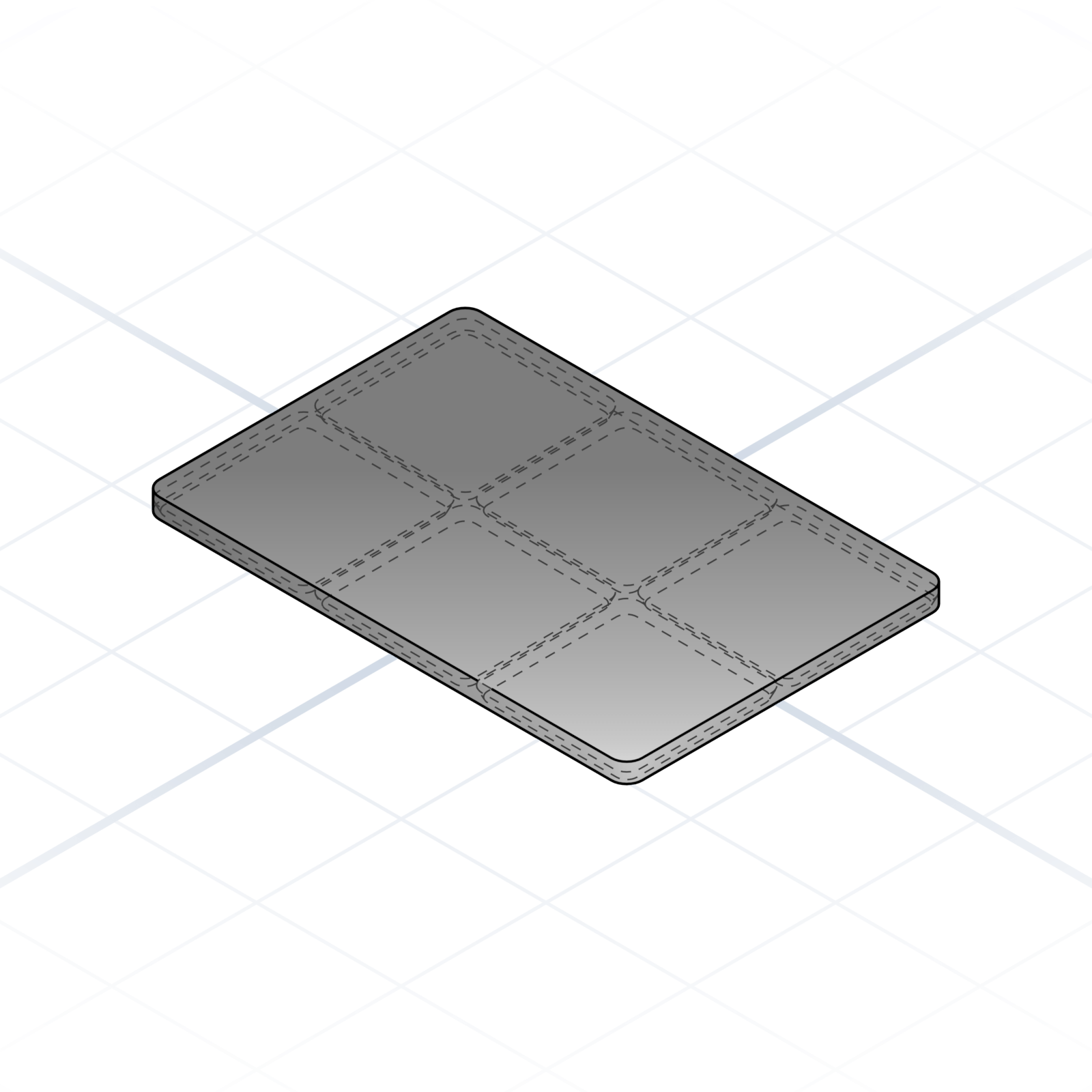
No surface texture, but every part carries its own colour tag. Handy for reading an assembly at a glance, and slicers put each colour on its own filament.